
Verilog Pipelined Processors CPSC 321 Andreas Klappenecker Todays




- Slides: 45
Verilog, Pipelined Processors CPSC 321 Andreas Klappenecker
Today’s Menu Verilog Pipelined Processor
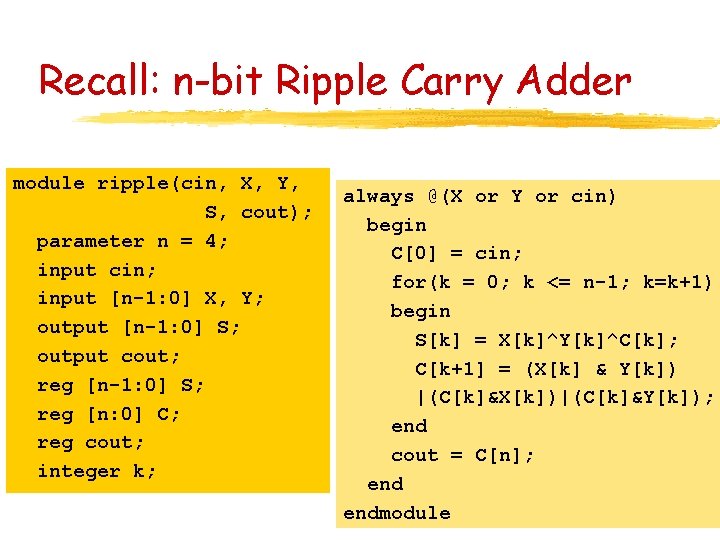
Recall: n-bit Ripple Carry Adder module ripple(cin, X, Y, S, cout); parameter n = 4; input cin; input [n-1: 0] X, Y; output [n-1: 0] S; output cout; reg [n-1: 0] S; reg [n: 0] C; reg cout; integer k; always @(X or Y or cin) begin C[0] = cin; for(k = 0; k <= n-1; k=k+1) begin S[k] = X[k]^Y[k]^C[k]; C[k+1] = (X[k] & Y[k]) |(C[k]&X[k])|(C[k]&Y[k]); end cout = C[n]; endmodule
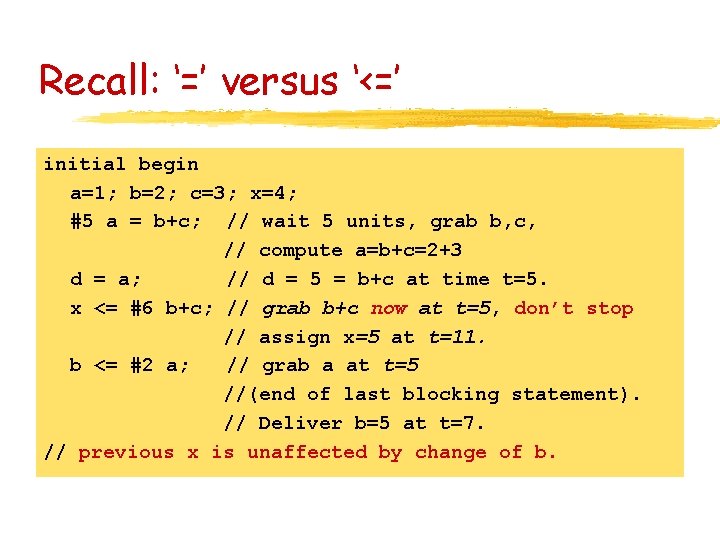
Recall: ‘=’ versus ‘<=’ initial begin a=1; b=2; c=3; x=4; #5 a = b+c; // wait 5 units, grab b, c, // compute a=b+c=2+3 d = a; // d = 5 = b+c at time t=5. x <= #6 b+c; // grab b+c now at t=5, don’t stop // assign x=5 at t=11. b <= #2 a; // grab a at t=5 //(end of last blocking statement). // Deliver b=5 at t=7. // previous x is unaffected by change of b.
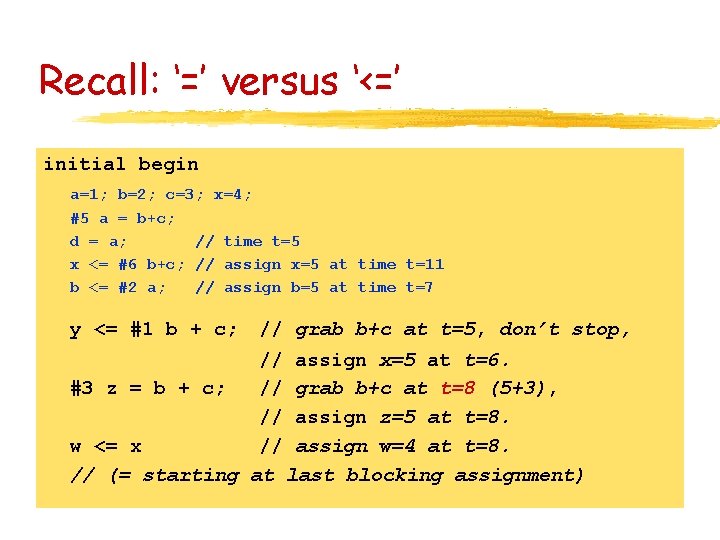
Recall: ‘=’ versus ‘<=’ initial begin a=1; b=2; c=3; x=4; #5 a = b+c; d = a; // time t=5 x <= #6 b+c; // assign x=5 at time t=11 b <= #2 a; // assign b=5 at time t=7 y <= #1 b + c; // grab b+c at t=5, don’t stop, // assign x=5 at t=6. #3 z = b + c; // grab b+c at t=8 (5+3), // assign z=5 at t=8. w <= x // assign w=4 at t=8. // (= starting at last blocking assignment)
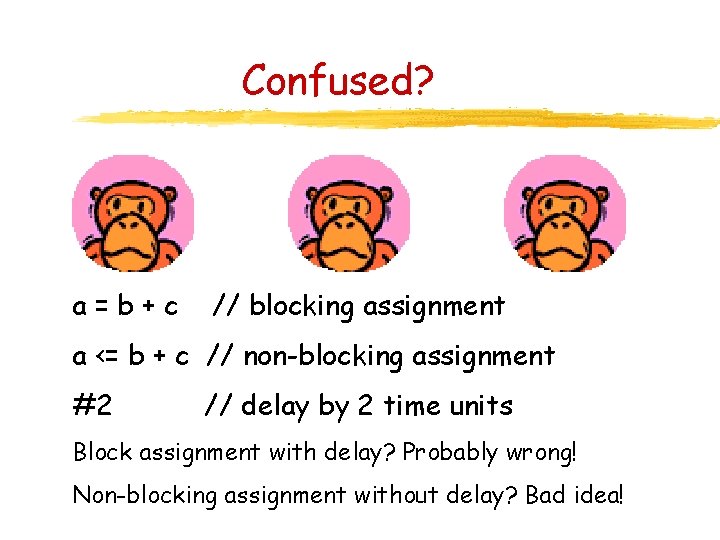
Confused? a=b+c // blocking assignment a <= b + c // non-blocking assignment #2 // delay by 2 time units Block assignment with delay? Probably wrong! Non-blocking assignment without delay? Bad idea!
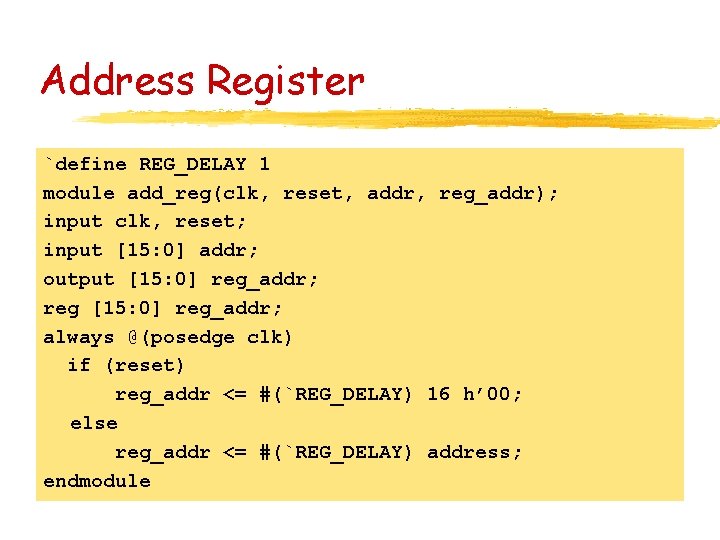
Address Register `define REG_DELAY 1 module add_reg(clk, reset, addr, reg_addr); input clk, reset; input [15: 0] addr; output [15: 0] reg_addr; reg [15: 0] reg_addr; always @(posedge clk) if (reset) reg_addr <= #(`REG_DELAY) 16 h’ 00; else reg_addr <= #(`REG_DELAY) address; endmodule
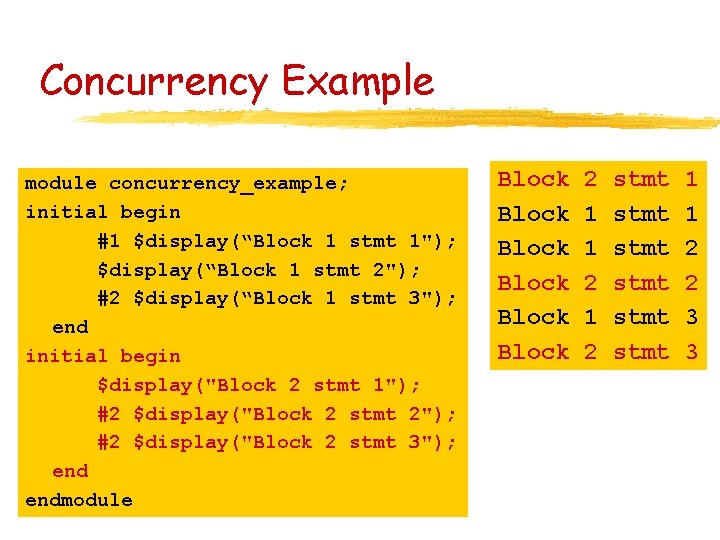
Concurrency Example module concurrency_example; initial begin #1 $display(“Block 1 stmt 1"); $display(“Block 1 stmt 2"); #2 $display(“Block 1 stmt 3"); end initial begin $display("Block 2 stmt 1"); #2 $display("Block 2 stmt 2"); #2 $display("Block 2 stmt 3"); endmodule Block Block 2 1 1 2 stmt stmt 1 1 2 2 3 3
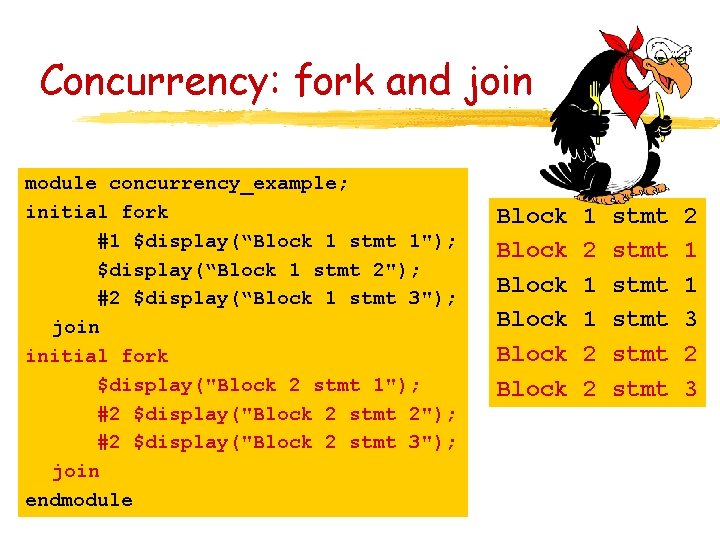
Concurrency: fork and join module concurrency_example; initial fork #1 $display(“Block 1 stmt 1"); $display(“Block 1 stmt 2"); #2 $display(“Block 1 stmt 3"); join initial fork $display("Block 2 stmt 1"); #2 $display("Block 2 stmt 2"); #2 $display("Block 2 stmt 3"); join endmodule Block Block 1 2 1 1 2 2 stmt stmt 2 1 1 3 2 3
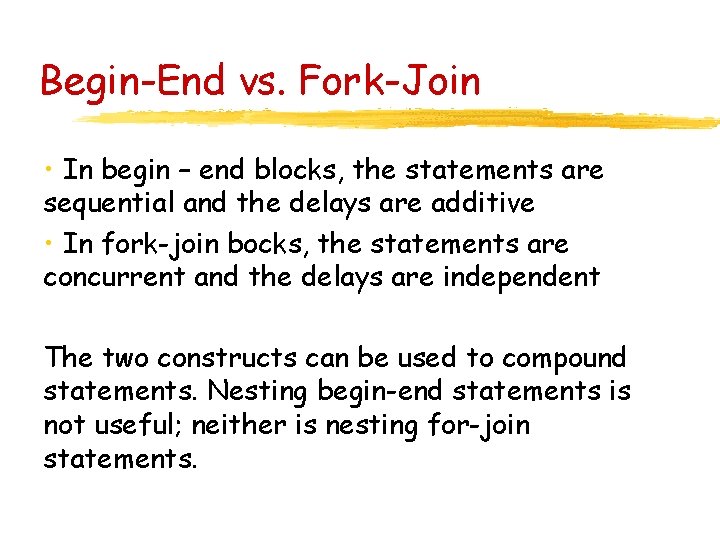
Begin-End vs. Fork-Join • In begin – end blocks, the statements are sequential and the delays are additive • In fork-join bocks, the statements are concurrent and the delays are independent The two constructs can be used to compound statements. Nesting begin-end statements is not useful; neither is nesting for-join statements.
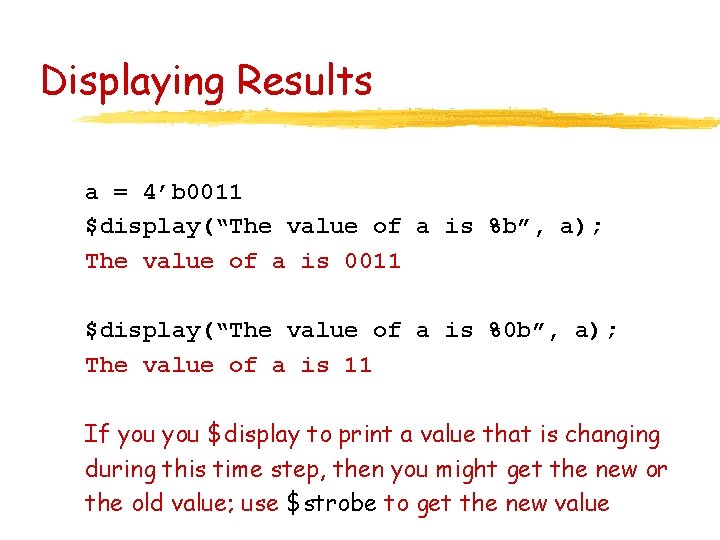
Displaying Results a = 4’b 0011 $display(“The value of a is %b”, a); The value of a is 0011 $display(“The value of a is %0 b”, a); The value of a is 11 If you $display to print a value that is changing during this time step, then you might get the new or the old value; use $strobe to get the new value
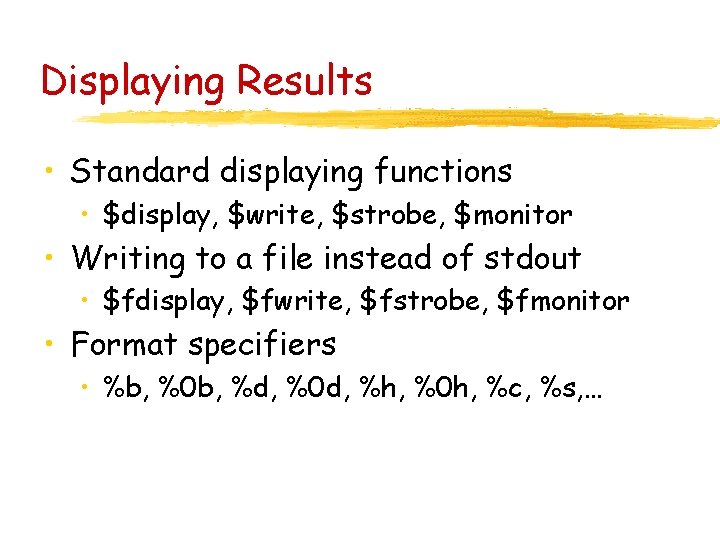
Displaying Results • Standard displaying functions • $display, $write, $strobe, $monitor • Writing to a file instead of stdout • $fdisplay, $fwrite, $fstrobe, $fmonitor • Format specifiers • %b, %0 b, %d, %0 d, %h, %0 h, %c, %s, …
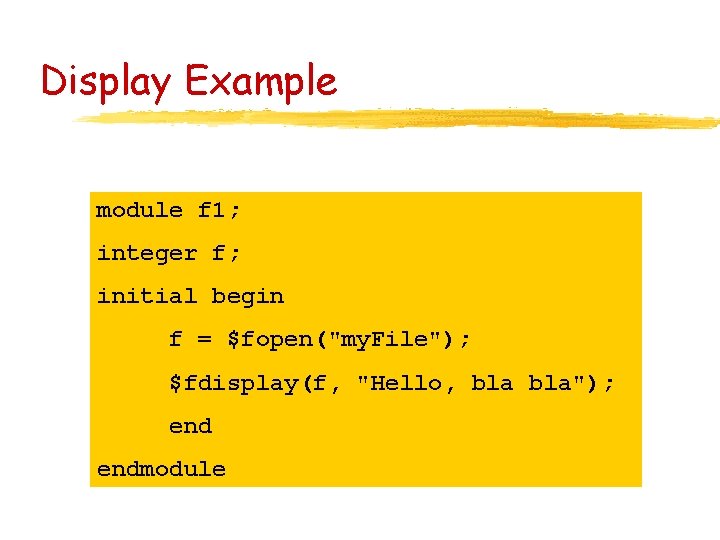
Display Example module f 1; integer f; initial begin f = $fopen("my. File"); $fdisplay(f, "Hello, bla"); endmodule
Finite State Automata
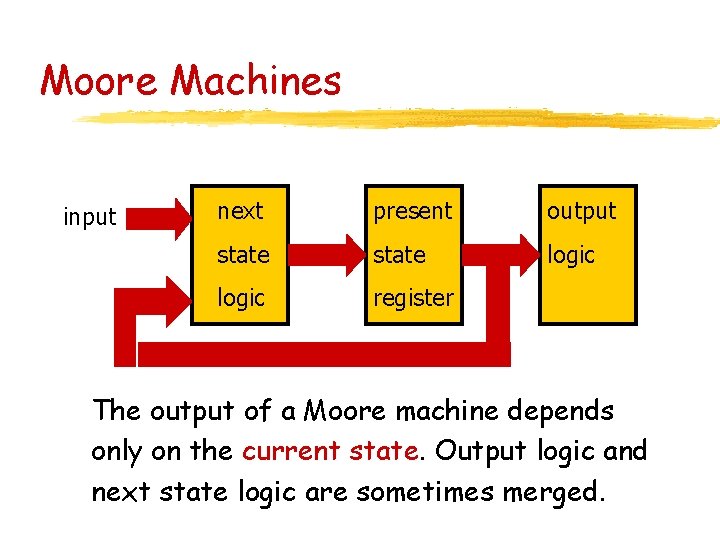
Moore Machines input next present output state logic register The output of a Moore machine depends only on the current state. Output logic and next state logic are sometimes merged.
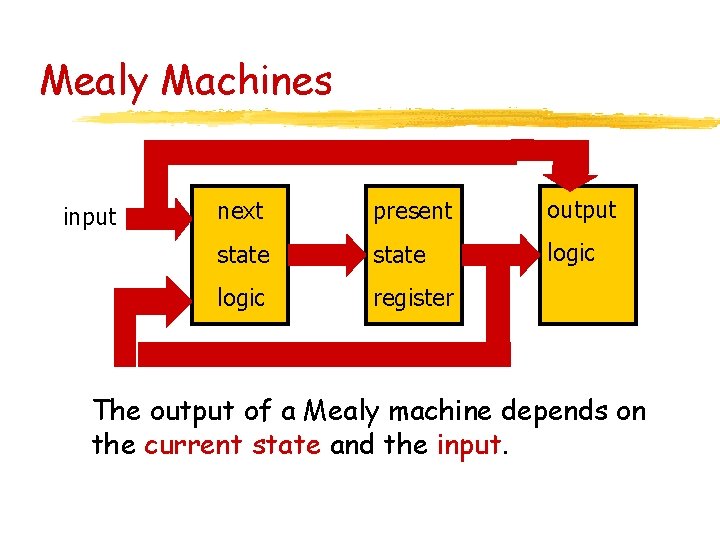
Mealy Machines input next present output state logic register The output of a Mealy machine depends on the current state and the input.
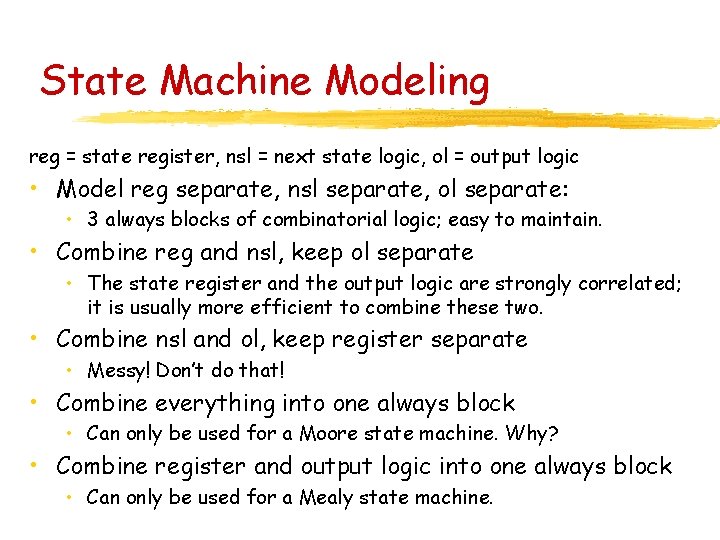
State Machine Modeling reg = state register, nsl = next state logic, ol = output logic • Model reg separate, nsl separate, ol separate: • 3 always blocks of combinatorial logic; easy to maintain. • Combine reg and nsl, keep ol separate • The state register and the output logic are strongly correlated; it is usually more efficient to combine these two. • Combine nsl and ol, keep register separate • Messy! Don’t do that! • Combine everything into one always block • Can only be used for a Moore state machine. Why? • Combine register and output logic into one always block • Can only be used for a Mealy state machine.
Example: Automatic Food Cooker
Moore Machine Example Automatic food cooker • Has a supply of food • Can load food into the heater when requested • Cooker unloads the food when cooking done
Automated Cooker Outputs from the machine • load = signal that sends food into the cooker • heat = signal that turns on the heater • unload = signal that removes food from cooker • beep = signal that alerts that food is done
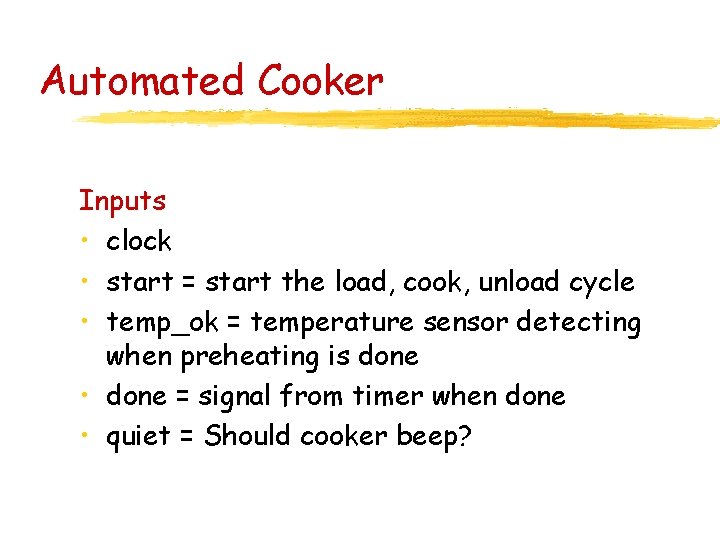
Automated Cooker Inputs • clock • start = start the load, cook, unload cycle • temp_ok = temperature sensor detecting when preheating is done • done = signal from timer when done • quiet = Should cooker beep?
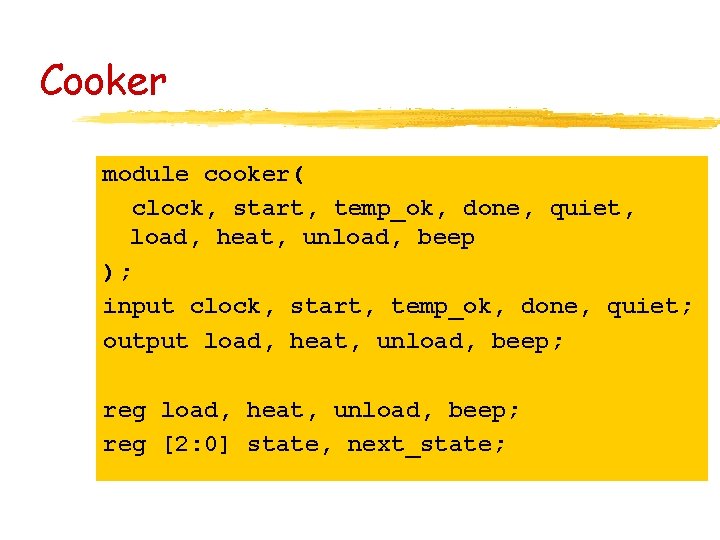
Cooker module cooker( clock, start, temp_ok, done, quiet, load, heat, unload, beep ); input clock, start, temp_ok, done, quiet; output load, heat, unload, beep; reg [2: 0] state, next_state;
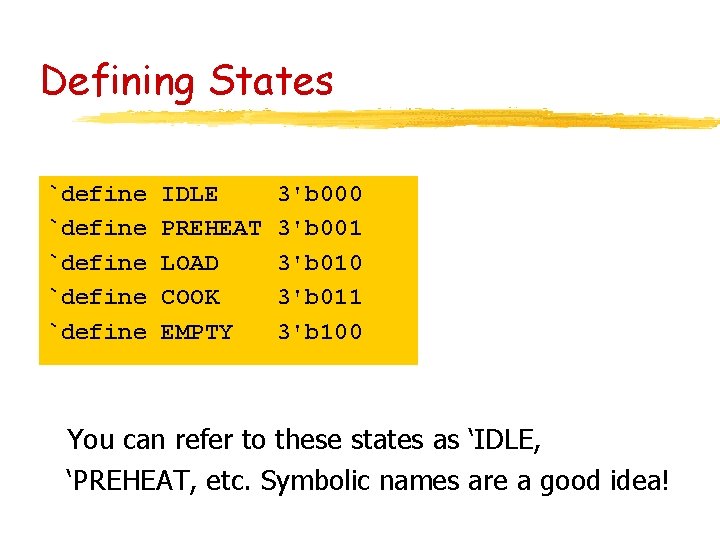
Defining States `define `define IDLE PREHEAT LOAD COOK EMPTY 3'b 000 3'b 001 3'b 010 3'b 011 3'b 100 You can refer to these states as ‘IDLE, ‘PREHEAT, etc. Symbolic names are a good idea!
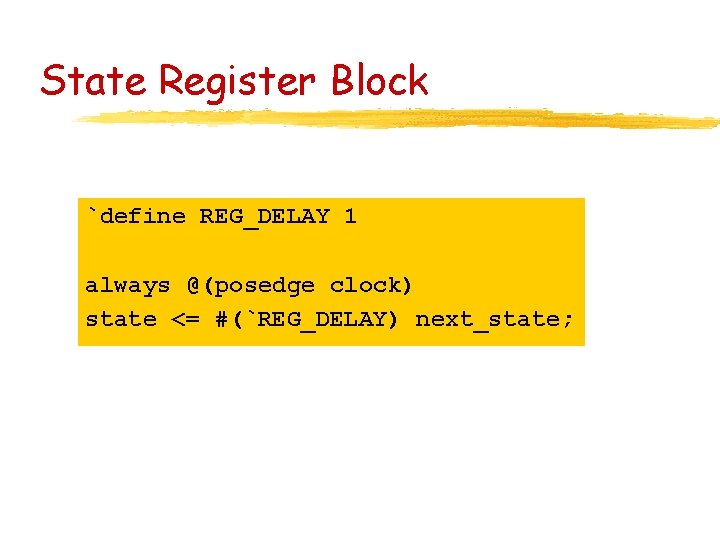
State Register Block `define REG_DELAY 1 always @(posedge clock) state <= #(`REG_DELAY) next_state;
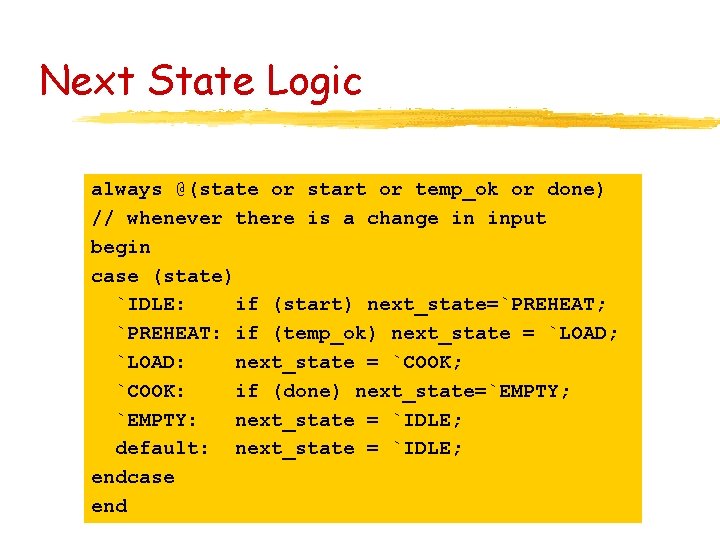
Next State Logic always @(state or start or temp_ok or done) // whenever there is a change in input begin case (state) `IDLE: if (start) next_state=`PREHEAT; `PREHEAT: if (temp_ok) next_state = `LOAD; `LOAD: next_state = `COOK; `COOK: if (done) next_state=`EMPTY; `EMPTY: next_state = `IDLE; default: next_state = `IDLE; endcase end
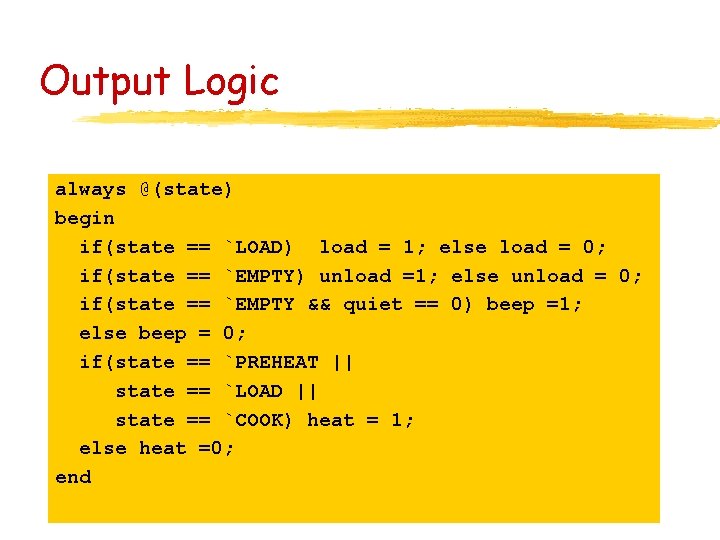
Output Logic always @(state) begin if(state == `LOAD) load = 1; else load = 0; if(state == `EMPTY) unload =1; else unload = 0; if(state == `EMPTY && quiet == 0) beep =1; else beep = 0; if(state == `PREHEAT || state == `LOAD || state == `COOK) heat = 1; else heat =0; end
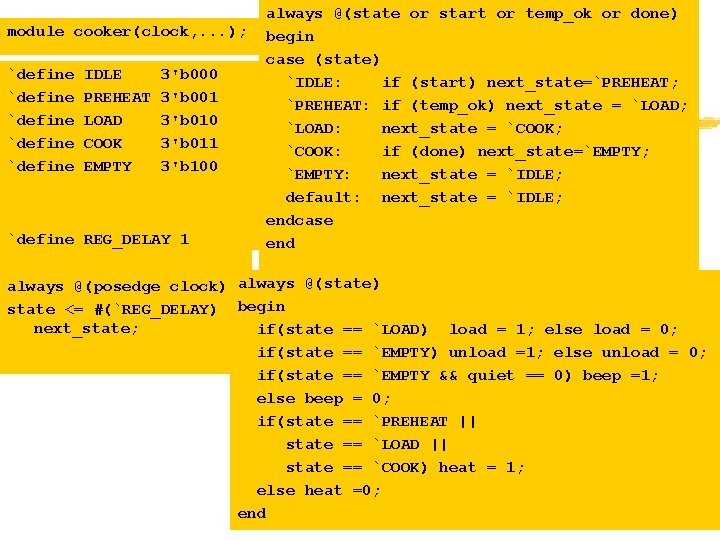
module cooker(clock, . . . ); `define `define IDLE PREHEAT LOAD COOK EMPTY 3'b 000 3'b 001 3'b 010 3'b 011 3'b 100 `define REG_DELAY 1 always @(state or start or temp_ok or done) begin case (state) `IDLE: if (start) next_state=`PREHEAT; `PREHEAT: if (temp_ok) next_state = `LOAD; `LOAD: next_state = `COOK; `COOK: if (done) next_state=`EMPTY; `EMPTY: next_state = `IDLE; default: next_state = `IDLE; endcase end always @(posedge clock) always @(state) state <= #(`REG_DELAY) begin next_state; if(state == `LOAD) load = 1; else load = 0; if(state == `EMPTY) unload =1; else unload = 0; if(state == `EMPTY && quiet == 0) beep =1; else beep = 0; if(state == `PREHEAT || state == `LOAD || state == `COOK) heat = 1; else heat =0; end
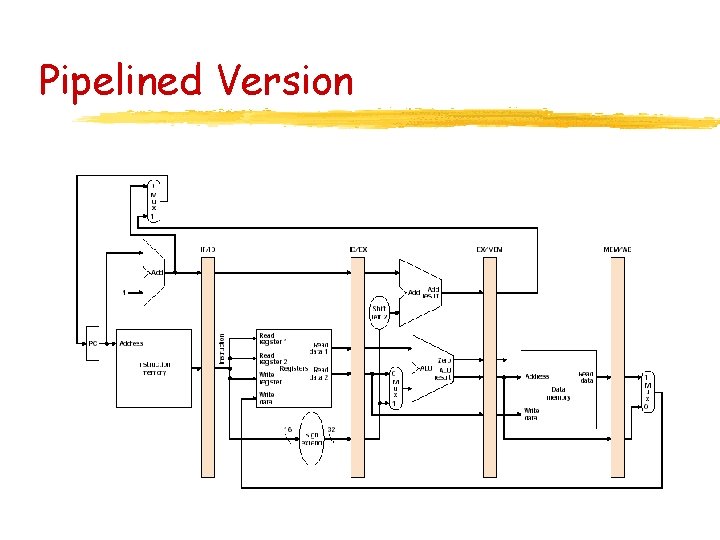
Pipelined Processor
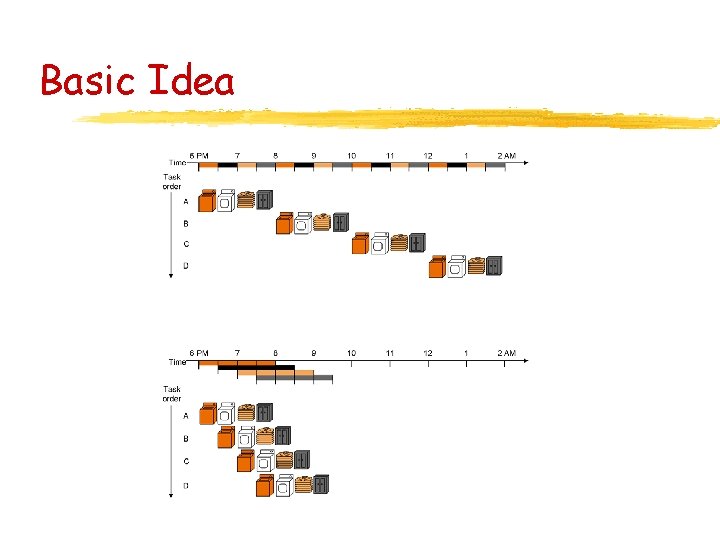
Basic Idea
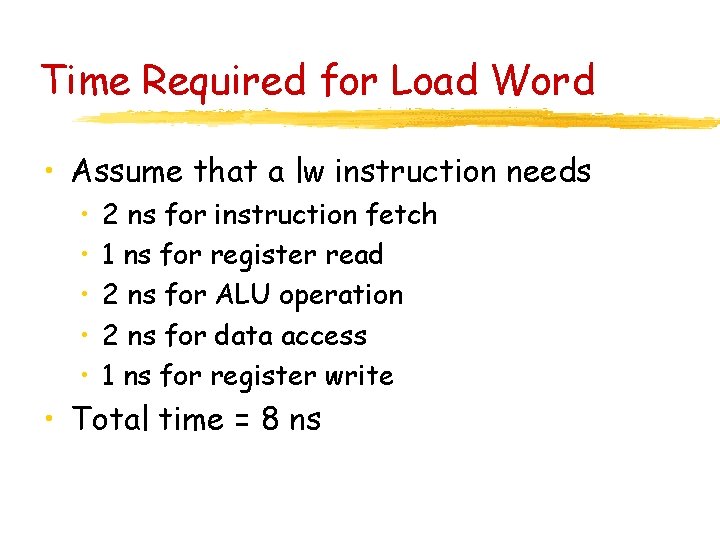
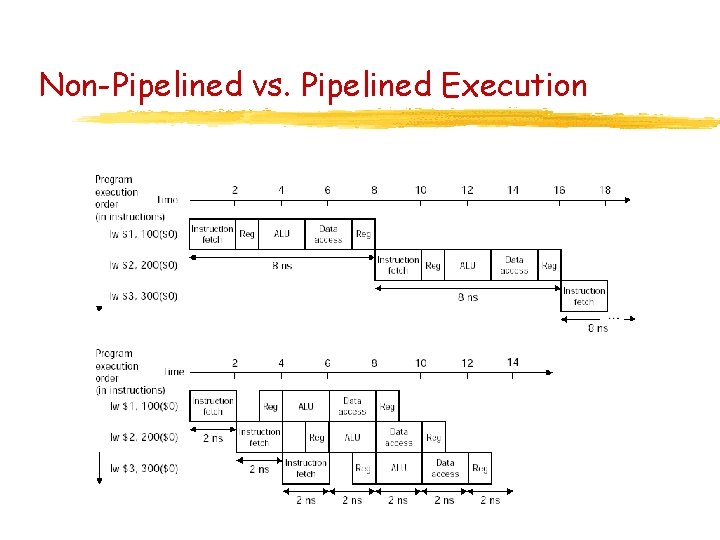
Time Required for Load Word • Assume that a lw instruction needs • • • 2 ns for instruction fetch 1 ns for register read 2 ns for ALU operation 2 ns for data access 1 ns for register write • Total time = 8 ns
Non-Pipelined vs. Pipelined Execution
Question What is the average speed-up for pipelined versus non-pipelined execution in case of load word instructions? Average speed-up is 4 -fold!
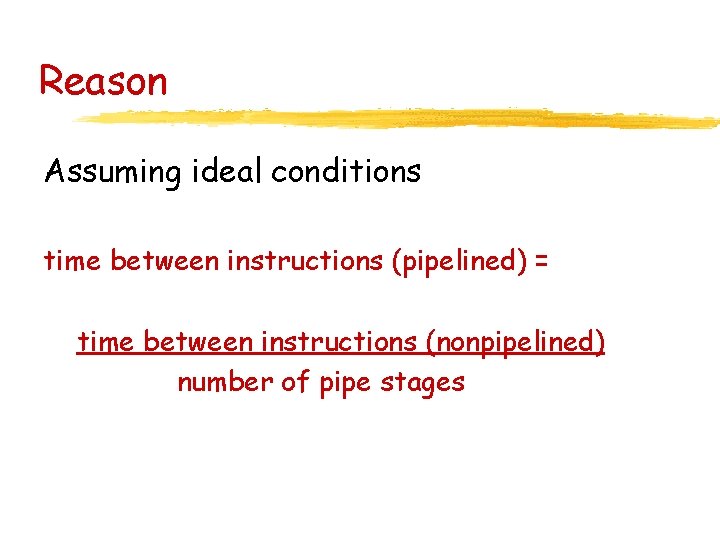
Reason Assuming ideal conditions time between instructions (pipelined) = time between instructions (nonpipelined) number of pipe stages
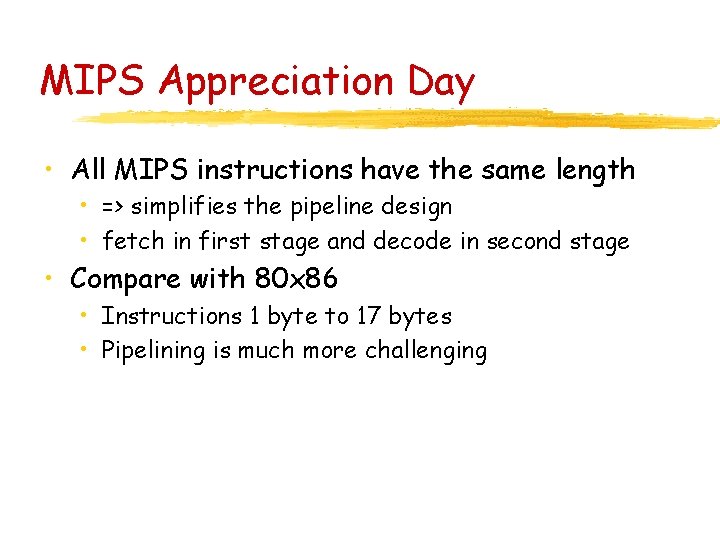
MIPS Appreciation Day • All MIPS instructions have the same length • => simplifies the pipeline design • fetch in first stage and decode in second stage • Compare with 80 x 86 • Instructions 1 byte to 17 bytes • Pipelining is much more challenging
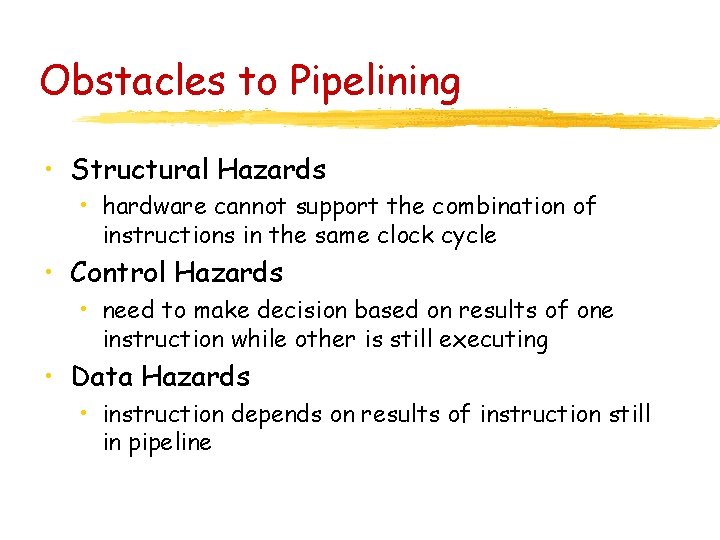
Obstacles to Pipelining • Structural Hazards • hardware cannot support the combination of instructions in the same clock cycle • Control Hazards • need to make decision based on results of one instruction while other is still executing • Data Hazards • instruction depends on results of instruction still in pipeline
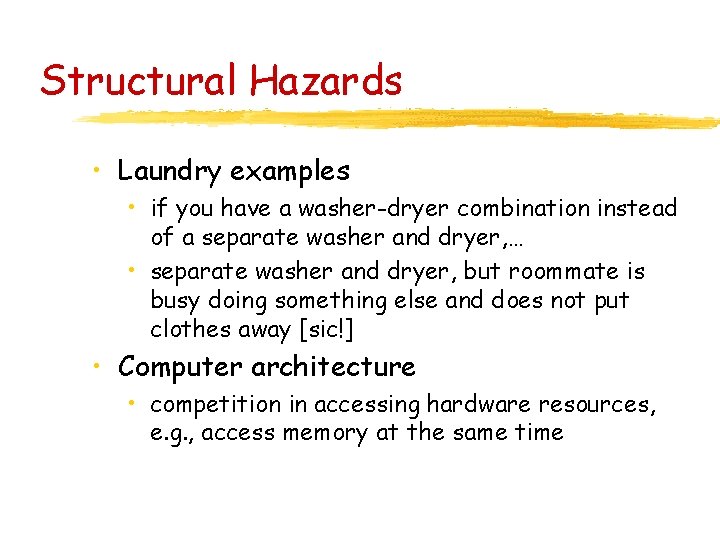
Structural Hazards • Laundry examples • if you have a washer-dryer combination instead of a separate washer and dryer, … • separate washer and dryer, but roommate is busy doing something else and does not put clothes away [sic!] • Computer architecture • competition in accessing hardware resources, e. g. , access memory at the same time
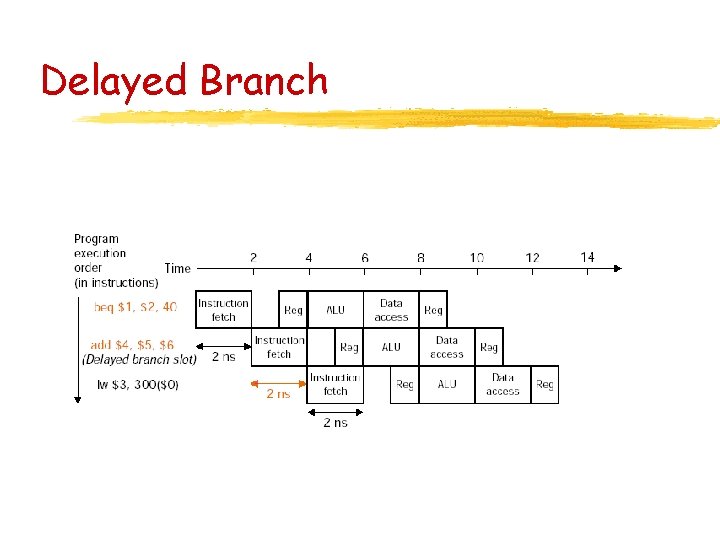
Control Hazards Control hazards arise from the need to make a decision based on results of an instruction in the pipeline • Branches: What is the next instruction? • How can we resolve the problem? • Stall the pipeline until computations done • or predict the result • delayed decision
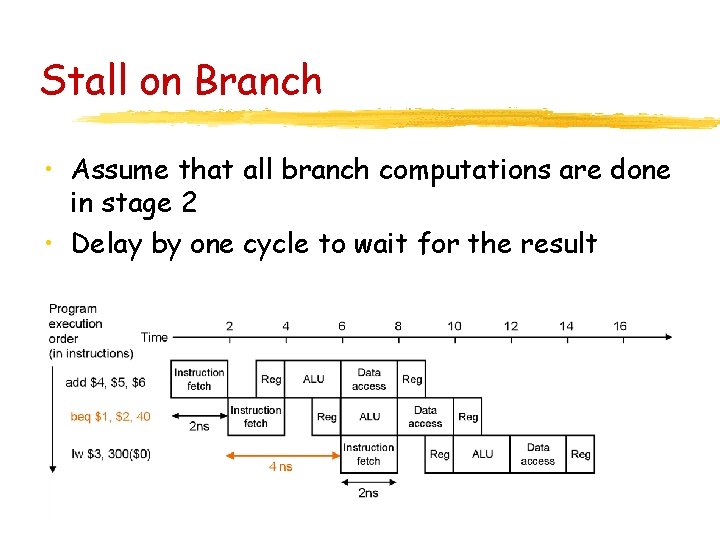
Stall on Branch • Assume that all branch computations are done in stage 2 • Delay by one cycle to wait for the result
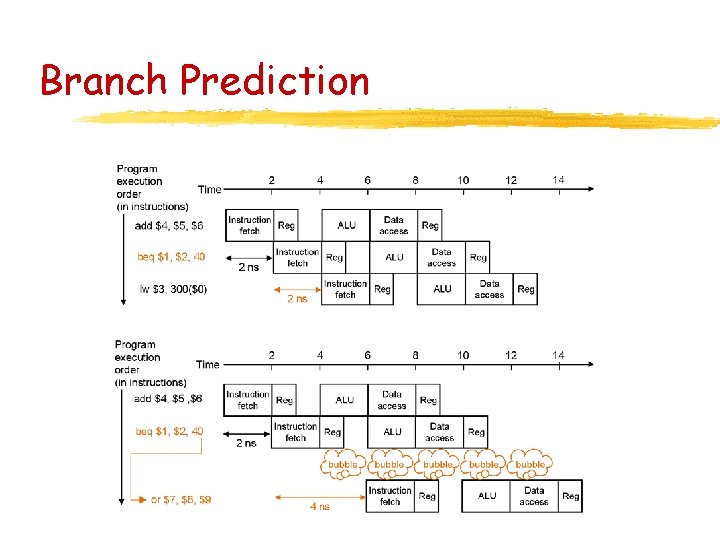
Branch Prediction • Predict branch result • For example, predict always that branch is not taken (e. g. reasonable for while instructions) • if choice is correct, then pipeline runs at full speed • if choice is incorrect, then pipeline stalls
Branch Prediction
Delayed Branch
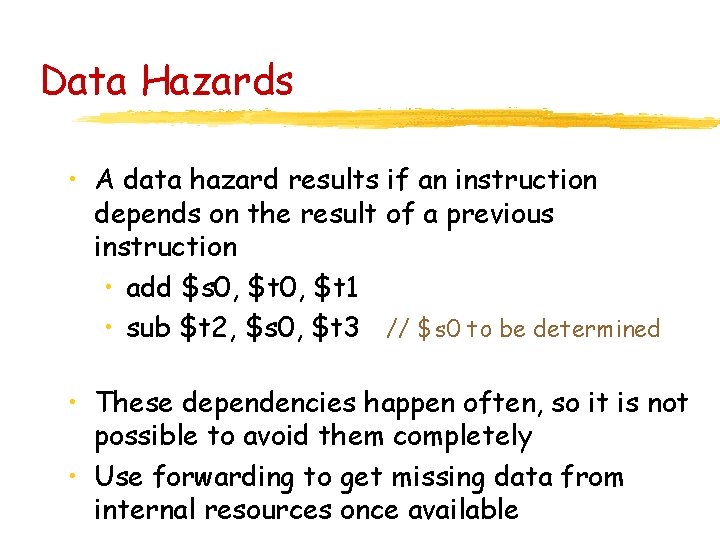
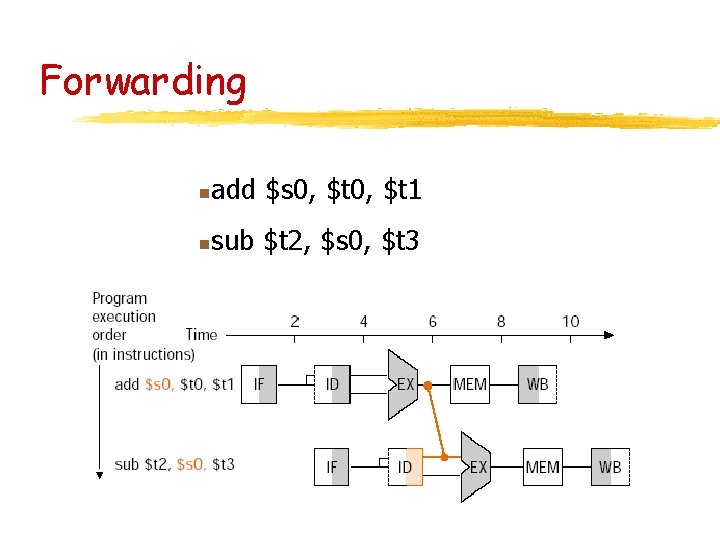
Data Hazards • A data hazard results if an instruction depends on the result of a previous instruction • add $s 0, $t 1 • sub $t 2, $s 0, $t 3 // $s 0 to be determined • These dependencies happen often, so it is not possible to avoid them completely • Use forwarding to get missing data from internal resources once available
Forwarding n add $s 0, $t 1 n sub $t 2, $s 0, $t 3
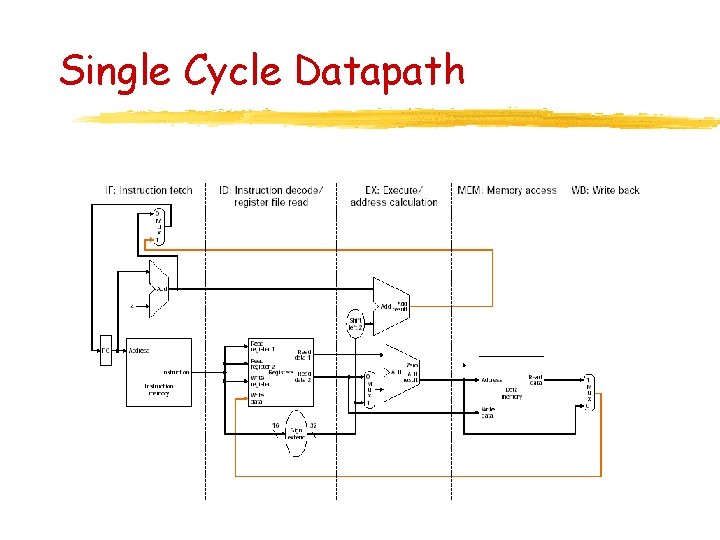
Single Cycle Datapath
Pipelined Version