
VBA Programming Session 2 Things to Review Variables
VBA Programming Session #2
Things to Review Variables p Procedures: Subs & Functions p If…Then p For…Next p
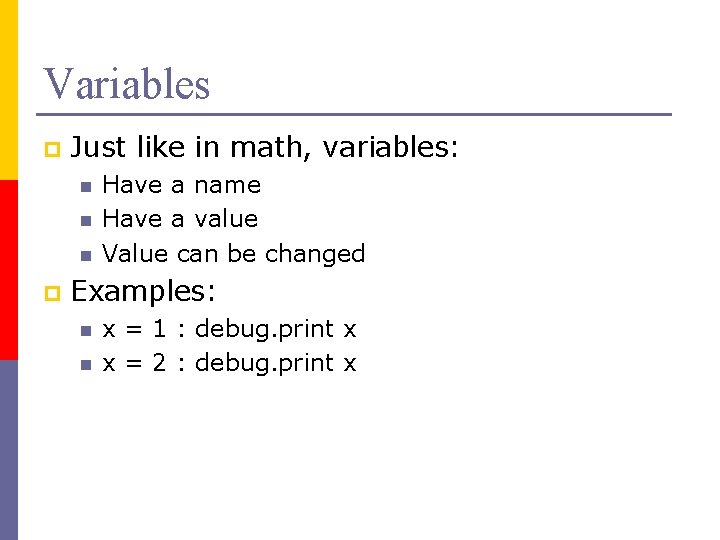
Variables p Just like in math, variables: n n n p Have a name Have a value Value can be changed Examples: n n x = 1 : debug. print x x = 2 : debug. print x
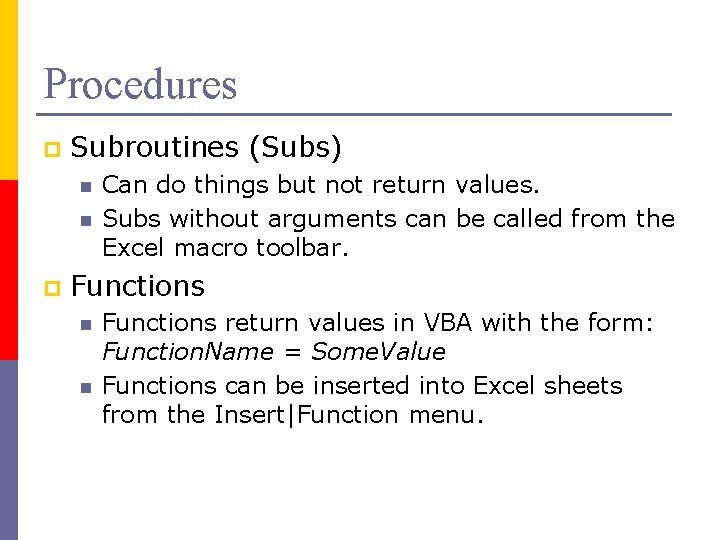
Procedures p Subroutines (Subs) n n p Can do things but not return values. Subs without arguments can be called from the Excel macro toolbar. Functions n n Functions return values in VBA with the form: Function. Name = Some. Value Functions can be inserted into Excel sheets from the Insert|Function menu.
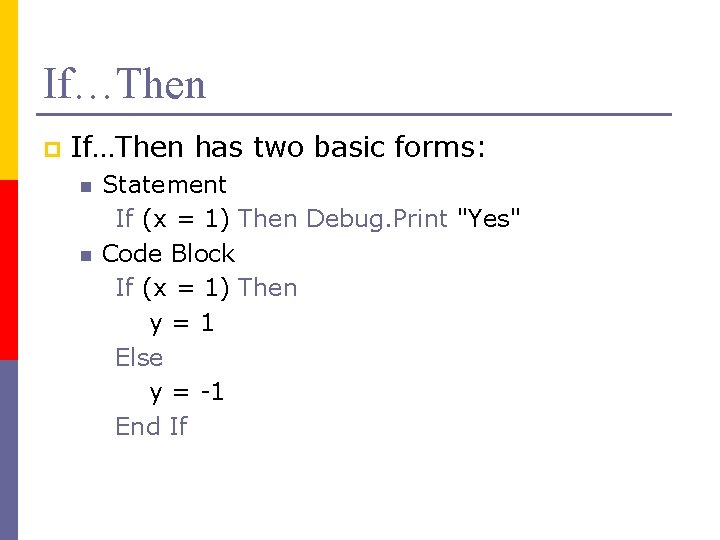
If…Then p If…Then has two basic forms: n n Statement If (x = 1) Then Debug. Print "Yes" Code Block If (x = 1) Then y=1 Else y = -1 End If
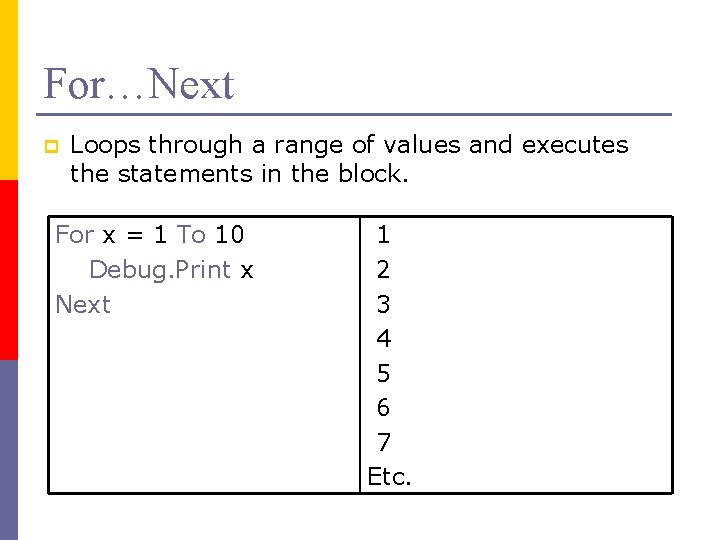
For…Next p Loops through a range of values and executes the statements in the block. For x = 1 To 10 Debug. Print x Next 1 2 3 4 5 6 7 Etc.

New Stuff
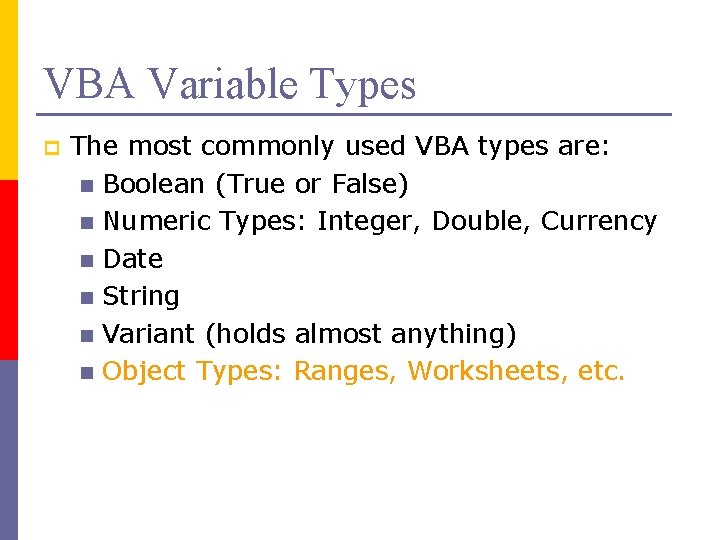
VBA Variable Types p The most commonly used VBA types are: n Boolean (True or False) n Numeric Types: Integer, Double, Currency n Date n String n Variant (holds almost anything) n Object Types: Ranges, Worksheets, etc.
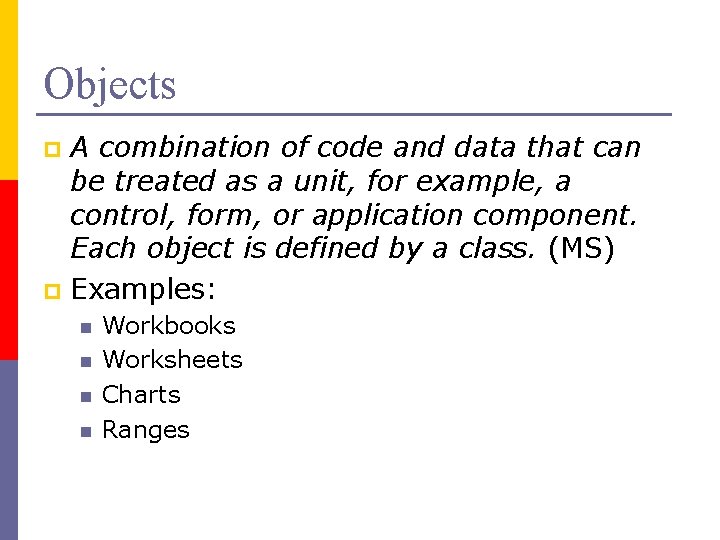
Objects A combination of code and data that can be treated as a unit, for example, a control, form, or application component. Each object is defined by a class. (MS) p Examples: p n n Workbooks Worksheets Charts Ranges
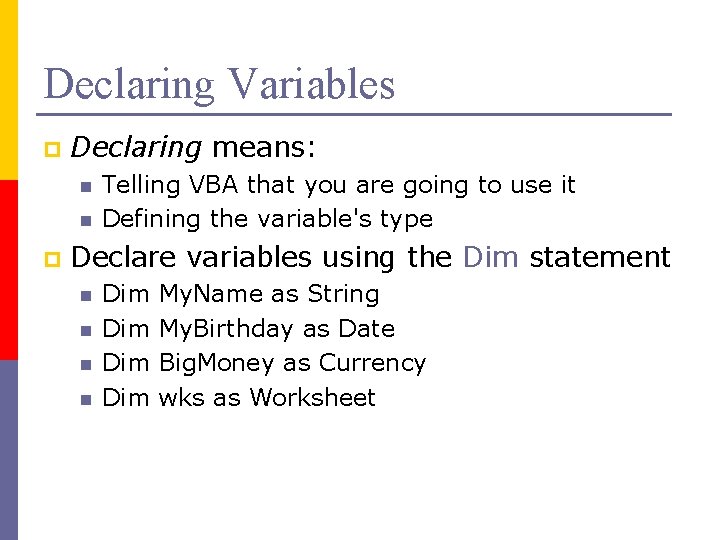
Declaring Variables p Declaring means: n n p Telling VBA that you are going to use it Defining the variable's type Declare variables using the Dim statement n n Dim Dim My. Name as String My. Birthday as Date Big. Money as Currency wks as Worksheet
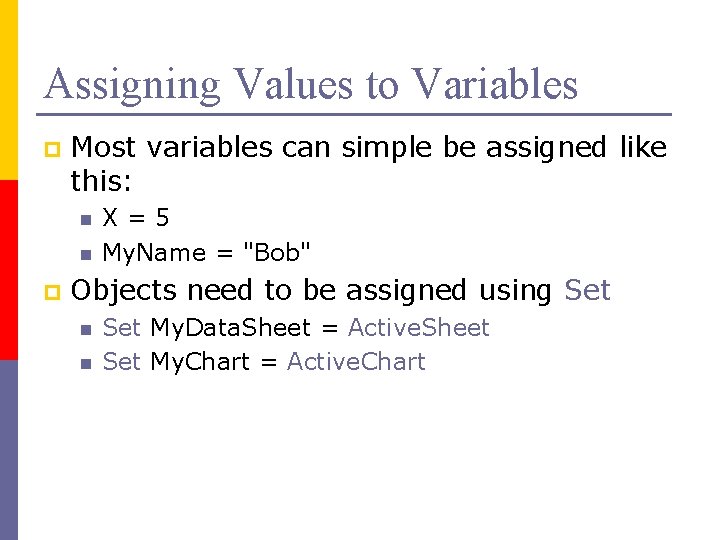
Assigning Values to Variables p Most variables can simple be assigned like this: n n p X=5 My. Name = "Bob" Objects need to be assigned using Set n n Set My. Data. Sheet = Active. Sheet Set My. Chart = Active. Chart
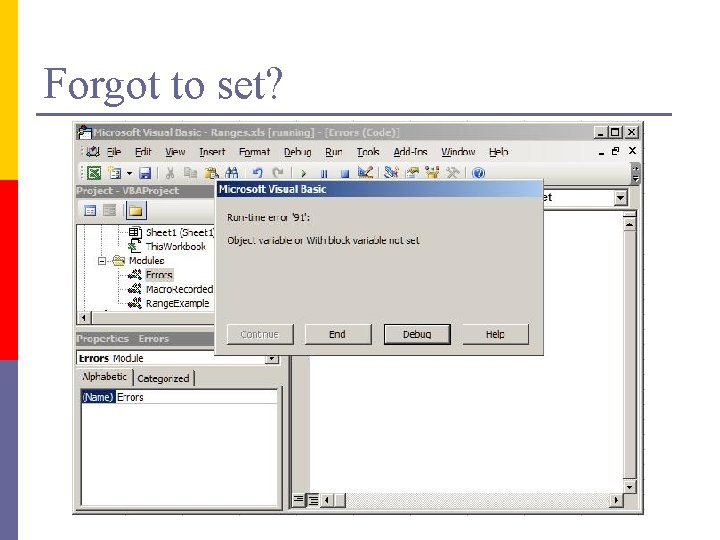
Forgot to set?
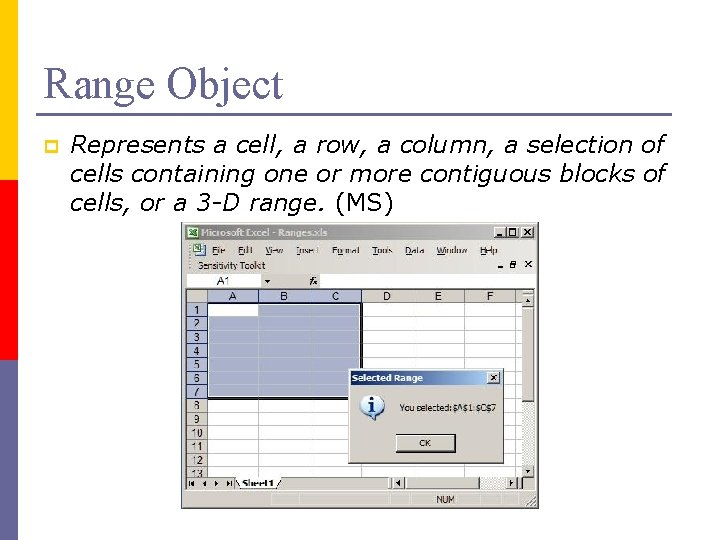
Range Object p Represents a cell, a row, a column, a selection of cells containing one or more contiguous blocks of cells, or a 3 -D range. (MS)
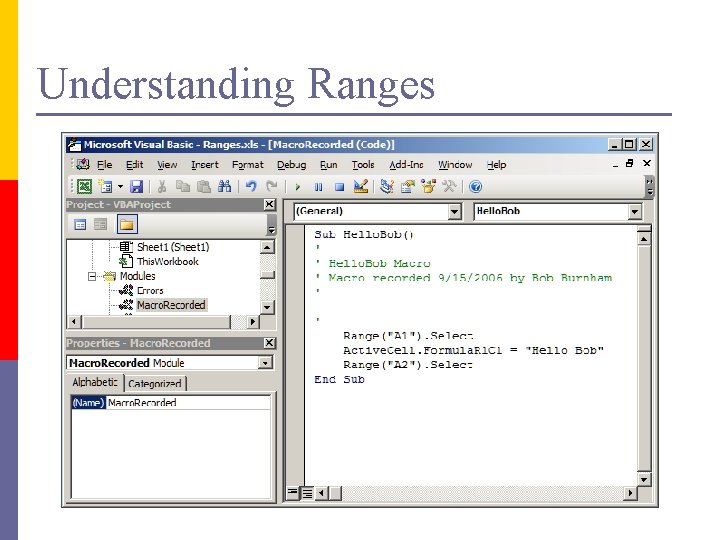
Understanding Ranges
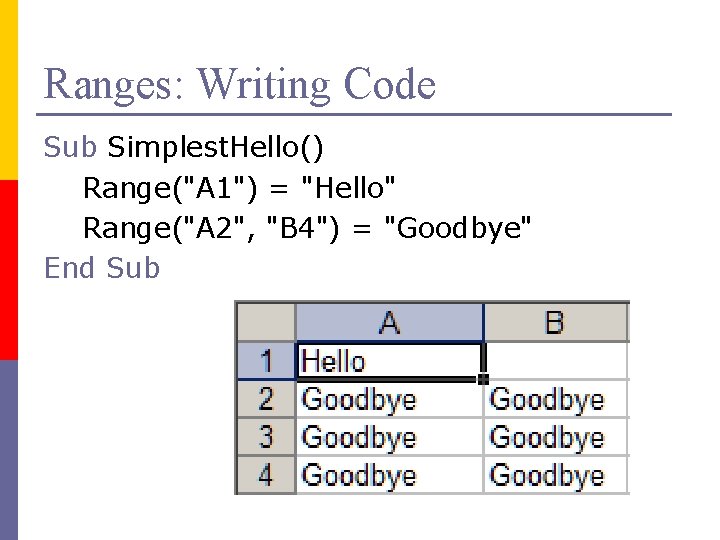
Ranges: Writing Code Sub Simplest. Hello() Range("A 1") = "Hello" Range("A 2", "B 4") = "Goodbye" End Sub
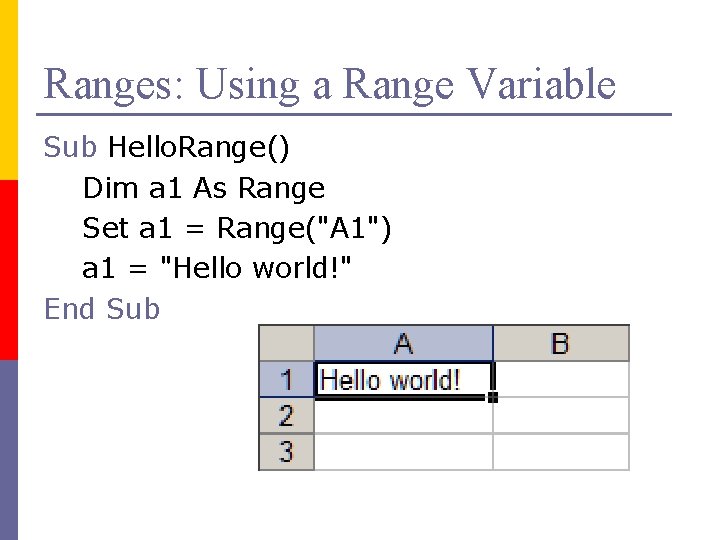
Ranges: Using a Range Variable Sub Hello. Range() Dim a 1 As Range Set a 1 = Range("A 1") a 1 = "Hello world!" End Sub
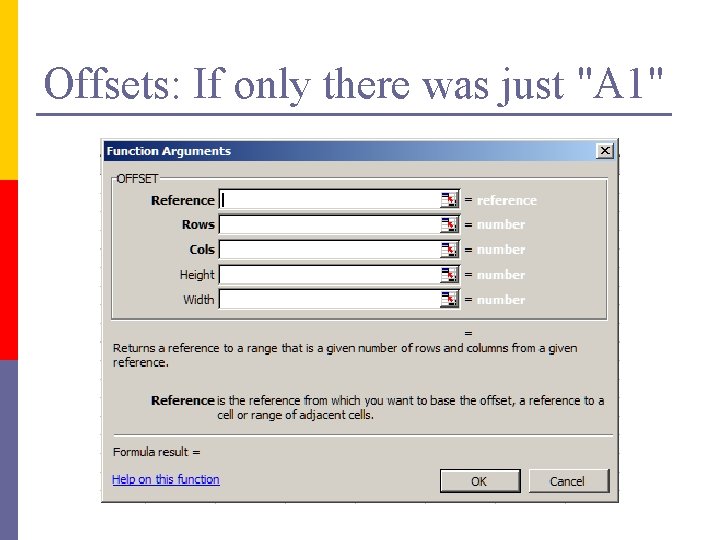
Offsets: If only there was just "A 1"
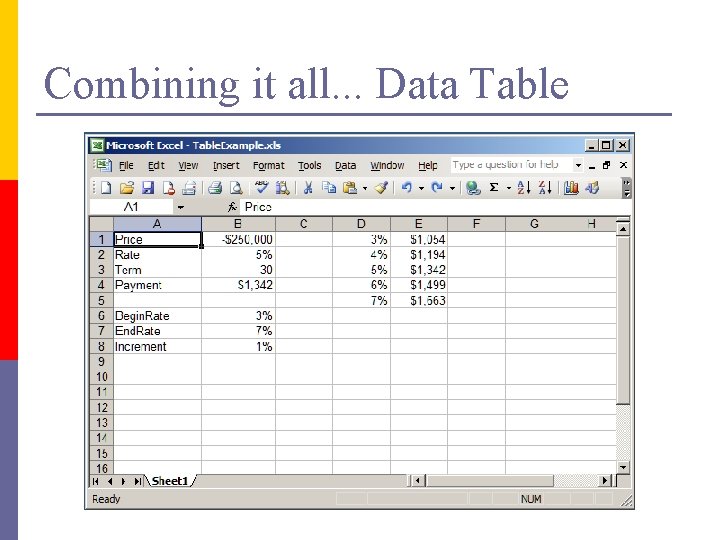
Combining it all. . . Data Table
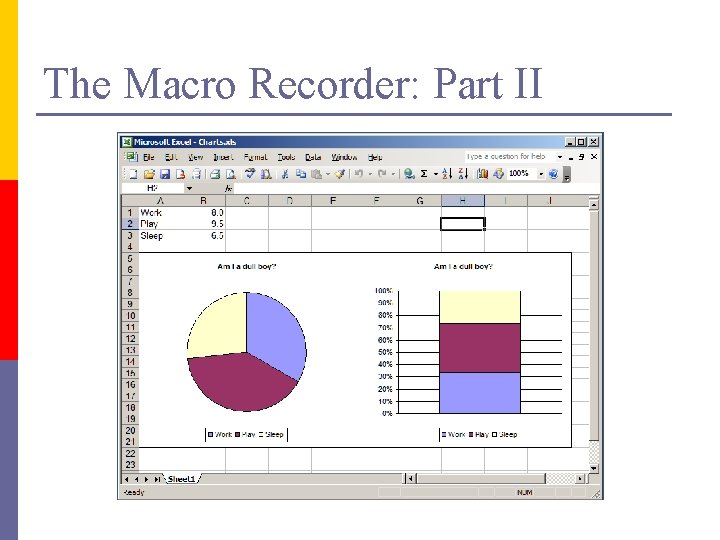
The Macro Recorder: Part II
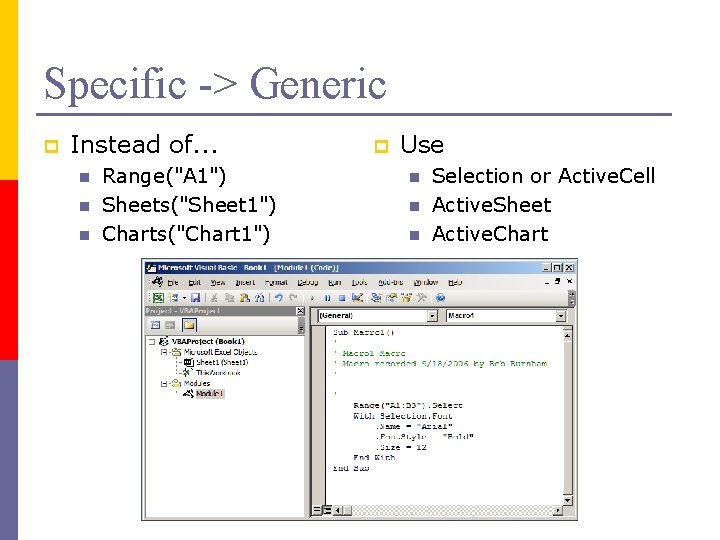
Specific -> Generic p Instead of. . . n n n Range("A 1") Sheets("Sheet 1") Charts("Chart 1") p Use n n n Selection or Active. Cell Active. Sheet Active. Chart
Collection Object p Most of the VBA objects you use are parts of collections. For example: n n p Charts: a collection of Chart objects Worksheets: a collection of Worksheet objects Collections have the following: n n Count: number of items in the collection Add: add an item Item: get the value of an item Remove: delete item
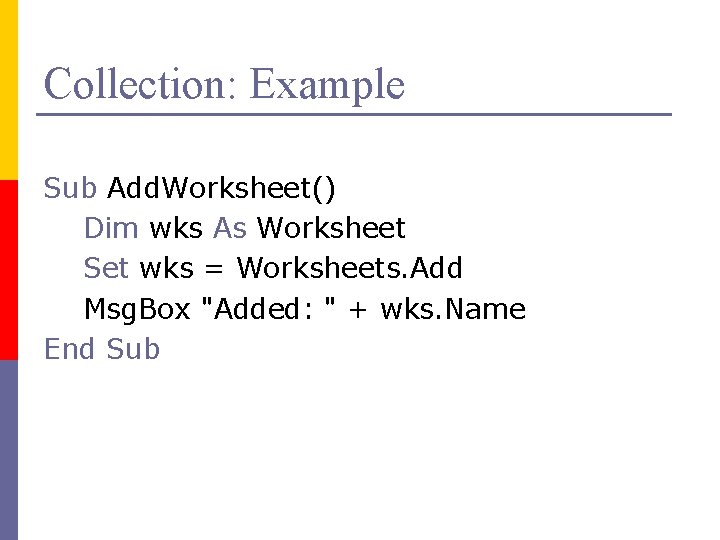
Collection: Example Sub Add. Worksheet() Dim wks As Worksheet Set wks = Worksheets. Add Msg. Box "Added: " + wks. Name End Sub
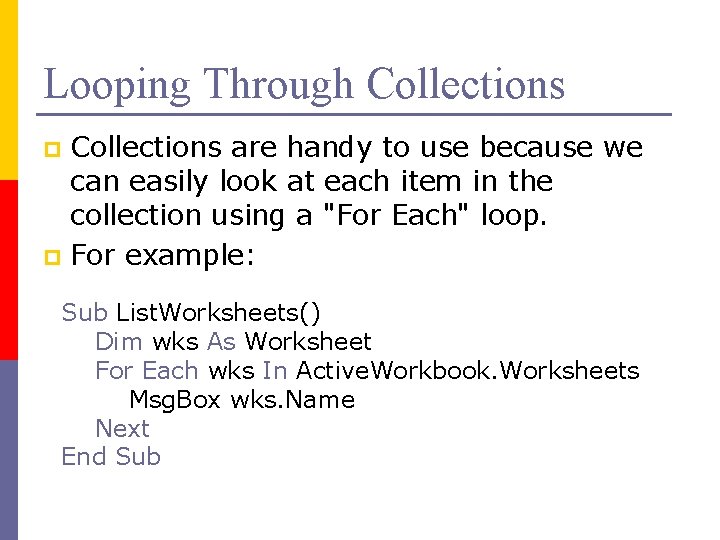
Looping Through Collections are handy to use because we can easily look at each item in the collection using a "For Each" loop. p For example: p Sub List. Worksheets() Dim wks As Worksheet For Each wks In Active. Workbook. Worksheets Msg. Box wks. Name Next End Sub
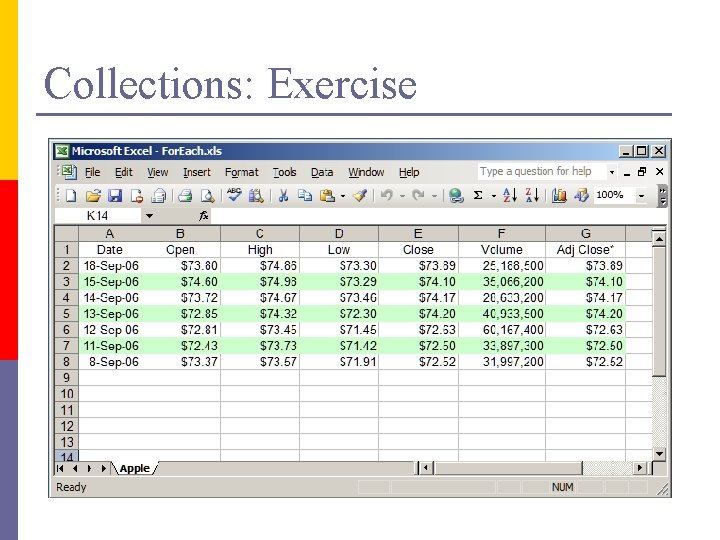
Collections: Exercise
- Slides: 24