
VB NET Database Tools ISYS 573 Net Applications
VB. NET Database Tools ISYS 573
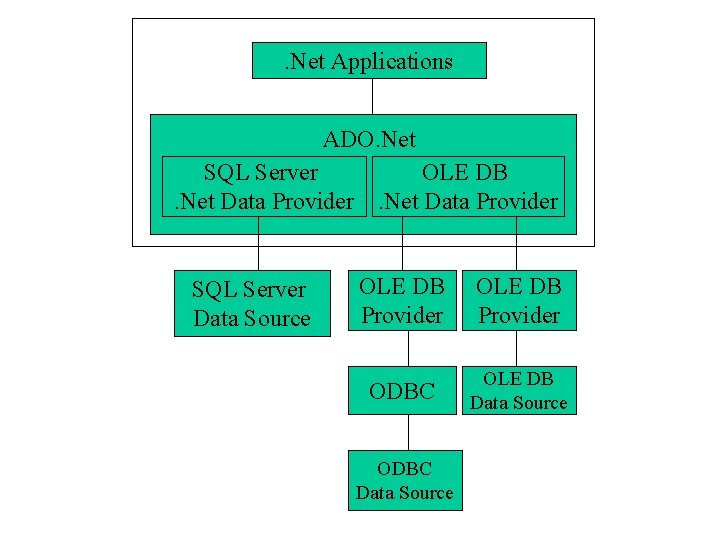
. Net Applications ADO. Net SQL Server OLE DB. Net Data Provider SQL Server Data Source OLE DB Provider ODBC OLE DB Data Source ODBC Data Source
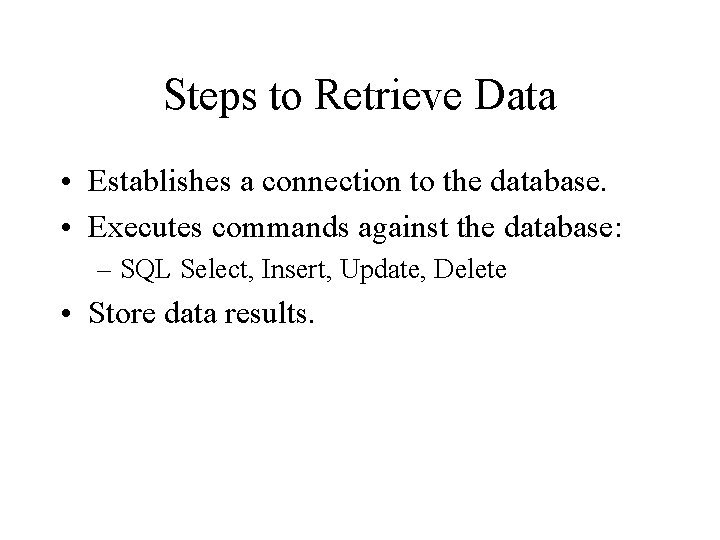
Steps to Retrieve Data • Establishes a connection to the database. • Executes commands against the database: – SQL Select, Insert, Update, Delete • Store data results.
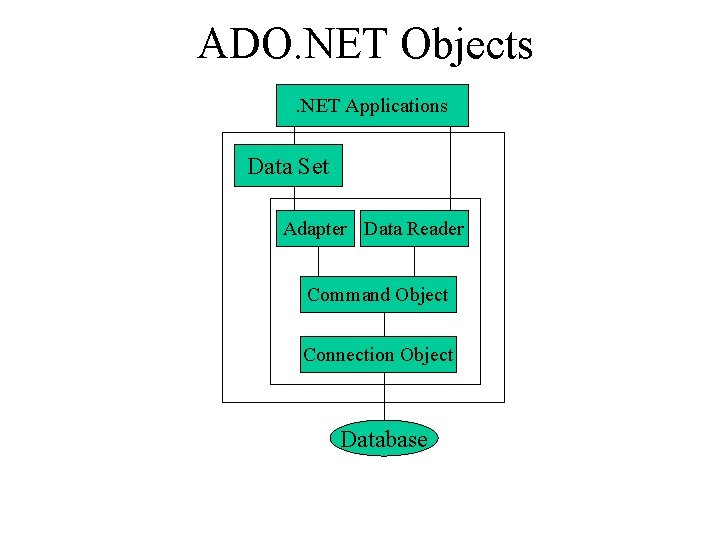
ADO. NET Objects. NET Applications Data Set Adapter Data Reader Command Object Connection Object Database
ADO. NET Objects • Connection Object: Represent a connection to the database. • Command Object: The command object allows us to execute a SQL statement or a stored procedure. • Data. Reader: It is a read-only and forward-only pointer into a table to retrieve records. • Data. Set Object: A Data. Set object can hold several tables and relationships between tables. • Data. Adapter: This the object used to pass data between the database and the dataset.
How to create an ADO. Net object? • Using Wizard – Data Form Wizard – Data Adapter Wizard • Using code: – Example: – dim str. Conn as string ="Provider=Microsoft. Jet. OLEDB. 4. 0; Data Source = c: sales 2 k. mdb" – dim obj. Conn as new Oledb. Connection(str. Conn) – obj. Conn. open()
VB. NET Database Tools • Database connection: – Tool/Connect to database • Provider: MS Jet 4. 0 OLE DB Provider • Connection • Server Explorer – Data connections: • Right click and Add Connection • Tables, Views • Toolbox Data tab • Data Form Wizard
Data Form Wizard • Creating a form with data-bound controls to display and update information in a dataset. • Demo: Using Data Form Wizard to create a navigational form. – Project/Add Windows Form/Data Form Wizard – Set connection – Choose tables – Display records in grid or in text boxes.
Adapter & Dataset Context Menu • Adapter: – Properties: • Command objects – Configure Adapter – Generate dataset – Preview data • Dataset: – View Schema: Dataset/XML
Other Data Form Demos • Display records in text boxes. • Add /Modify/Delete records. • Hierarchical forms: – Parent/Child relationship
Creating A Database Application Without Programming • Creating a database application to display information and update database. • A main form with buttons to open data forms: – Display. Info – Enter New – Modify – Exit
Data Adapter Wizard • Configure Data Adapter and generating a dataset: – Drag Oledb. Data. Adapter (or database’s table) to the form. – Use the Data Adapter Wizard to configure the Adapter. – Right Click the Adapter to preview data and creating dataset. • Bind the dataset to controls.
Data Binding • Connect a control or property to one or more data elements.
Binding Data. Grid • From Server Explorer, drag the table from a database connection (or from Data tab, drag a ole. Db. Adapter) onto the form. • Create dataset. • Drag Data. Grid and set the Data. Source and Data Member property. • Use adapter’s Fill method to load the dataset. – Ole. Db. Data. Adapter 1. Fill(Data. Set 11)
Binding Text Box • Data Bindings property: – Text: choose field • Add navigation buttons: – The current record position within the dataset is stored in a form’s Binding. Context’s Position property. This position is zero based. Add one move to the next record, minus one move to the previous record.
Move. Next and Move. Last Example • Move. Next: – Me. Binding. Context(Data. Set 21, "customer"). Position += 1 • Move. Last: – Me. Binding. Context(Data. Set 21, "customer"). Position = Me. Binding. Context(Data. Set 21, "customer"). Count -1 • How to Move. Previous and Move. First? • Note: The Position property takes care of the end of file automatically.
Introduction to ADO. Net Programming
Import Name. Space • The Imports statement must appear before all other declarations in a file and cannot appear inside a class or module declaration. – Imports System. Data. Ole. Db – Public Class Form 1
Connection Object • Example: – dim str. Conn as string ="Provider=Microsoft. Jet. OLEDB. 4. 0; Data Source = c: sales 2 k. mdb" – dim obj. Conn as new Oledb. Connection(str. Conn) – obj. Conn. open() • Basic Methods: – Open, Close
Command Object • The command object allows us to execute a SQL statement. • Properties: – Command. Type: SQL or stored procedure – Command. Text: SQL statement – Connection • Basic Methods: – Execute. Reader: Creates a Data. Reader object that contains the results of the query. – Execute. Non. Query: Execute SQL’s INSERT, DELETE, UPDATE statements.
Data. Reader Object • It is read-only and forward-only cursor. • Basic Methods: – Read: Reads the current record and advances the pointer to the next record. – Close: Closes the data. Reader.
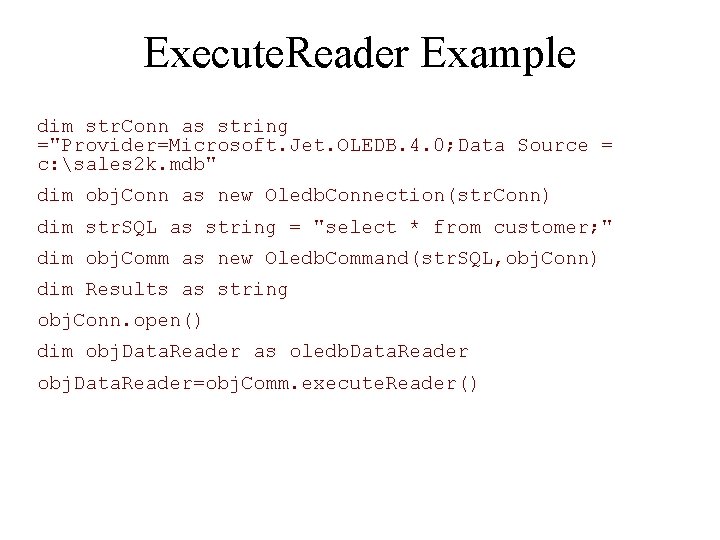
Execute. Reader Example dim str. Conn as string ="Provider=Microsoft. Jet. OLEDB. 4. 0; Data Source = c: sales 2 k. mdb" dim obj. Conn as new Oledb. Connection(str. Conn) dim str. SQL as string = "select * from customer; " dim obj. Comm as new Oledb. Command(str. SQL, obj. Conn) dim Results as string obj. Conn. open() dim obj. Data. Reader as oledb. Data. Reader obj. Data. Reader=obj. Comm. execute. Reader()
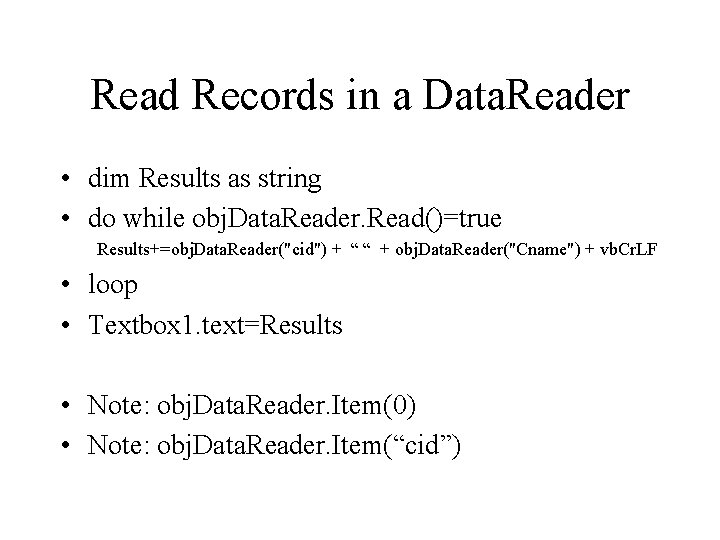
Read Records in a Data. Reader • dim Results as string • do while obj. Data. Reader. Read()=true Results+=obj. Data. Reader("cid") + “ “ + obj. Data. Reader("Cname") + vb. Cr. LF • loop • Textbox 1. text=Results • Note: obj. Data. Reader. Item(0) • Note: obj. Data. Reader. Item(“cid”)
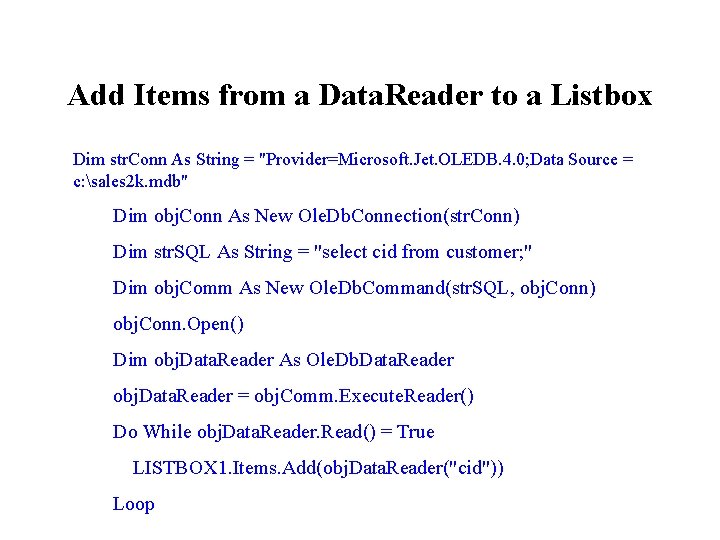
Add Items from a Data. Reader to a Listbox Dim str. Conn As String = "Provider=Microsoft. Jet. OLEDB. 4. 0; Data Source = c: sales 2 k. mdb" Dim obj. Conn As New Ole. Db. Connection(str. Conn) Dim str. SQL As String = "select cid from customer; " Dim obj. Comm As New Ole. Db. Command(str. SQL, obj. Conn) obj. Conn. Open() Dim obj. Data. Reader As Ole. Db. Data. Reader obj. Data. Reader = obj. Comm. Execute. Reader() Do While obj. Data. Reader. Read() = True LISTBOX 1. Items. Add(obj. Data. Reader("cid")) Loop
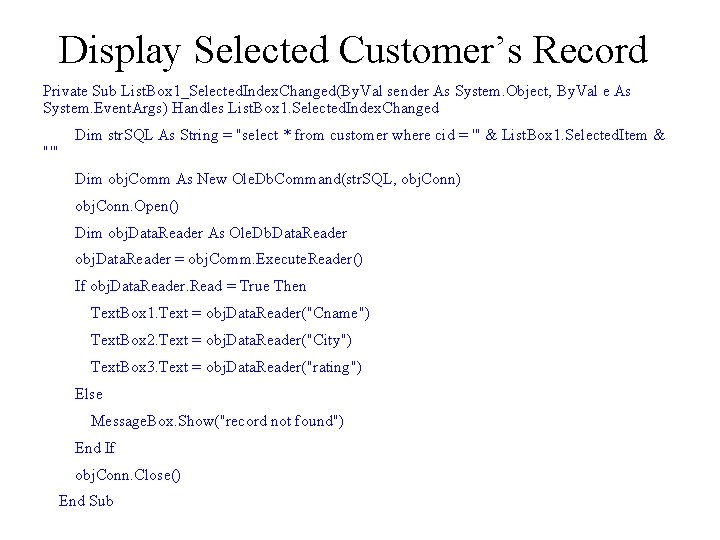
Display Selected Customer’s Record Private Sub List. Box 1_Selected. Index. Changed(By. Val sender As System. Object, By. Val e As System. Event. Args) Handles List. Box 1. Selected. Index. Changed "'" Dim str. SQL As String = "select * from customer where cid = '" & List. Box 1. Selected. Item & Dim obj. Comm As New Ole. Db. Command(str. SQL, obj. Conn) obj. Conn. Open() Dim obj. Data. Reader As Ole. Db. Data. Reader obj. Data. Reader = obj. Comm. Execute. Reader() If obj. Data. Reader. Read = True Then Text. Box 1. Text = obj. Data. Reader("Cname") Text. Box 2. Text = obj. Data. Reader("City") Text. Box 3. Text = obj. Data. Reader("rating") Else Message. Box. Show("record not found") End If obj. Conn. Close() End Sub
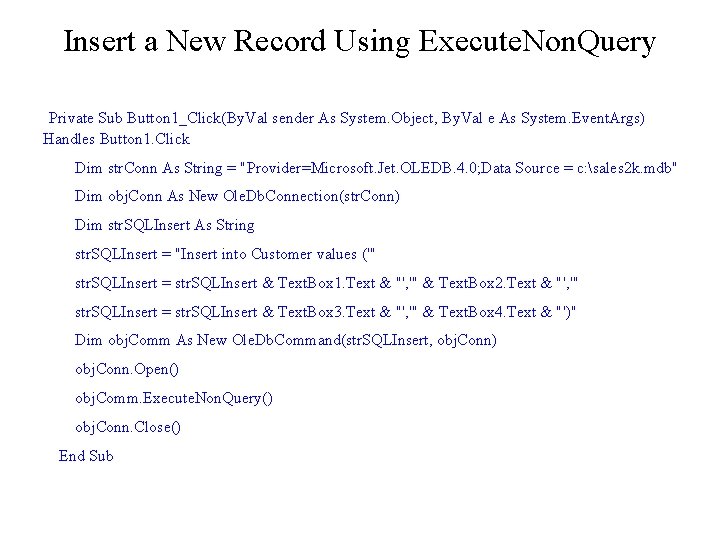
Insert a New Record Using Execute. Non. Query Private Sub Button 1_Click(By. Val sender As System. Object, By. Val e As System. Event. Args) Handles Button 1. Click Dim str. Conn As String = "Provider=Microsoft. Jet. OLEDB. 4. 0; Data Source = c: sales 2 k. mdb" Dim obj. Conn As New Ole. Db. Connection(str. Conn) Dim str. SQLInsert As String str. SQLInsert = "Insert into Customer values ('" str. SQLInsert = str. SQLInsert & Text. Box 1. Text & "', '" & Text. Box 2. Text & "', '" str. SQLInsert = str. SQLInsert & Text. Box 3. Text & "', '" & Text. Box 4. Text & "')" Dim obj. Comm As New Ole. Db. Command(str. SQLInsert, obj. Conn) obj. Conn. Open() obj. Comm. Execute. Non. Query() obj. Conn. Close() End Sub
Demo • Create a project that do the following tasks: – Use a Data. Reader to retrieve customer IDs and populate a listbox. – Select a new rating from radio buttons for the selected customer. – Update customer’s rating using the Execute. Non. Query method of a Command object.
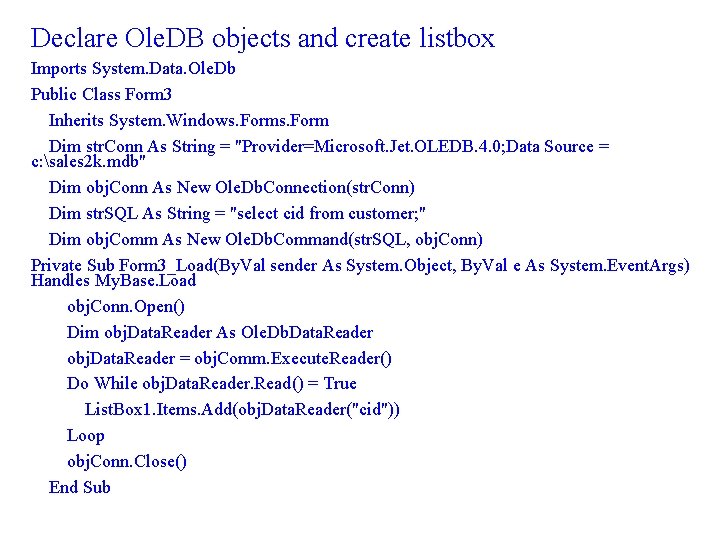
Declare Ole. DB objects and create listbox Imports System. Data. Ole. Db Public Class Form 3 Inherits System. Windows. Form Dim str. Conn As String = "Provider=Microsoft. Jet. OLEDB. 4. 0; Data Source = c: sales 2 k. mdb" Dim obj. Conn As New Ole. Db. Connection(str. Conn) Dim str. SQL As String = "select cid from customer; " Dim obj. Comm As New Ole. Db. Command(str. SQL, obj. Conn) Private Sub Form 3_Load(By. Val sender As System. Object, By. Val e As System. Event. Args) Handles My. Base. Load obj. Conn. Open() Dim obj. Data. Reader As Ole. Db. Data. Reader obj. Data. Reader = obj. Comm. Execute. Reader() Do While obj. Data. Reader. Read() = True List. Box 1. Items. Add(obj. Data. Reader("cid")) Loop obj. Conn. Close() End Sub
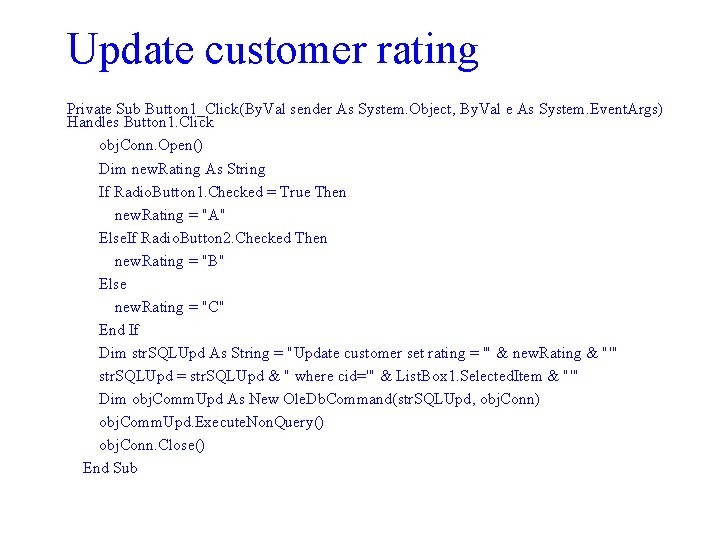
Update customer rating Private Sub Button 1_Click(By. Val sender As System. Object, By. Val e As System. Event. Args) Handles Button 1. Click obj. Conn. Open() Dim new. Rating As String If Radio. Button 1. Checked = True Then new. Rating = "A" Else. If Radio. Button 2. Checked Then new. Rating = "B" Else new. Rating = "C" End If Dim str. SQLUpd As String = "Update customer set rating = '" & new. Rating & "'" str. SQLUpd = str. SQLUpd & " where cid='" & List. Box 1. Selected. Item & "'" Dim obj. Comm. Upd As New Ole. Db. Command(str. SQLUpd, obj. Conn) obj. Comm. Upd. Execute. Non. Query() obj. Conn. Close() End Sub
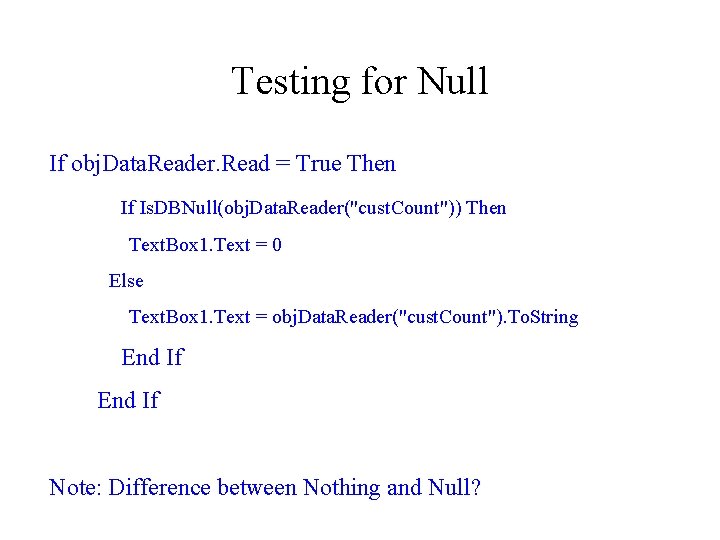
Testing for Null If obj. Data. Reader. Read = True Then If Is. DBNull(obj. Data. Reader("cust. Count")) Then Text. Box 1. Text = 0 Else Text. Box 1. Text = obj. Data. Reader("cust. Count"). To. String End If Note: Difference between Nothing and Null?
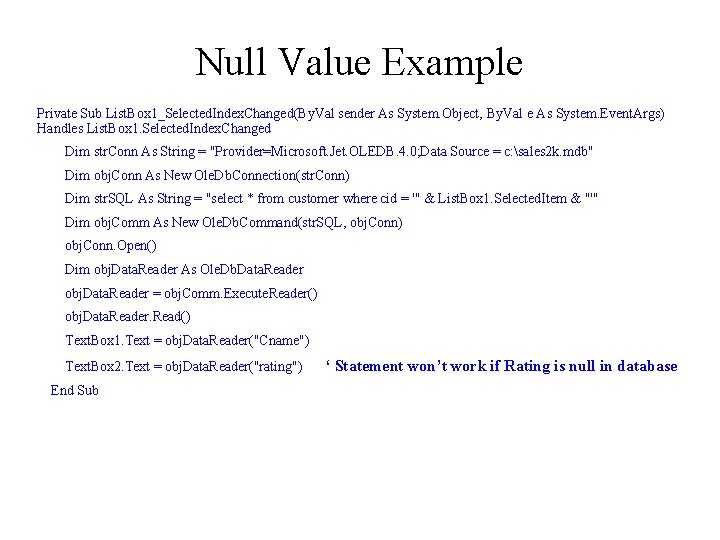
Null Value Example Private Sub List. Box 1_Selected. Index. Changed(By. Val sender As System. Object, By. Val e As System. Event. Args) Handles List. Box 1. Selected. Index. Changed Dim str. Conn As String = "Provider=Microsoft. Jet. OLEDB. 4. 0; Data Source = c: sales 2 k. mdb" Dim obj. Conn As New Ole. Db. Connection(str. Conn) Dim str. SQL As String = "select * from customer where cid = '" & List. Box 1. Selected. Item & "'" Dim obj. Comm As New Ole. Db. Command(str. SQL, obj. Conn) obj. Conn. Open() Dim obj. Data. Reader As Ole. Db. Data. Reader obj. Data. Reader = obj. Comm. Execute. Reader() obj. Data. Reader. Read() Text. Box 1. Text = obj. Data. Reader("Cname") Text. Box 2. Text = obj. Data. Reader("rating") End Sub ‘ Statement won’t work if Rating is null in database
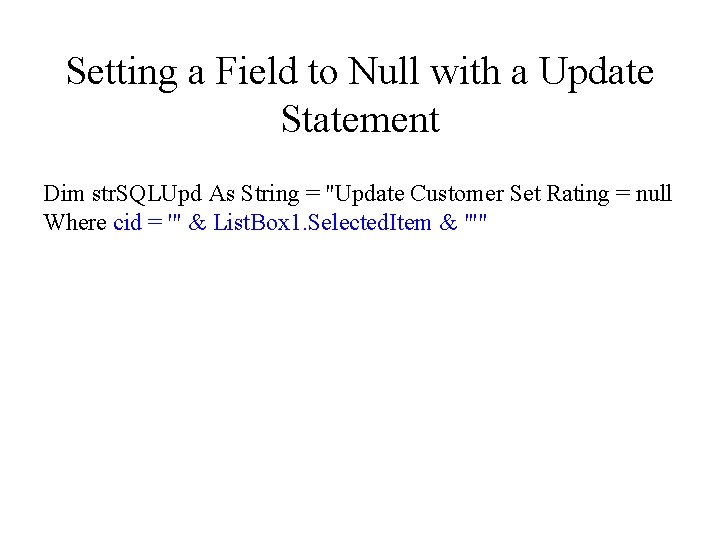
Setting a Field to Null with a Update Statement Dim str. SQLUpd As String = "Update Customer Set Rating = null Where cid = '" & List. Box 1. Selected. Item & "'"
- Slides: 32