
VB File Processing The Process of Using a
VB File Processing
The Process of Using a File • The file must be opened. • Data is either written to the file or read from the file. • When the application is finished using the file, the file is closed.
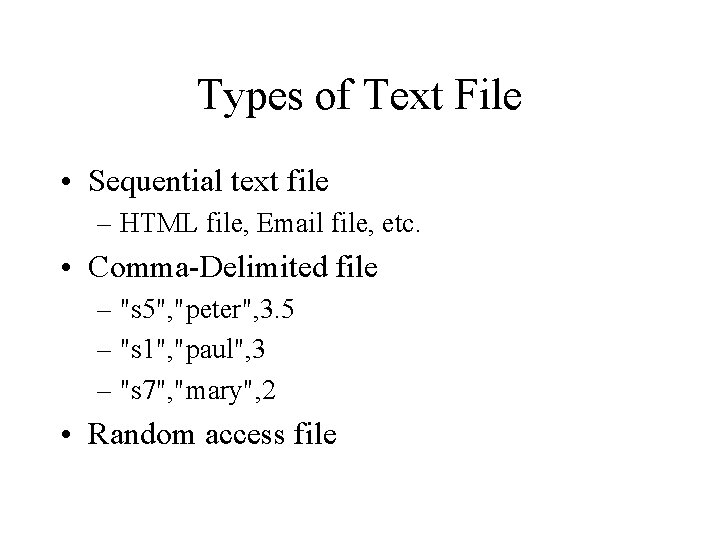
Types of Text File • Sequential text file – HTML file, Email file, etc. • Comma-Delimited file – "s 5", "peter", 3. 5 – "s 1", "paul", 3 – "s 7", "mary", 2 • Random access file
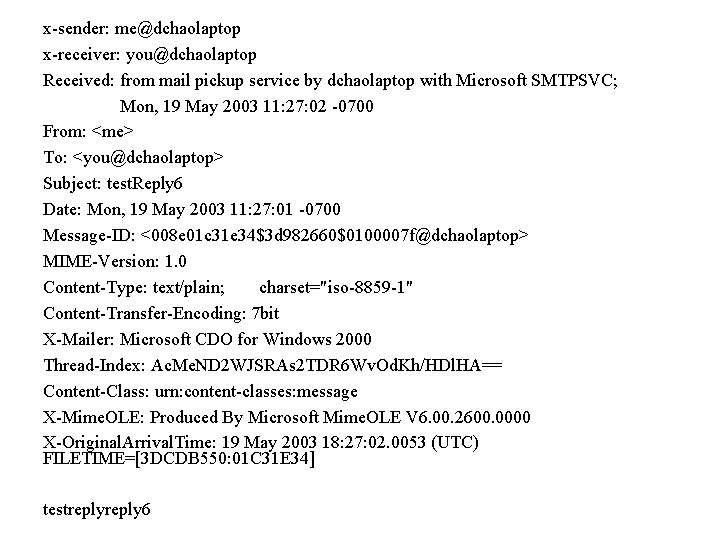
x-sender: me@dchaolaptop x-receiver: you@dchaolaptop Received: from mail pickup service by dchaolaptop with Microsoft SMTPSVC; Mon, 19 May 2003 11: 27: 02 -0700 From: <me> To: <you@dchaolaptop> Subject: test. Reply 6 Date: Mon, 19 May 2003 11: 27: 01 -0700 Message-ID: <008 e 01 c 31 e 34$3 d 982660$0100007 f@dchaolaptop> MIME-Version: 1. 0 Content-Type: text/plain; charset="iso-8859 -1" Content-Transfer-Encoding: 7 bit X-Mailer: Microsoft CDO for Windows 2000 Thread-Index: Ac. Me. ND 2 WJSRAs 2 TDR 6 Wv. Od. Kh/HDl. HA== Content-Class: urn: content-classes: message X-Mime. OLE: Produced By Microsoft Mime. OLE V 6. 00. 2600. 0000 X-Original. Arrival. Time: 19 May 2003 18: 27: 02. 0053 (UTC) FILETIME=[3 DCDB 550: 01 C 31 E 34] testreply 6
System. IO Namespace • • • Directory File Stream. Reader Stream. Writer String. Reader String. Writer
Stream • A stream is an abstraction of a sequence of bytes, such as a file, an input/output device, an inter-process communication pipe, or a TCP/IP socket. The Stream class and its derived classes provide a generic view of these different types of input and output, isolating the programmer from the specific details of the operating system and the underlying devices.
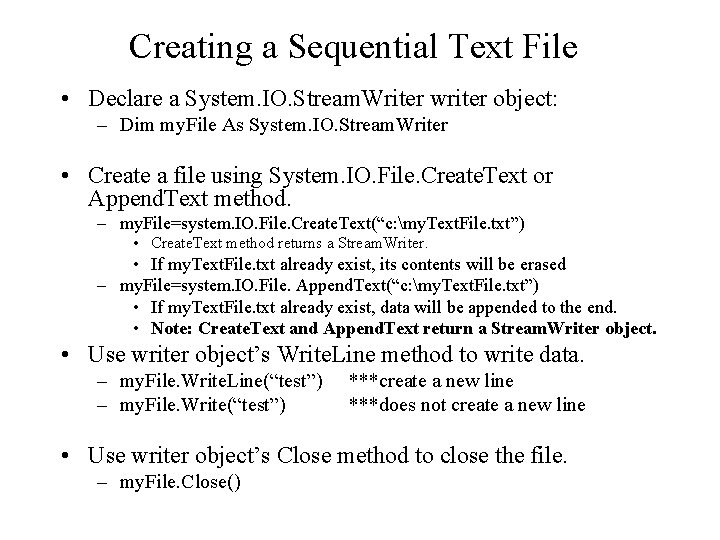
Creating a Sequential Text File • Declare a System. IO. Stream. Writer writer object: – Dim my. File As System. IO. Stream. Writer • Create a file using System. IO. File. Create. Text or Append. Text method. – my. File=system. IO. File. Create. Text(“c: my. Text. File. txt”) • Create. Text method returns a Stream. Writer. • If my. Text. File. txt already exist, its contents will be erased – my. File=system. IO. File. Append. Text(“c: my. Text. File. txt”) • If my. Text. File. txt already exist, data will be appended to the end. • Note: Create. Text and Append. Text return a Stream. Writer object. • Use writer object’s Write. Line method to write data. – my. File. Write. Line(“test”) – my. File. Write(“test”) ***create a new line ***does not create a new line • Use writer object’s Close method to close the file. – my. File. Close()
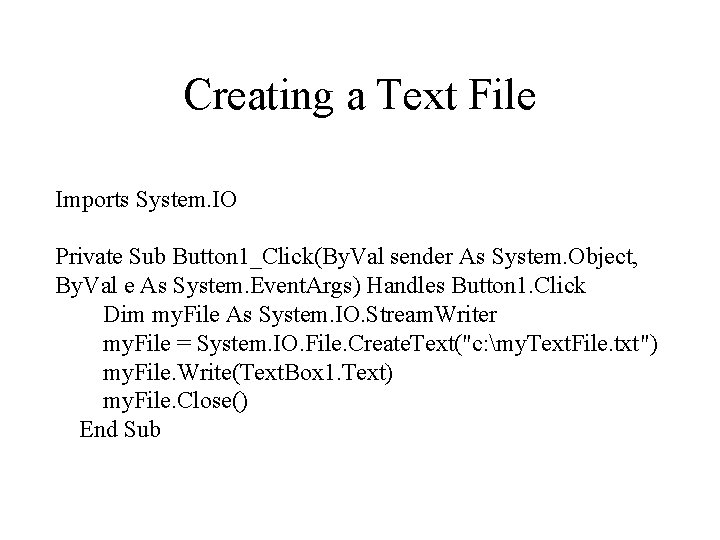
Creating a Text File Imports System. IO Private Sub Button 1_Click(By. Val sender As System. Object, By. Val e As System. Event. Args) Handles Button 1. Click Dim my. File As System. IO. Stream. Writer my. File = System. IO. File. Create. Text("c: my. Text. File. txt") my. File. Write(Text. Box 1. Text) my. File. Close() End Sub
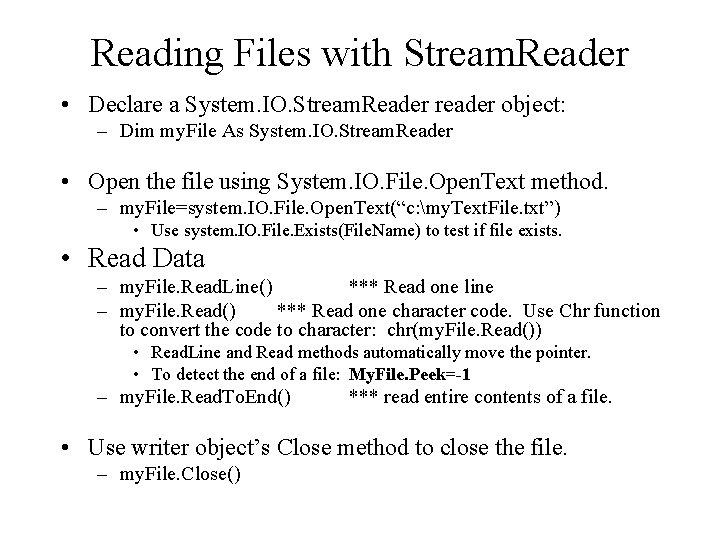
Reading Files with Stream. Reader • Declare a System. IO. Stream. Reader reader object: – Dim my. File As System. IO. Stream. Reader • Open the file using System. IO. File. Open. Text method. – my. File=system. IO. File. Open. Text(“c: my. Text. File. txt”) • Use system. IO. File. Exists(File. Name) to test if file exists. • Read Data – my. File. Read. Line() *** Read one line – my. File. Read() *** Read one character code. Use Chr function to convert the code to character: chr(my. File. Read()) • Read. Line and Read methods automatically move the pointer. • To detect the end of a file: My. File. Peek=-1 – my. File. Read. To. End() *** read entire contents of a file. • Use writer object’s Close method to close the file. – my. File. Close()
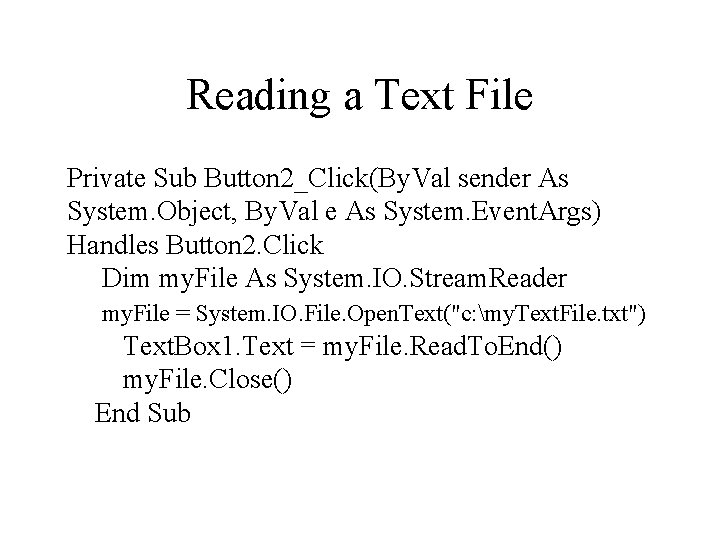
Reading a Text File Private Sub Button 2_Click(By. Val sender As System. Object, By. Val e As System. Event. Args) Handles Button 2. Click Dim my. File As System. IO. Stream. Reader my. File = System. IO. File. Open. Text("c: my. Text. File. txt") Text. Box 1. Text = my. File. Read. To. End() my. File. Close() End Sub
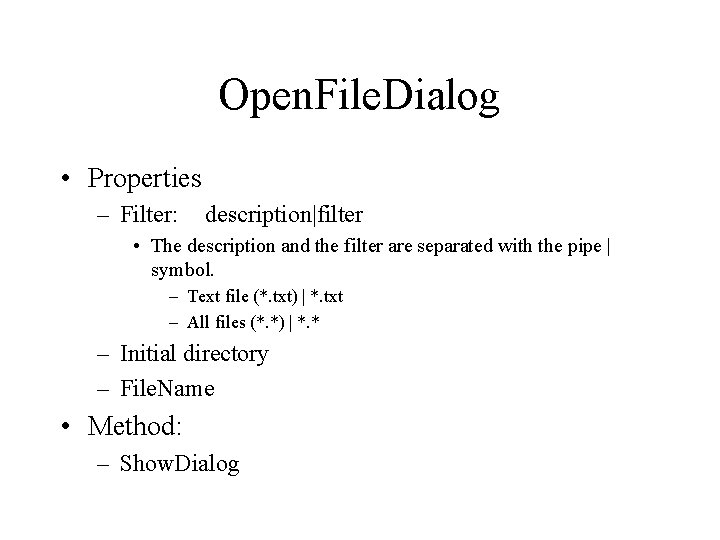
Open. File. Dialog • Properties – Filter: description|filter • The description and the filter are separated with the pipe | symbol. – Text file (*. txt) | *. txt – All files (*. *) | *. * – Initial directory – File. Name • Method: – Show. Dialog
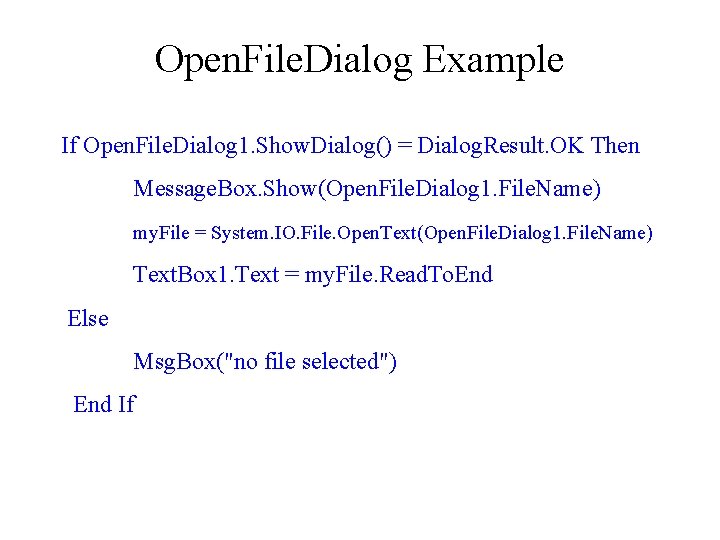
Open. File. Dialog Example If Open. File. Dialog 1. Show. Dialog() = Dialog. Result. OK Then Message. Box. Show(Open. File. Dialog 1. File. Name) my. File = System. IO. File. Open. Text(Open. File. Dialog 1. File. Name) Text. Box 1. Text = my. File. Read. To. End Else Msg. Box("no file selected") End If
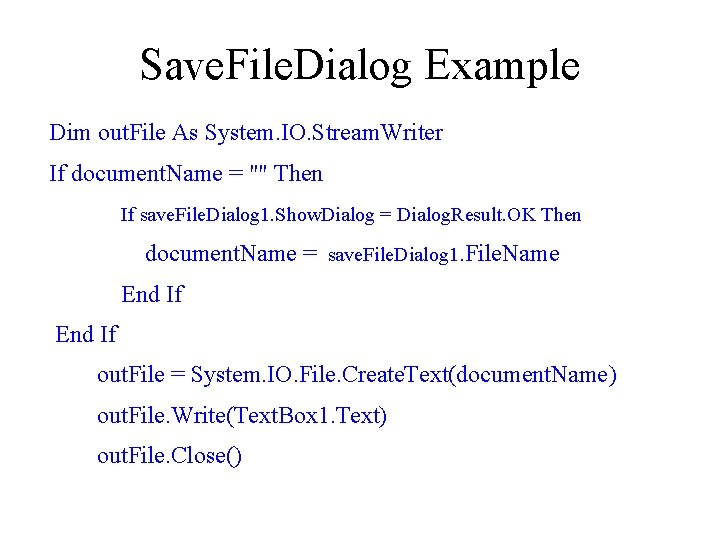
Save. File. Dialog Example Dim out. File As System. IO. Stream. Writer If document. Name = "" Then If save. File. Dialog 1. Show. Dialog = Dialog. Result. OK Then document. Name = save. File. Dialog 1. File. Name End If out. File = System. IO. File. Create. Text(document. Name) out. File. Write(Text. Box 1. Text) out. File. Close()
Draw. String: Print One Line of Text • System. Drawing. Graphics – Draw. String method arguments: – – – String to print Font Brush X position Y position • The X, Y coordinates must be declared as Single data type. X coordinate is the horizontal distance across a line from the left edge, Y coordinate is the distance from the top.
Print. Document Control • Printer. Setting property: – – – Printer. Name Print. To. File Maximum. Page Minimum. Page Paper. Size • Method: – Print *** The Print method will trigger the Print. Page event
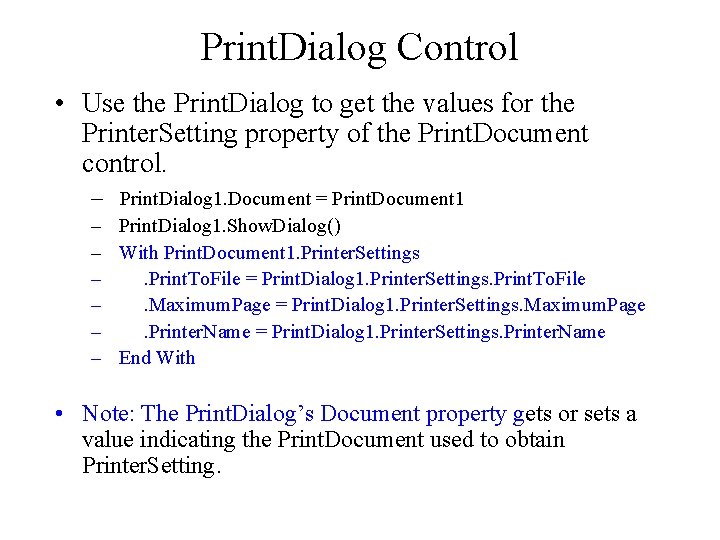
Print. Dialog Control • Use the Print. Dialog to get the values for the Printer. Setting property of the Print. Document control. – Print. Dialog 1. Document = Print. Document 1 – Print. Dialog 1. Show. Dialog() – With Print. Document 1. Printer. Settings –. Print. To. File = Print. Dialog 1. Printer. Settings. Print. To. File –. Maximum. Page = Print. Dialog 1. Printer. Settings. Maximum. Page –. Printer. Name = Print. Dialog 1. Printer. Settings. Printer. Name – End With • Note: The Print. Dialog’s Document property gets or sets a value indicating the Print. Document used to obtain Printer. Setting.
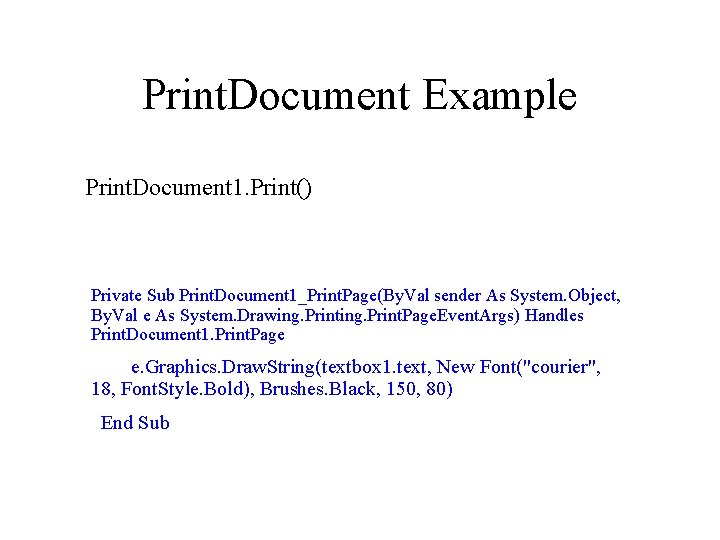
Print. Document Example Print. Document 1. Print() Private Sub Print. Document 1_Print. Page(By. Val sender As System. Object, By. Val e As System. Drawing. Print. Page. Event. Args) Handles Print. Document 1. Print. Page e. Graphics. Draw. String(textbox 1. text, New Font("courier", 18, Font. Style. Bold), Brushes. Black, 150, 80) End Sub
Print and Print. Page Event • The Print method of the Print. Document control will trigger the Print. Page event. This event is fired once for each page to be printed. After finishing printing one page, we can use the Print. Page. Event. Args’ Has. More. Page property to inform the Print. Document whethere is more page to print.
Print. Preview. Dialog Control • Print. Preview. Dialog 1. Document = Print. Document 1 • Print. Preview. Dialog 1. Show. Dialog()
Print Multiple Lines • Textbox’s Multi. Line property is true. • Textbox’s Lines property returns a string array with each line as an element. • The Y position must be increased by the height of the font.
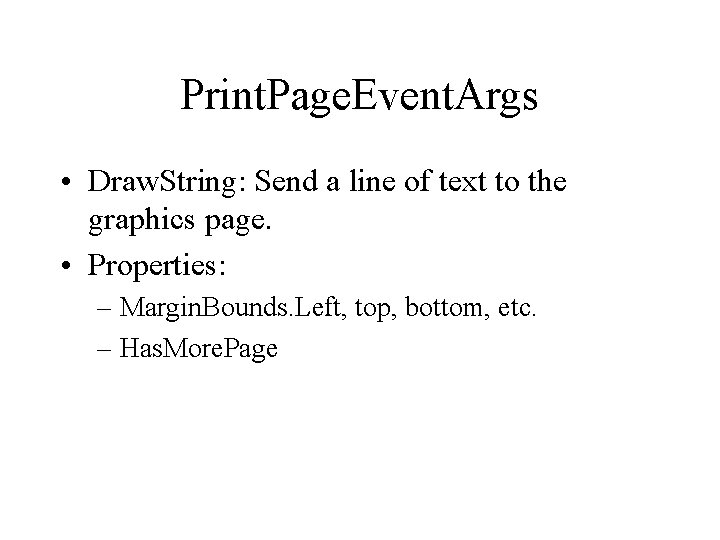
Print. Page. Event. Args • Draw. String: Send a line of text to the graphics page. • Properties: – Margin. Bounds. Left, top, bottom, etc. – Has. More. Page
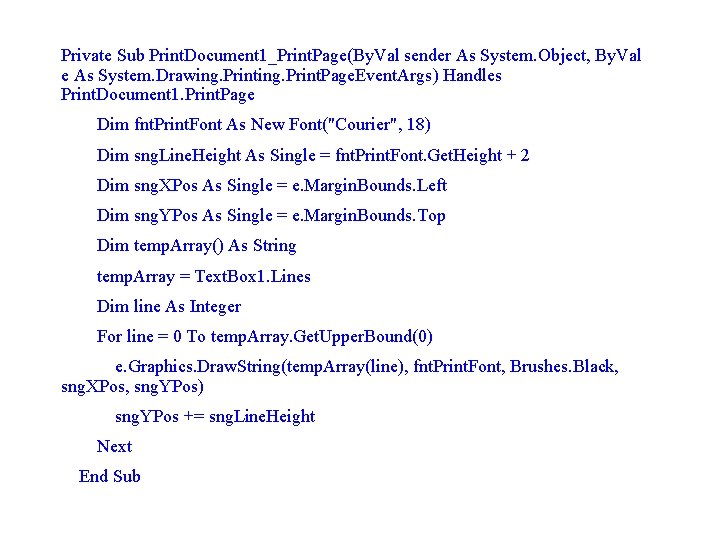
Private Sub Print. Document 1_Print. Page(By. Val sender As System. Object, By. Val e As System. Drawing. Print. Page. Event. Args) Handles Print. Document 1. Print. Page Dim fnt. Print. Font As New Font("Courier", 18) Dim sng. Line. Height As Single = fnt. Print. Font. Get. Height + 2 Dim sng. XPos As Single = e. Margin. Bounds. Left Dim sng. YPos As Single = e. Margin. Bounds. Top Dim temp. Array() As String temp. Array = Text. Box 1. Lines Dim line As Integer For line = 0 To temp. Array. Get. Upper. Bound(0) e. Graphics. Draw. String(temp. Array(line), fnt. Print. Font, Brushes. Black, sng. XPos, sng. YPos) sng. YPos += sng. Line. Height Next End Sub
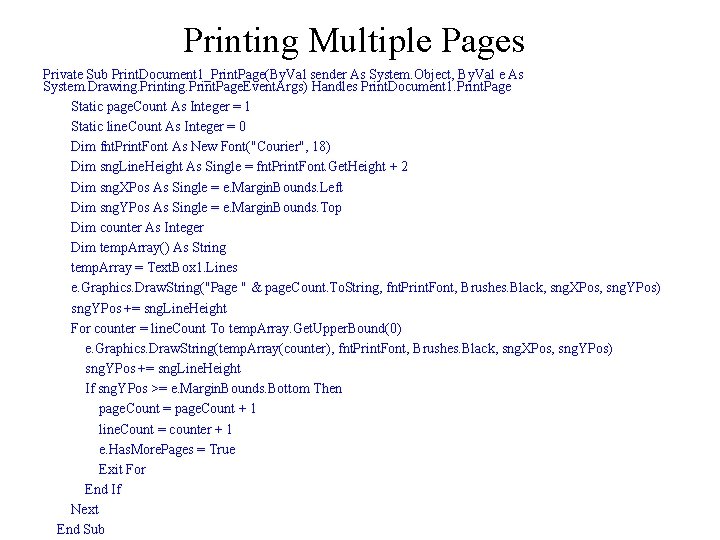
Printing Multiple Pages Private Sub Print. Document 1_Print. Page(By. Val sender As System. Object, By. Val e As System. Drawing. Print. Page. Event. Args) Handles Print. Document 1. Print. Page Static page. Count As Integer = 1 Static line. Count As Integer = 0 Dim fnt. Print. Font As New Font("Courier", 18) Dim sng. Line. Height As Single = fnt. Print. Font. Get. Height + 2 Dim sng. XPos As Single = e. Margin. Bounds. Left Dim sng. YPos As Single = e. Margin. Bounds. Top Dim counter As Integer Dim temp. Array() As String temp. Array = Text. Box 1. Lines e. Graphics. Draw. String("Page " & page. Count. To. String, fnt. Print. Font, Brushes. Black, sng. XPos, sng. YPos) sng. YPos += sng. Line. Height For counter = line. Count To temp. Array. Get. Upper. Bound(0) e. Graphics. Draw. String(temp. Array(counter), fnt. Print. Font, Brushes. Black, sng. XPos, sng. YPos) sng. YPos += sng. Line. Height If sng. YPos >= e. Margin. Bounds. Bottom Then page. Count = page. Count + 1 line. Count = counter + 1 e. Has. More. Pages = True Exit For End If Next End Sub
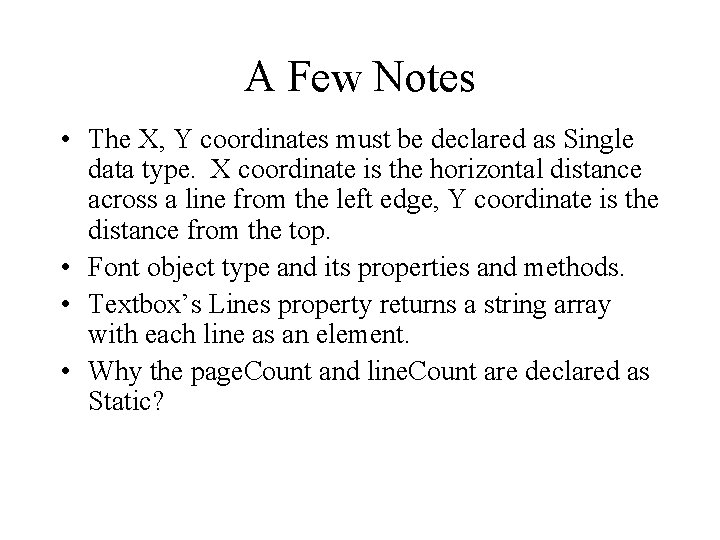
A Few Notes • The X, Y coordinates must be declared as Single data type. X coordinate is the horizontal distance across a line from the left edge, Y coordinate is the distance from the top. • Font object type and its properties and methods. • Textbox’s Lines property returns a string array with each line as an element. • Why the page. Count and line. Count are declared as Static?
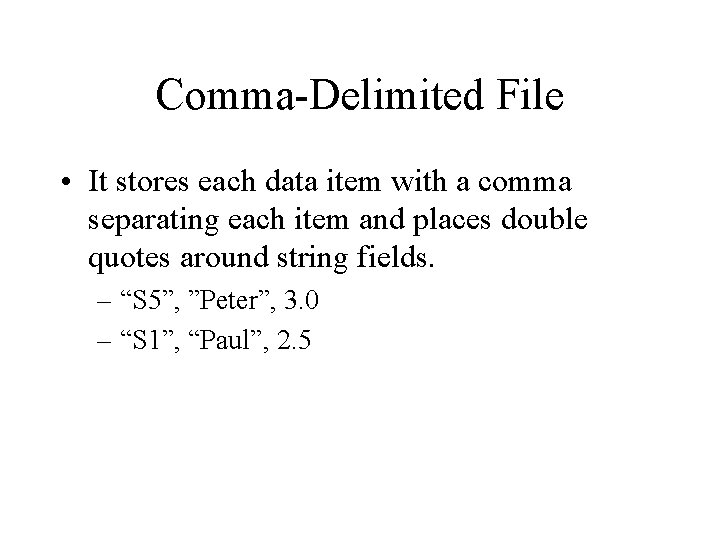
Comma-Delimited File • It stores each data item with a comma separating each item and places double quotes around string fields. – “S 5”, ”Peter”, 3. 0 – “S 1”, “Paul”, 2. 5
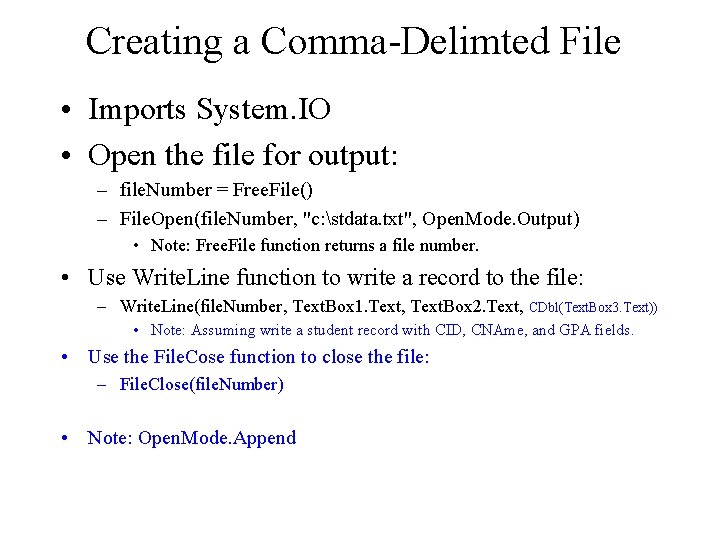
Creating a Comma-Delimted File • Imports System. IO • Open the file for output: – file. Number = Free. File() – File. Open(file. Number, "c: stdata. txt", Open. Mode. Output) • Note: Free. File function returns a file number. • Use Write. Line function to write a record to the file: – Write. Line(file. Number, Text. Box 1. Text, Text. Box 2. Text, CDbl(Text. Box 3. Text)) • Note: Assuming write a student record with CID, CNAme, and GPA fields. • Use the File. Cose function to close the file: – File. Close(file. Number) • Note: Open. Mode. Append
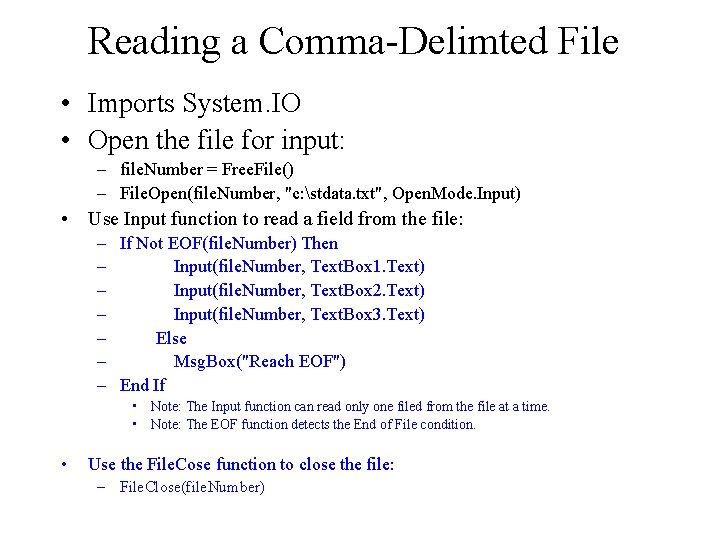
Reading a Comma-Delimted File • Imports System. IO • Open the file for input: – file. Number = Free. File() – File. Open(file. Number, "c: stdata. txt", Open. Mode. Input) • Use Input function to read a field from the file: – If Not EOF(file. Number) Then – Input(file. Number, Text. Box 1. Text) – Input(file. Number, Text. Box 2. Text) – Input(file. Number, Text. Box 3. Text) – Else – Msg. Box("Reach EOF") – End If • Note: The Input function can read only one filed from the file at a time. • Note: The EOF function detects the End of File condition. • Use the File. Cose function to close the file: – File. Close(file. Number)
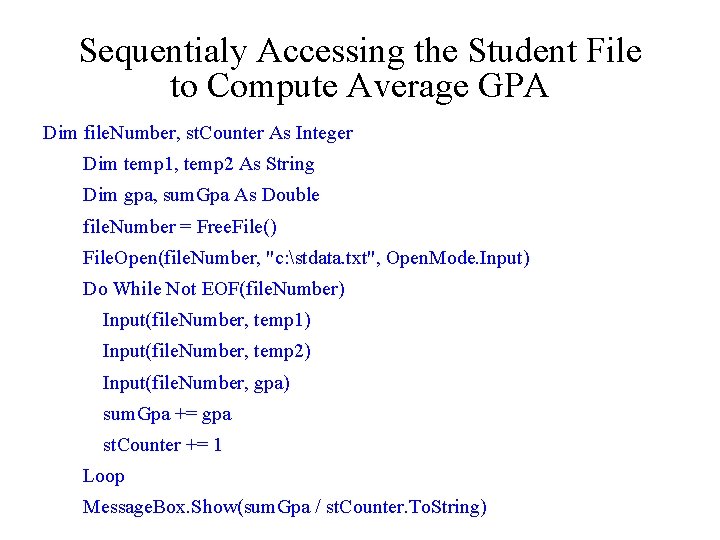
Sequentialy Accessing the Student File to Compute Average GPA Dim file. Number, st. Counter As Integer Dim temp 1, temp 2 As String Dim gpa, sum. Gpa As Double file. Number = Free. File() File. Open(file. Number, "c: stdata. txt", Open. Mode. Input) Do While Not EOF(file. Number) Input(file. Number, temp 1) Input(file. Number, temp 2) Input(file. Number, gpa) sum. Gpa += gpa st. Counter += 1 Loop Message. Box. Show(sum. Gpa / st. Counter. To. String)
Create a File Processing Application • Use a form to display a customer record in textboxes. This form has a Move. Next button to show the next record. • A form to enter new customer data.
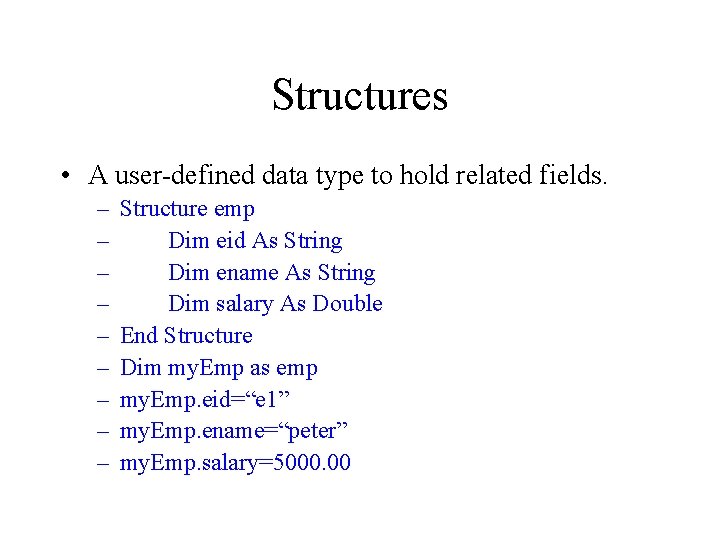
Structures • A user-defined data type to hold related fields. – – – – – Structure emp Dim eid As String Dim ename As String Dim salary As Double End Structure Dim my. Emp as emp my. Emp. eid=“e 1” my. Emp. ename=“peter” my. Emp. salary=5000. 00
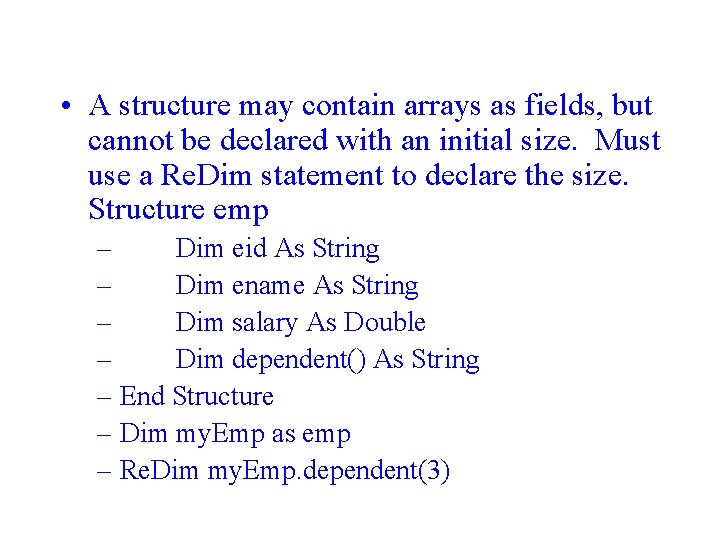
• A structure may contain arrays as fields, but cannot be declared with an initial size. Must use a Re. Dim statement to declare the size. Structure emp – Dim eid As String – Dim ename As String – Dim salary As Double – Dim dependent() As String – End Structure – Dim my. Emp as emp – Re. Dim my. Emp. dependent(3)
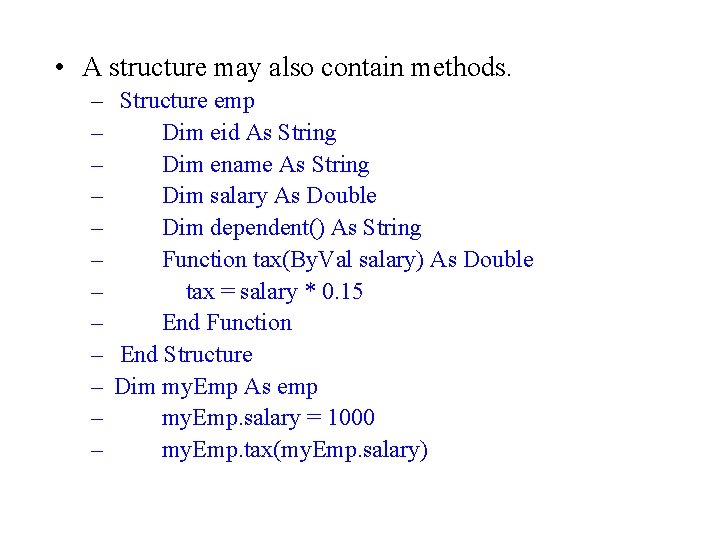
• A structure may also contain methods. – Structure emp – Dim eid As String – Dim ename As String – Dim salary As Double – Dim dependent() As String – Function tax(By. Val salary) As Double – tax = salary * 0. 15 – End Function – End Structure – Dim my. Emp As emp – my. Emp. salary = 1000 – my. Emp. tax(my. Emp. salary)
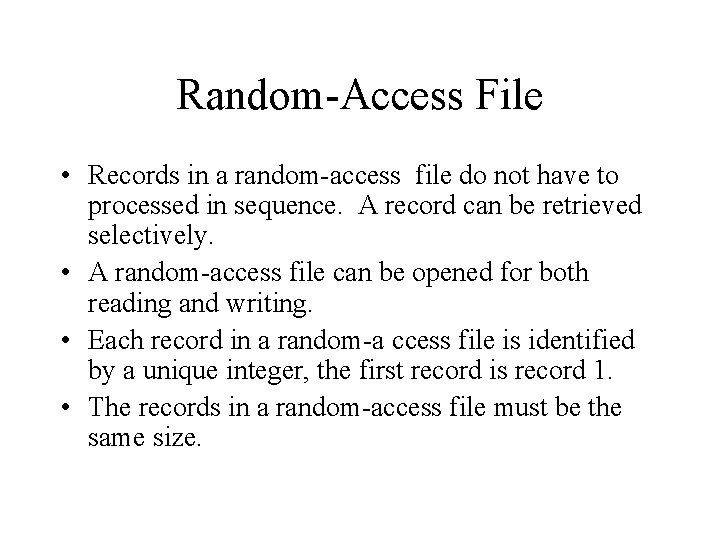
Random-Access File • Records in a random-access file do not have to processed in sequence. A record can be retrieved selectively. • A random-access file can be opened for both reading and writing. • Each record in a random-a ccess file is identified by a unique integer, the first record is record 1. • The records in a random-access file must be the same size.
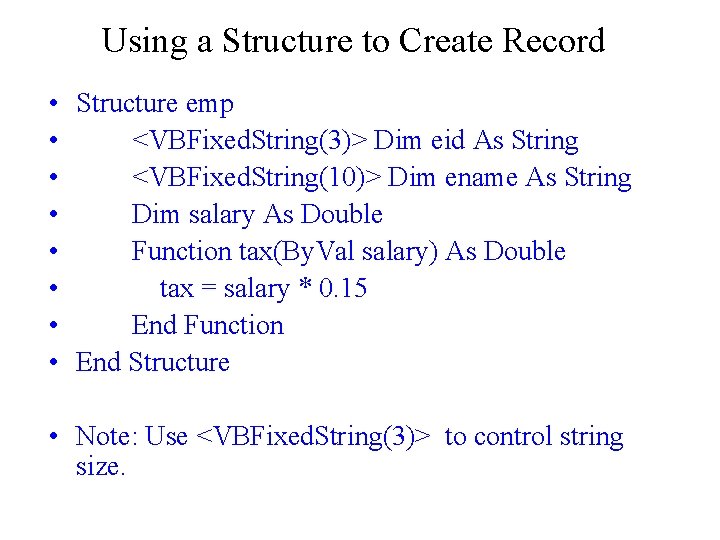
Using a Structure to Create Record • Structure emp • <VBFixed. String(3)> Dim eid As String • <VBFixed. String(10)> Dim ename As String • Dim salary As Double • Function tax(By. Val salary) As Double • tax = salary * 0. 15 • End Function • End Structure • Note: Use <VBFixed. String(3)> to control string size.
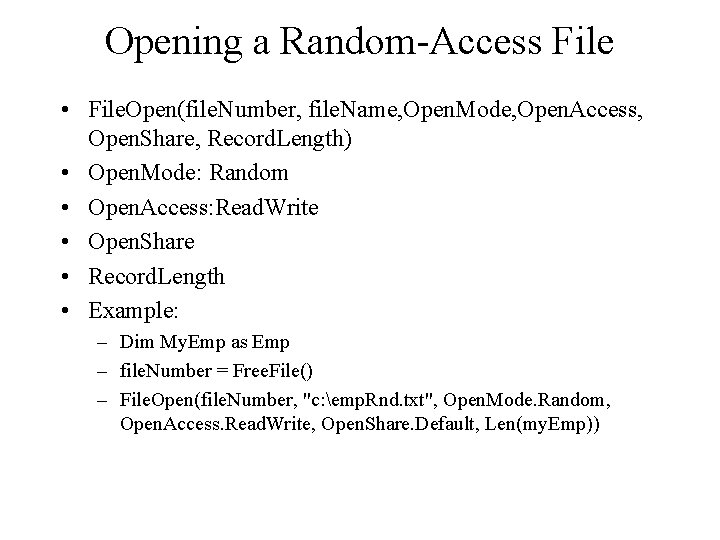
Opening a Random-Access File • File. Open(file. Number, file. Name, Open. Mode, Open. Access, Open. Share, Record. Length) • Open. Mode: Random • Open. Access: Read. Write • Open. Share • Record. Length • Example: – Dim My. Emp as Emp – file. Number = Free. File() – File. Open(file. Number, "c: emp. Rnd. txt", Open. Mode. Random, Open. Access. Read. Write, Open. Share. Default, Len(my. Emp))
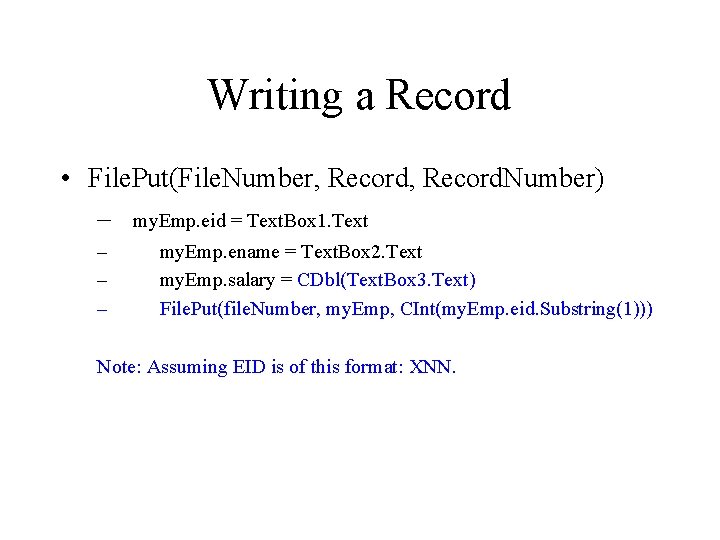
Writing a Record • File. Put(File. Number, Record. Number) – my. Emp. eid = Text. Box 1. Text – – – my. Emp. ename = Text. Box 2. Text my. Emp. salary = CDbl(Text. Box 3. Text) File. Put(file. Number, my. Emp, CInt(my. Emp. eid. Substring(1))) Note: Assuming EID is of this format: XNN.
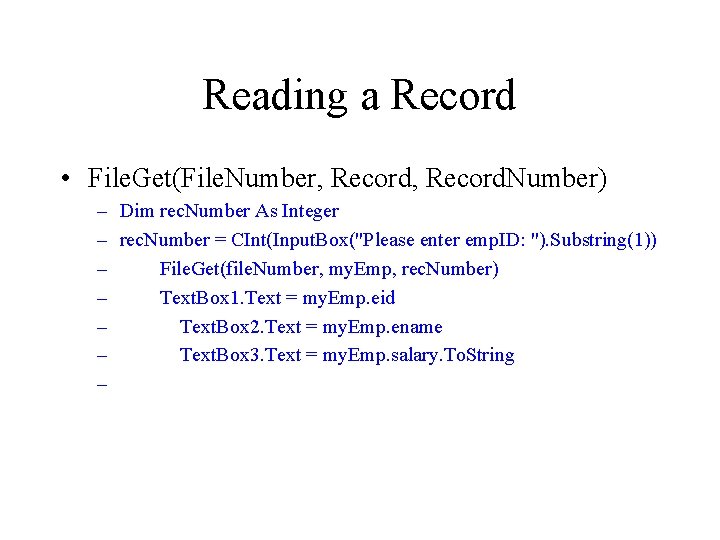
Reading a Record • File. Get(File. Number, Record. Number) – Dim rec. Number As Integer – rec. Number = CInt(Input. Box("Please enter emp. ID: "). Substring(1)) – File. Get(file. Number, my. Emp, rec. Number) – Text. Box 1. Text = my. Emp. eid – Text. Box 2. Text = my. Emp. ename – Text. Box 3. Text = my. Emp. salary. To. String –
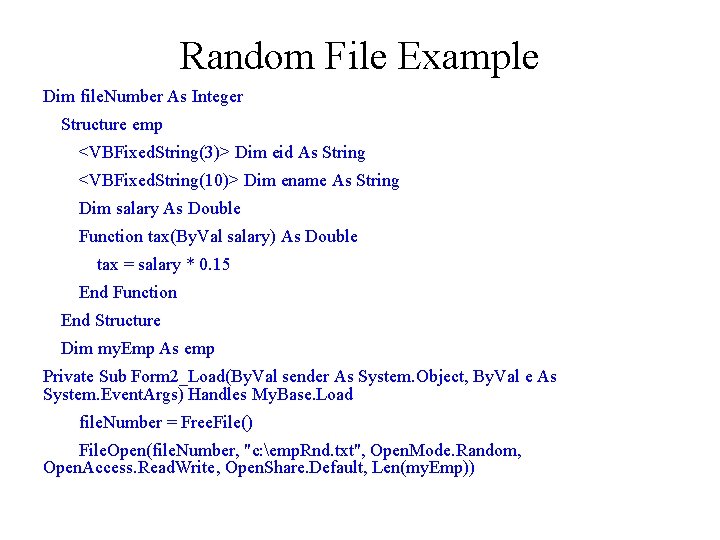
Random File Example Dim file. Number As Integer Structure emp <VBFixed. String(3)> Dim eid As String <VBFixed. String(10)> Dim ename As String Dim salary As Double Function tax(By. Val salary) As Double tax = salary * 0. 15 End Function End Structure Dim my. Emp As emp Private Sub Form 2_Load(By. Val sender As System. Object, By. Val e As System. Event. Args) Handles My. Base. Load file. Number = Free. File() File. Open(file. Number, "c: emp. Rnd. txt", Open. Mode. Random, Open. Access. Read. Write, Open. Share. Default, Len(my. Emp))
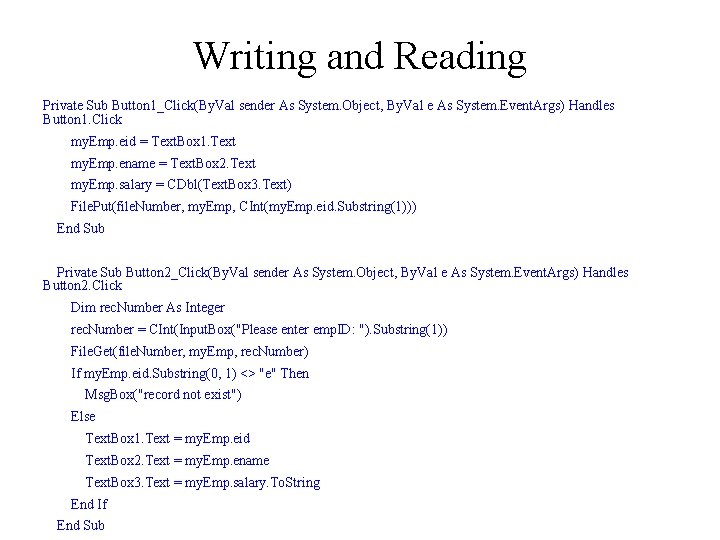
Writing and Reading Private Sub Button 1_Click(By. Val sender As System. Object, By. Val e As System. Event. Args) Handles Button 1. Click my. Emp. eid = Text. Box 1. Text my. Emp. ename = Text. Box 2. Text my. Emp. salary = CDbl(Text. Box 3. Text) File. Put(file. Number, my. Emp, CInt(my. Emp. eid. Substring(1))) End Sub Private Sub Button 2_Click(By. Val sender As System. Object, By. Val e As System. Event. Args) Handles Button 2. Click Dim rec. Number As Integer rec. Number = CInt(Input. Box("Please enter emp. ID: "). Substring(1)) File. Get(file. Number, my. Emp, rec. Number) If my. Emp. eid. Substring(0, 1) <> "e" Then Msg. Box("record not exist") Else Text. Box 1. Text = my. Emp. eid Text. Box 2. Text = my. Emp. ename Text. Box 3. Text = my. Emp. salary. To. String End If End Sub
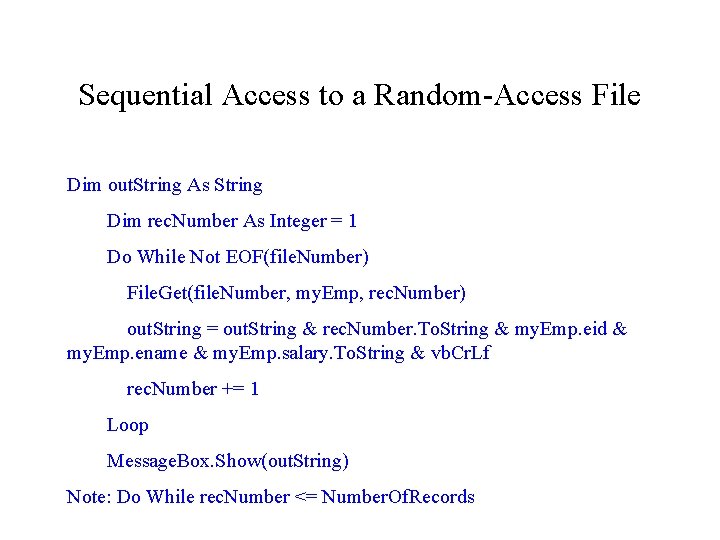
Sequential Access to a Random-Access File Dim out. String As String Dim rec. Number As Integer = 1 Do While Not EOF(file. Number) File. Get(file. Number, my. Emp, rec. Number) out. String = out. String & rec. Number. To. String & my. Emp. eid & my. Emp. ename & my. Emp. salary. To. String & vb. Cr. Lf rec. Number += 1 Loop Message. Box. Show(out. String) Note: Do While rec. Number <= Number. Of. Records
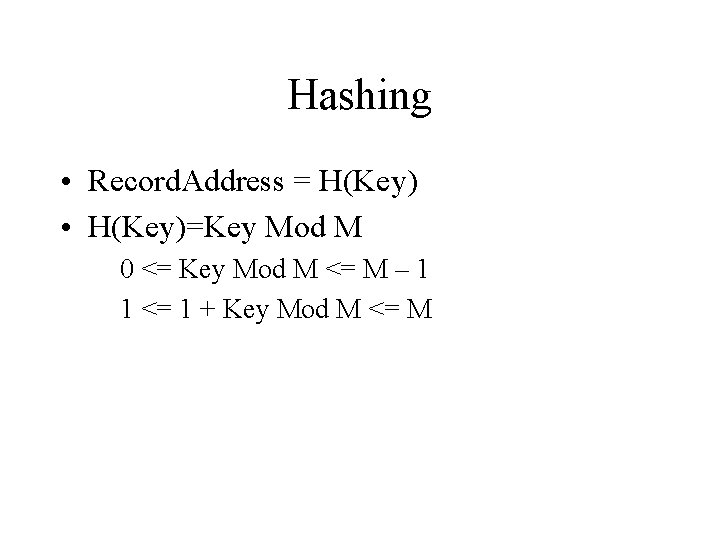
Hashing • Record. Address = H(Key) • H(Key)=Key Mod M 0 <= Key Mod M <= M – 1 1 <= 1 + Key Mod M <= M
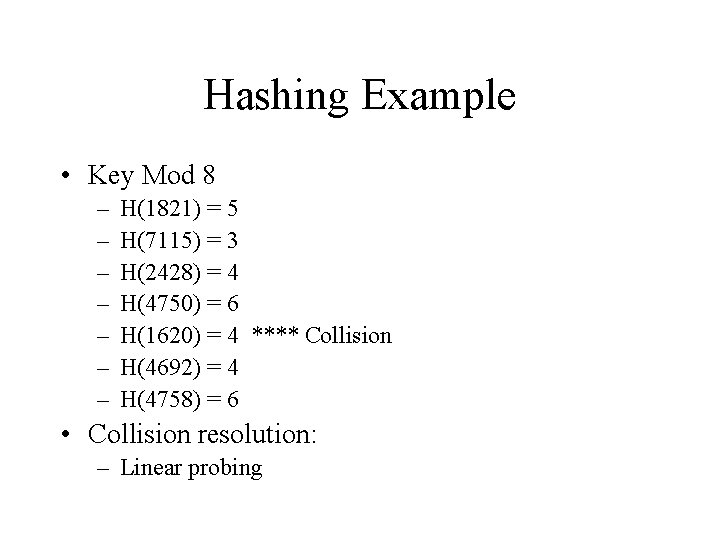
Hashing Example • Key Mod 8 – – – – H(1821) = 5 H(7115) = 3 H(2428) = 4 H(4750) = 6 H(1620) = 4 **** Collision H(4692) = 4 H(4758) = 6 • Collision resolution: – Linear probing
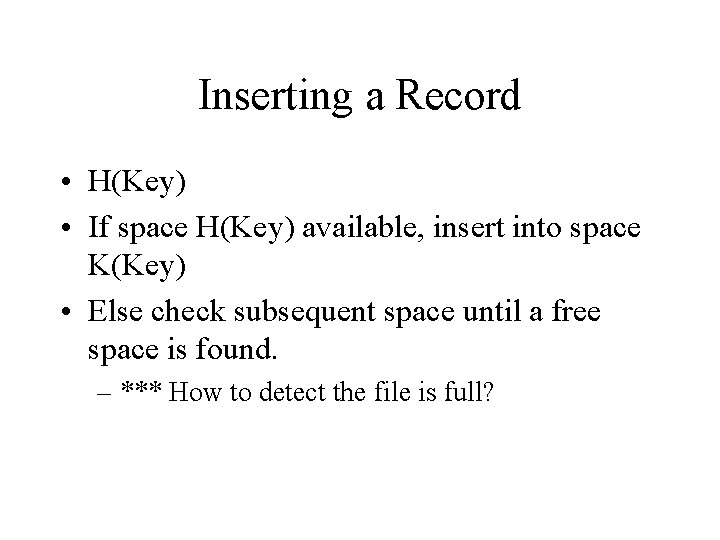
Inserting a Record • H(Key) • If space H(Key) available, insert into space K(Key) • Else check subsequent space until a free space is found. – *** How to detect the file is full?
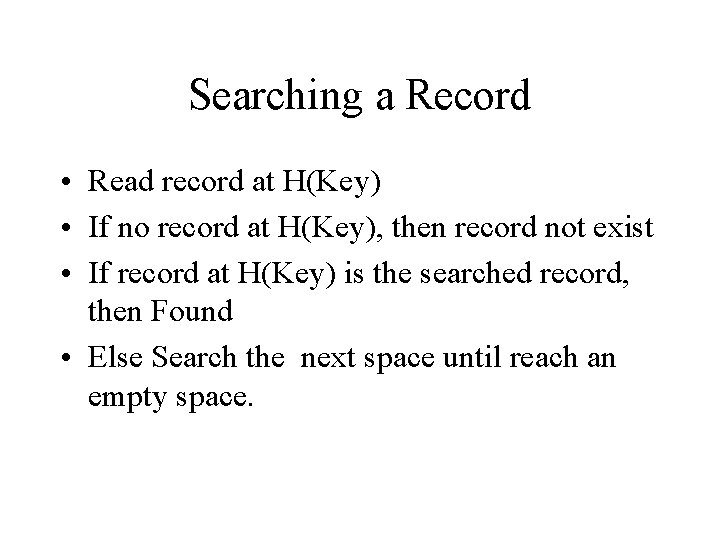
Searching a Record • Read record at H(Key) • If no record at H(Key), then record not exist • If record at H(Key) is the searched record, then Found • Else Search the next space until reach an empty space.
Deleting a Record • Search the record to be deleted. • Change a field to a special deletion flag. • Write it back to its original space with the deletion flag.
Serialization • The act of saving (serializing) an object onto a storage medium and later deserializing it from the storage medium to recreate an object. • Binary. Formatter: – Serialize – Deserialize
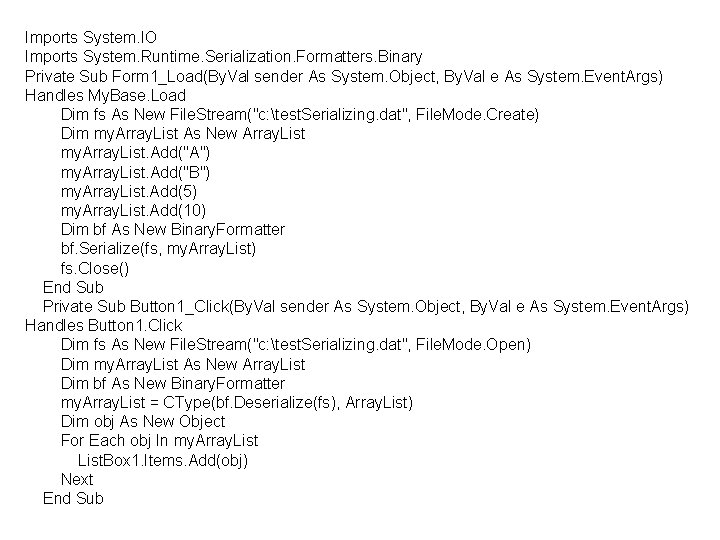
Imports System. IO Imports System. Runtime. Serialization. Formatters. Binary Private Sub Form 1_Load(By. Val sender As System. Object, By. Val e As System. Event. Args) Handles My. Base. Load Dim fs As New File. Stream("c: test. Serializing. dat", File. Mode. Create) Dim my. Array. List As New Array. List my. Array. List. Add("A") my. Array. List. Add("B") my. Array. List. Add(5) my. Array. List. Add(10) Dim bf As New Binary. Formatter bf. Serialize(fs, my. Array. List) fs. Close() End Sub Private Sub Button 1_Click(By. Val sender As System. Object, By. Val e As System. Event. Args) Handles Button 1. Click Dim fs As New File. Stream("c: test. Serializing. dat", File. Mode. Open) Dim my. Array. List As New Array. List Dim bf As New Binary. Formatter my. Array. List = CType(bf. Deserialize(fs), Array. List) Dim obj As New Object For Each obj In my. Array. List. Box 1. Items. Add(obj) Next End Sub
- Slides: 47