
Variables reading 2 2 1 Variables variable A
Variables reading: 2. 2 1
Variables variable: A piece of your computer's memory that is given a name and type and can store a value. Usage: compute an expression's result store that result into a variable use that variable later in the program 2
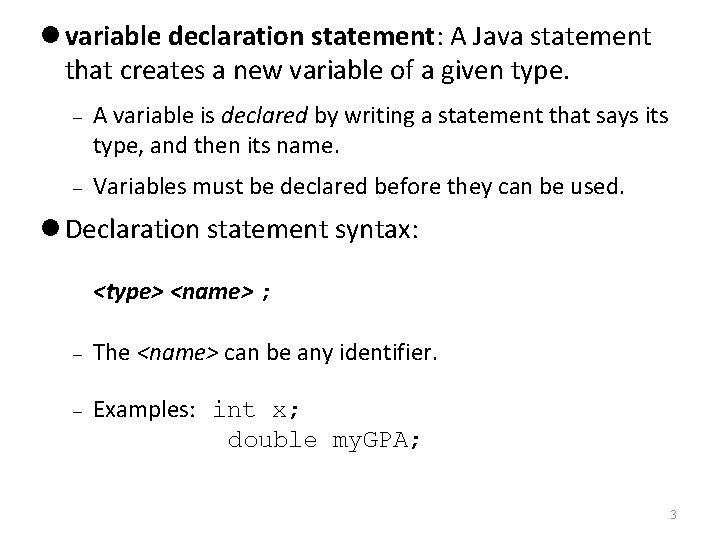
variable declaration statement: A Java statement that creates a new variable of a given type. A variable is declared by writing a statement that says its type, and then its name. Variables must be declared before they can be used. Declaration statement syntax: <type> <name> ; The <name> can be any identifier. Examples: int x; double my. GPA; 3
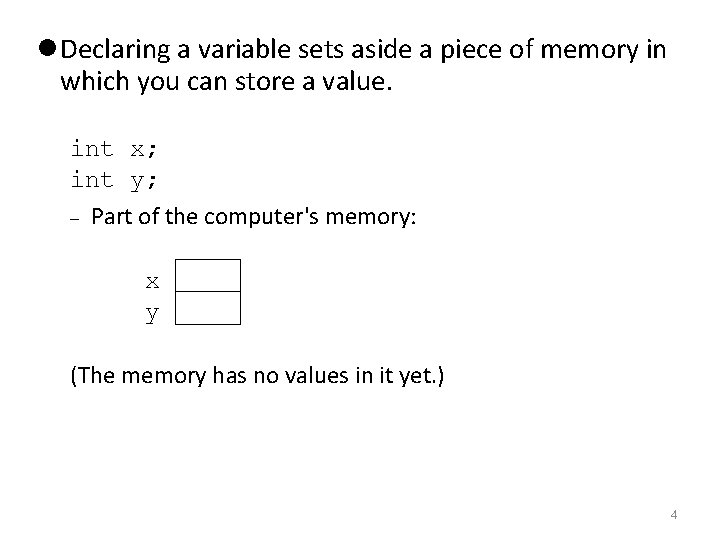
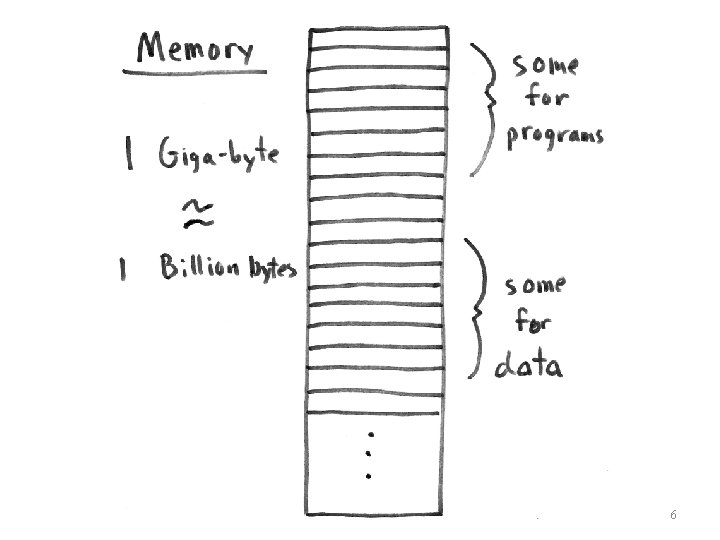
Declaring a variable sets aside a piece of memory in which you can store a value. int x; int y; Part of the computer's memory: x y (The memory has no values in it yet. ) 4

assignment statement: A Java statement that stores a value into a variable's memory location. Variables must be declared before they can be assigned a value. Assignment statement syntax: <name> = <value> ; Example: x = 3; Example: my. GPA = 3. 25; x my. GPA 3 3. 25 5
6
![Program: Memory public class Variable. Demo { public static void main(String[] args){ int lucky.](http://slidetodoc.com/presentation_image_h2/43a78fa36ccaab3b3702a5e13f3a4800/image-7.jpg "Program: Memory public class Variable. Demo { public static void main(String[] args){ int lucky.")
Program: Memory public class Variable. Demo { public static void main(String[] args){ int lucky. Number; lucky. Number = 7; System. out. println( lucky. Number ); } 7 } Output: 7 7
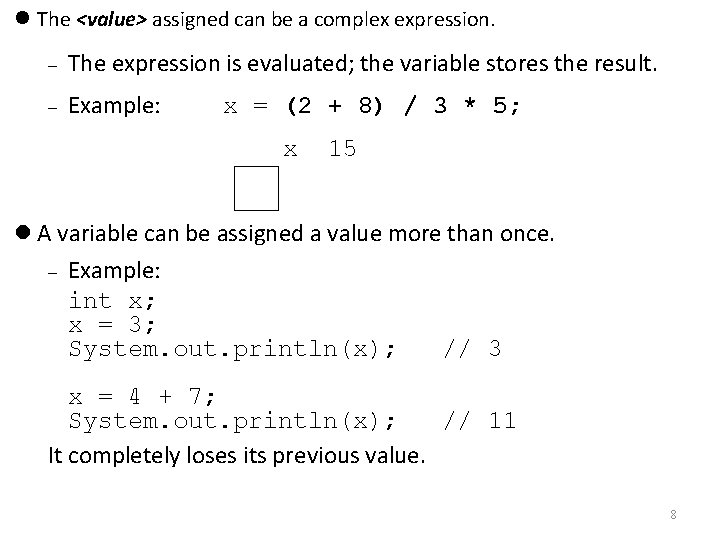
The <value> assigned can be a complex expression. The expression is evaluated; the variable stores the result. Example: x = (2 + 8) / 3 * 5; x 15 A variable can be assigned a value more than once. Example: int x; x = 3; System. out. println(x); // 3 x = 4 + 7; System. out. println(x); // 11 It completely loses its previous value. 8
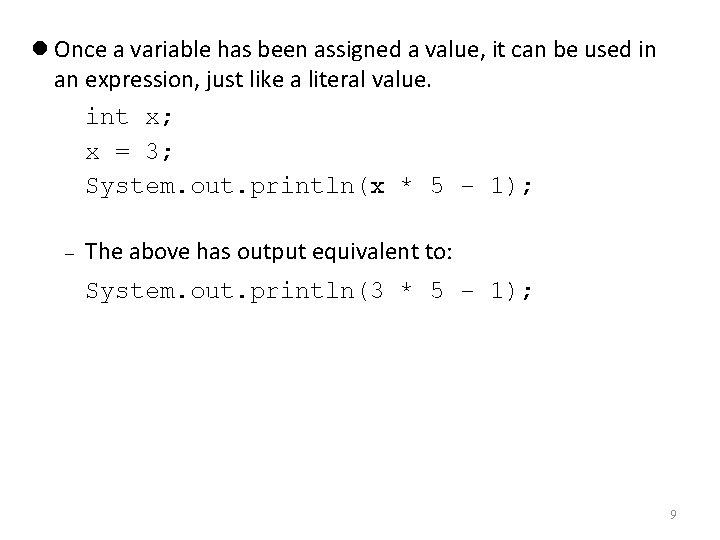
Once a variable has been assigned a value, it can be used in an expression, just like a literal value. int x; x = 3; System. out. println(x * 5 - 1); The above has output equivalent to: System. out. println(3 * 5 - 1); 9
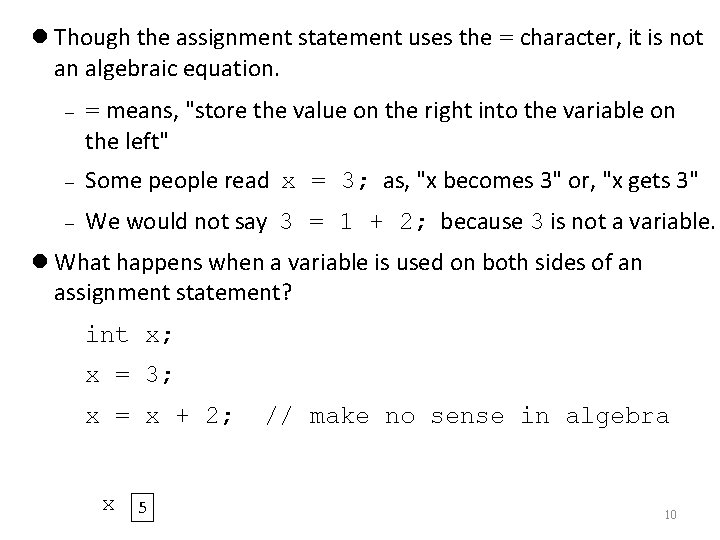
Though the assignment statement uses the = character, it is not an algebraic equation. = means, "store the value on the right into the variable on the left" Some people read x = 3; as, "x becomes 3" or, "x gets 3" We would not say 3 = 1 + 2; because 3 is not a variable. What happens when a variable is used on both sides of an assignment statement? int x; x = 3; x = x + 2; x 5 // make no sense in algebra 10
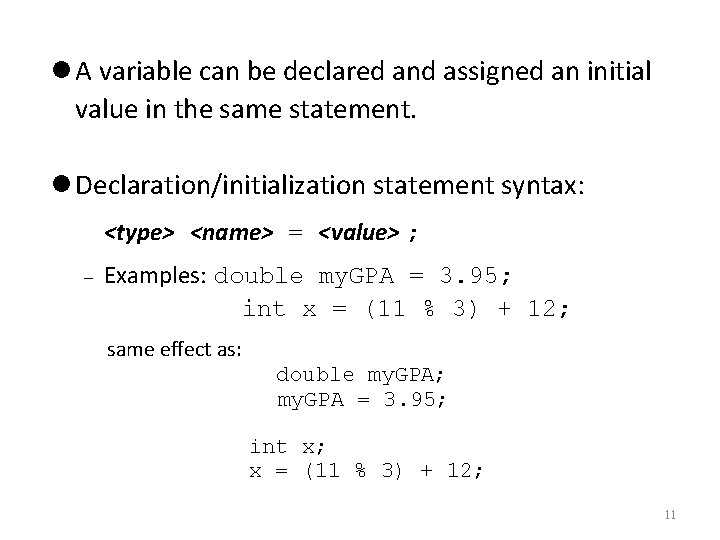
A variable can be declared and assigned an initial value in the same statement. Declaration/initialization statement syntax: <type> <name> = <value> ; Examples: double my. GPA = 3. 95; int x = (11 % 3) + 12; same effect as: double my. GPA; my. GPA = 3. 95; int x; x = (11 % 3) + 12; 11
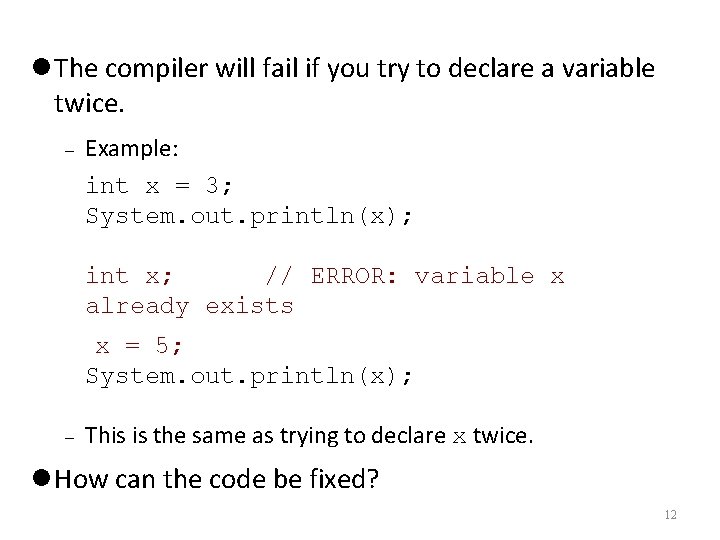
The compiler will fail if you try to declare a variable twice. Example: int x = 3; System. out. println(x); int x; // ERROR: variable x already exists x = 5; System. out. println(x); This is the same as trying to declare x twice. How can the code be fixed? 12
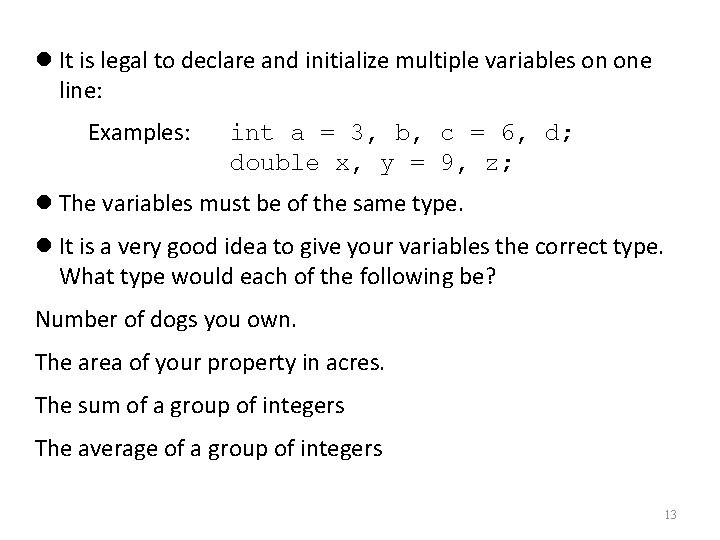
It is legal to declare and initialize multiple variables on one line: Examples: int a = 3, b, c = 6, d; double x, y = 9, z; The variables must be of the same type. It is a very good idea to give your variables the correct type. What type would each of the following be? Number of dogs you own. The area of your property in acres. The sum of a group of integers The average of a group of integers 13
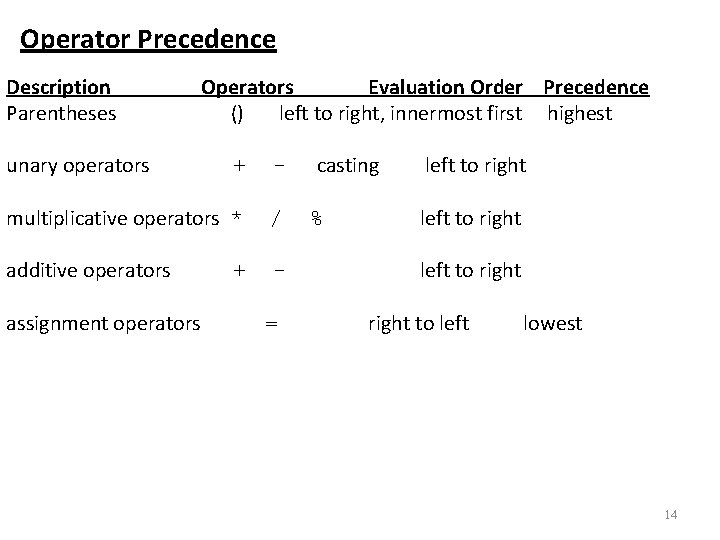
Operator Precedence Description Parentheses unary operators Operators Evaluation Order Precedence () left to right, innermost first highest + - multiplicative operators * / additive operators - assignment operators + = casting % left to right to left lowest 14
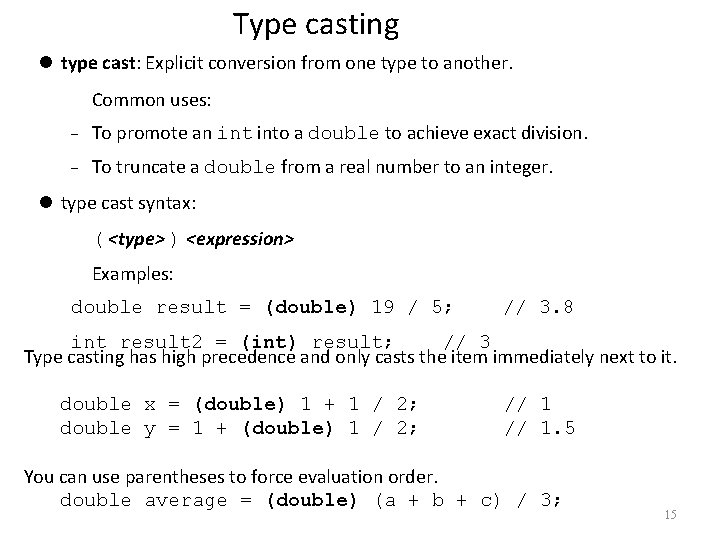
Type casting type cast: Explicit conversion from one type to another. Common uses: To promote an into a double to achieve exact division. To truncate a double from a real number to an integer. type cast syntax: ( <type> ) <expression> Examples: double result = (double) 19 / 5; // 3. 8 int result 2 = (int) result; // 3 Type casting has high precedence and only casts the item immediately next to it. double x = (double) 1 + 1 / 2; double y = 1 + (double) 1 / 2; // 1. 5 You can use parentheses to force evaluation order. double average = (double) (a + b + c) / 3; 15
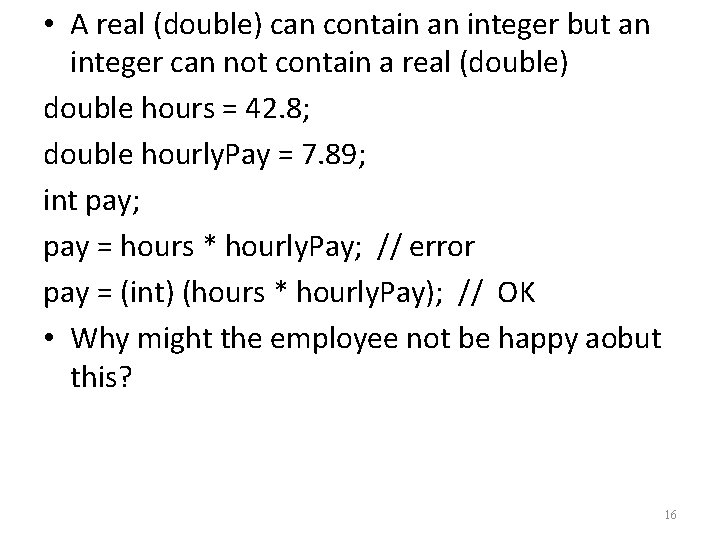
• A real (double) can contain an integer but an integer can not contain a real (double) double hours = 42. 8; double hourly. Pay = 7. 89; int pay; pay = hours * hourly. Pay; // error pay = (int) (hours * hourly. Pay); // OK • Why might the employee not be happy aobut this? 16
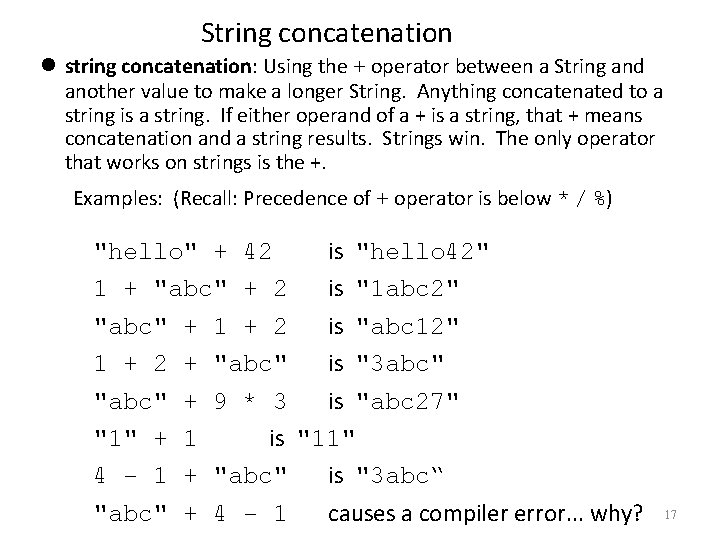
String concatenation string concatenation: Using the + operator between a String and another value to make a longer String. Anything concatenated to a string is a string. If either operand of a + is a string, that + means concatenation and a string results. Strings win. The only operator that works on strings is the +. Examples: (Recall: Precedence of + operator is below * / %) "hello" + 42 is "hello 42" 1 + "abc" + 2 is "1 abc 2" "abc" + 1 + 2 is "abc 12" 1 + 2 + "abc" is "3 abc" "abc" + 9 * 3 is "abc 27" "1" + 1 is "11" 4 - 1 + "abc" is "3 abc“ "abc" + 4 - 1 causes a compiler error. . . why? 17
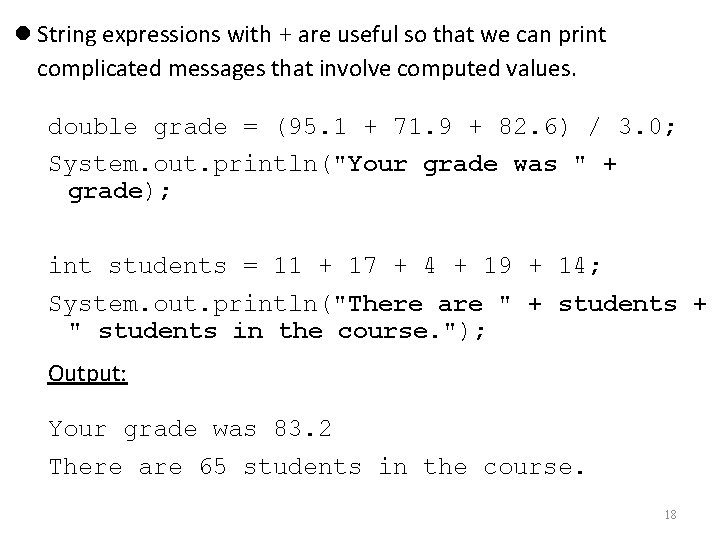
String expressions with + are useful so that we can print complicated messages that involve computed values. double grade = (95. 1 + 71. 9 + 82. 6) / 3. 0; System. out. println("Your grade was " + grade); int students = 11 + 17 + 4 + 19 + 14; System. out. println("There are " + students + " students in the course. "); Output: Your grade was 83. 2 There are 65 students in the course. 18
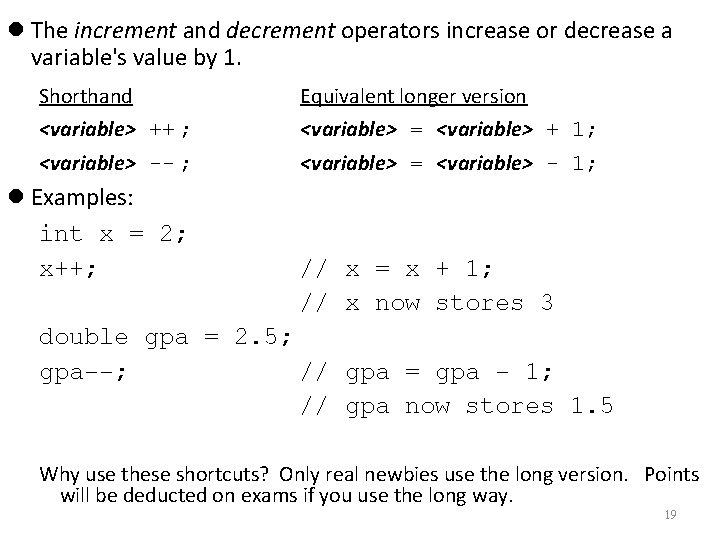
The increment and decrement operators increase or decrease a variable's value by 1. Shorthand Equivalent longer version <variable> ++ ; <variable> = <variable> + 1; <variable> -- ; <variable> = <variable> - 1; Examples: int x = 2; x++; // x = x + 1; // x now stores 3 double gpa = 2. 5; gpa--; // gpa = gpa - 1; // gpa now stores 1. 5 Why use these shortcuts? Only real newbies use the long version. Points will be deducted on exams if you use the long way. 19
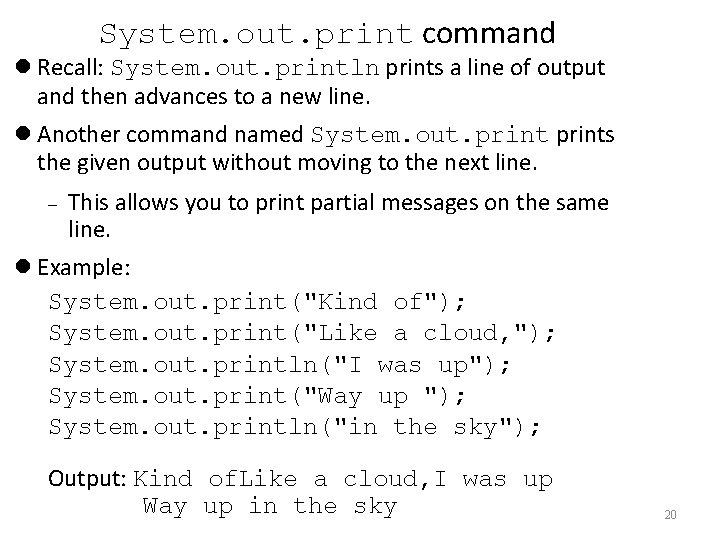
System. out. print command Recall: System. out. println prints a line of output and then advances to a new line. Another command named System. out. prints the given output without moving to the next line. This allows you to print partial messages on the same line. Example: System. out. print("Kind of"); System. out. print("Like a cloud, "); System. out. println("I was up"); System. out. print("Way up "); System. out. println("in the sky"); Output: Kind of. Like a cloud, I was up Way up in the sky 20
- Slides: 20