
Variables Math Operators CE 311 K Introduction to
Variables & Math Operators CE 311 K - Introduction to Computer Methods Daene C. Mc. Kinney
Introduction • • • Computer Memory & Variables Data Types Variable Names & Declaration Assignment Statements Arithmetic Operators & Math Functions String Variables

Computer Memory • Values in programs are stored in memory at locations with an address for each location Computer memory with 1 integer 45 12 1652 2548 Actually stored As 101101 Memory addresses Value in memory at that address Actually stored As 1100
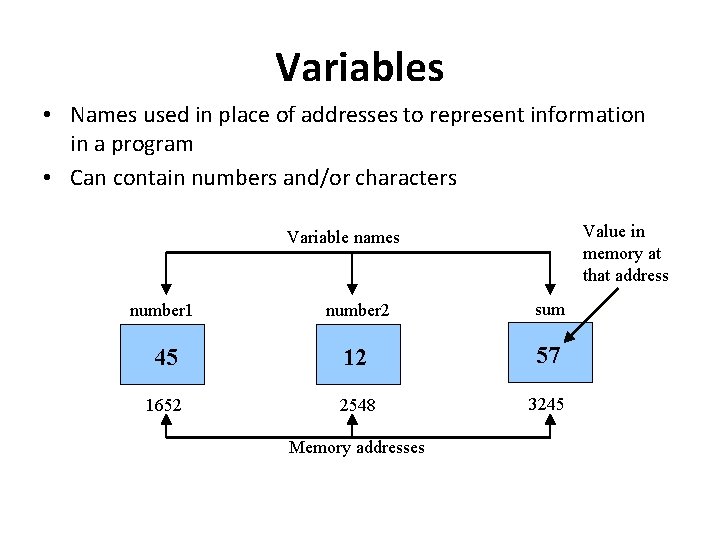
Variables • Names used in place of addresses to represent information in a program • Can contain numbers and/or characters Value in memory at that address Variable names number 1 number 2 sum 45 12 57 1652 2548 3245 Memory addresses
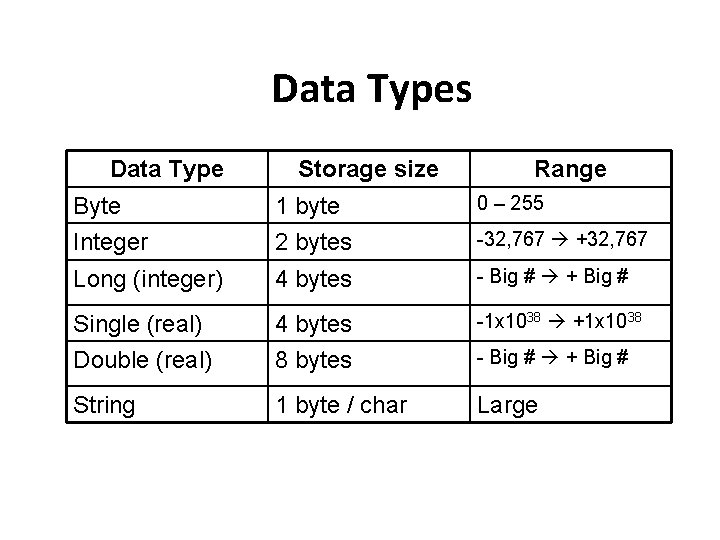
Data Types Data Type Storage size Range Byte 1 byte 0 – 255 Integer 2 bytes -32, 767 +32, 767 Long (integer) 4 bytes - Big # + Big # Single (real) 4 bytes -1 x 1038 +1 x 1038 Double (real) 8 bytes - Big # + Big # String 1 byte / char Large
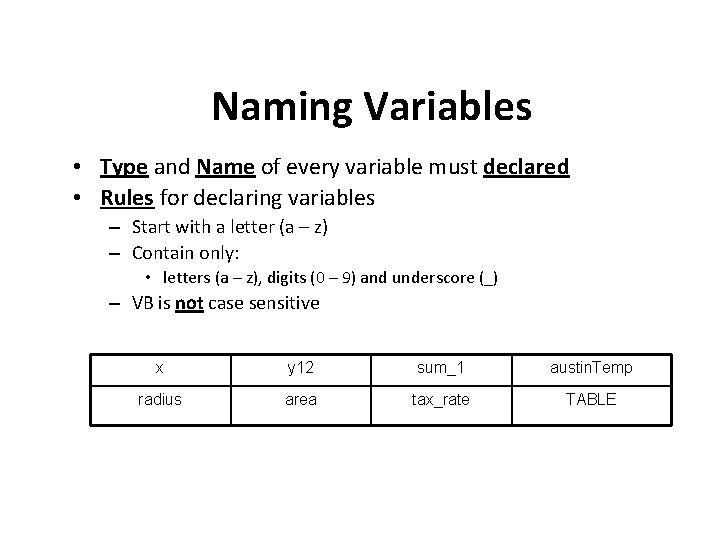
Naming Variables • Type and Name of every variable must declared • Rules for declaring variables – Start with a letter (a – z) – Contain only: • letters (a – z), digits (0 – 9) and underscore (_) – VB is not case sensitive x y 12 sum_1 austin. Temp radius area tax_rate TABLE
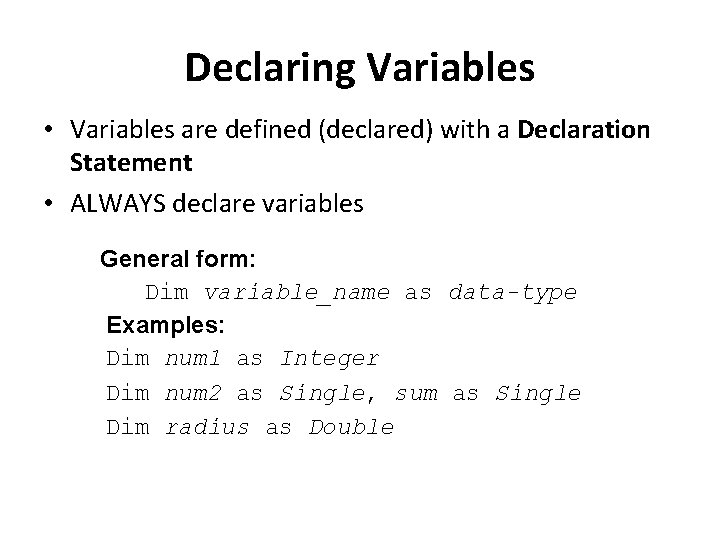
Declaring Variables • Variables are defined (declared) with a Declaration Statement • ALWAYS declare variables • General form: Dim variable_name as data-type • Examples: Dim num 1 as Integer Dim num 2 as Single, sum as Single Dim radius as Double
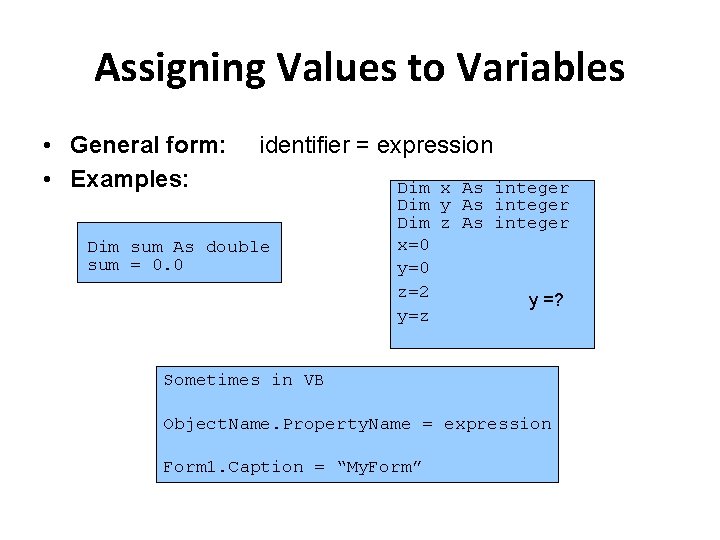
Assigning Values to Variables • General form: • Examples: identifier = expression Dim sum As double sum = 0. 0 Dim x As integer Dim y As integer Dim z As integer x=0 y=0 z=2 y =? y=z Sometimes in VB Object. Name. Property. Name = expression Form 1. Caption = “My. Form”
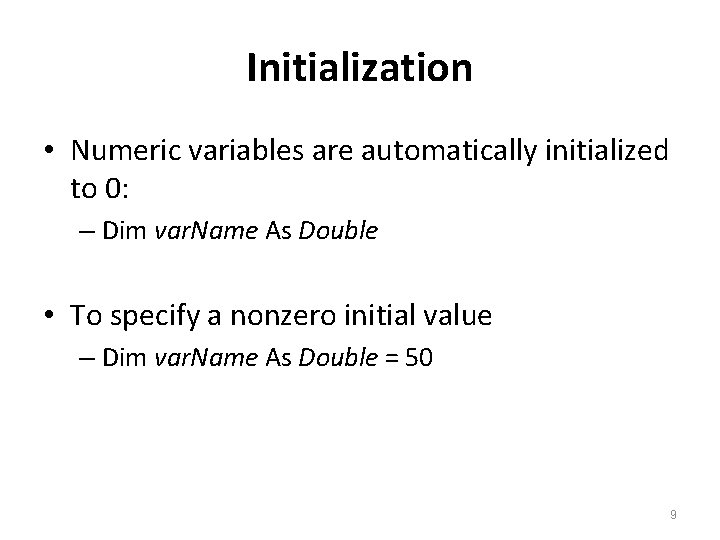
Initialization • Numeric variables are automatically initialized to 0: – Dim var. Name As Double • To specify a nonzero initial value – Dim var. Name As Double = 50 9
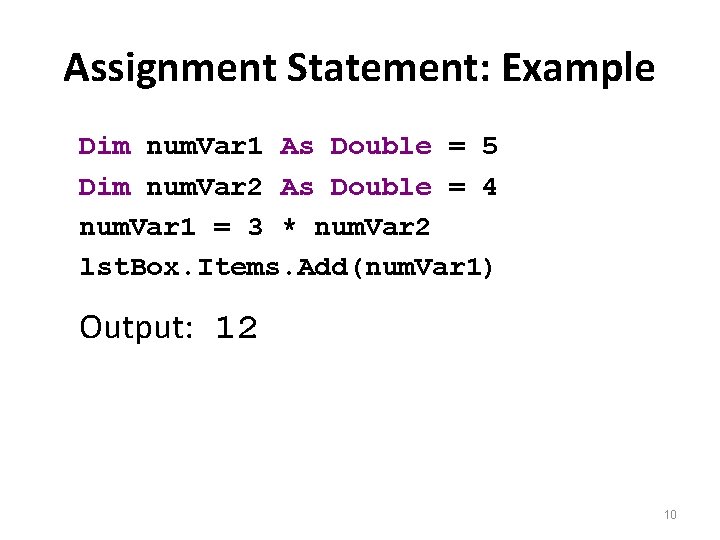
Assignment Statement: Example Dim num. Var 1 As Double = 5 Dim num. Var 2 As Double = 4 num. Var 1 = 3 * num. Var 2 lst. Box. Items. Add(num. Var 1) Output: 12 10

Multiple Declarations Dim a, b As Double Two other types of multiple-declaration statements are Dim a As Double, b As Integer Dim c As Double = 2, b As Integer = 5 11

Arithmetic Operators • • Exponentiation Negation Multiplication Division Addition Subtraction Integer division Modulo division ^ * / + Mod
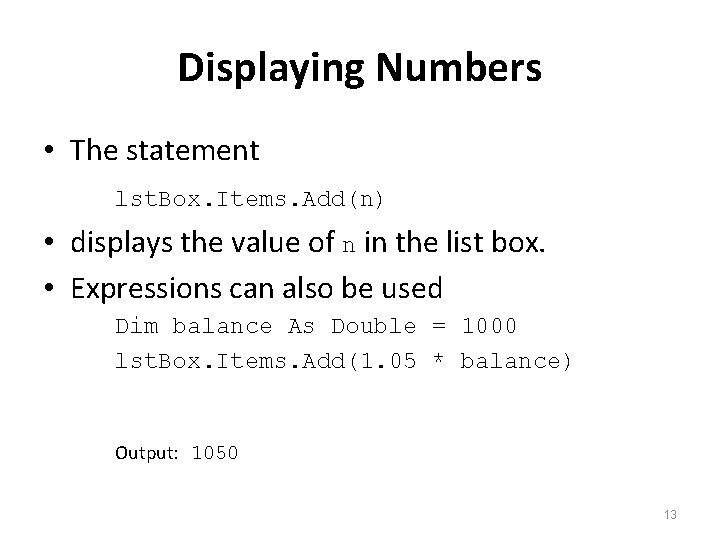
Displaying Numbers • The statement lst. Box. Items. Add(n) • displays the value of n in the list box. • Expressions can also be used Dim balance As Double = 1000 lst. Box. Items. Add(1. 05 * balance) Output: 1050 13
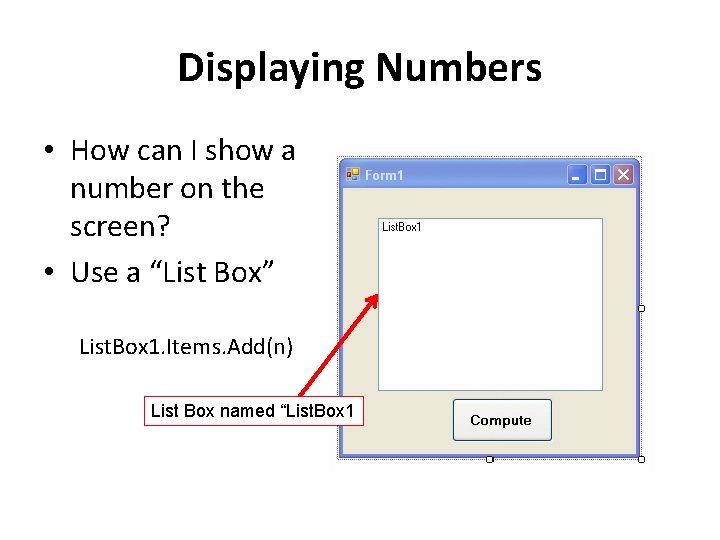
Displaying Numbers • How can I show a number on the screen? • Use a “List Box” List. Box 1. Items. Add(n) List Box named “List. Box 1
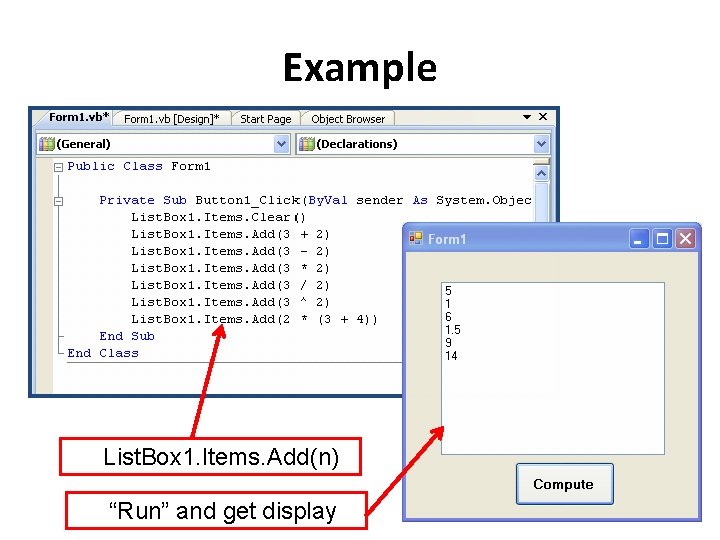
Example List. Box 1. Items. Add(n) “Run” and get display
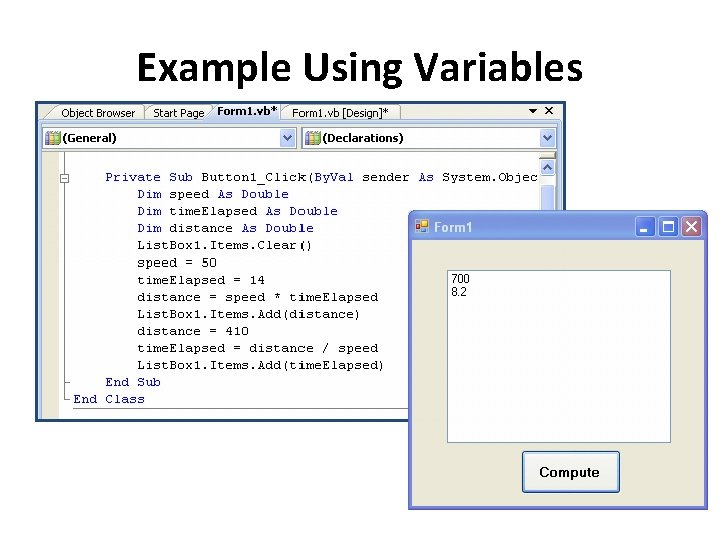
Example Using Variables
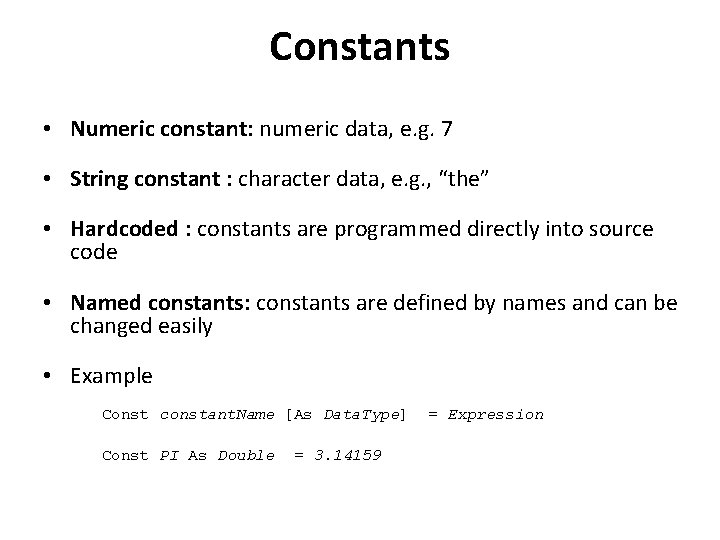
Constants • Numeric constant: numeric data, e. g. 7 • String constant : character data, e. g. , “the” • Hardcoded : constants are programmed directly into source code • Named constants: constants are defined by names and can be changed easily • Example Const constant. Name [As Data. Type] Const PI As Double = 3. 14159 = Expression

Modulo Division • Modulus operator: – The result is the remainder when the first argument is divided by the second
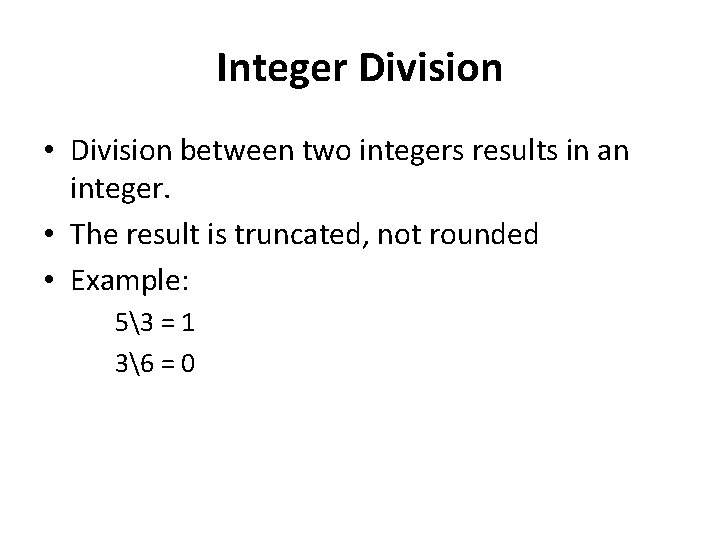
Integer Division • Division between two integers results in an integer. • The result is truncated, not rounded • Example: 53 = 1 36 = 0
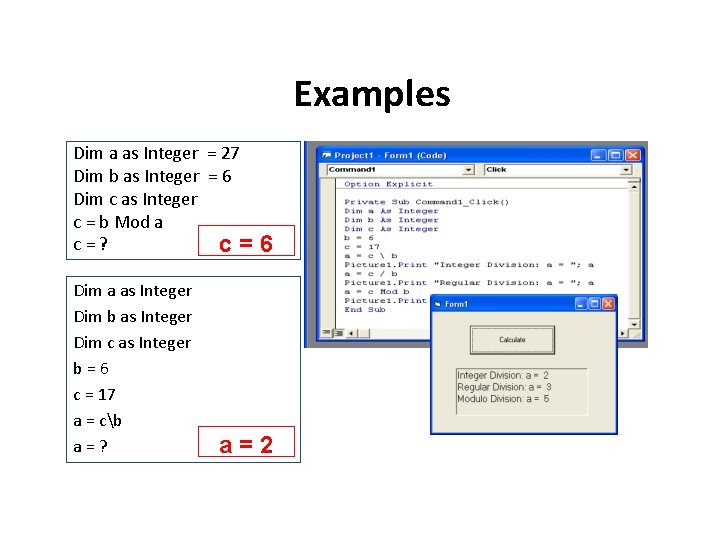
Examples Dim a as Integer = 27 Dim b as Integer = 6 Dim c as Integer c = b Mod a c=? c= Dim a as Integer Dim b as Integer Dim c as Integer b=6 c = 17 a = cb a=? 6 a=2
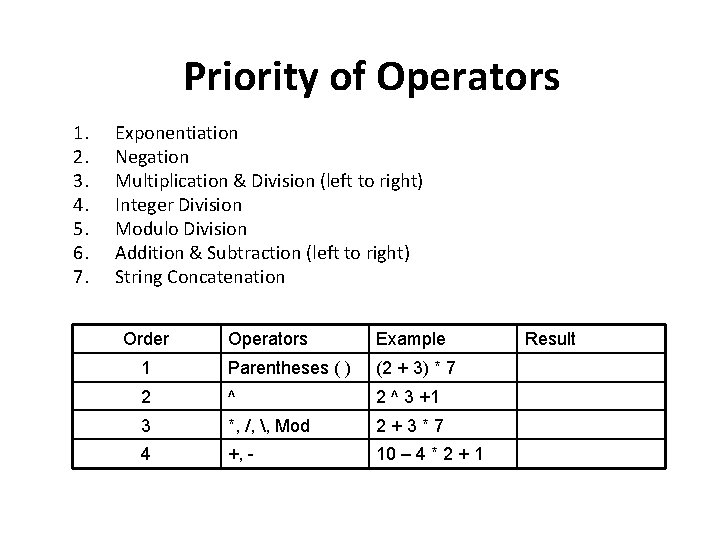
Priority of Operators 1. 2. 3. 4. 5. 6. 7. Exponentiation Negation Multiplication & Division (left to right) Integer Division Modulo Division Addition & Subtraction (left to right) String Concatenation Order Operators Example 1 Parentheses ( ) (2 + 3) * 7 2 ^ 3 +1 3 *, /, , Mod 2+3*7 4 +, - 10 – 4 * 2 + 1 Result
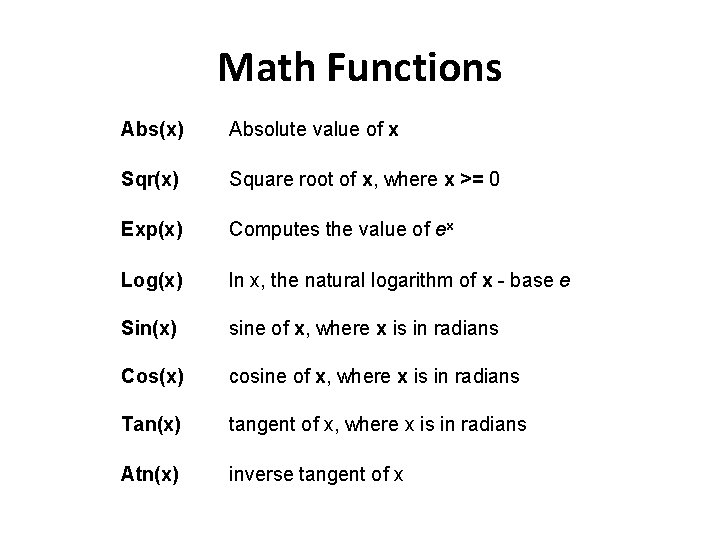
Math Functions Abs(x) Absolute value of x Sqr(x) Square root of x, where x >= 0 Exp(x) Computes the value of ex Log(x) ln x, the natural logarithm of x - base e Sin(x) sine of x, where x is in radians Cos(x) cosine of x, where x is in radians Tan(x) tangent of x, where x is in radians Atn(x) inverse tangent of x
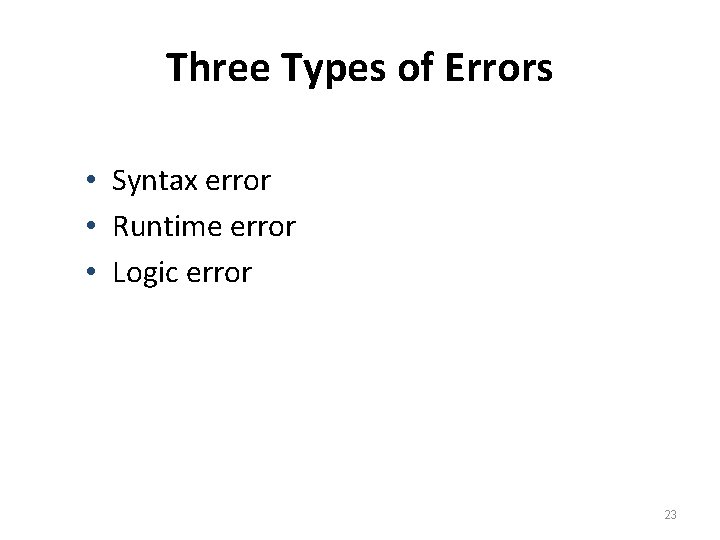
Three Types of Errors • Syntax error • Runtime error • Logic error 23
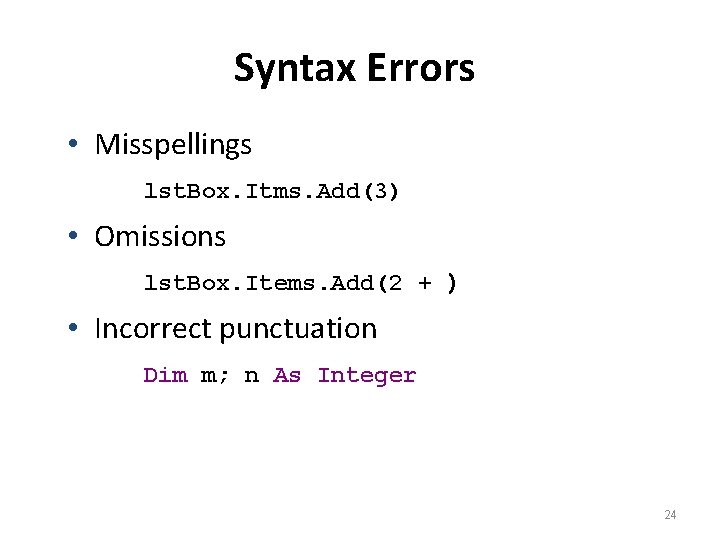
Syntax Errors • Misspellings lst. Box. Itms. Add(3) • Omissions lst. Box. Items. Add(2 + ) • Incorrect punctuation Dim m; n As Integer 24
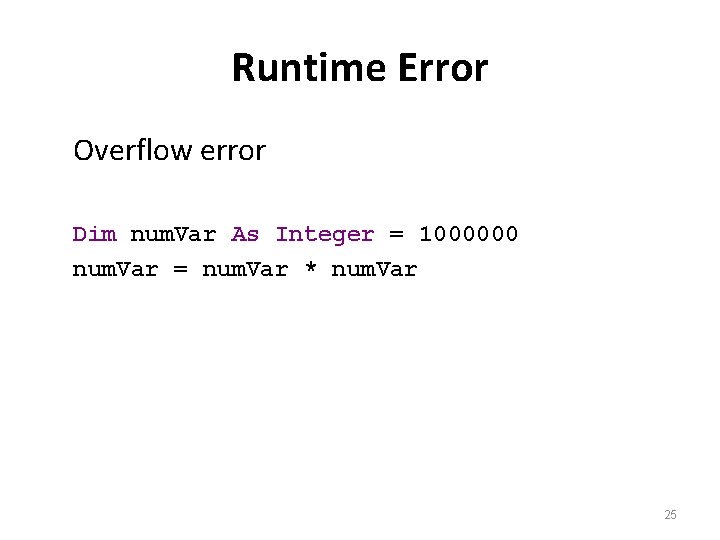
Runtime Error Overflow error Dim num. Var As Integer = 1000000 num. Var = num. Var * num. Var 25

Logical Error Dim average As Double Dim m As Double = 5 Dim n As Double = 10 average = m + n / 2 Value of average will be 10. Should be 7. 5. 26
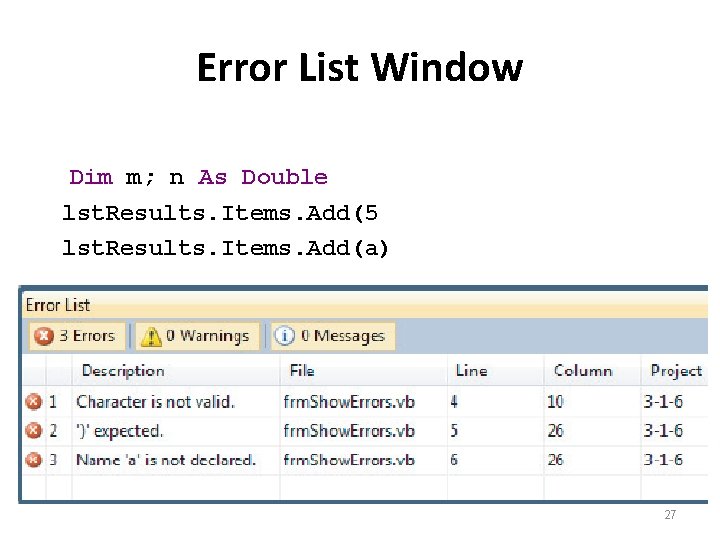
Error List Window Dim m; n As Double lst. Results. Items. Add(5 lst. Results. Items. Add(a) 27
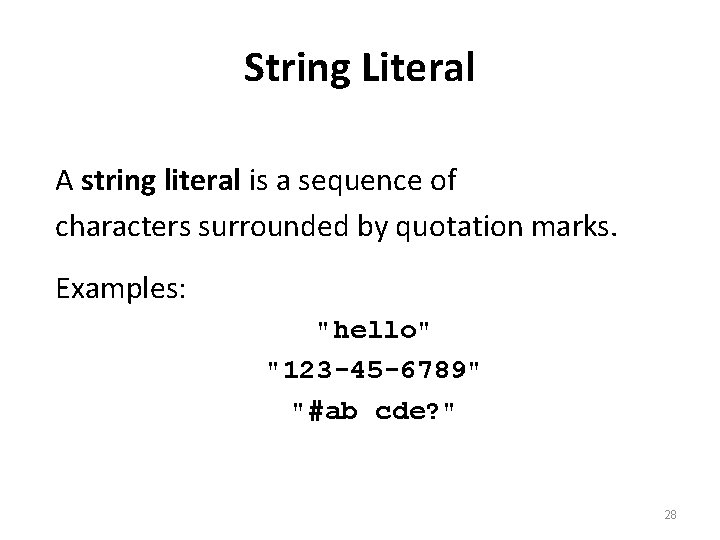
String Literal A string literal is a sequence of characters surrounded by quotation marks. Examples: "hello" "123 -45 -6789" "#ab cde? " 28
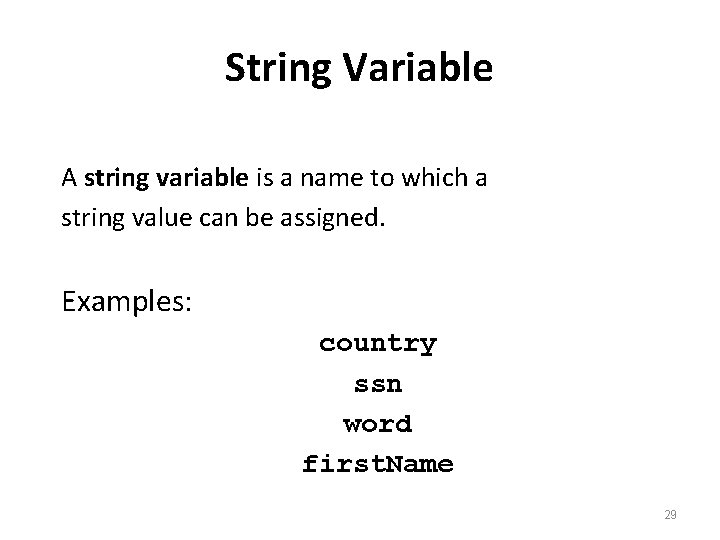
String Variable A string variable is a name to which a string value can be assigned. Examples: country ssn word first. Name 29
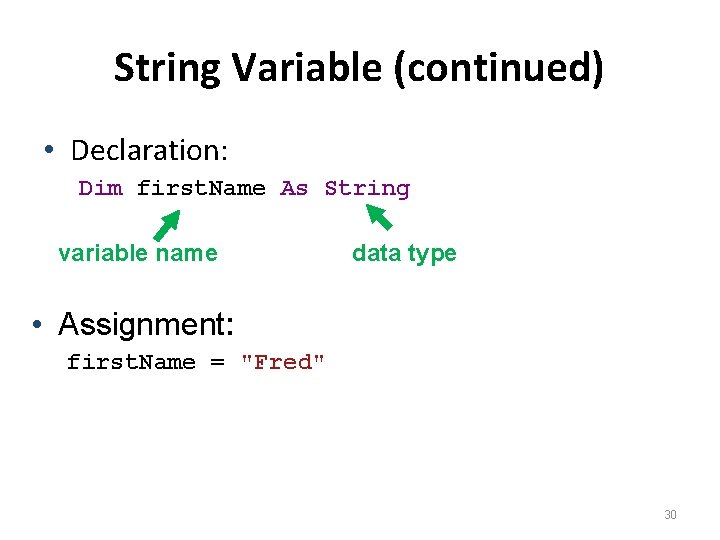
String Variable (continued) • Declaration: Dim first. Name As String variable name data type • Assignment: first. Name = "Fred" 30
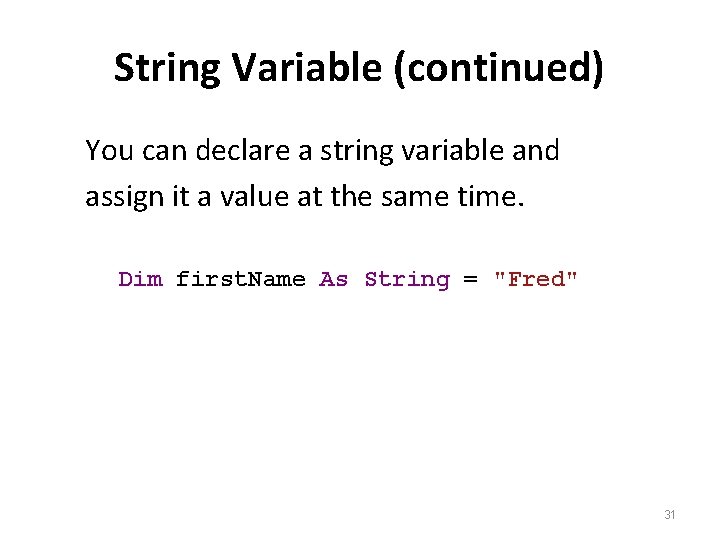
String Variable (continued) You can declare a string variable and assign it a value at the same time. Dim first. Name As String = "Fred" 31
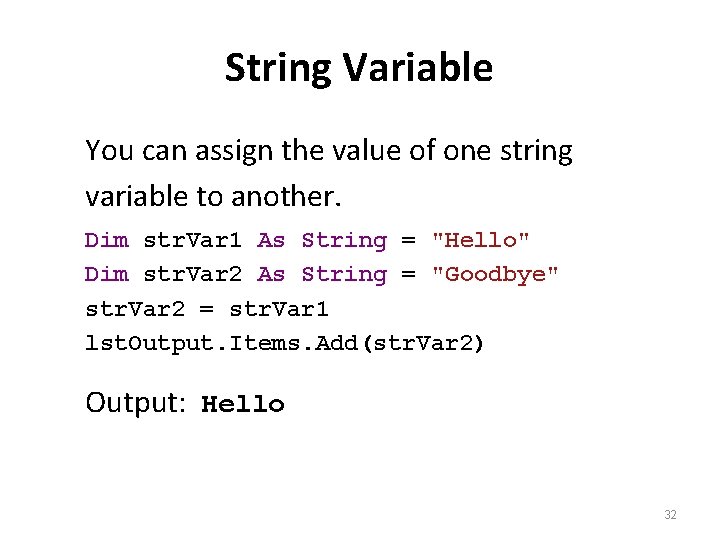
String Variable You can assign the value of one string variable to another. Dim str. Var 1 As String = "Hello" Dim str. Var 2 As String = "Goodbye" str. Var 2 = str. Var 1 lst. Output. Items. Add(str. Var 2) Output: Hello 32
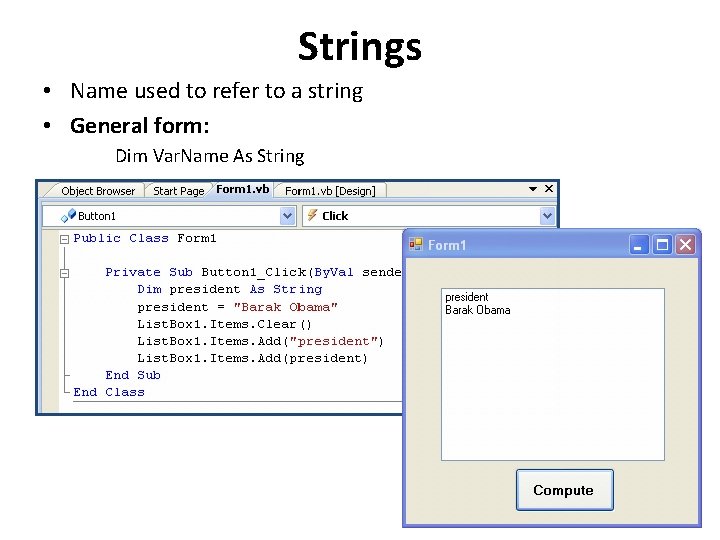
Strings • Name used to refer to a string • General form: Dim Var. Name As String
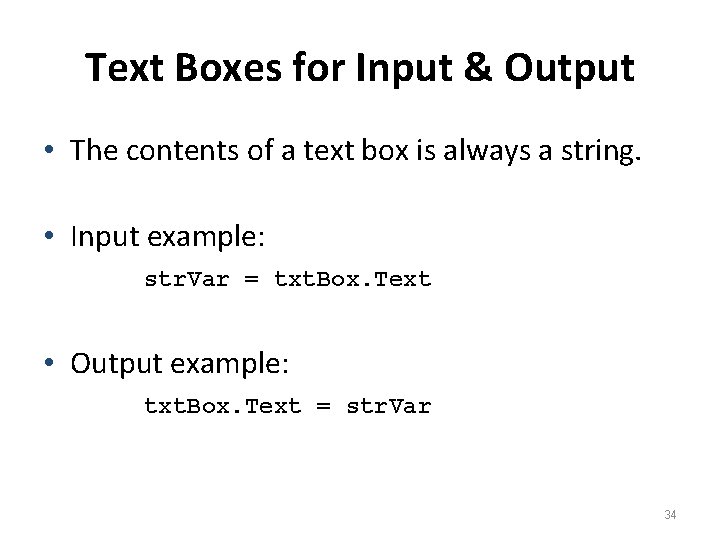
Text Boxes for Input & Output • The contents of a text box is always a string. • Input example: str. Var = txt. Box. Text • Output example: txt. Box. Text = str. Var 34
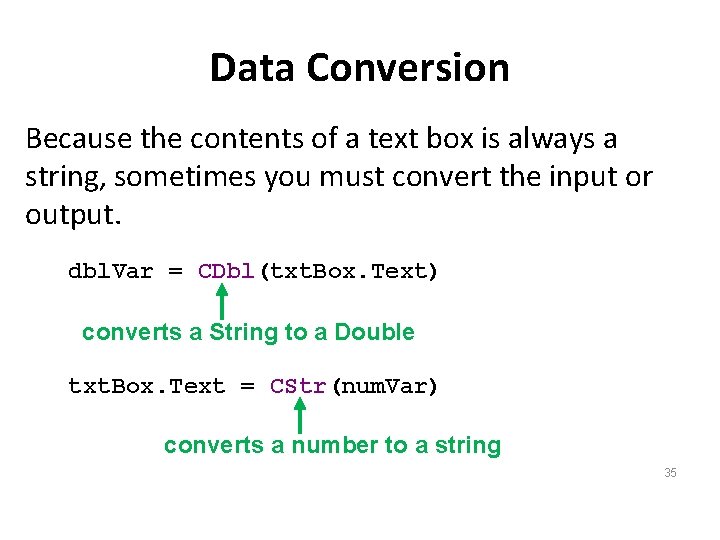
Data Conversion Because the contents of a text box is always a string, sometimes you must convert the input or output. dbl. Var = CDbl(txt. Box. Text) converts a String to a Double txt. Box. Text = CStr(num. Var) converts a number to a string 35
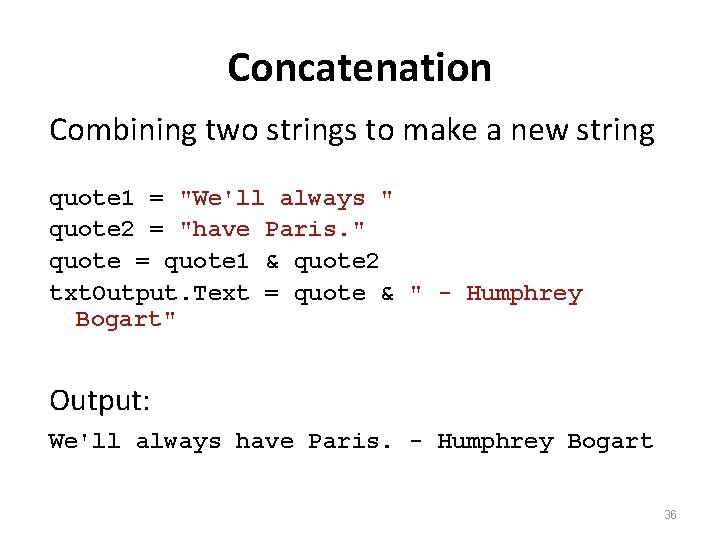
Concatenation Combining two strings to make a new string quote 1 = "We'll always " quote 2 = "have Paris. " quote = quote 1 & quote 2 txt. Output. Text = quote & " - Humphrey Bogart" Output: We'll always have Paris. - Humphrey Bogart 36
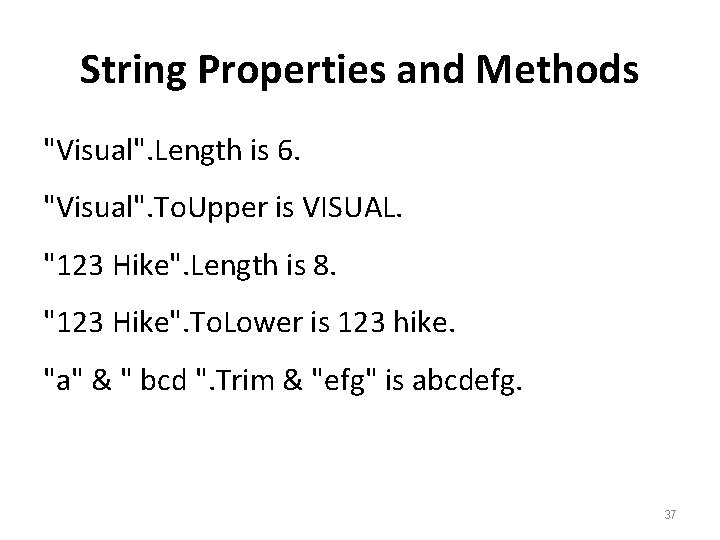
String Properties and Methods "Visual". Length is 6. "Visual". To. Upper is VISUAL. "123 Hike". Length is 8. "123 Hike". To. Lower is 123 hike. "a" & " bcd ". Trim & "efg" is abcdefg. 37
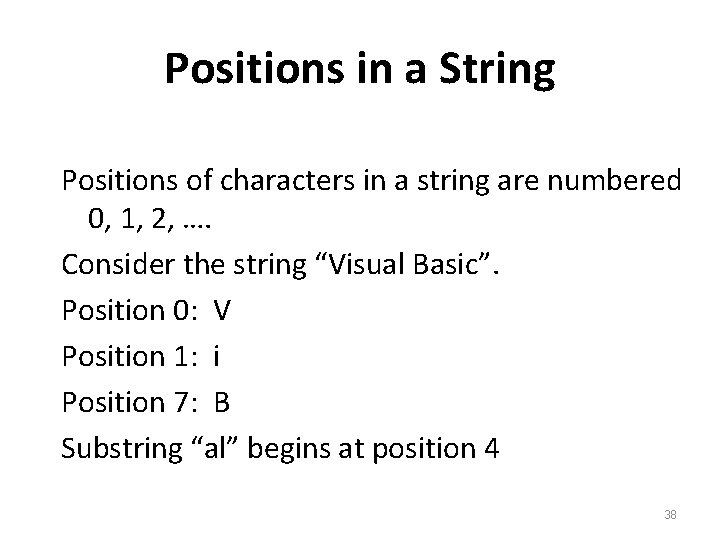
Positions in a String Positions of characters in a string are numbered 0, 1, 2, …. Consider the string “Visual Basic”. Position 0: V Position 1: i Position 7: B Substring “al” begins at position 4 38
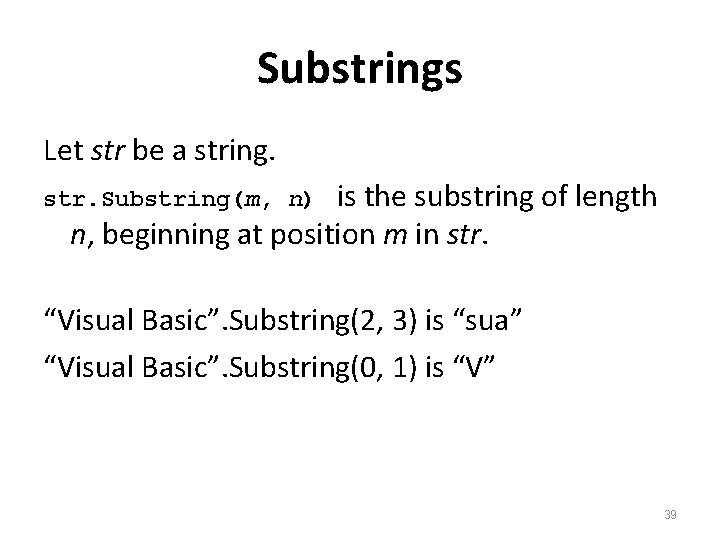
Substrings Let str be a string. is the substring of length n, beginning at position m in str. Substring(m, n) “Visual Basic”. Substring(2, 3) is “sua” “Visual Basic”. Substring(0, 1) is “V” 39
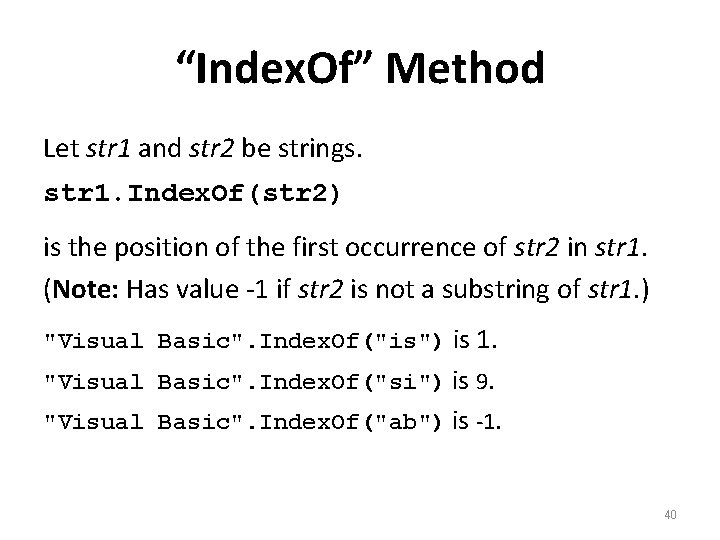
“Index. Of” Method Let str 1 and str 2 be strings. str 1. Index. Of(str 2) is the position of the first occurrence of str 2 in str 1. (Note: Has value -1 if str 2 is not a substring of str 1. ) "Visual Basic". Index. Of("is") is 1. "Visual Basic". Index. Of("si") is 9. "Visual Basic". Index. Of("ab") is -1. 40
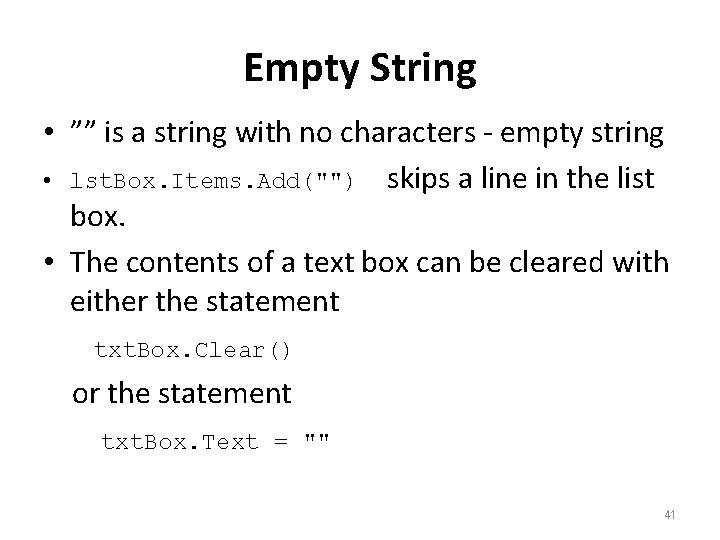
Empty String • ”” is a string with no characters - empty string • lst. Box. Items. Add("") skips a line in the list box. • The contents of a text box can be cleared with either the statement txt. Box. Clear() or the statement txt. Box. Text = "" 41
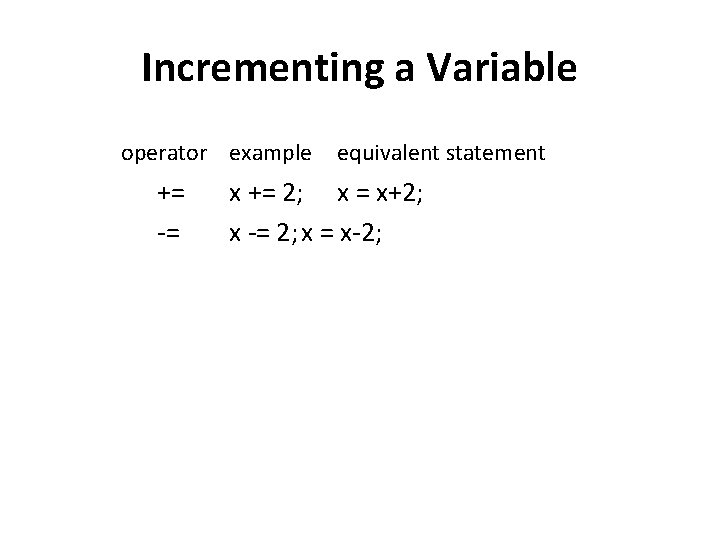
Incrementing a Variable operator example += -= equivalent statement x += 2; x = x+2; x -= 2; x = x-2;
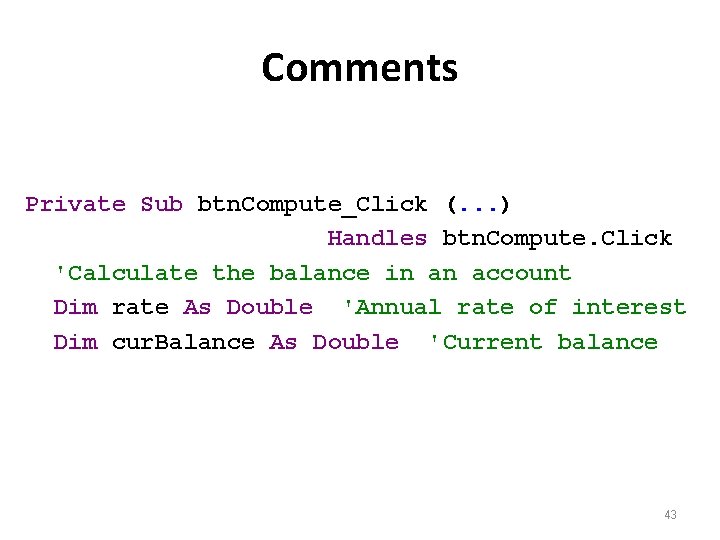
Comments Private Sub btn. Compute_Click (. . . ) Handles btn. Compute. Click 'Calculate the balance in an account Dim rate As Double 'Annual rate of interest Dim cur. Balance As Double 'Current balance 43
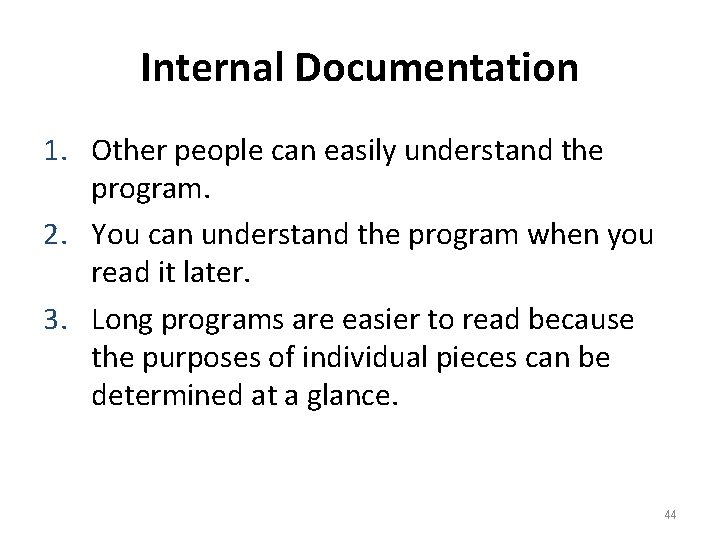
Internal Documentation 1. Other people can easily understand the program. 2. You can understand the program when you read it later. 3. Long programs are easier to read because the purposes of individual pieces can be determined at a glance. 44
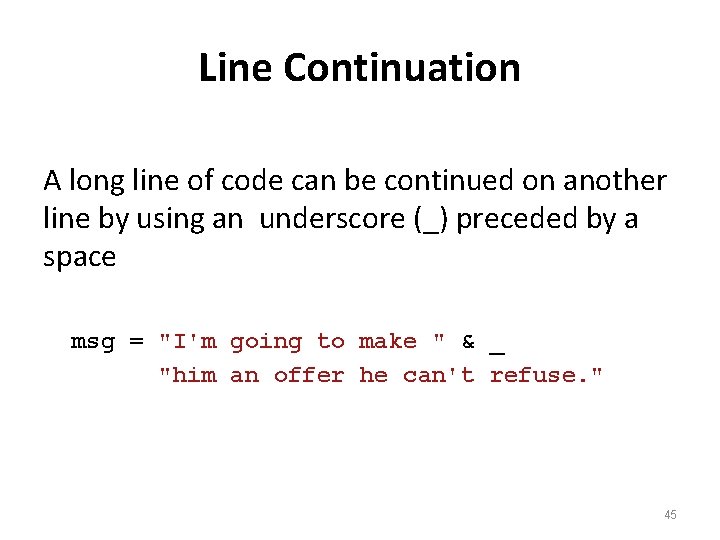
Line Continuation A long line of code can be continued on another line by using an underscore (_) preceded by a space msg = "I'm going to make " & _ "him an offer he can't refuse. " 45
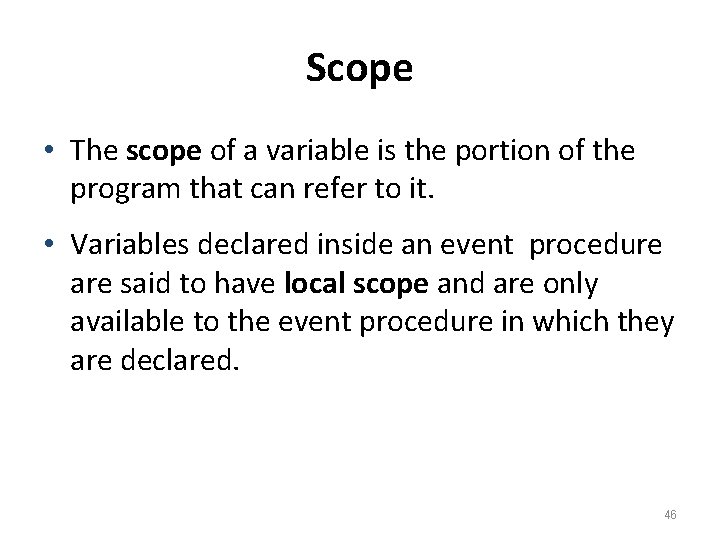
Scope • The scope of a variable is the portion of the program that can refer to it. • Variables declared inside an event procedure are said to have local scope and are only available to the event procedure in which they are declared. 46
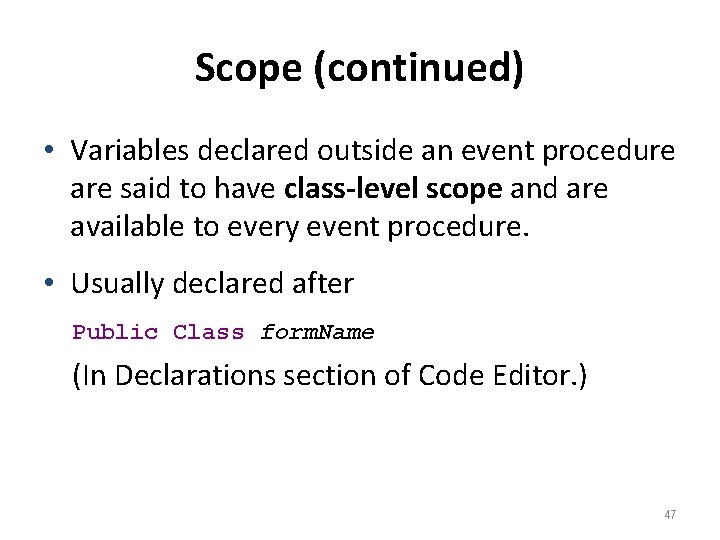
Scope (continued) • Variables declared outside an event procedure are said to have class-level scope and are available to every event procedure. • Usually declared after Public Class form. Name (In Declarations section of Code Editor. ) 47
Summary • • • Computer Memory & Variables Data Types Variable Names & Declaration Assignment Statements Arithmetic Operators & Math Functions String Variables
- Slides: 48