
Variables In todays lesson we will look at
Variables In today’s lesson we will look at: • what a variable is • different types of variables • why we have types • using variables in your program
Variables • Variables are probably the most important thing in programming. • They store the data that your program is using as it runs. • Without them, it would be very difficult (if not impossible) to write a useful program. • There are similarities between the way variables are used and algebra.
Types • With most programming languages (but not all of them) variables have a type. • Just BASIC has just two variable types – numeric and string (a string variable stores text) • The type of a variable in Just BASIC is indicated by its name – if it has a $ symbol at the end, then it’s for text, otherwise it’s for numbers
Variable Names • Variable names are words or letters – just like algebra • You can use any combination of letters and numbers, but variable names: – must begin with a letter – contain only letters and numbers – must not be commands, e. g. PRINT is not a valid variable name
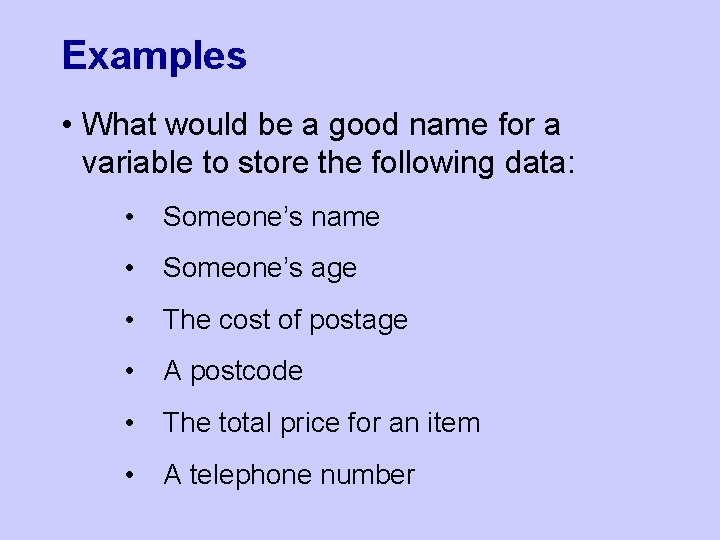
Examples • What would be a good name for a variable to store the following data: • Someone’s name • Someone’s age • The cost of postage • A postcode • The total price for an item • A telephone number
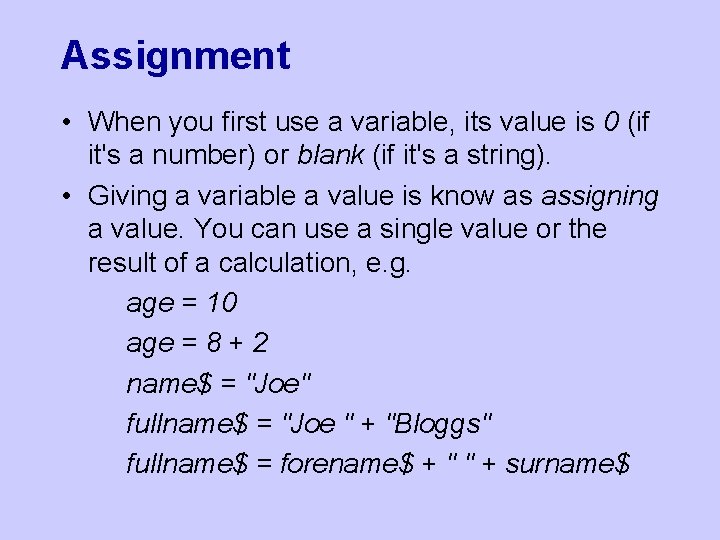
Assignment • When you first use a variable, its value is 0 (if it's a number) or blank (if it's a string). • Giving a variable a value is know as assigning a value. You can use a single value or the result of a calculation, e. g. age = 10 age = 8 + 2 name$ = "Joe" fullname$ = "Joe " + "Bloggs" fullname$ = forename$ + " " + surname$
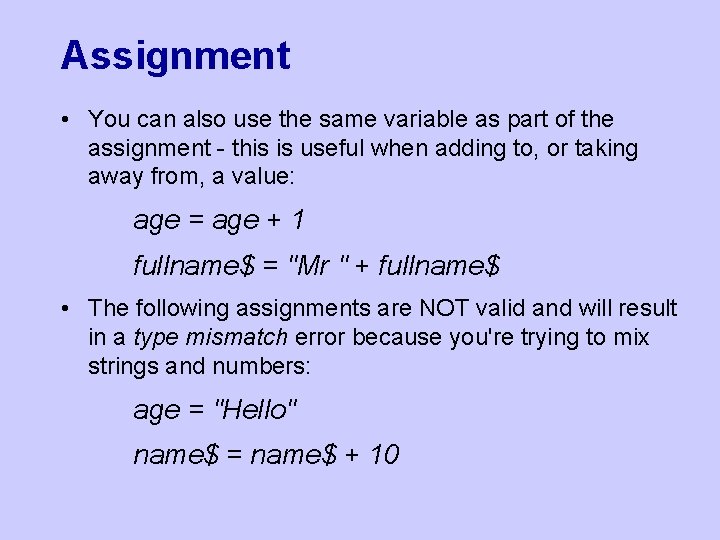
Assignment • You can also use the same variable as part of the assignment - this is useful when adding to, or taking away from, a value: age = age + 1 fullname$ = "Mr " + fullname$ • The following assignments are NOT valid and will result in a type mismatch error because you're trying to mix strings and numbers: age = "Hello" name$ = name$ + 10
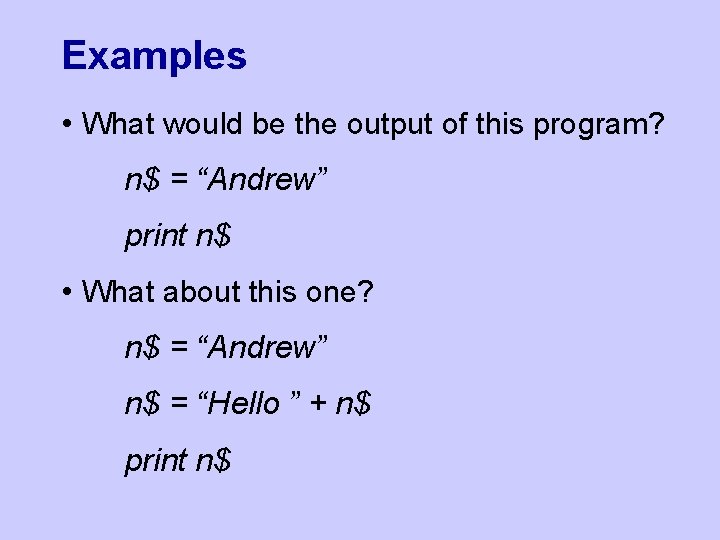
Examples • What would be the output of this program? n$ = “Andrew” print n$ • What about this one? n$ = “Andrew” n$ = “Hello ” + n$ print n$
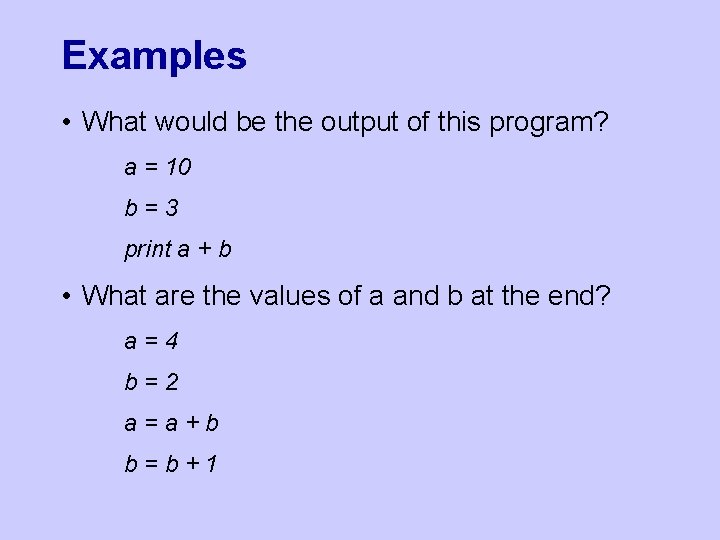
Examples • What would be the output of this program? a = 10 b=3 print a + b • What are the values of a and b at the end? a=4 b=2 a=a+b b=b+1
- Slides: 9