
Variables in C Topics What is Variable Naming
Variables in C Topics • • • What is Variable Naming Variables Declaring Variables Using Variables The Assignment Statement CMSC 104, Version 9/01 1

What Are Variables in C? • Variables are the names that refer to sections of memory into which data can be stored. • Variables in C have the same meaning as variables in algebra. That is, they represent some unknown, or variable, value. x=a+b z + 2 = 3(y - 5) • Remember that variables in algebra are represented by a single alphabetic character. CMSC 104, Version 9/01 2

Naming Variables • Rules for variable naming: o o o Can be composed of letters (both uppercase and lowercase letters), digits and underscore only. The first character should be either a letter or an underscore(not any digit). Punctuation and special characters are not allowed except underscore. Variable name should not be keywords. names are case sensitive. There is no rule for the length of a variable name. However, the first 31 characters are discriminated by the compiler. So, the first 31 letters of two name in a program should be different. CMSC 104, Version 9/01 3

Reserved Words (Keywords) in C • • auto case const default double enum float goto CMSC 104, Version 9/01 break char continue do else extern for if int register short signed sizeof struct typedef unsigned volatile long return static switch union void while 4

Naming Conventions • C programmers generally agree on the following conventions for naming variables. o o o Begin variable names with lowercase letters Use meaningful identifiers Separate “words” within identifiers with underscores or mixed upper and lower case. Examples: surface. Area surface_area Be consistent! CMSC 104, Version 9/01 5
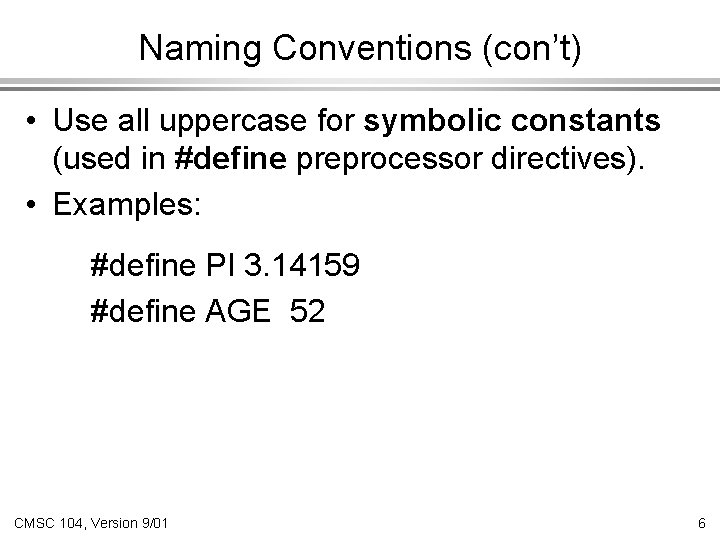
Naming Conventions (con’t) • Use all uppercase for symbolic constants (used in #define preprocessor directives). • Examples: #define PI 3. 14159 #define AGE 52 CMSC 104, Version 9/01 6

Case Sensitivity • C is case sensitive o o It matters whether an identifier, such as a variable name, is uppercase or lowercase. Example: area AREA Ar. Ea are all seen as different variables by the compiler. CMSC 104, Version 9/01 7
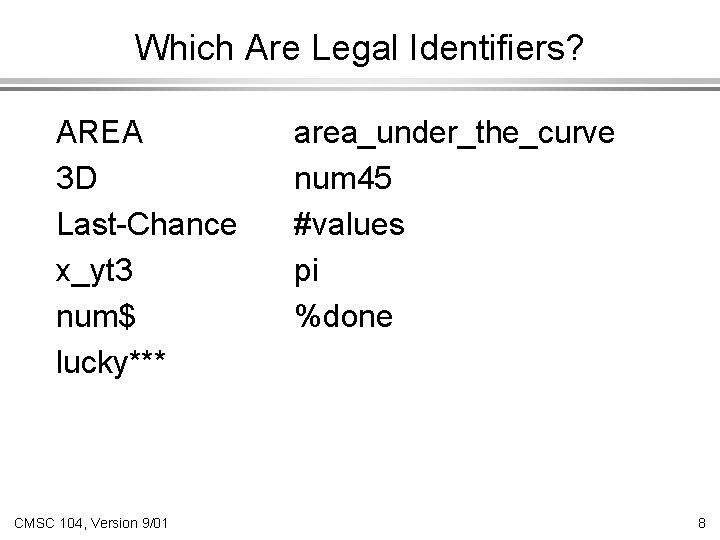
Which Are Legal Identifiers? AREA 3 D Last-Chance x_yt 3 num$ lucky*** CMSC 104, Version 9/01 area_under_the_curve num 45 #values pi %done 8
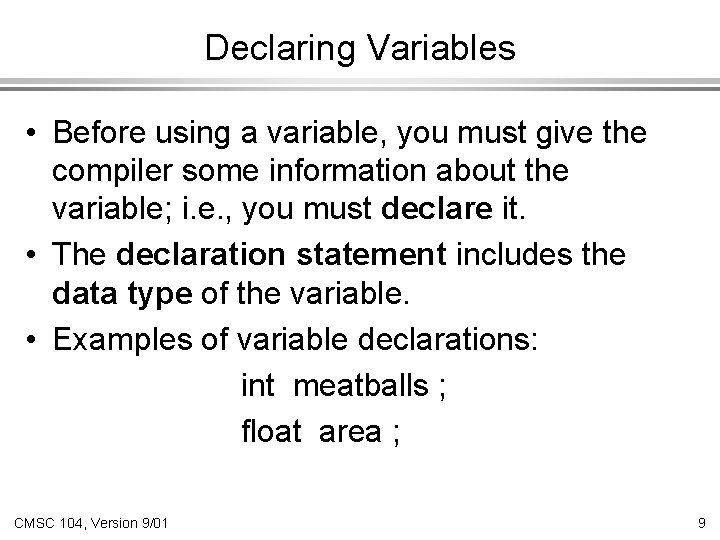
Declaring Variables • Before using a variable, you must give the compiler some information about the variable; i. e. , you must declare it. • The declaration statement includes the data type of the variable. • Examples of variable declarations: int meatballs ; float area ; CMSC 104, Version 9/01 9

Declaring Variables (con’t) • When we declare a variable o o o Space is set aside in memory to hold a value of the specified data type That space is associated with the variable name That space is associated with a unique address • Visualization of the declaration int meatballs ; meatballs garbage FE 07 CMSC 104, Version 9/01 10

More About Variables C has three basic predefined data types: • Integers (whole numbers) o Int • Floating point (real numbers) o o float, double • Characters o char CMSC 104, Version 9/01 11

Using Variables: Initialization • Variables may be given initial values, or initialized, when declared. Examples: length int length = 7 ; 7 diameter float diameter = 5. 9 ; 5. 9 initial char initial = ‘Z’ ; CMSC 104, Version 9/01 ‘Z’ 12

Using Variables: Initialization (con’t) • Do not “hide” the initialization o o o put initialized variables on a separate line a comment is always a good idea Example: int height ; /* rectangle height */ int width = 6 ; /* rectangle width */ int area ; /* rectangle area */ NOT int height, width = 6, area ; CMSC 104, Version 9/01 13

Using Variables: Assignment • Variables may have values assigned to them through the use of an assignment statement. • Such a statement uses the assignment operator = • This operator does not denote equality. It assigns the value of the right hand side of the statement (the expression) to the variable on the left hand side. • Examples: diameter = 5. 9 ; area = length * width ; Note that only single variables may appear on the left hand side of the assignment operator. CMSC 104, Version 9/01 14

Example: Declarations and Assignments #include <stdio. h> inches int main( ) { int inches, feet, fathoms ; feet fathoms = 7 ; feet = 6 * fathoms ; inches = 12 * feet ; • • • CMSC 104, Version 9/01 garbage fathoms 7 feet 42 inches 504 15

Example: Declarations and Assignments (cont’d) • • • printf (“Its depth at sea: n”) ; printf (“ %d fathoms n”, fathoms) ; printf (“ %d feet n”, feet) ; printf (“ %d inches n”, inches) ; } return 0 ; CMSC 104, Version 9/01 16
Enhancing Our Example • What if the depth were really 5. 75 fathoms? Our program, as it is, couldn’t handle it. • Unlike integers, floating point numbers can contain decimal portions. So, let’s use floating point, rather than integer. • Let’s also ask the user to enter the number of fathoms, rather than “hard-coding” it in. CMSC 104, Version 9/01 17

Enhanced Program #include <stdio. h> int main ( ) { float inches, feet, fathoms ; printf (“Enter the depth in fathoms : ”) ; scanf (“%f”, &fathoms) ; feet = fathoms/6 ; inches = feet/12 ; printf (“Its depth at sea: n”) ; printf (“ %f fathoms n”, fathoms) ; printf (“ %f feet n”, feet) ; printf (“ %f inches n”, inches) ; return 0 ; } CMSC 104, Version 9/01 18
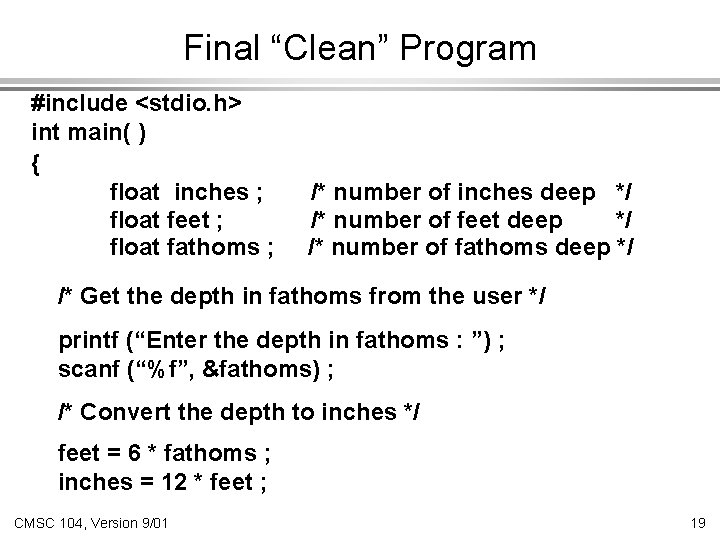
Final “Clean” Program #include <stdio. h> int main( ) { float inches ; float feet ; float fathoms ; /* number of inches deep */ /* number of feet deep */ /* number of fathoms deep */ /* Get the depth in fathoms from the user */ printf (“Enter the depth in fathoms : ”) ; scanf (“%f”, &fathoms) ; /* Convert the depth to inches */ feet = 6 * fathoms ; inches = 12 * feet ; CMSC 104, Version 9/01 19

Final “Clean” Program (con’t) /* Display the results */ printf (“Its depth at sea: n”) ; printf (“ %f fathoms n”, fathoms) ; printf (“ %f feet n”, feet); printf (“ %f inches n”, inches); return 0 ; } CMSC 104, Version 9/01 20
Good Programming Practices • Place each variable declaration on its own line with a descriptive comment. • Place a comment before each logical “chunk” of code describing what it does. • Do not place a comment on the same line as code (with the exception of variable declarations). • Use spaces around all arithmetic and assignment operators. • Use blank lines to enhance readability. CMSC 104, Version 9/01 21

Good Programming Practices (con’t) • Place a blank line between the last variable declaration and the first executable statement of the program. • Indent the body of the program 3 to 4 tab stops -- be consistent! CMSC 104, Version 9/01 22
- Slides: 22