
VARIABLES AND C DATA TYPES CSE 1222 Lecture
VARIABLES AND C++ DATA TYPES CSE 1222: Lecture 2 The Ohio State University 1
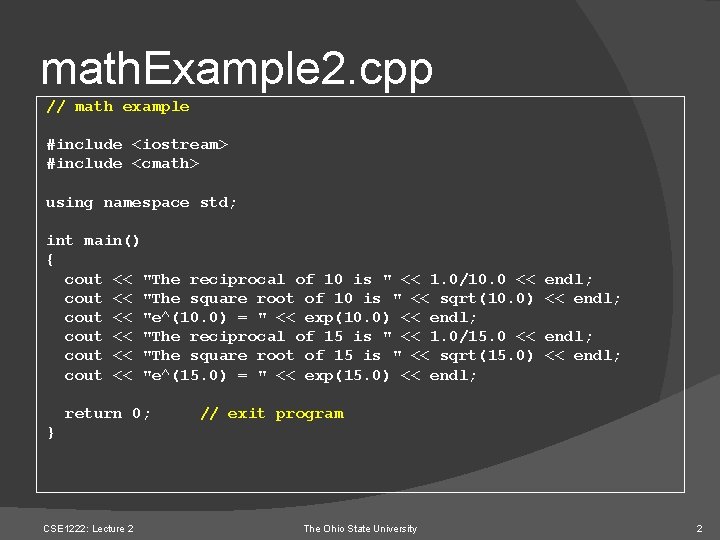
math. Example 2. cpp // math example #include <iostream> #include <cmath> using namespace std; int main() { cout << "The reciprocal of 10 is " << 1. 0/10. 0 << cout << "The square root of 10 is " << sqrt(10. 0) cout << "e^(10. 0) = " << exp(10. 0) << endl; cout << "The reciprocal of 15 is " << 1. 0/15. 0 << cout << "The square root of 15 is " << sqrt(15. 0) cout << "e^(15. 0) = " << exp(15. 0) << endl; return 0; endl; << endl; // exit program } CSE 1222: Lecture 2 The Ohio State University 2
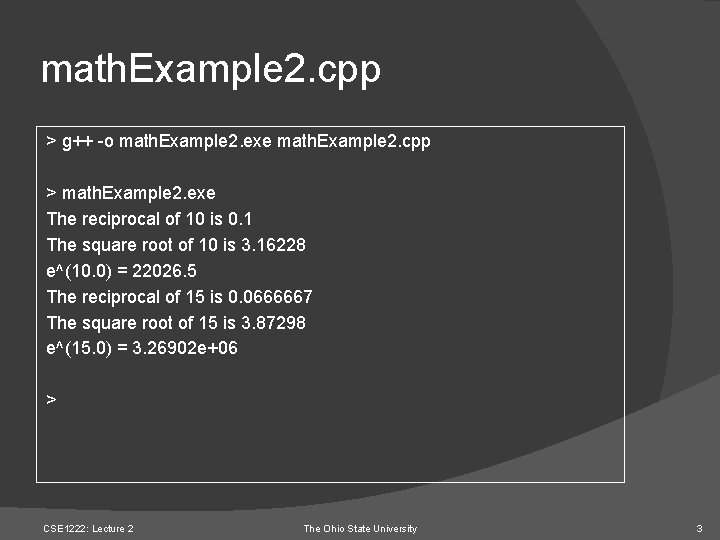
math. Example 2. cpp > g++ -o math. Example 2. exe math. Example 2. cpp > math. Example 2. exe The reciprocal of 10 is 0. 1 The square root of 10 is 3. 16228 e^(10. 0) = 22026. 5 The reciprocal of 15 is 0. 0666667 The square root of 15 is 3. 87298 e^(15. 0) = 3. 26902 e+06 > CSE 1222: Lecture 2 The Ohio State University 3
Variables (1) Programs like math. Example 2. cpp have little use in practice… There is no room for change They simply print the same output with the same values (using 10 and 15 only here) onto the screen every time they are executed A more interesting program might have different behavior under different circumstances, i. e. with different values CSE 1222: Lecture 2 The Ohio State University 4
Variables (2) For instance, a program that asks for any number and outputs its reciprocal and square root is much more useful than math. Example 2. cpp This program needs placeholders for the incoming values These placeholders are called variables CSE 1222: Lecture 2 The Ohio State University 5
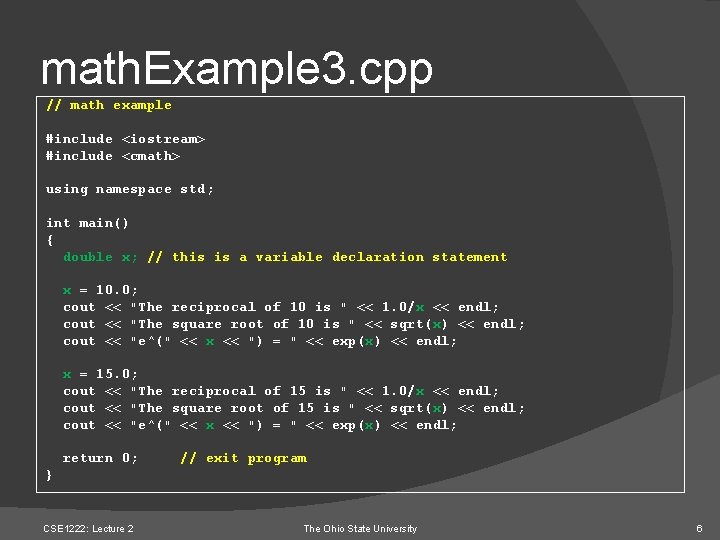
math. Example 3. cpp // math example #include <iostream> #include <cmath> using namespace std; int main() { double x; // this is a variable declaration statement x = 10. 0; cout << "The reciprocal of 10 is " << 1. 0/x << endl; cout << "The square root of 10 is " << sqrt(x) << endl; cout << "e^(" << x << ") = " << exp(x) << endl; x = 15. 0; cout << "The reciprocal of 15 is " << 1. 0/x << endl; cout << "The square root of 15 is " << sqrt(x) << endl; cout << "e^(" << x << ") = " << exp(x) << endl; return 0; // exit program } CSE 1222: Lecture 2 The Ohio State University 6

Declaration Statements C++ variable declarations are of the form: data. Type variable. Name; data. Type: int, float, char, double, unsigned int, . . . variable. Name: composed of alphanumeric characters or underscore ‘_’ Rule: Before you can use a variable in your program, you must declare it This allows the computer to set aside the memory that will be needed for that variable CSE 1222: Lecture 2 The Ohio State University 7
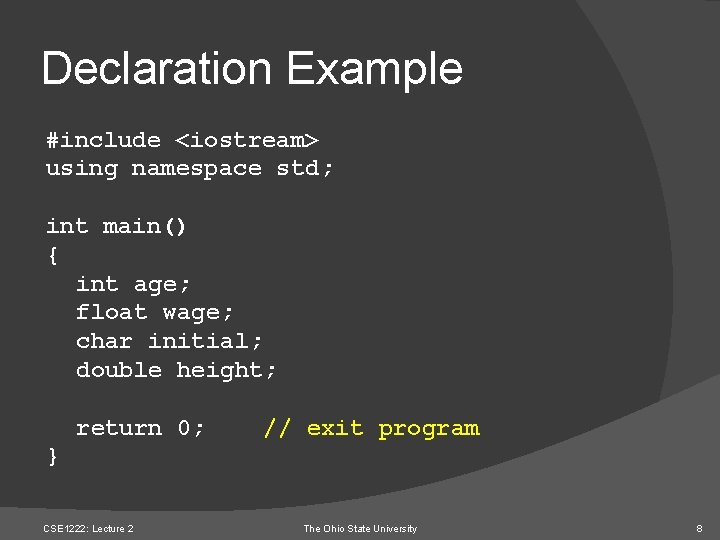
Declaration Example #include <iostream> using namespace std; int main() { int age; float wage; char initial; double height; return 0; // exit program } CSE 1222: Lecture 2 The Ohio State University 8
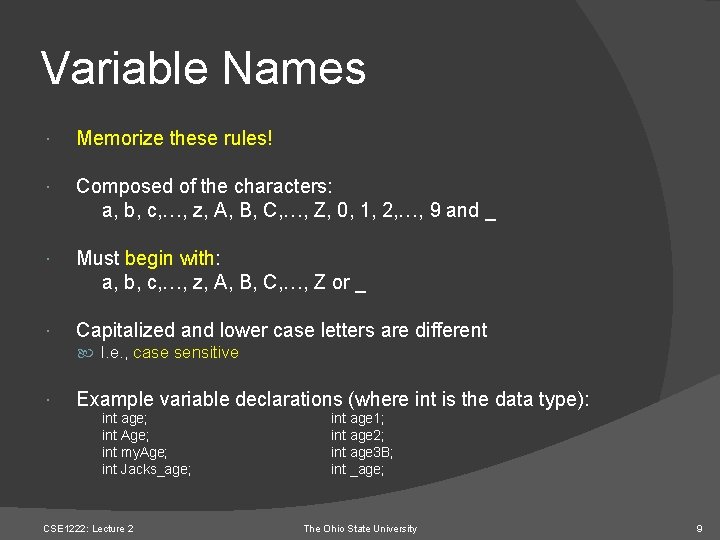
Variable Names Memorize these rules! Composed of the characters: a, b, c, …, z, A, B, C, …, Z, 0, 1, 2, …, 9 and _ Must begin with: a, b, c, …, z, A, B, C, …, Z or _ Capitalized and lower case letters are different I. e. , case sensitive Example variable declarations (where int is the data type): int age; int Age; int my. Age; int Jacks_age; CSE 1222: Lecture 2 int age 1; int age 2; int age 3 B; int _age; The Ohio State University 9
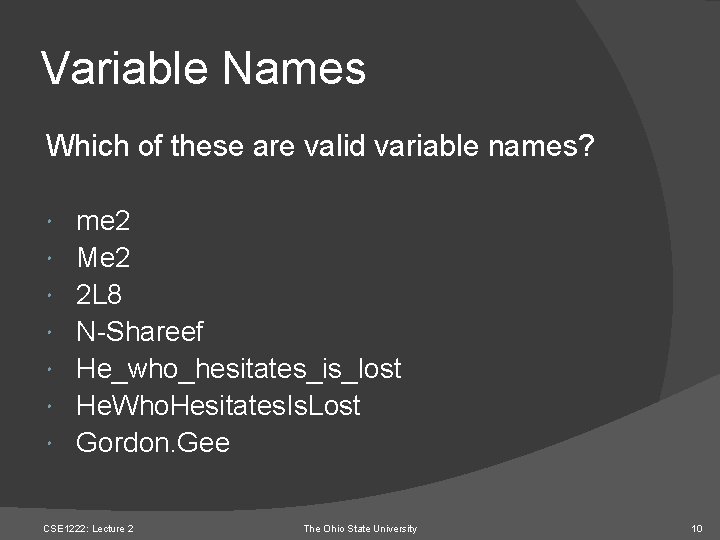
Variable Names Which of these are valid variable names? me 2 Me 2 2 L 8 N-Shareef He_who_hesitates_is_lost He. Who. Hesitates. Is. Lost Gordon. Gee CSE 1222: Lecture 2 The Ohio State University 10
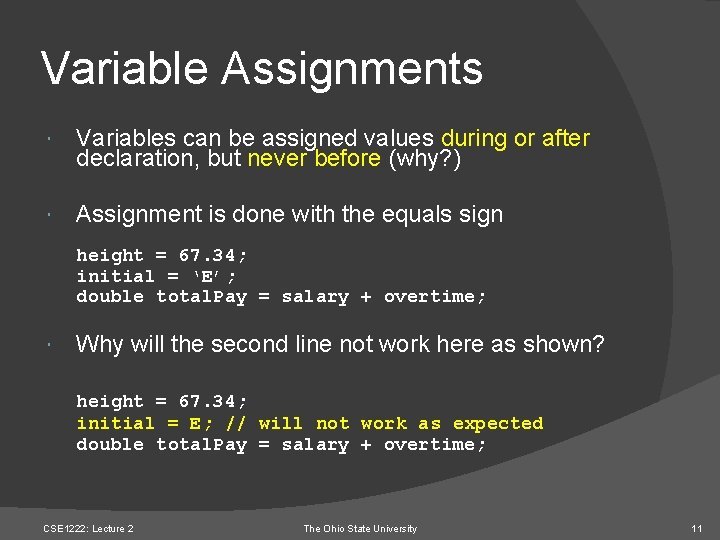
Variable Assignments Variables can be assigned values during or after declaration, but never before (why? ) Assignment is done with the equals sign height = 67. 34; initial = ‘E’; double total. Pay = salary + overtime; Why will the second line not work here as shown? height = 67. 34; initial = E; // will not work as expected double total. Pay = salary + overtime; CSE 1222: Lecture 2 The Ohio State University 11
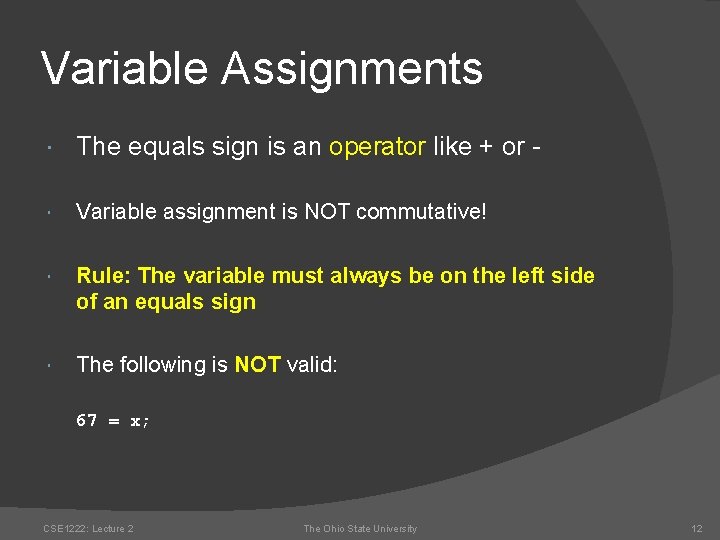
Variable Assignments The equals sign is an operator like + or - Variable assignment is NOT commutative! Rule: The variable must always be on the left side of an equals sign The following is NOT valid: 67 = x; CSE 1222: Lecture 2 The Ohio State University 12
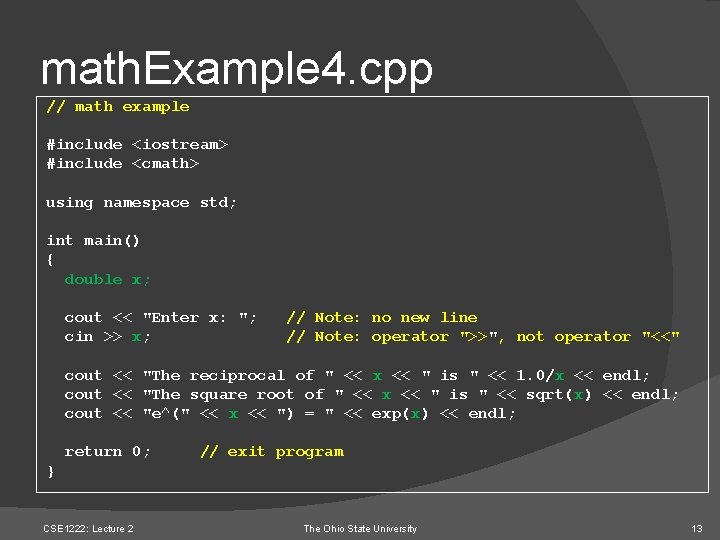
math. Example 4. cpp // math example #include <iostream> #include <cmath> using namespace std; int main() { double x; cout << "Enter x: "; cin >> x; // Note: no new line // Note: operator ">>", not operator "<<" cout << "The reciprocal of " << x << " is " << 1. 0/x << endl; cout << "The square root of " << x << " is " << sqrt(x) << endl; cout << "e^(" << x << ") = " << exp(x) << endl; return 0; // exit program } CSE 1222: Lecture 2 The Ohio State University 13
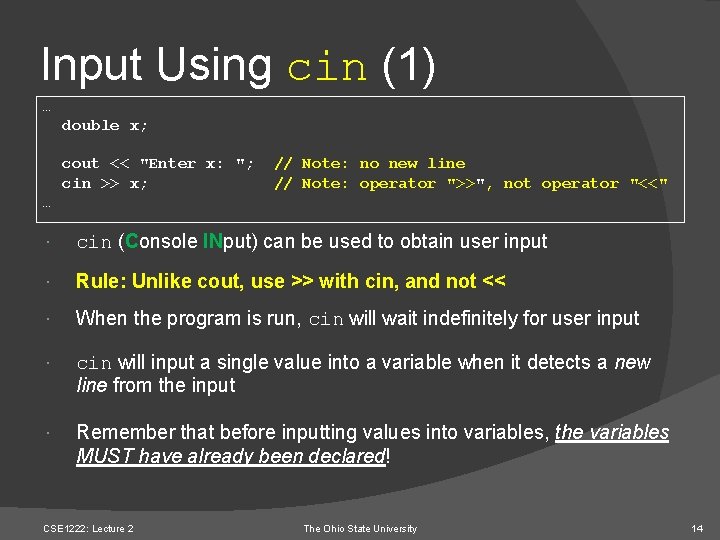
Input Using cin (1) … double x; cout << "Enter x: "; cin >> x; // Note: no new line // Note: operator ">>", not operator "<<" … cin (Console INput) can be used to obtain user input Rule: Unlike cout, use >> with cin, and not << When the program is run, cin will wait indefinitely for user input cin will input a single value into a variable when it detects a new line from the input Remember that before inputting values into variables, the variables MUST have already been declared! CSE 1222: Lecture 2 The Ohio State University 14
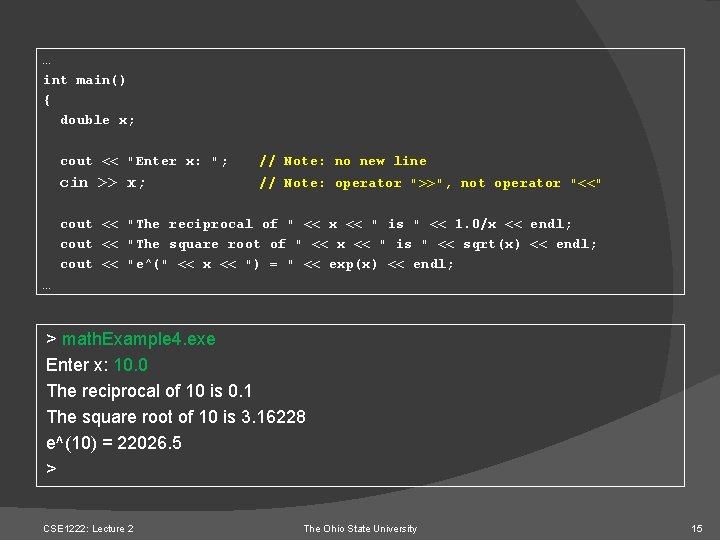
… int main() { double x; cout << "Enter x: "; // Note: no new line cin >> x; // Note: operator ">>", not operator "<<" cout << "The reciprocal of " << x << " is " << 1. 0/x << endl; cout << "The square root of " << x << " is " << sqrt(x) << endl; cout << "e^(" << x << ") = " << exp(x) << endl; … > math. Example 4. exe Enter x: 10. 0 The reciprocal of 10 is 0. 1 The square root of 10 is 3. 16228 e^(10) = 22026. 5 > CSE 1222: Lecture 2 The Ohio State University 15
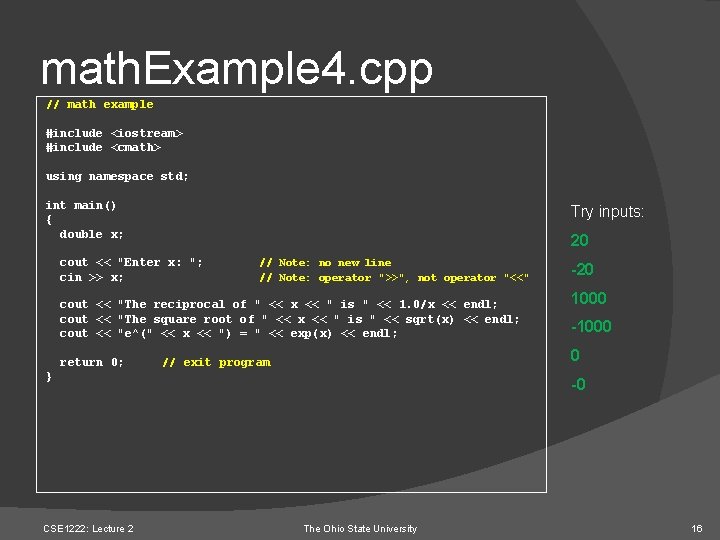
math. Example 4. cpp // math example #include <iostream> #include <cmath> using namespace std; int main() { double x; Try inputs: 20 cout << "Enter x: "; cin >> x; // Note: no new line // Note: operator ">>", not operator "<<" cout << "The reciprocal of " << x << " is " << 1. 0/x << endl; cout << "The square root of " << x << " is " << sqrt(x) << endl; cout << "e^(" << x << ") = " << exp(x) << endl; return 0; 1000 -1000 0 // exit program } CSE 1222: Lecture 2 -20 -0 The Ohio State University 16
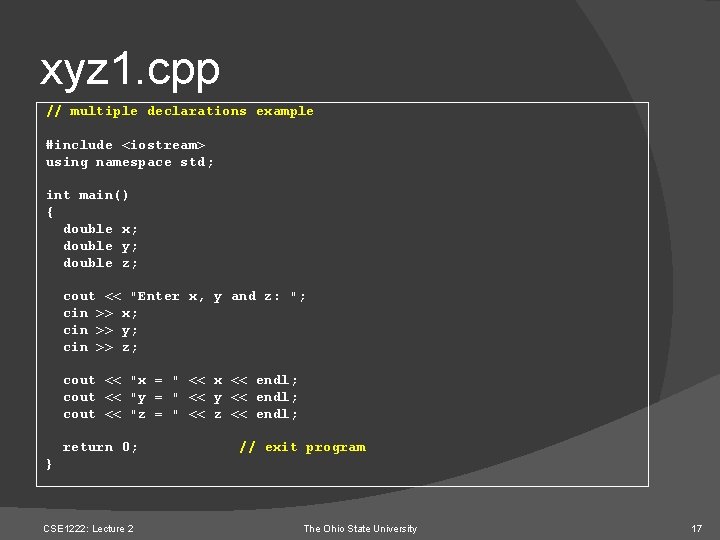
xyz 1. cpp // multiple declarations example #include <iostream> using namespace std; int main() { double x; double y; double z; cout << "Enter x, y and z: "; cin >> x; cin >> y; cin >> z; cout << "x = " << x << endl; cout << "y = " << y << endl; cout << "z = " << z << endl; return 0; // exit program } CSE 1222: Lecture 2 The Ohio State University 17
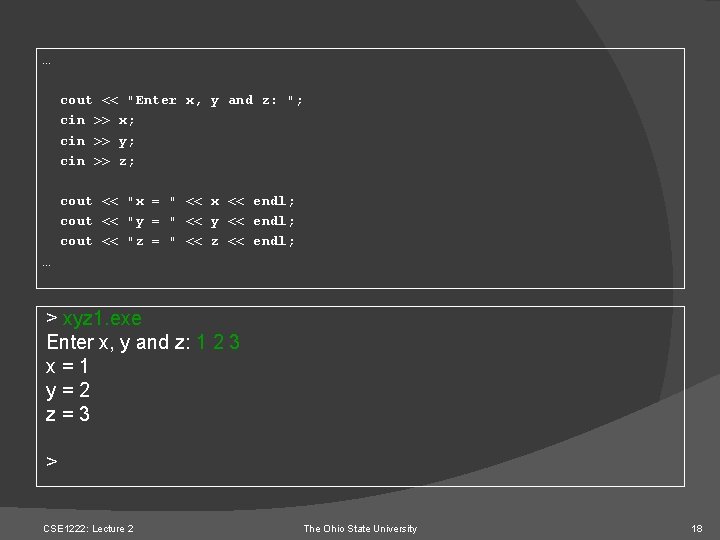
… cout << "Enter x, y and z: "; cin >> x; cin >> y; cin >> z; cout << "x = " << x << endl; cout << "y = " << y << endl; cout << "z = " << z << endl; … > xyz 1. exe Enter x, y and z: 1 2 3 x=1 y=2 z=3 > CSE 1222: Lecture 2 The Ohio State University 18
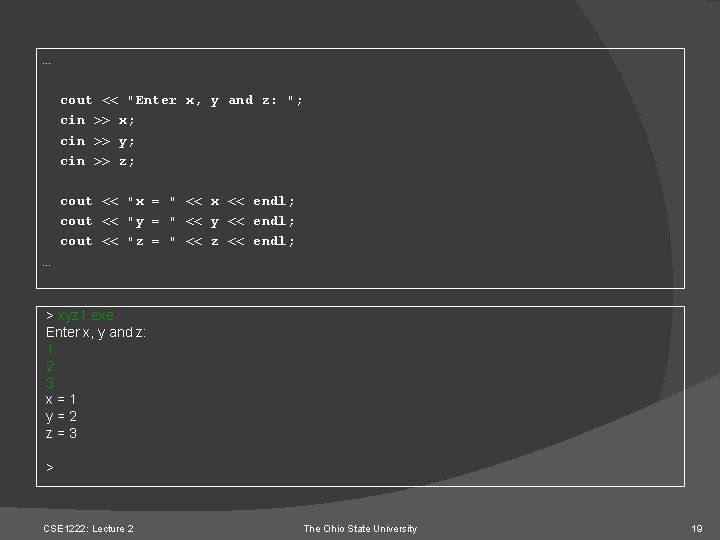
… cout << "Enter x, y and z: "; cin >> x; cin >> y; cin >> z; cout << "x = " << x << endl; cout << "y = " << y << endl; cout << "z = " << z << endl; … > xyz 1. exe Enter x, y and z: 1 2 3 x=1 y=2 z=3 > CSE 1222: Lecture 2 The Ohio State University 19
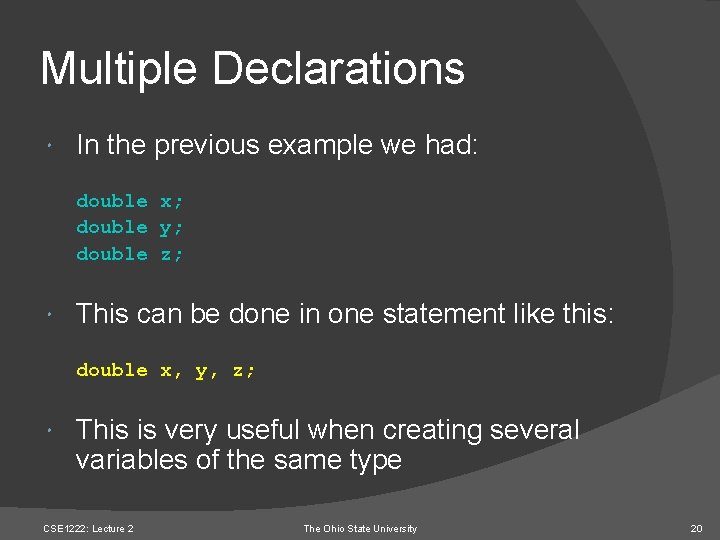
Multiple Declarations In the previous example we had: double x; double y; double z; This can be done in one statement like this: double x, y, z; This is very useful when creating several variables of the same type CSE 1222: Lecture 2 The Ohio State University 20
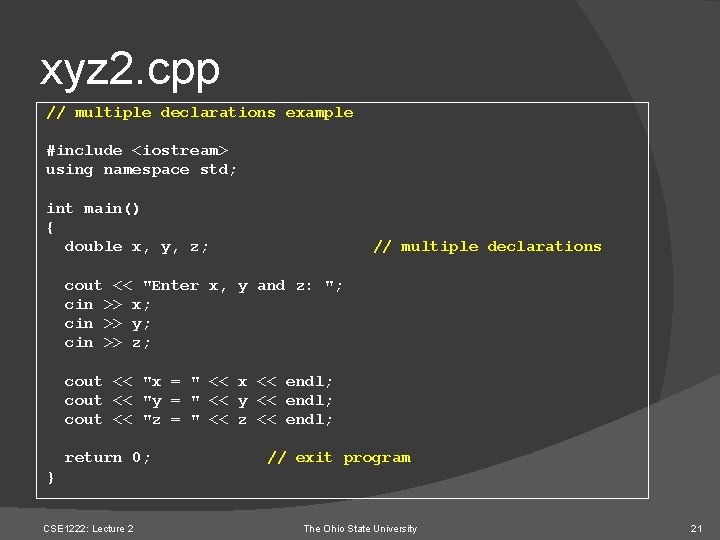
xyz 2. cpp // multiple declarations example #include <iostream> using namespace std; int main() { double x, y, z; // multiple declarations cout << "Enter x, y and z: "; cin >> x; cin >> y; cin >> z; cout << "x = " << x << endl; cout << "y = " << y << endl; cout << "z = " << z << endl; return 0; // exit program } CSE 1222: Lecture 2 The Ohio State University 21
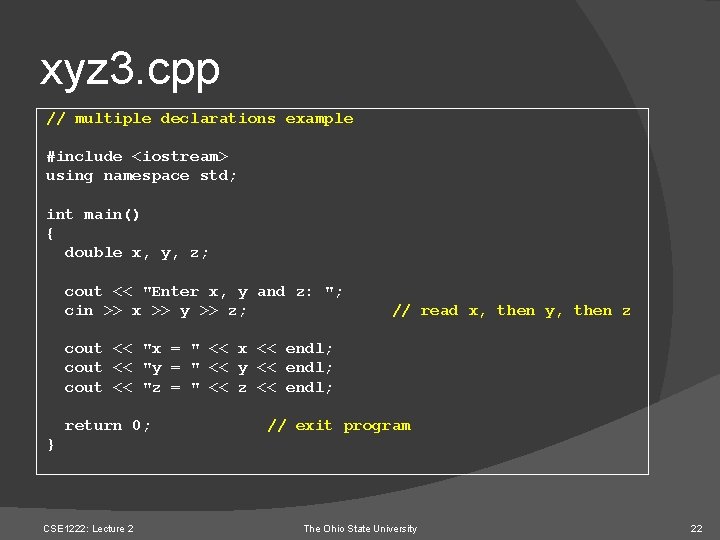
xyz 3. cpp // multiple declarations example #include <iostream> using namespace std; int main() { double x, y, z; cout << "Enter x, y and z: "; cin >> x >> y >> z; // read x, then y, then z cout << "x = " << x << endl; cout << "y = " << y << endl; cout << "z = " << z << endl; return 0; // exit program } CSE 1222: Lecture 2 The Ohio State University 22
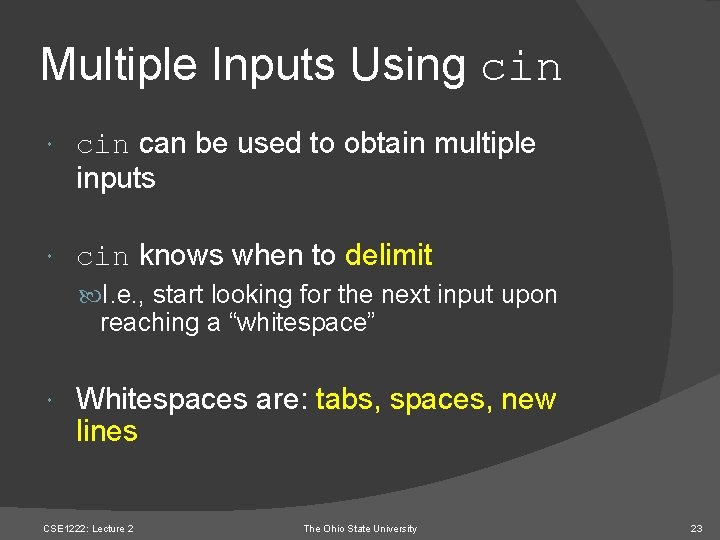
Multiple Inputs Using cin can be used to obtain multiple inputs cin knows when to delimit I. e. , start looking for the next input upon reaching a “whitespace” Whitespaces are: tabs, spaces, new lines CSE 1222: Lecture 2 The Ohio State University 23
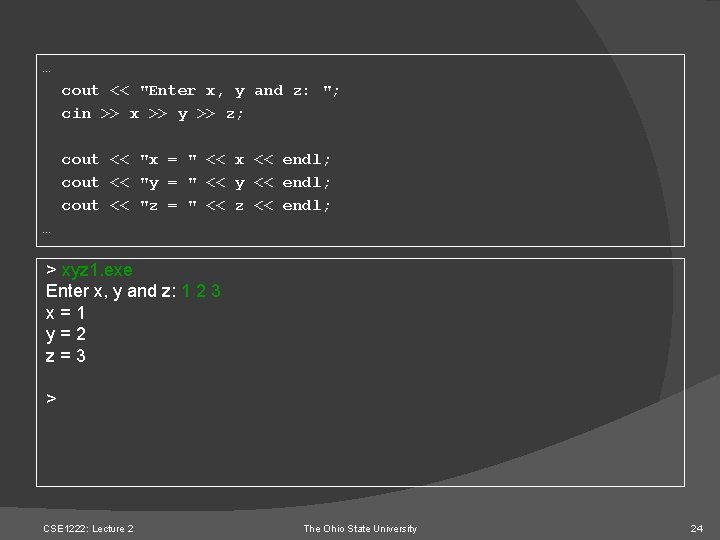
… cout << "Enter x, y and z: "; cin >> x >> y >> z; cout << "x = " << x << endl; cout << "y = " << y << endl; cout << "z = " << z << endl; … > xyz 1. exe Enter x, y and z: 1 2 3 x=1 y=2 z=3 > CSE 1222: Lecture 2 The Ohio State University 24
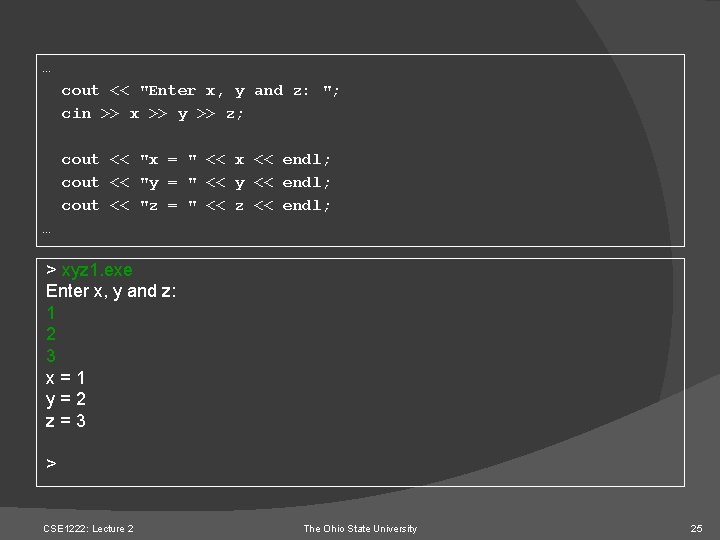
… cout << "Enter x, y and z: "; cin >> x >> y >> z; cout << "x = " << x << endl; cout << "y = " << y << endl; cout << "z = " << z << endl; … > xyz 1. exe Enter x, y and z: 1 2 3 x=1 y=2 z=3 > CSE 1222: Lecture 2 The Ohio State University 25
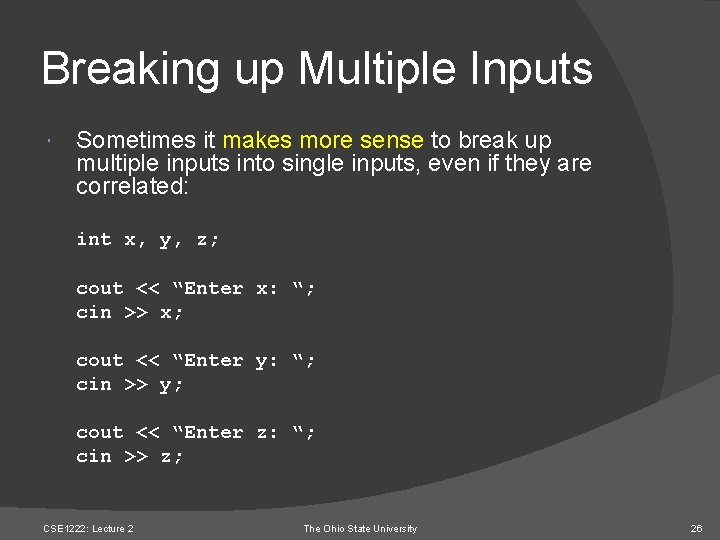
Breaking up Multiple Inputs Sometimes it makes more sense to break up multiple inputs into single inputs, even if they are correlated: int x, y, z; cout << “Enter x: “; cin >> x; cout << “Enter y: “; cin >> y; cout << “Enter z: “; cin >> z; CSE 1222: Lecture 2 The Ohio State University 26
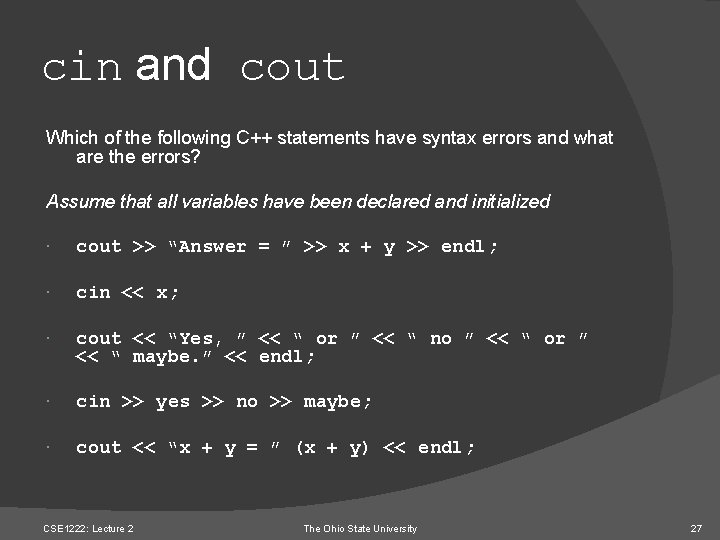
cin and cout Which of the following C++ statements have syntax errors and what are the errors? Assume that all variables have been declared and initialized cout >> “Answer = ” >> x + y >> endl; cin << x; cout << “Yes, ” << “ or ” << “ no ” << “ or ” << “ maybe. ” << endl; cin >> yes >> no >> maybe; cout << “x + y = ” (x + y) << endl; CSE 1222: Lecture 2 The Ohio State University 27
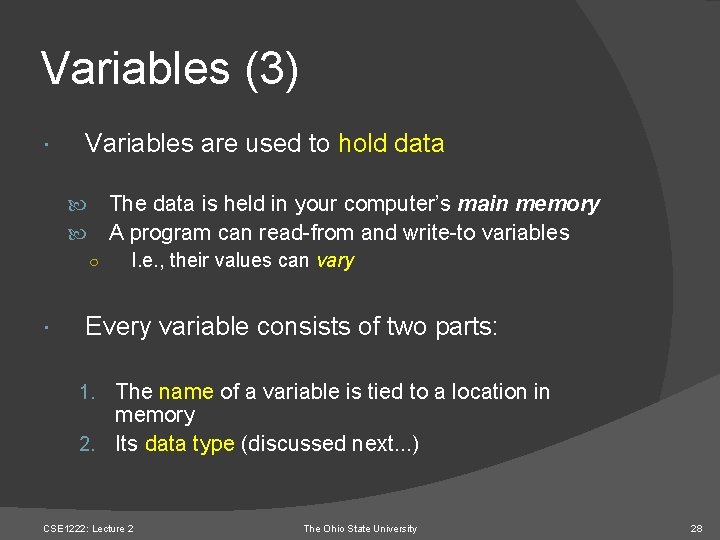
Variables (3) Variables are used to hold data The data is held in your computer’s main memory A program can read-from and write-to variables ○ I. e. , their values can vary Every variable consists of two parts: 1. The name of a variable is tied to a location in memory 2. Its data type (discussed next. . . ) CSE 1222: Lecture 2 The Ohio State University 28
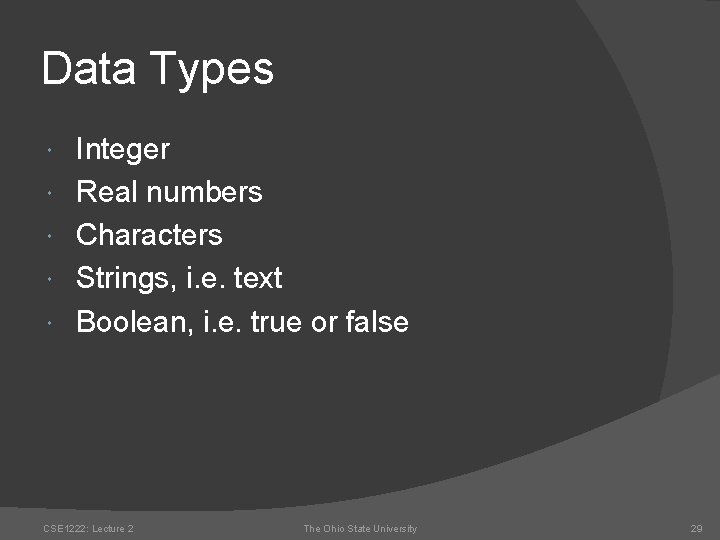
Data Types Integer Real numbers Characters Strings, i. e. text Boolean, i. e. true or false CSE 1222: Lecture 2 The Ohio State University 29
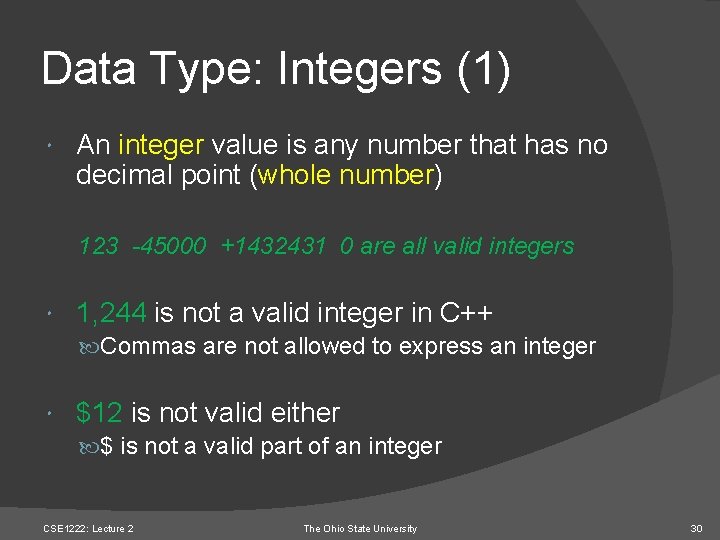
Data Type: Integers (1) An integer value is any number that has no decimal point (whole number) 123 -45000 +1432431 0 are all valid integers 1, 244 is not a valid integer in C++ Commas are not allowed to express an integer $12 is not valid either $ is not a valid part of an integer CSE 1222: Lecture 2 The Ohio State University 30

Data Type: Integers (2) What are the largest and smallest integers that a computer can support? Depends on the computer on which the program is compiled Most of today’s computers use 32 -bits to represent an integer, so 232 values can be represented (how many is that? ? ? … a lot) Integers can be signed or unsigned What is the max value of an unsigned 32 bit integer? What is the max value of a signed 32 bit integer? CSE 1222: Lecture 2 The Ohio State University 31
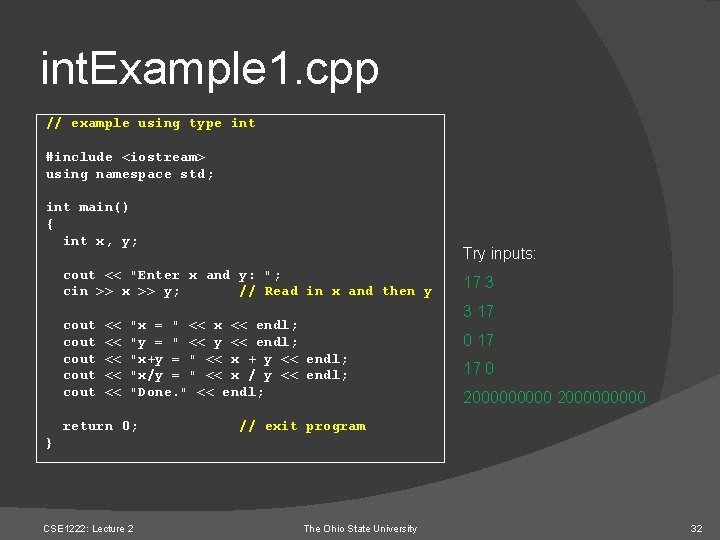
int. Example 1. cpp // example using type int #include <iostream> using namespace std; int main() { int x, y; Try inputs: cout << "Enter x and y: "; cin >> x >> y; // Read in x and then y cout cout << << << "x = " << x << endl; "y = " << y << endl; "x+y = " << x + y << endl; "x/y = " << x / y << endl; "Done. " << endl; return 0; 17 3 3 17 0 17 17 0 2000000000 // exit program } CSE 1222: Lecture 2 The Ohio State University 32
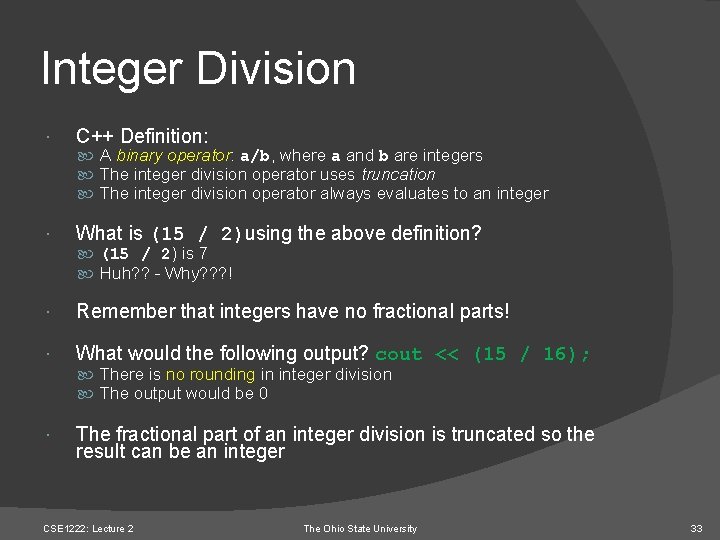
Integer Division C++ Definition: What is (15 / 2)using the above definition? A binary operator: a/b, where a and b are integers The integer division operator uses truncation The integer division operator always evaluates to an integer (15 / 2) is 7 Huh? ? - Why? ? ? ! Remember that integers have no fractional parts! What would the following output? cout << (15 / 16); There is no rounding in integer division The output would be 0 The fractional part of an integer division is truncated so the result can be an integer CSE 1222: Lecture 2 The Ohio State University 33
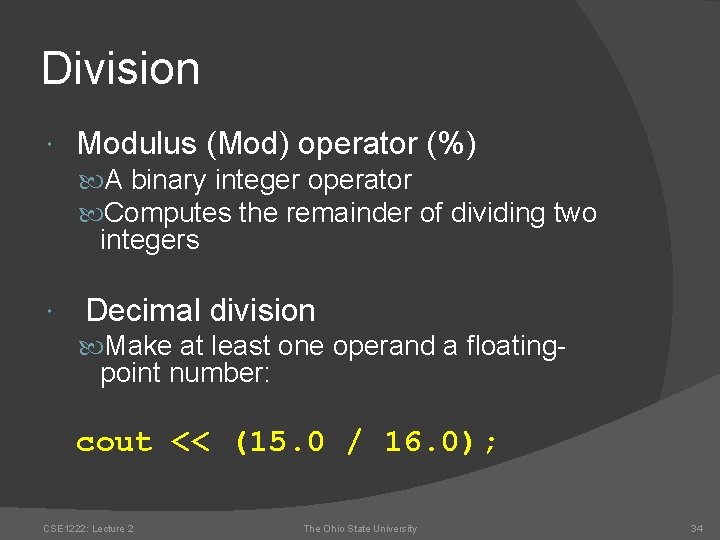
Division Modulus (Mod) operator (%) A binary integer operator Computes the remainder of dividing two integers Decimal division Make at least one operand a floating- point number: cout << (15. 0 / 16. 0); CSE 1222: Lecture 2 The Ohio State University 34
Data Types: Floating Point Numbers (1) Floating-point numbers Have a decimal point Can be signed or unsigned There are three basic types: float double long double The differences between these are their supported range and precision CSE 1222: Lecture 2 The Ohio State University 35
Data Types: Floating Point Numbers (2) To represent a floating point number: float uses 32 bits (4 bytes) double uses 64 bits (8 bytes) long double uses 128 bits (16 bytes) The tradeoff is storage vs. precision and range What exactly is the precision and range, and how are floating point numbers represented in binary format? IEEE 754 Standard CSE 1222: Lecture 2 The Ohio State University 36
Data Types: Floating Point Numbers (3) Let’s always use “double” to represent floating point numbers CSE 1222: Lecture 2 The Ohio State University 37
Data Types: Floating Point Numbers (4) Floating-point numbers can be written in exponential notation: 134. 56 or 1. 3456 e 2 -0. 00345 or -3. 45 e-3 Here, e is short for “times ten to the power of”, just like in scientific notation CSE 1222: Lecture 2 The Ohio State University 38
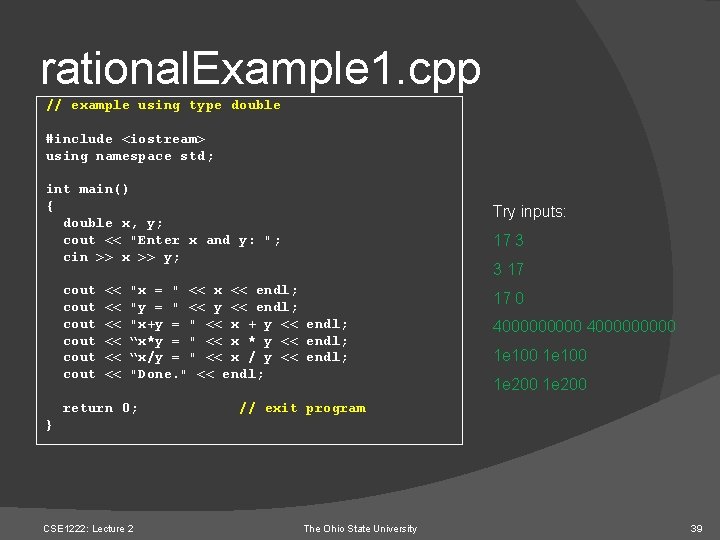
rational. Example 1. cpp // example using type double #include <iostream> using namespace std; int main() { double x, y; cout << "Enter x and y: "; cin >> x >> y; cout cout << << << Try inputs: 17 3 3 17 "x = " << x << endl; "y = " << y << endl; "x+y = " << x + y << endl; “x*y = " << x * y << endl; “x/y = " << x / y << endl; "Done. " << endl; return 0; 17 0 4000000000 1 e 100 1 e 200 // exit program } CSE 1222: Lecture 2 The Ohio State University 39
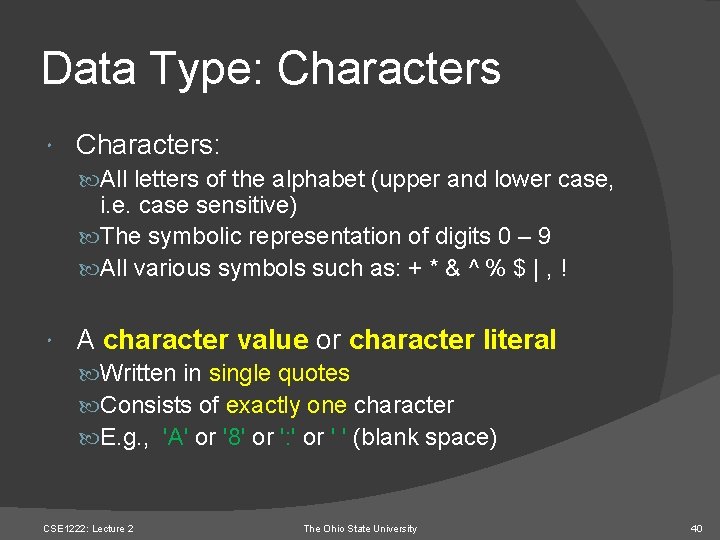
Data Type: Characters: All letters of the alphabet (upper and lower case, i. e. case sensitive) The symbolic representation of digits 0 – 9 All various symbols such as: + * & ^ % $ | , ! A character value or character literal Written in single quotes Consists of exactly one character E. g. , 'A' or '8' or ': ' or ' ' (blank space) CSE 1222: Lecture 2 The Ohio State University 40
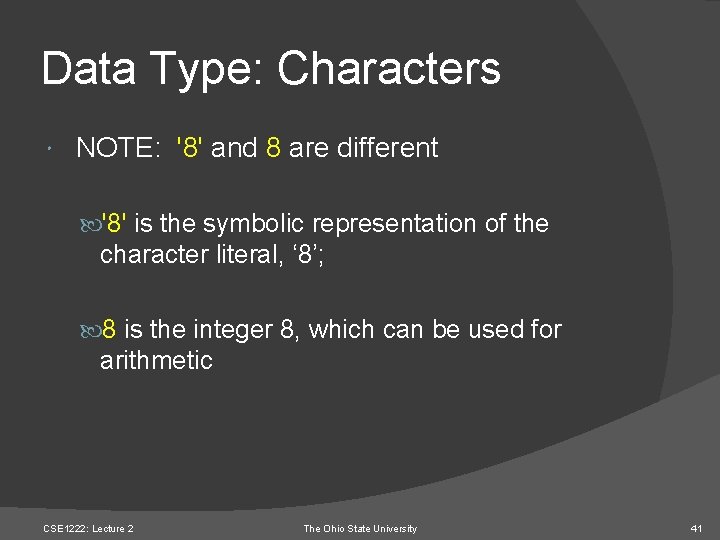
Data Type: Characters NOTE: '8' and 8 are different '8' is the symbolic representation of the character literal, ‘ 8’; 8 is the integer 8, which can be used for arithmetic CSE 1222: Lecture 2 The Ohio State University 41
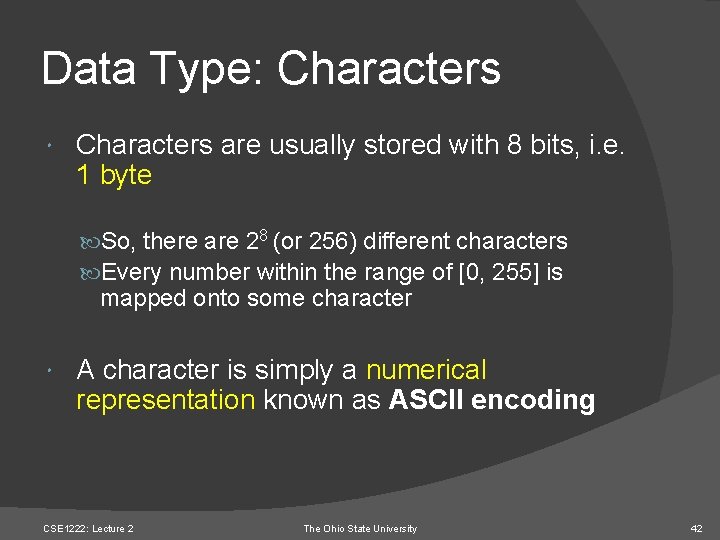
Data Type: Characters are usually stored with 8 bits, i. e. 1 byte So, there are 28 (or 256) different characters Every number within the range of [0, 255] is mapped onto some character A character is simply a numerical representation known as ASCII encoding CSE 1222: Lecture 2 The Ohio State University 42
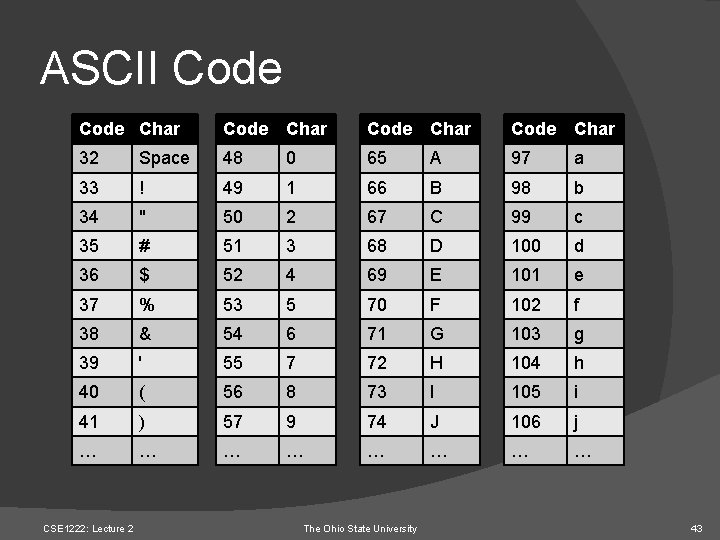
ASCII Code Char Code Char 32 Space 48 0 65 A 97 a 33 ! 49 1 66 B 98 b 34 " 50 2 67 C 99 c 35 # 51 3 68 D 100 d 36 $ 52 4 69 E 101 e 37 % 53 5 70 F 102 f 38 & 54 6 71 G 103 g 39 ' 55 7 72 H 104 h 40 ( 56 8 73 I 105 i 41 ) 57 9 74 J 106 j … … … … CSE 1222: Lecture 2 The Ohio State University 43
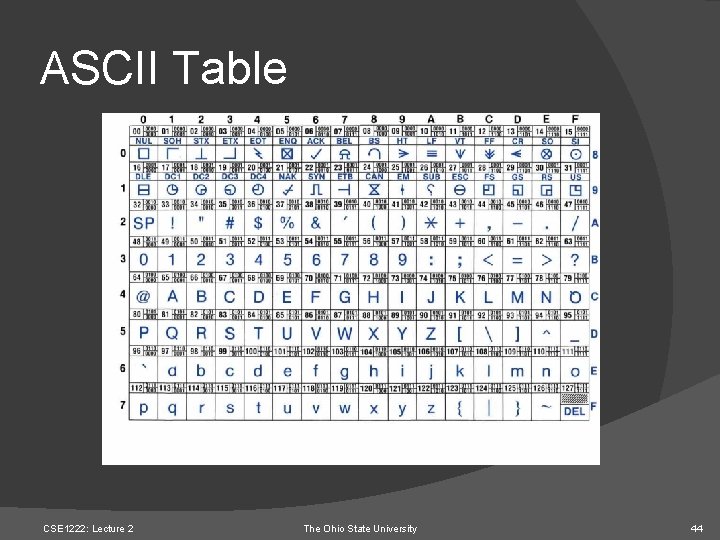
ASCII Table CSE 1222: Lecture 2 The Ohio State University 44
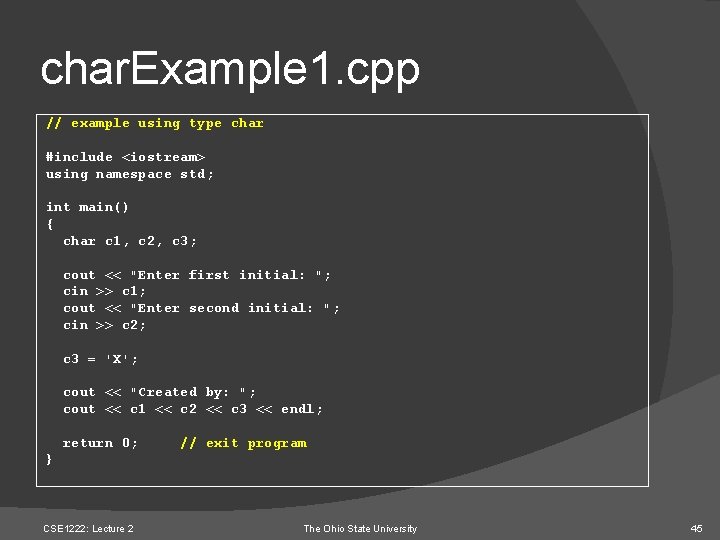
char. Example 1. cpp // example using type char #include <iostream> using namespace std; int main() { char c 1, c 2, c 3; cout << "Enter first initial: "; cin >> c 1; cout << "Enter second initial: "; cin >> c 2; c 3 = 'X'; cout << "Created by: "; cout << c 1 << c 2 << c 3 << endl; return 0; // exit program } CSE 1222: Lecture 2 The Ohio State University 45
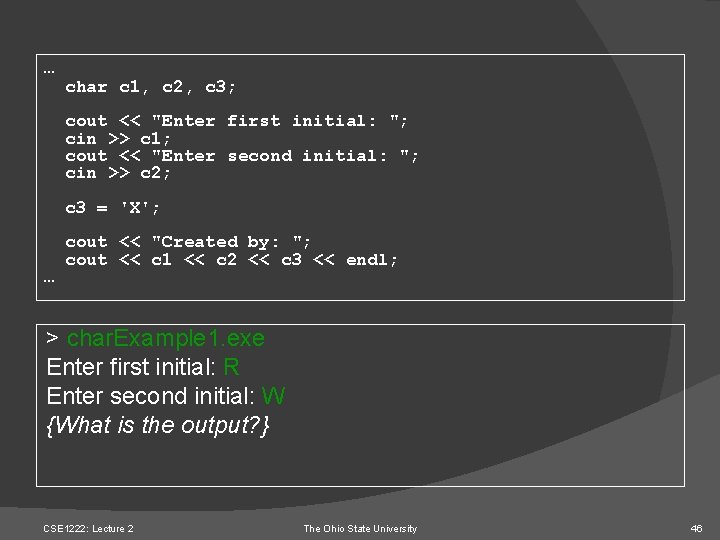
… char c 1, c 2, c 3; cout << "Enter first initial: "; cin >> c 1; cout << "Enter second initial: "; cin >> c 2; c 3 = 'X'; … cout << "Created by: "; cout << c 1 << c 2 << c 3 << endl; > char. Example 1. exe Enter first initial: R Enter second initial: W {What is the output? } CSE 1222: Lecture 2 The Ohio State University 46
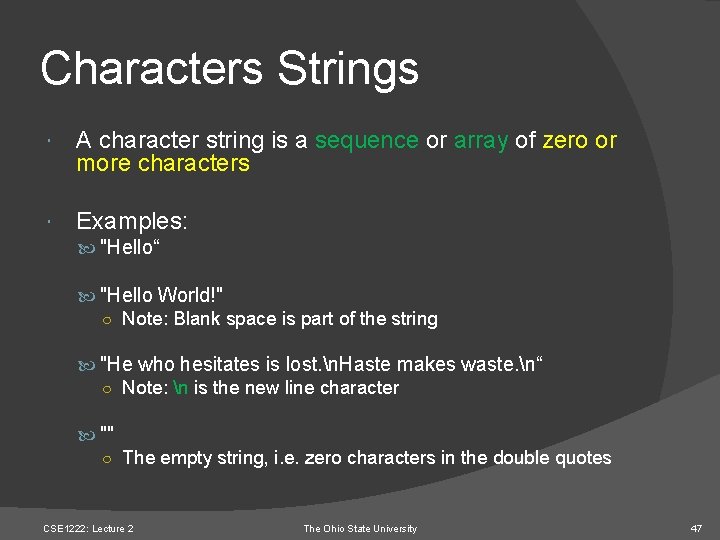
Characters Strings A character string is a sequence or array of zero or more characters Examples: "Hello“ "Hello World!" ○ Note: Blank space is part of the string "He who hesitates is lost. n. Haste makes waste. n“ ○ Note: n is the new line character "" ○ The empty string, i. e. zero characters in the double quotes CSE 1222: Lecture 2 The Ohio State University 47
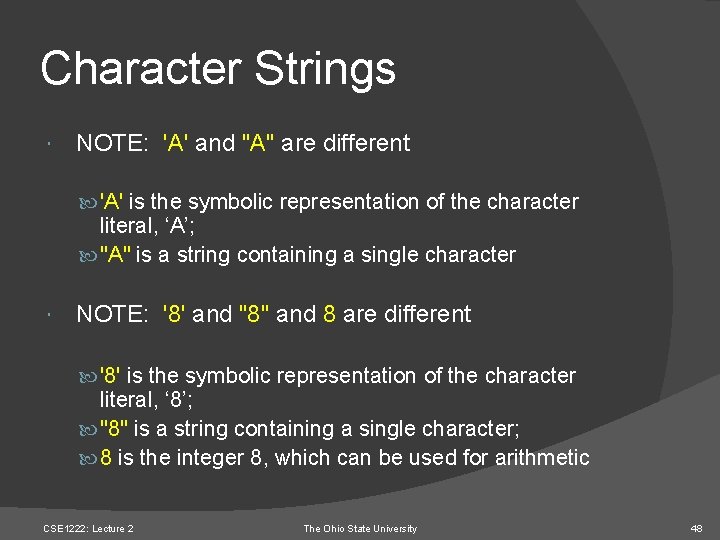
Character Strings NOTE: 'A' and "A" are different 'A' is the symbolic representation of the character literal, ‘A’; "A" is a string containing a single character NOTE: '8' and "8" and 8 are different '8' is the symbolic representation of the character literal, ‘ 8’; "8" is a string containing a single character; 8 is the integer 8, which can be used for arithmetic CSE 1222: Lecture 2 The Ohio State University 48
Data Type: Boolean The Boolean data type is used for just two values: true and false Like characters, they only consume 1 byte of storage Interesting note In C++, any number other than 0 is always interpreted as the Boolean value true E. g. , the number 16 is considered to be a true value CSE 1222: Lecture 2 The Ohio State University 49
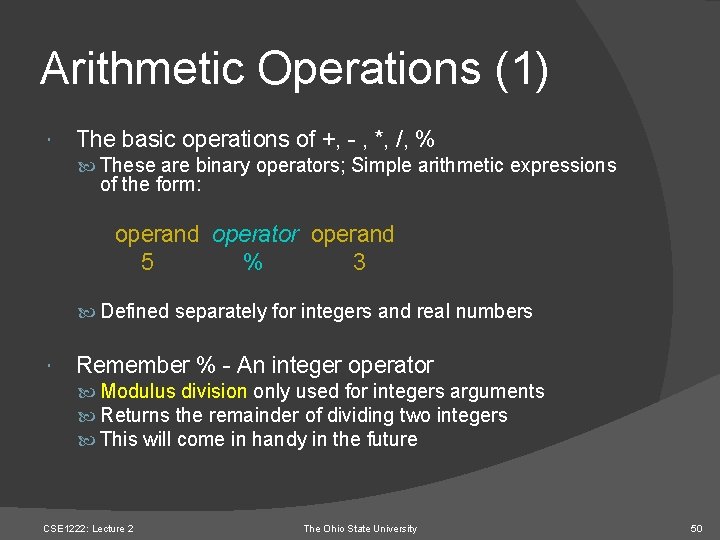
Arithmetic Operations (1) The basic operations of +, - , *, /, % These are binary operators; Simple arithmetic expressions of the form: operand operator operand 5 % 3 Defined separately for integers and real numbers Remember % - An integer operator Modulus division only used for integers arguments Returns the remainder of dividing two integers This will come in handy in the future CSE 1222: Lecture 2 The Ohio State University 50
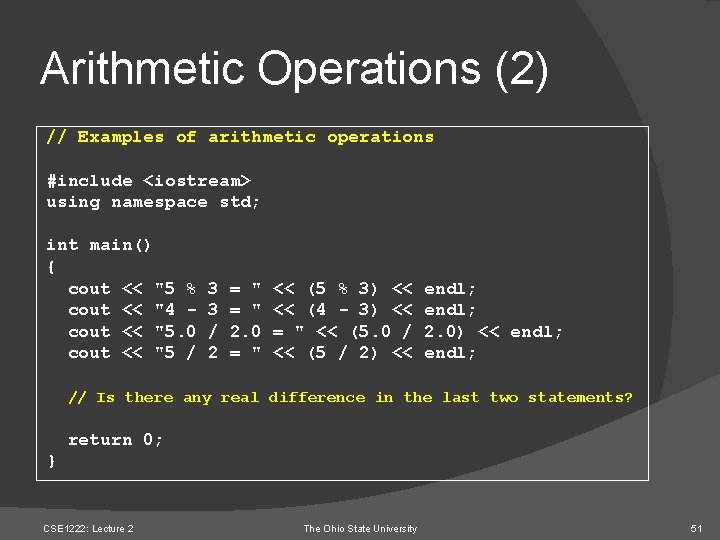
Arithmetic Operations (2) // Examples of arithmetic operations #include <iostream> using namespace std; int main() { cout << "5 % cout << "4 cout << "5. 0 cout << "5 / 3 3 / 2 = " 2. 0 = " << (5 % 3) << << (4 - 3) << = " << (5. 0 / << (5 / 2) << endl; 2. 0) << endl; // Is there any real difference in the last two statements? return 0; } CSE 1222: Lecture 2 The Ohio State University 51
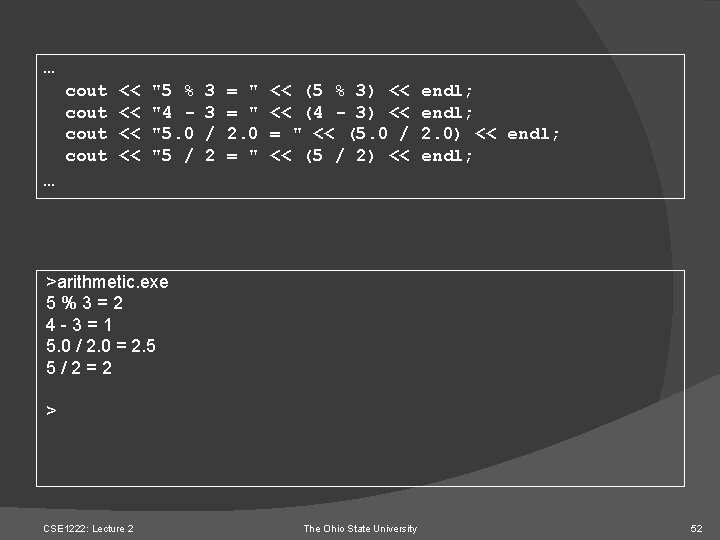
… cout << << "5 % "4 "5. 0 "5 / 3 3 / 2 = " 2. 0 = " << (5 % 3) << << (4 - 3) << = " << (5. 0 / << (5 / 2) << endl; 2. 0) << endl; … >arithmetic. exe 5%3=2 4 -3=1 5. 0 / 2. 0 = 2. 5 5/2=2 > CSE 1222: Lecture 2 The Ohio State University 52
- Slides: 52