
Utility Programs 1 StandAlone Operating Systems Windows 7
- Slides: 23
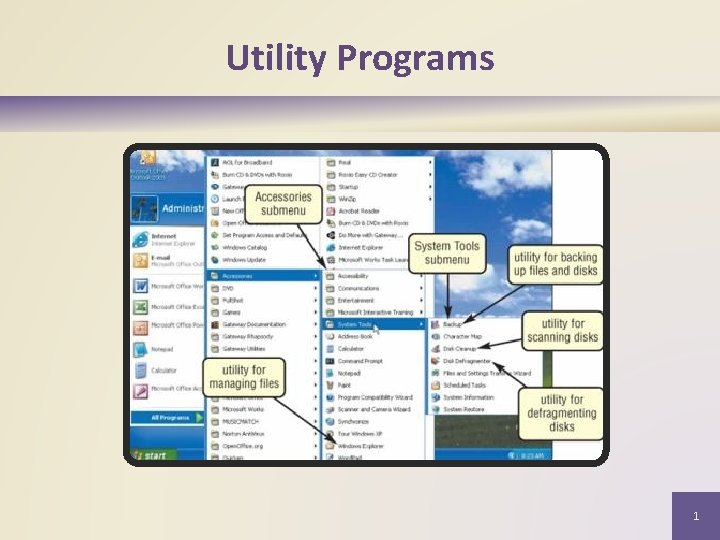
Utility Programs 1
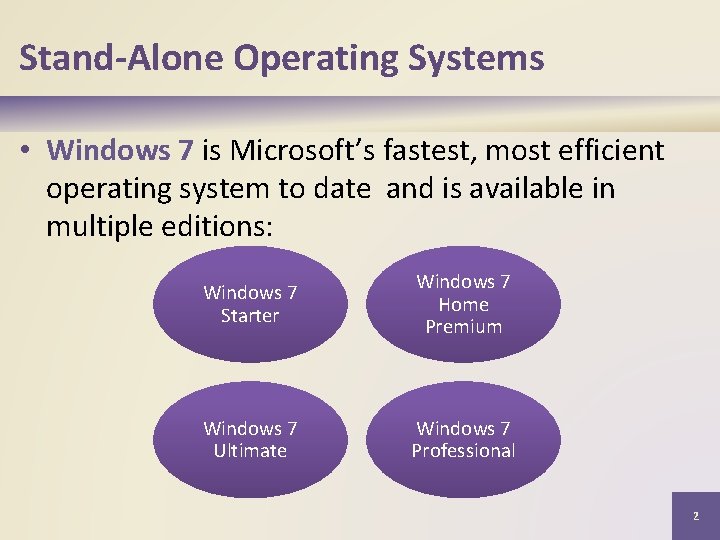
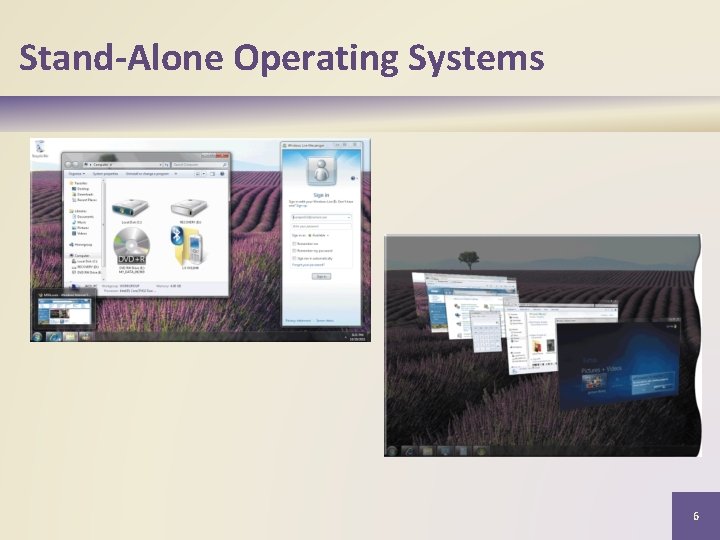
Stand-Alone Operating Systems • Windows 7 is Microsoft’s fastest, most efficient operating system to date and is available in multiple editions: Windows 7 Starter Windows 7 Home Premium Windows 7 Ultimate Windows 7 Professional 2
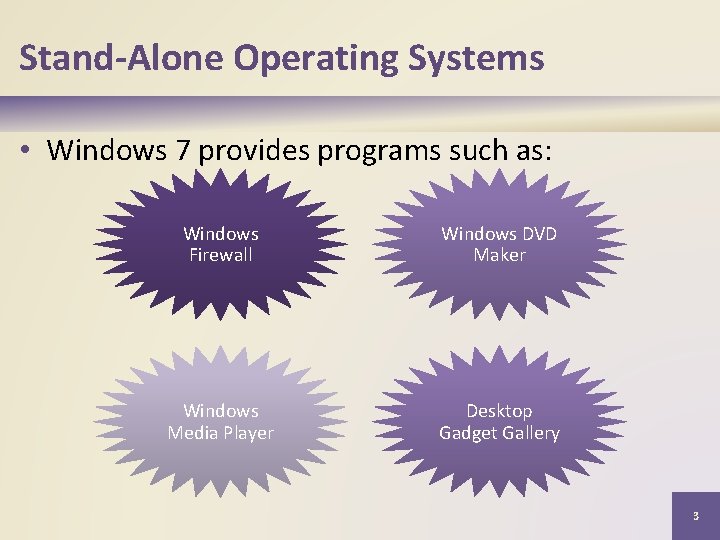
Stand-Alone Operating Systems • Windows 7 provides programs such as: Windows Firewall Windows DVD Maker Windows Media Player Desktop Gadget Gallery 3
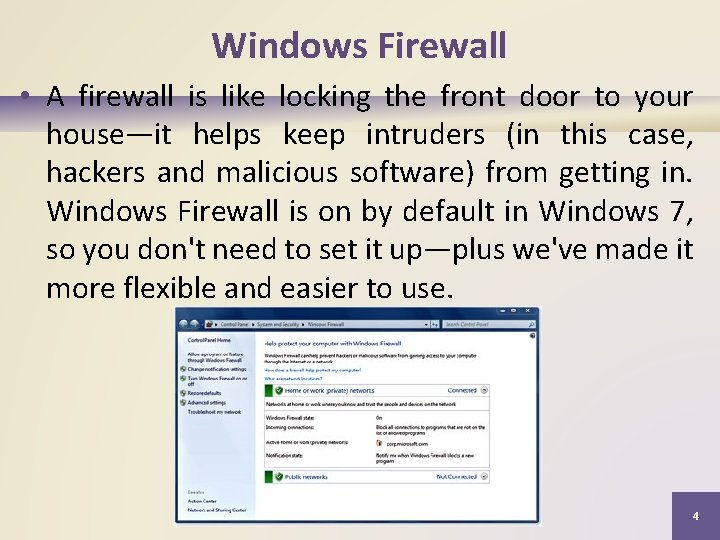
Windows Firewall • A firewall is like locking the front door to your house—it helps keep intruders (in this case, hackers and malicious software) from getting in. Windows Firewall is on by default in Windows 7, so you don't need to set it up—plus we've made it more flexible and easier to use. 4
• Now you can fine-tune the protection and notifications you want for each of your network profiles—Home, Work, and Public. When you're connected to a public network like a library or a coffee shop, you may want to block all incoming connections. At home or work, this might be overkill. Whatever level of protection you choose for your profiles, you'll be able to switch between them with ease. 5
Stand-Alone Operating Systems 6
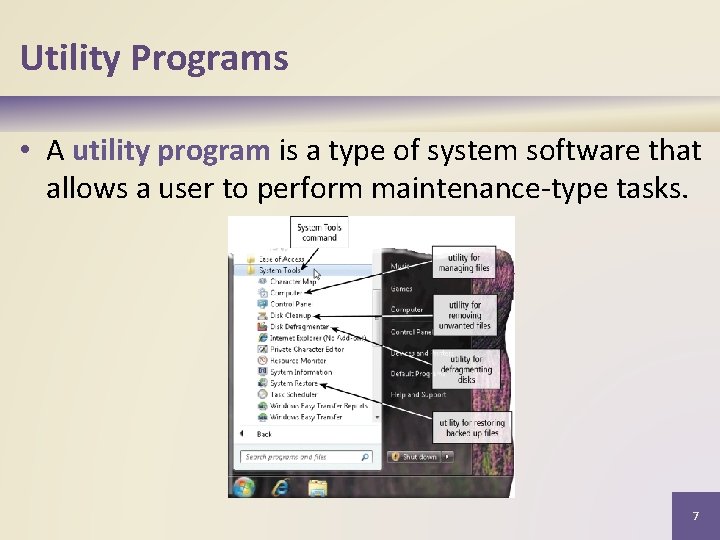
Utility Programs • A utility program is a type of system software that allows a user to perform maintenance-type tasks. 7
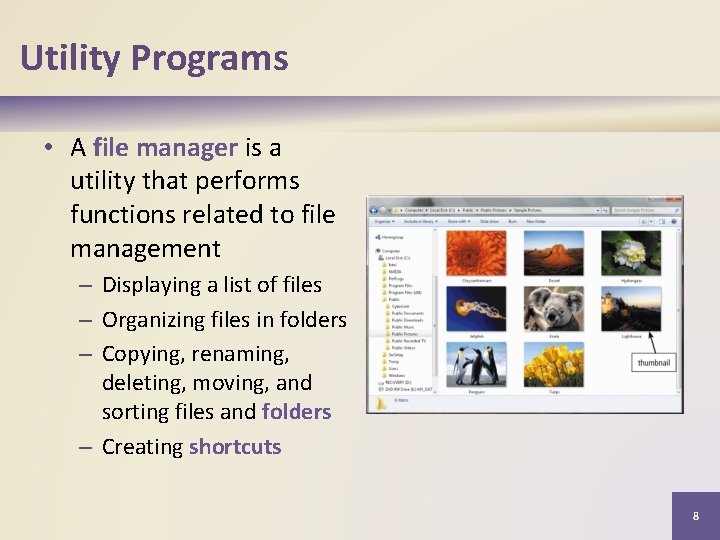
Utility Programs • A file manager is a utility that performs functions related to file management – Displaying a list of files – Organizing files in folders – Copying, renaming, deleting, moving, and sorting files and folders – Creating shortcuts 8
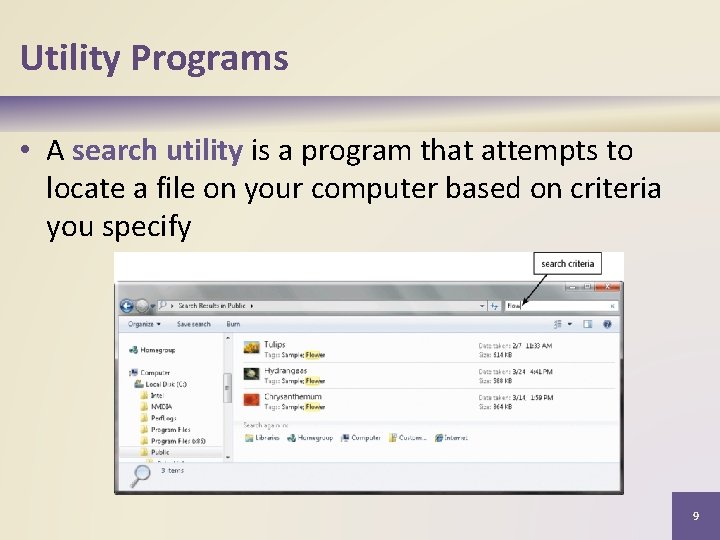
Utility Programs • A search utility is a program that attempts to locate a file on your computer based on criteria you specify 9
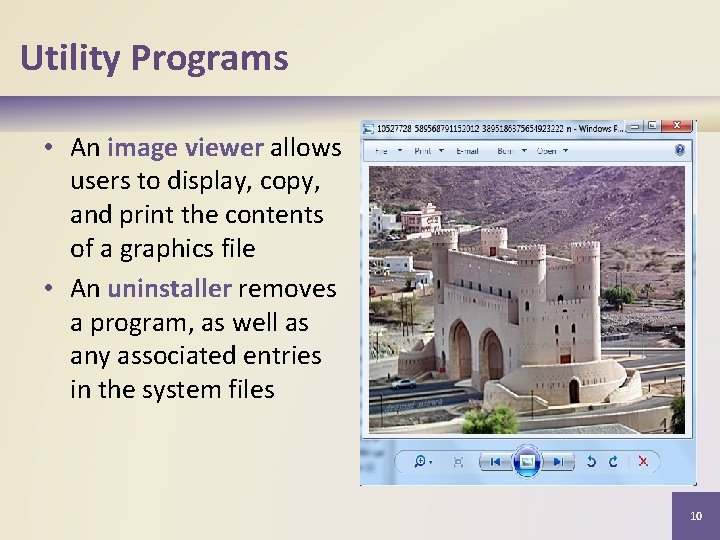
Utility Programs • An image viewer allows users to display, copy, and print the contents of a graphics file • An uninstaller removes a program, as well as any associated entries in the system files 10
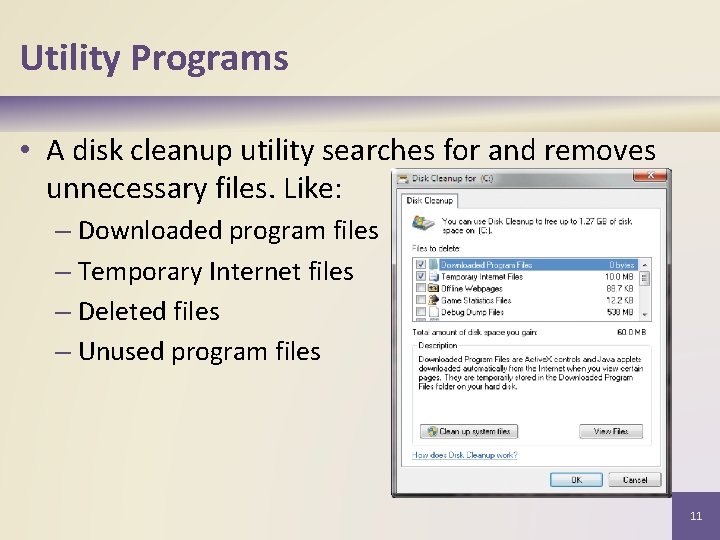
Utility Programs • A disk cleanup utility searches for and removes unnecessary files. Like: – Downloaded program files – Temporary Internet files – Deleted files – Unused program files 11
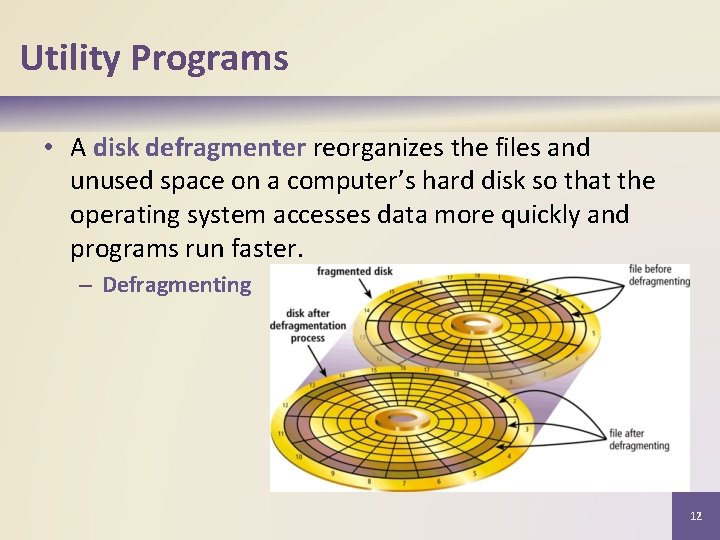
Utility Programs • A disk defragmenter reorganizes the files and unused space on a computer’s hard disk so that the operating system accesses data more quickly and programs run faster. – Defragmenting 12
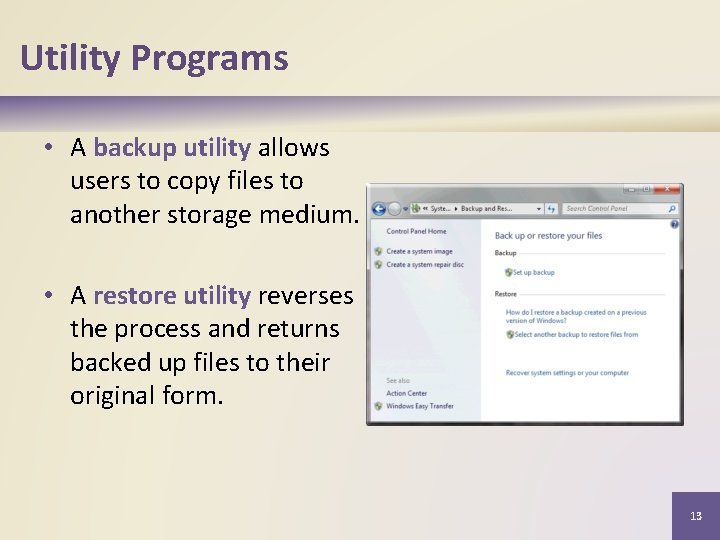
Utility Programs • A backup utility allows users to copy files to another storage medium. • A restore utility reverses the process and returns backed up files to their original form. 13
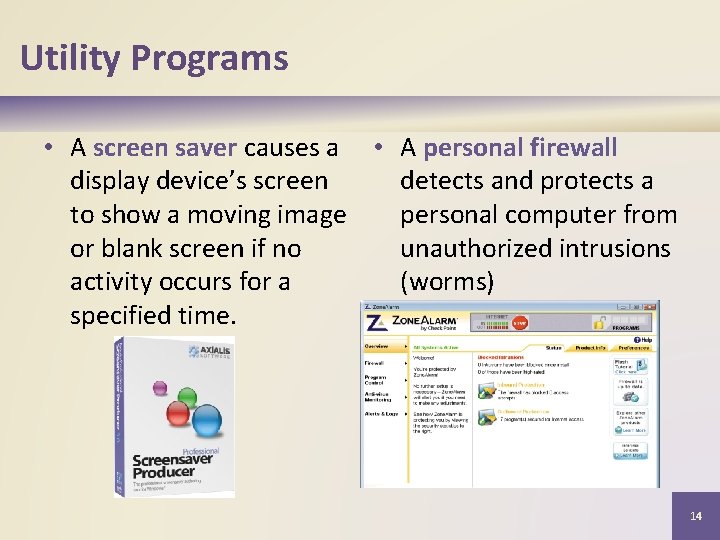
Utility Programs • A screen saver causes a • A personal firewall display device’s screen detects and protects a to show a moving image personal computer from or blank screen if no unauthorized intrusions activity occurs for a (worms) specified time. 14
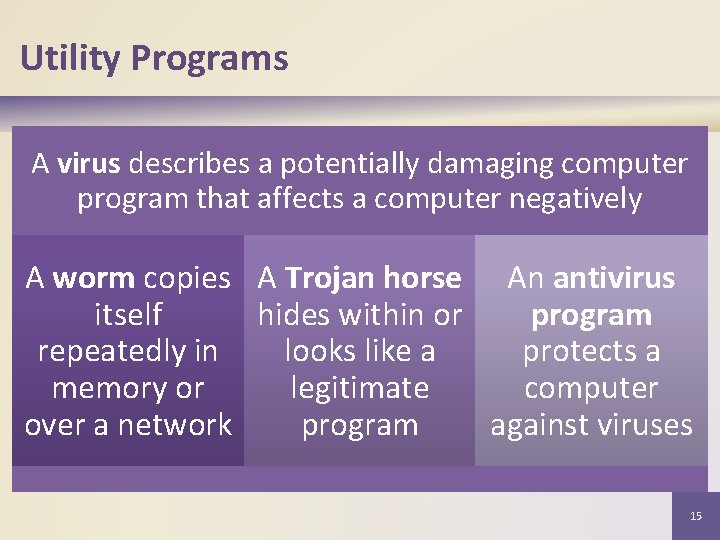
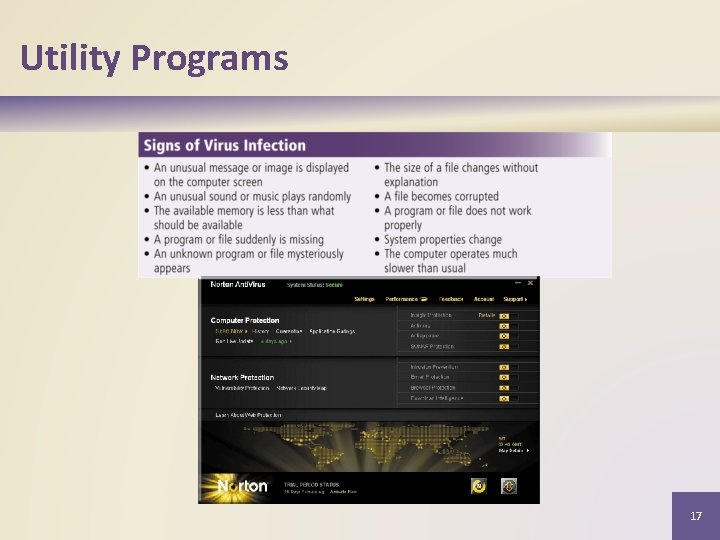
Utility Programs A virus describes a potentially damaging computer program that affects a computer negatively A worm copies A Trojan horse An antivirus itself hides within or program repeatedly in looks like a protects a memory or legitimate computer over a network program against viruses 15
Video: Free Online Antivirus CLICK TO START 16
Utility Programs 17
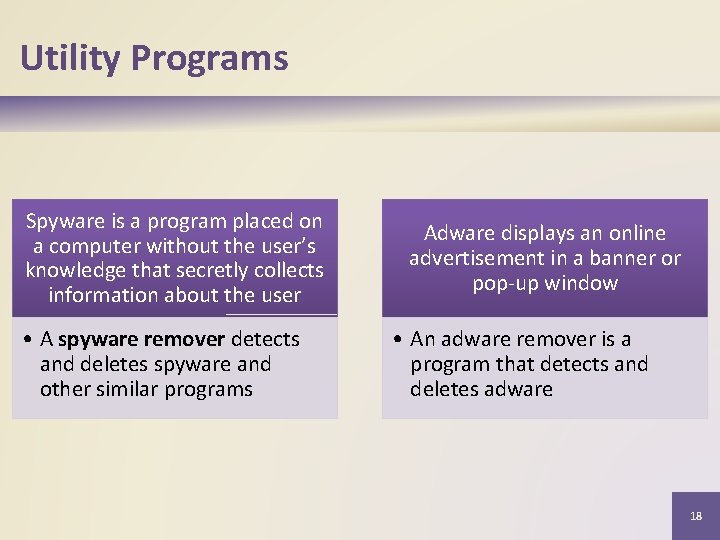
Utility Programs Spyware is a program placed on a computer without the user’s knowledge that secretly collects information about the user • A spyware remover detects and deletes spyware and other similar programs Adware displays an online advertisement in a banner or pop-up window • An adware remover is a program that detects and deletes adware 18
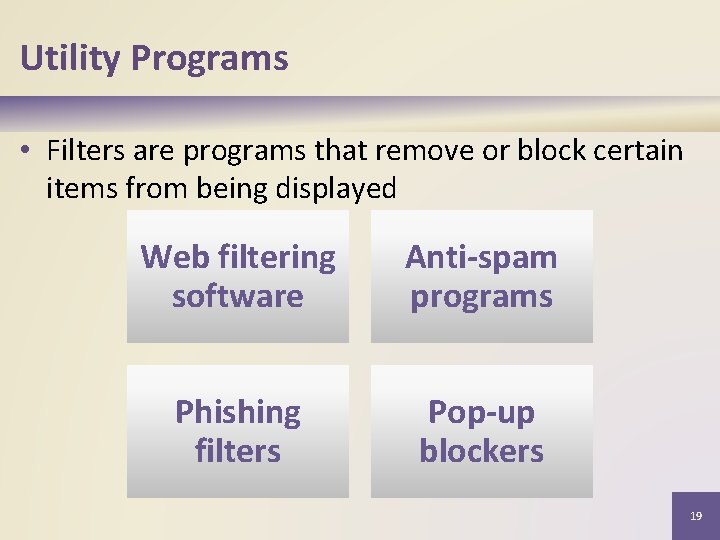
Utility Programs • Filters are programs that remove or block certain items from being displayed Web filtering software Anti-spam programs Phishing filters Pop-up blockers 19
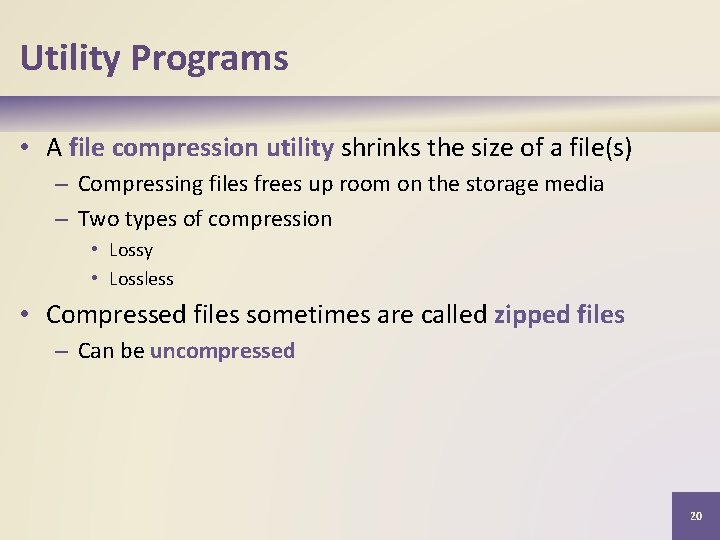
Utility Programs • A file compression utility shrinks the size of a file(s) – Compressing files frees up room on the storage media – Two types of compression • Lossy • Lossless • Compressed files sometimes are called zipped files – Can be uncompressed 20
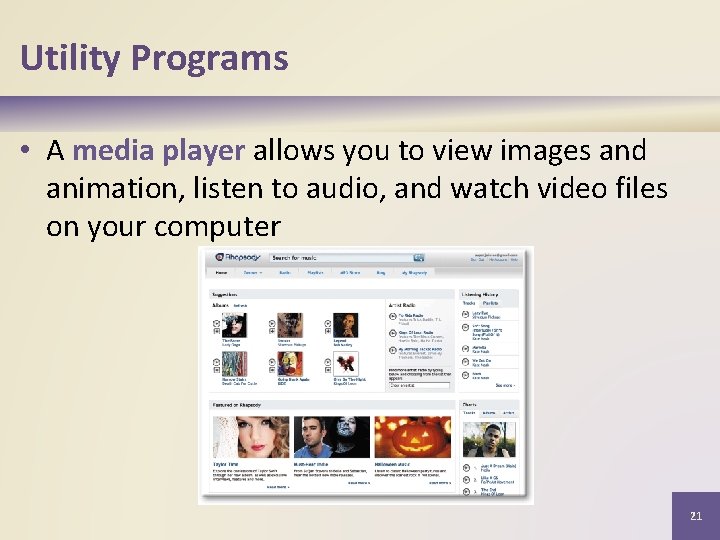
Utility Programs • A media player allows you to view images and animation, listen to audio, and watch video files on your computer 21
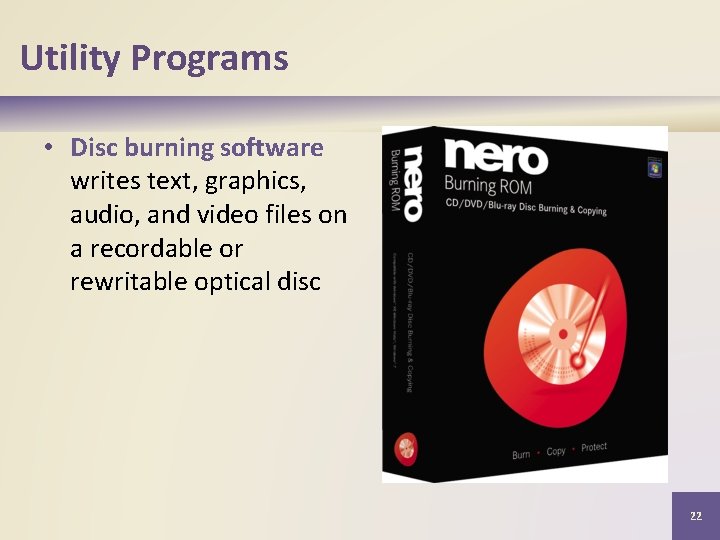
Utility Programs • Disc burning software writes text, graphics, audio, and video files on a recordable or rewritable optical disc 22
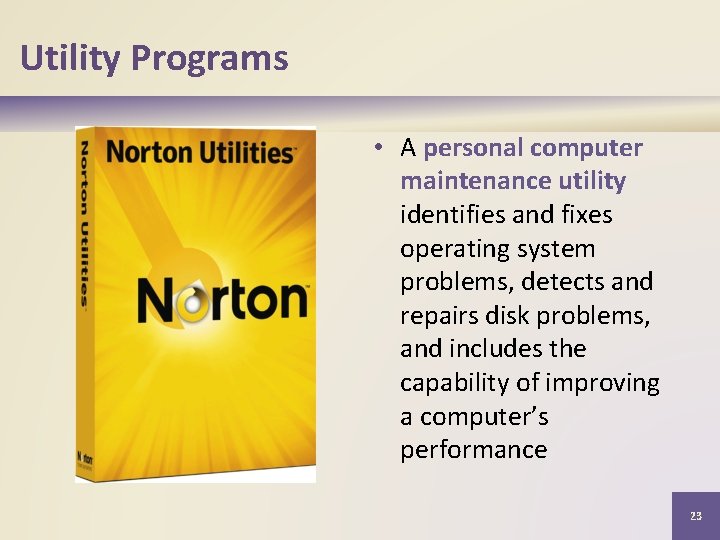
Utility Programs • A personal computer maintenance utility identifies and fixes operating system problems, detects and repairs disk problems, and includes the capability of improving a computer’s performance 23