
Utah School of Computing Lecture Set 5 Intelligent
![What is Machine Learning? • What is learning? “changes in [a] system that. .](https://slidetodoc.com/presentation_image_h2/95d23db1849d518f8c1df88f771975d9/image-5.jpg "What is Machine Learning? • What is learning? “changes in [a] system that. .")
- Slides: 45
Utah School of Computing Lecture Set 5 Intelligent User Interfaces: AI and Machine Learning CS 5540 HCI (Fall 2009) Rich Riesenfeld (based on a guest lecture by Cindy Thompson, Ph. D
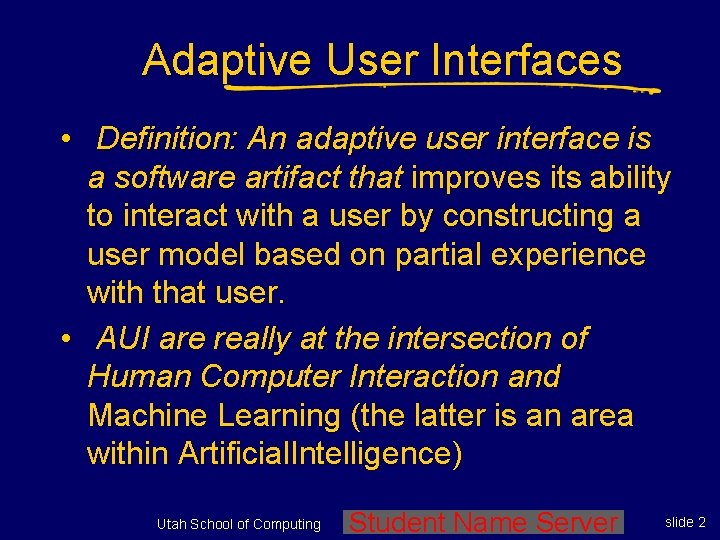
Adaptive User Interfaces • Definition: An adaptive user interface is a software artifact that improves its ability to interact with a user by constructing a user model based on partial experience with that user. • AUI are really at the intersection of Human Computer Interaction and Machine Learning (the latter is an area within Artificial. Intelligence) Utah School of Computing Student Name Server slide 2
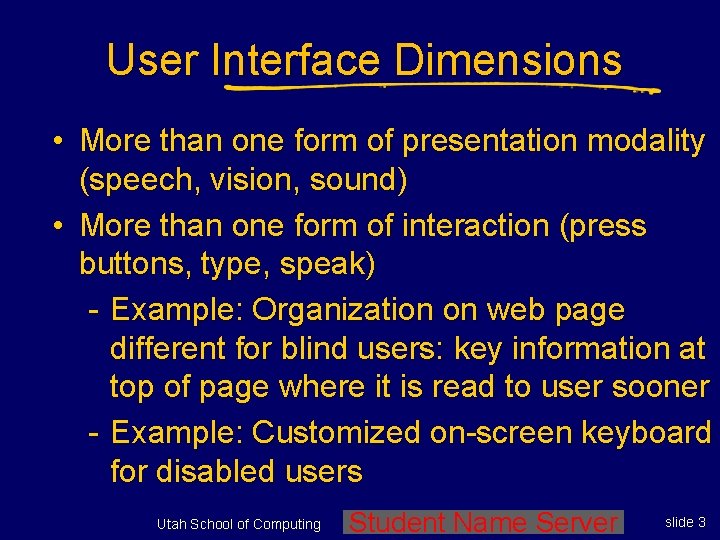
User Interface Dimensions • More than one form of presentation modality (speech, vision, sound) • More than one form of interaction (press buttons, type, speak) - Example: Organization on web page different for blind users: key information at top of page where it is read to user sooner - Example: Customized on-screen keyboard for disabled users Utah School of Computing Student Name Server slide 3
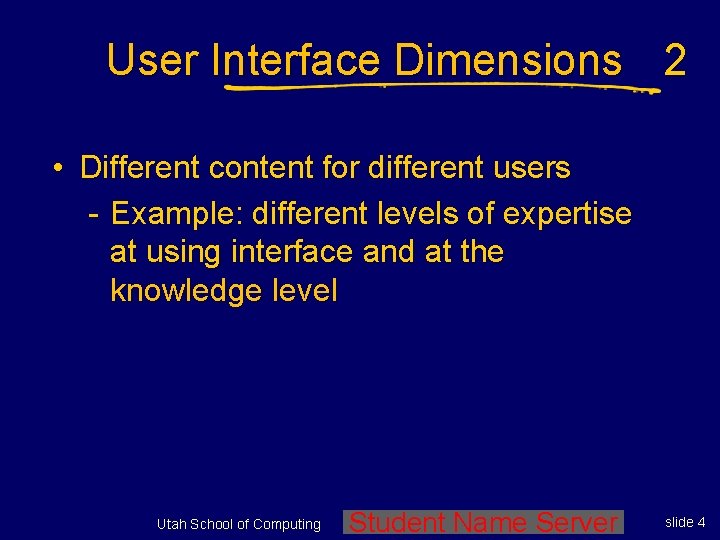
User Interface Dimensions 2 • Different content for different users - Example: different levels of expertise at using interface and at the knowledge level Utah School of Computing Student Name Server slide 4
What is Machine Learning? • What is learning? “changes in [a] system that. . . enable [it] to do the same task or tasks drawn from the same population more efficiently and more effectively the next time. ” (Simon 1983) Utah School of Computing Student Name Server slide 5
What is Machine Learning? 2 • What is learning? “any computer program that improves its performance at some task through experience. ” (Mitchell 1997) Utah School of Computing Student Name Server slide 6
What is Machine Learning? 3 There are two ways that a system can improve: 1. By acquiring new knowledge - For example: acquiring new facts or skills 2. By adapting its behavior - For example: solving problems more accurately or efficiently Utah School of Computing Student Name Server slide 7
Input to an ML System • Most ML algorithms use a training set of examples as the basis for learning • Each example is encoded using the instance representation chosen for the problem Utah School of Computing Student Name Server slide 8
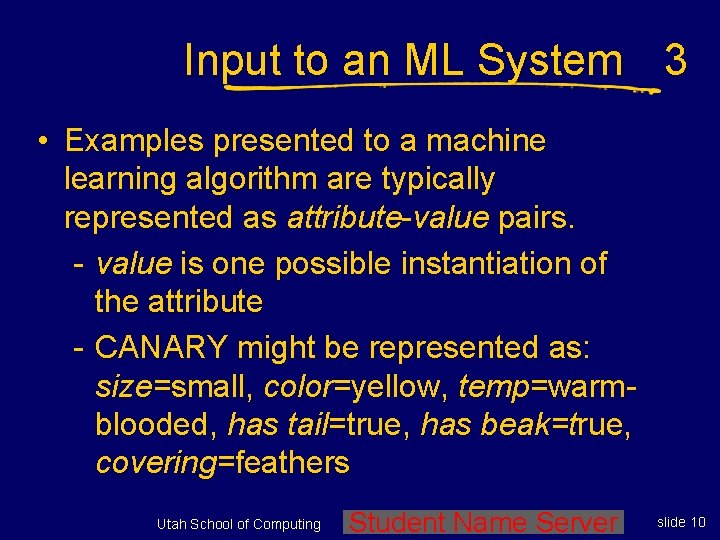
Input to an ML System 2 • Examples presented to a machine learning algorithm are typically represented as attribute-value pairs. - attribute is a general property associated with an object. For example, we might describe animals with the attributes: size, color, temp, has tail, has beak, covering Utah School of Computing Student Name Server slide 9
Input to an ML System 3 • Examples presented to a machine learning algorithm are typically represented as attribute-value pairs. - value is one possible instantiation of the attribute - CANARY might be represented as: size=small, color=yellow, temp=warmblooded, has tail=true, has beak=true, covering=feathers Utah School of Computing Student Name Server slide 10
Training Experience • Direct or indirect? - Direct experience consists of individual states/items and their individual classifications - Indirect experience consists of a sequence of states and a final classification only. Credit assignment is a major issue Utah School of Computing Student Name Server slide 11
Training Experience 2 • Teacher or self-selected training? - A teacher may select informative training examples - The learner may propose training examples that would be especially useful to learn from Utah School of Computing Student Name Server slide 12
Training Experience 3 • Distribution of training data: Generally assume training data is representative of the examples to be judged when tested for final performance Utah School of Computing Student Name Server slide 13
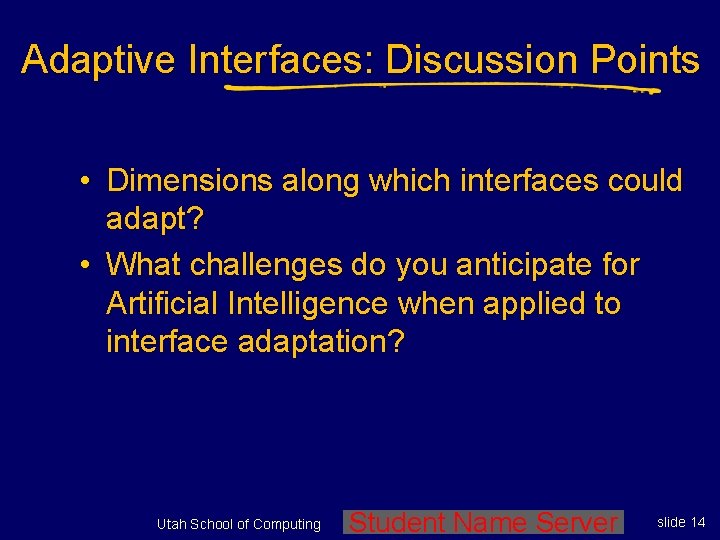
Adaptive Interfaces: Discussion Points • Dimensions along which interfaces could adapt? • What challenges do you anticipate for Artificial Intelligence when applied to interface adaptation? Utah School of Computing Student Name Server slide 14
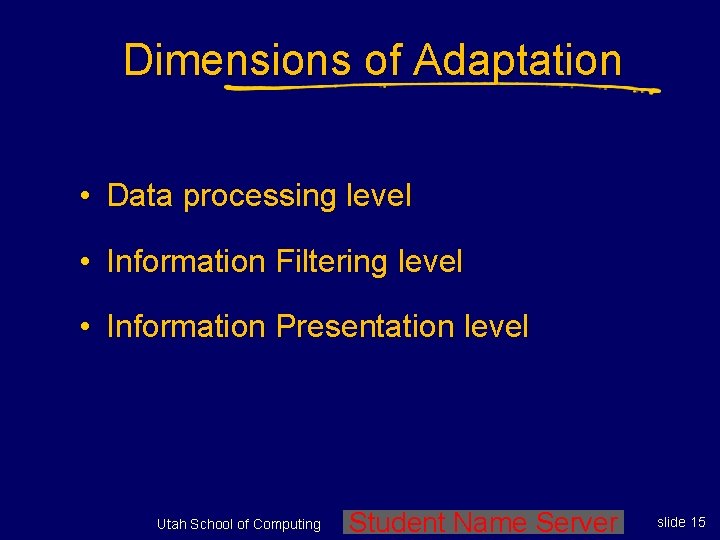
Dimensions of Adaptation • Data processing level • Information Filtering level • Information Presentation level Utah School of Computing Student Name Server slide 15
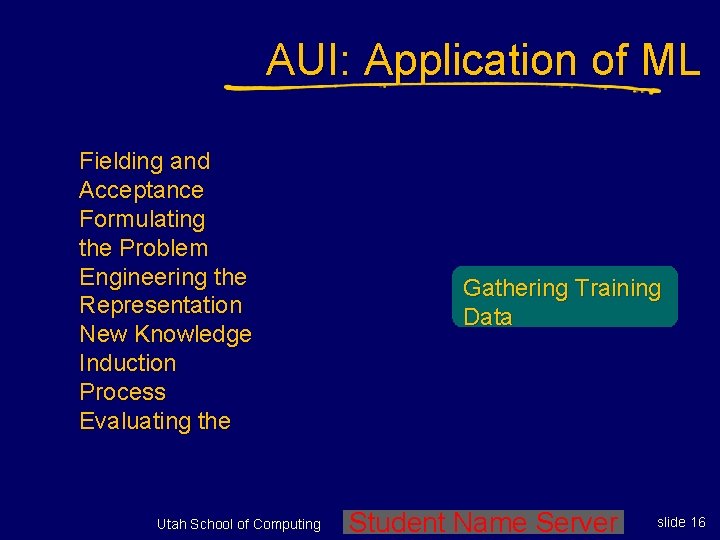
AUI: Application of ML Fielding and Acceptance Formulating the Problem Engineering the Representation New Knowledge Induction Process Evaluating the Utah School of Computing Gathering Training Data Student Name Server slide 16
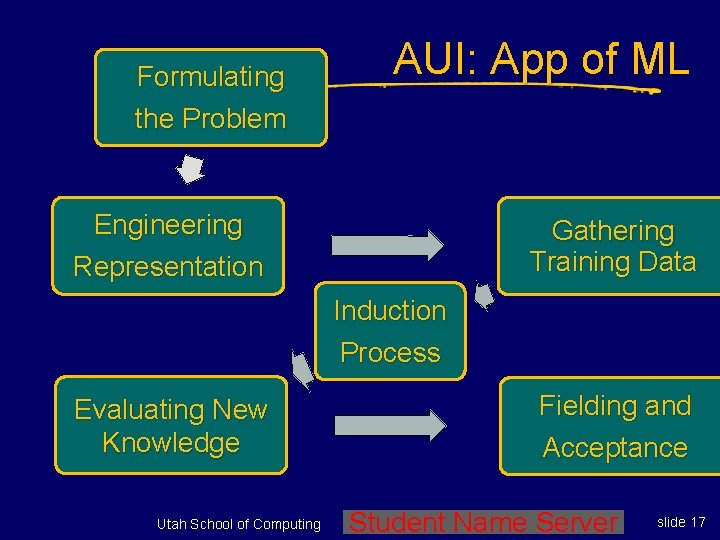
Formulating the Problem AUI: App of ML Engineering Representation Gathering Training Data Induction Process Evaluating New Knowledge Utah School of Computing Fielding and Acceptance Student Name Server slide 17
Examples of Adaptive UIs • Information filtering: - Syskill & Webert - News. Weeder • Generating new knowledge to satisfy user’s goals: - Scheduling - Part layout Utah School of Computing Student Name Server slide 18
Examples of Adaptive UIs 2 • Optimization: - Route advisor - Scheduling • Information entry: - Predict keystrokes or Unix commands - Form filling Utah School of Computing Student Name Server slide 19
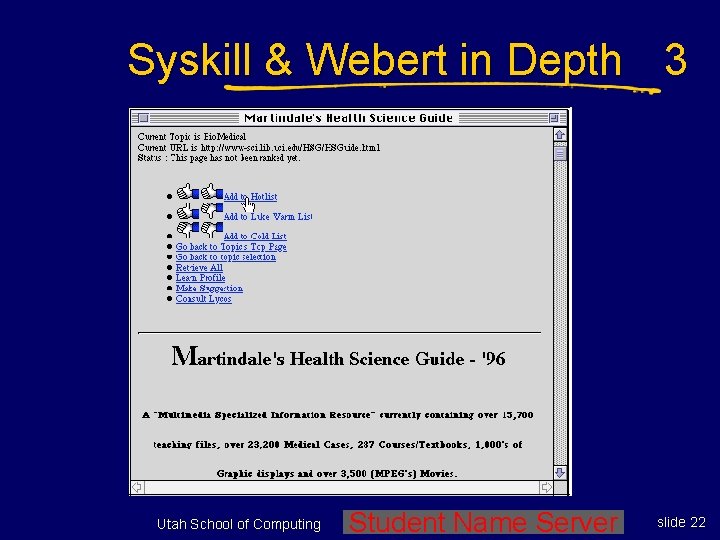
Syskill & Webert in Depth (Pazzani et al, 1996) Technique: • Recommends web pages on a userspecified topic • Accepts user feedback about pages user selects • Represents each web page as a “bag of words” Utah School of Computing Student Name Server slide 20
Syskill & Webert in Depth 2 (Pazzani et al, 1996) Technique: • Uses naive Bayes to adapt to user’s page preferences Evaluation: 80% accurate predicting user’s movie opinions after training on only 35 pages Utah School of Computing Student Name Server slide 21
Syskill & Webert in Depth 3 Utah School of Computing Student Name Server slide 22
Syskill & Webert in Depth 4 Profile can be used to: • Suggest which links might interest user • Construct a Lycos query to find interesting (to user) pages • Learns a profile for each topic and user Utah School of Computing Student Name Server slide 23
Syskill & Webert in Depth 5 Functionality is added to pages to collect user feedback: • Hot (2 thumbs up), • Llukewarm (1 up, 1 down), or • Cold (2 thumbs down); But learner only uses 2 classes by combining lukewarm & cold Utah School of Computing Student Name Server slide 24
Syskill & Webert Discussion • What are the advantages of this method? • What are the disadvantages? • How might we improve the interface? The learning? Utah School of Computing Student Name Server slide 25
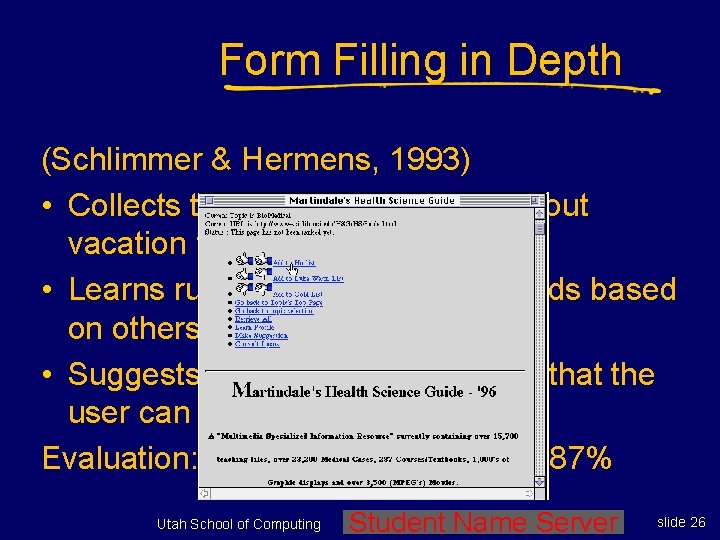
Form Filling in Depth (Schlimmer & Hermens, 1993) • Collects traces of secretary filling out vacation forms • Learns rules that predict some fields based on others • Suggests default entries for fields that the user can override Evaluation: Reduced keystrokes by 87% Utah School of Computing Student Name Server slide 26
Issue: Where to get training data? • • Past user actions Domain/application-specific information Context What other users have done Utah School of Computing Student Name Server slide 27
Issue: Nature of User Feedback • Least specific: Binary feedback: Web. Watcher, Syskill & Webert • Intermediate: ordering on choices: Adaptive Route Advisor, INCA • Most specific: scoring: Firefly • Passive versus Active Utah School of Computing Student Name Server slide 28
Email Alerting in Depth (Horvitz, et. al. , 1999) Send an alert when important email arrives • Compares expected cost of interruption to expected cost of delaying notification • Bayes net to assess user’s focus of attention • Learns to assess criticality of a message from email with user-labeled criticality values Related Application: email filtering whether to send to user’s remote device Utah School of Computing Student Name Server slide 29
General Design Issues • What to predict? (how can we best help users) • Demand on user (obtrusive versus unobtrusive) • Should user be able to examine and change their model? Utah School of Computing Student Name Server slide 30
General Design Issues 2 • Should user be able to override the system’s changing itself? • Evaluation • Design of interface more tied to design of adaptation process? Utah School of Computing Student Name Server slide 31
Evaluation Discussion • What aspects of the system would you want to improve as a result of its learning about you? • How easy are these to measure? • Is there a difference between real (quantitative) and perceived (qualitative) improvements? - Which would be more important to you? Utah School of Computing Student Name Server slide 32
Dimensions of Evaluation • Dependent measures - Solution speed - Solution quality - Amount of effort reduced - User satisfaction - Predictive accuracy Utah School of Computing Student Name Server slide 33
Dimensions of Evaluation 2 • Independent variables - Number of user interactions - Characteristics of system, user, and task Utah School of Computing Student Name Server slide 34
Ethical Issues • • • Privacy Etiquette Is it legal? Could we do anonymous user models? Where is the model stored and who owns it? Utah School of Computing Student Name Server slide 35
Ethical Issues 2 • Is the interface trying to influence the user? - Adaptive tutor vs. - Selling you a product you would buy anyway vs. - (Trying to) Change your buying habits or preferences Utah School of Computing Student Name Server slide 36
User Modeling & Intelligent Interfaces • Stereotypes • Dialog systems • Just do it? Or ask first? • Personification Utah School of Computing Student Name Server slide 37
Dialog Systems • Bring in techniques from natural language understanding, speech recognition, human factors, and problem solving and inference • Most existing systems are task specific • Developing the knowledge base needed to control a system is time and resource intensive Utah School of Computing Student Name Server slide 38
Dialog Systems 2 • We focus on decreasing that time by improving a simple system, online, after it is built • Our first effort improves along the dimension of asking better questions when helping the user find information Utah School of Computing Student Name Server slide 39
Demo Adaptive Place Advisor discussion and demonstration Utah School of Computing Student Name Server slide 40
What is the Future? • • • Aides, not Agents Intelligent Environments Wearable computers Conversational interfaces Commercialization Utah School of Computing Student Name Server slide 41
Personalization on the Web • • Firefly Wise. Wire News Dude Many others Utah School of Computing Student Name Server slide 42
Issues for Web Personalization • Of 1400 random web sites, 92% collected “great amounts of personal data” (US Federal Trade Commission, 1998) • Many users do not wish to register with web sites, or if they do, they provide fake info • Some countries do not allow usage logs to be kept from session to session • Security of your personal information! Utah School of Computing Student Name Server slide 43
Music Recommendation in Depth (Shardanand & Maes, 1994) • Users provide ratings of music items • System provides recommendations of other items user may also enjoy • Compare ratings to other user’s ratings and suggest music accordingly Utah School of Computing Student Name Server slide 44
Utah School of Computing End Lecture Set 5 End Intelligent User Interfaces