
Using your pointandshoot camera Tips and tricks for
- Slides: 20
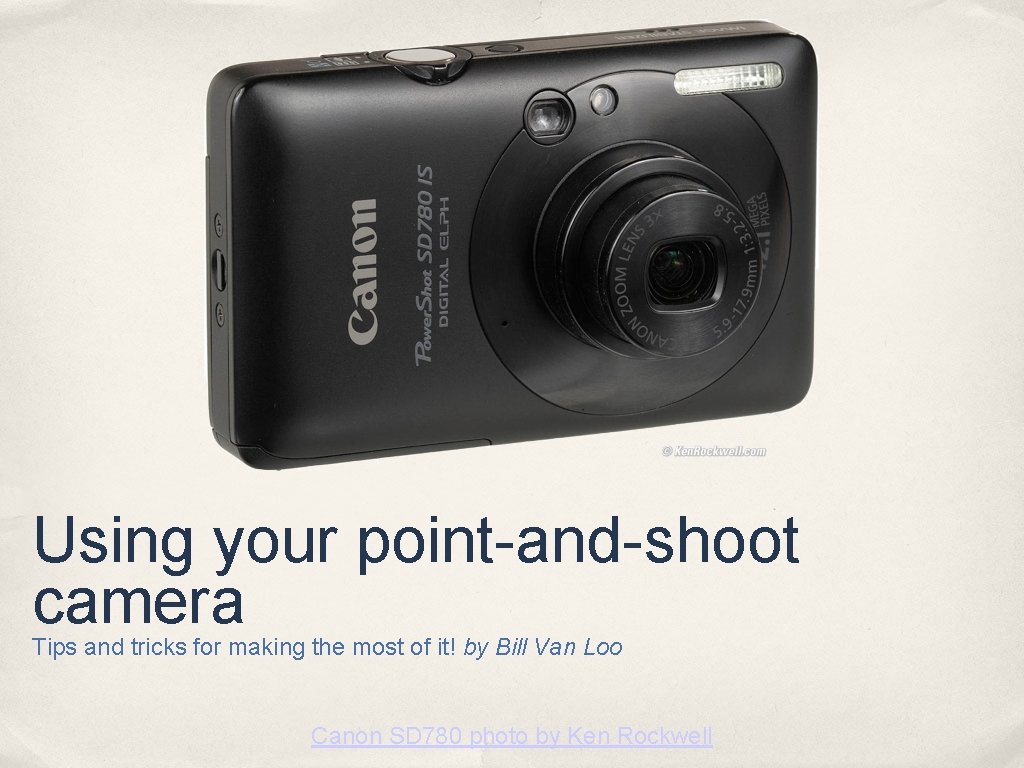
Using your point-and-shoot camera Tips and tricks for making the most of it! by Bill Van Loo Canon SD 780 photo by Ken Rockwell
MAIN MENUChoose a category and get started! Composition ✤ Exposure ✤ Sharpness ✤ Flash ✤ Close-ups ✤
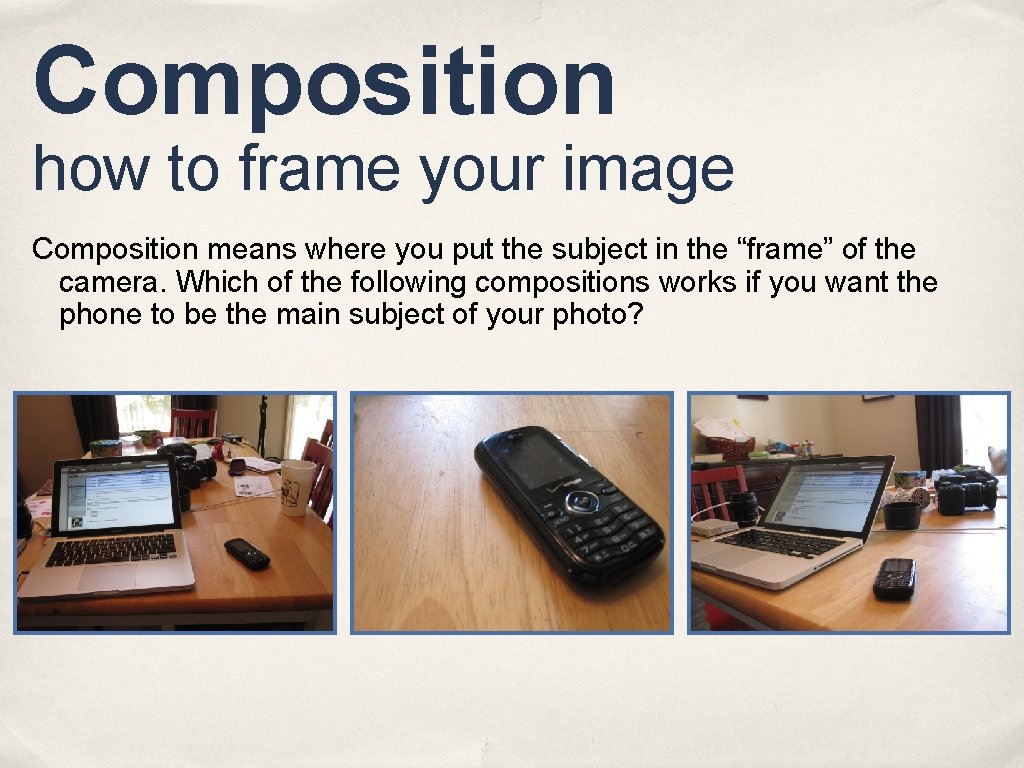
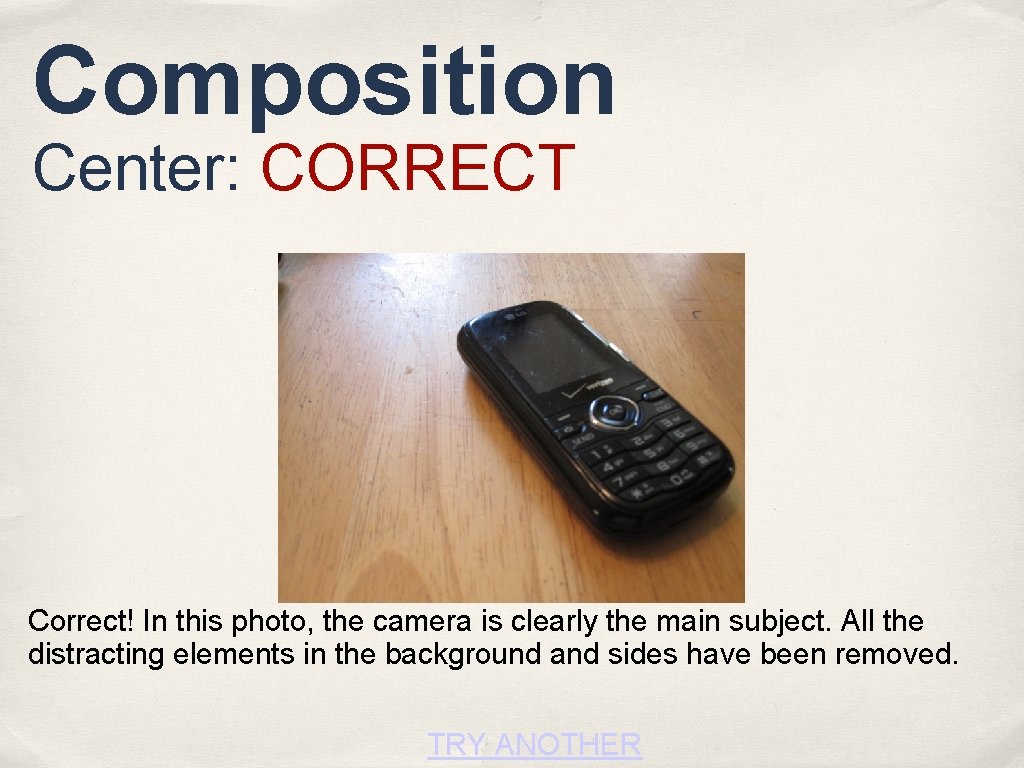
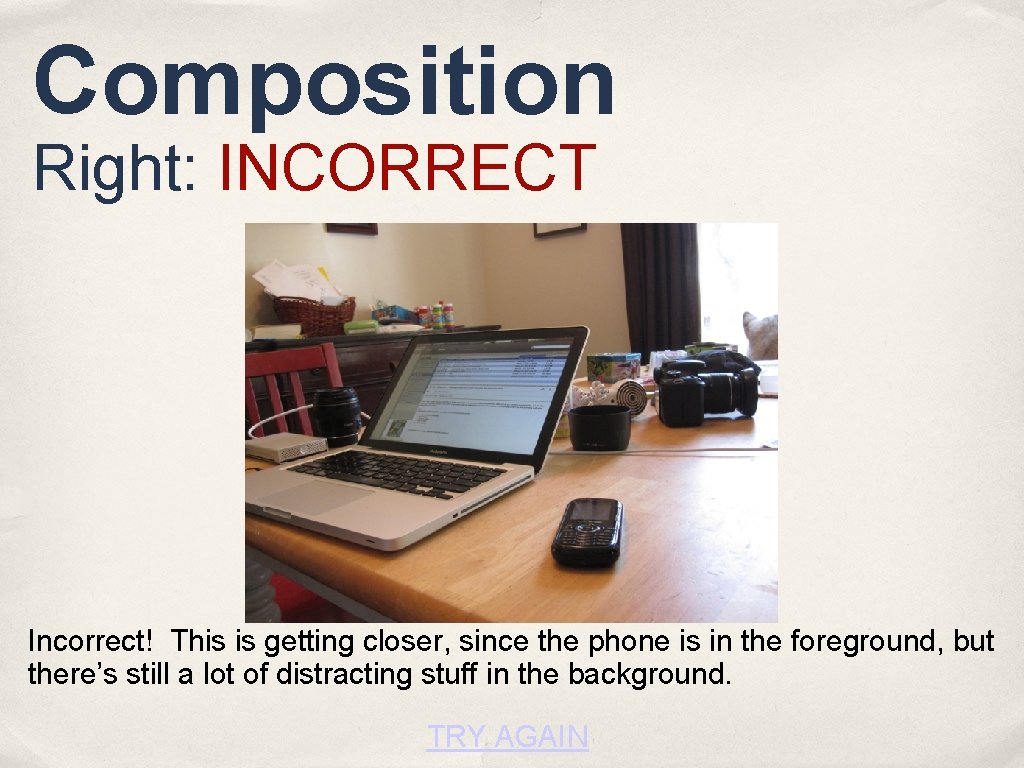
Composition how to frame your image Composition means where you put the subject in the “frame” of the camera. Which of the following compositions works if you want the phone to be the main subject of your photo?
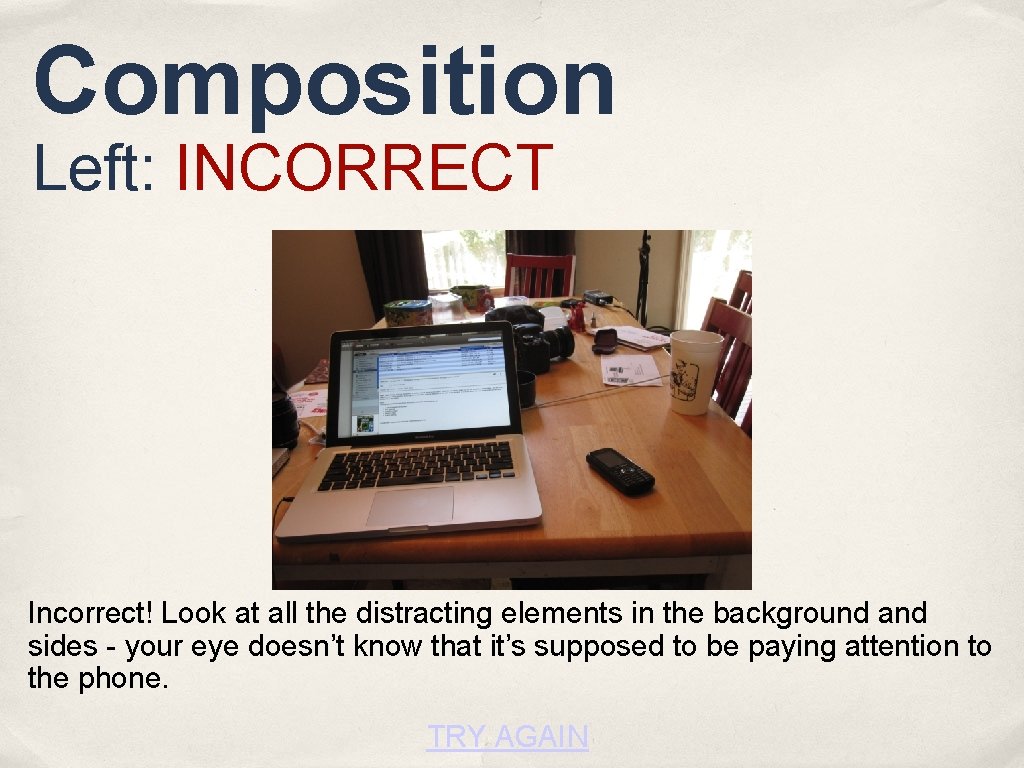
Composition Left: INCORRECT Incorrect! Look at all the distracting elements in the background and sides - your eye doesn’t know that it’s supposed to be paying attention to the phone. TRY AGAIN
Composition Center: CORRECT Correct! In this photo, the camera is clearly the main subject. All the distracting elements in the background and sides have been removed. TRY ANOTHER
Composition Right: INCORRECT Incorrect! This is getting closer, since the phone is in the foreground, but there’s still a lot of distracting stuff in the background. TRY AGAIN
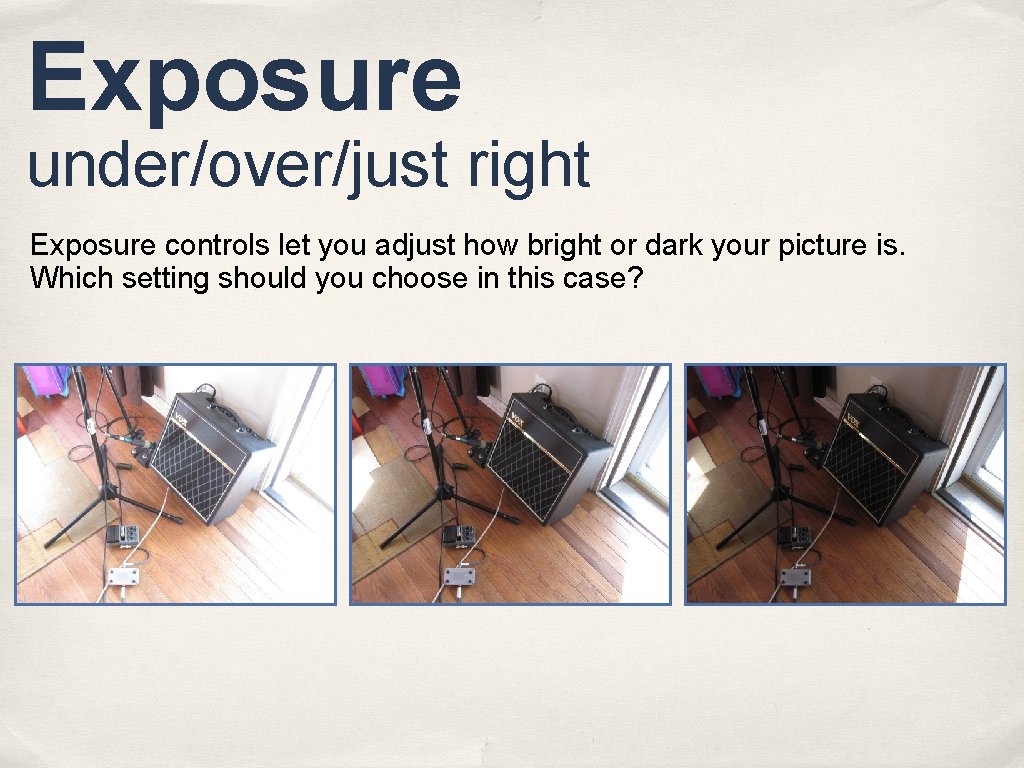
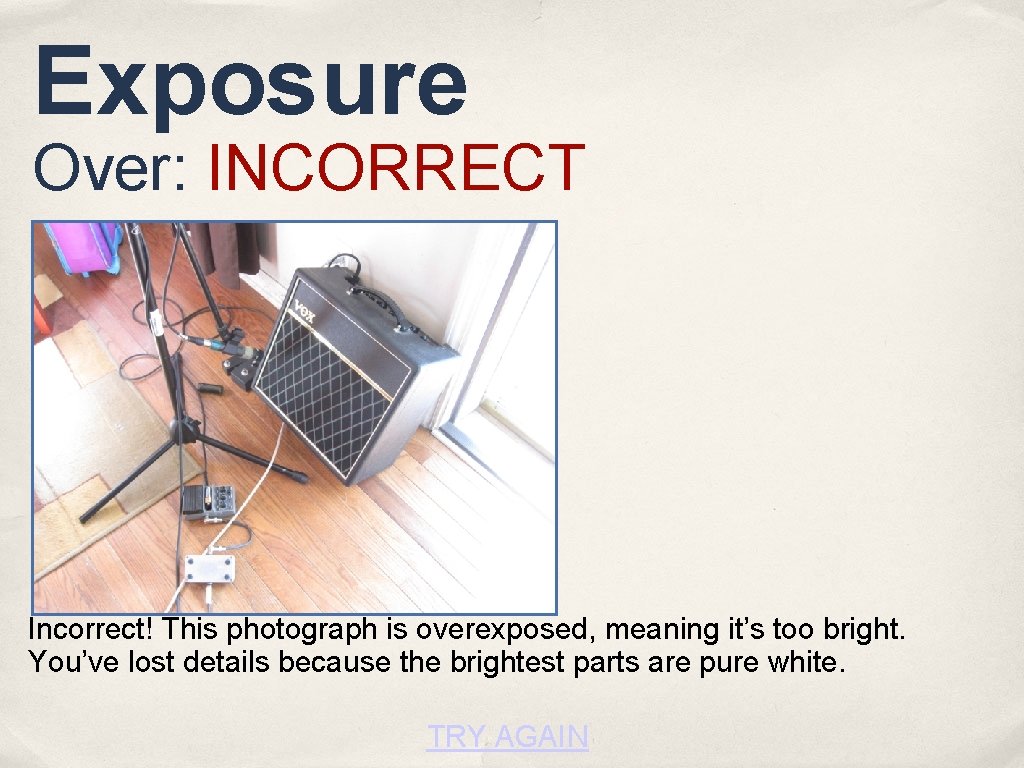
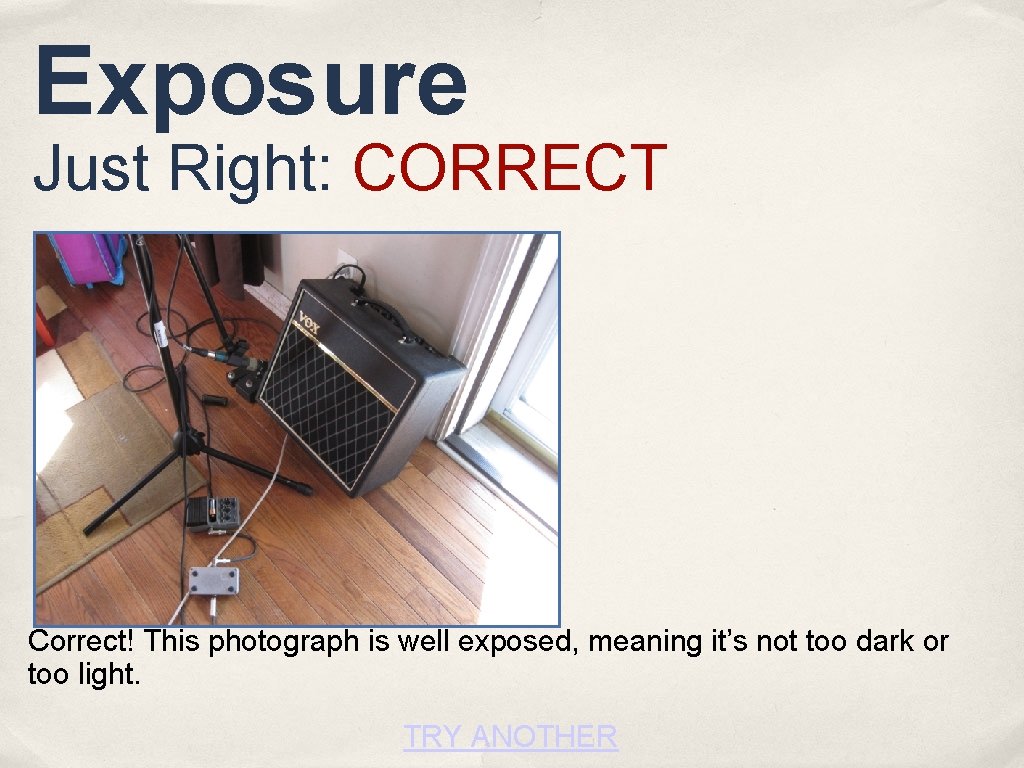
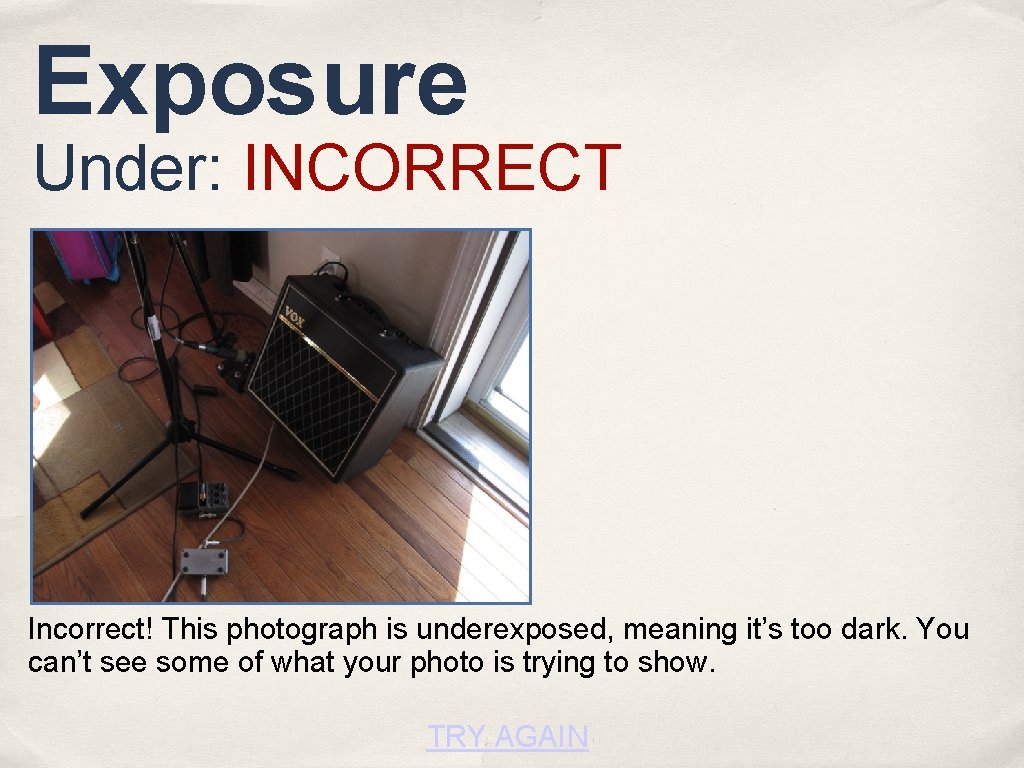
Exposure under/over/just right Exposure controls let you adjust how bright or dark your picture is. Which setting should you choose in this case?
Exposure Over: INCORRECT Incorrect! This photograph is overexposed, meaning it’s too bright. You’ve lost details because the brightest parts are pure white. TRY AGAIN
Exposure Just Right: CORRECT Correct! This photograph is well exposed, meaning it’s not too dark or too light. TRY ANOTHER
Exposure Under: INCORRECT Incorrect! This photograph is underexposed, meaning it’s too dark. You can’t see some of what your photo is trying to show. TRY AGAIN
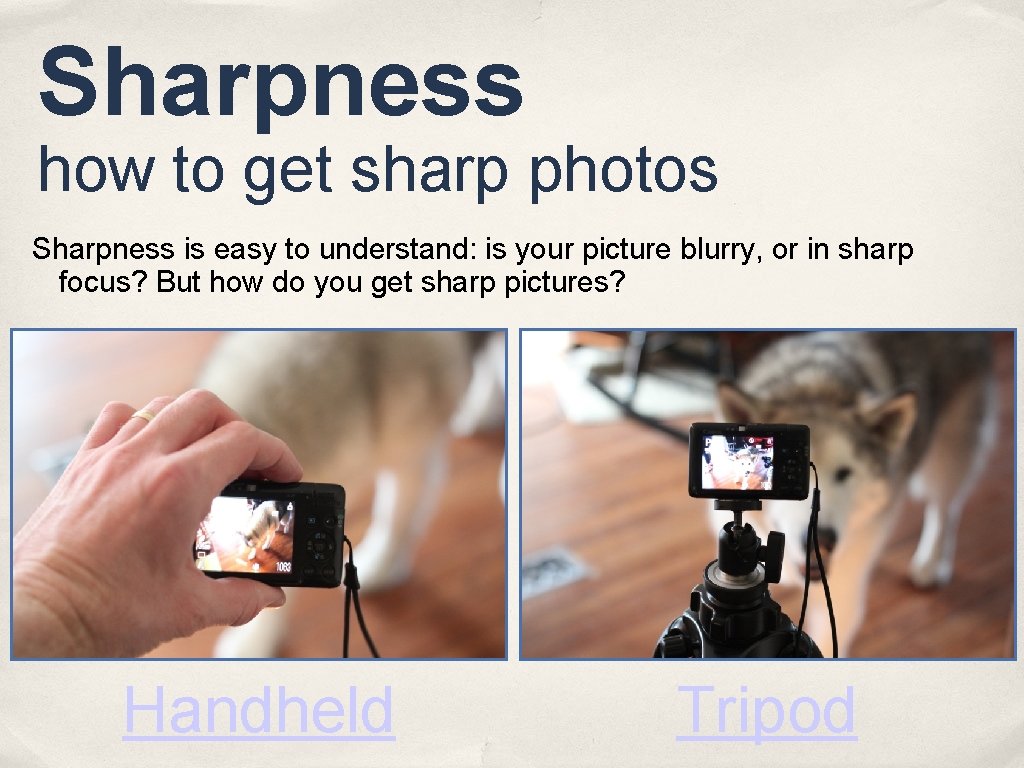
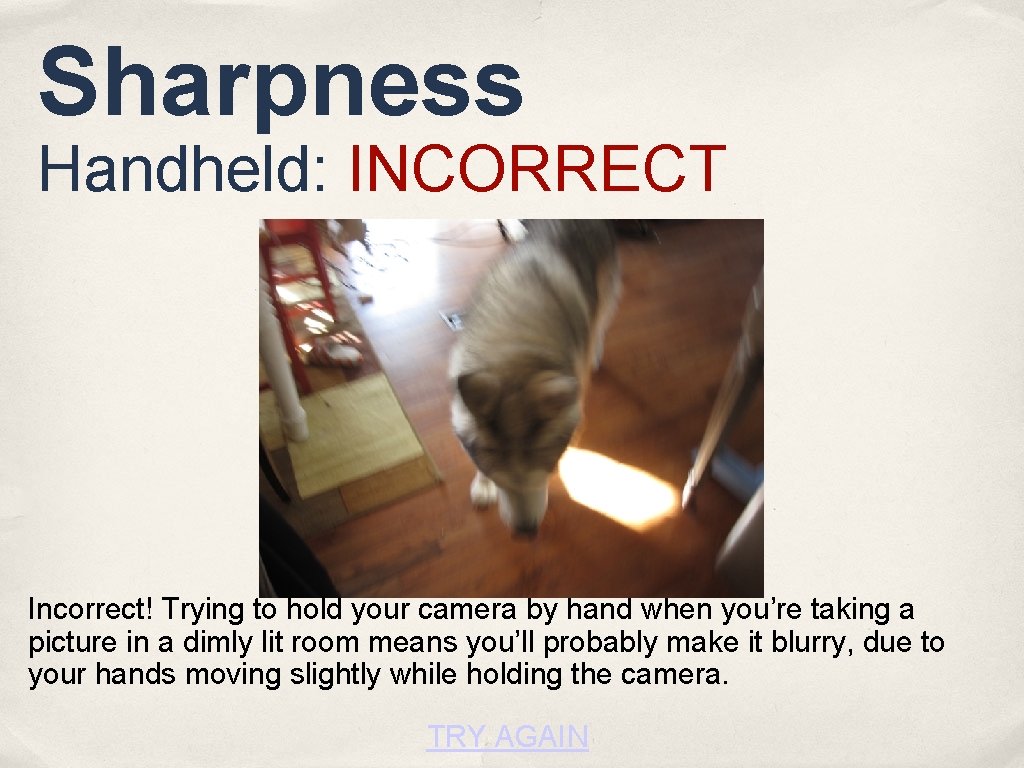
Sharpness how to get sharp photos Sharpness is easy to understand: is your picture blurry, or in sharp focus? But how do you get sharp pictures? Handheld Tripod
Sharpness Handheld: INCORRECT Incorrect! Trying to hold your camera by hand when you’re taking a picture in a dimly lit room means you’ll probably make it blurry, due to your hands moving slightly while holding the camera. TRY AGAIN
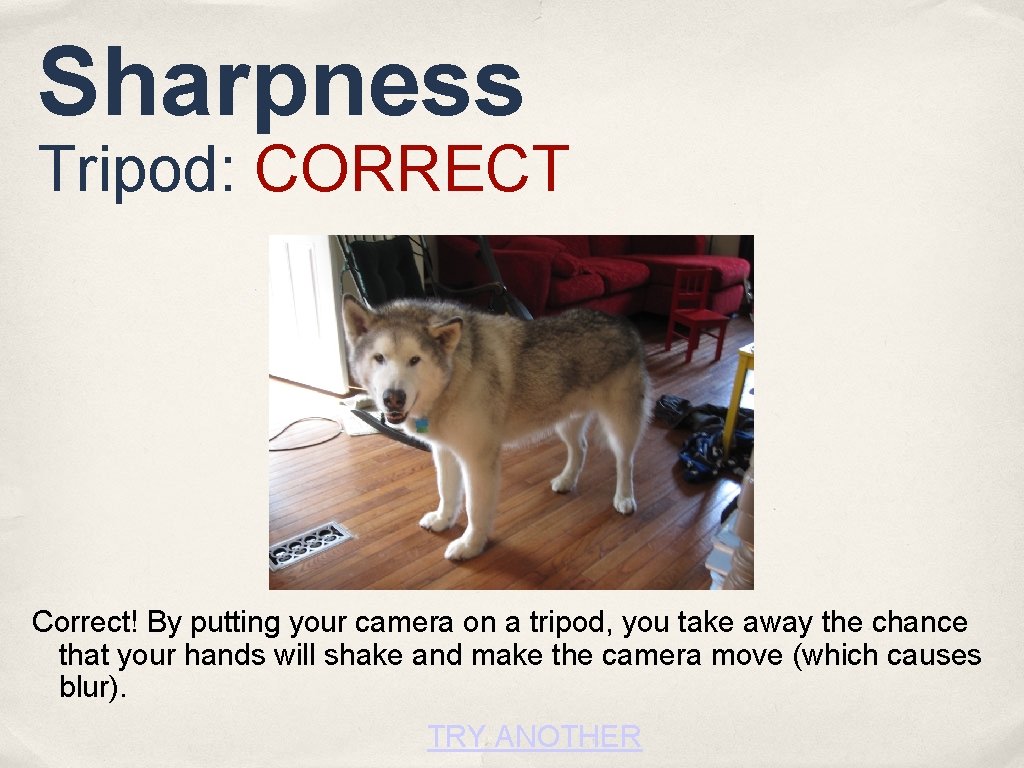
Sharpness Tripod: CORRECT Correct! By putting your camera on a tripod, you take away the chance that your hands will shake and make the camera move (which causes blur). TRY ANOTHER
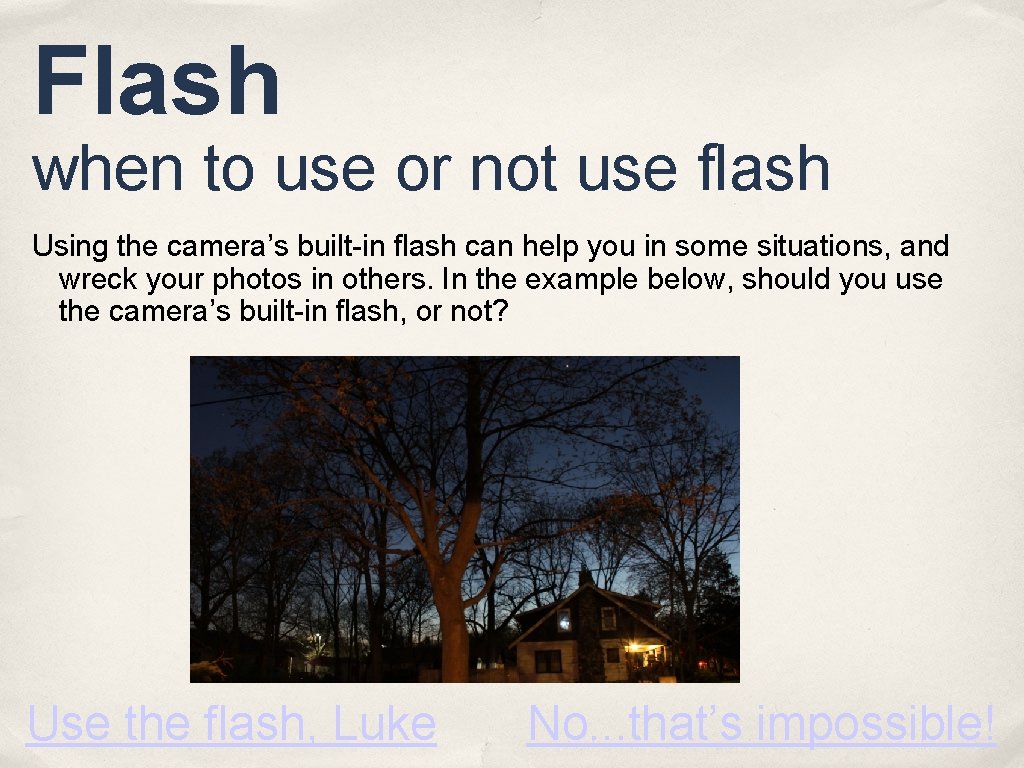
Flash when to use or not use flash Using the camera’s built-in flash can help you in some situations, and wreck your photos in others. In the example below, should you use the camera’s built-in flash, or not? Use the flash, Luke No. . . that’s impossible!
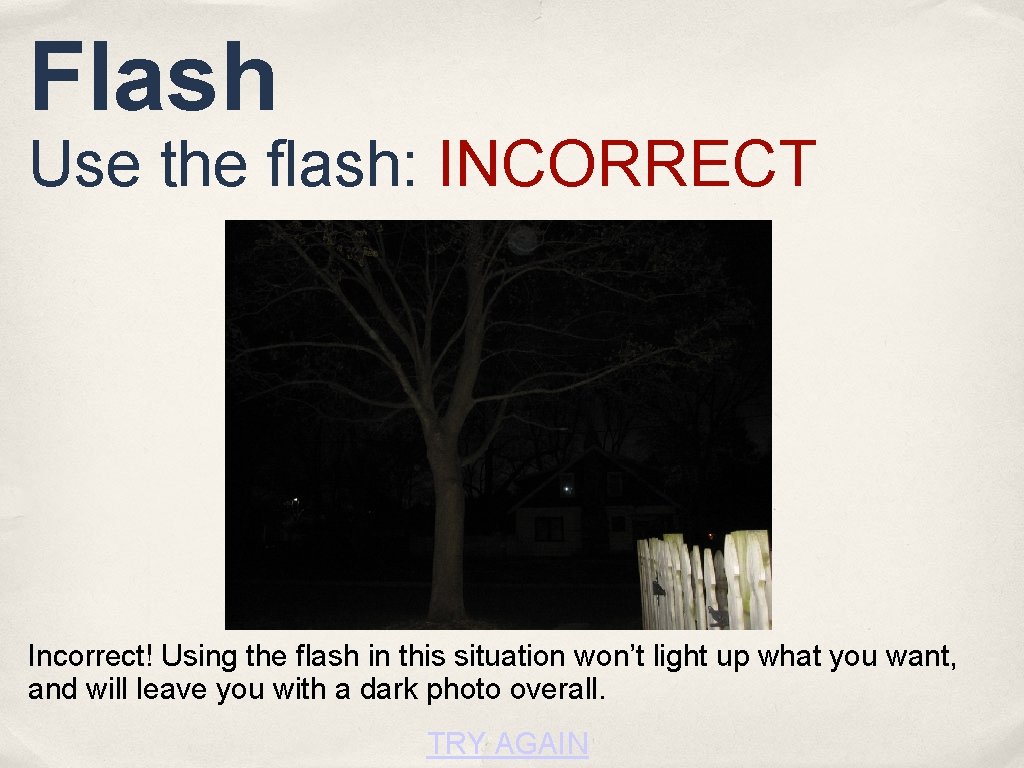
Flash Use the flash: INCORRECT Incorrect! Using the flash in this situation won’t light up what you want, and will leave you with a dark photo overall. TRY AGAIN
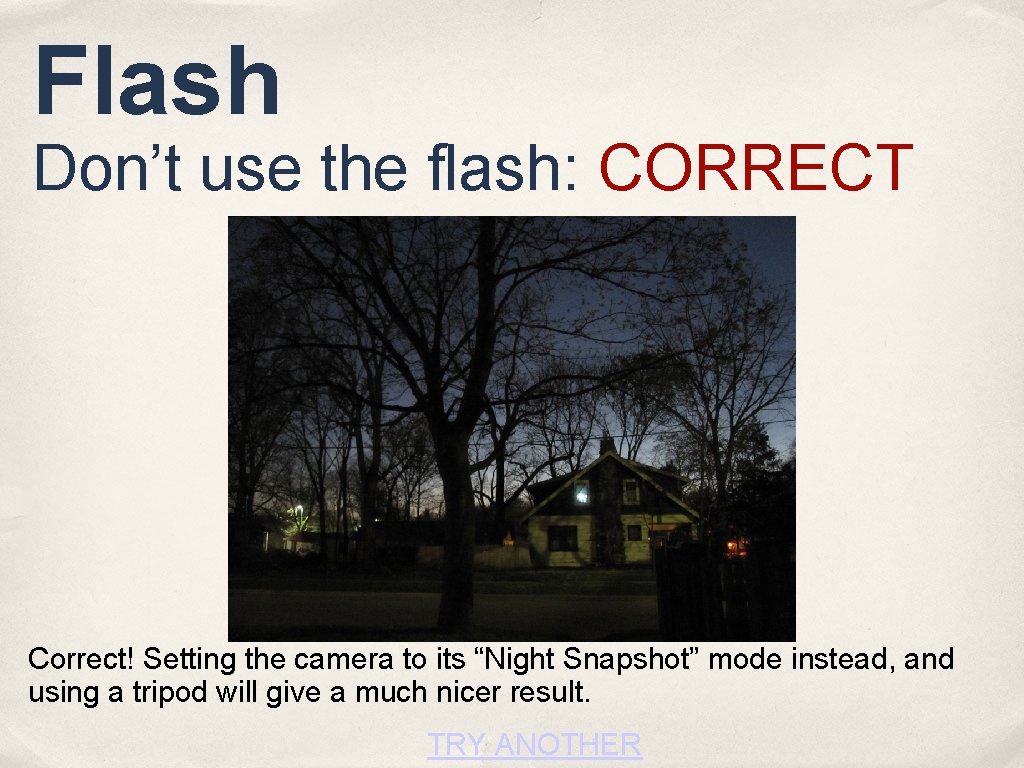
Flash Don’t use the flash: CORRECT Correct! Setting the camera to its “Night Snapshot” mode instead, and using a tripod will give a much nicer result. TRY ANOTHER
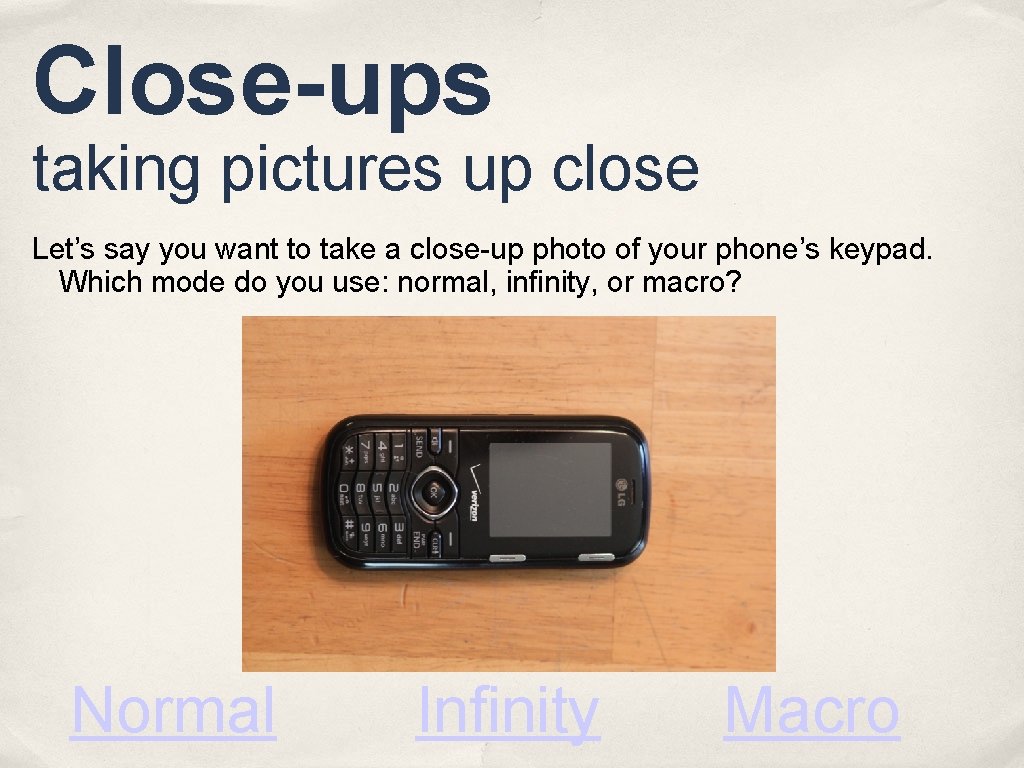
Close-ups taking pictures up close Let’s say you want to take a close-up photo of your phone’s keypad. Which mode do you use: normal, infinity, or macro? Normal Infinity Macro
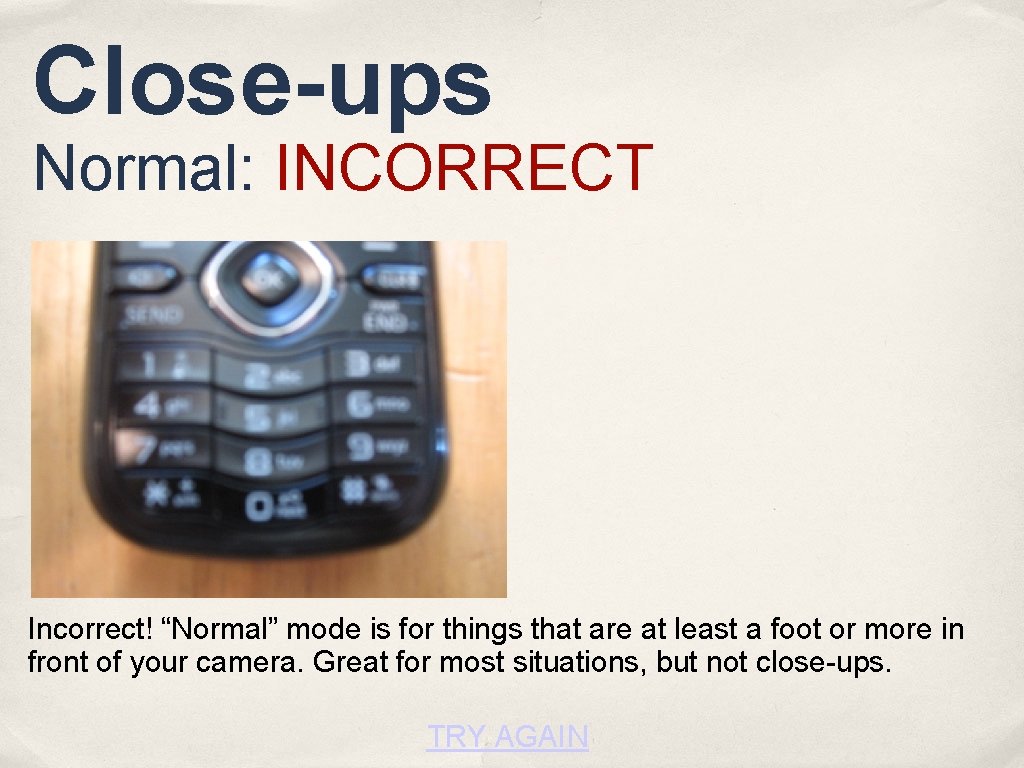
Close-ups Normal: INCORRECT Incorrect! “Normal” mode is for things that are at least a foot or more in front of your camera. Great for most situations, but not close-ups. TRY AGAIN
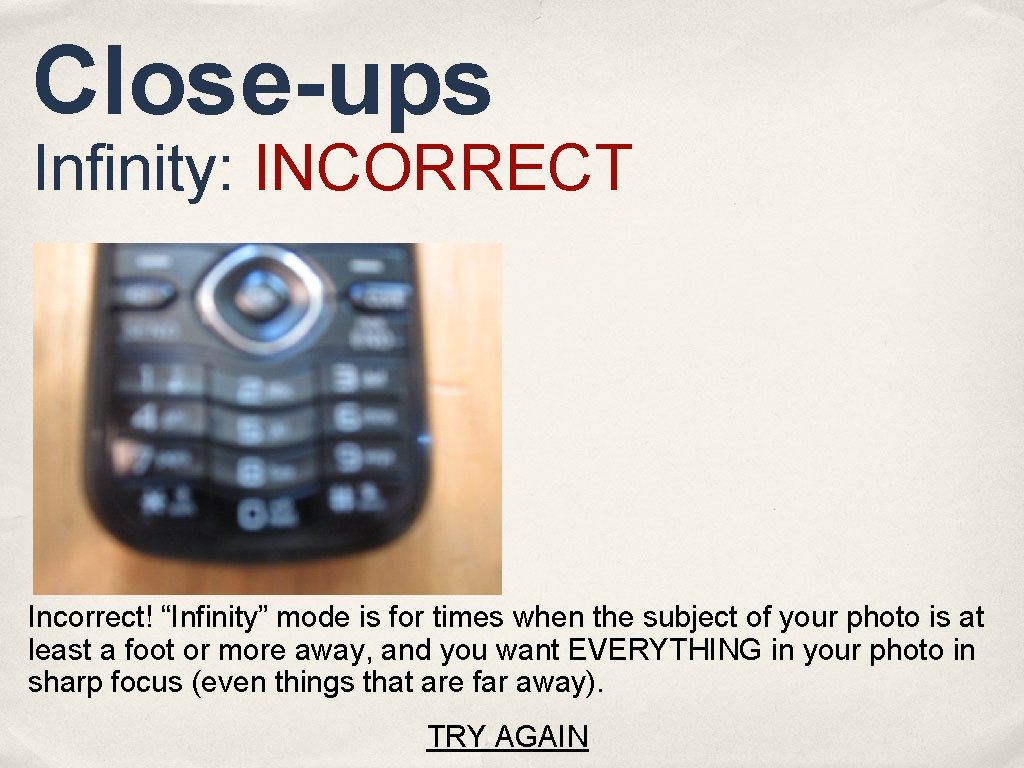
Close-ups Infinity: INCORRECT Incorrect! “Infinity” mode is for times when the subject of your photo is at least a foot or more away, and you want EVERYTHING in your photo in sharp focus (even things that are far away). TRY AGAIN
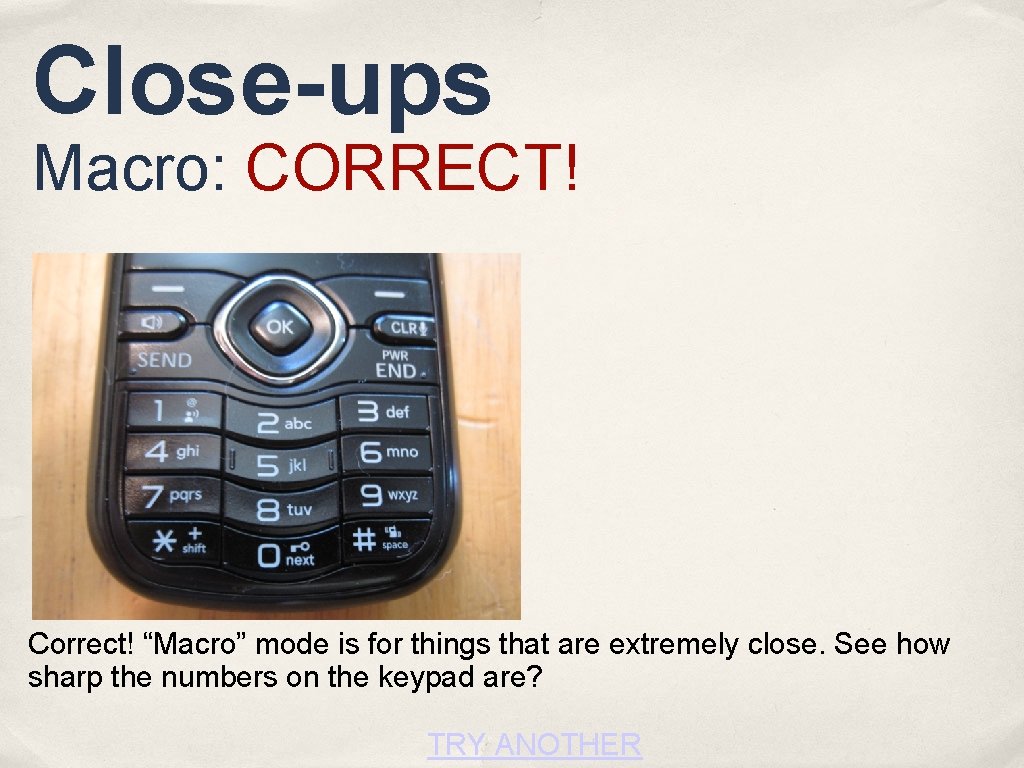
Close-ups Macro: CORRECT! Correct! “Macro” mode is for things that are extremely close. See how sharp the numbers on the keypad are? TRY ANOTHER