
Using XML to store Descriptive Metadata Richard Murphy

![Tools Used • • HTML XSL ASP – Java. Script [Hyper Text Markup Language]](https://slidetodoc.com/presentation_image_h2/4ed6f98eaa3ab31fe1ba19c5082eed3d/image-4.jpg "Tools Used • • HTML XSL ASP – Java. Script [Hyper Text Markup Language]")

- Slides: 22
Using XML to store Descriptive Metadata Richard Murphy Rosarie O’Riordan Central Statistics Office Ireland
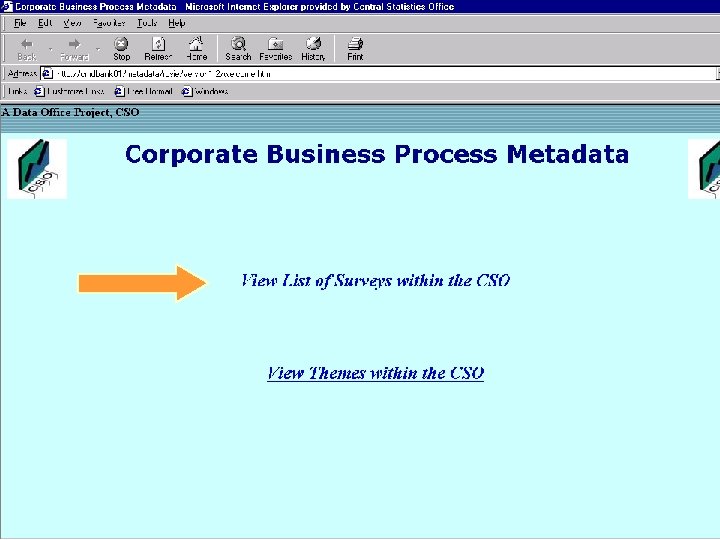
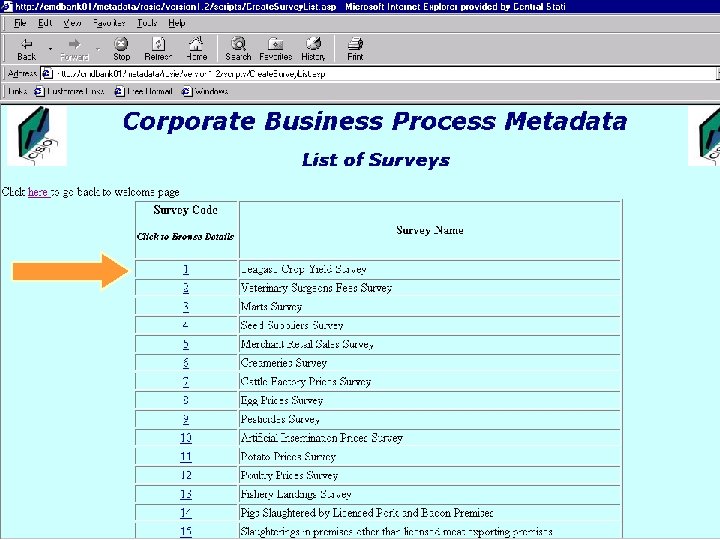
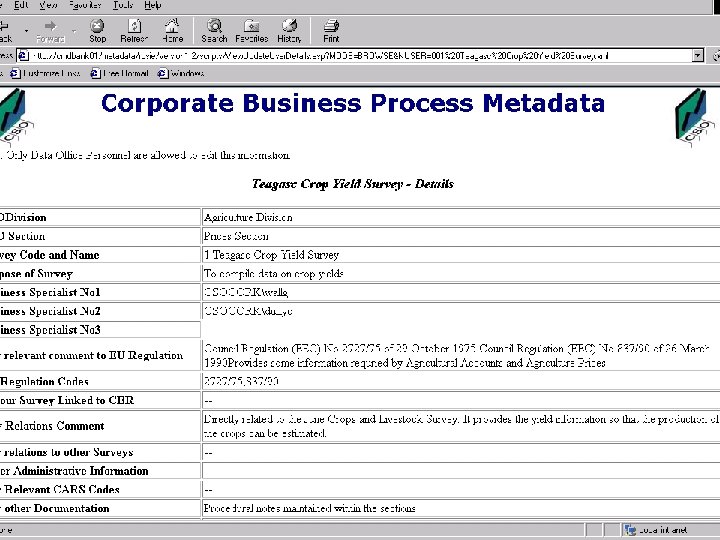
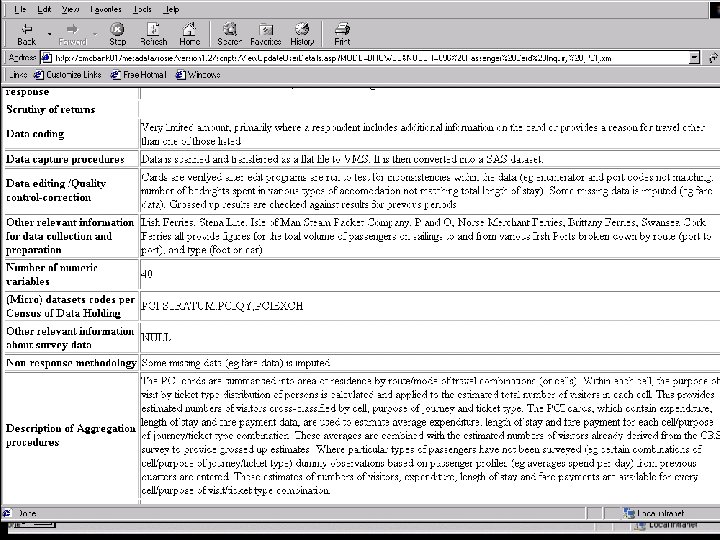
Background • Project to build a Corporate Data Warehouse • Business Process Improvement Project to document all processes • Data and Metadata now known • How to gather all metadata into one structure?
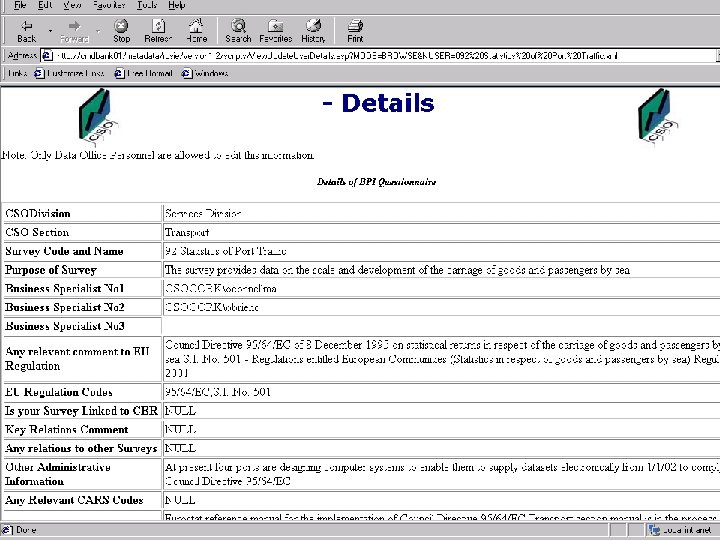
Proposed Solution • Use XML to build a metadata repository • Scaleable and Web enabled • Possibility of being integrated with core metadata • Integration with further developments
Tools Used • • HTML XSL ASP – Java. Script [Hyper Text Markup Language] [EXtensible Stylesheet Language] [Active Server Pages] [Java. Script is a scripting language]
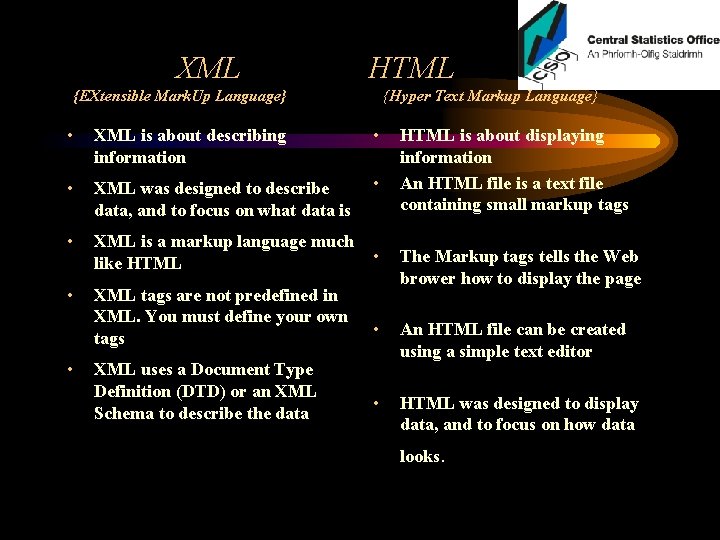
XML HTML {EXtensible Mark. Up Language} {Hyper Text Markup Language} • XML is about describing information • • XML was designed to describe data, and to focus on what data is • • XML is a markup language much like HTML • • XML tags are not predefined in XML. You must define your own tags The Markup tags tells the Web brower how to display the page • An HTML file can be created using a simple text editor • HTML was designed to display data, and to focus on how data • XML uses a Document Type Definition (DTD) or an XML Schema to describe the data HTML is about displaying information An HTML file is a text file containing small markup tags looks.
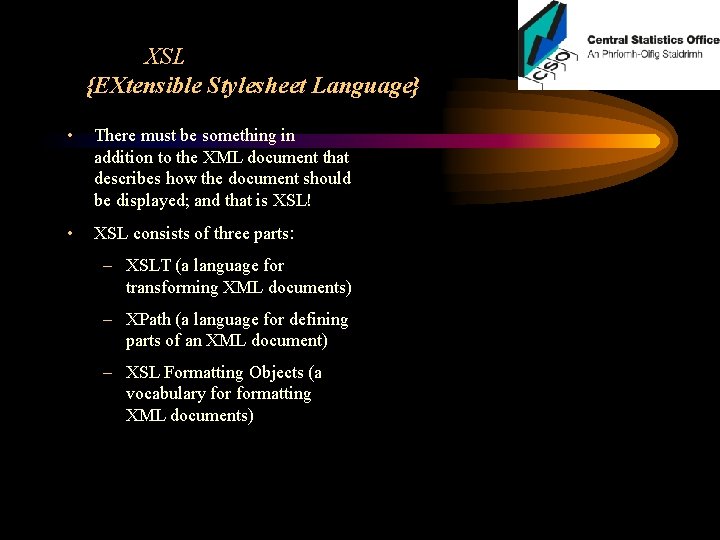
XSL {EXtensible Stylesheet Language} • There must be something in addition to the XML document that describes how the document should be displayed; and that is XSL! • XSL consists of three parts: – XSLT (a language for transforming XML documents) – XPath (a language for defining parts of an XML document) – XSL Formatting Objects (a vocabulary formatting XML documents)
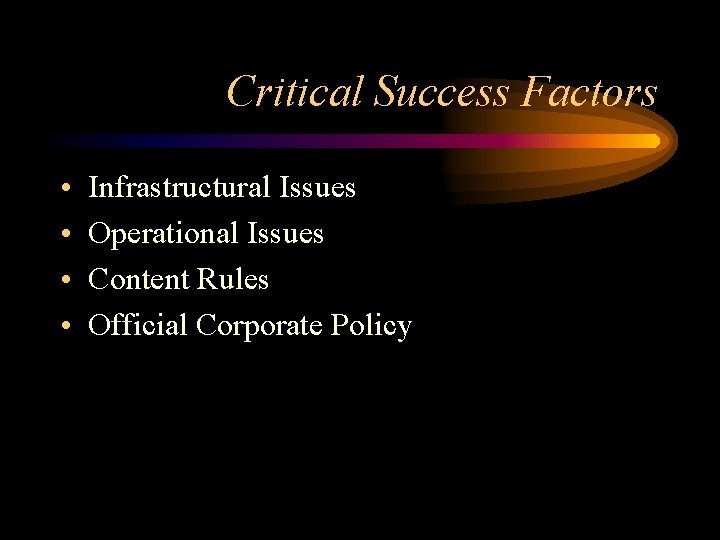
Critical Success Factors • • Infrastructural Issues Operational Issues Content Rules Official Corporate Policy
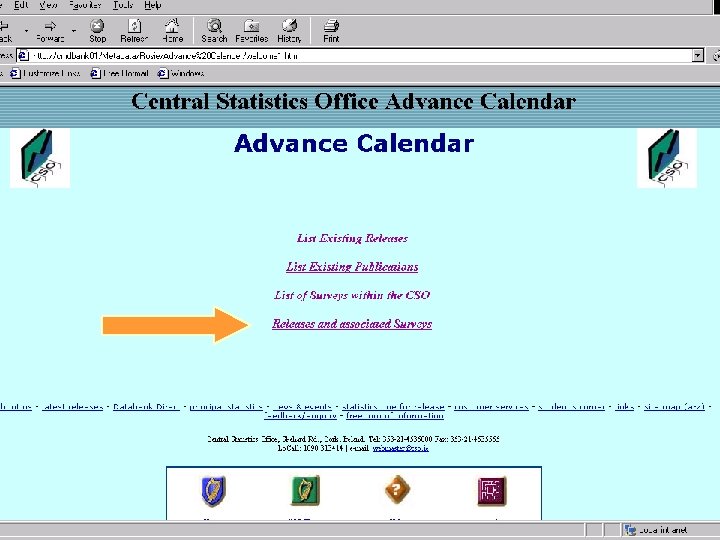
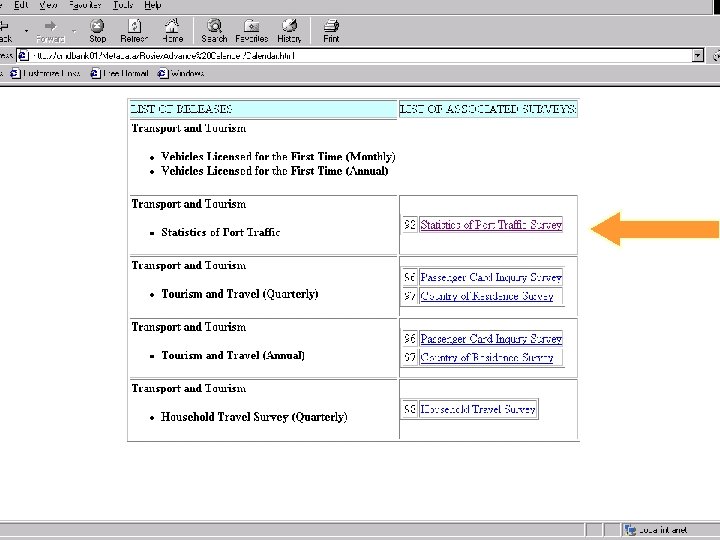
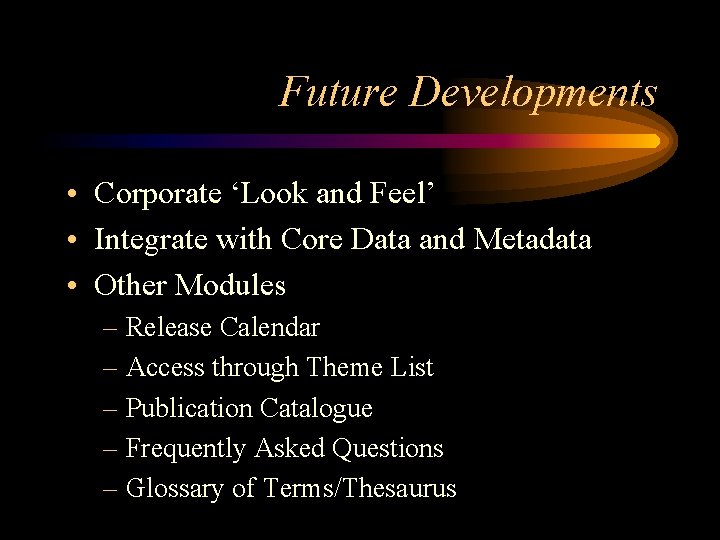
Future Developments • Corporate ‘Look and Feel’ • Integrate with Core Data and Metadata • Other Modules – Release Calendar – Access through Theme List – Publication Catalogue – Frequently Asked Questions – Glossary of Terms/Thesaurus
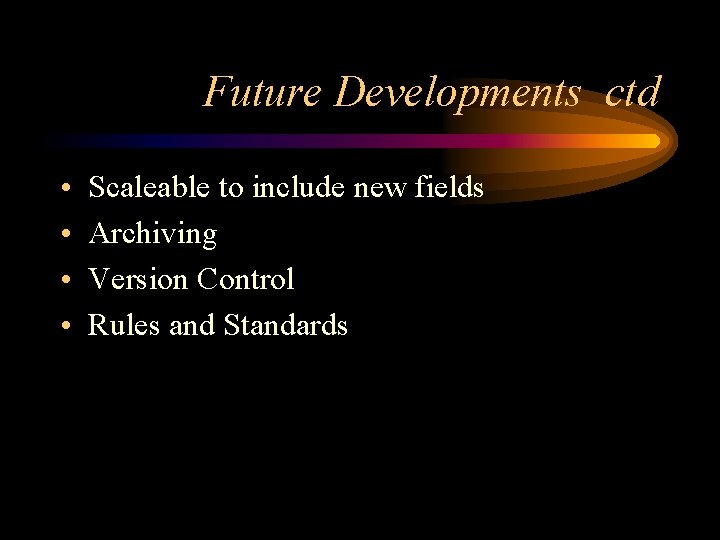
Future Developments ctd • • Scaleable to include new fields Archiving Version Control Rules and Standards
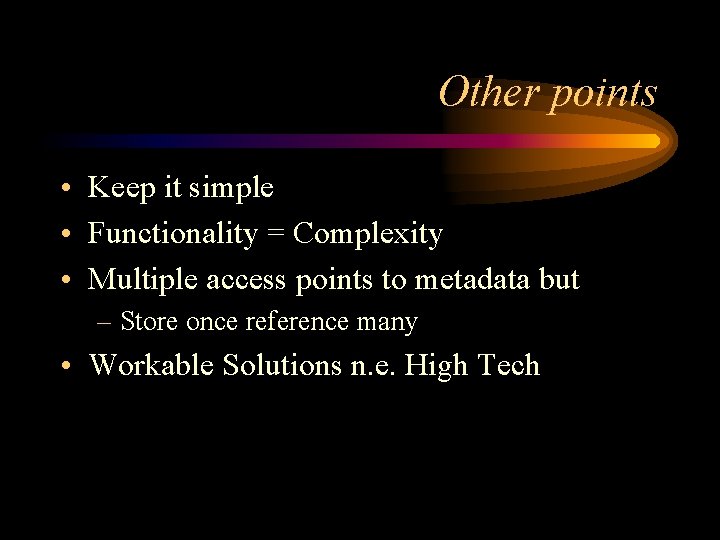
Other points • Keep it simple • Functionality = Complexity • Multiple access points to metadata but – Store once reference many • Workable Solutions n. e. High Tech
Thank You for Listening