
Using XML for Legends and Map Surround DIGITAL
- Slides: 24
Using XML for Legends and Map Surround DIGITAL MAPPING TECHNIQUES 2005 By Vic Dohar Natural Resources Canada
What is XML? § Stands for Extensible Mark-up Language § Standard mark-up language similar to HTML § HTML designed to display data § XML designed to describe data/information § Text based. Simple to read/understand § XML does not do anything. It is a document with a defined structure to store/share data with applications
What Constitutes an XML File? § An XML file contains tags, optional tag attributes, and a value or data between tags § You must define your own tags, they are not predefined § The syntax is simple yet strict. Some rules are: § All XML documents must contain a declaration and one unique root element § All elements must have matching start and end tag § Tags are case sensitive § All elements must be properly nested § Tag attribute values must always be quoted
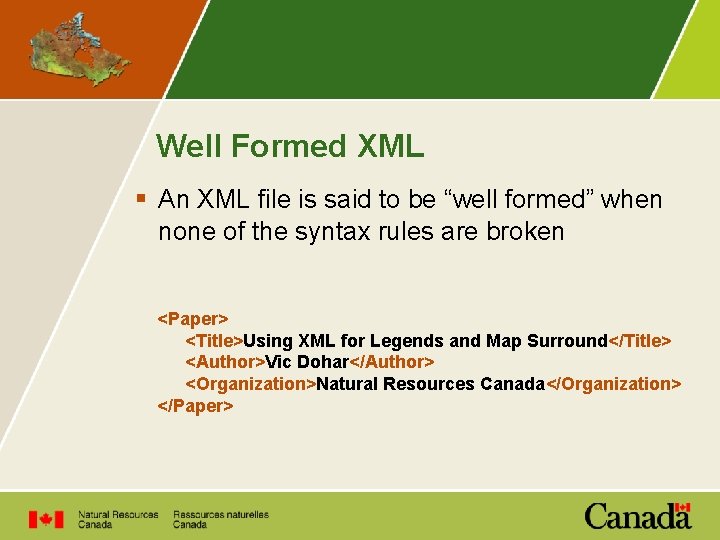
Well Formed XML § An XML file is said to be “well formed” when none of the syntax rules are broken <Paper> <Title>Using XML for Legends and Map Surround</Title> <Author>Vic Dohar</Author> <Organization>Natural Resources Canada</Organization> </Paper>
How do You Create XML Files? § Edit XML files with XML editors. Some are simple, some are loaded with rich functionality § Peter’s XML Editor (simple and free) § XMLSpy by Altova (rich, $$$ license) § www. xmlsoftware. com/editors. html § Most cases you write scripts that create XML files by referencing the XML Document Object Model (DOM)
XML Schemas § Schemas define the structure/elements, legal building blocks of an XML document § § Defines elements, attributes Child elements Number and order of elements Data types for elements § Schemas are saved as XSD documents § XML files are validated against XSD § Write XSD in XML or use application
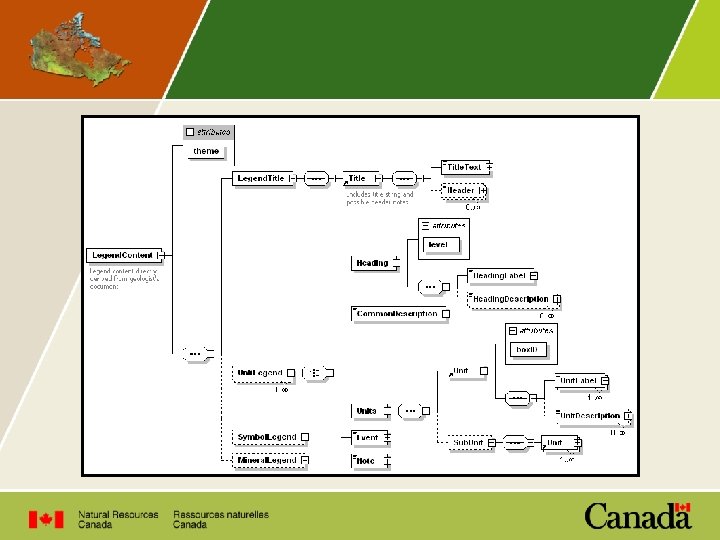
Sample XSD
XML Sources § W 3 Schools § Microsoft Development Network (MSDN)
Publication Process and Integration § Electronic publication processing system database to manage and track publications (reports, bulletins, maps) through the various production stages § Paperless trail utilizing on-line forms § Steps and checks along the way including editorial reviews, quality control, plotting § Extract information (metadata) from Oracle database to XML for map surround info
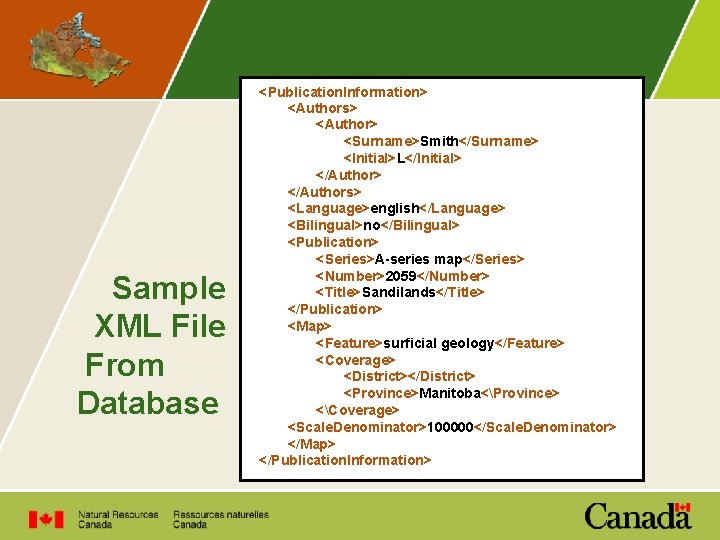
Sample XML File From Database <Publication. Information> <Authors> <Author> <Surname>Smith</Surname> <Initial>L</Initial> </Authors> <Language>english</Language> <Bilingual>no</Bilingual> <Publication> <Series>A-series map</Series> <Number>2059</Number> <Title>Sandilands</Title> </Publication> <Map> <Feature>surficial geology</Feature> <Coverage> <District></District> <Province>Manitoba<Province> <Coverage> <Scale. Denominator>100000</Scale. Denominator> </Map> </Publication. Information>
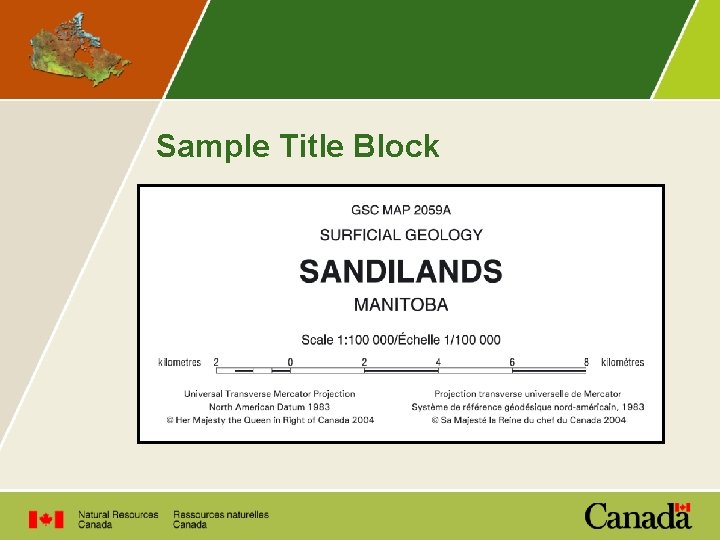
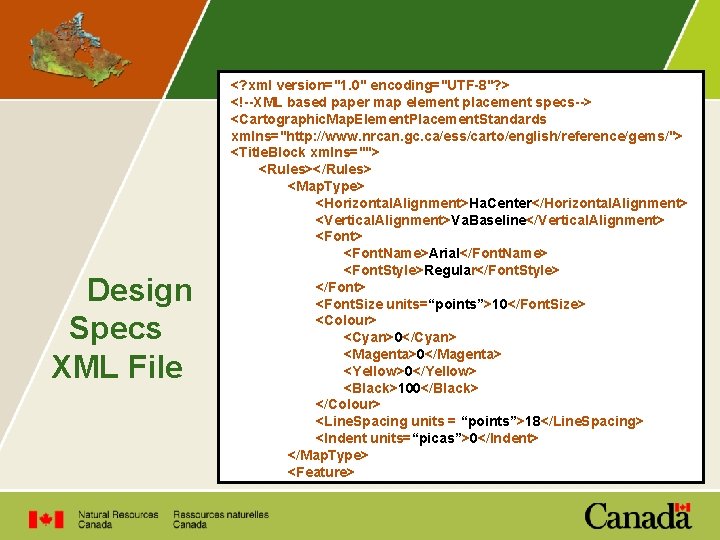
Surround Information § VBA application in Arc. Map reads XML file and plots title block and recommended citation accordingly § Reduces errors and omissions § Provides consistent rendering of data adhering based on design specifications § Design specifications stored in an additional XML file
Sample Title Block
Design Specs XML File <? xml version="1. 0" encoding="UTF-8"? > <!--XML based paper map element placement specs--> <Cartographic. Map. Element. Placement. Standards xmlns="http: //www. nrcan. gc. ca/ess/carto/english/reference/gems/"> <Title. Block xmlns=""> <Rules></Rules> <Map. Type> <Horizontal. Alignment>Ha. Center</Horizontal. Alignment> <Vertical. Alignment>Va. Baseline</Vertical. Alignment> <Font. Name>Arial</Font. Name> <Font. Style>Regular</Font. Style> </Font> <Font. Size units=“points”>10</Font. Size> <Colour> <Cyan>0</Cyan> <Magenta>0</Magenta> <Yellow>0</Yellow> <Black>100</Black> </Colour> <Line. Spacing units = “points”>18</Line. Spacing> <Indent units=“picas”>0</Indent> </Map. Type> <Feature>
Geological Legends
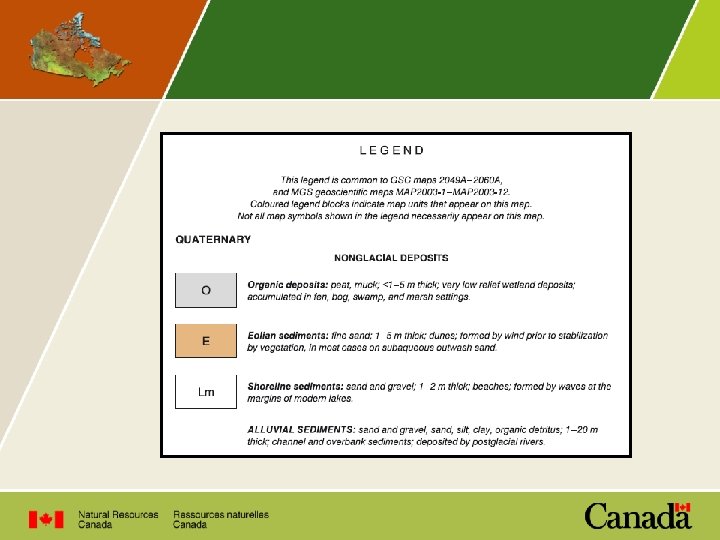
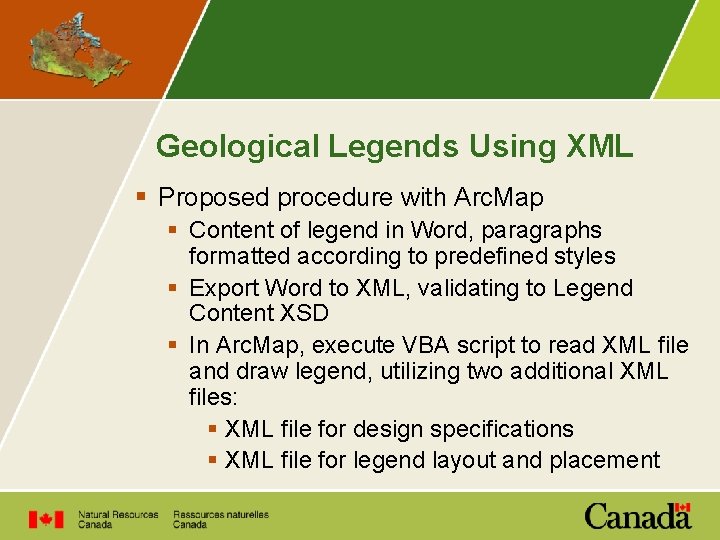
Geological Legends Using XML § Proposed procedure with Arc. Map § Content of legend in Word, paragraphs formatted according to predefined styles § Export Word to XML, validating to Legend Content XSD § In Arc. Map, execute VBA script to read XML file and draw legend, utilizing two additional XML files: § XML file for design specifications § XML file for legend layout and placement
Demo § Edit legend document in Word § Convert Word document to XML § Draw legend in Arc. Map
Future § Complete it! § Extend legend to include symbols used on map § It will be made available to download for free on our website www. nrcan. gc. ca/ess/carto click on Toolbox, click on Arc. GIS Migration
Demo: Notes § Format paragraphs § Content is important § Formatting appearance is only a visual aid in Word § Word document can be pre-processed by editorial staff for accuracy
Demo: Legend in Word
Demo: Convert XML
Demo: View XML File
Demo: Arc. Map
Demo: Not Just For Legends