
Using TurningPoint Software and Response Card keypads clickers
- Slides: 24
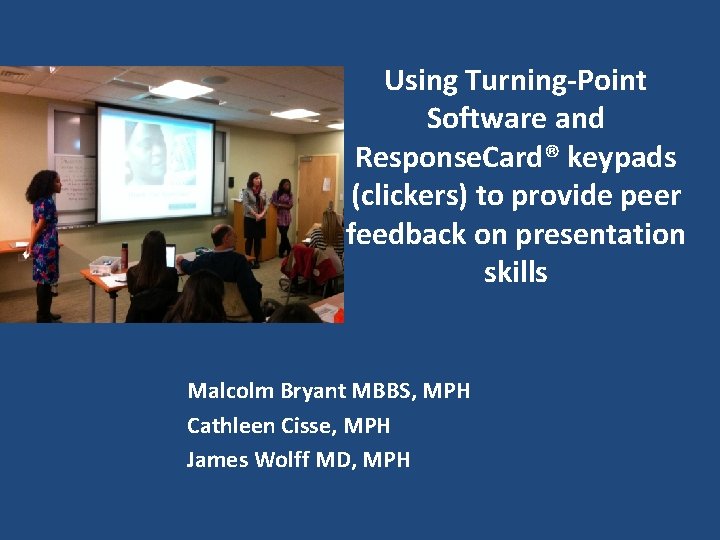
Using Turning-Point Software and Response. Card® keypads (clickers) to provide peer feedback on presentation skills Malcolm Bryant MBBS, MPH Cathleen Cisse, MPH James Wolff MD, MPH
Overview • • • Description of our course The role of presentations in public health Design of the innovation Examples of presentations Feedback from students 2
Background • Presenting in public is a core public health skill • Presentation skills difficult to build • Our course requires bi-weekly presentations using different mechanisms • Effective presentation requires evidencebased content BUT • Content delivered without communication is of little value 3
Assignment • Exactly 10 minutes for the presentation • Target audience – a captive, somewhat unwilling group of BUSPH students • Audience will “grade” you on the following: – Clarity of the scope of work you present – Clarity of the challenges facing the organization – Relevance of the recommendations – Realism and practicality of the recommendations 4
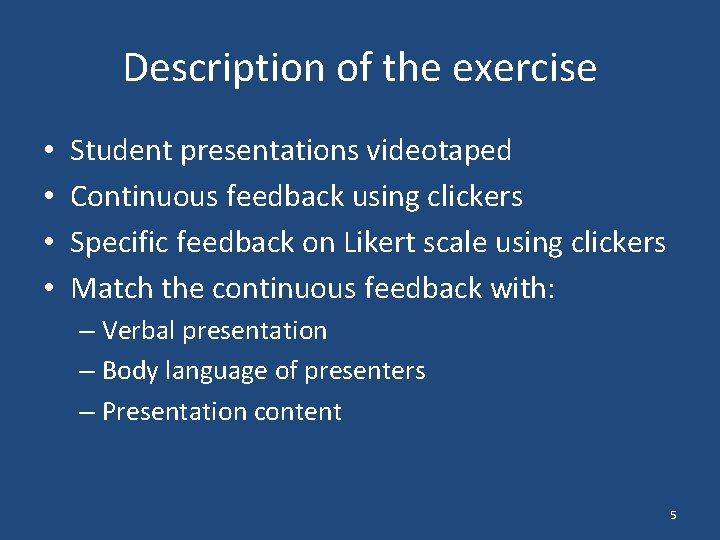
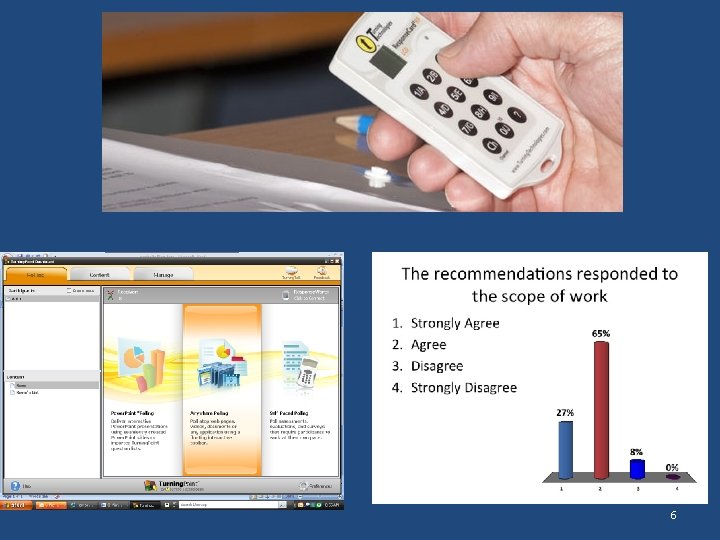
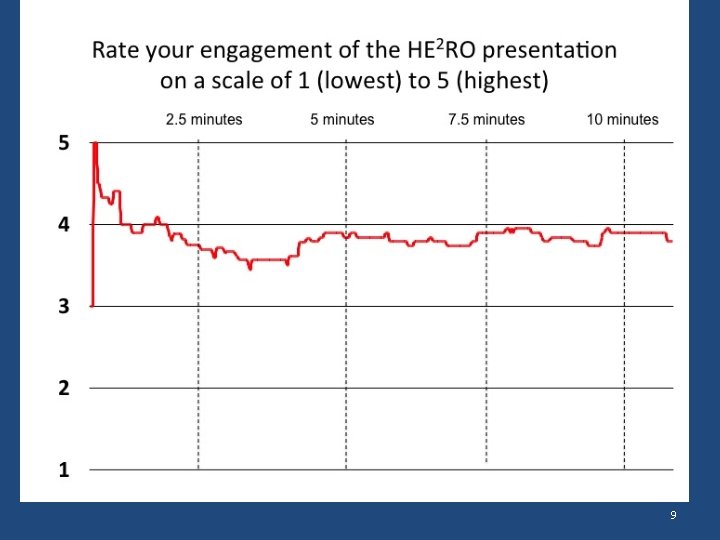
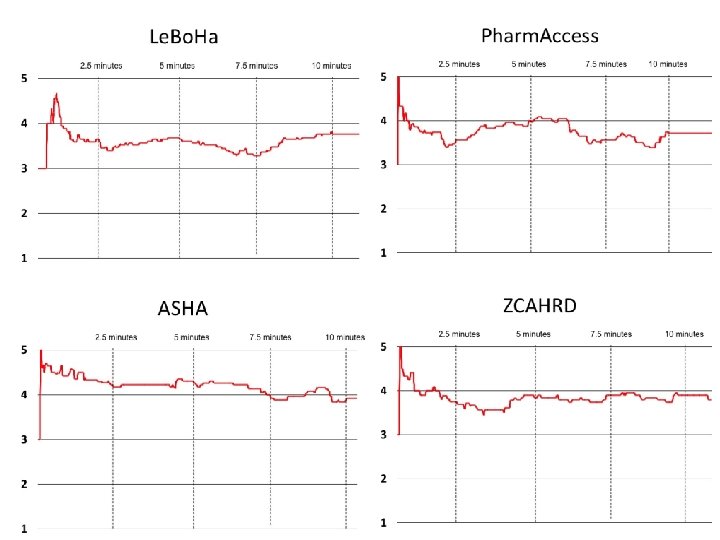
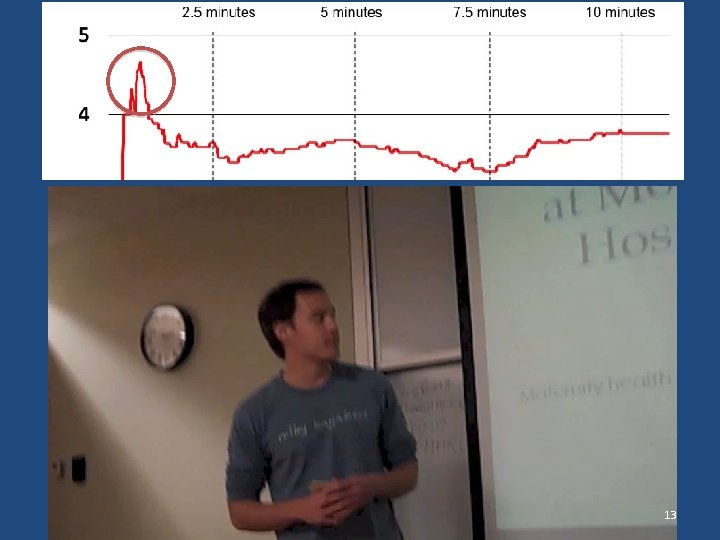
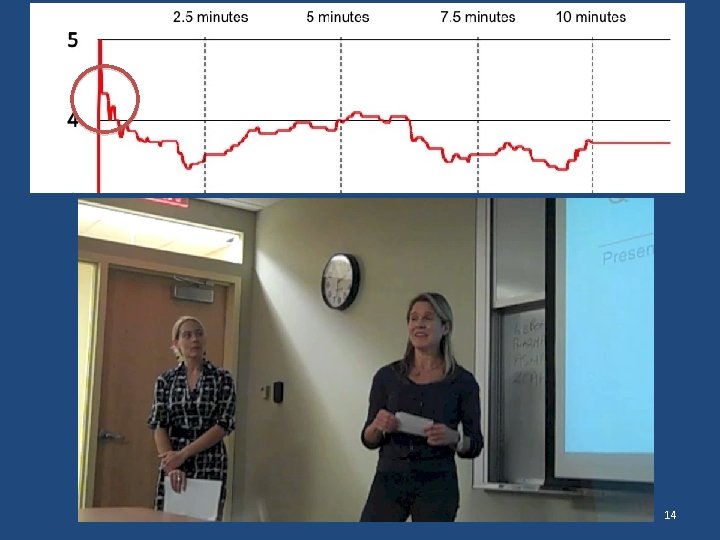
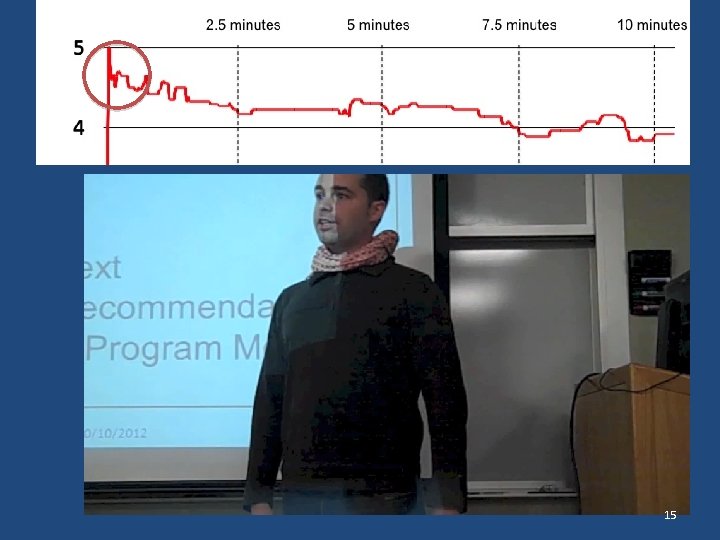
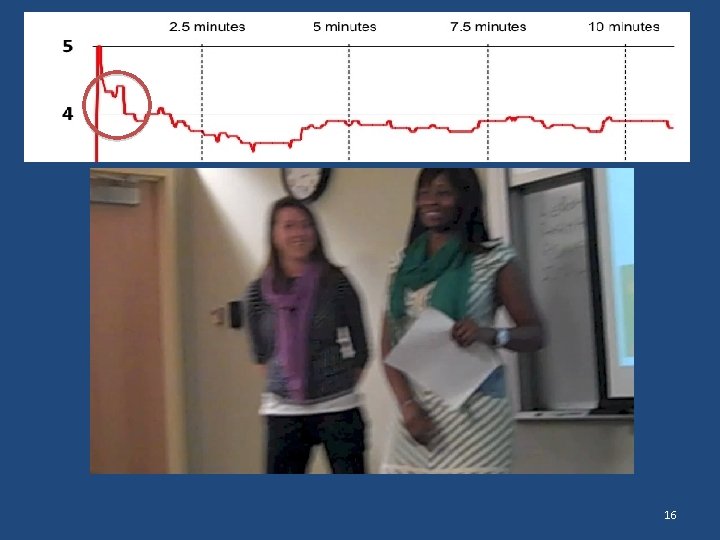
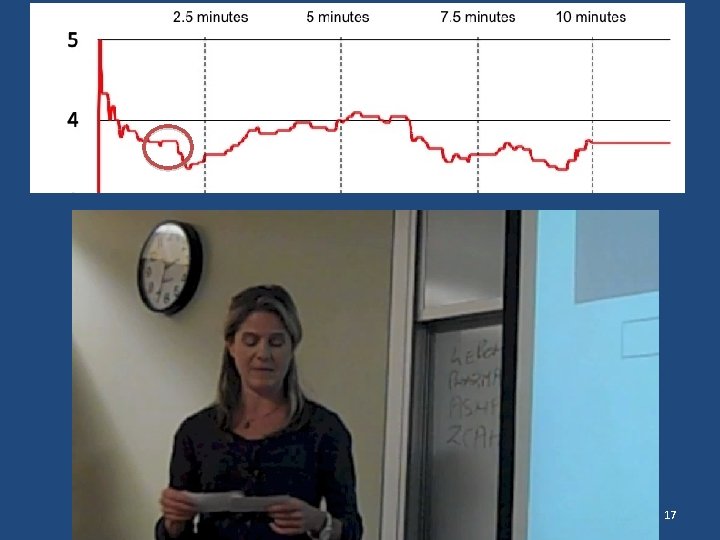
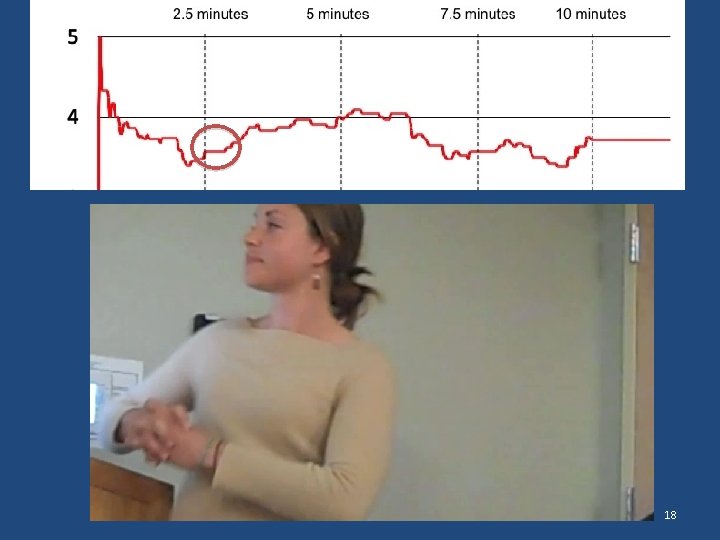
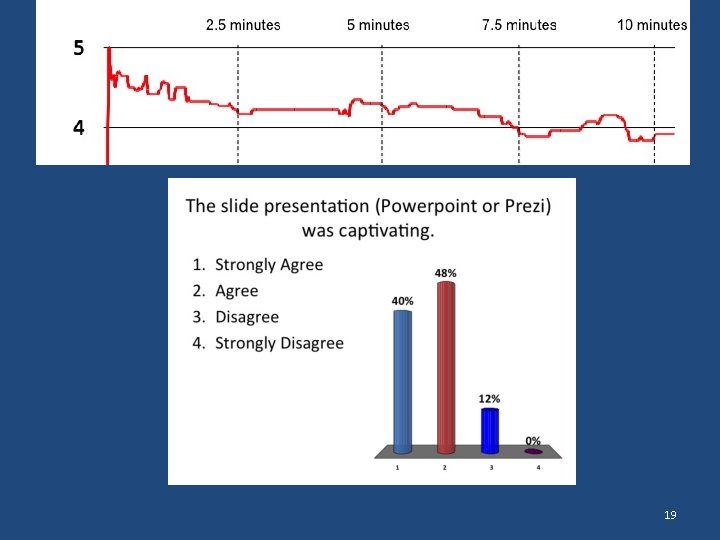
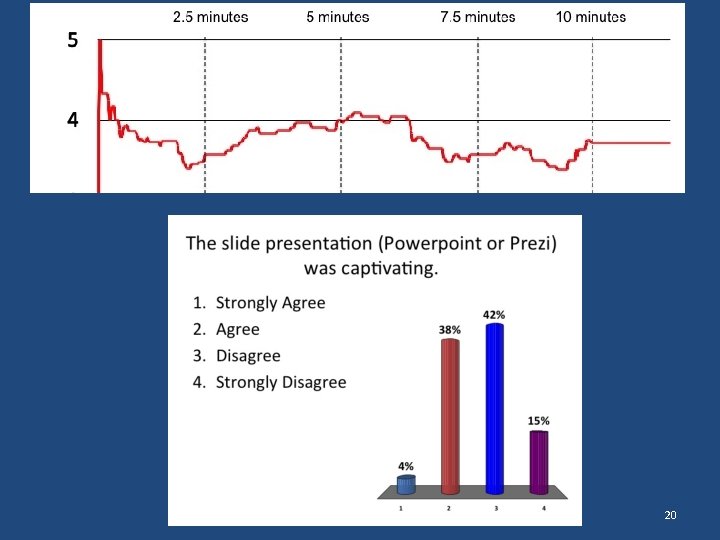
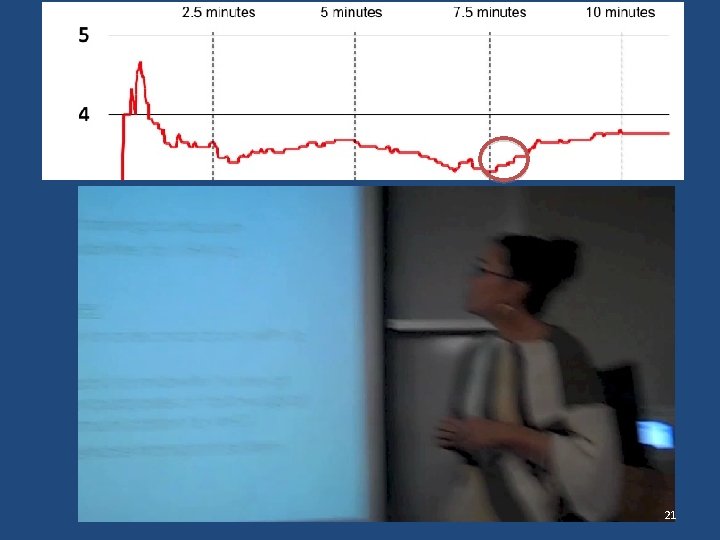
Description of the exercise • • Student presentations videotaped Continuous feedback using clickers Specific feedback on Likert scale using clickers Match the continuous feedback with: – Verbal presentation – Body language of presenters – Presentation content 5
6
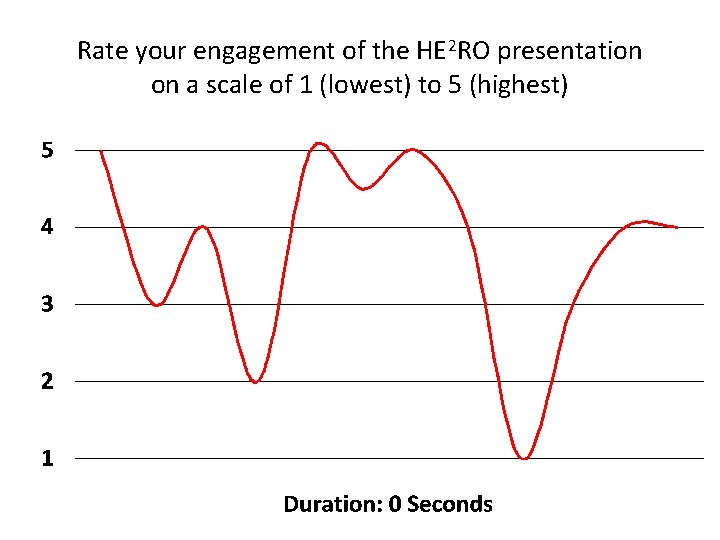
Rate your engagement of the HE 2 RO presentation on a scale of 1 (lowest) to 5 (highest)
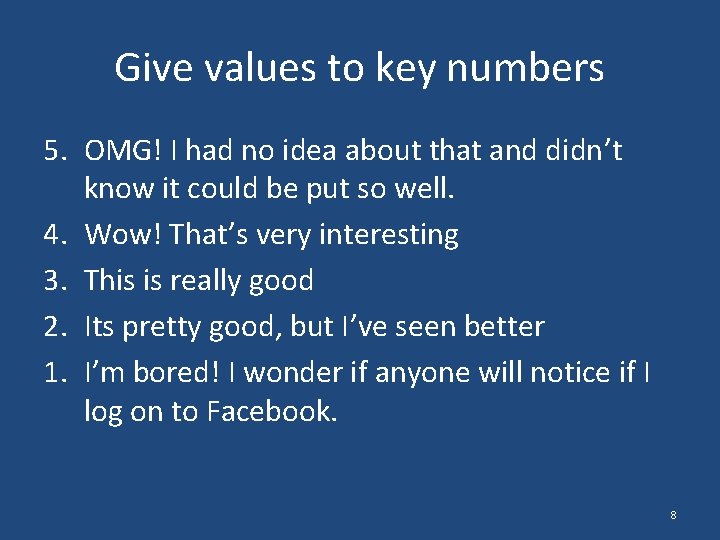
Give values to key numbers 5. OMG! I had no idea about that and didn’t know it could be put so well. 4. Wow! That’s very interesting 3. This is really good 2. Its pretty good, but I’ve seen better 1. I’m bored! I wonder if anyone will notice if I log on to Facebook. 8
9
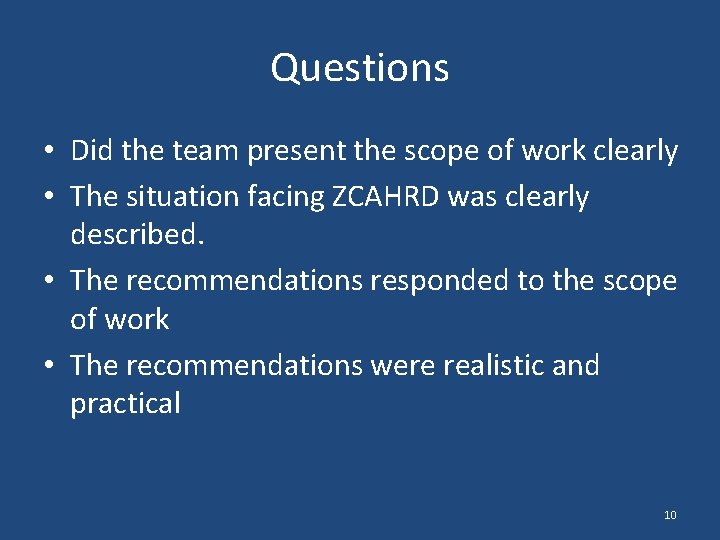
Questions • Did the team present the scope of work clearly • The situation facing ZCAHRD was clearly described. • The recommendations responded to the scope of work • The recommendations were realistic and practical 10
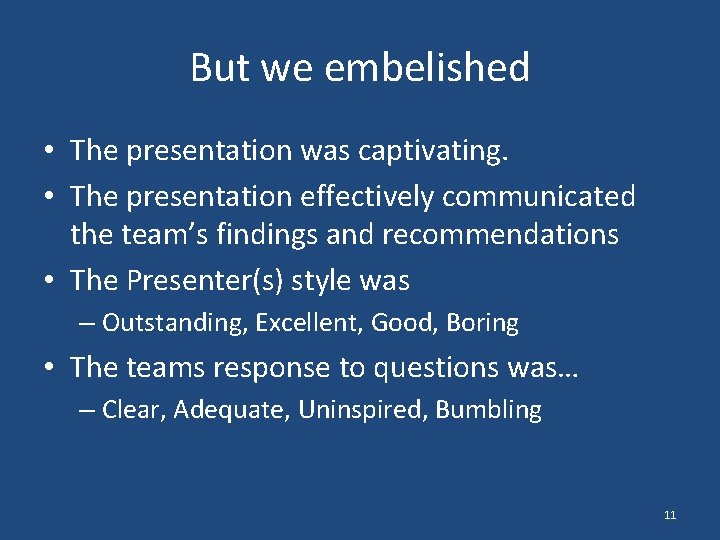
But we embelished • The presentation was captivating. • The presentation effectively communicated the team’s findings and recommendations • The Presenter(s) style was – Outstanding, Excellent, Good, Boring • The teams response to questions was… – Clear, Adequate, Uninspired, Bumbling 11
12
13
14
15
` 16
17
18
19
20
21
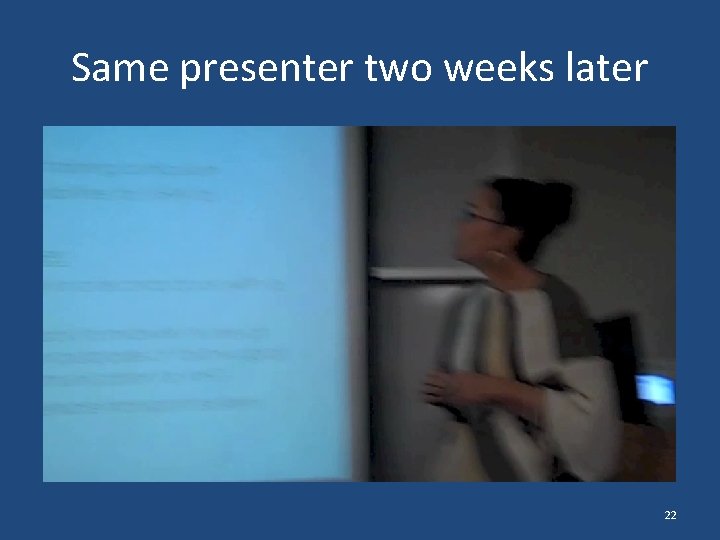
Same presenter two weeks later 22
“When I saw the scores for the presentations, compared to others, I was surprised to see that our group’s scores stood out. I was also a bit proud of course. In the coming days a few classmates commented to me on how good the presentation was. I was flattered by and thankful for their comments. Since, however, I’ve been asking myself “was our content better than other groups? ” I don’t think that I can say yes. ” 23
Conclusion • Students valued the multiple forms of feedback but found it very uncomfortable • Students adjusted their presentation styles as they identified criteria for evaluation • Students changed their presentation styles and approaches in subsequent presentations 24