
USING THE PEAR DECK FOR POWERPOINT ONLINE ADDIN
















- Slides: 34
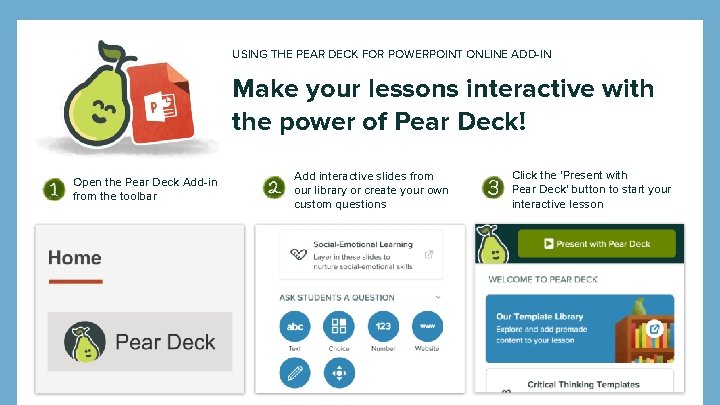
USING THE PEAR DECK FOR POWERPOINT ONLINE ADD-IN Make your lessons interactive with the power of Pear Deck! Open the Pear Deck Add-in from the toolbar Add interactive slides from our library or create your own custom questions Click the 'Present with Pear Deck' button to start your interactive lesson
100% Student Engagement With Pear Deck
Agenda ● Introduction to Pear Deck ● Look at example interactive slides ● Introduce how to get started
Introduce yourself!
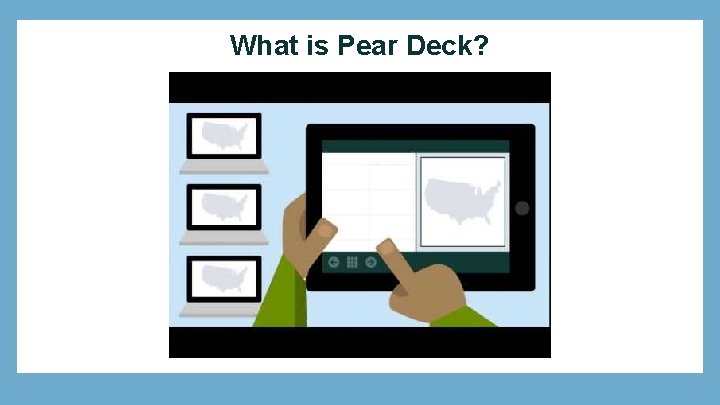
What is Pear Deck?
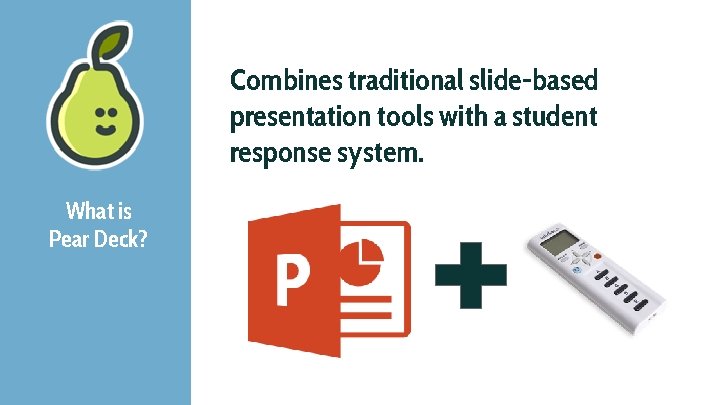
Combines traditional slide-based presentation tools with a student response system. What is Pear Deck?
Using G Suite? You’re already sign in.
Platform Neutral
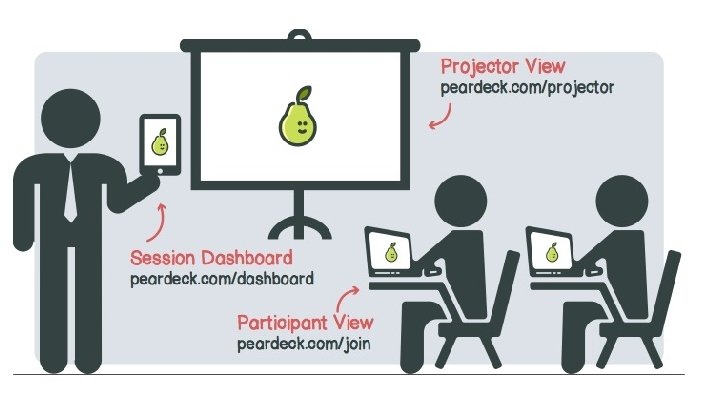
How does it work?
Using G Suite? You’re already sign in.
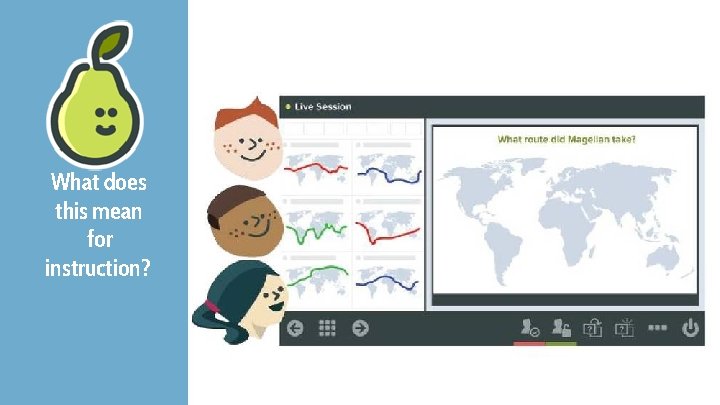
What does this mean for instruction?
Let’s see some examples
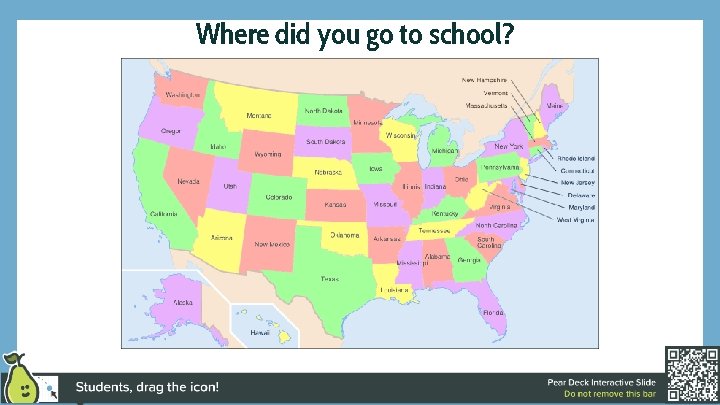
Where did you go to school?
What route did Magellan take to circumnavigate the globe?
First one out wins!
Who’s taller?
How much wood would a woodchuck if a woodchuck could chuck wood?
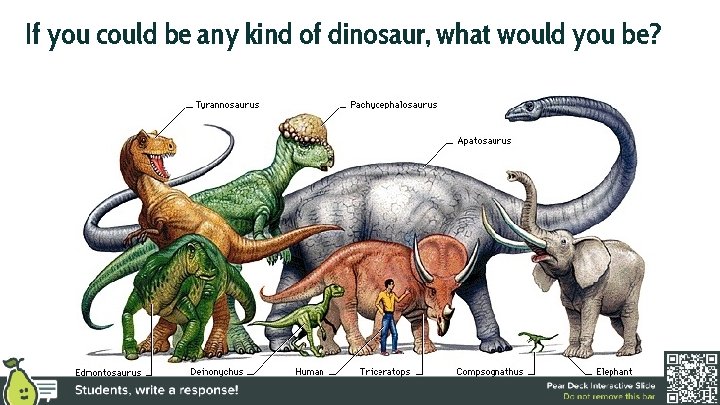
If you could be any kind of dinosaur, what would you be?
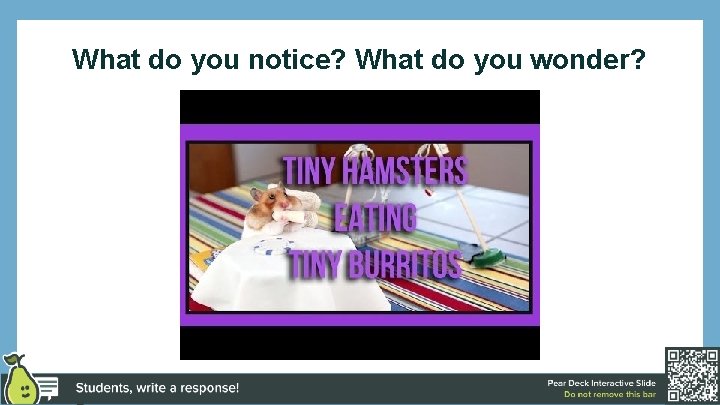
What do you notice? What do you wonder?
Wave on a String
Kahoot! For Review Games
Google Maps
Desmos Graphing Calculator
Google Street View
Pear Deck Student Takeaways
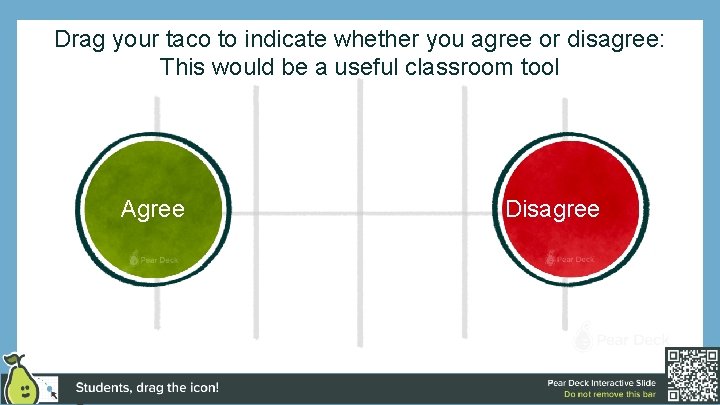
Drag your taco to indicate whether you agree or disagree: This would be a useful classroom tool Agree Disagree
What are some ways you could envision using this in your classroom with your students? Agree Disagree
How do I do that?
Pear Deck for Google Slides Add-on
Any Questions?
Drag the cat to show me how you’re feeling!