
Using the Order of Operations Mathematicians have established
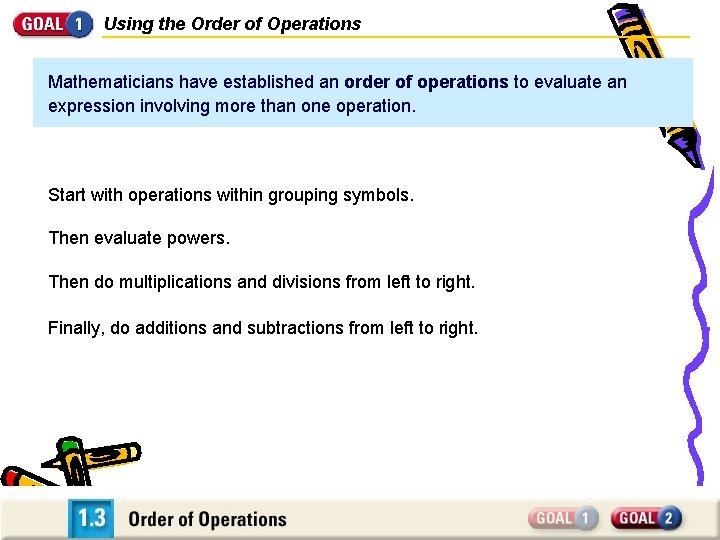
Using the Order of Operations Mathematicians have established an order of operations to evaluate an expression involving more than one operation. Start with operations within grouping symbols. Then evaluate powers. Then do multiplications and divisions from left to right. Finally, do additions and subtractions from left to right.
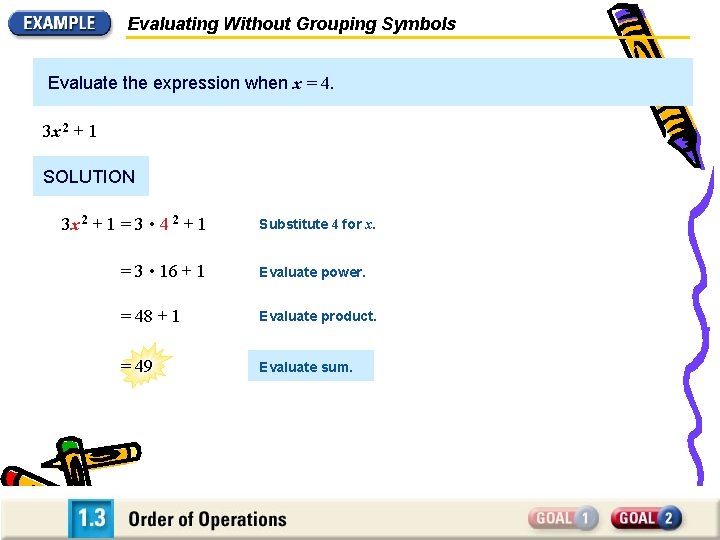
Evaluating Without Grouping Symbols Evaluate the expression when x = 4. 3 x 2 + 1 SOLUTION 3 x 2 + 1 = 3 • 4 2 + 1 Substitute 4 for x. = 3 • 16 + 1 Evaluate power. = 48 + 1 Evaluate product. = 49 Evaluate sum.
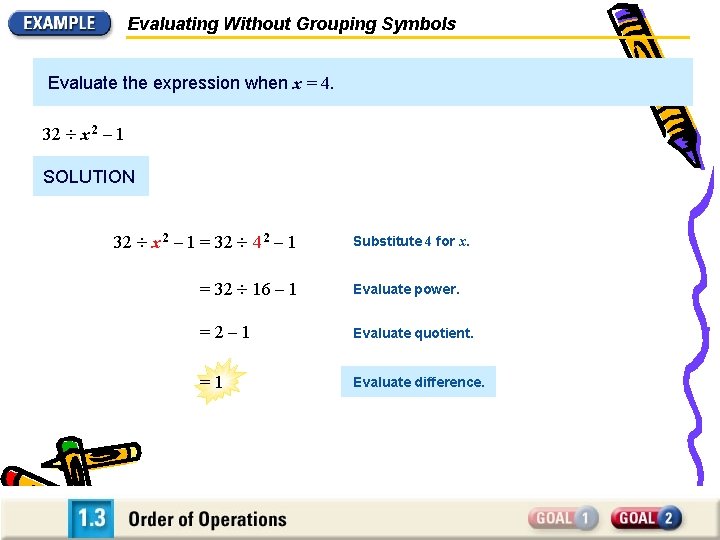
Evaluating Without Grouping Symbols Evaluate the expression when x = 4. 32 x 2 – 1 SOLUTION 32 x 2 – 1 = 32 4 2 – 1 Substitute 4 for x. = 32 16 – 1 Evaluate power. =2– 1 Evaluate quotient. =1 Evaluate difference.
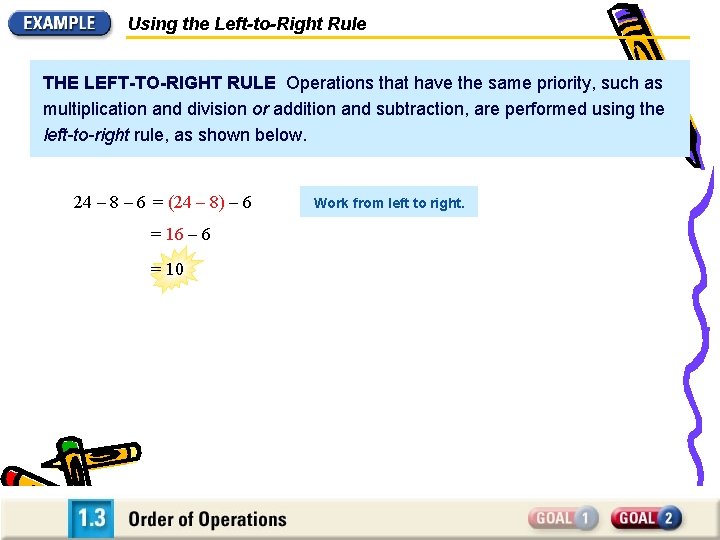
Using the Left-to-Right Rule THE LEFT-TO-RIGHT RULE Operations that have the same priority, such as multiplication and division or addition and subtraction, are performed using the left-to-right rule, as shown below. 24 – 8 – 6 = (24 – 8) – 6 = 16 – 6 = 10 Work from left to right.

Using the Left-to-Right Rule THE LEFT-TO-RIGHT RULE Operations that have the same priority, such as multiplication and division or addition and subtraction, are performed using the left-to-right rule, as shown below. 24 – 8 – 6 = (24 – 8) – 6 Work from left to right. = 16 – 6 = 10 15 • 2 6 = (15 • 2) 6 = 30 6 =5 Work from left to right.
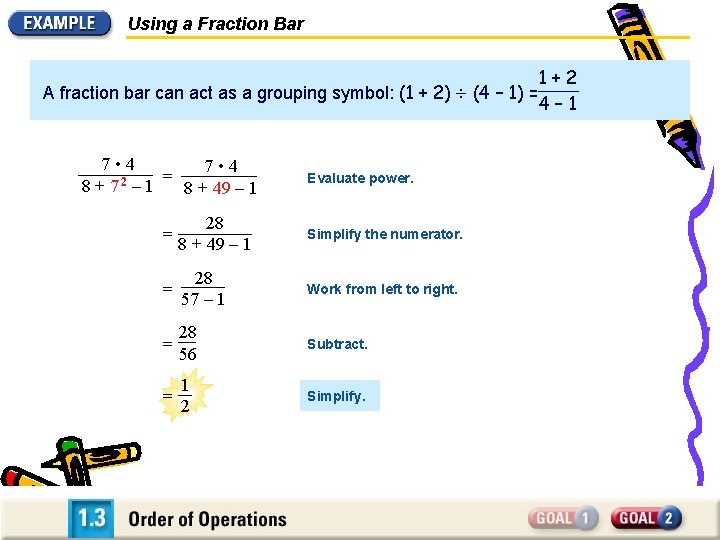
Using a Fraction Bar 1+2 A fraction bar can act as a grouping symbol: (1 + 2) (4 – 1) = 4– 1 7 • 4 = 2 8+7 – 1 8 + 49 – 1 Evaluate power. = 28 8 + 49 – 1 Simplify the numerator. = 28 57 – 1 Work from left to right. = 28 56 Subtract. = 1 2 Simplify.
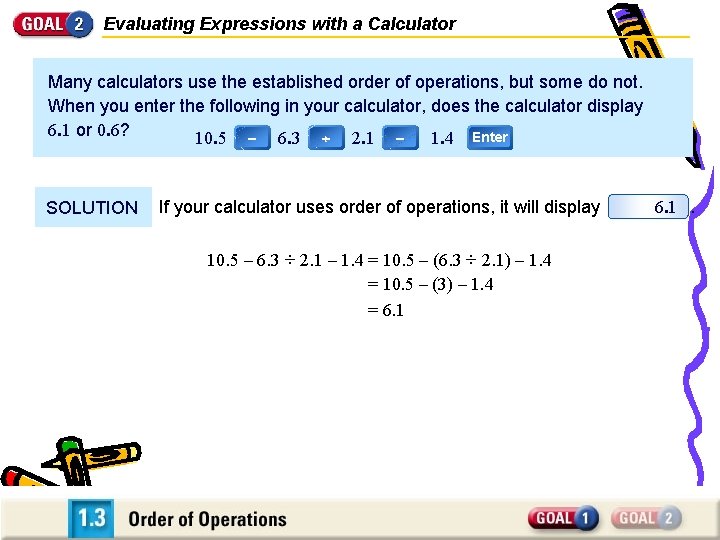
Evaluating Expressions with a Calculator Many calculators use the established order of operations, but some do not. When you enter the following in your calculator, does the calculator display 6. 1 or 0. 6? 10. 5 – 6. 3 2. 1 – 1. 4 Enter SOLUTION If your calculator uses order of operations, it will display 10. 5 – 6. 3 ÷ 2. 1 – 1. 4 = 10. 5 – (6. 3 ÷ 2. 1) – 1. 4 = 10. 5 – (3) – 1. 4 = 6. 1.
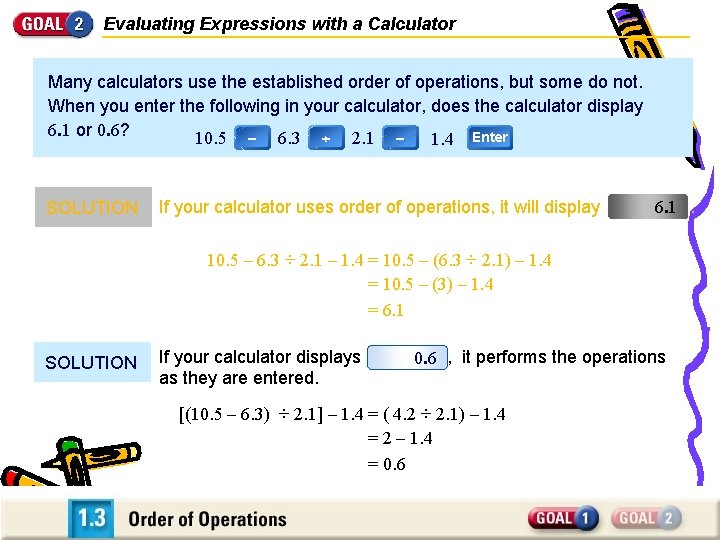
Evaluating Expressions with a Calculator Many calculators use the established order of operations, but some do not. When you enter the following in your calculator, does the calculator display 6. 1 or 0. 6? 10. 5 – 6. 3 2. 1 – 1. 4 Enter SOLUTION If your calculator uses order of operations, it will display 6. 1. 10. 5 – 6. 3 ÷ 2. 1 – 1. 4 = 10. 5 – (6. 3 ÷ 2. 1) – 1. 4 = 10. 5 – (3) – 1. 4 = 6. 1 SOLUTION If your calculator displays as they are entered. 0. 6 , it performs the operations [(10. 5 – 6. 3) ÷ 2. 1] – 1. 4 = ( 4. 2 ÷ 2. 1) – 1. 4 = 2 – 1. 4 = 0. 6
- Slides: 8