
Using the Canvas APIs to do Really Cool
![Course Provisioning – Redirect tools in Nav POST https: //canvas. ucdavis. edu/api/v 1/courses/[Course. ID]/create_tool_with_verification/](https://slidetodoc.com/presentation_image_h/054e9de9b7d4e6de7a2a8b74d9bc939b/image-16.jpg "Course Provisioning – Redirect tools in Nav POST https: //canvas. ucdavis. edu/api/v 1/courses/[Course. ID]/create_tool_with_verification/")
![Synchronization of Class Schedule - Create POST https: //canvas. ucdavis. edu/api/v 1/calendar_events calendar_event[title]=ACT 1](https://slidetodoc.com/presentation_image_h/054e9de9b7d4e6de7a2a8b74d9bc939b/image-29.jpg "Synchronization of Class Schedule - Create POST https: //canvas. ucdavis. edu/api/v 1/calendar_events calendar_event[title]=ACT 1")
![Synchronization of Class Schedule – Update PUT https: //canvas. ucdavis. edu/api/v 1/calendar_events/[Event. ID] calendar_event[title]=DSL](https://slidetodoc.com/presentation_image_h/054e9de9b7d4e6de7a2a8b74d9bc939b/image-30.jpg "Synchronization of Class Schedule – Update PUT https: //canvas. ucdavis. edu/api/v 1/calendar_events/[Event. ID] calendar_event[title]=DSL")
![Synchronization of Class Schedule – Delete DELETE https: //canvas. ucdavis. edu/api/v 1/calendar_events/[Event. ID] Leading](https://slidetodoc.com/presentation_image_h/054e9de9b7d4e6de7a2a8b74d9bc939b/image-31.jpg "Synchronization of Class Schedule – Delete DELETE https: //canvas. ucdavis. edu/api/v 1/calendar_events/[Event. ID] Leading")
- Slides: 39
Using the Canvas APIs to do Really Cool Stuff Chris Brandt, DVM, MS, PMP Brandon Edwards, TAP
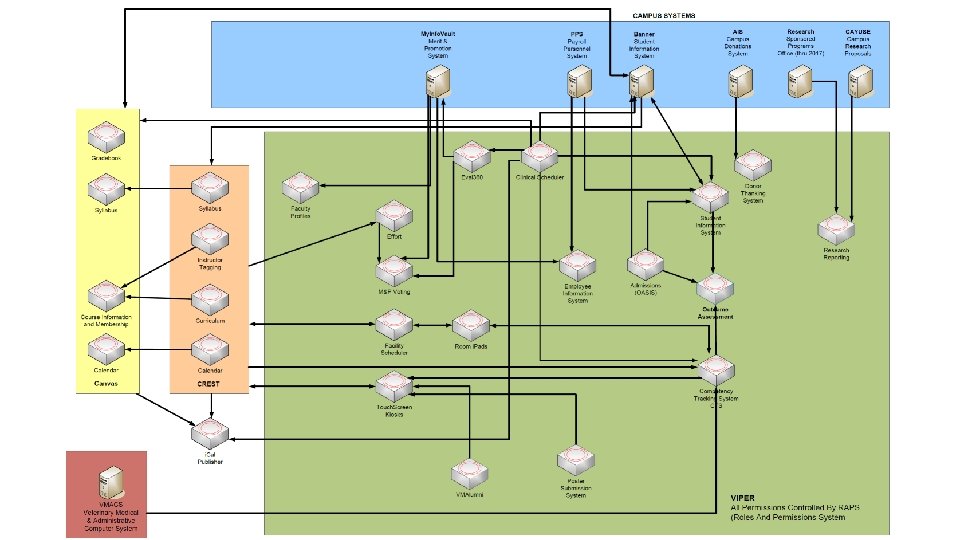
Overview • Quick history of LMS use at the SVM / Selection of Canvas • Review of how the SVM is using the Canvas API to • • • Provision course sites Create sections and groups Assignment of students to sections and groups Synchronize the class schedules and additional instructors Grade detail export Leading Veterinary Medicine, Addressing Societal Needs
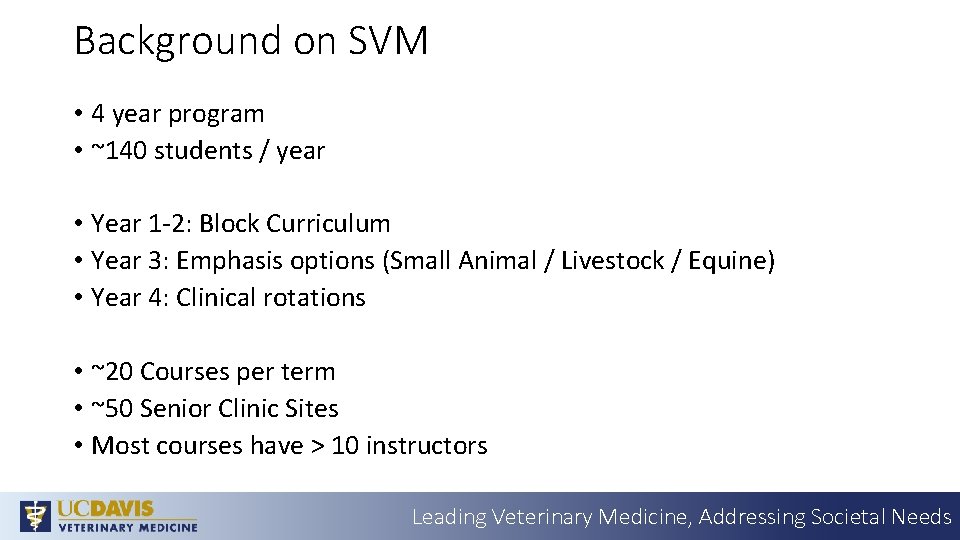
Background on SVM • 4 year program • ~140 students / year • Year 1 -2: Block Curriculum • Year 3: Emphasis options (Small Animal / Livestock / Equine) • Year 4: Clinical rotations • ~20 Courses per term • ~50 Senior Clinic Sites • Most courses have > 10 instructors Leading Veterinary Medicine, Addressing Societal Needs
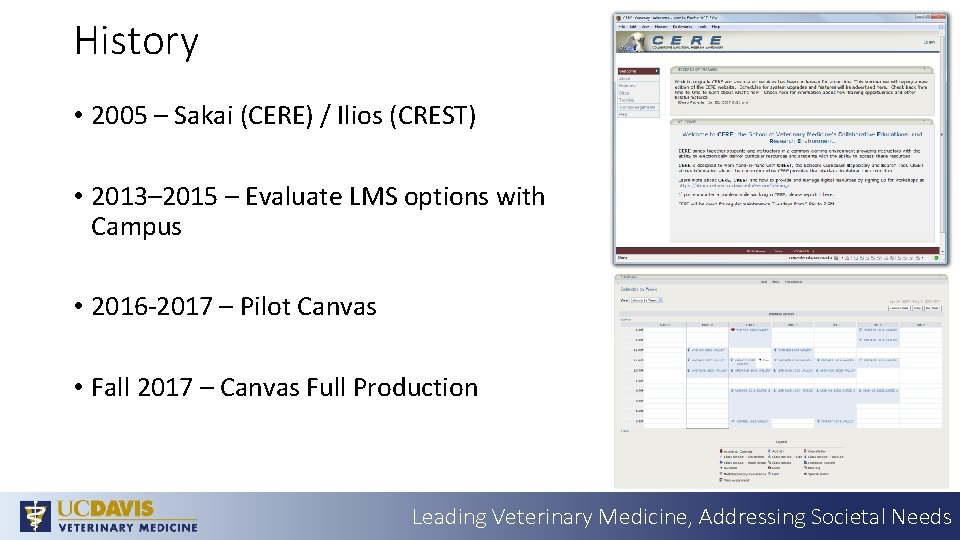
History • 2005 – Sakai (CERE) / Ilios (CREST) • 2013– 2015 – Evaluate LMS options with Campus • 2016 -2017 – Pilot Canvas • Fall 2017 – Canvas Full Production Leading Veterinary Medicine, Addressing Societal Needs
Selection of Canvas – Critical Requirements • Update the schedule automatically • Custom student schedules • Automate membership updates • Access to the data • Whatever other crazy ideas we come up with in the future… Leading Veterinary Medicine, Addressing Societal Needs
Everything* that Canvas does when you view or save something is done via API Leading Veterinary Medicine, Addressing Societal Needs
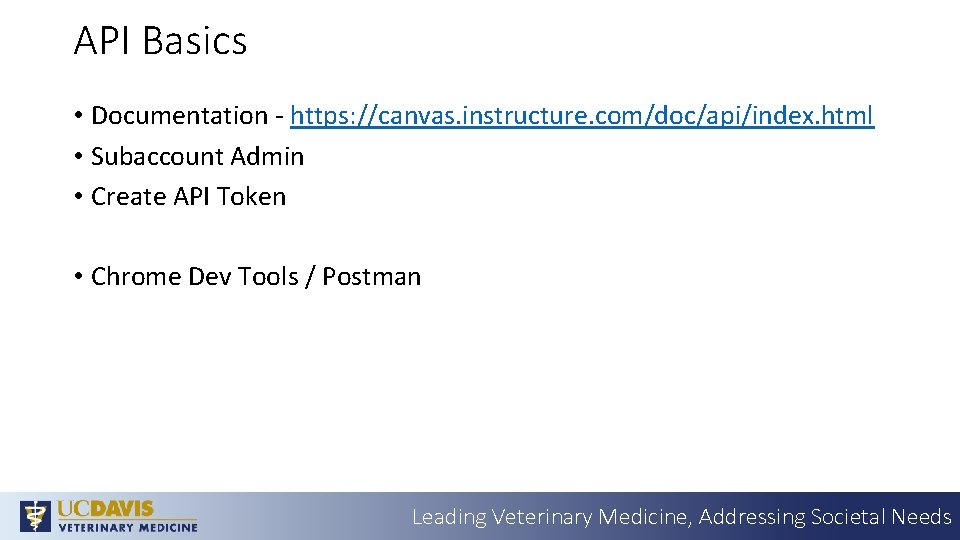
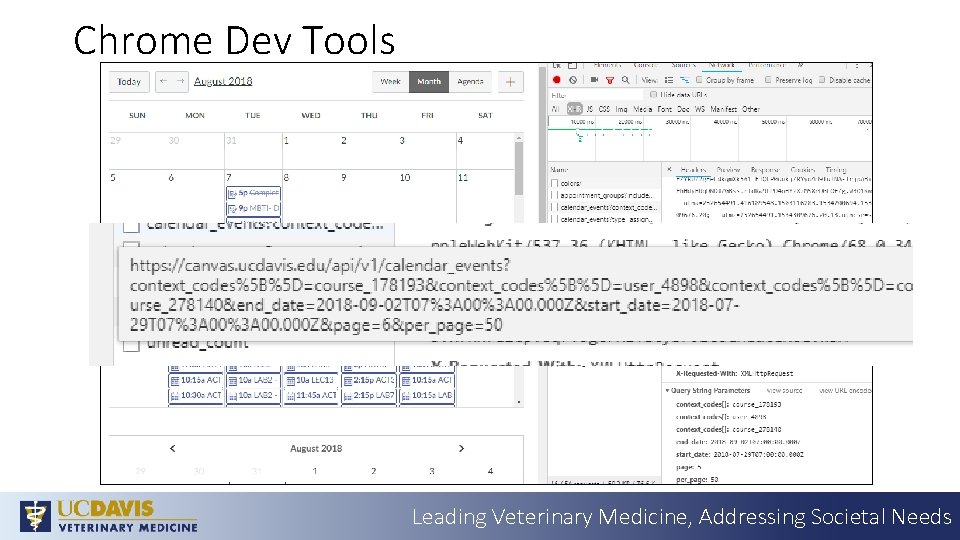
API Basics • Documentation - https: //canvas. instructure. com/doc/api/index. html • Subaccount Admin • Create API Token • Chrome Dev Tools / Postman Leading Veterinary Medicine, Addressing Societal Needs
Chrome Dev Tools Leading Veterinary Medicine, Addressing Societal Needs
Automation of Course Provisioning • Automate course provisioning to include • • Basic Course settings Additional LTI tools with custom endpoints Creation of sections and groups Assignment of students to sections and groups Leading Veterinary Medicine, Addressing Societal Needs
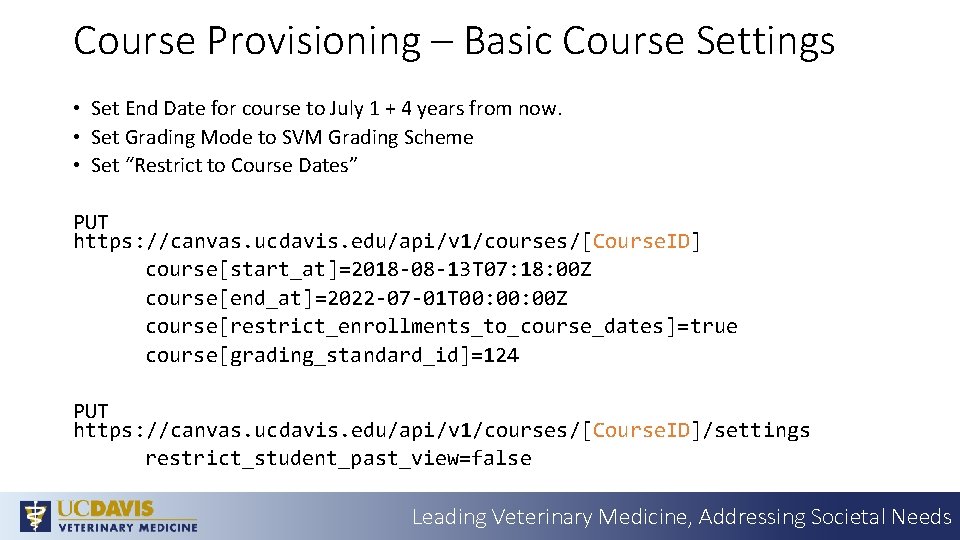
Course Provisioning – Basic Course Settings • Set End Date for course to July 1 + 4 years from now. • Set Grading Mode to SVM Grading Scheme • Set “Restrict to Course Dates” PUT https: //canvas. ucdavis. edu/api/v 1/courses/[Course. ID] course[start_at]=2018 -08 -13 T 07: 18: 00 Z course[end_at]=2022 -07 -01 T 00: 00 Z course[restrict_enrollments_to_course_dates]=true course[grading_standard_id]=124 PUT https: //canvas. ucdavis. edu/api/v 1/courses/[Course. ID]/settings restrict_student_past_view=false Leading Veterinary Medicine, Addressing Societal Needs
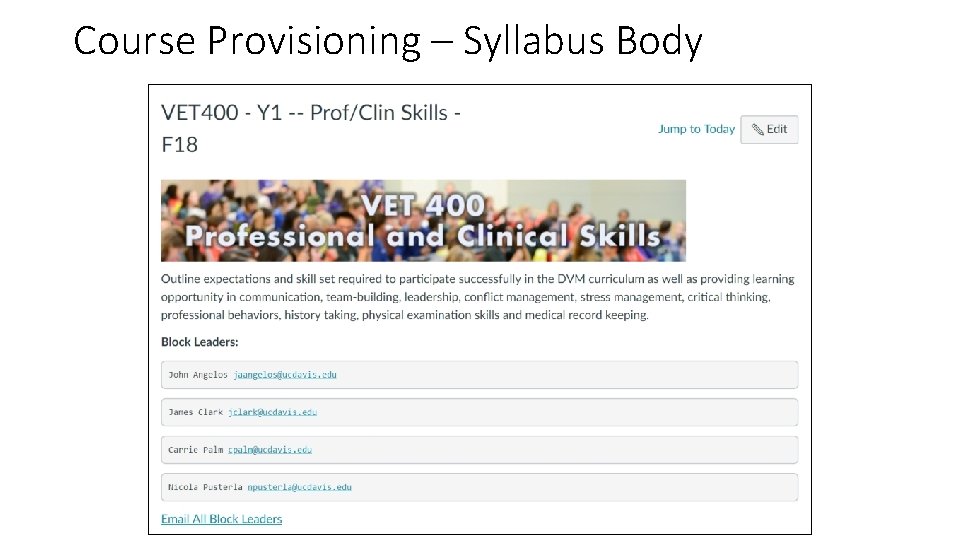
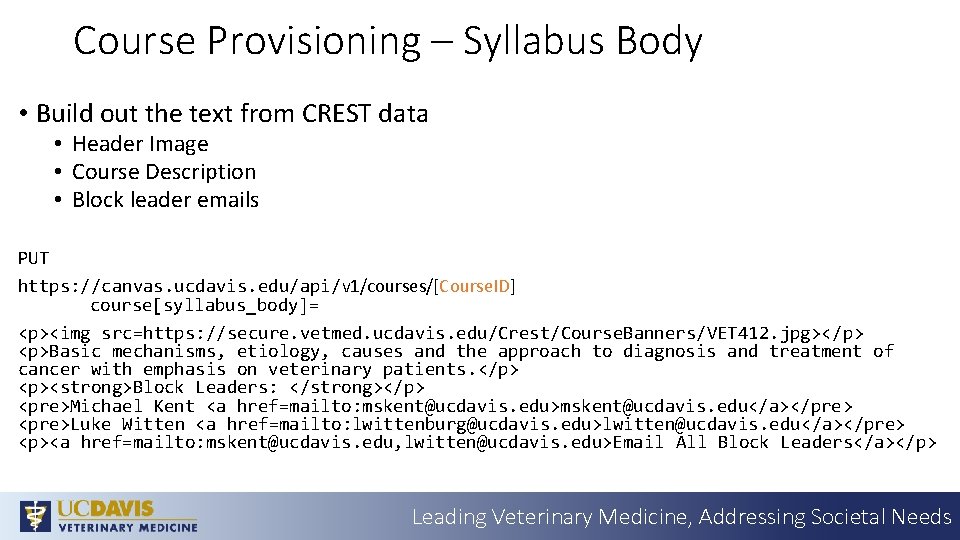
Course Provisioning – Syllabus Body
Course Provisioning – Syllabus Body • Build out the text from CREST data • Header Image • Course Description • Block leader emails PUT https: //canvas. ucdavis. edu/api/v 1/courses/[Course. ID] course[syllabus_body]= <p><img src=https: //secure. vetmed. ucdavis. edu/Crest/Course. Banners/VET 412. jpg></p> <p>Basic mechanisms, etiology, causes and the approach to diagnosis and treatment of cancer with emphasis on veterinary patients. </p> <p><strong>Block Leaders: </strong></p> <pre>Michael Kent <a href=mailto: mskent@ucdavis. edu>mskent@ucdavis. edu</a></pre> <pre>Luke Witten <a href=mailto: lwittenburg@ucdavis. edu>lwitten@ucdavis. edu</a></pre> <p><a href=mailto: mskent@ucdavis. edu, lwitten@ucdavis. edu>Email All Block Leaders</a></p> Leading Veterinary Medicine, Addressing Societal Needs
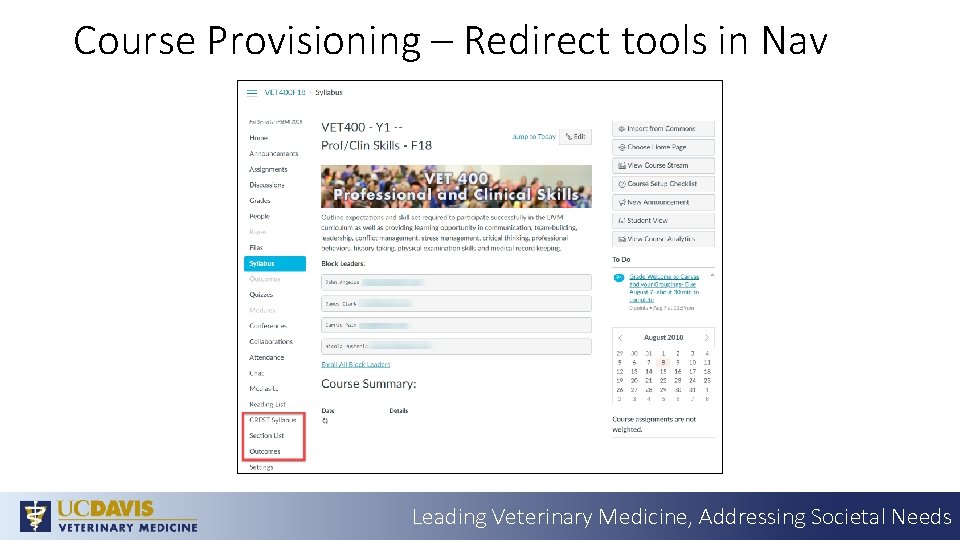
Course Provisioning – Redirect tools in Nav Leading Veterinary Medicine, Addressing Societal Needs
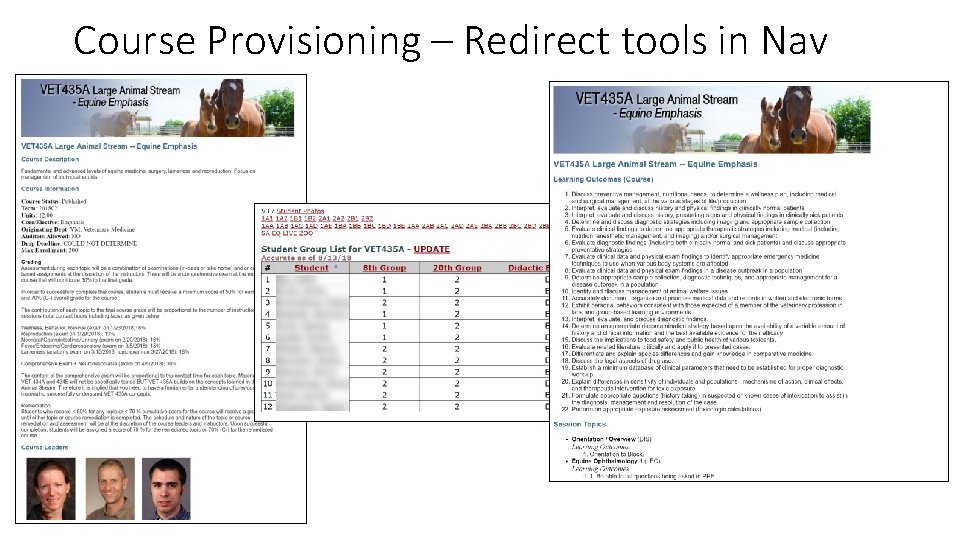
Course Provisioning – Redirect tools in Nav
Course Provisioning – Redirect tools in Nav POST https: //canvas. ucdavis. edu/api/v 1/courses/[Course. ID]/create_tool_with_verification/ custom_fields_string: consumer_key: N/A shared_secret: N/A name: My New Redirect Tool app_center_id: redirect config_settings: name: My%20 New%20 Redirect%20 Tool url: https%3 A%2 F%2 Fwww. google. com new_tab: 1 course_navigation: 1 Leading Veterinary Medicine, Addressing Societal Needs
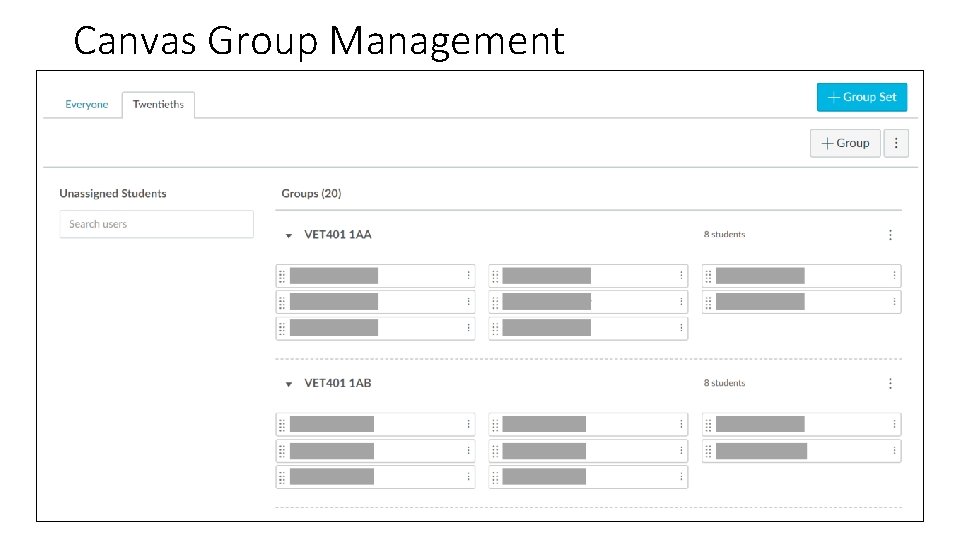
Course Provisioning – Sections & Groups • Identify which sections and groups are required for this course • Grab the data from Canvas for which sections exist • Create any missing sections • Repeat for groups Leading Veterinary Medicine, Addressing Societal Needs
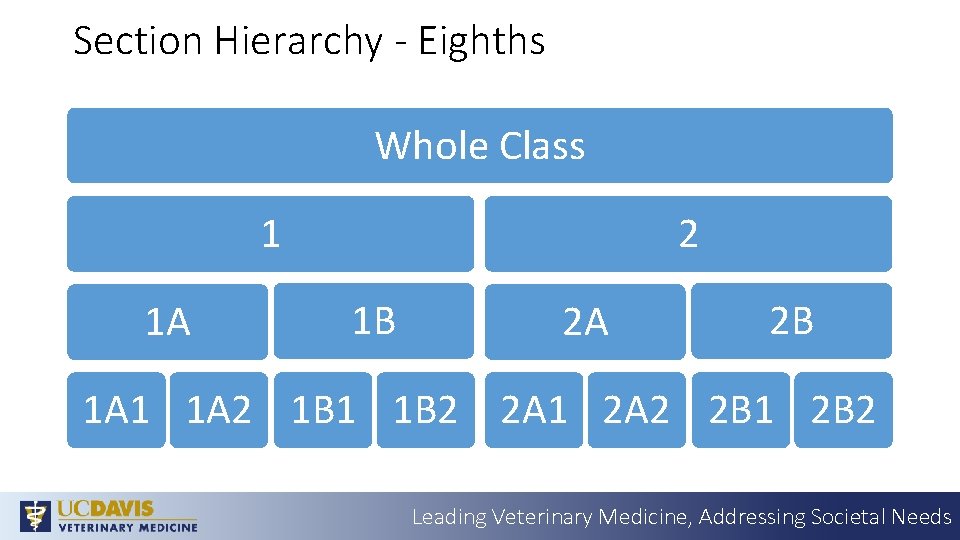
Section Hierarchy - Eighths Whole Class 1 1 A 2 1 B 2 A 2 B 1 A 1 1 A 2 1 B 1 1 B 2 2 A 1 2 A 2 2 B 1 2 B 2 Leading Veterinary Medicine, Addressing Societal Needs
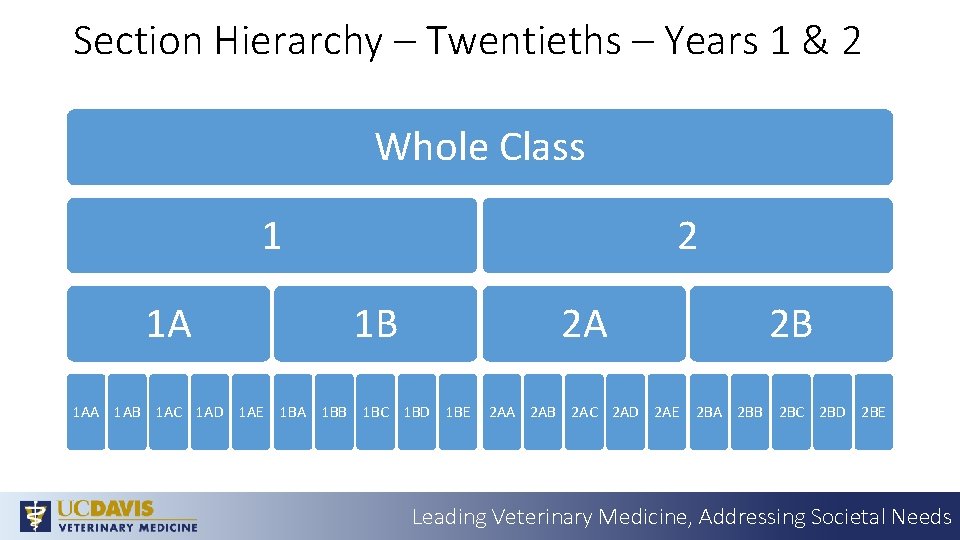
Section Hierarchy – Twentieths – Years 1 & 2 Whole Class 1 2 1 A 1 B 2 A 2 B 1 AA 1 AB 1 AC 1 AD 1 AE 1 BA 1 BB 1 BC 1 BD 1 BE 2 AA 2 AB 2 AC 2 AD 2 AE 2 BA 2 BB 2 BC 2 BD 2 BE Leading Veterinary Medicine, Addressing Societal Needs
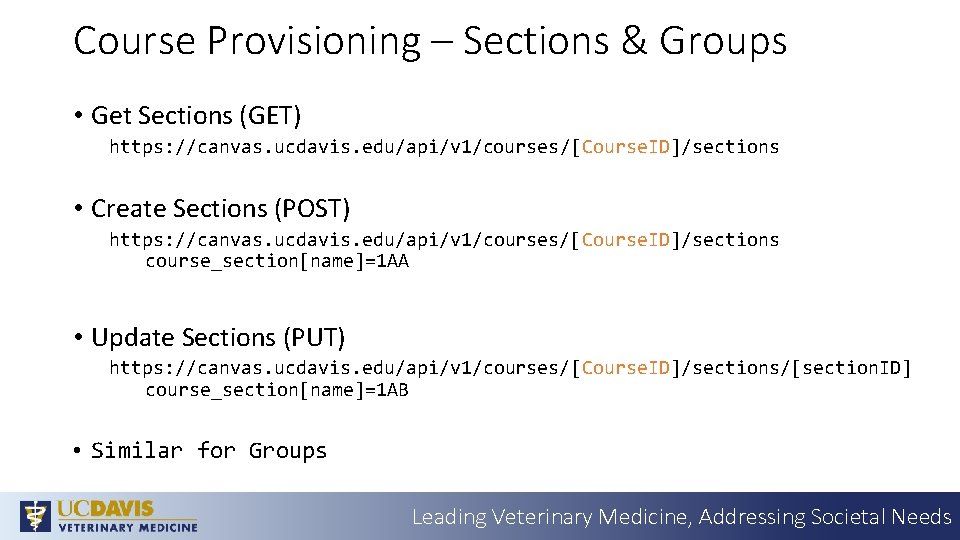
Course Provisioning – Sections & Groups • Get Sections (GET) https: //canvas. ucdavis. edu/api/v 1/courses/[Course. ID]/sections • Create Sections (POST) https: //canvas. ucdavis. edu/api/v 1/courses/[Course. ID]/sections course_section[name]=1 AA • Update Sections (PUT) https: //canvas. ucdavis. edu/api/v 1/courses/[Course. ID]/sections/[section. ID] course_section[name]=1 AB • Similar for Groups Leading Veterinary Medicine, Addressing Societal Needs
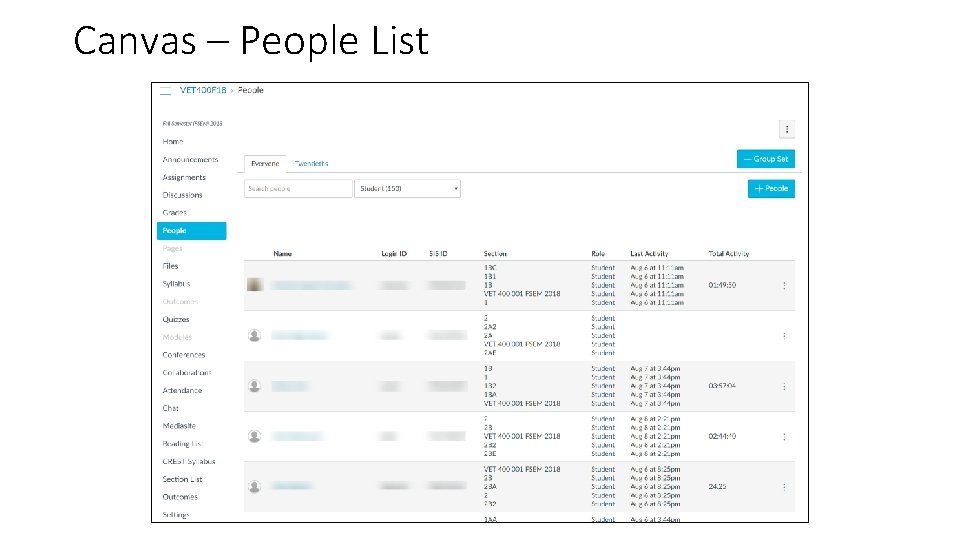
Canvas – People List
Canvas Group Management
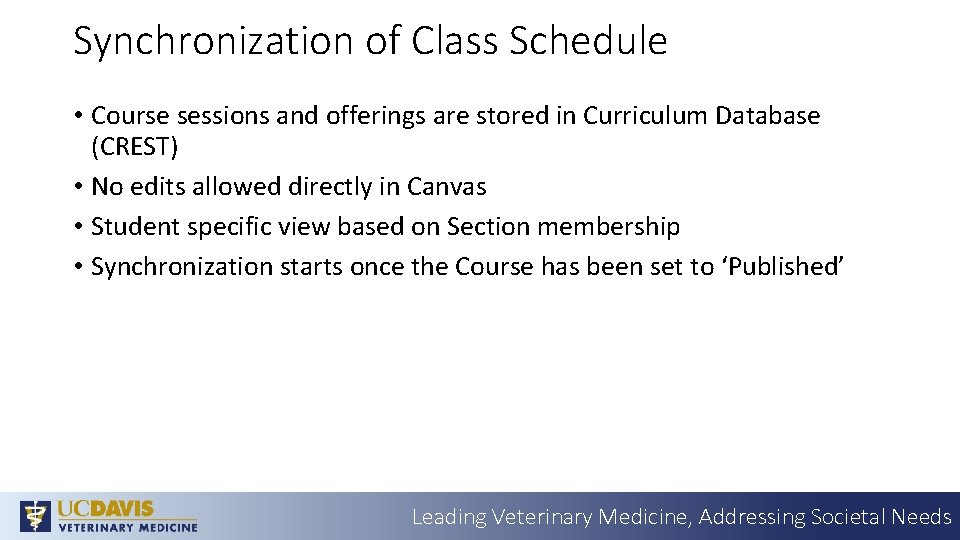
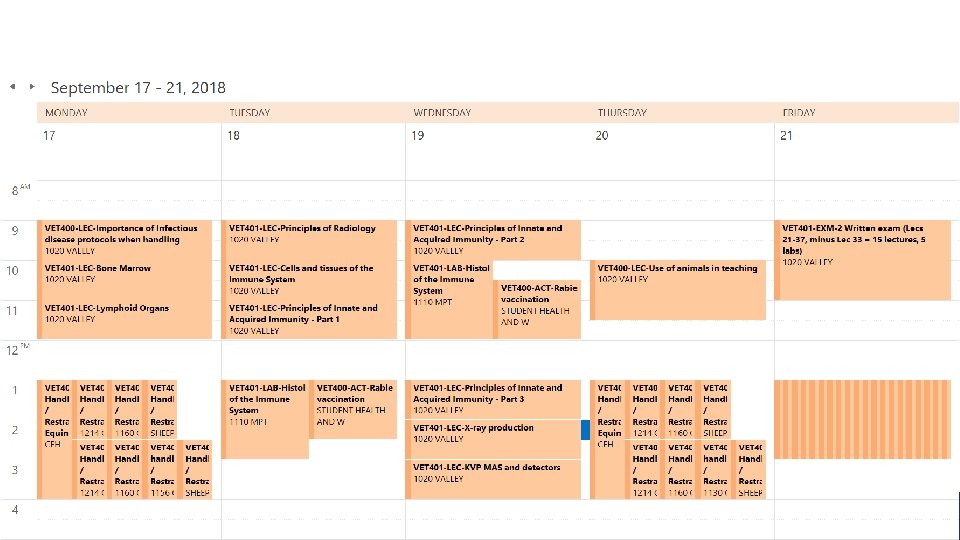
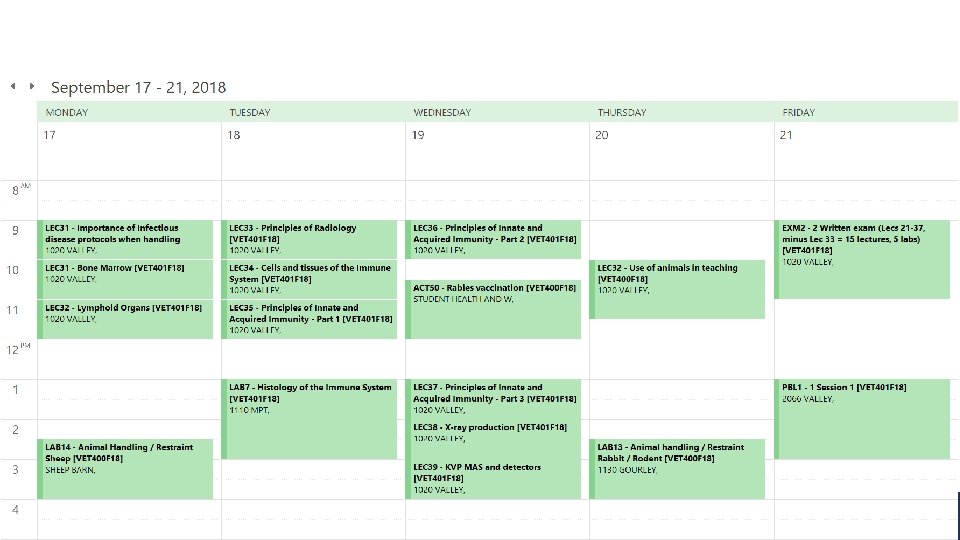
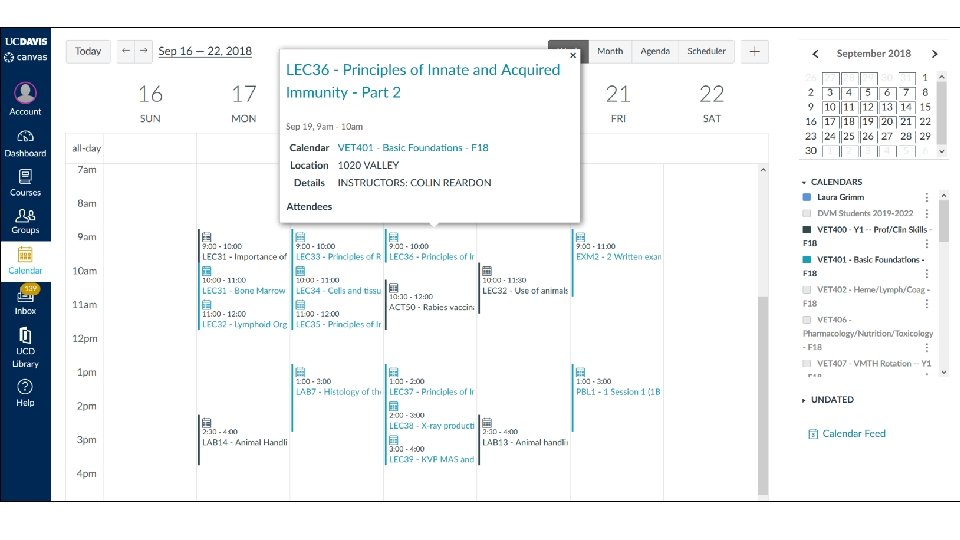
Synchronization of Class Schedule • Course sessions and offerings are stored in Curriculum Database (CREST) • No edits allowed directly in Canvas • Student specific view based on Section membership • Synchronization starts once the Course has been set to ‘Published’ Leading Veterinary Medicine, Addressing Societal Needs
Leading Veterinary Medicine, Addressing Societal Needs
Leading Veterinary Medicine, Addressing Societal Needs
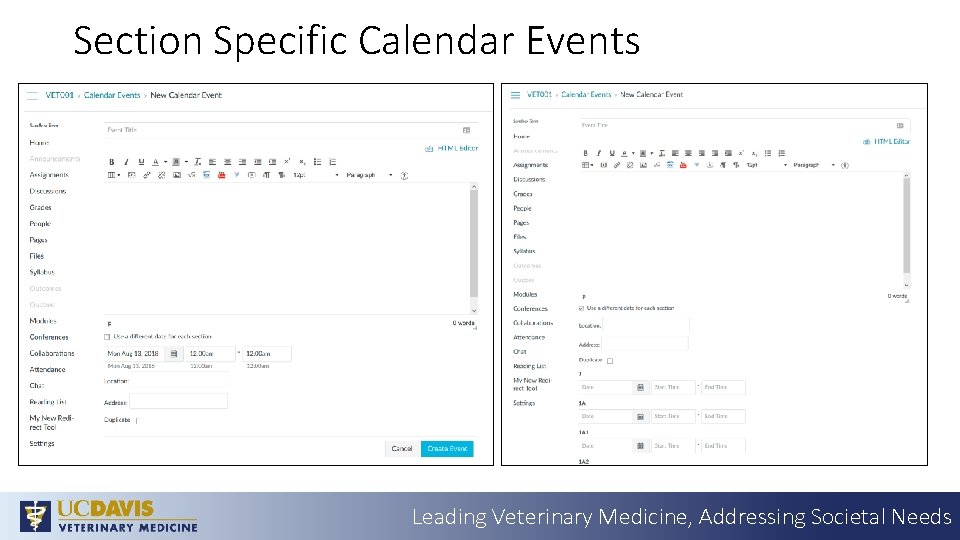
Section Specific Calendar Events Leading Veterinary Medicine, Addressing Societal Needs
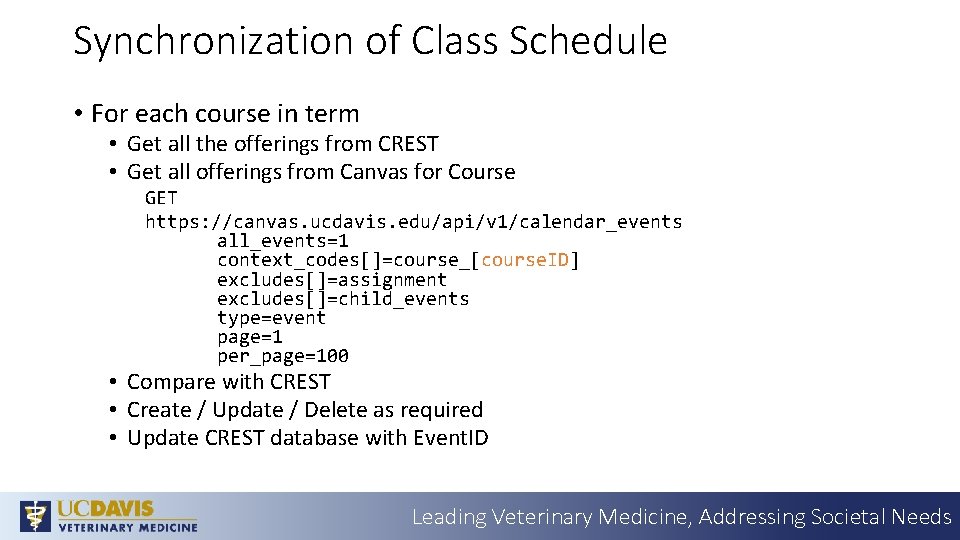
Synchronization of Class Schedule • For each course in term • Get all the offerings from CREST • Get all offerings from Canvas for Course GET https: //canvas. ucdavis. edu/api/v 1/calendar_events all_events=1 context_codes[]=course_[course. ID] excludes[]=assignment excludes[]=child_events type=event page=1 per_page=100 • Compare with CREST • Create / Update / Delete as required • Update CREST database with Event. ID Leading Veterinary Medicine, Addressing Societal Needs
Synchronization of Class Schedule - Create POST https: //canvas. ucdavis. edu/api/v 1/calendar_events calendar_event[title]=ACT 1 – Session Title calendar_event[location_name]=1047 VALLEY calendar_event[description]=INSTRUCTORS: CHRIS BRANDT calendar_event[context_code]=course_[Course. ID] calendar_event[time_zone_edited]=Pacific Time (US & Canada) calendar_event[start_at]=2018 -12 -25 T 16: 00 Z calendar_event[end_at]=2018 -12 -25 T 17: 00 Z calendar_event[child_event_data][1][context_code]=course_section_[Section. ID] calendar_event[child_event_data][1][start_at]=2018 -12 -25 T 16: 00 Z calendar_event[child_event_data][1][end_at]= 2018 -12 -25 T 17: 00 Z Leading Veterinary Medicine, Addressing Societal Needs
Synchronization of Class Schedule – Update PUT https: //canvas. ucdavis. edu/api/v 1/calendar_events/[Event. ID] calendar_event[title]=DSL 1 - Examination of the respiratory/cardiovascular tract in large animals-review calendar_event[location_name]=TBA calendar_event[description]=INSTRUCTORS: CHRIS BRANDT calendar_event[context_code]=course_[Course. ID] calendar_event[time_zone_edited]=Pacific Time (US & Canada) calendar_event[start_at]=2018 -10 -15 T 15: 00 Z calendar_event[end_at]=2018 -10 -15 T 17: 00 Z Leading Veterinary Medicine, Addressing Societal Needs
Synchronization of Class Schedule – Delete DELETE https: //canvas. ucdavis. edu/api/v 1/calendar_events/[Event. ID] Leading Veterinary Medicine, Addressing Societal Needs
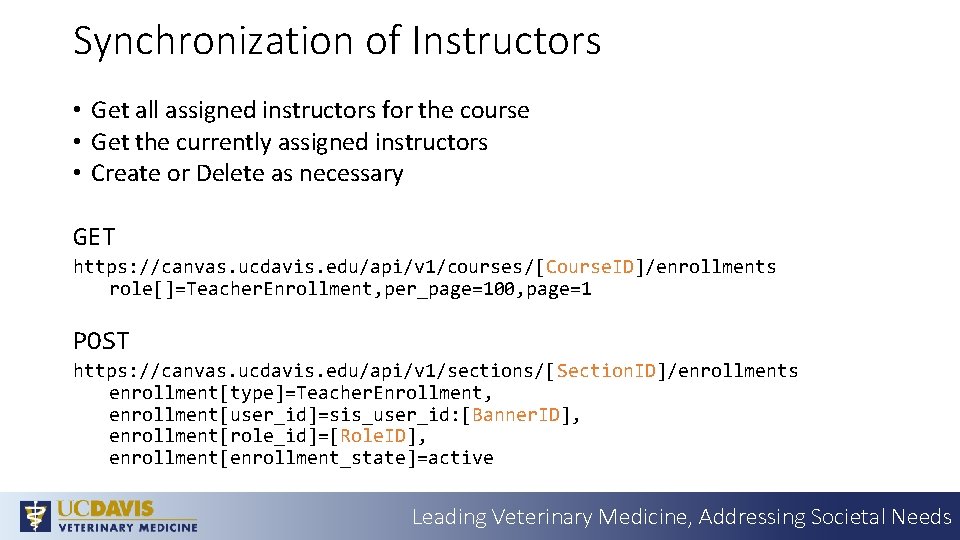
Synchronization of Instructors • Get all assigned instructors for the course • Get the currently assigned instructors • Create or Delete as necessary GET https: //canvas. ucdavis. edu/api/v 1/courses/[Course. ID]/enrollments role[]=Teacher. Enrollment, per_page=100, page=1 POST https: //canvas. ucdavis. edu/api/v 1/sections/[Section. ID]/enrollments enrollment[type]=Teacher. Enrollment, enrollment[user_id]=sis_user_id: [Banner. ID], enrollment[role_id]=[Role. ID], enrollment[enrollment_state]=active Leading Veterinary Medicine, Addressing Societal Needs
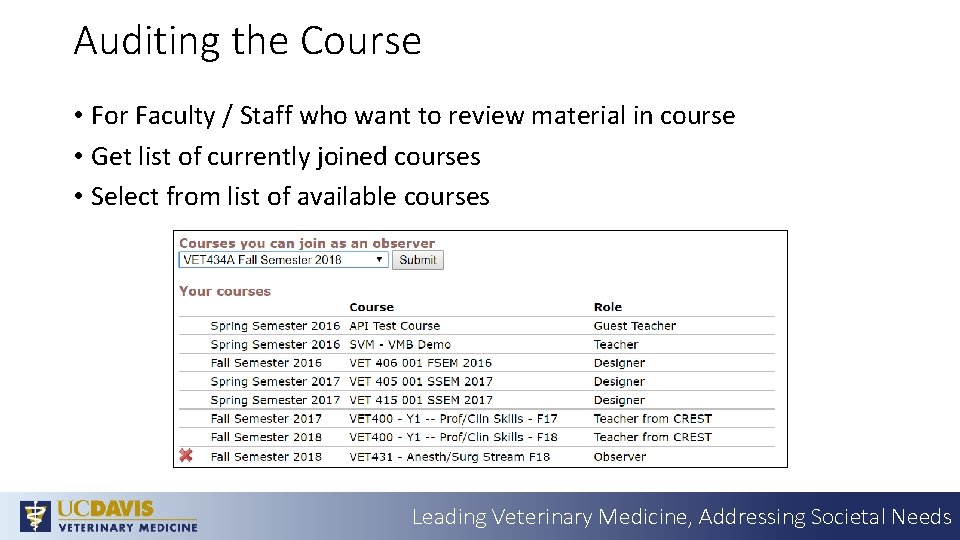
Auditing the Course • For Faculty / Staff who want to review material in course • Get list of currently joined courses • Select from list of available courses Leading Veterinary Medicine, Addressing Societal Needs
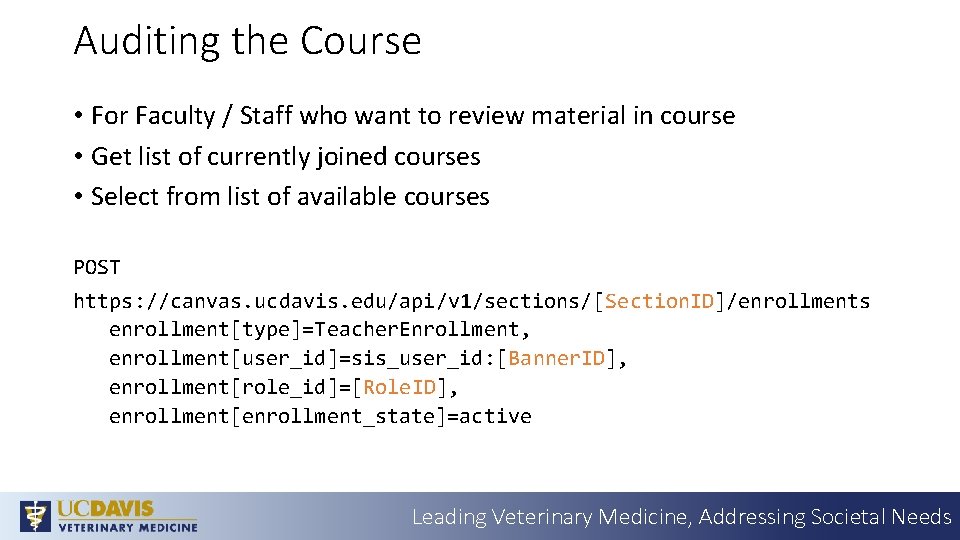
Auditing the Course • For Faculty / Staff who want to review material in course • Get list of currently joined courses • Select from list of available courses POST https: //canvas. ucdavis. edu/api/v 1/sections/[Section. ID]/enrollments enrollment[type]=Teacher. Enrollment, enrollment[user_id]=sis_user_id: [Banner. ID], enrollment[role_id]=[Role. ID], enrollment[enrollment_state]=active Leading Veterinary Medicine, Addressing Societal Needs
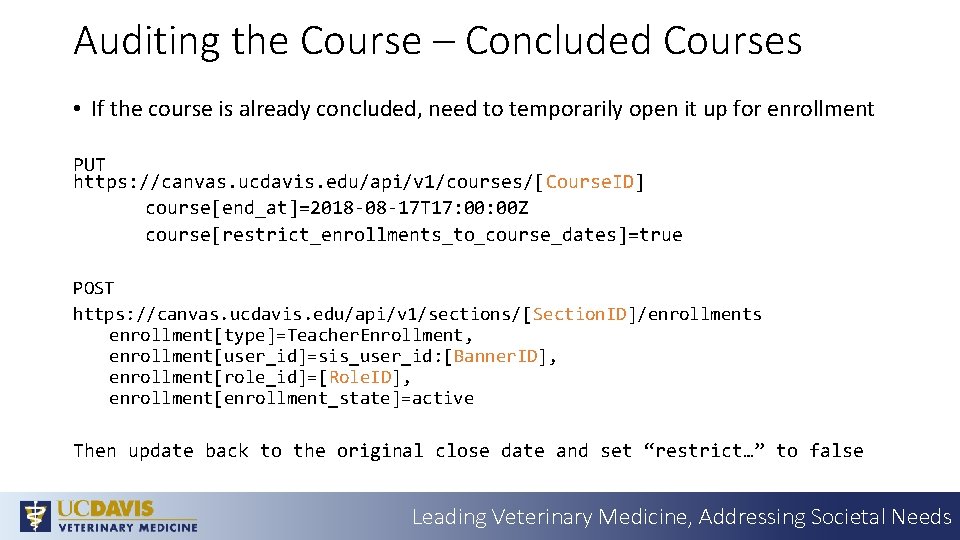
Auditing the Course – Concluded Courses • If the course is already concluded, need to temporarily open it up for enrollment PUT https: //canvas. ucdavis. edu/api/v 1/courses/[Course. ID] course[end_at]=2018 -08 -17 T 17: 00 Z course[restrict_enrollments_to_course_dates]=true POST https: //canvas. ucdavis. edu/api/v 1/sections/[Section. ID]/enrollments enrollment[type]=Teacher. Enrollment, enrollment[user_id]=sis_user_id: [Banner. ID], enrollment[role_id]=[Role. ID], enrollment[enrollment_state]=active Then update back to the original close date and set “restrict…” to false Leading Veterinary Medicine, Addressing Societal Needs
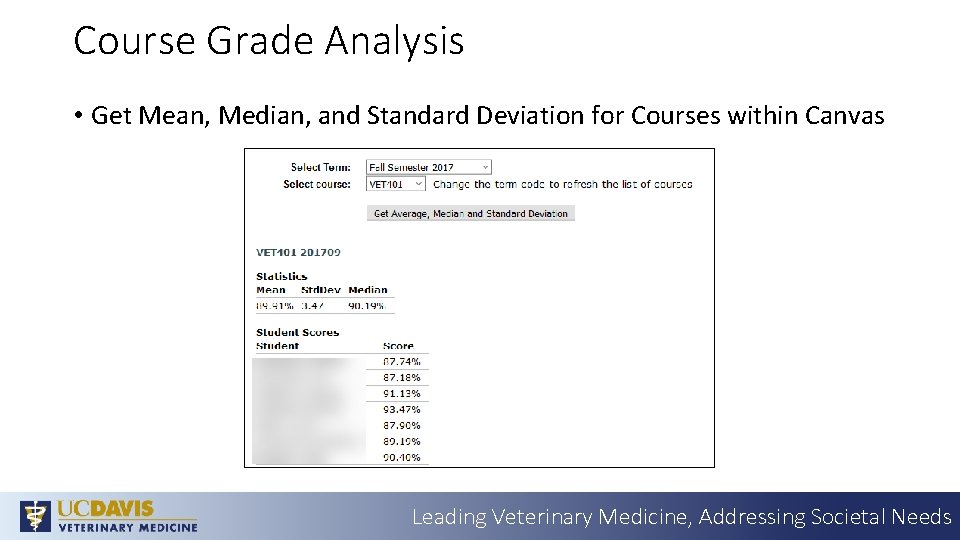
Course Grade Analysis • Get Mean, Median, and Standard Deviation for Courses within Canvas Leading Veterinary Medicine, Addressing Societal Needs
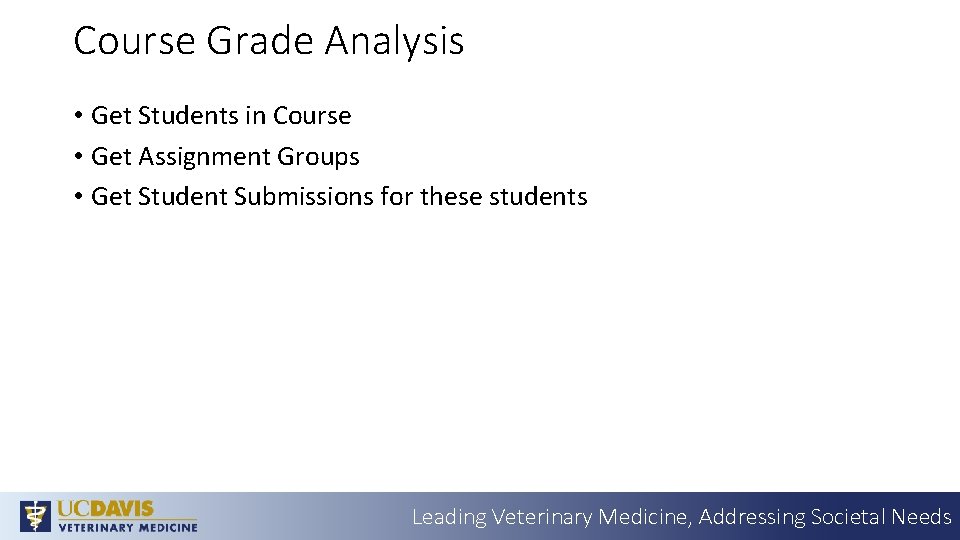
Course Grade Analysis • Get Students in Course • Get Assignment Groups • Get Student Submissions for these students Leading Veterinary Medicine, Addressing Societal Needs
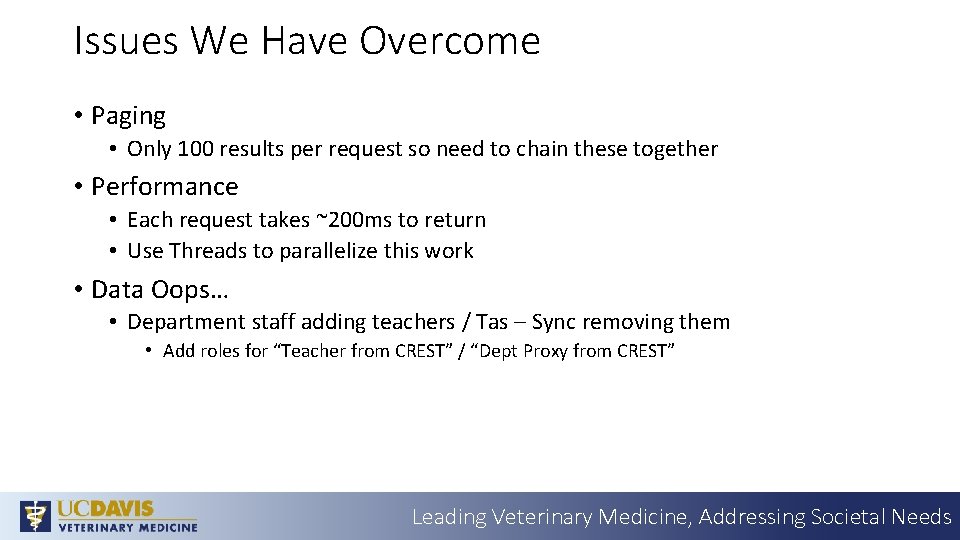
Issues We Have Overcome • Paging • Only 100 results per request so need to chain these together • Performance • Each request takes ~200 ms to return • Use Threads to parallelize this work • Data Oops… • Department staff adding teachers / Tas – Sync removing them • Add roles for “Teacher from CREST” / “Dept Proxy from CREST” Leading Veterinary Medicine, Addressing Societal Needs
Questions? Leading Veterinary Medicine, Addressing Societal Needs