
Using Text Components JText Component JText Area JText



- Slides: 29
Using Text Components JText. Component JText. Area JText. Field Plain Text Areas JEditor. Pane JPassword. Field JText. Pane Text Controls Styled Text Areas
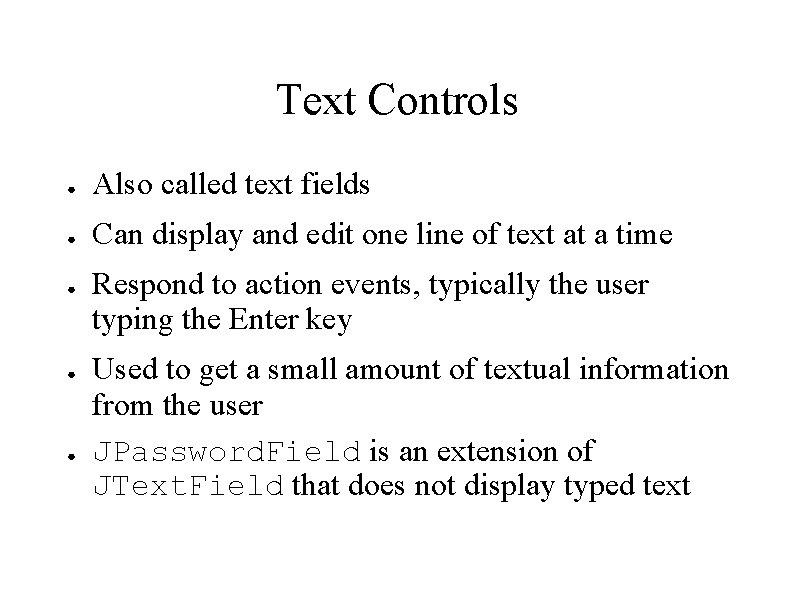
Text Controls ● Also called text fields ● Can display and edit one line of text at a time ● ● ● Respond to action events, typically the user typing the Enter key Used to get a small amount of textual information from the user JPassword. Field is an extension of JText. Field that does not display typed text
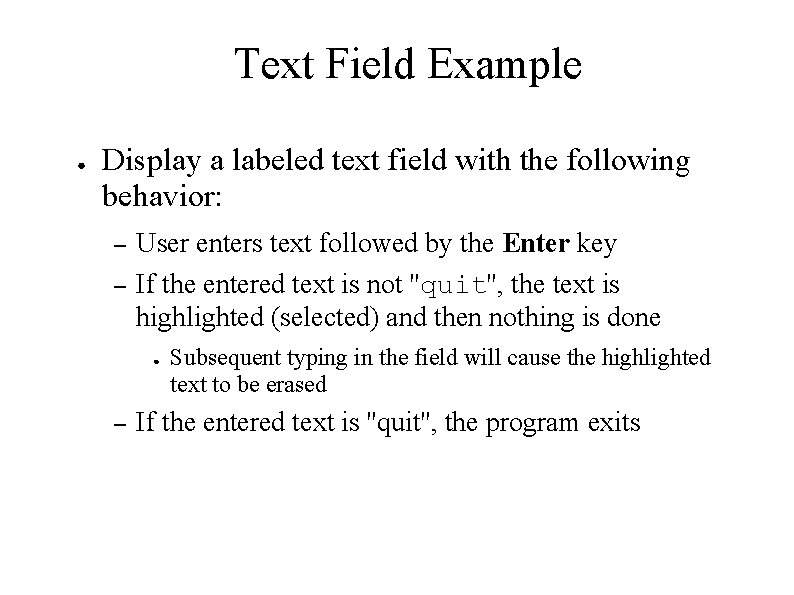
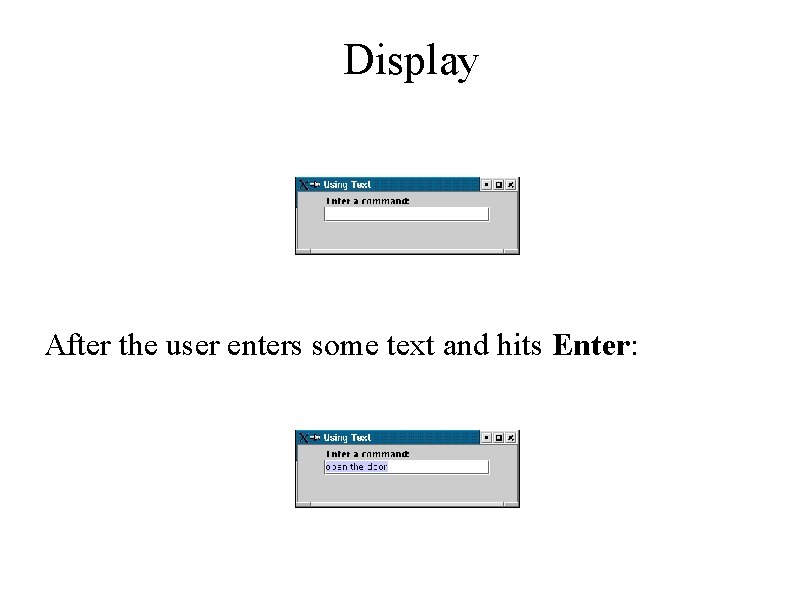
Text Field Example ● Display a labeled text field with the following behavior: – – User enters text followed by the Enter key If the entered text is not ''quit'', the text is highlighted (selected) and then nothing is done ● – Subsequent typing in the field will cause the highlighted text to be erased If the entered text is ''quit'', the program exits
Display After the user enters some text and hits Enter:
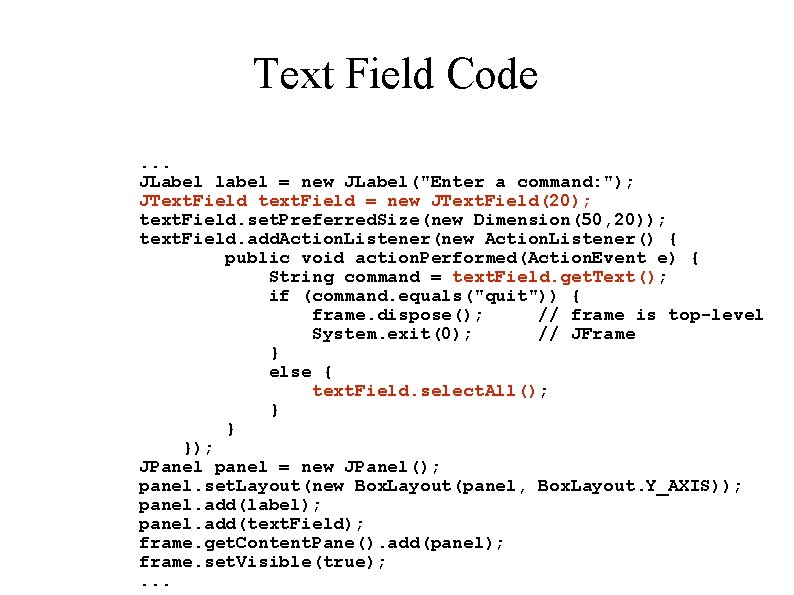
Text Field Code. . . JLabel label = new JLabel("Enter a command: "); JText. Field text. Field = new JText. Field(20); text. Field. set. Preferred. Size(new Dimension(50, 20)); text. Field. add. Action. Listener(new Action. Listener() { public void action. Performed(Action. Event e) { String command = text. Field. get. Text(); if (command. equals("quit")) { frame. dispose(); // frame is top-level System. exit(0); // JFrame } else { text. Field. select. All(); } } }); JPanel panel = new JPanel(); panel. set. Layout(new Box. Layout(panel, Box. Layout. Y_AXIS)); panel. add(label); panel. add(text. Field); frame. get. Content. Pane(). add(panel); frame. set. Visible(true); . . .
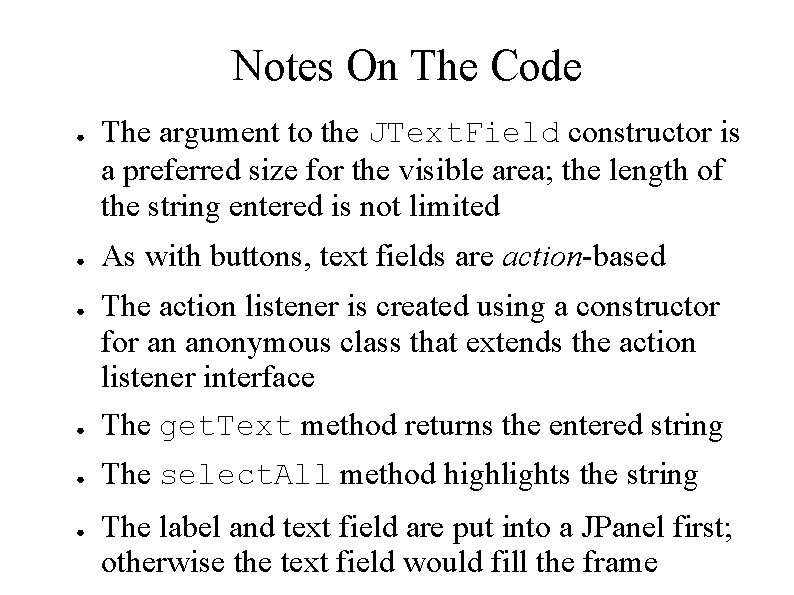
Notes On The Code ● ● The argument to the JText. Field constructor is a preferred size for the visible area; the length of the string entered is not limited As with buttons, text fields are action-based ● The action listener is created using a constructor for an anonymous class that extends the action listener interface The get. Text method returns the entered string ● The select. All method highlights the string ● ● The label and text field are put into a JPanel first; otherwise the text field would fill the frame
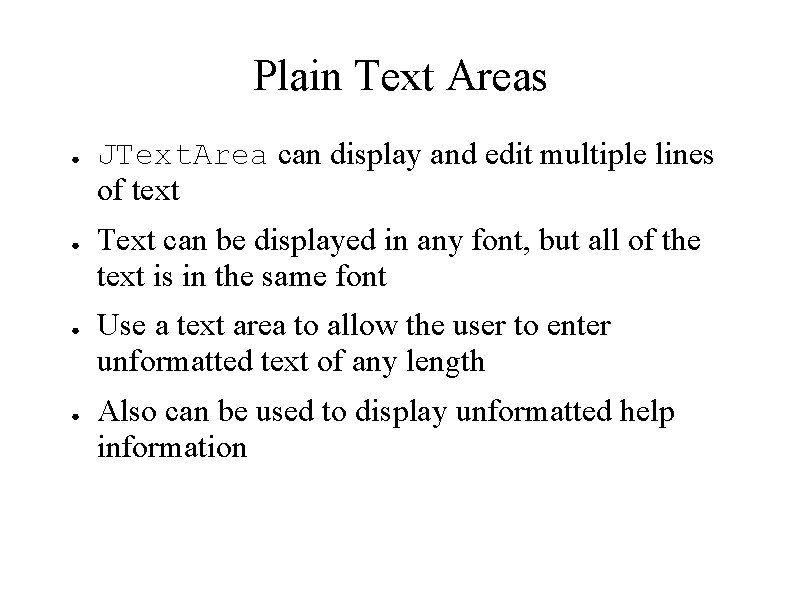
Plain Text Areas ● ● JText. Area can display and edit multiple lines of text Text can be displayed in any font, but all of the text is in the same font Use a text area to allow the user to enter unformatted text of any length Also can be used to display unformatted help information
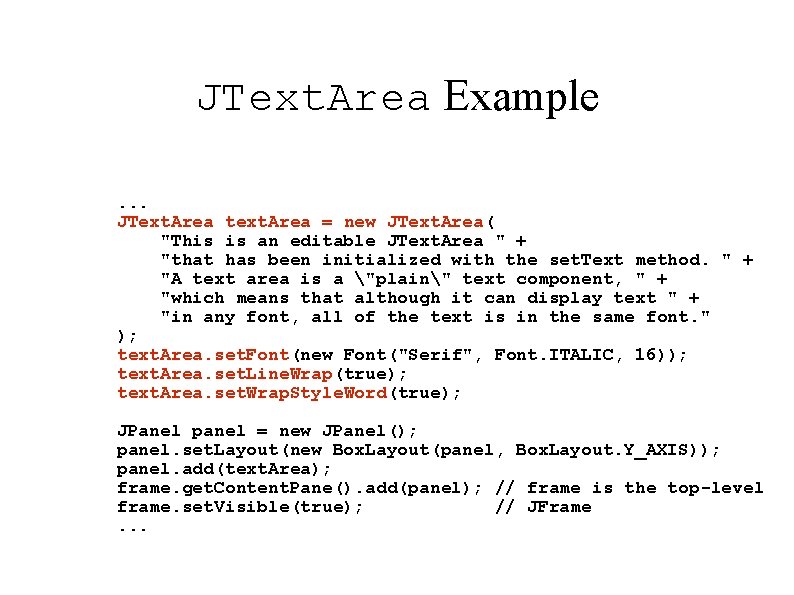
JText. Area Example. . . JText. Area text. Area = new JText. Area( "This is an editable JText. Area " + "that has been initialized with the set. Text method. " + "A text area is a "plain" text component, " + "which means that although it can display text " + "in any font, all of the text is in the same font. " ); text. Area. set. Font(new Font("Serif", Font. ITALIC, 16)); text. Area. set. Line. Wrap(true); text. Area. set. Wrap. Style. Word(true); JPanel panel = new JPanel(); panel. set. Layout(new Box. Layout(panel, Box. Layout. Y_AXIS)); panel. add(text. Area); frame. get. Content. Pane(). add(panel); // frame is the top-level frame. set. Visible(true); // JFrame. . .
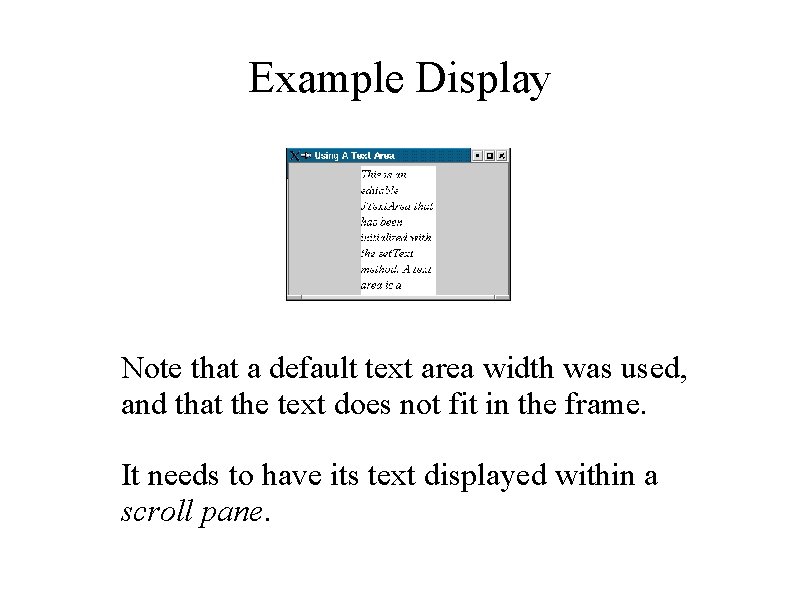
Example Display Note that a default text area width was used, and that the text does not fit in the frame. It needs to have its text displayed within a scroll pane.
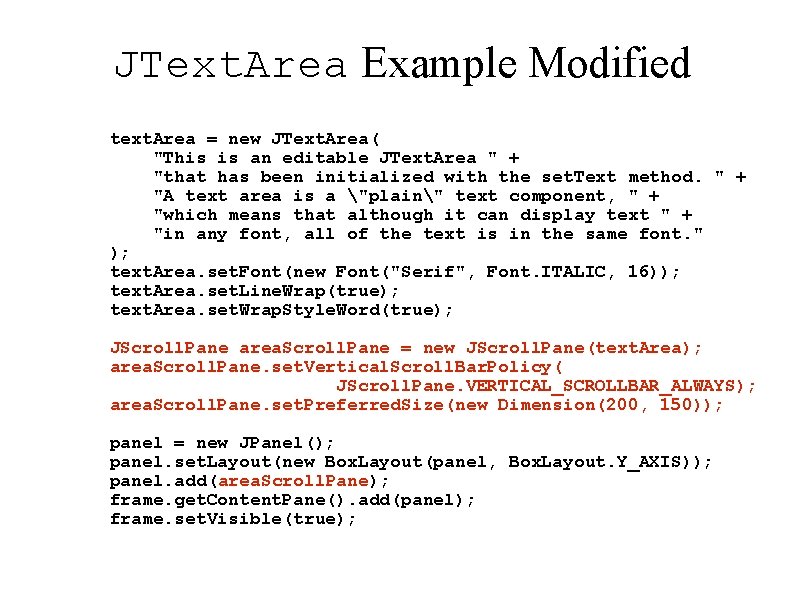
JText. Area Example Modified text. Area = new JText. Area( "This is an editable JText. Area " + "that has been initialized with the set. Text method. " + "A text area is a "plain" text component, " + "which means that although it can display text " + "in any font, all of the text is in the same font. " ); text. Area. set. Font(new Font("Serif", Font. ITALIC, 16)); text. Area. set. Line. Wrap(true); text. Area. set. Wrap. Style. Word(true); JScroll. Pane area. Scroll. Pane = new JScroll. Pane(text. Area); area. Scroll. Pane. set. Vertical. Scroll. Bar. Policy( JScroll. Pane. VERTICAL_SCROLLBAR_ALWAYS); area. Scroll. Pane. set. Preferred. Size(new Dimension(200, 150)); panel = new JPanel(); panel. set. Layout(new Box. Layout(panel, Box. Layout. Y_AXIS)); panel. add(area. Scroll. Pane); frame. get. Content. Pane(). add(panel); frame. set. Visible(true);
New Display
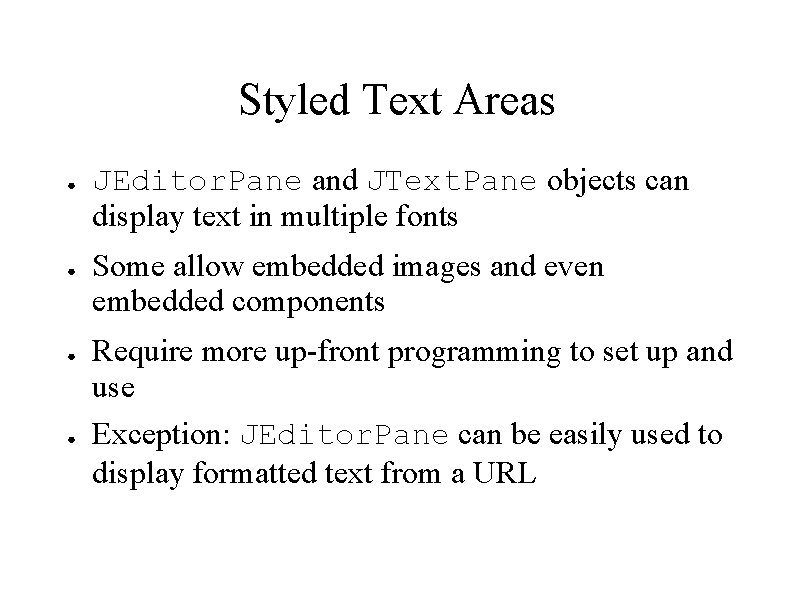
Styled Text Areas ● ● JEditor. Pane and JText. Pane objects can display text in multiple fonts Some allow embedded images and even embedded components Require more up-front programming to set up and use Exception: JEditor. Pane can be easily used to display formatted text from a URL
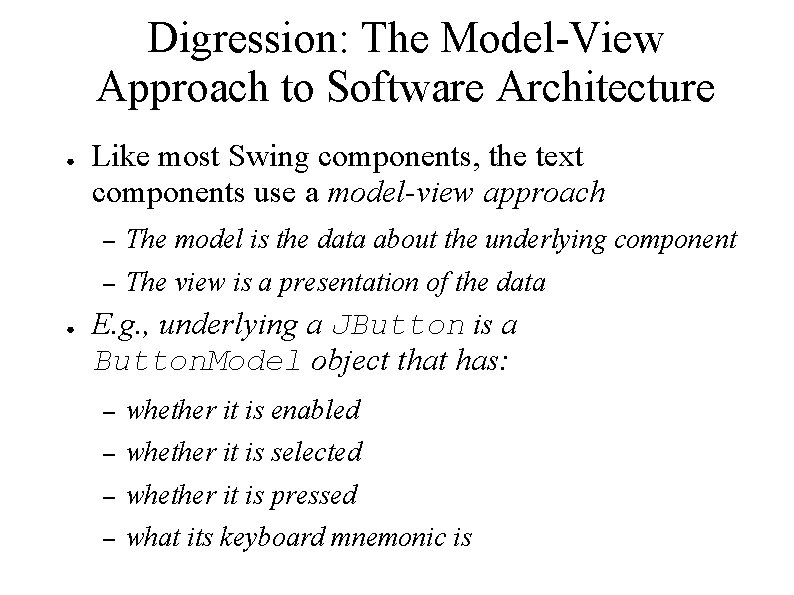
Digression: The Model-View Approach to Software Architecture ● ● Like most Swing components, the text components use a model-view approach – The model is the data about the underlying component – The view is a presentation of the data E. g. , underlying a JButton is a Button. Model object that has: – whether it is enabled – whether it is selected – whether it is pressed – what its keyboard mnemonic is
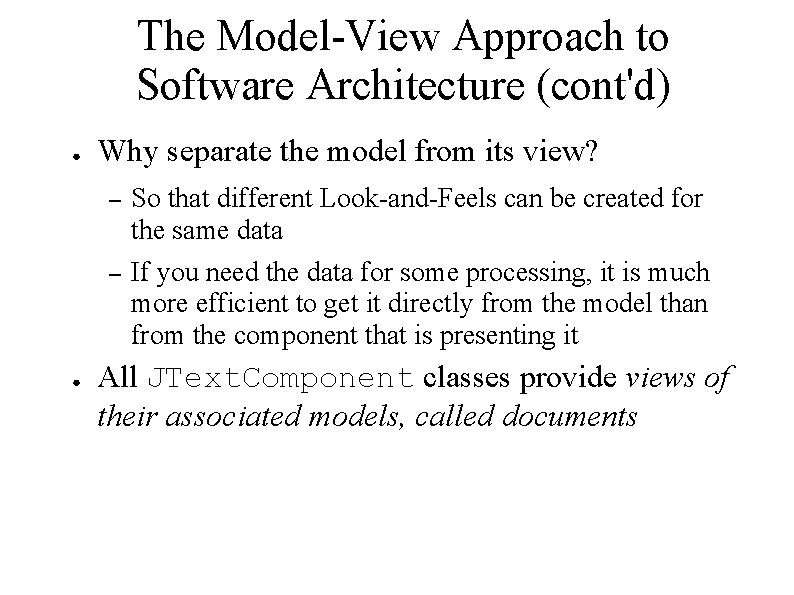
The Model-View Approach to Software Architecture (cont'd) ● ● Why separate the model from its view? – So that different Look-and-Feels can be created for the same data – If you need the data for some processing, it is much more efficient to get it directly from the model than from the component that is presenting it All JText. Component classes provide views of their associated models, called documents
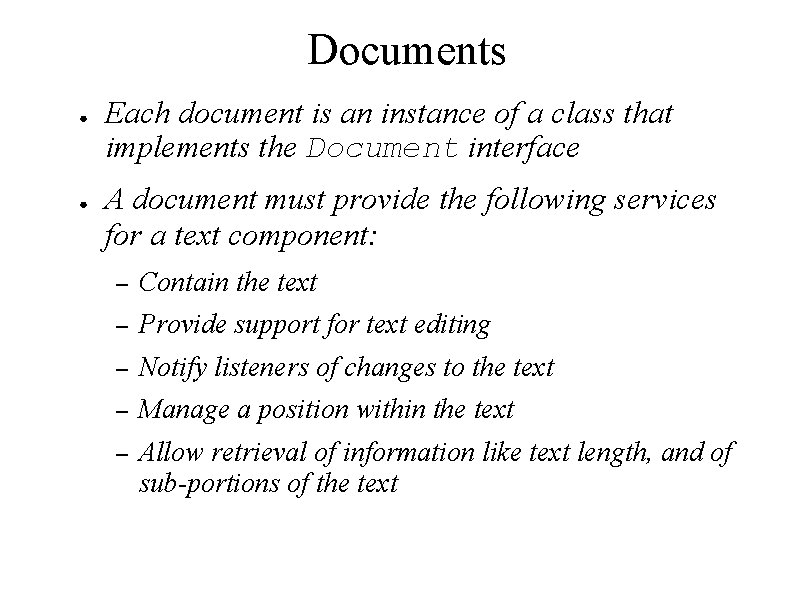
Documents ● ● Each document is an instance of a class that implements the Document interface A document must provide the following services for a text component: – Contain the text – Provide support for text editing – Notify listeners of changes to the text – Manage a position within the text – Allow retrieval of information like text length, and of sub-portions of the text
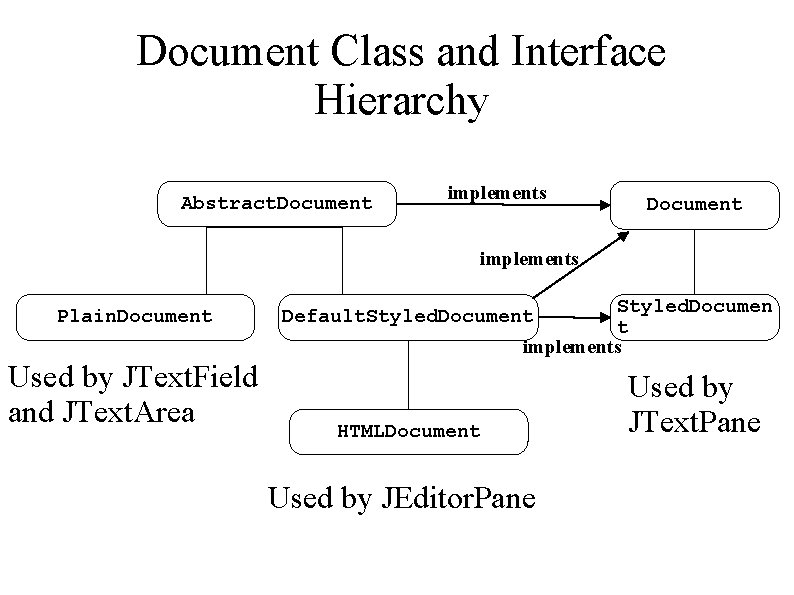
Document Class and Interface Hierarchy Abstract. Document implements Plain. Document Used by JText. Field and JText. Area Styled. Documen t implements Default. Styled. Document HTMLDocument Used by JEditor. Pane Used by JText. Pane
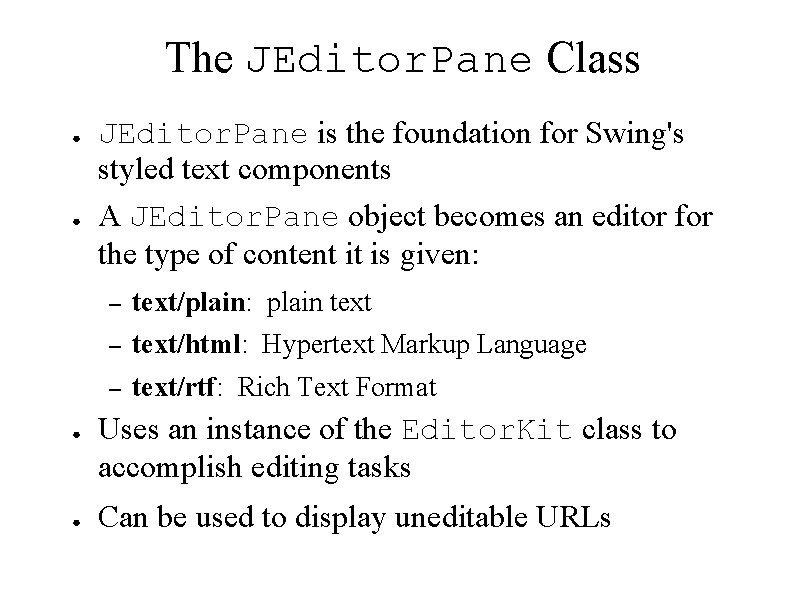
The JEditor. Pane Class ● ● JEditor. Pane is the foundation for Swing's styled text components A JEditor. Pane object becomes an editor for the type of content it is given: – text/plain: plain text – text/html: Hypertext Markup Language – text/rtf: Rich Text Format Uses an instance of the Editor. Kit class to accomplish editing tasks Can be used to display uneditable URLs
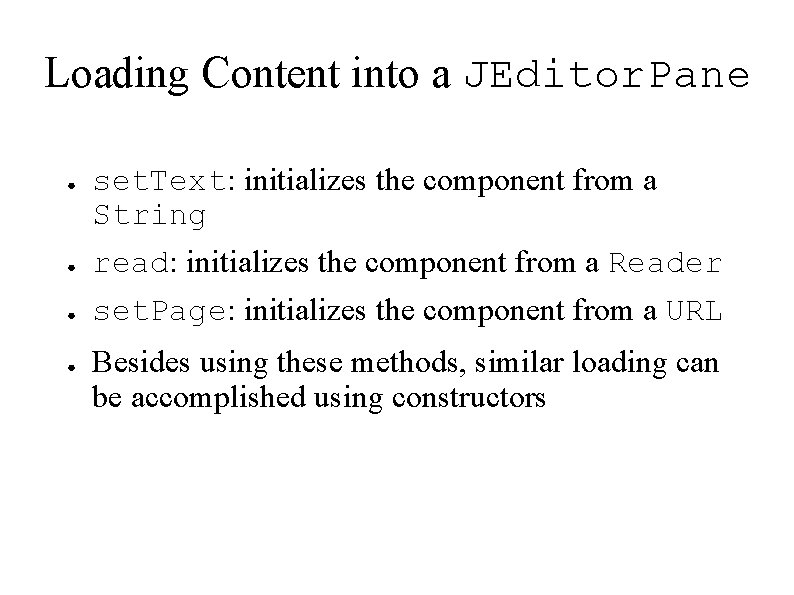
Loading Content into a JEditor. Pane ● ● set. Text: initializes the component from a String read: initializes the component from a Reader set. Page: initializes the component from a URL Besides using these methods, similar loading can be accomplished using constructors
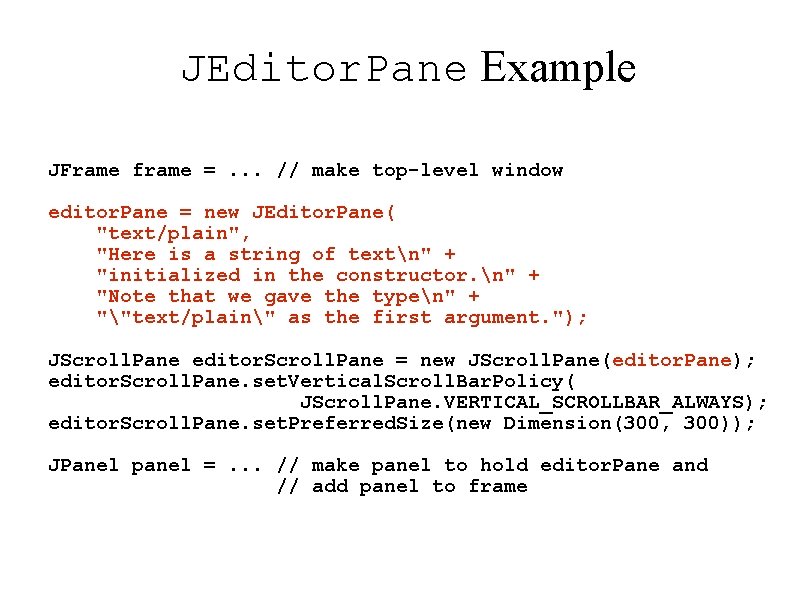
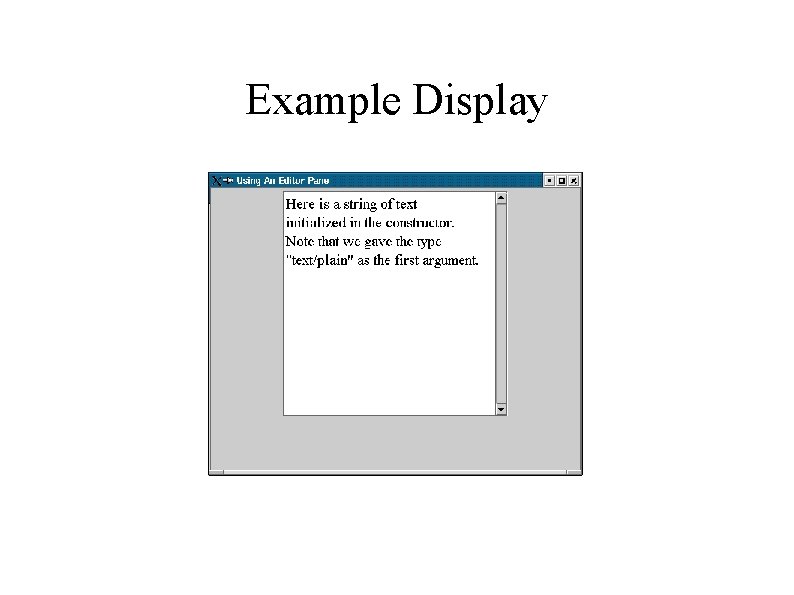
JEditor. Pane Example JFrame frame =. . . // make top-level window editor. Pane = new JEditor. Pane( "text/plain", "Here is a string of textn" + "initialized in the constructor. n" + "Note that we gave the typen" + ""text/plain" as the first argument. "); JScroll. Pane editor. Scroll. Pane = new JScroll. Pane(editor. Pane); editor. Scroll. Pane. set. Vertical. Scroll. Bar. Policy( JScroll. Pane. VERTICAL_SCROLLBAR_ALWAYS); editor. Scroll. Pane. set. Preferred. Size(new Dimension(300, 300)); JPanel panel =. . . // make panel to hold editor. Pane and // add panel to frame
Example Display
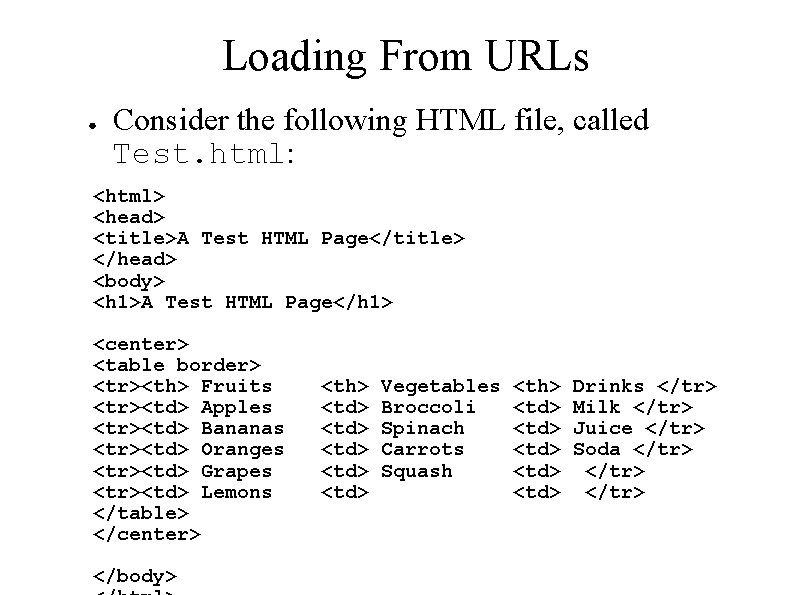
Loading From URLs ● Consider the following HTML file, called Test. html: <html> <head> <title>A Test HTML Page</title> </head> <body> <h 1>A Test HTML Page</h 1> <center> <table border> <tr><th> Fruits <tr><td> Apples <tr><td> Bananas <tr><td> Oranges <tr><td> Grapes <tr><td> Lemons </table> </center> </body> <th> <td> <td> Vegetables Broccoli Spinach Carrots Squash <th> <td> <td> Drinks </tr> Milk </tr> Juice </tr> Soda </tr>
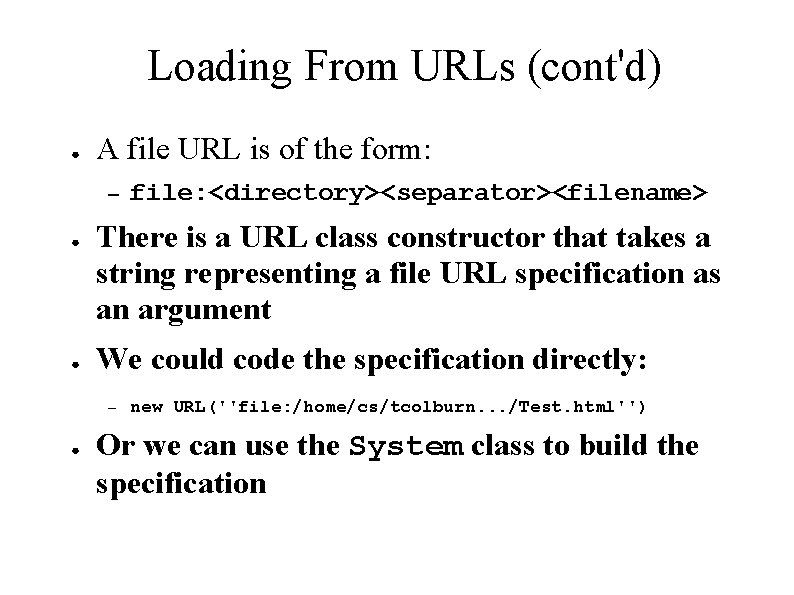
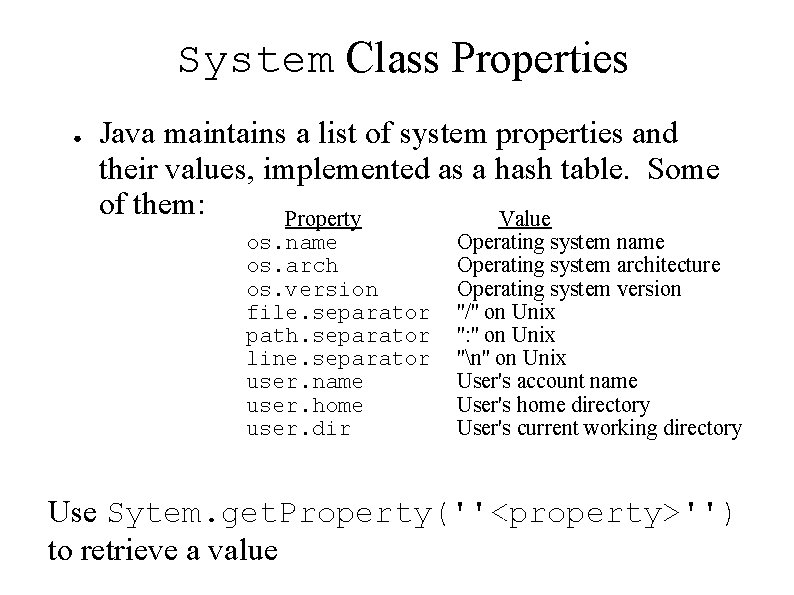
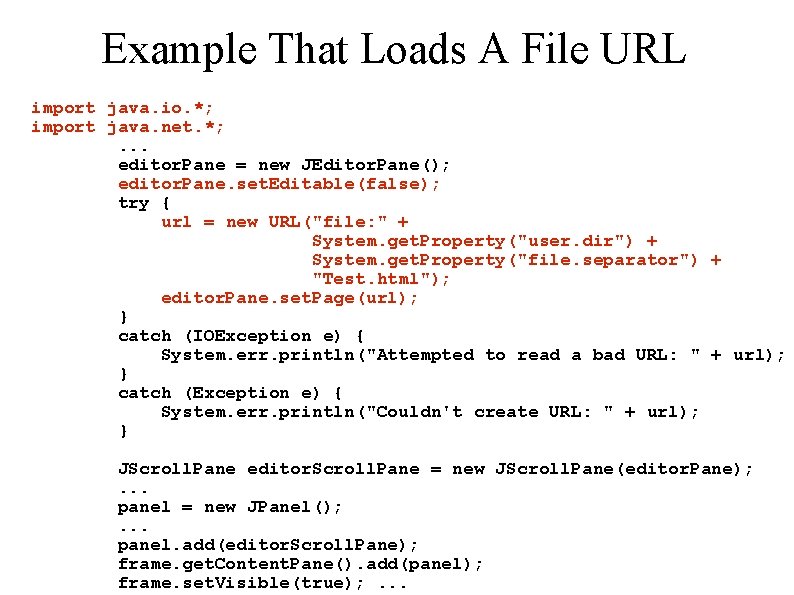
Loading From URLs (cont'd) ● A file URL is of the form: – ● ● There is a URL class constructor that takes a string representing a file URL specification as an argument We could code the specification directly: – ● file: <directory><separator><filename> new URL(''file: /home/cs/tcolburn. . . /Test. html'') Or we can use the System class to build the specification
System Class Properties ● Java maintains a list of system properties and their values, implemented as a hash table. Some of them: Property Value os. name os. arch os. version file. separator path. separator line. separator user. name user. home user. dir Operating system name Operating system architecture Operating system version ''/'' on Unix '': '' on Unix ''n'' on Unix User's account name User's home directory User's current working directory Use Sytem. get. Property(''<property>'') to retrieve a value
Example That Loads A File URL import java. io. *; import java. net. *; . . . editor. Pane = new JEditor. Pane(); editor. Pane. set. Editable(false); try { url = new URL("file: " + System. get. Property("user. dir") + System. get. Property("file. separator") + "Test. html"); editor. Pane. set. Page(url); } catch (IOException e) { System. err. println("Attempted to read a bad URL: " + url); } catch (Exception e) { System. err. println("Couldn't create URL: " + url); } JScroll. Pane editor. Scroll. Pane = new JScroll. Pane(editor. Pane); . . . panel = new JPanel(); . . . panel. add(editor. Scroll. Pane); frame. get. Content. Pane(). add(panel); frame. set. Visible(true); . . .
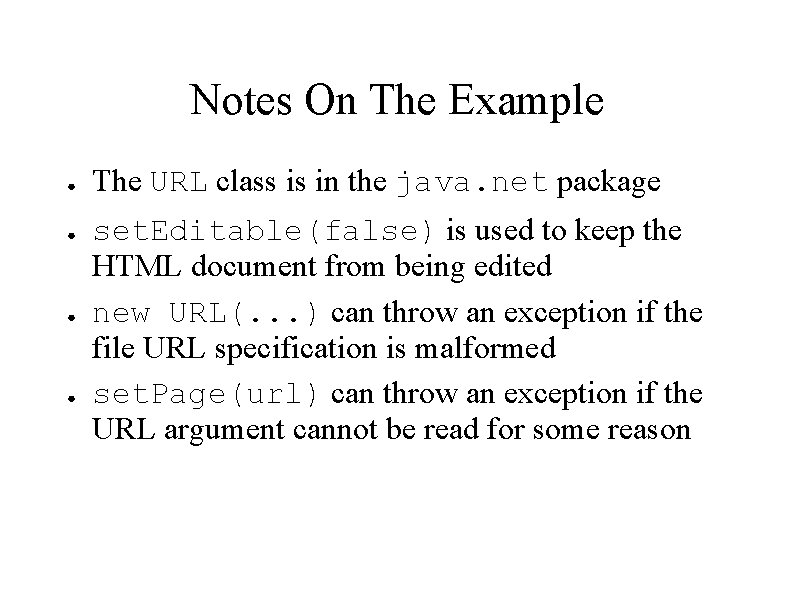
Notes On The Example ● ● The URL class is in the java. net package set. Editable(false) is used to keep the HTML document from being edited new URL(. . . ) can throw an exception if the file URL specification is malformed set. Page(url) can throw an exception if the URL argument cannot be read for some reason
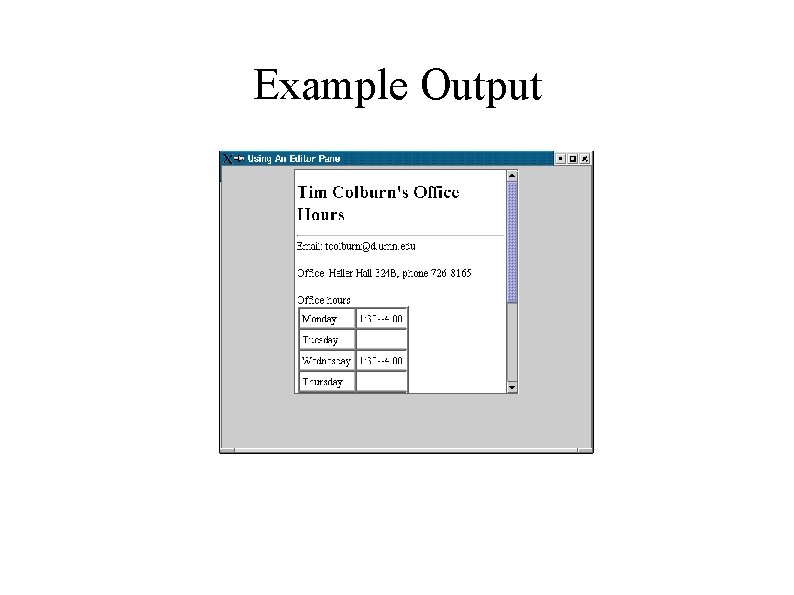
Example Output
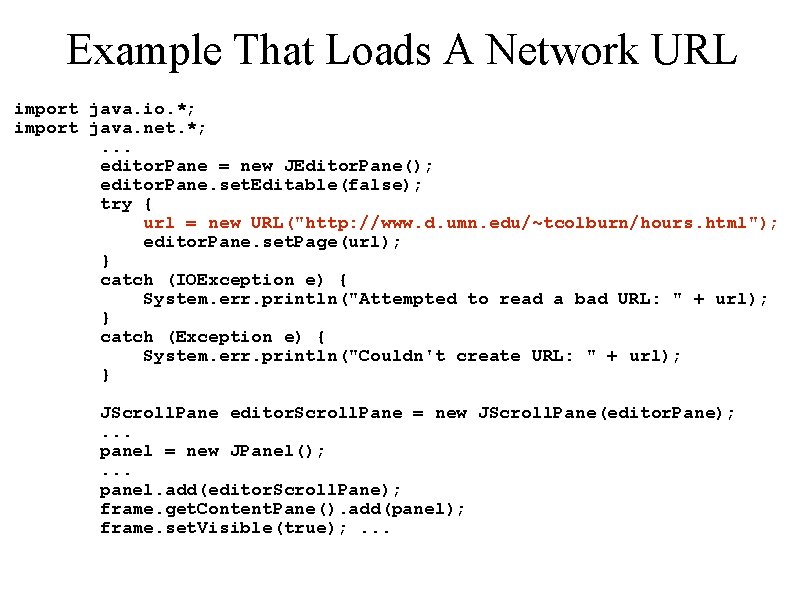
Example That Loads A Network URL import java. io. *; import java. net. *; . . . editor. Pane = new JEditor. Pane(); editor. Pane. set. Editable(false); try { url = new URL("http: //www. d. umn. edu/~tcolburn/hours. html"); editor. Pane. set. Page(url); } catch (IOException e) { System. err. println("Attempted to read a bad URL: " + url); } catch (Exception e) { System. err. println("Couldn't create URL: " + url); } JScroll. Pane editor. Scroll. Pane = new JScroll. Pane(editor. Pane); . . . panel = new JPanel(); . . . panel. add(editor. Scroll. Pane); frame. get. Content. Pane(). add(panel); frame. set. Visible(true); . . .
Example Output
The JText. Pane Class ● ● The JText. Pane class extends JEditor. Pane A text pane inherits the capabilities of an editor pane but insists that its document be a styled document You can embed images and components in a text pane You can embed images in an editor pane too, but only by including them in an HTML or RTF file