
USING PYTHON TO AUTOMATE DATA MANAGEMENT TASKS HYDROINFORMATICS
![Try Python STRINGS >>> x='abc' >>> x[0] #Notice you can treat a #string like](https://slidetodoc.com/presentation_image_h/0eb5600a9626fb361c7911d47d691ee9/image-5.jpg "Try Python STRINGS >>> x='abc' >>> x[0] #Notice you can treat a #string like")
![Try Python LISTS >>> x=['a', 'b', 'c'] >>> x[1] 'b' #why isn’t it ‘a’?](https://slidetodoc.com/presentation_image_h/0eb5600a9626fb361c7911d47d691ee9/image-6.jpg "Try Python LISTS >>> x=['a', 'b', 'c'] >>> x[1] 'b' #why isn’t it ‘a’?")
- Slides: 28
USING PYTHON TO AUTOMATE DATA MANAGEMENT TASKS HYDROINFORMATICS DR. DAN AMES, BRIGHAM YOUNG UNIVERSITY
PYTHON REFRESHER • Start Py. Charm • Run the Python Console (under the Tools menu) • Try the following….
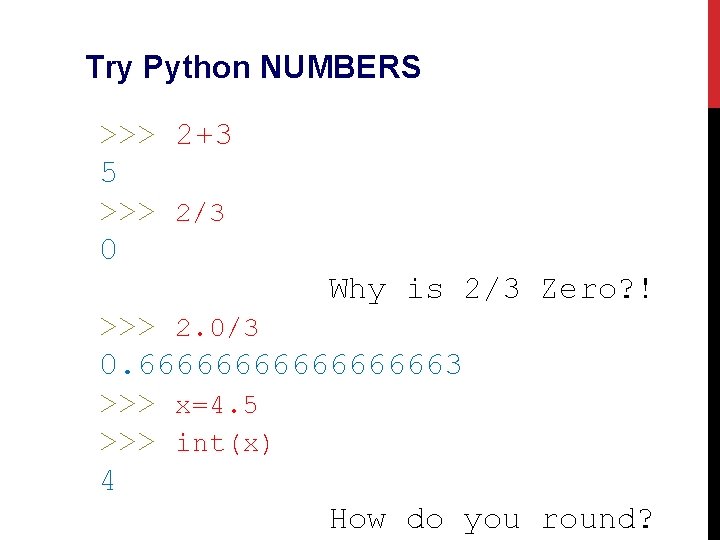
Try Python NUMBERS >>> 2+3 5 >>> 2/3 0 Why is 2/3 Zero? ! >>> 2. 0/3 0. 666666663 >>> x=4. 5 >>> int(x) 4 How do you round?
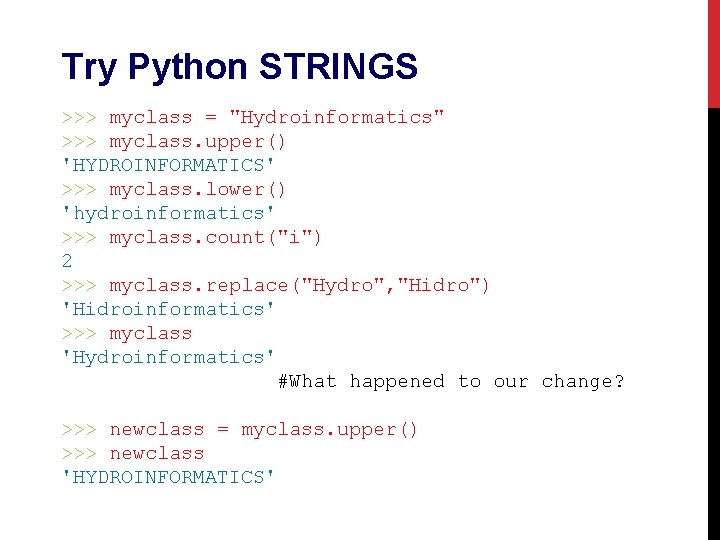
Try Python STRINGS >>> myclass = "Hydroinformatics" >>> myclass. upper() 'HYDROINFORMATICS' >>> myclass. lower() 'hydroinformatics' >>> myclass. count("i") 2 >>> myclass. replace("Hydro", "Hidro") 'Hidroinformatics' >>> myclass 'Hydroinformatics' #What happened to our change? >>> newclass = myclass. upper() >>> newclass 'HYDROINFORMATICS'
Try Python STRINGS >>> x='abc' >>> x[0] #Notice you can treat a #string like a list… 'a' >>> x[1: 3] 'bc' >>> x[: 2] 'ab’ >>> x[1]='d' Traceback (most recent call last): File "<pyshell#14>", line 1, in <module> x[1]='d' Type. Error: 'str' object does not support item assignment #sort of…
Try Python LISTS >>> x=['a', 'b', 'c'] >>> x[1] 'b' #why isn’t it ‘a’? >>> x[1: ] ['b', 'c'] >>> x[1]='d' >>> x ['a', 'd', 'c'] >>> x[1]=99 >>> x ['a', 99, 'c'] #Is that weird? >>> y = range(10) >>> y [0, 1, 2, 3, 4, 5, 6, 7, 8, 9]
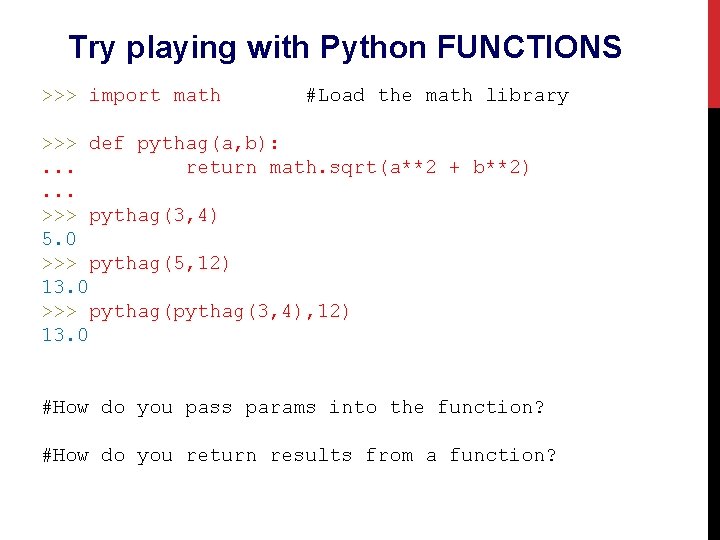
Try playing with Python FUNCTIONS >>> import math #Load the math library >>> def pythag(a, b): . . . return math. sqrt(a**2 + b**2). . . >>> pythag(3, 4) 5. 0 >>> pythag(5, 12) 13. 0 >>> pythag(3, 4), 12) 13. 0 #How do you pass params into the function? #How do you return results from a function?
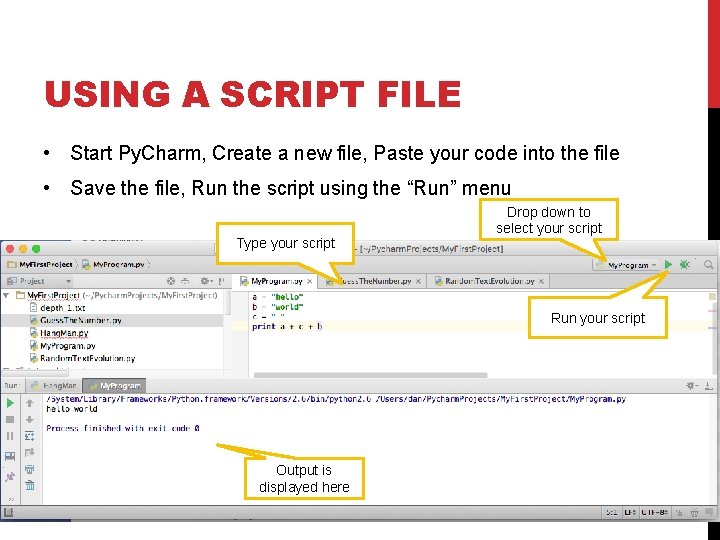
USING A SCRIPT FILE • Start Py. Charm, Create a new file, Paste your code into the file • Save the file, Run the script using the “Run” menu Type your script Drop down to select your script Run your script Output is displayed here
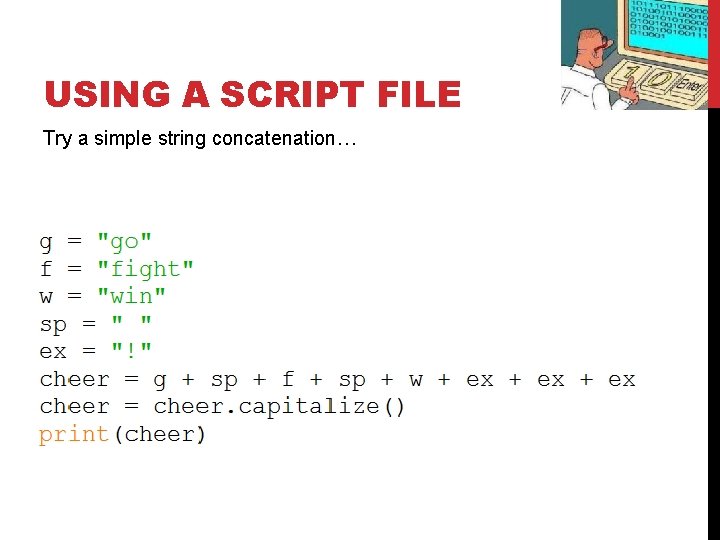
USING A SCRIPT FILE Try a simple string concatenation…
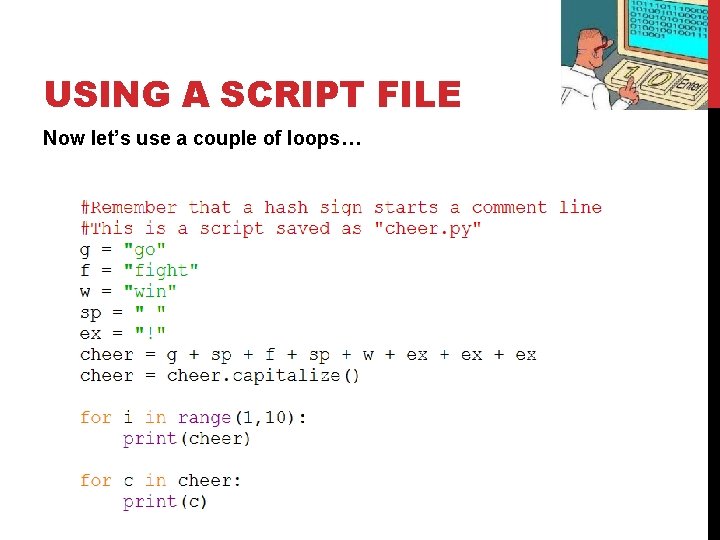
USING A SCRIPT FILE Now let’s use a couple of loops…
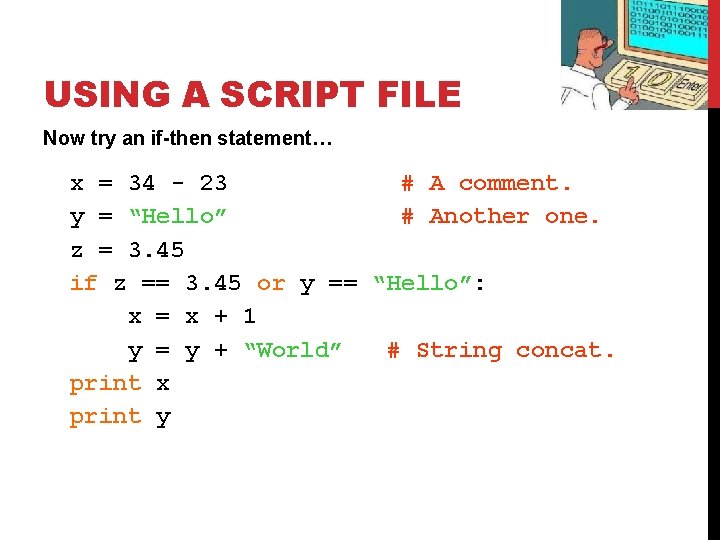
USING A SCRIPT FILE Now try an if-then statement… x = 34 - 23 # A comment. y = “Hello” # Another one. z = 3. 45 if z == 3. 45 or y == “Hello”: x = x + 1 y = y + “World” # String concat. print x print y
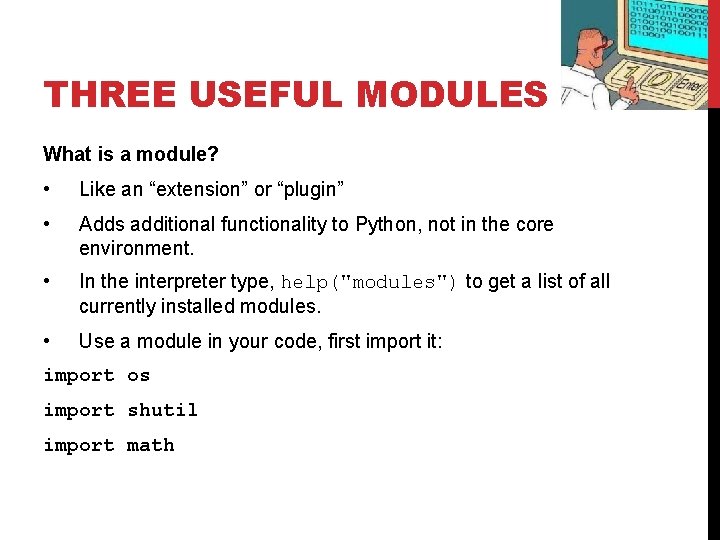
THREE USEFUL MODULES What is a module? • Like an “extension” or “plugin” • Adds additional functionality to Python, not in the core environment. • In the interpreter type, help("modules") to get a list of all currently installed modules. • Use a module in your code, first import it: import os import shutil import math
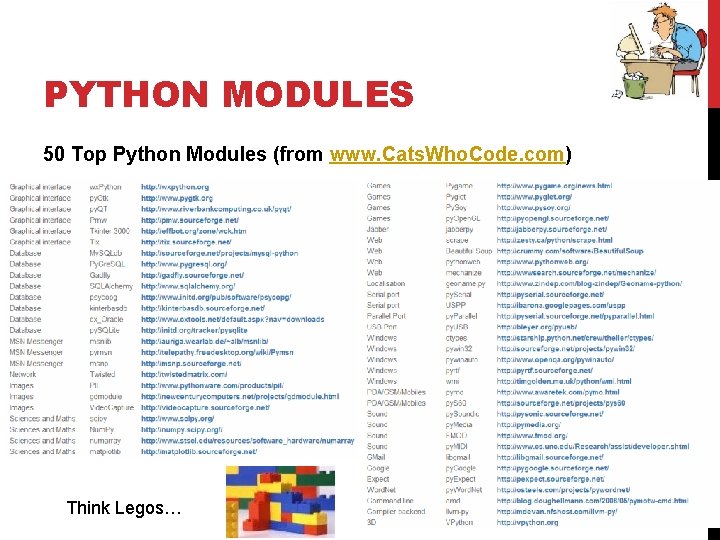
PYTHON MODULES 50 Top Python Modules (from www. Cats. Who. Code. com) Think Legos…
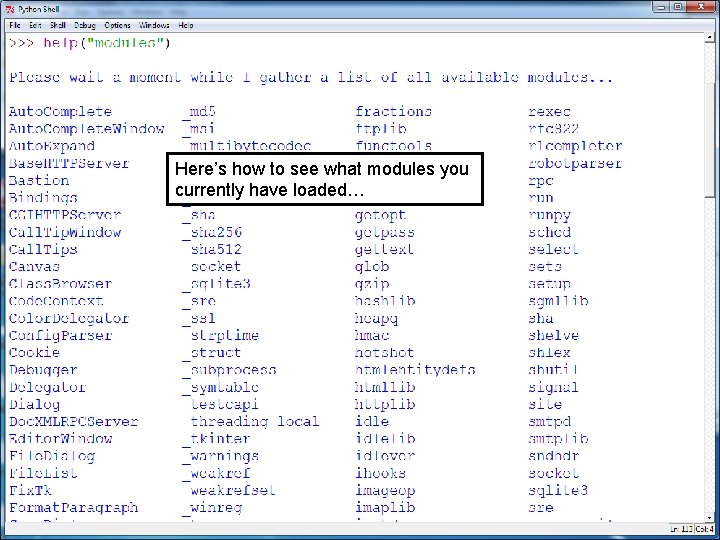
Here’s how to see what modules you currently have loaded…
FOUR USEFUL MODULES • os: functions for working with your operating system including file management • shutil: high level functions for working with files • Mat. Plot. Lib: make graphs, charts, and maps • pymysql: functions for accessing and working with data in an SQL database
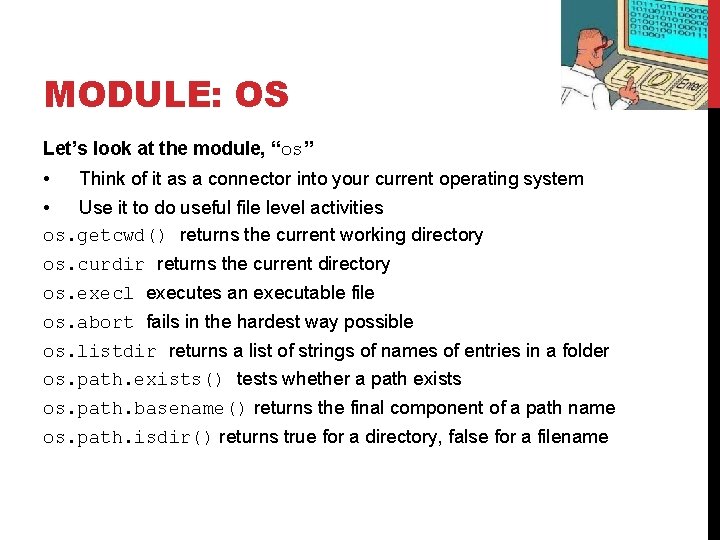
MODULE: OS Let’s look at the module, “os” • Think of it as a connector into your current operating system • Use it to do useful file level activities os. getcwd() returns the current working directory os. curdir returns the current directory os. execl executes an executable file os. abort fails in the hardest way possible os. listdir returns a list of strings of names of entries in a folder os. path. exists() tests whether a path exists os. path. basename() returns the final component of a path name os. path. isdir() returns true for a directory, false for a filename
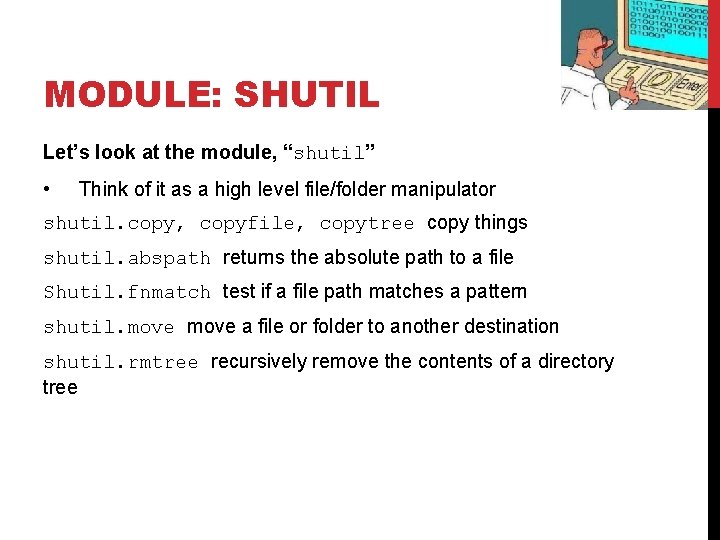
MODULE: SHUTIL Let’s look at the module, “shutil” • Think of it as a high level file/folder manipulator shutil. copy, copyfile, copytree copy things shutil. abspath returns the absolute path to a file Shutil. fnmatch test if a file path matches a pattern shutil. move a file or folder to another destination shutil. rmtree recursively remove the contents of a directory tree
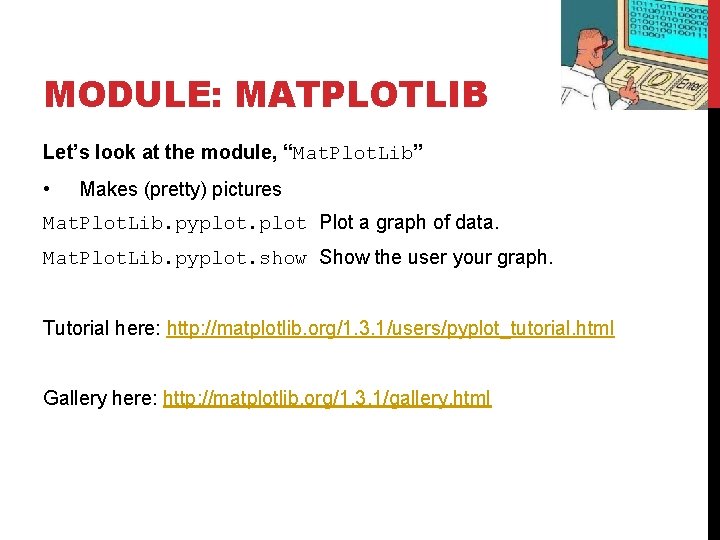
MODULE: MATPLOTLIB Let’s look at the module, “Mat. Plot. Lib” • Makes (pretty) pictures Mat. Plot. Lib. pyplot Plot a graph of data. Mat. Plot. Lib. pyplot. show Show the user your graph. Tutorial here: http: //matplotlib. org/1. 3. 1/users/pyplot_tutorial. html Gallery here: http: //matplotlib. org/1. 3. 1/gallery. html
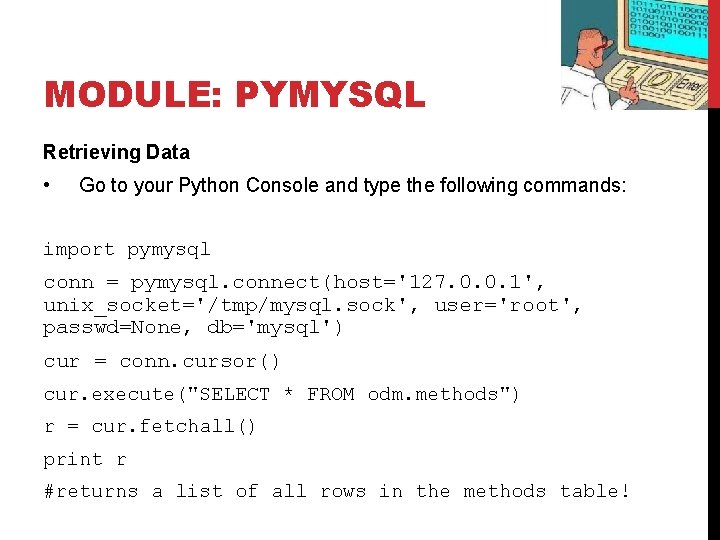
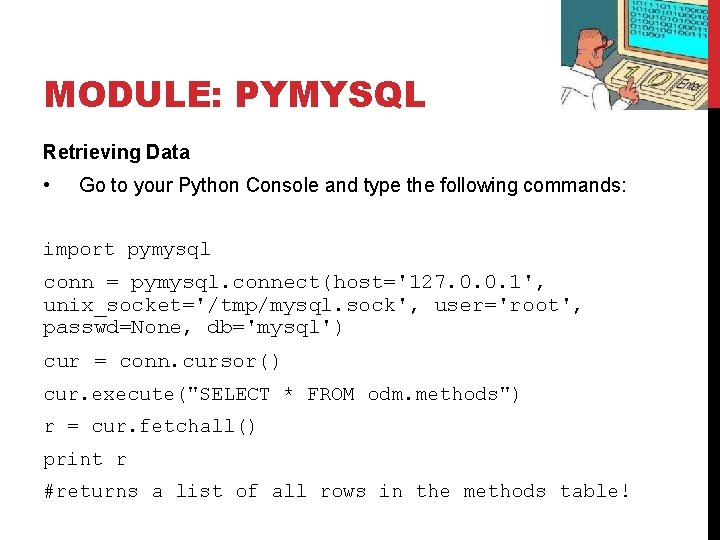
MODULE: PYMYSQL Retrieving Data • Go to your Python Console and type the following commands: import pymysql conn = pymysql. connect(host='127. 0. 0. 1', unix_socket='/tmp/mysql. sock', user='root', passwd=None, db='mysql') cur = conn. cursor() cur. execute("SELECT * FROM odm. methods") r = cur. fetchall() print r #returns a list of all rows in the methods table!
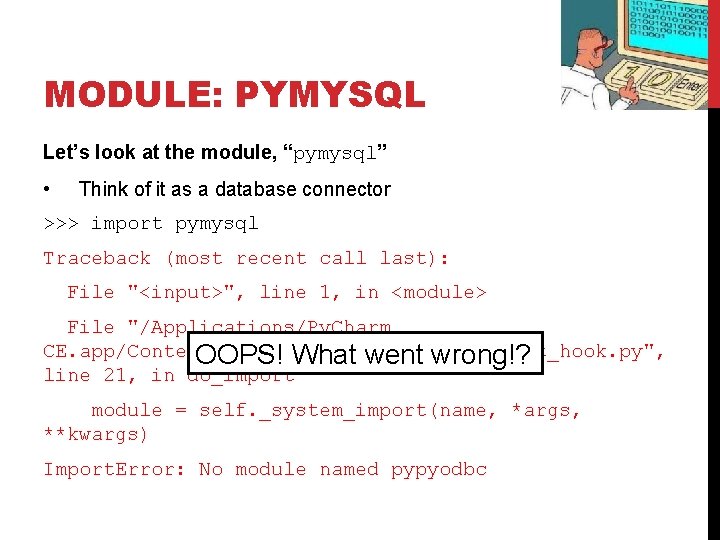
MODULE: PYMYSQL Let’s look at the module, “pymysql” • Think of it as a database connector >>> import pymysql Traceback (most recent call last): File "<input>", line 1, in <module> File "/Applications/Py. Charm CE. app/Contents/helpers/pydev_import_hook. py", OOPS! What went wrong!? line 21, in do_import module = self. _system_import(name, *args, **kwargs) Import. Error: No module named pypyodbc
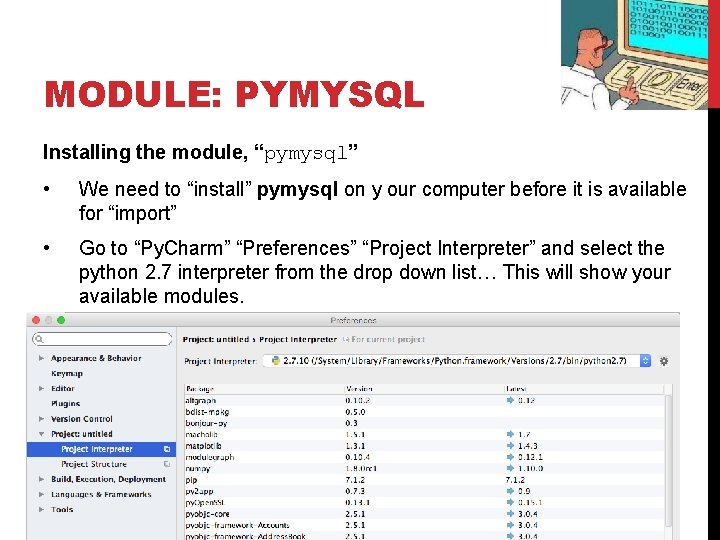
MODULE: PYMYSQL Installing the module, “pymysql” • We need to “install” pymysql on y our computer before it is available for “import” • Go to “Py. Charm” “Preferences” “Project Interpreter” and select the python 2. 7 interpreter from the drop down list… This will show your available modules.
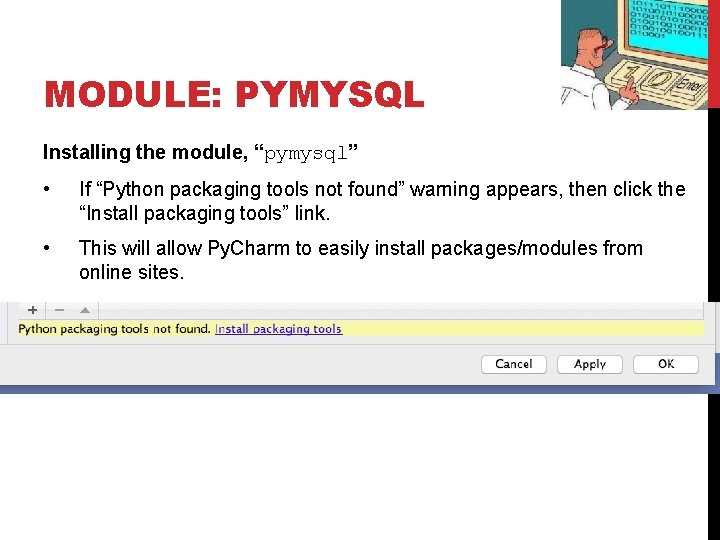
MODULE: PYMYSQL Installing the module, “pymysql” • If “Python packaging tools not found” warning appears, then click the “Install packaging tools” link. • This will allow Py. Charm to easily install packages/modules from online sites.
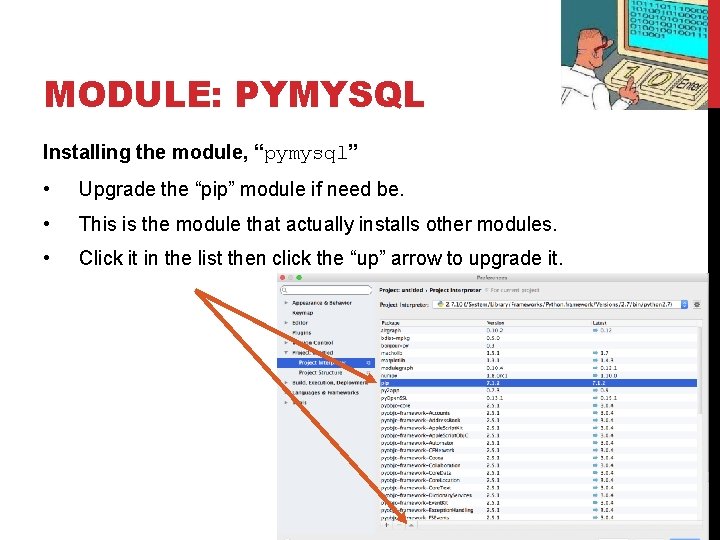
MODULE: PYMYSQL Installing the module, “pymysql” • Upgrade the “pip” module if need be. • This is the module that actually installs other modules. • Click it in the list then click the “up” arrow to upgrade it.
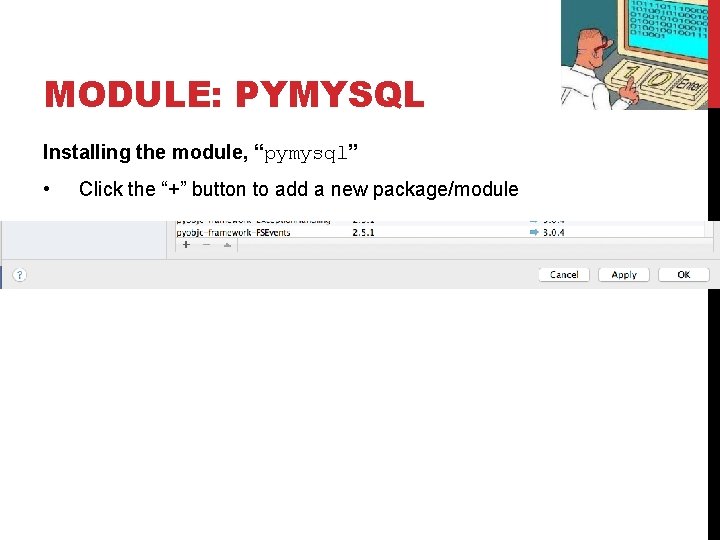
MODULE: PYMYSQL Installing the module, “pymysql” • Click the “+” button to add a new package/module
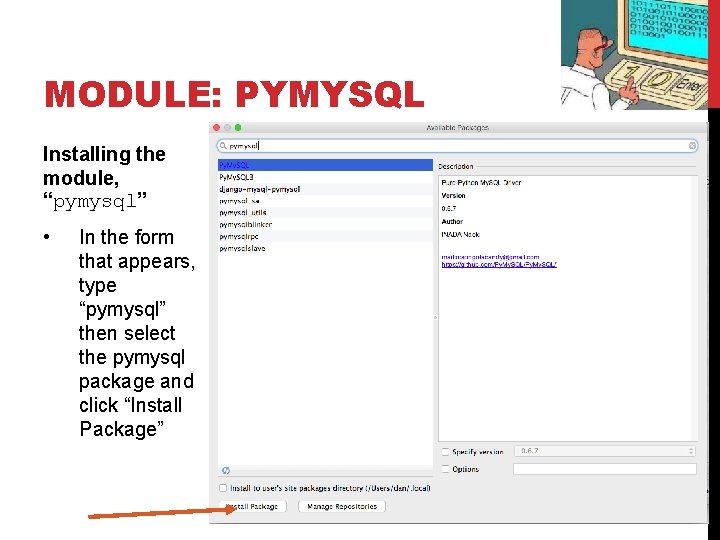
MODULE: PYMYSQL Installing the module, “pymysql” • In the form that appears, type “pymysql” then select the pymysql package and click “Install Package”
MODULE: PYMYSQL Let’s look at the module, “pymysql” • Think of it as a database connector pymysql. connect to a database connection. cursor a “pointer” to a row in a database cursor. execute run an SQL query cursor. fetchone get a row from a database row. some_field_name returns the value of a field in a row
MODULE: PYMYSQL Retrieving Data • Go to your Python Console and type the following commands: import pymysql conn = pymysql. connect(host='127. 0. 0. 1', unix_socket='/tmp/mysql. sock', user='root', passwd=None, db='mysql') cur = conn. cursor() cur. execute("SELECT * FROM odm. methods") r = cur. fetchall() print r #returns a list of all rows in the methods table!
MODULE: PYMYSQL Retrieving Data • Download the ODMFunctions. py script. Let’s look at it together…