
Using Photoshop to design your logo File New








- Slides: 48
Using Photoshop to design your logo.
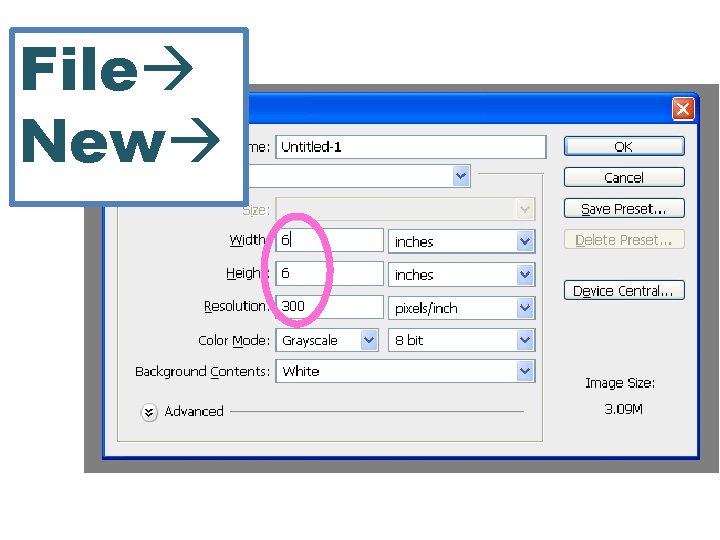
File New
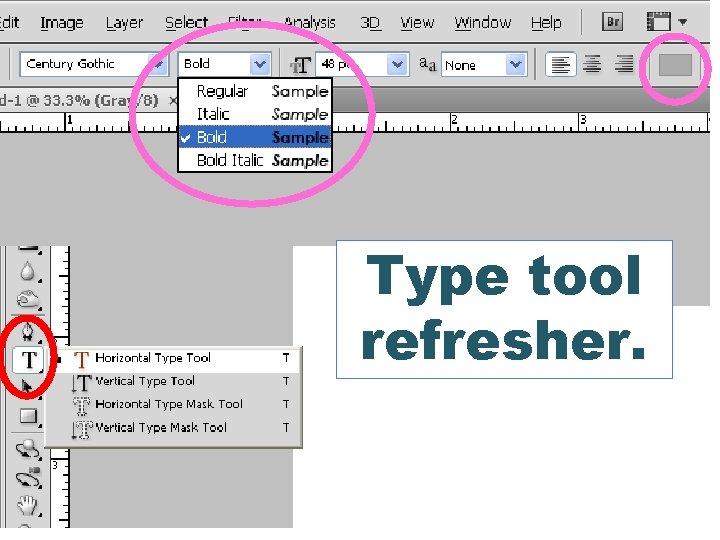
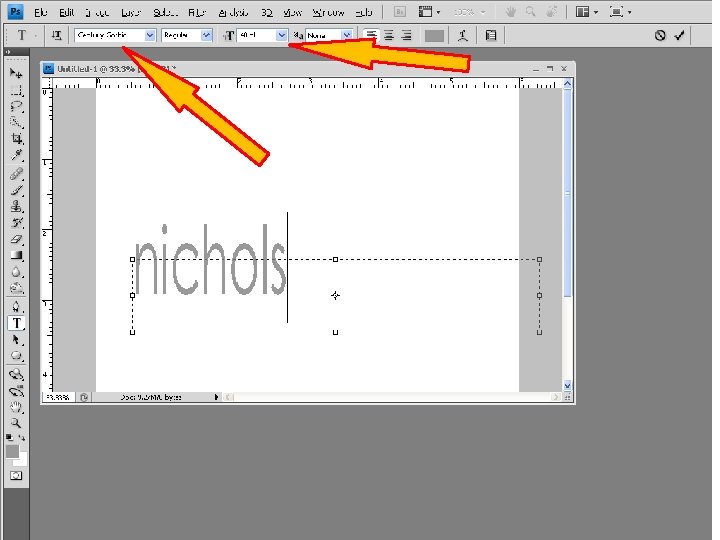
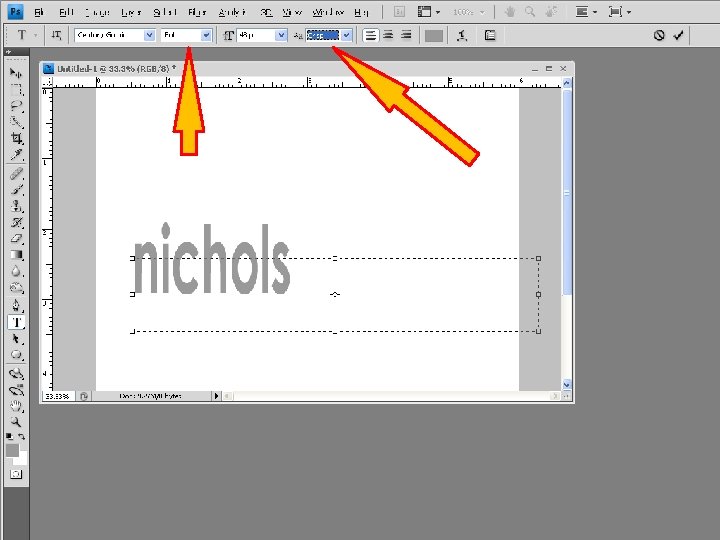
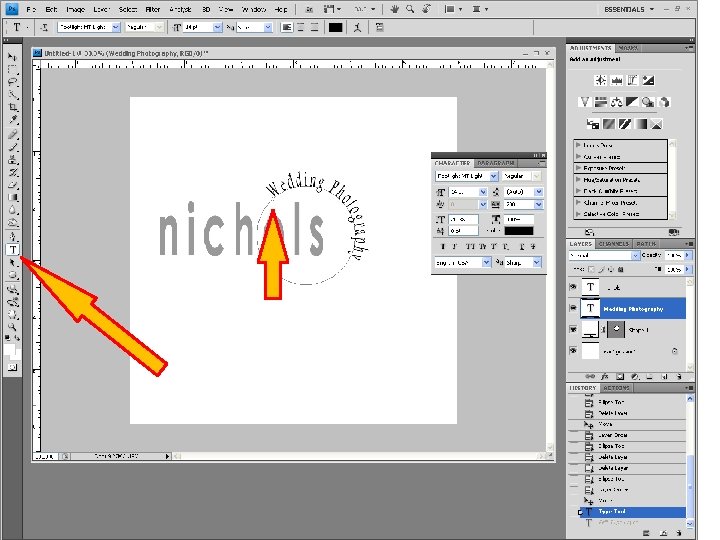
Type tool refresher.
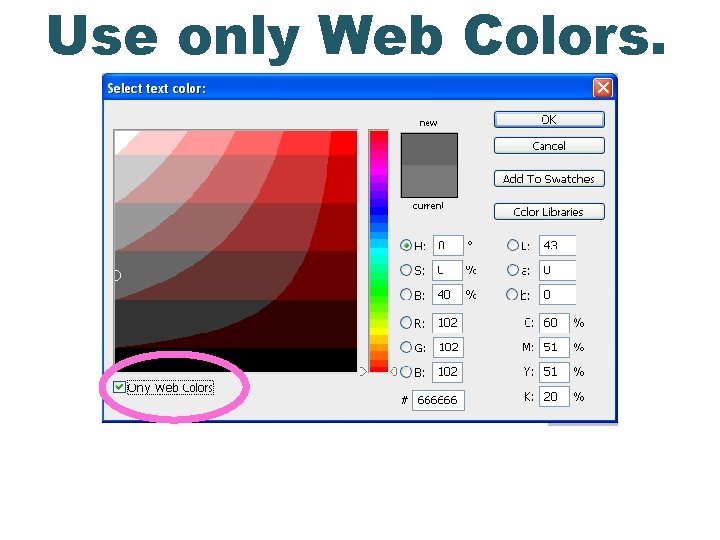
Use only Web Colors.
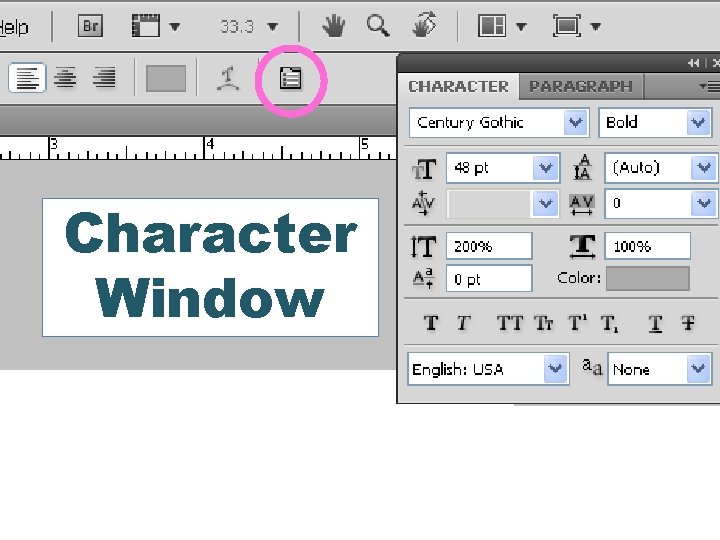
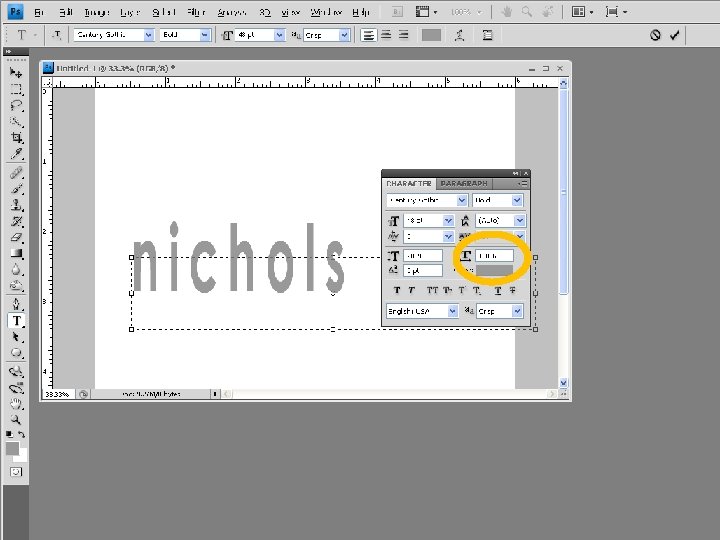
Character Window
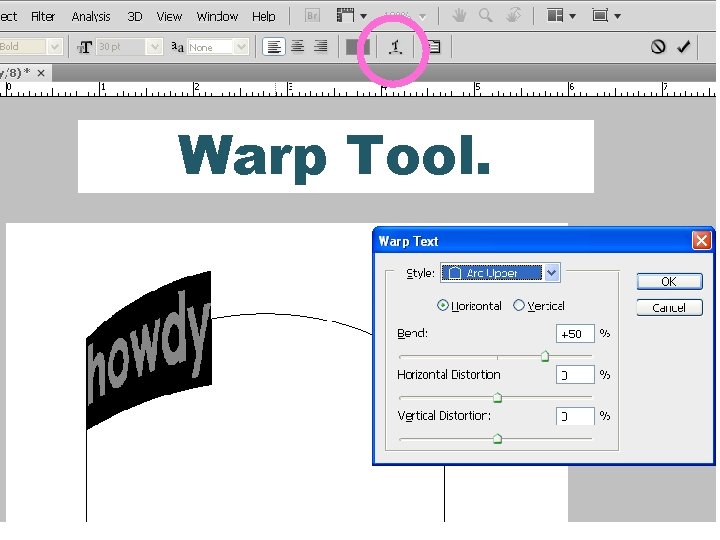
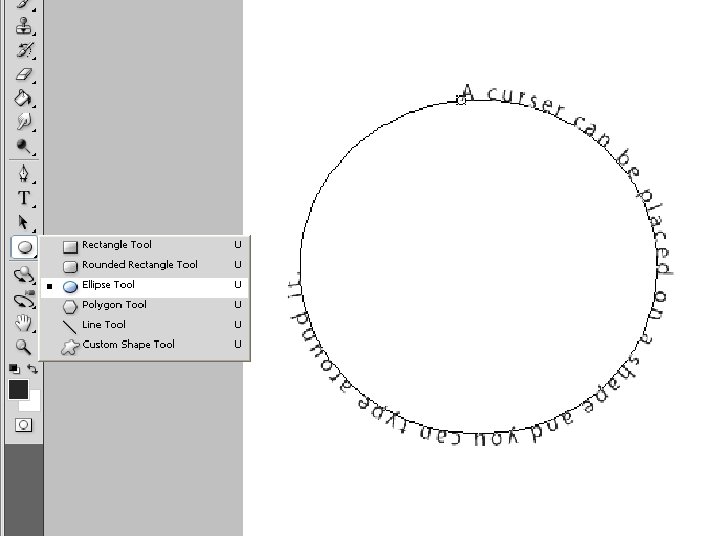
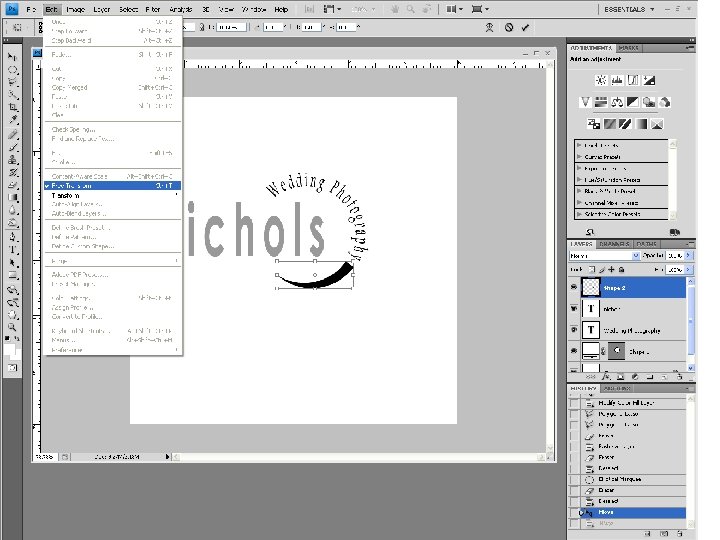
Warp Tool.
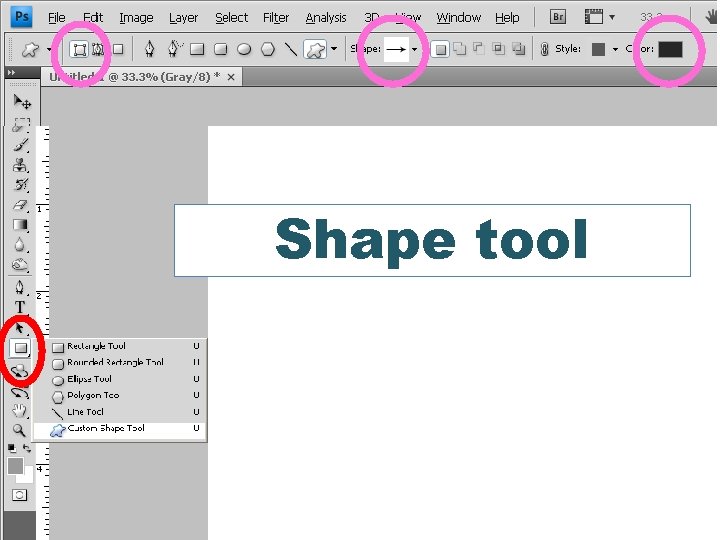
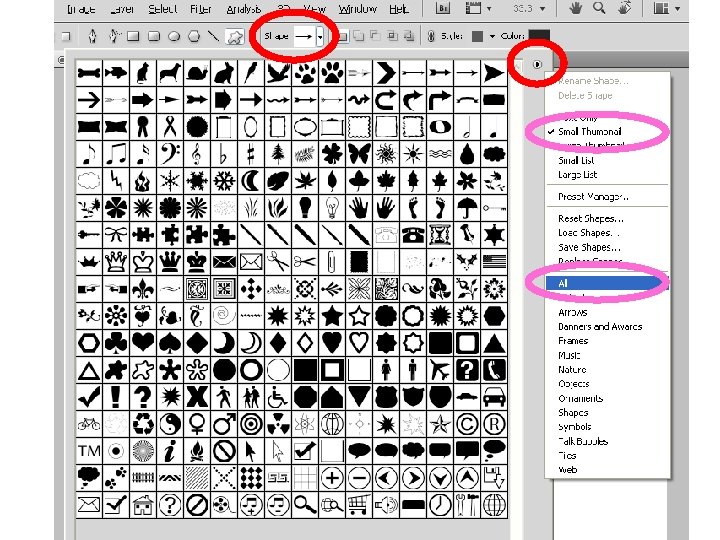
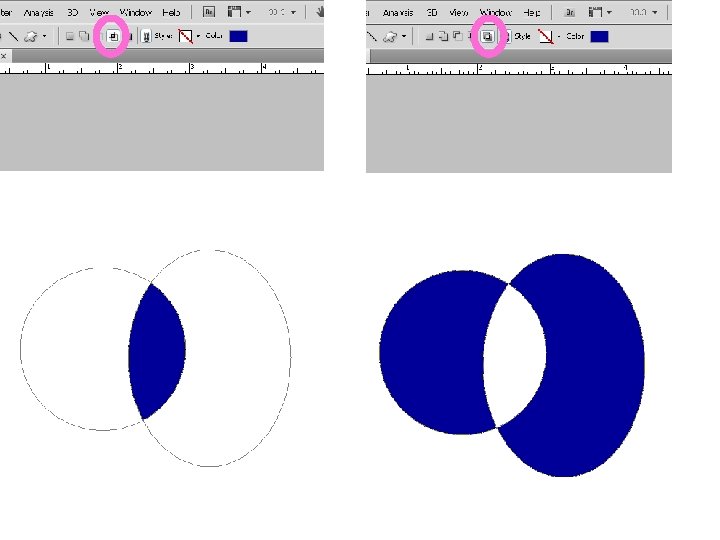
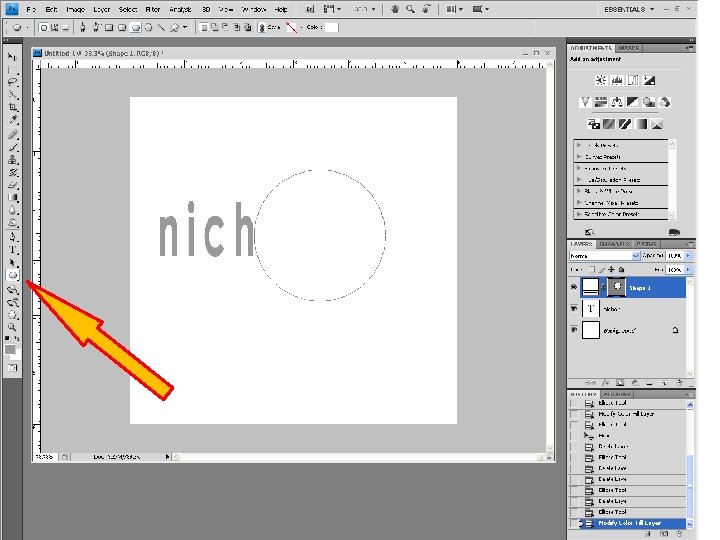
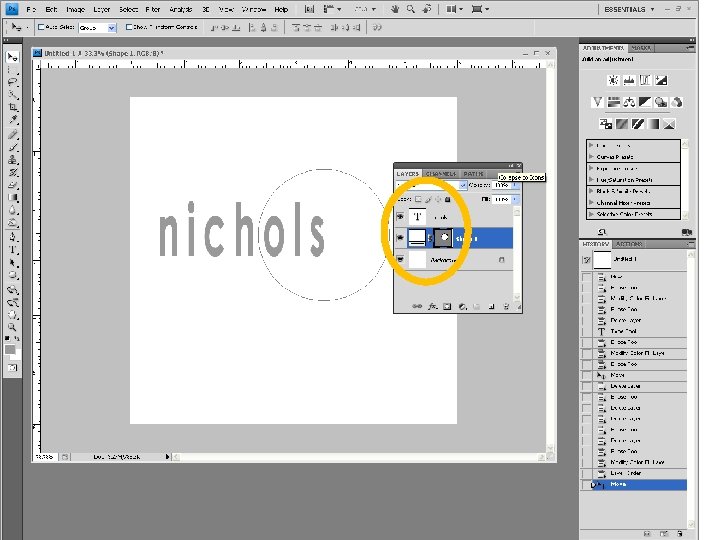
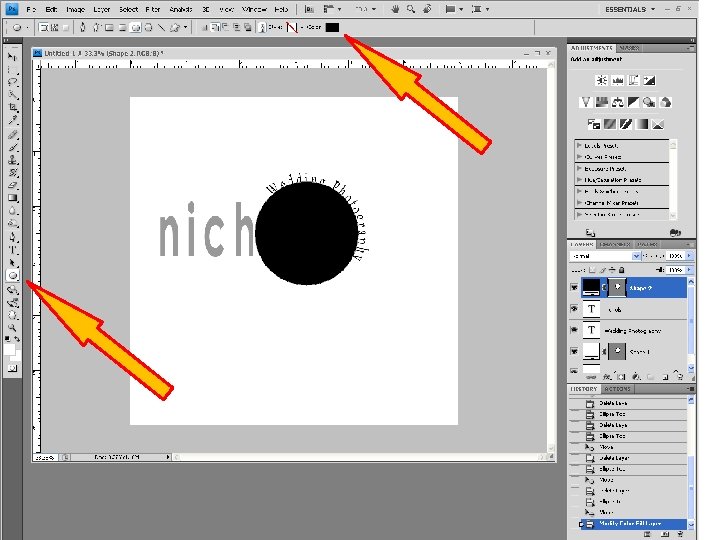
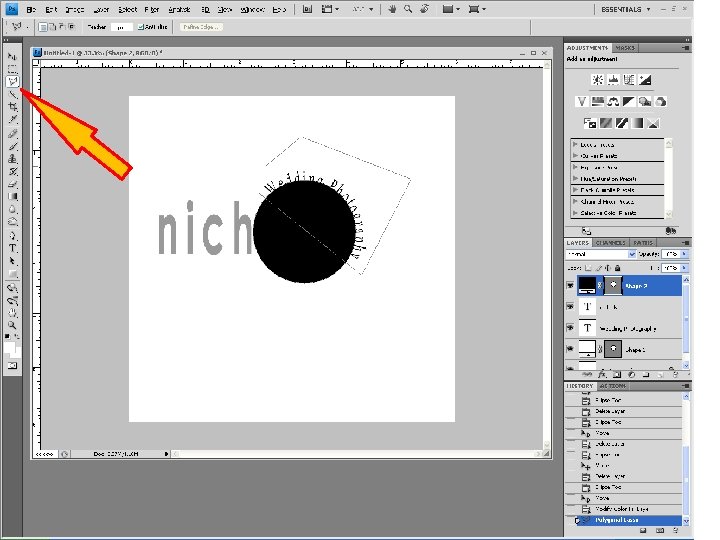
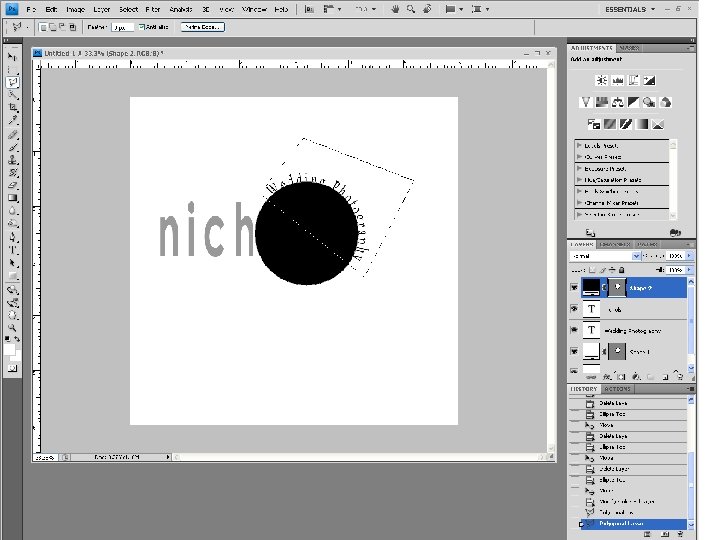
Shape tool
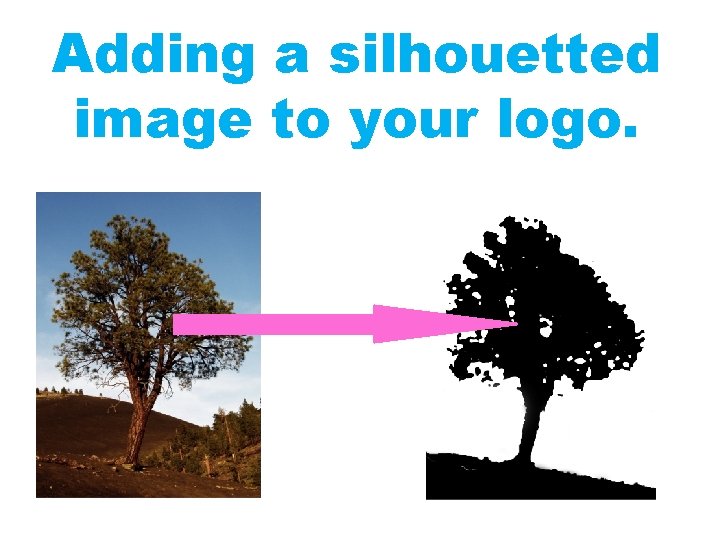
Adding a silhouetted image to your logo.
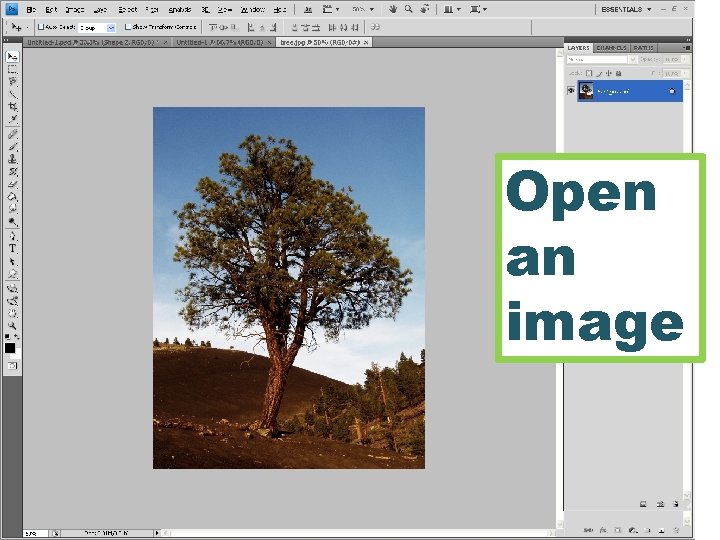
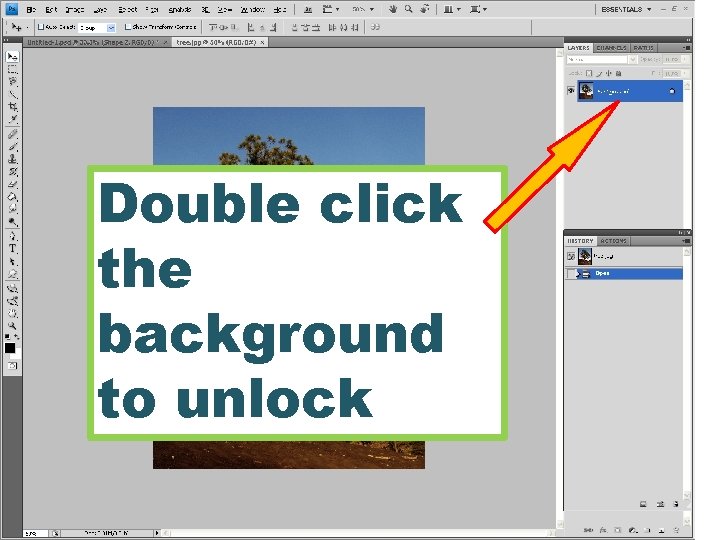
Open an image
Double click the background to unlock
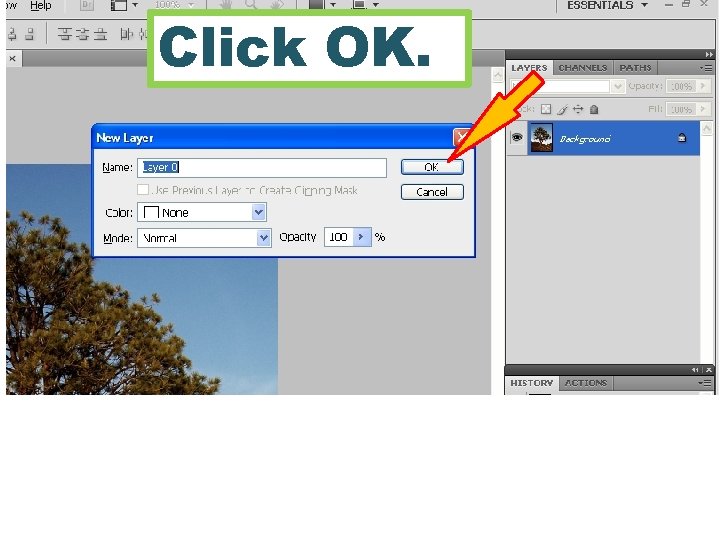
Click OK.
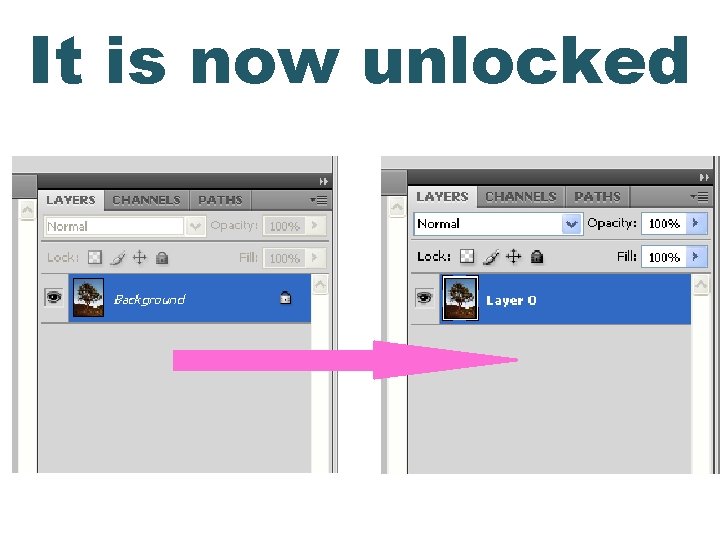
It is now unlocked
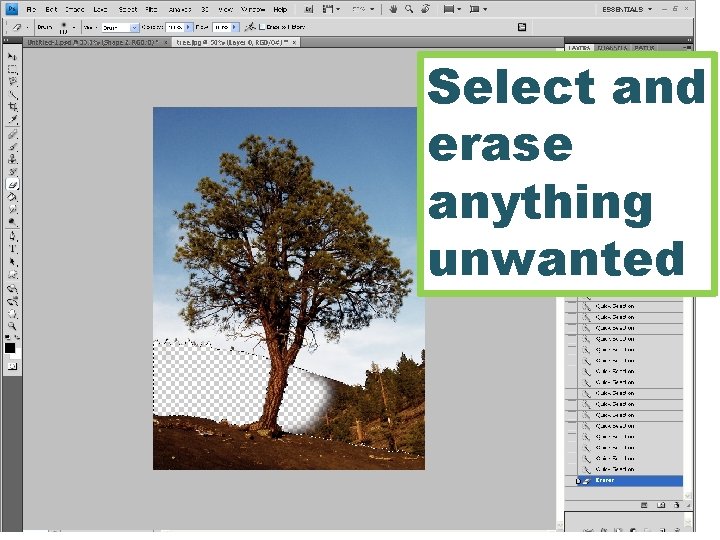
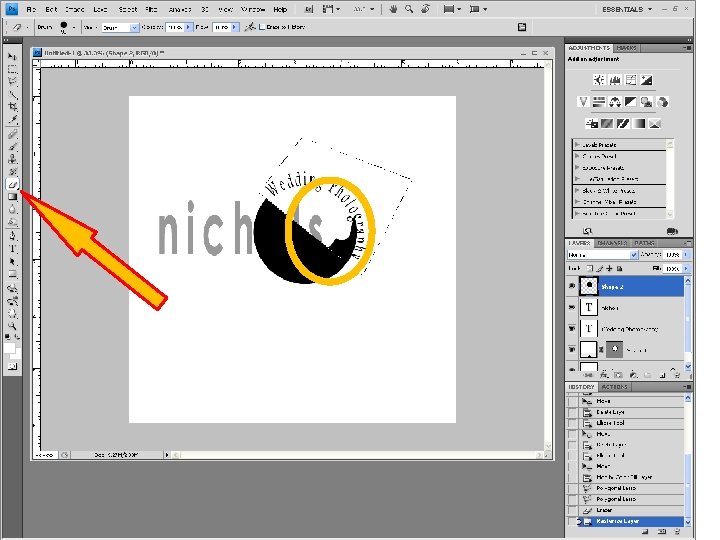
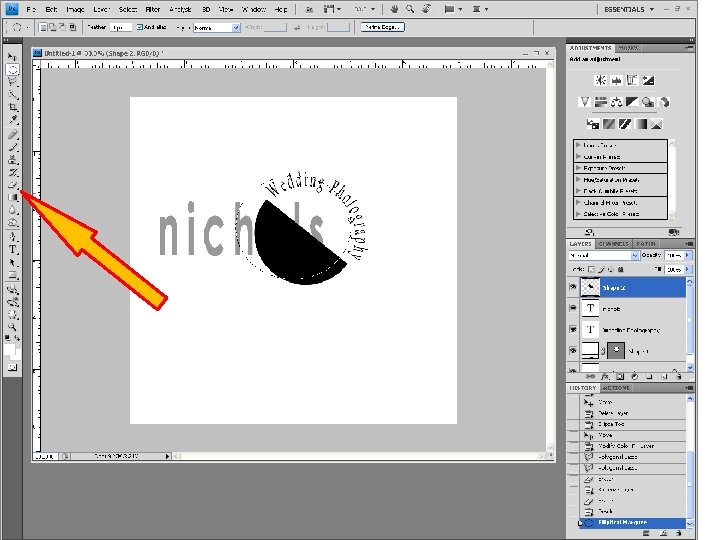
Select and erase anything unwanted
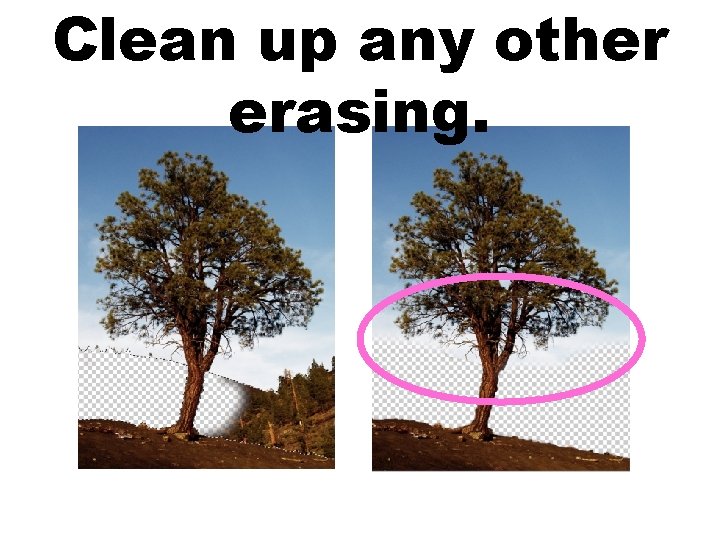
Clean up any other erasing.
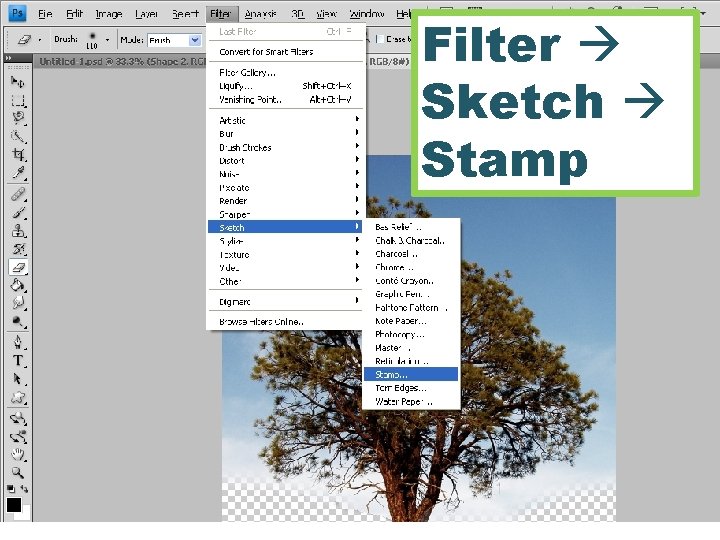
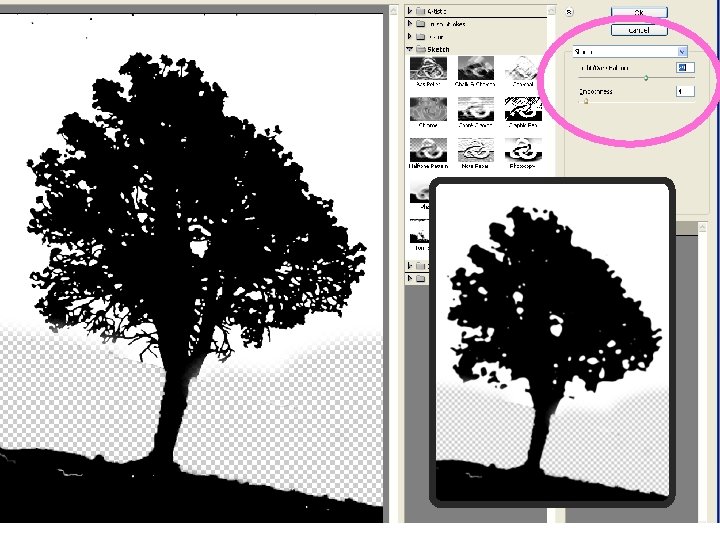
Filter Sketch Stamp
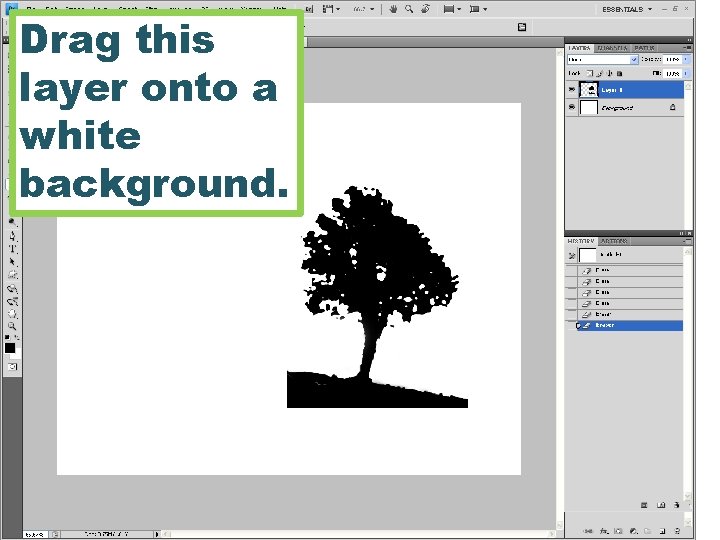
Drag this layer onto a white background.
Choose your favorite logo sketch before you begin.
You should have reasons for your decisions.
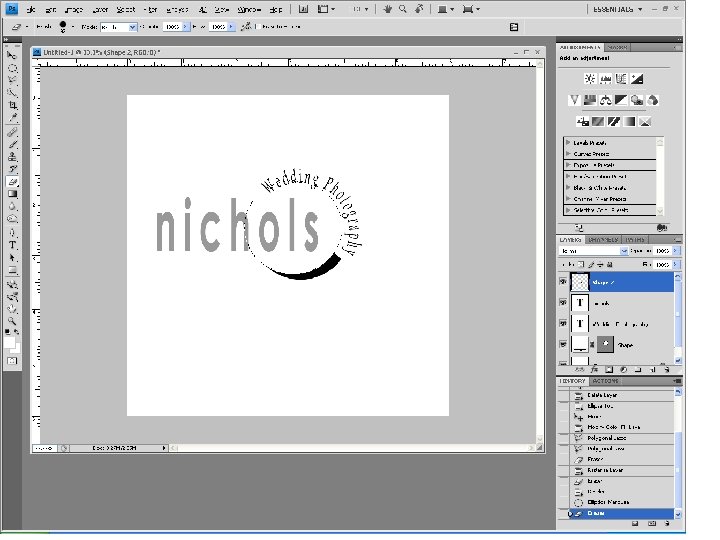
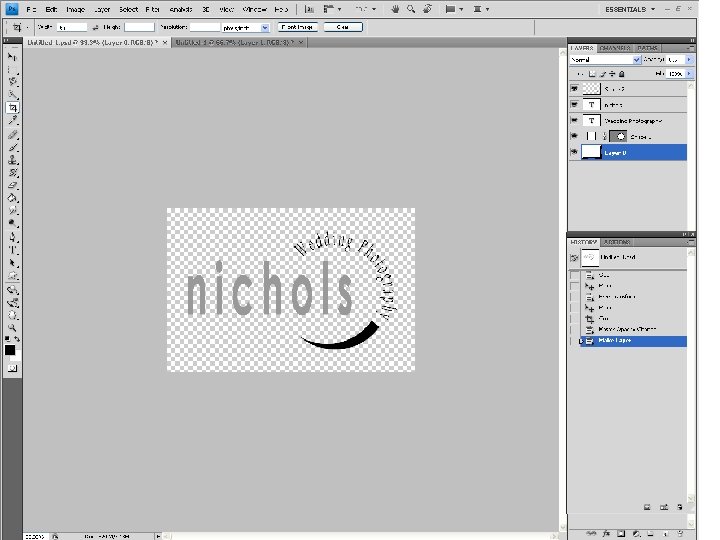
I wanted a modern text because my relative youth is an asset. “nichols” is not capitalized on purpose.
This font is more classic and elegant, which is appropriate for “Wedding”
“Wedding” has been used to imply expertise in an area, and these are the jobs I am interested in.
This is reminiscent of a camera lens.
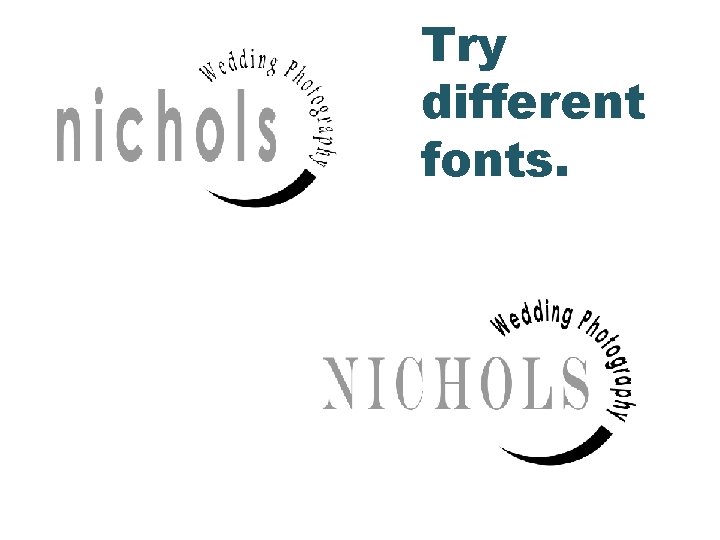
Try different fonts.
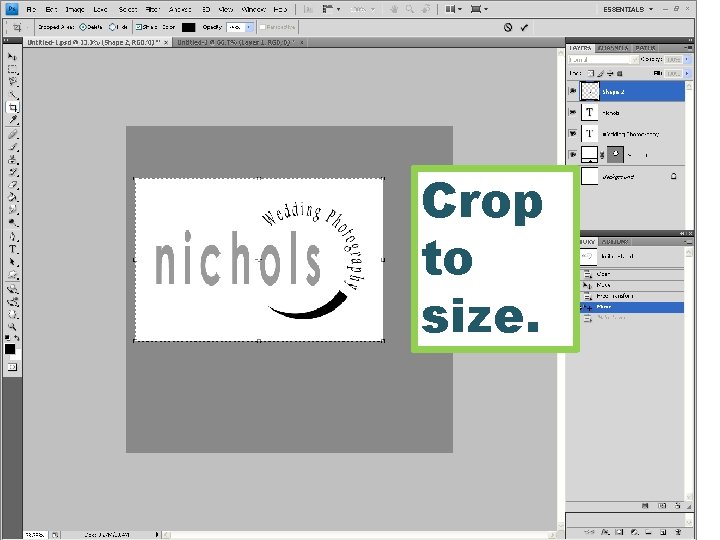
Crop to size.
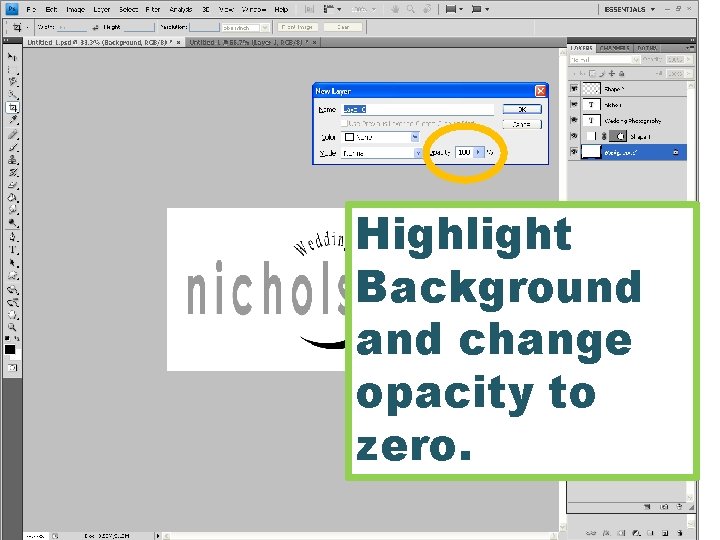
Highlight Background and change opacity to zero.
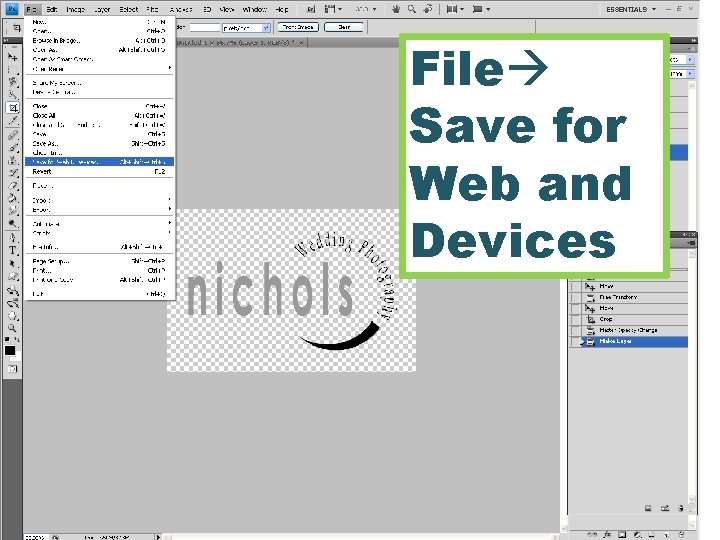
File Save for Web and Devices
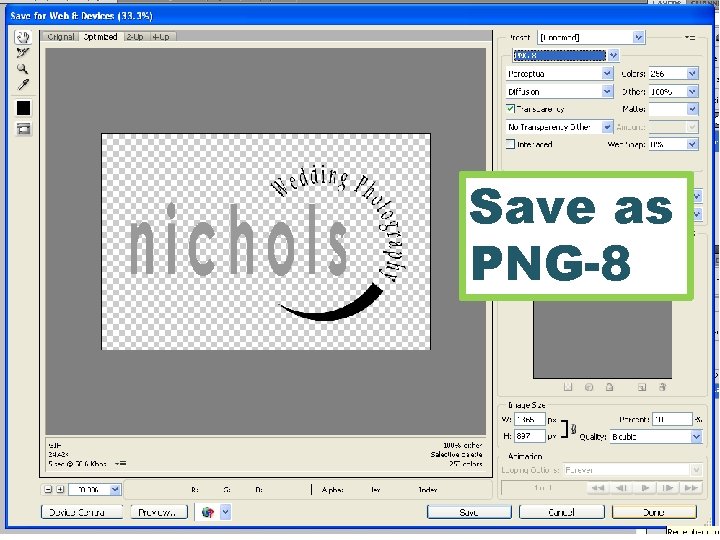
Save as PNG-8
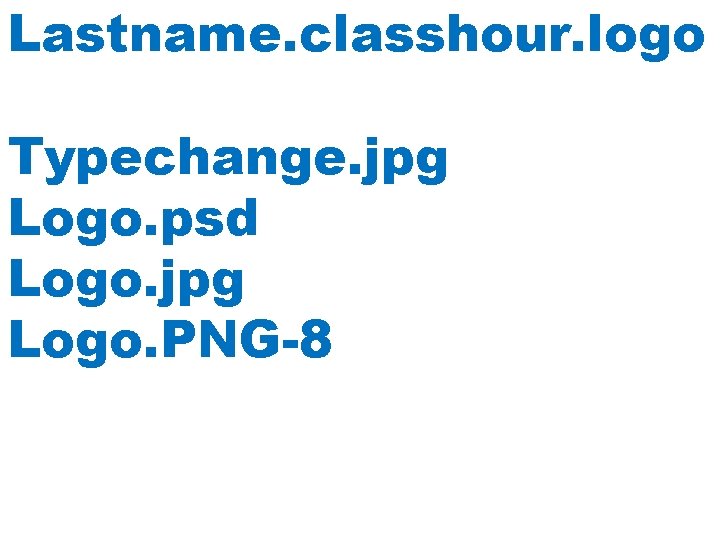
Lastname. classhour. logo Typechange. jpg Logo. psd Logo. jpg Logo. PNG-8
The students will know different text and shape strategies in their logo design. The students will analyze and select the most affective logo from their 8 sketches. Students will apply photoshop tools and options in order to produce a logo for their website.