
Using One Note as a Laboratory Notebook v
Using One. Note as a Laboratory Notebook v 2020 -02 Jo Montgomery babraham. bioinformatics@babraham. ac. uk
Laboratory Notebooks
What should we be doing? • Expectations and responsibilities – Document what we are doing – Be able to find results – Timely/traceable/retrievable – Checked • Legal responsibilities
Why One. Note? • Digital Notebook • Gathers notes – handwritten or typed – drawings, screen clippings, images and audio content • Notes can be shared
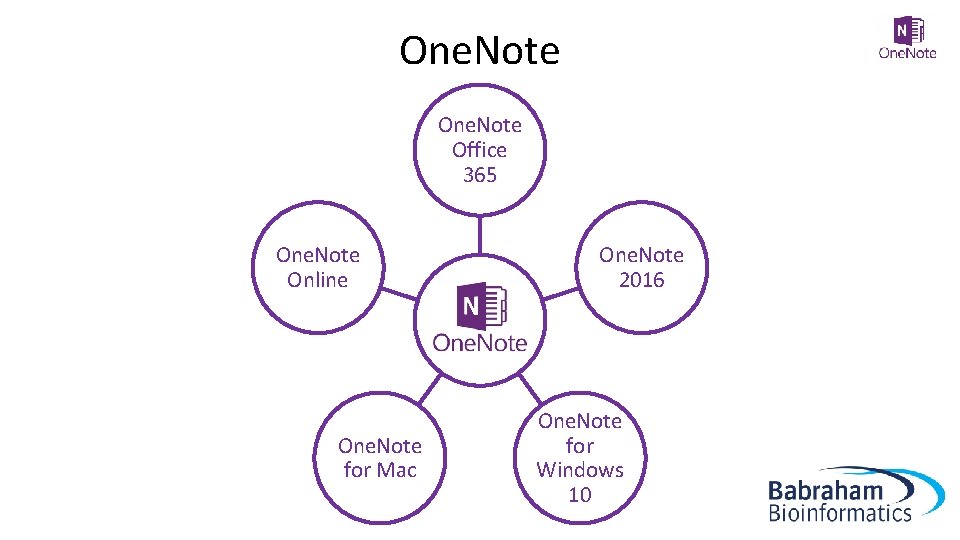
One. Note Office 365 One. Note Online One. Note for Mac One. Note 2016 One. Note for Windows 10
One. Note
Storing notebooks • Where can we save One. Note notebooks? – Local drives (One. Note 2016) – Microsoft • One. Drive • Share. Point
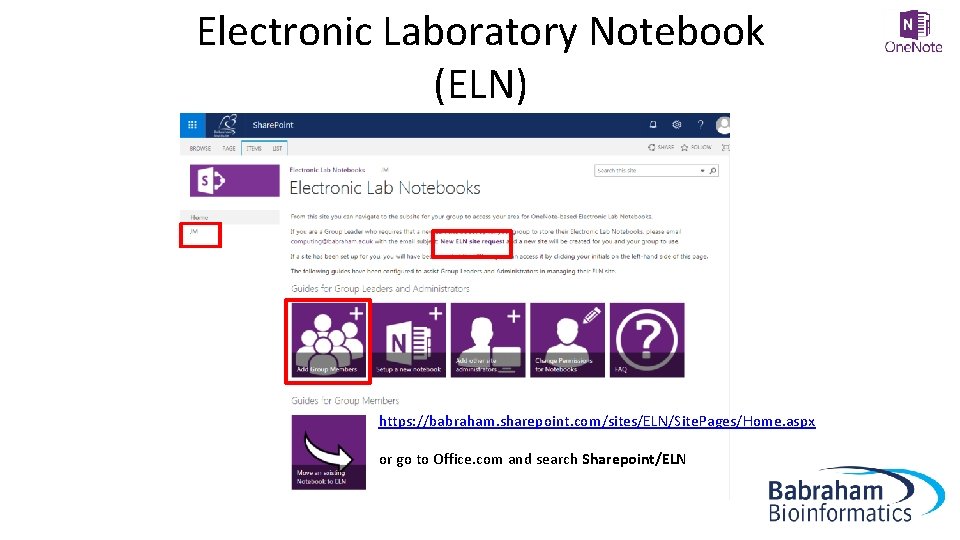
Electronic Laboratory Notebook (ELN) https: //babraham. sharepoint. com/sites/ELN/Site. Pages/Home. aspx or go to Office. com and search Sharepoint/ELN
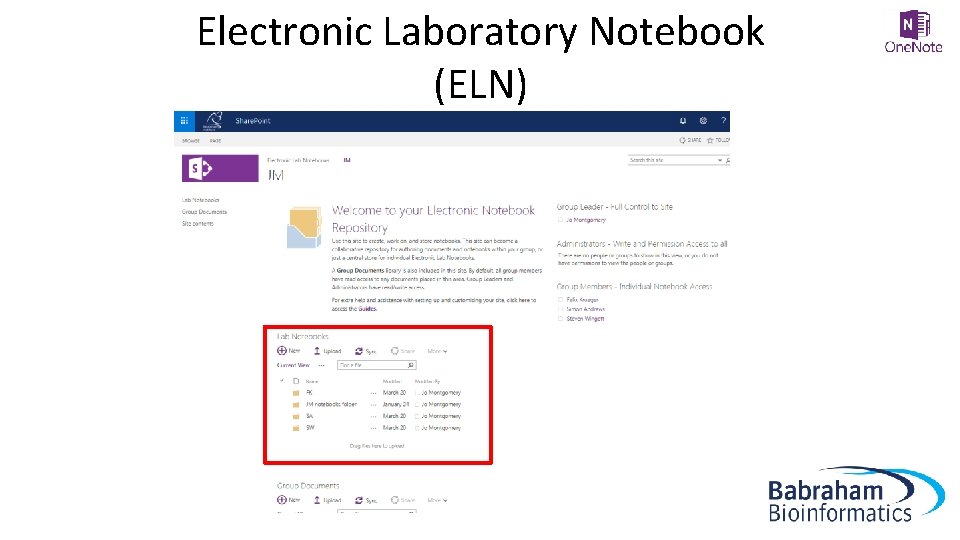
Electronic Laboratory Notebook (ELN)
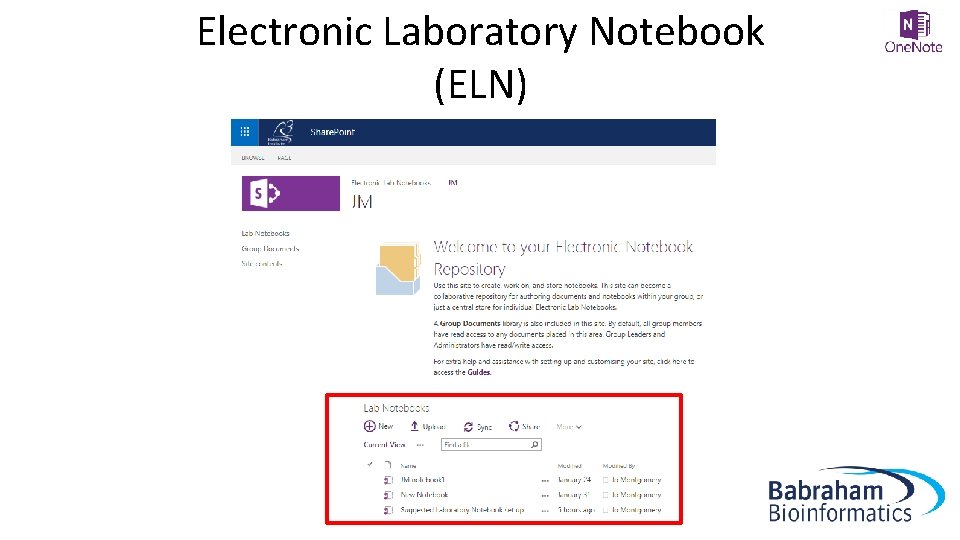
Electronic Laboratory Notebook (ELN)
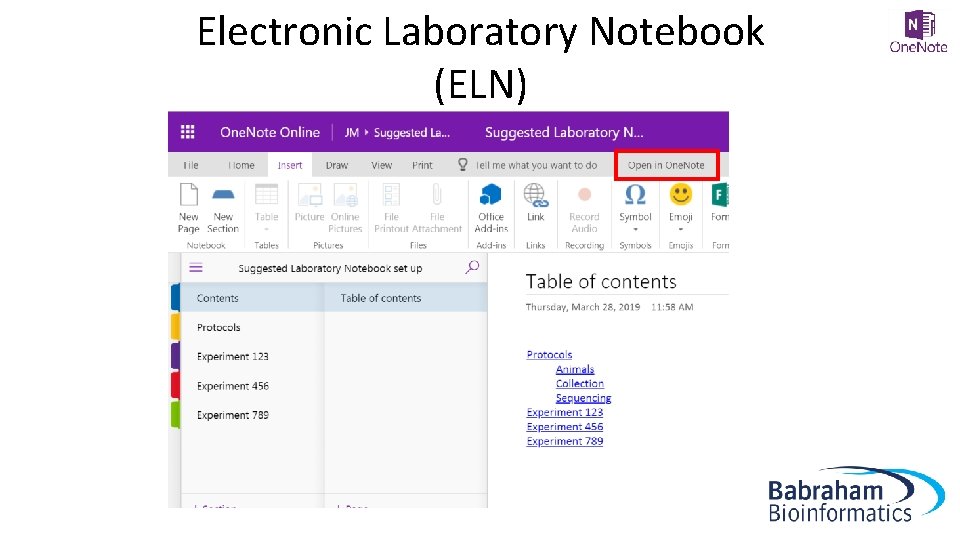
Electronic Laboratory Notebook (ELN)
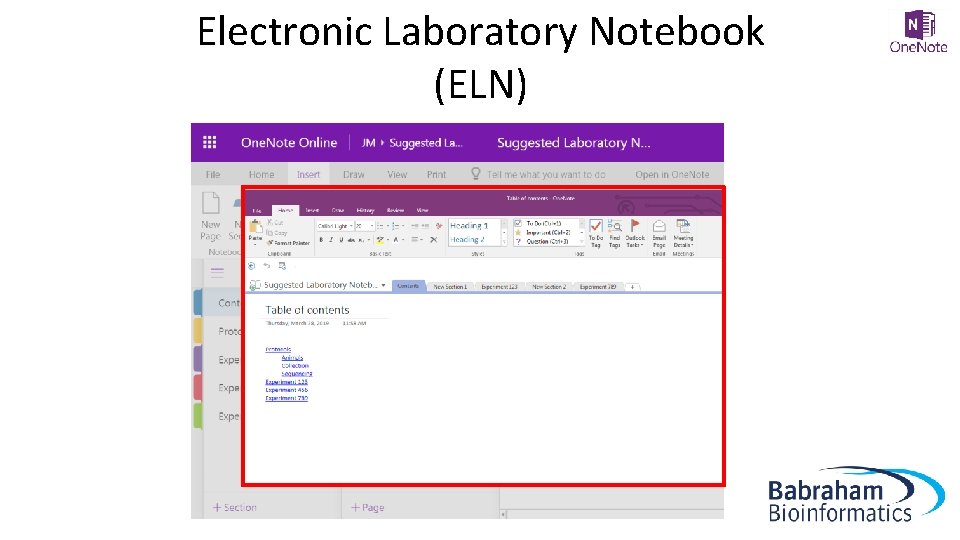
Electronic Laboratory Notebook (ELN)
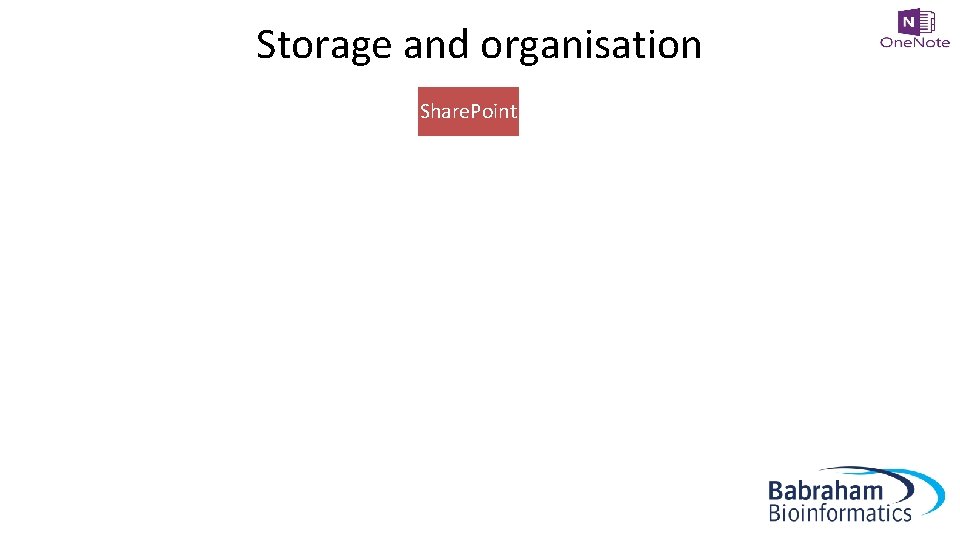
Storage and organisation Share. Point ELN JM SA FK Notebook 1 Notebook 2 Notebook 3
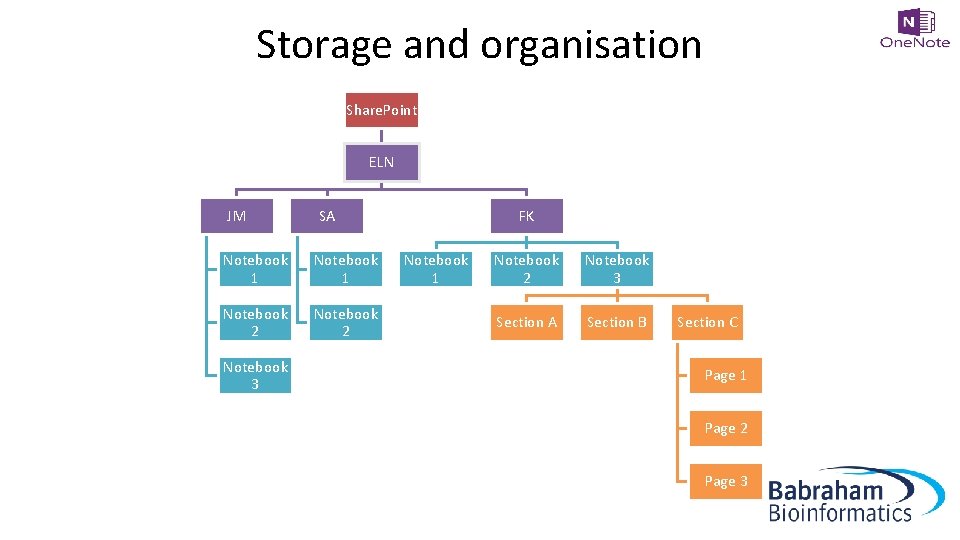
Storage and organisation Share. Point ELN JM SA Notebook 1 Notebook 2 Notebook 3 FK Notebook 1 Notebook 2 Notebook 3 Section A Section B Section C Page 1 Page 2 Page 3
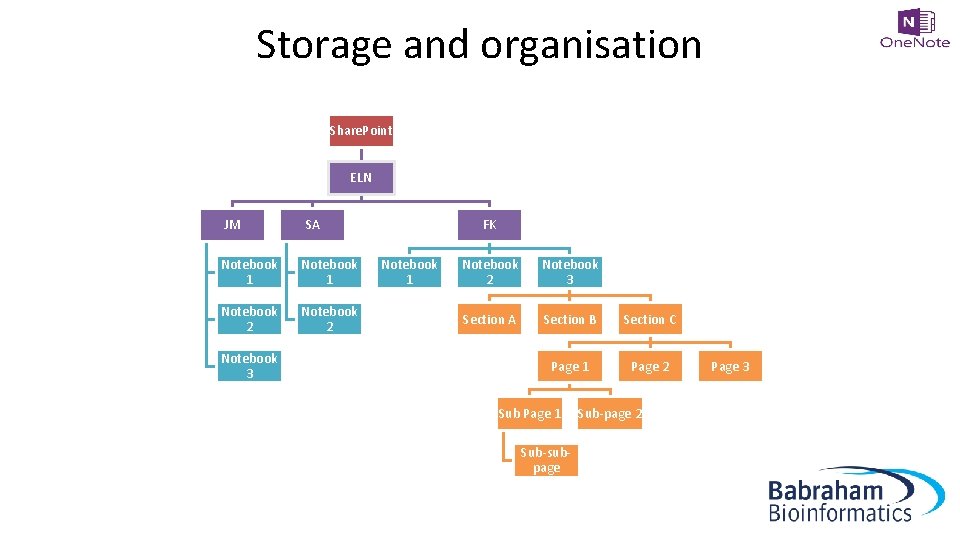
Storage and organisation Share. Point ELN JM SA Notebook 1 Notebook 2 Notebook 3 FK Notebook 1 Notebook 2 Notebook 3 Section A Section B Section C Page 1 Page 2 Sub Page 1 Sub-subpage Sub-page 2 Page 3

Exercise 1 Accessing the Electronic Laboratory Notebook (ELN) area on Sharepoint https: //babraham. sharepoint. com/sites/ELN/Site. Pages/Home. asp x
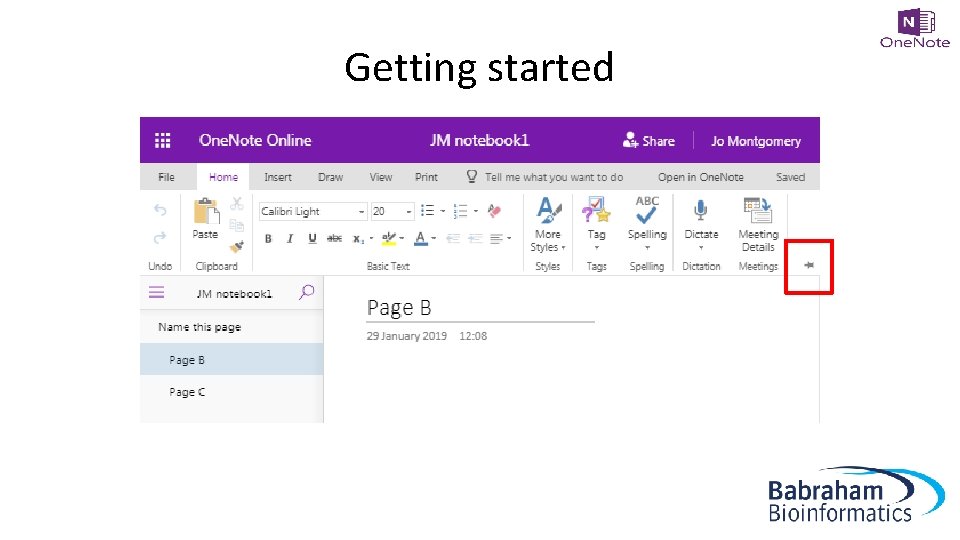
Getting started
What is a Page? “It’s not a word document… … It’s a stream of consciousness…” Simon Andrews, Head of Bioinformatics
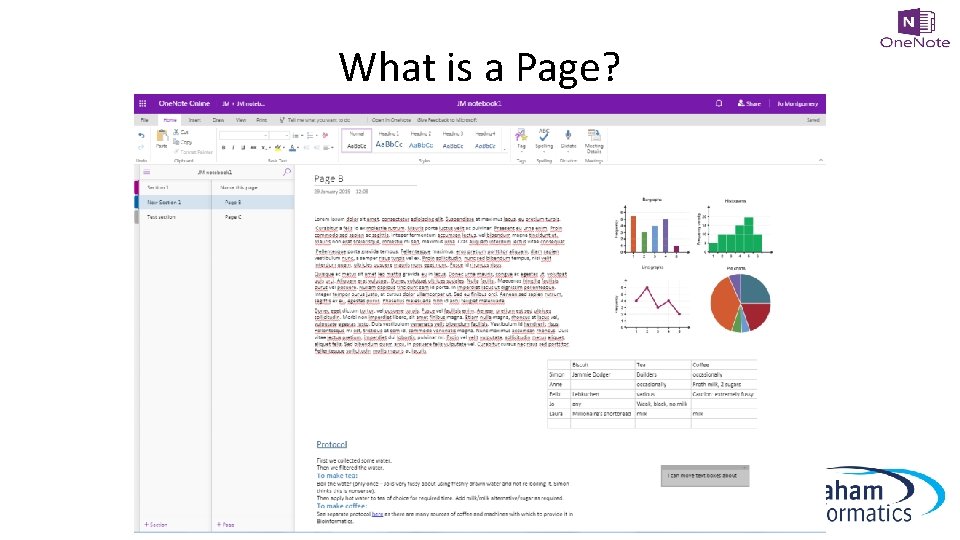
What is a Page?
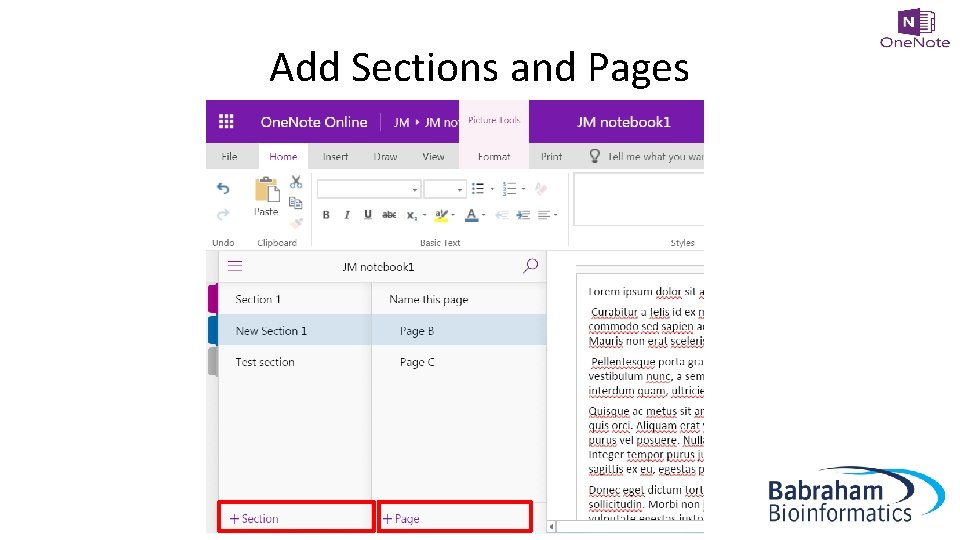
Add Sections and Pages
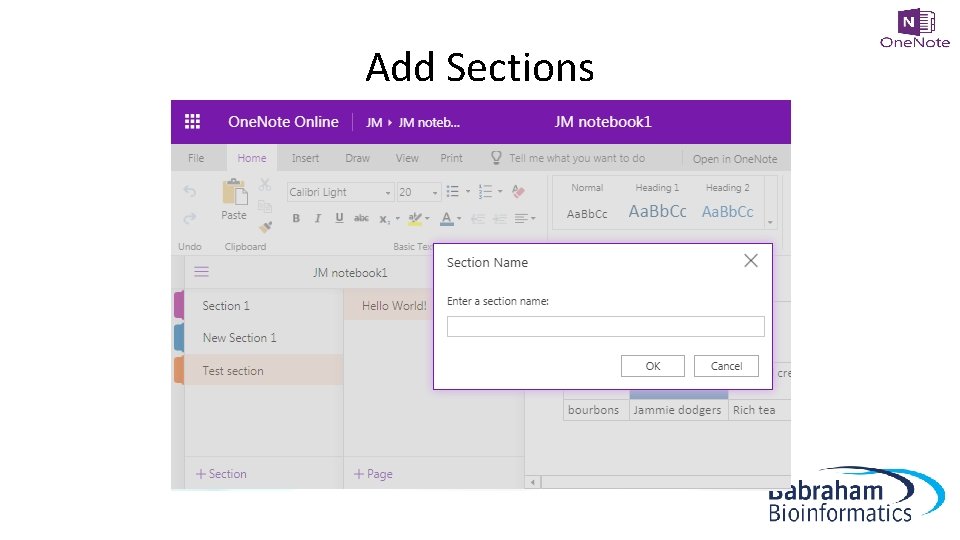
Add Sections
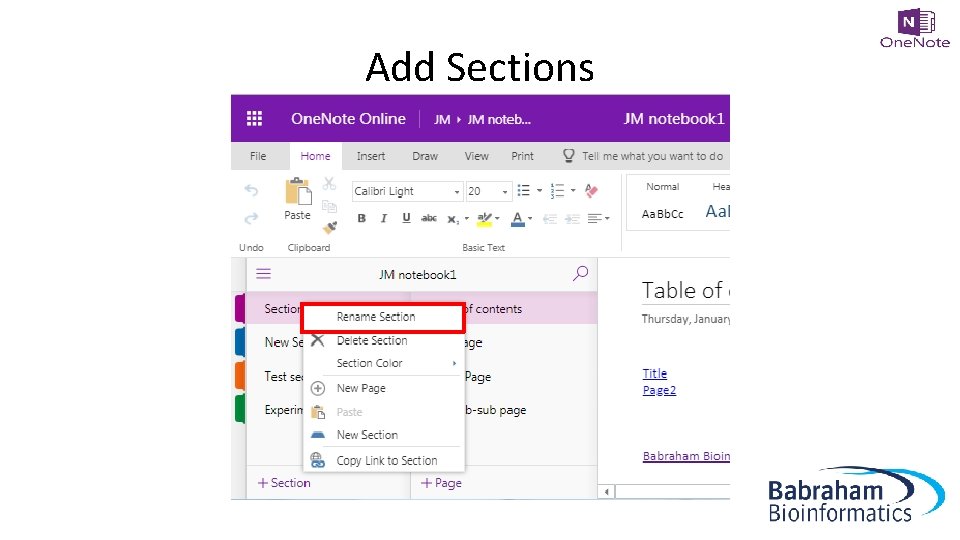
Add Sections
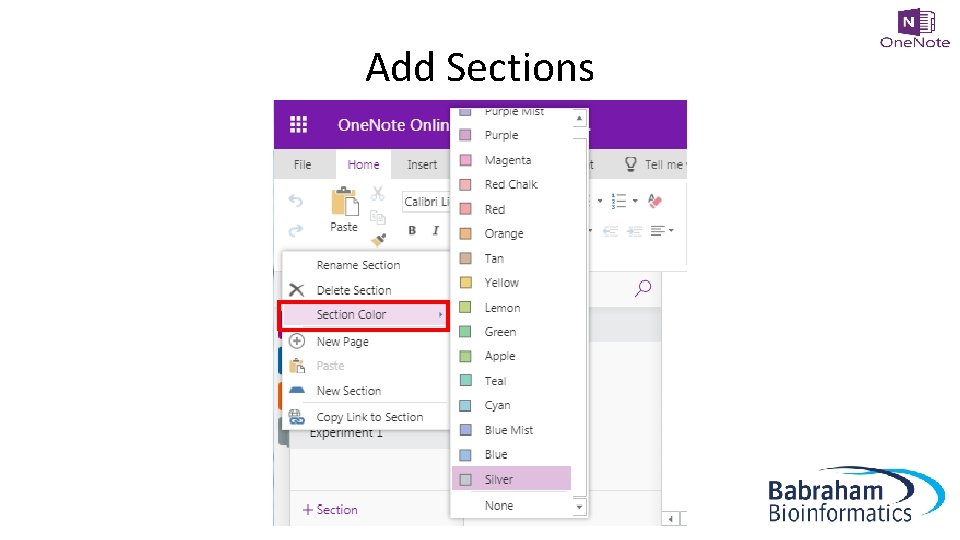
Add Sections
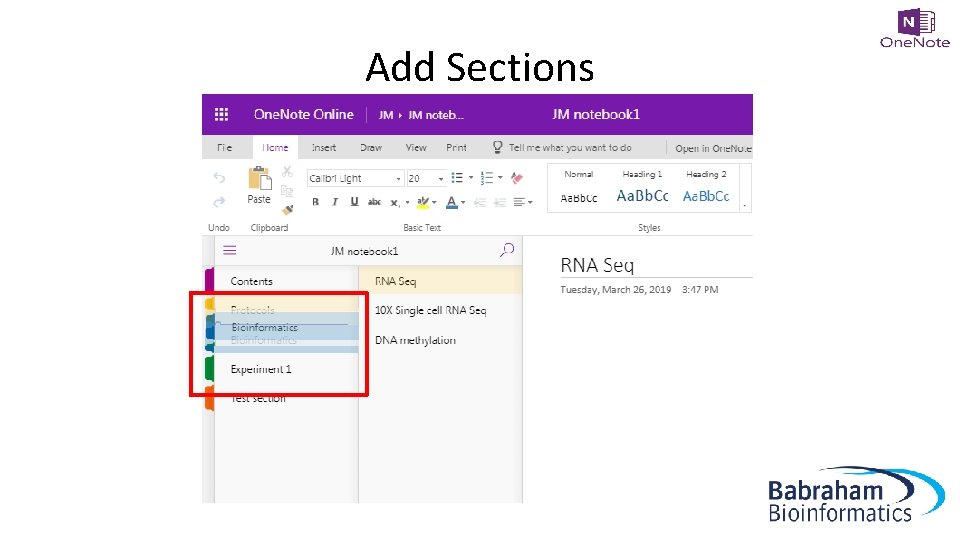
Add Sections
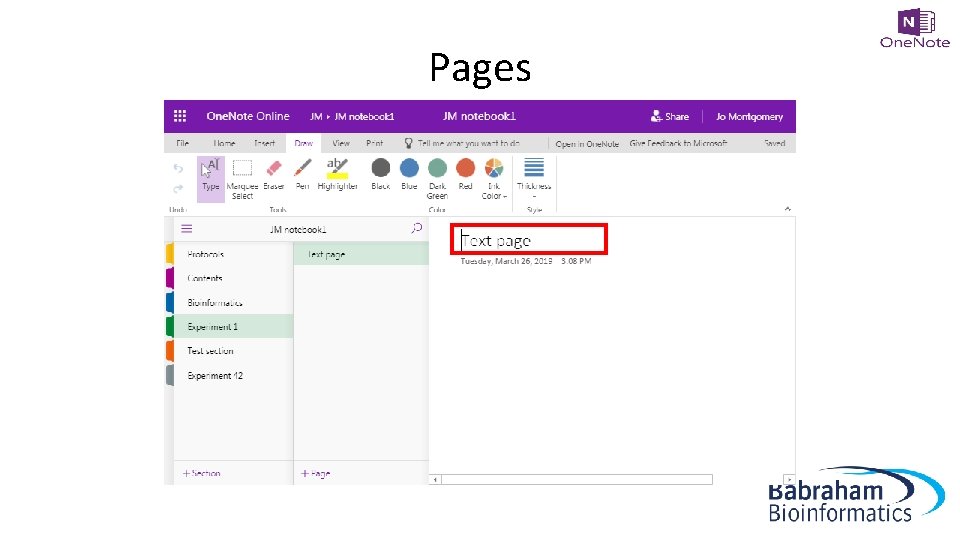
Pages
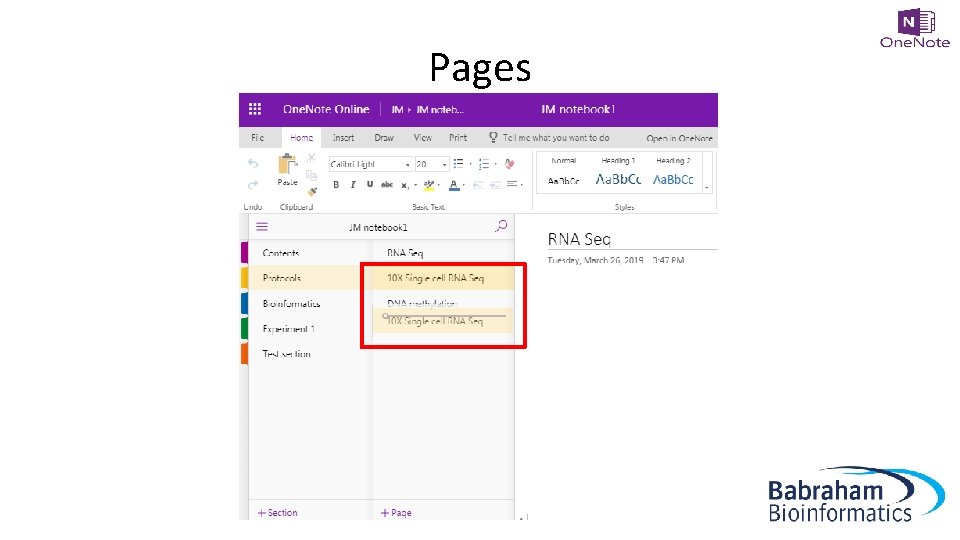
Pages
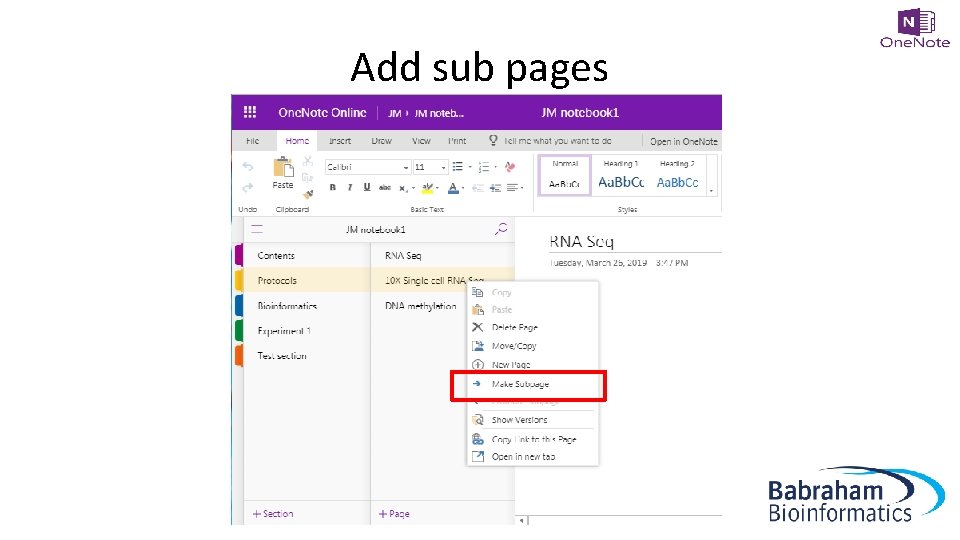
Add sub pages
Exercise 2 Opening a new One. Note (Online) notebook and setting it up
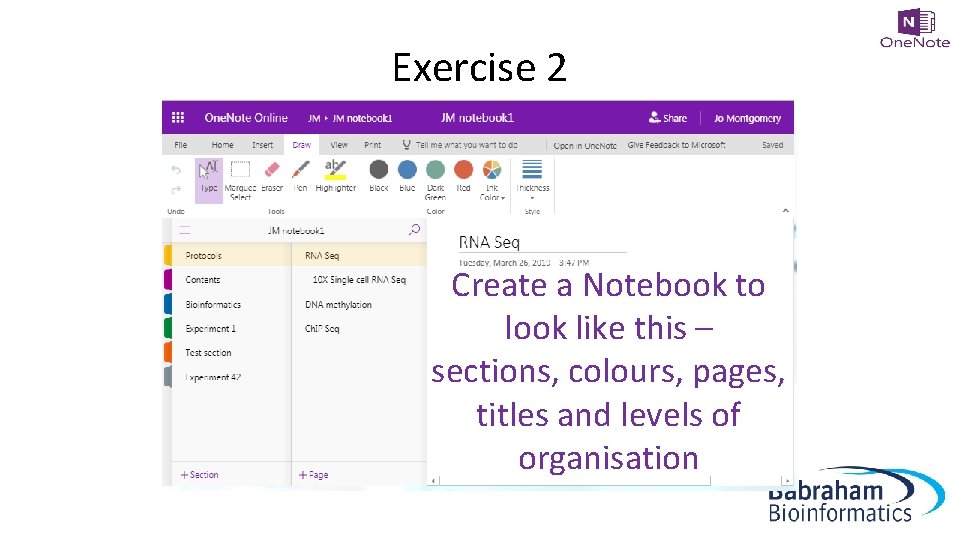
Exercise 2 Create a Notebook to look like this – sections, colours, pages, titles and levels of organisation
What can you do in One. Note?
What can you do in One. Note? • • • Add text Make tables Insert images Insert/attach files Add links
Stuff you don’t need • • • Audio Translation tool Stickers Emojis …things you don’t need in a laboratory notebook
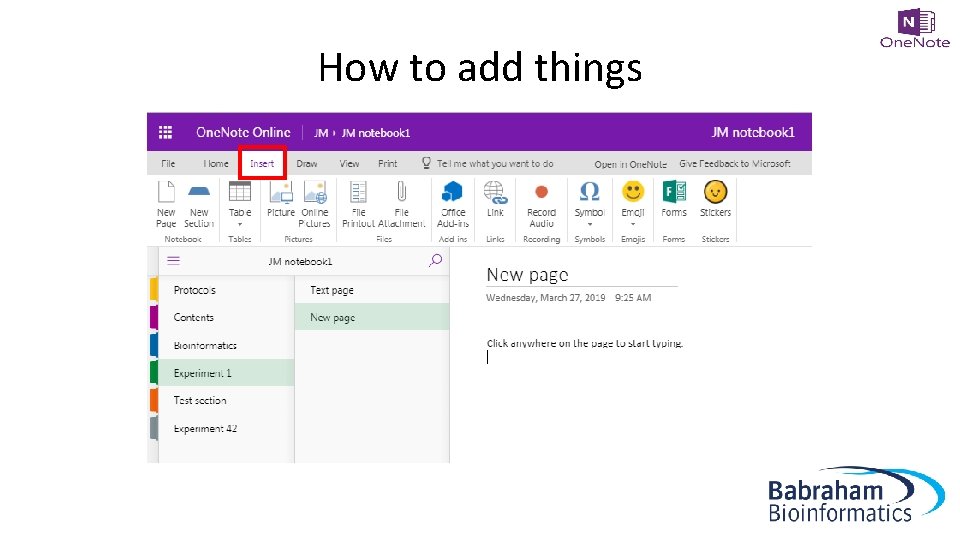
How to add things
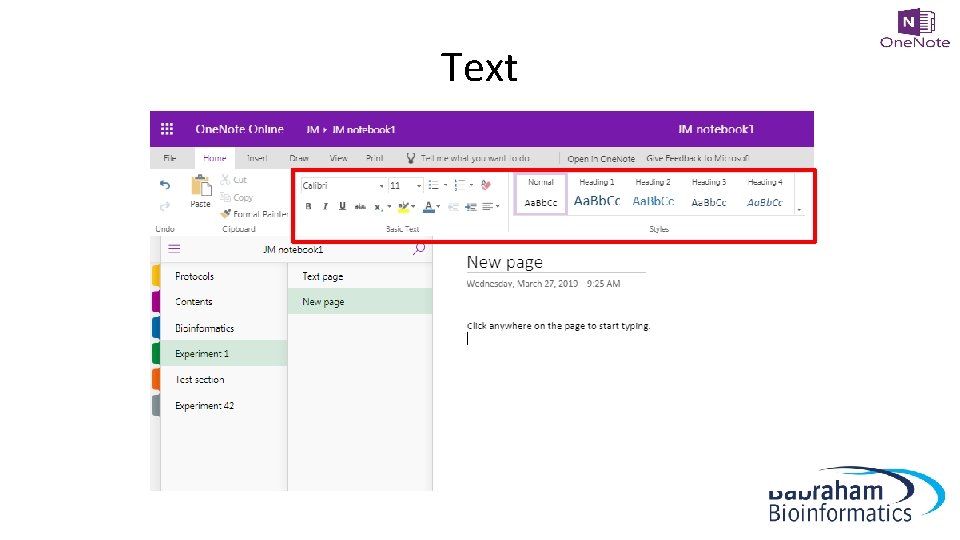
Text
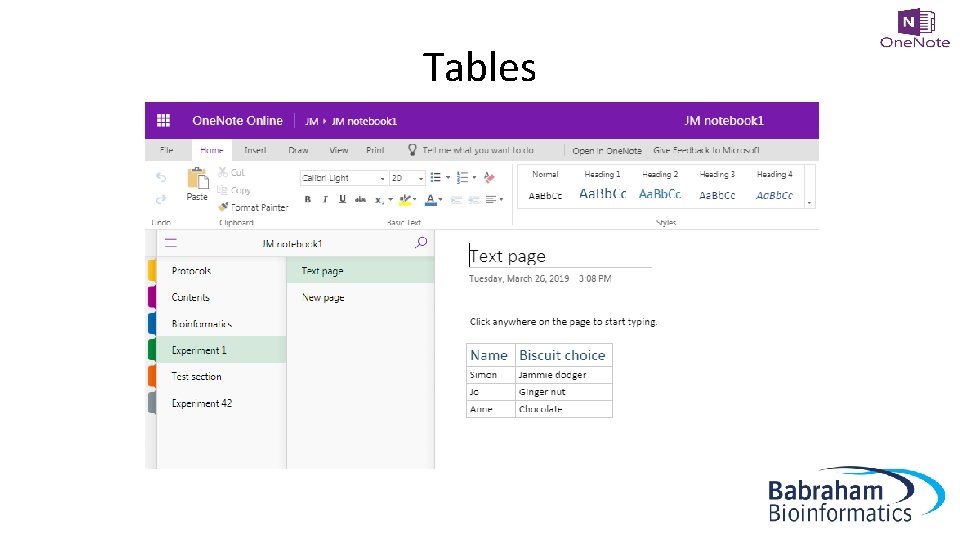
Tables
Images • File • Web search • Clipboard – copy & paste – screen grab/clip
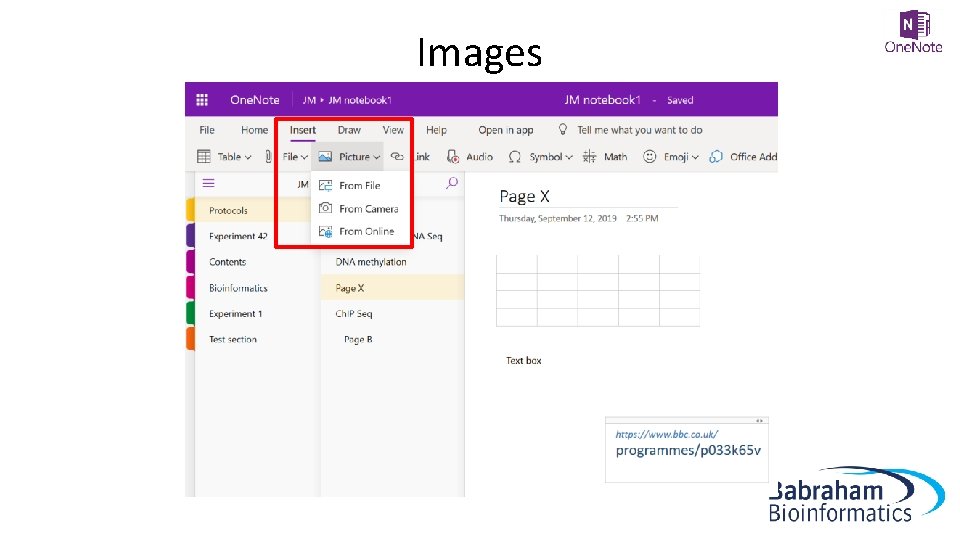
Images
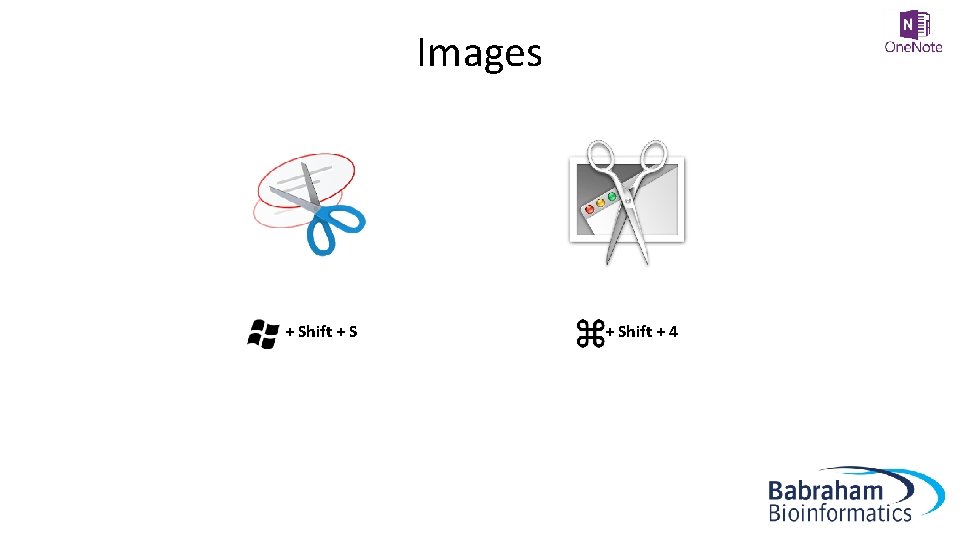
Images + Shift + 4
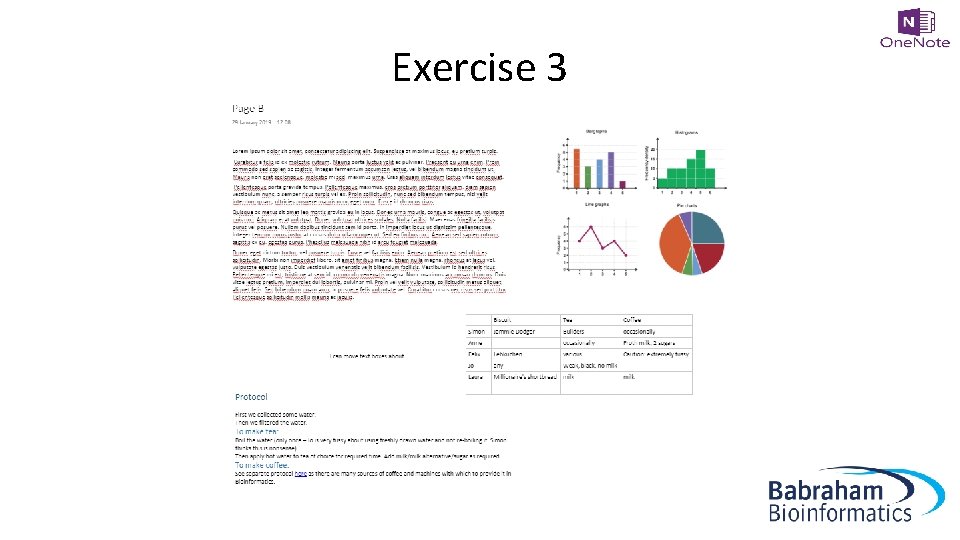
Exercise 3 Adding text, tables, formatting and images
Exercise 3
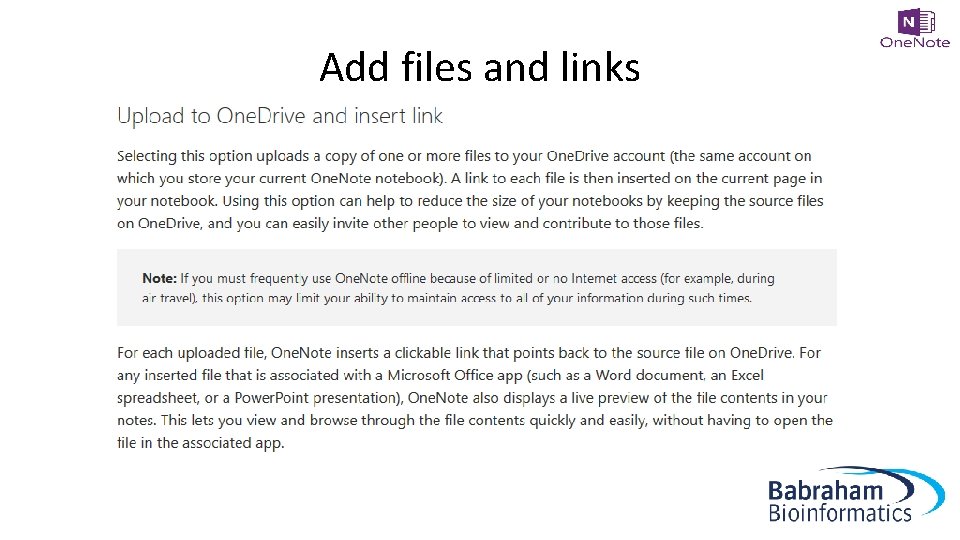
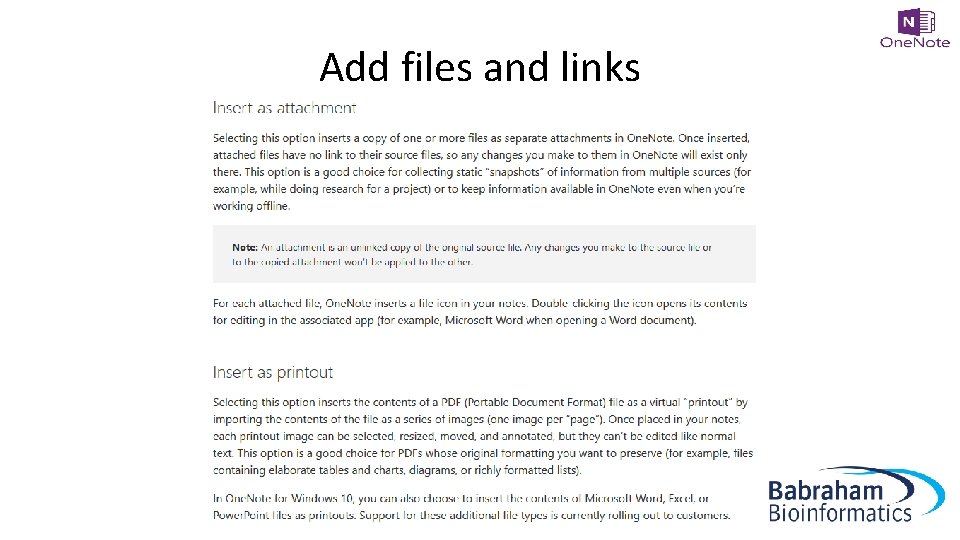
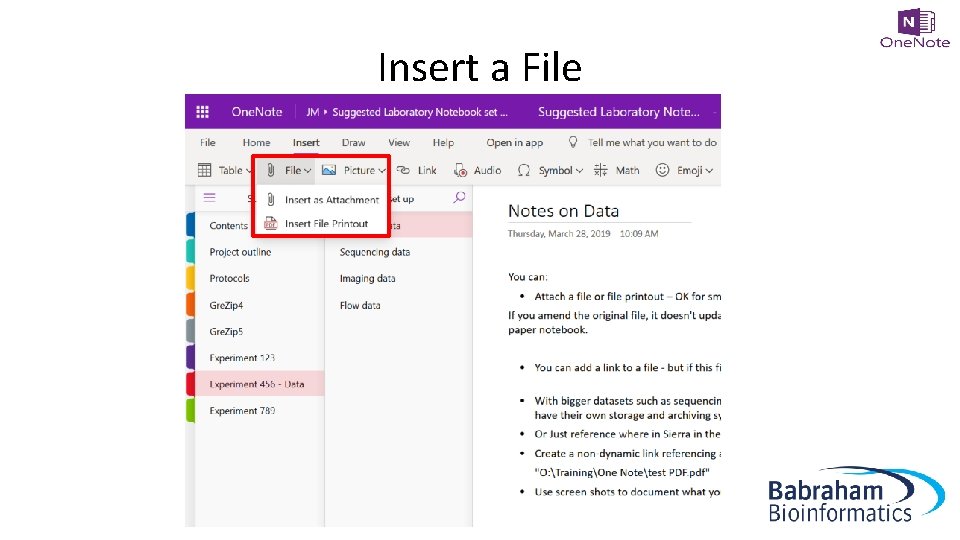
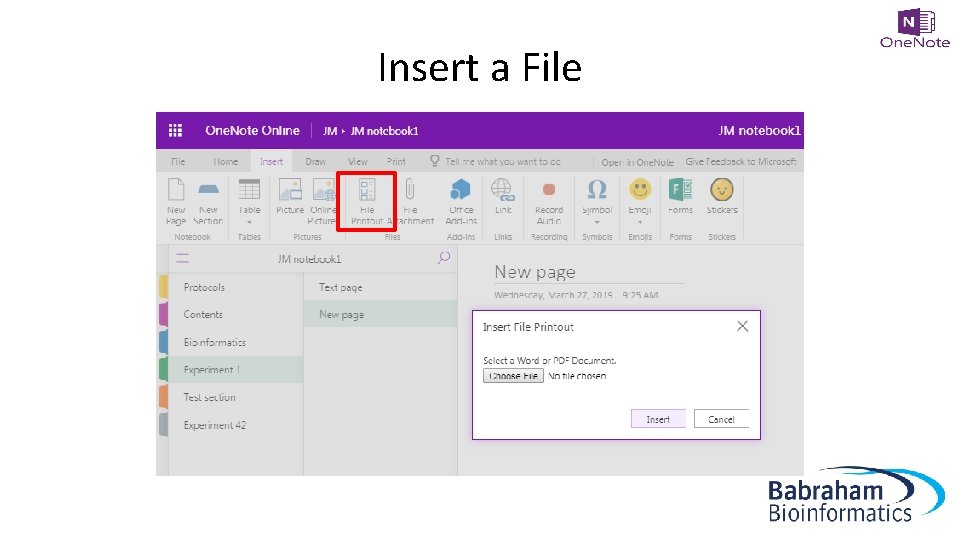
Add files and links • File – Attachment – File printout • Link – Point elsewhere
Add files and links
Add files and links
Insert a File
Insert a File
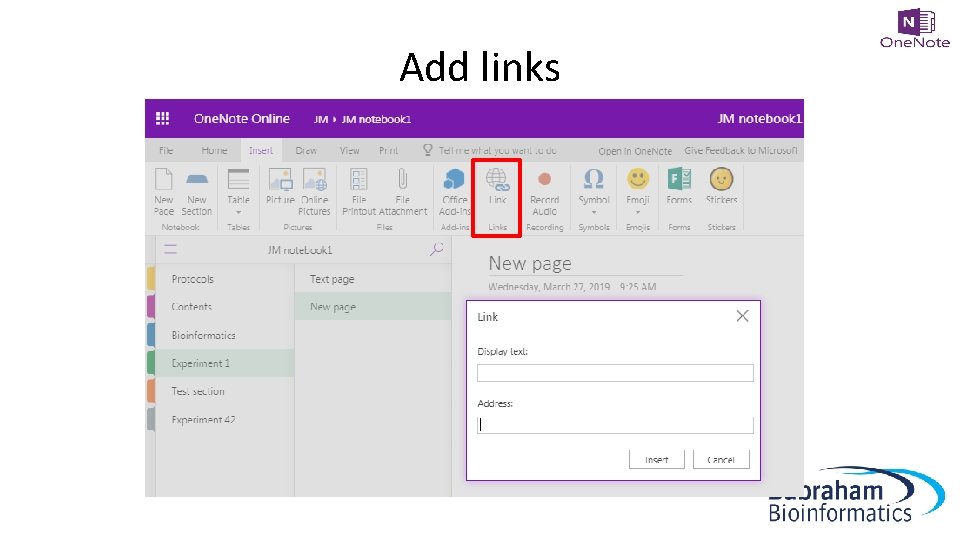
Add links
Add links • Link to files stored elsewhere – Large datasets – Obligations regarding finding data
Add links • Link to files stored elsewhere – Direct link doesn’t work – tries to make the file path a URL – 2 options
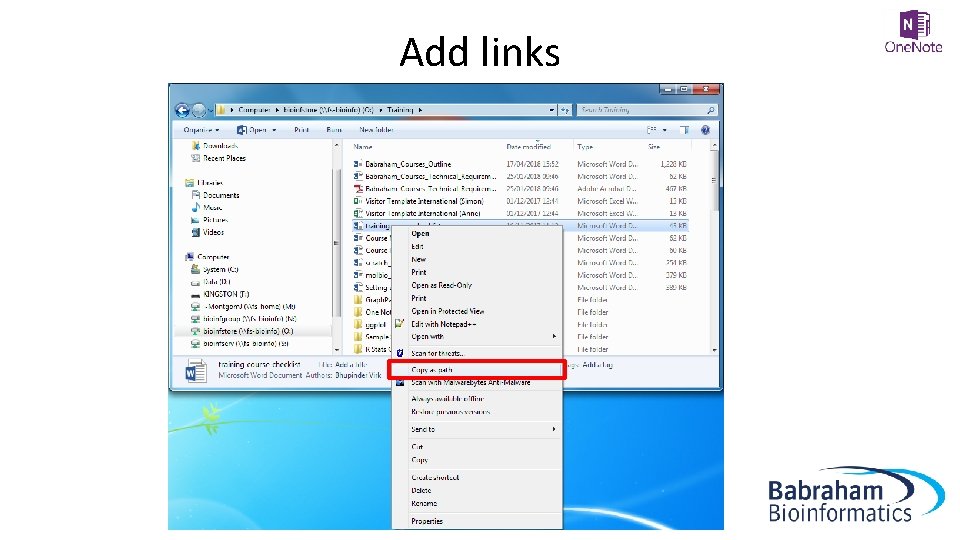
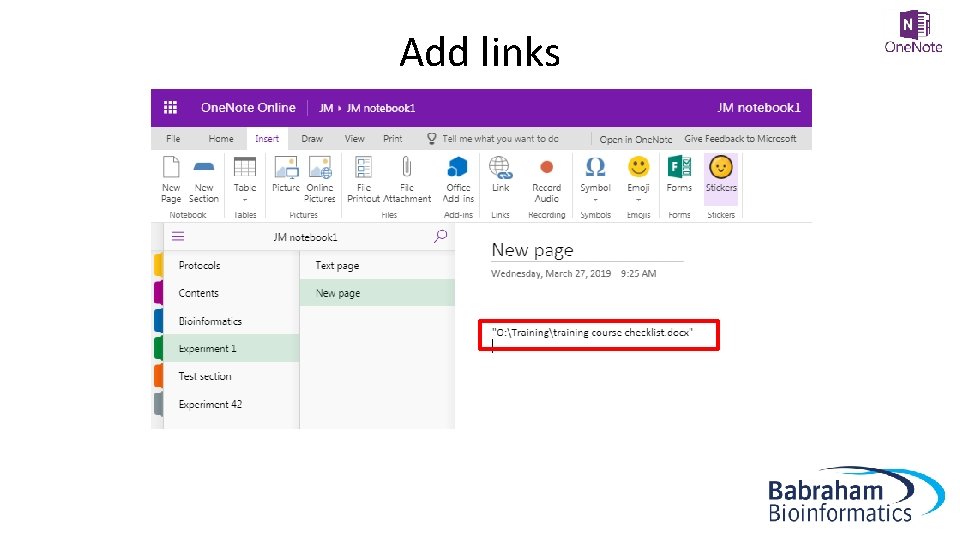
Add links 1. Give file location • • • Shift + Right Click on file in finder > copy as path Paste text into One. Note as a record of where the file is stored Make sure the file location doesn’t change
Add links
Add links
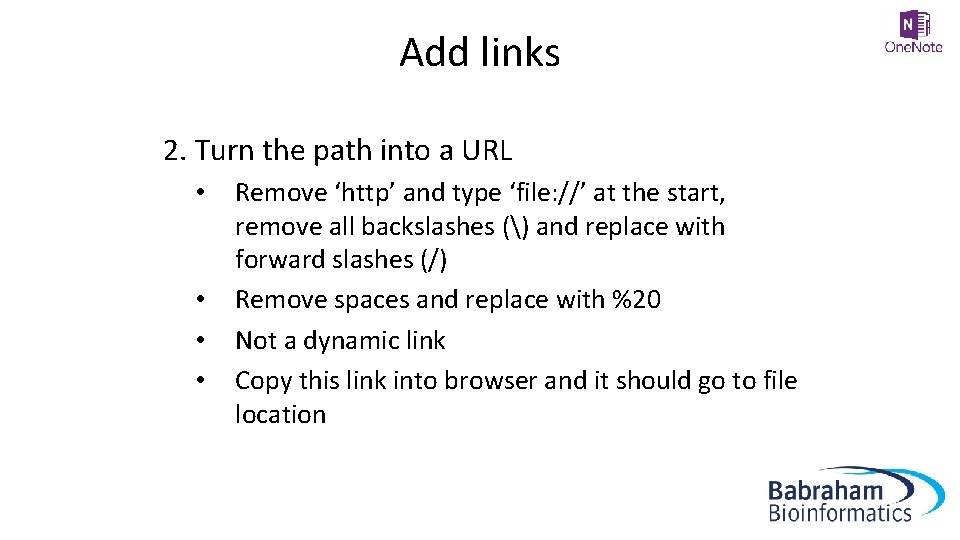
Add links 2. Turn the path into a URL • • Remove ‘http’ and type ‘file: //’ at the start, remove all backslashes () and replace with forward slashes (/) Remove spaces and replace with %20 Not a dynamic link Copy this link into browser and it should go to file location
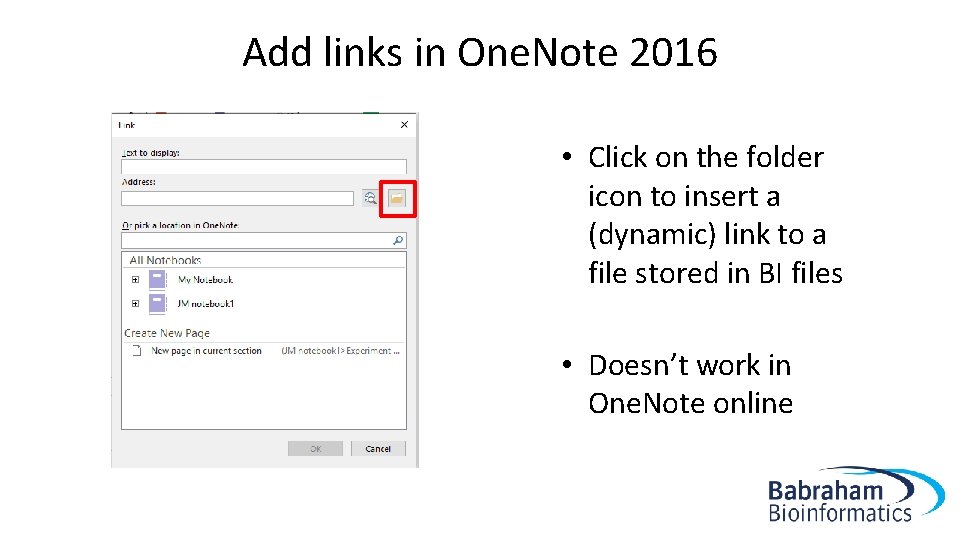
Add links in One. Note 2016 • Click on the folder icon to insert a (dynamic) link to a file stored in BI files • Doesn’t work in One. Note online
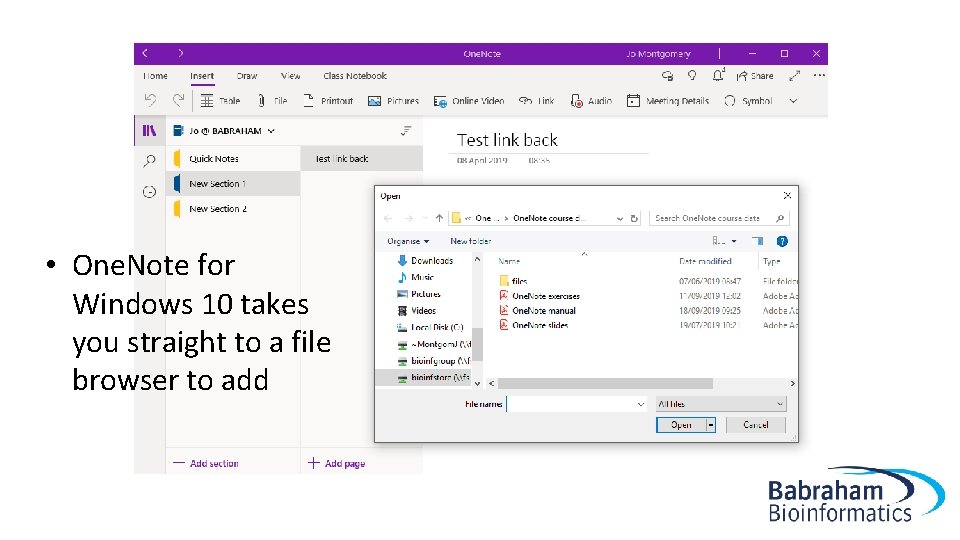
• One. Note for Windows 10 takes you straight to a file browser to add
Exercise 4 Adding files and links http: //www. bioinformatics. babraham. ac. uk/training. html#onenote One. Note Course Data files (zip)
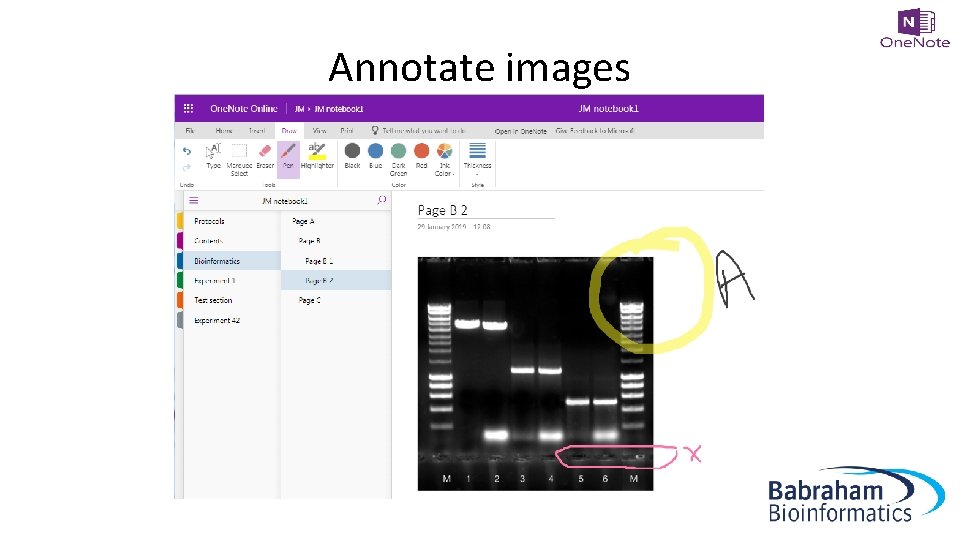
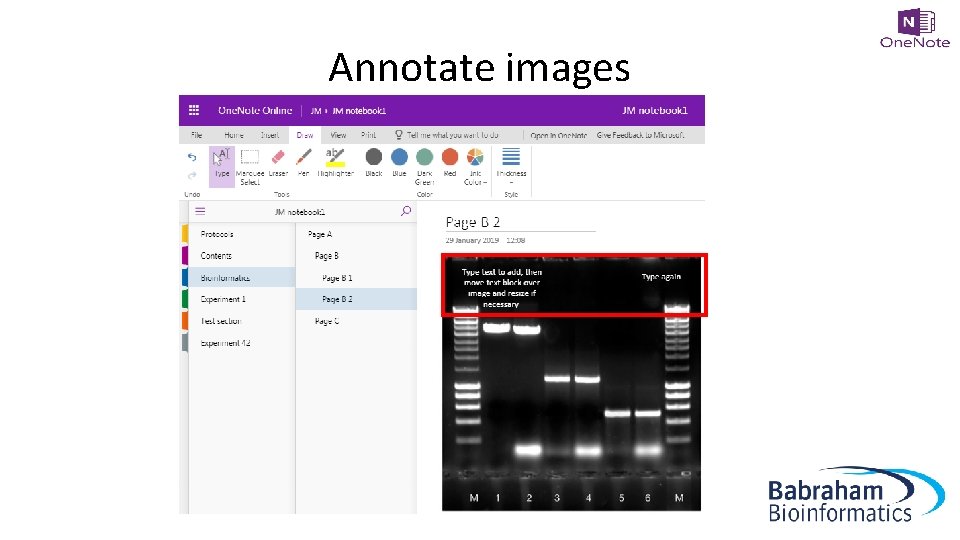
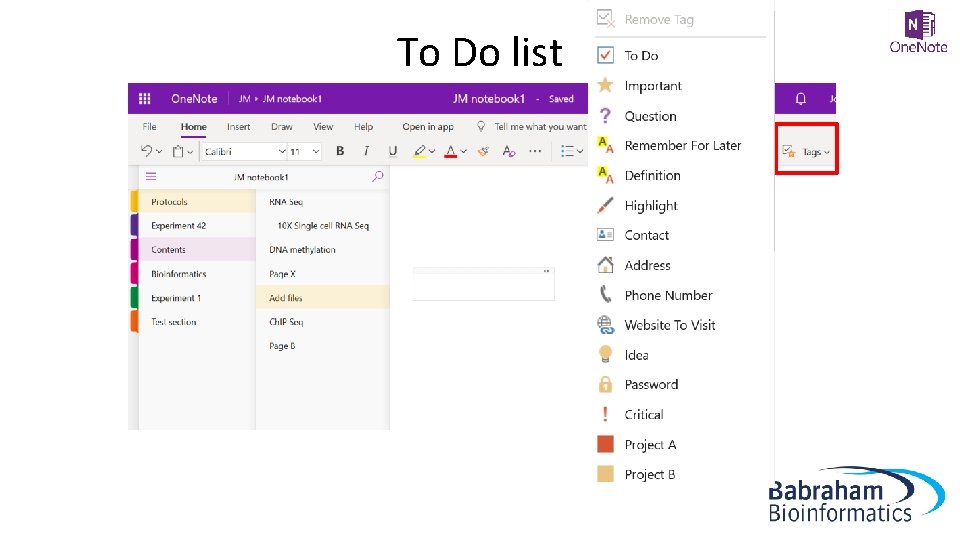
Other useful stuff • Draw • To Do list • Quick note
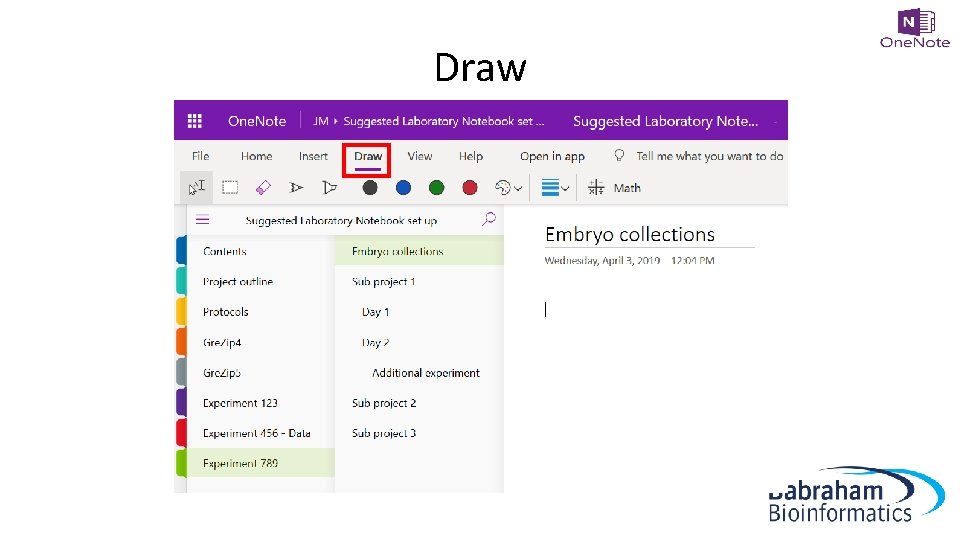
Draw
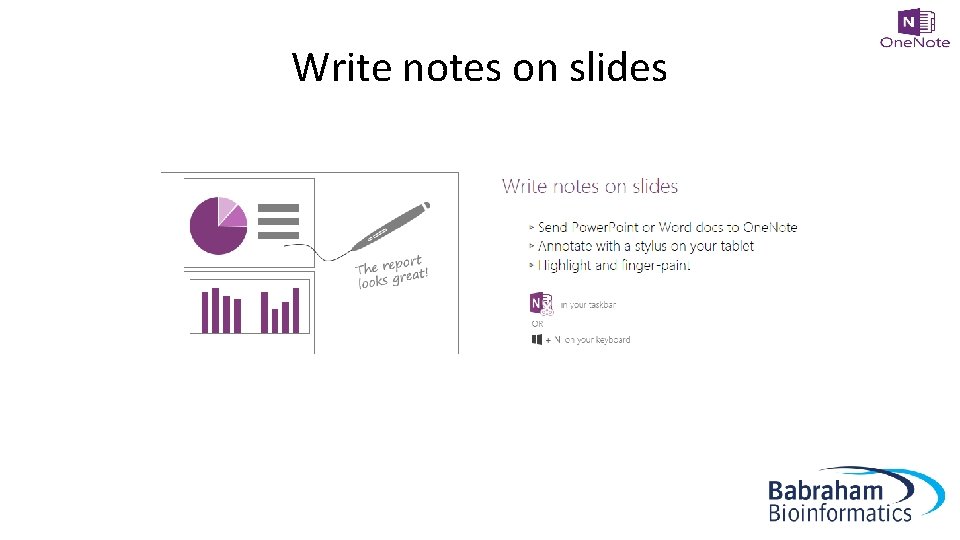
Write notes on slides
Annotate images
Annotate images
To Do list
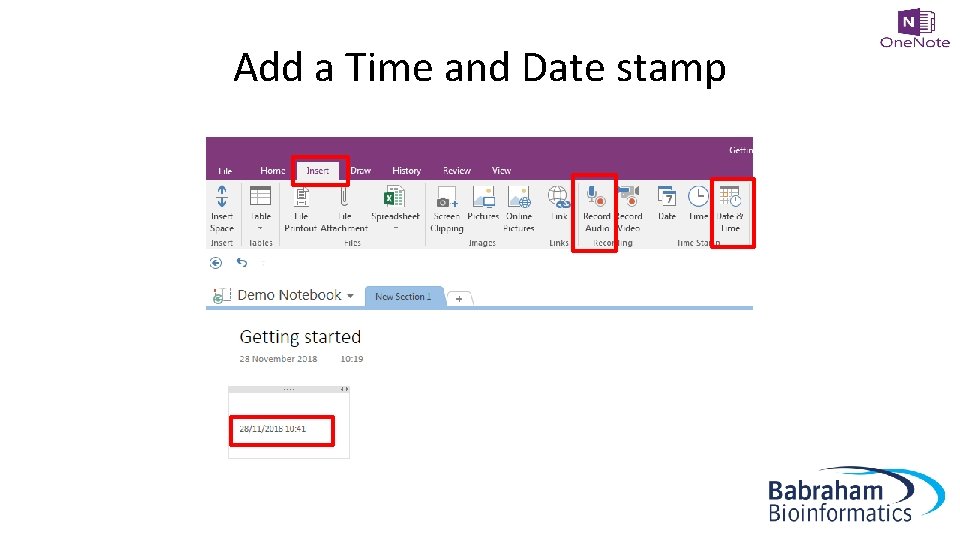
Add a Time and Date stamp
Table of Contents • Create a Table of Contents with Links • 2016: Insert > Link > My Notebook and navigate through the Sections/pages to add • One. Note 2016, 10 and mac [[pagetitleofexistingpage]] • One. Note Online – copy URL for notebook/section/page and add this as a link
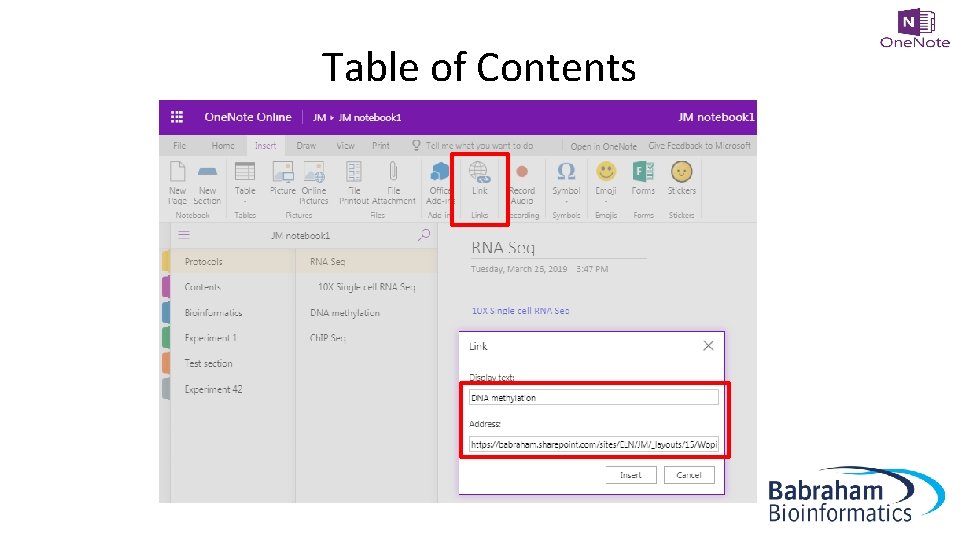
Table of Contents
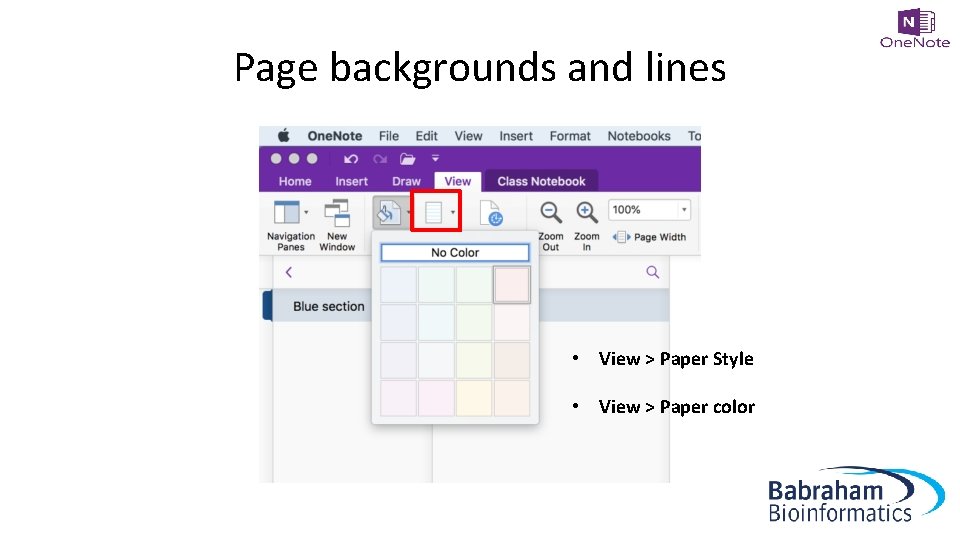
Page backgrounds and lines • View > Paper Style • View > Paper color
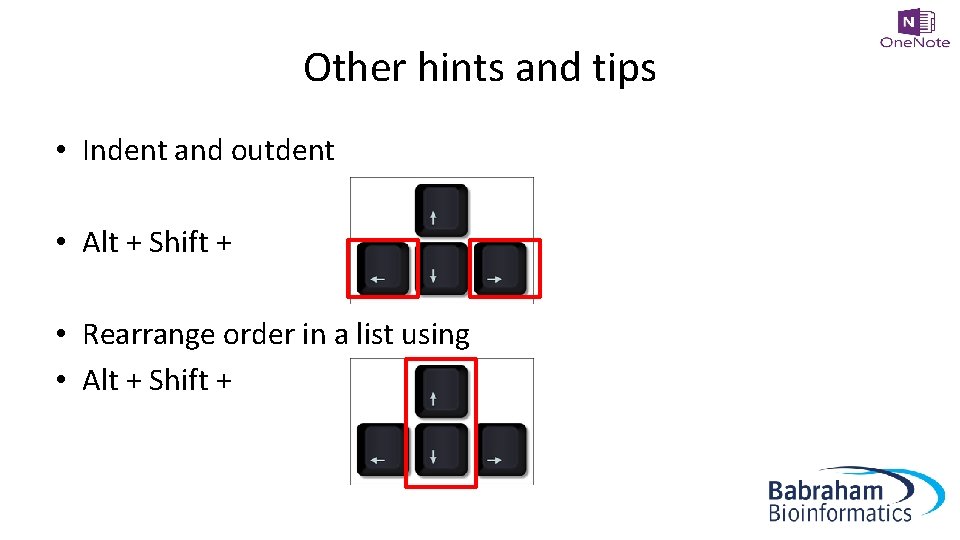
Other hints and tips • Indent and outdent • Alt + Shift + • Rearrange order in a list using • Alt + Shift +
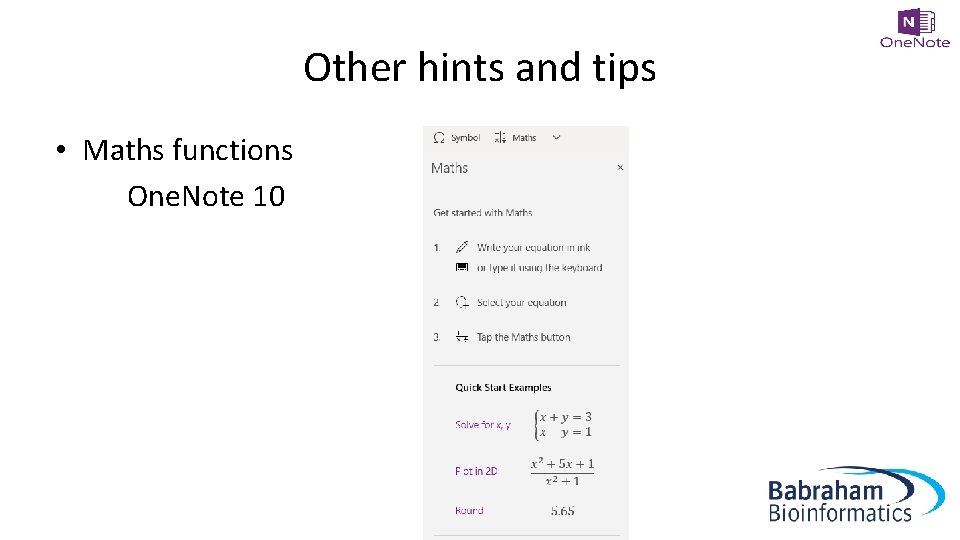
Other hints and tips • Maths functions One. Note 10
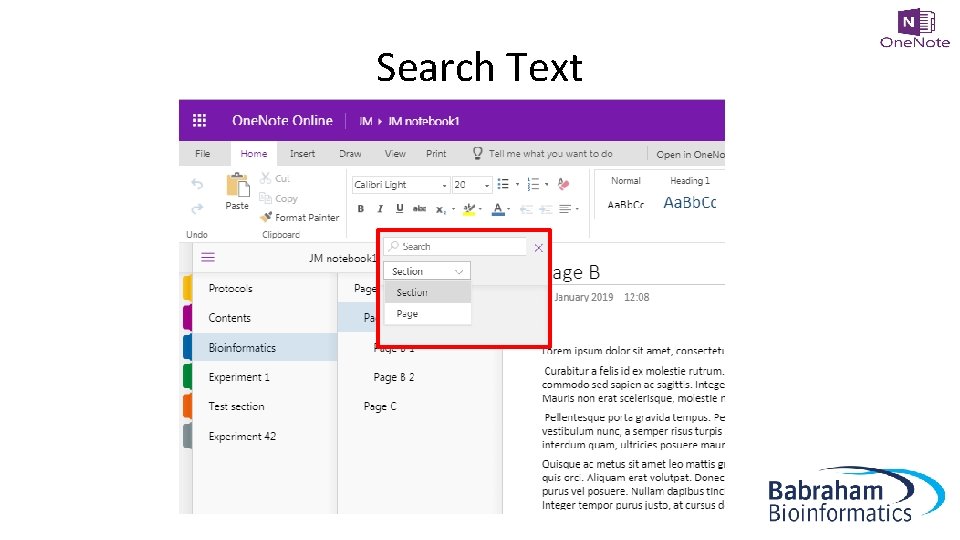
Search Text
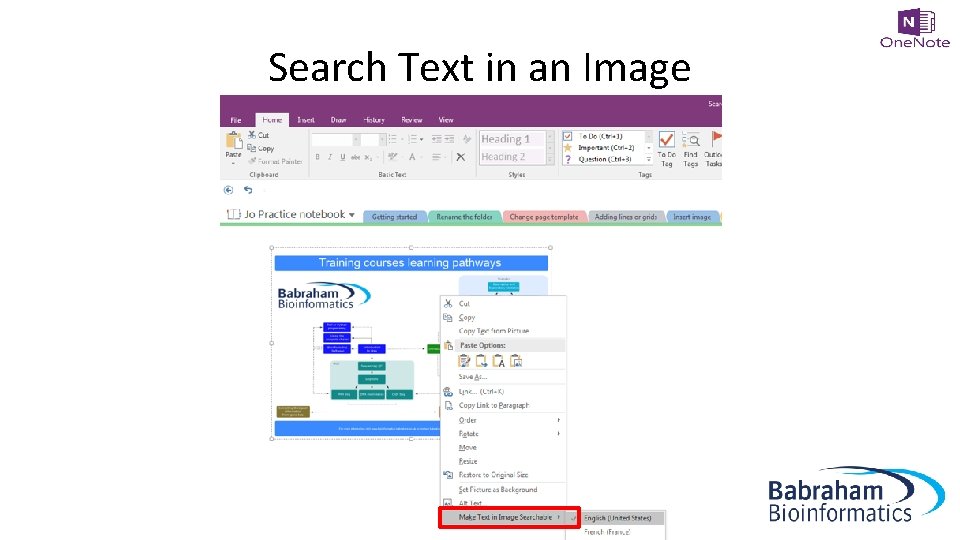
Search Text in an Image
References • One. Note is not a reference management system • You can link to a reference management system such as Reference Manager or End. Note if you must

Exercise 5 Other useful tools
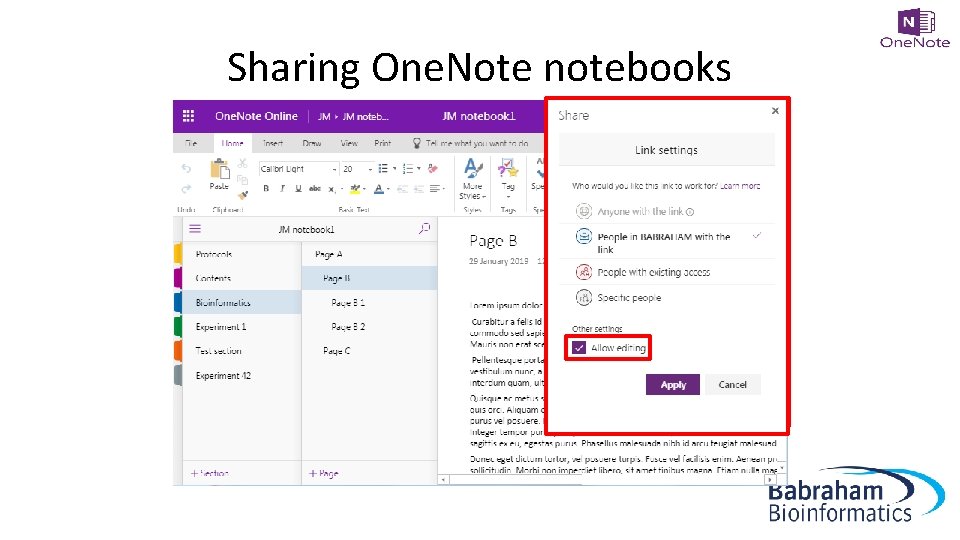
Sharing One. Note notebooks • Sharepoint ELN • One. Drive • Other locations
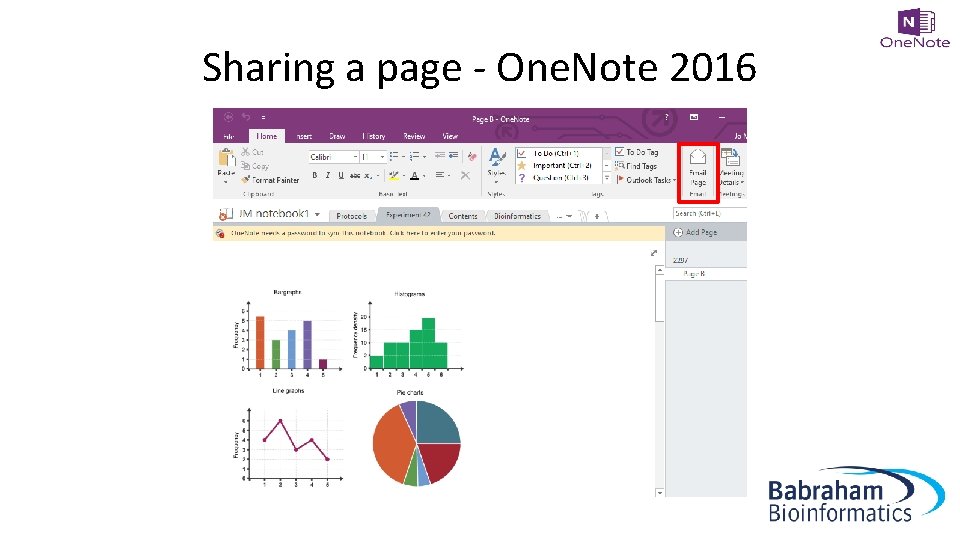
Sharing a page - One. Note 2016
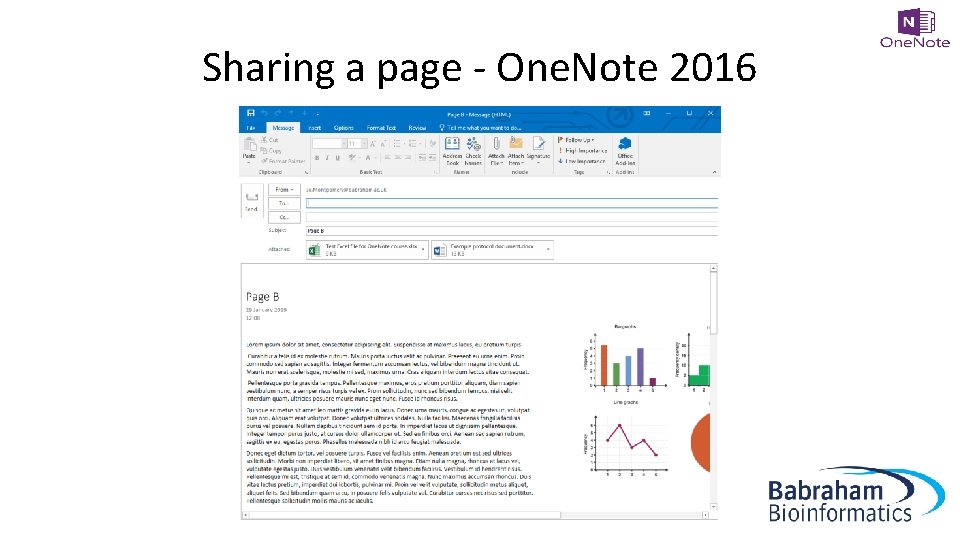
Sharing a page - One. Note 2016
Sharing One. Note notebooks

Versions

Versions
Exercise 6 Share your notebook with someone in the room https: //tinyurl. com/test-lab-book
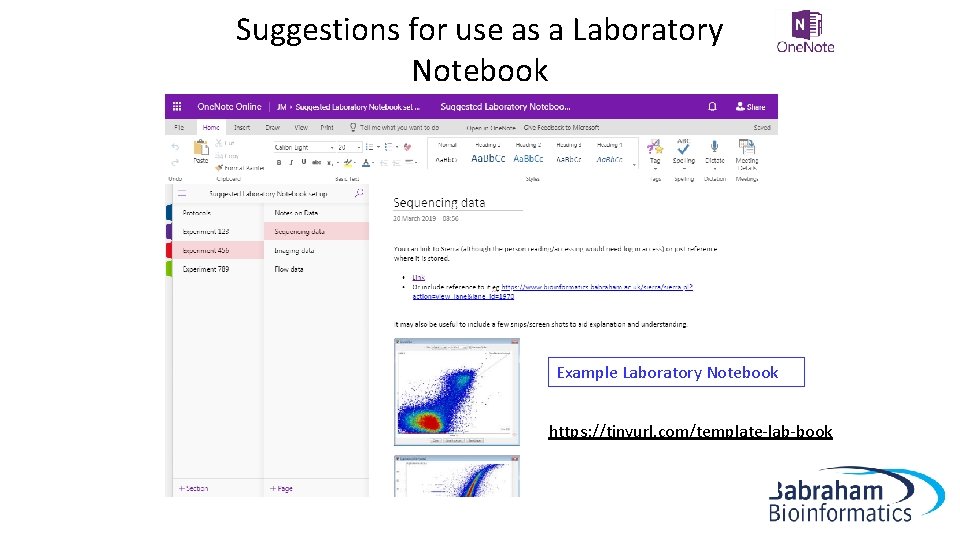
Suggestions for use as a Laboratory Notebook Example Laboratory Notebook https: //tinyurl. com/template-lab-book
Exercise 7 Set up an outline for a laboratory notebook to suit your experiments
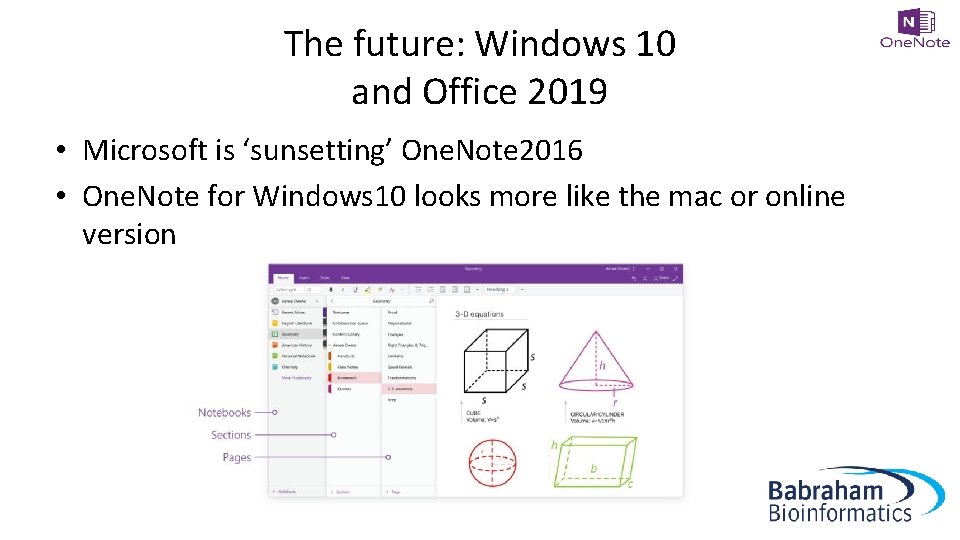
The future: Windows 10 and Office 2019 • Microsoft is ‘sunsetting’ One. Note 2016 • One. Note for Windows 10 looks more like the mac or online version
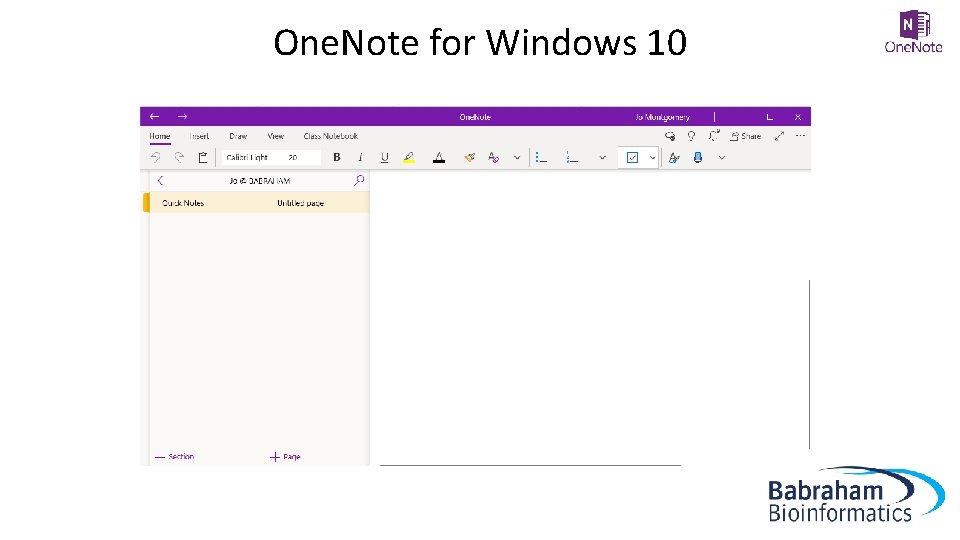
One. Note for Windows 10
The future: Windows 10 and Office 2019 • There are some NEW features in One. Note 10 which aren’t available in One. Note 2016 • Microsoft is recreating popular One. Note 2016 features in One. Note for Windows 10. • One. Note 2016 still has a number of features that One. Note for Windows 10 lacks… • Some are scheduled for One. Note for Windows 10 and some aren’t…
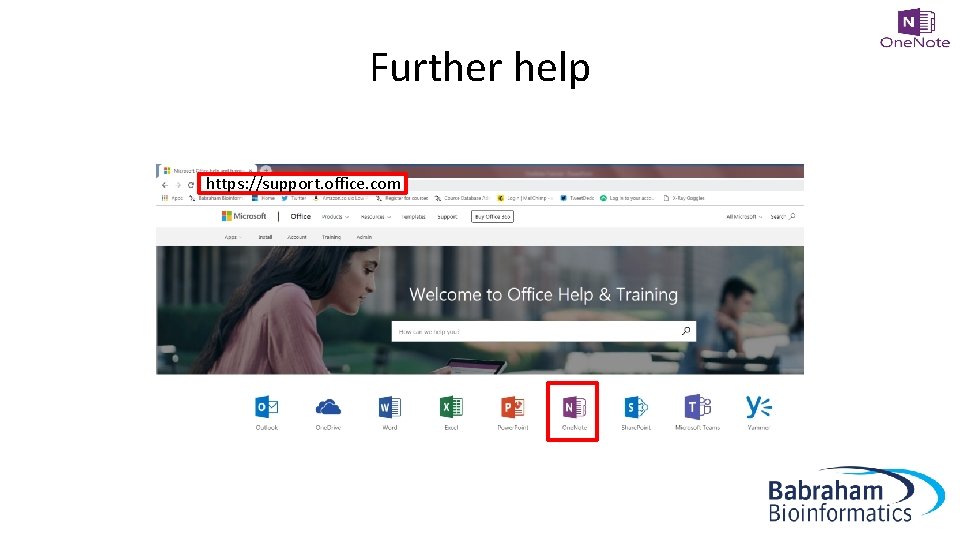
Further help https: //support. office. com
- Slides: 84