
Using My Info To access student records Degree

- Slides: 10
Using My. Info To access -student records -Degree works -financial aid -employee services -parking services.
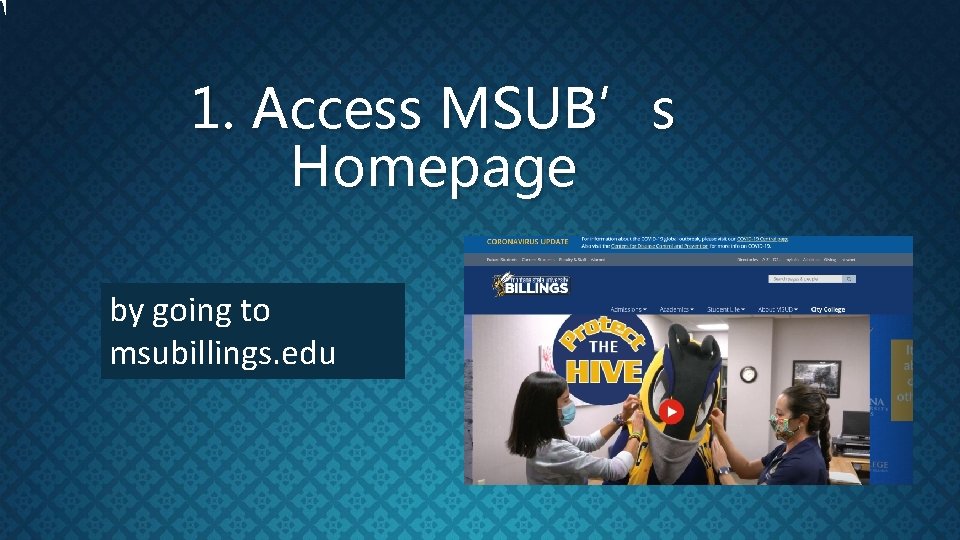
1. Access MSUB’s Homepage by going to msubillings. edu
2. Hit the ‘Admissions’ tab 3. Click on My. Info
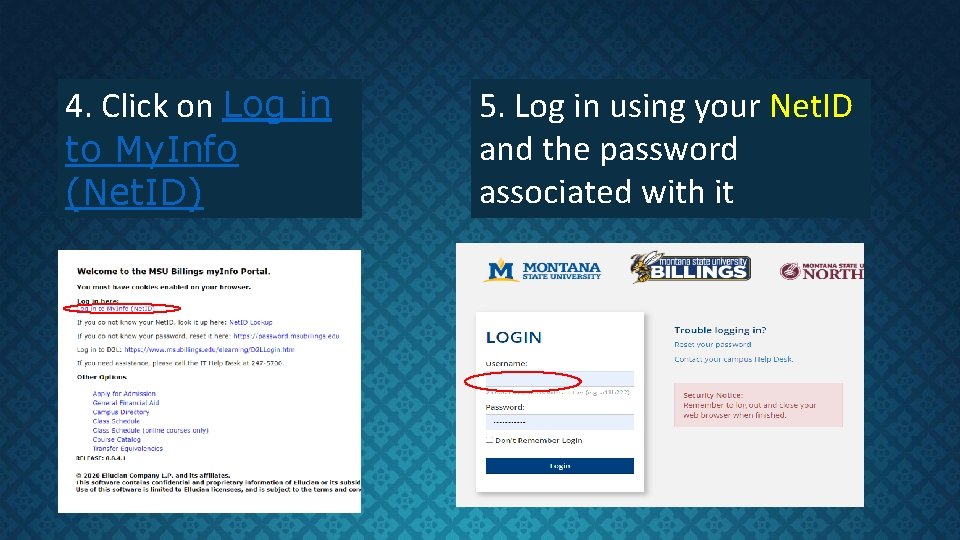
4. Click on Log in to My. Info (Net. ID) 5. Log in using your Net. ID and the password associated with it
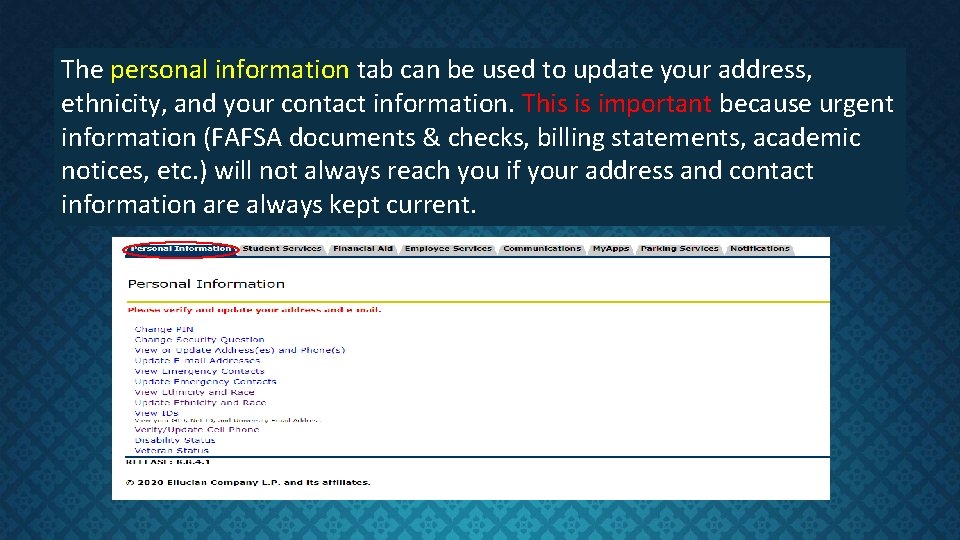
The personal information tab can be used to update your address, ethnicity, and your contact information. This is important because urgent information (FAFSA documents & checks, billing statements, academic notices, etc. ) will not always reach you if your address and contact information are always kept current.
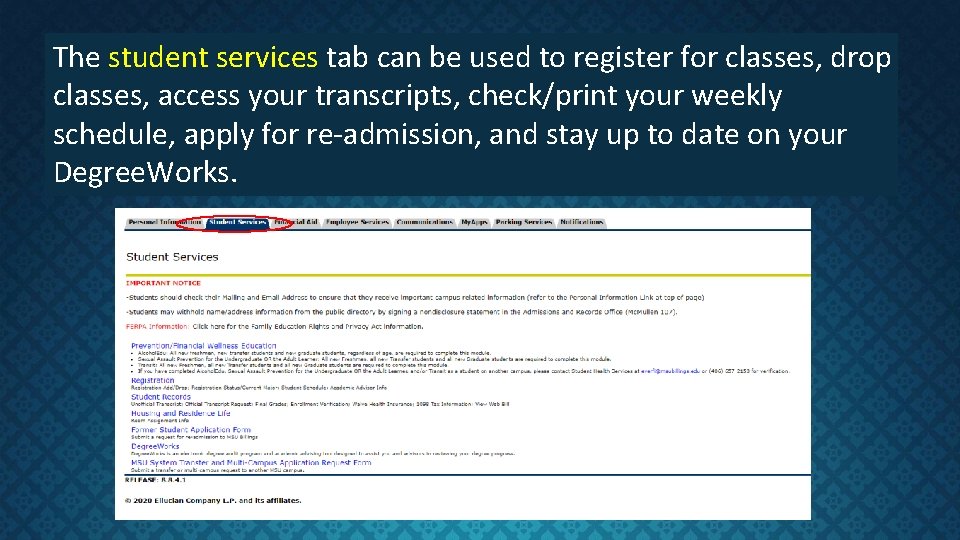
The student services tab can be used to register for classes, drop classes, access your transcripts, check/print your weekly schedule, apply for re-admission, and stay up to date on your Degree. Works.
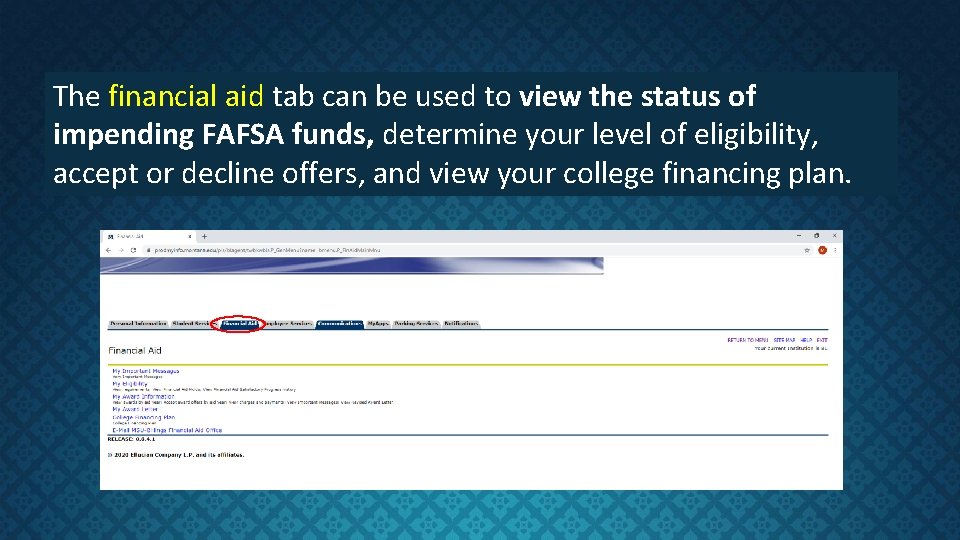
The financial aid tab can be used to view the status of impending FAFSA funds, determine your level of eligibility, accept or decline offers, and view your college financing plan.
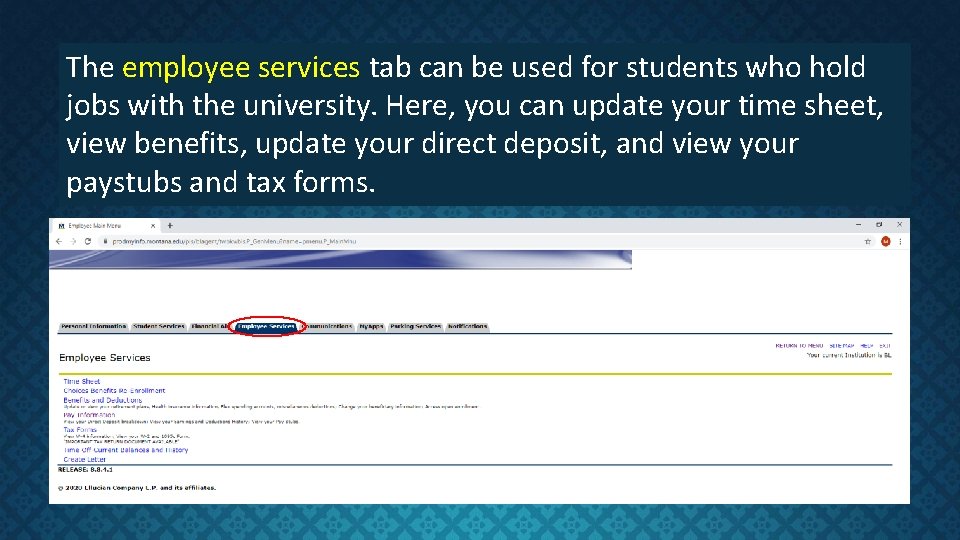
The employee services tab can be used for students who hold jobs with the university. Here, you can update your time sheet, view benefits, update your direct deposit, and view your paystubs and tax forms.
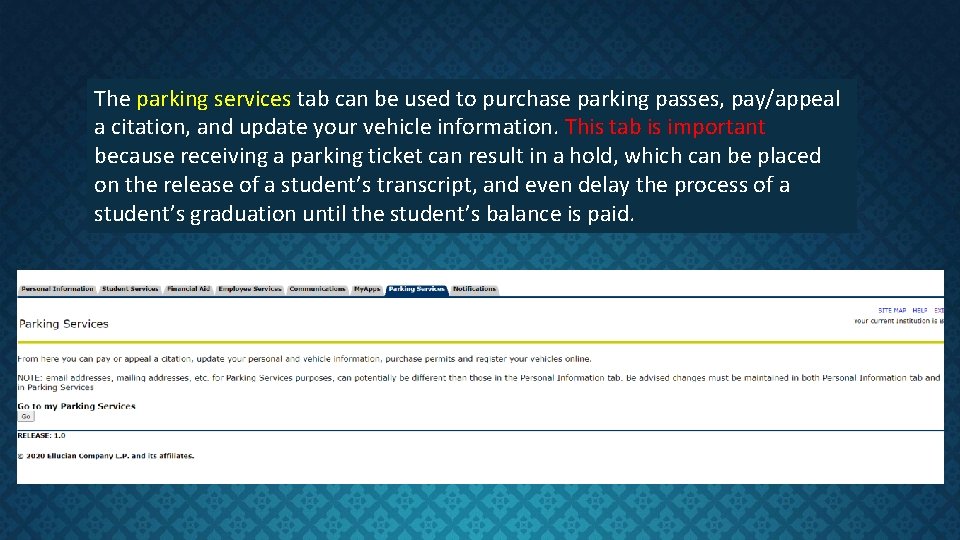
The parking services tab can be used to purchase parking passes, pay/appeal a citation, and update your vehicle information. This tab is important because receiving a parking ticket can result in a hold, which can be placed on the release of a student’s transcript, and even delay the process of a student’s graduation until the student’s balance is paid.
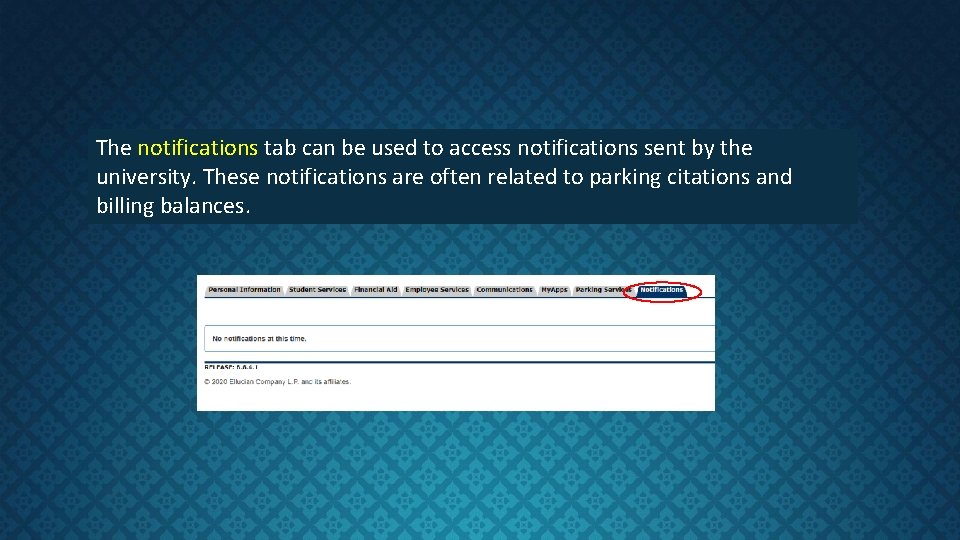
The notifications tab can be used to access notifications sent by the university. These notifications are often related to parking citations and billing balances.