
Using MS Access and Excel for Database Cleanup

Using MS Access and Excel for Database Cleanup and Other Projects Kirsti Thomas O’Grady Library St. Martin’s College kthomas@stmartin. edu 360 -486 -8827
Why use MS Access or Excel? • Need to format data but don’t know scripting • Need to process statistics in ways III system doesn’t provide • Time savings over manual processing
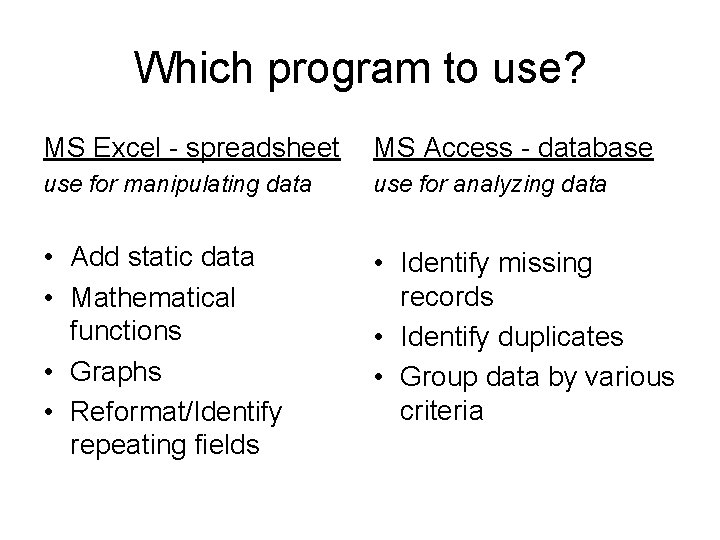
Which program to use? MS Excel - spreadsheet MS Access - database use for manipulating data use for analyzing data • Add static data • Mathematical functions • Graphs • Reformat/Identify repeating fields • Identify missing records • Identify duplicates • Group data by various criteria
MS Excel projects • Barcode check on new books • Rapid Update for items with no distinguishing characteristics (i. e. books on a cart/shelf you’re working on) • Identify/manipulate repeating fields in exported lists • Track statistics over time • Create graphs and charts
Barcode check and Rapid update Use MS Excel in conjunction with III inventory module to create lists of item records Inventory files are nothing more than. txt files of barcodes with the prefix n:

Scan barcodes into an Excel spreadsheet and use the drag function to insert text in front of barcodes
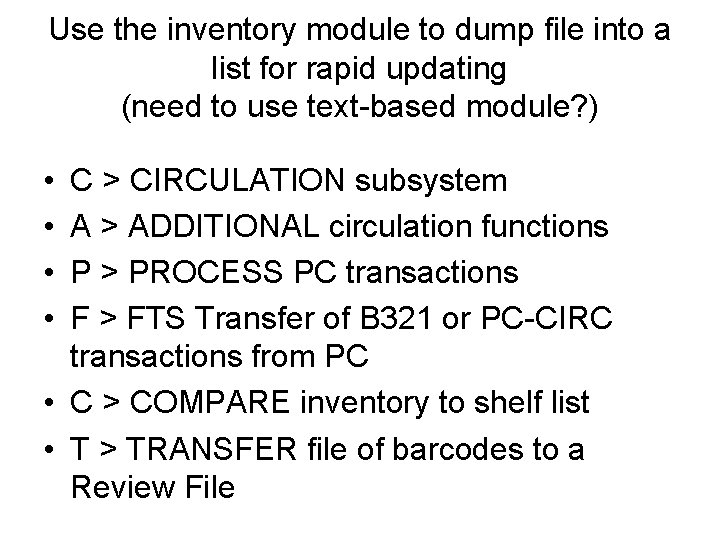
Use the inventory module to dump file into a list for rapid updating (need to use text-based module? ) • • C > CIRCULATION subsystem A > ADDITIONAL circulation functions P > PROCESS PC transactions F > FTS Transfer of B 321 or PC-CIRC transactions from PC • C > COMPARE inventory to shelf list • T > TRANSFER file of barcodes to a Review File
Find records with multiple occurrences of a field Examples include: Bib records with >1 attached item/order records multiple patron barcordes multiple item record barcodes multiple selectors
MS Access can’t handle repeating fields. The following trick is also helpful when you need to manipulate data before loading it into MS Access.
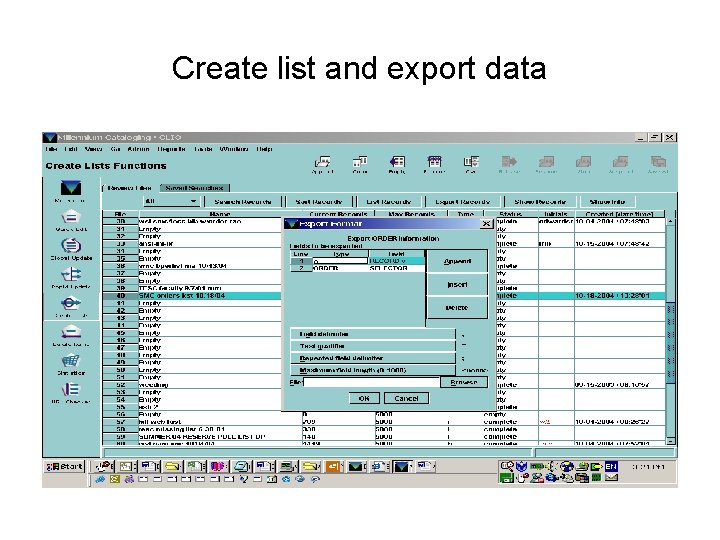
Create list and export data
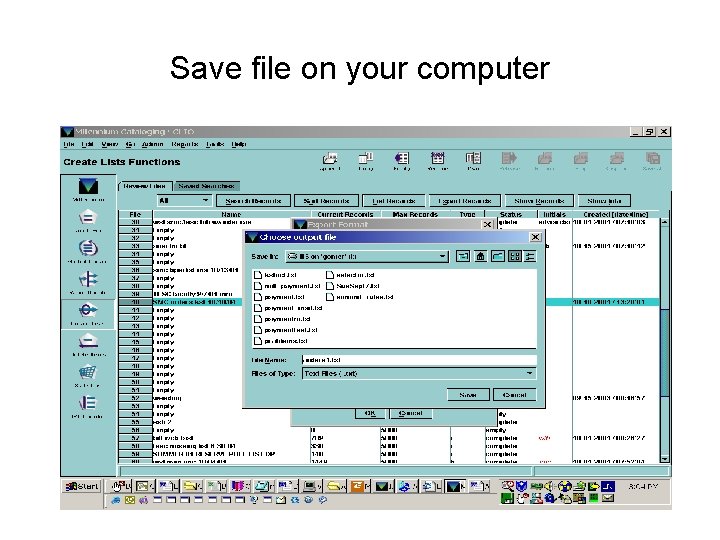
Save file on your computer
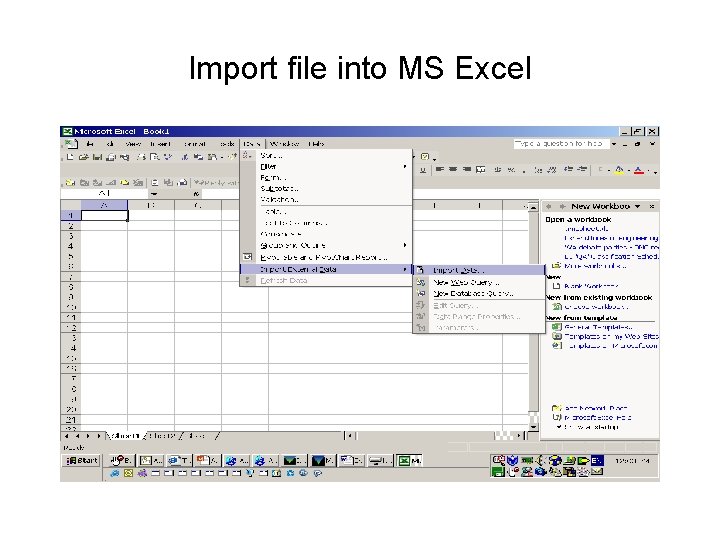
Import file into MS Excel
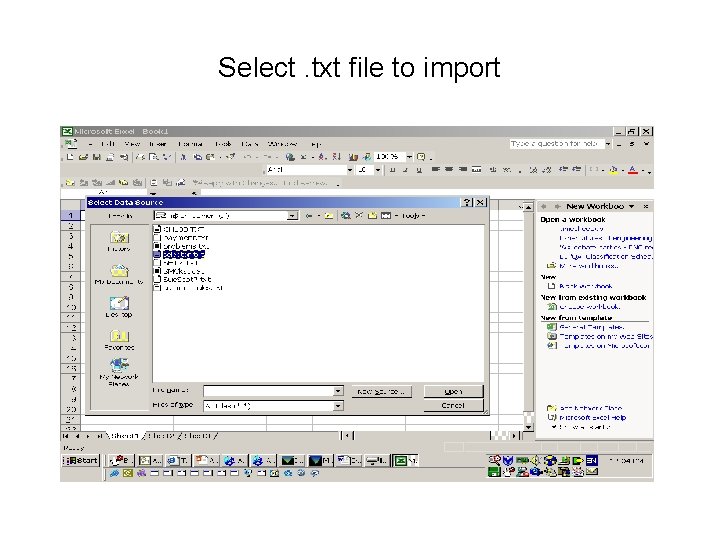
Select. txt file to import
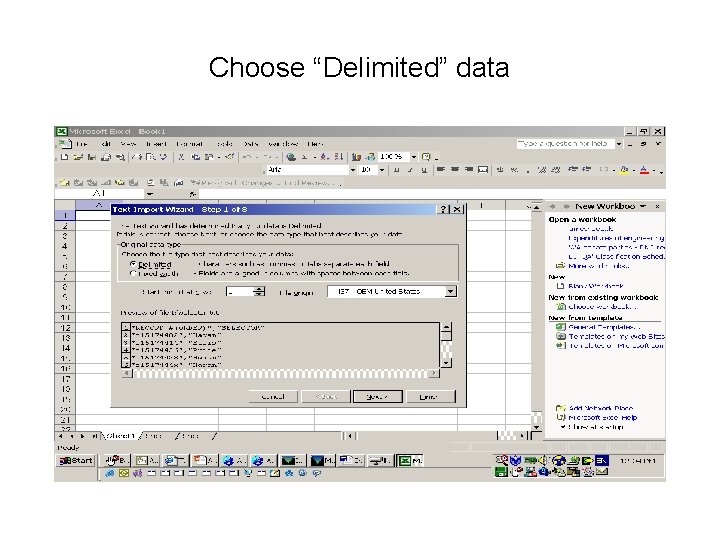
Choose “Delimited” data
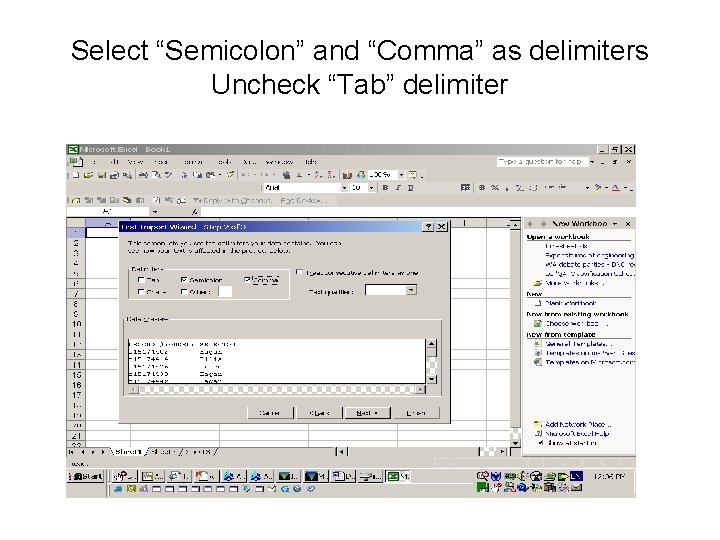
Select “Semicolon” and “Comma” as delimiters Uncheck “Tab” delimiter
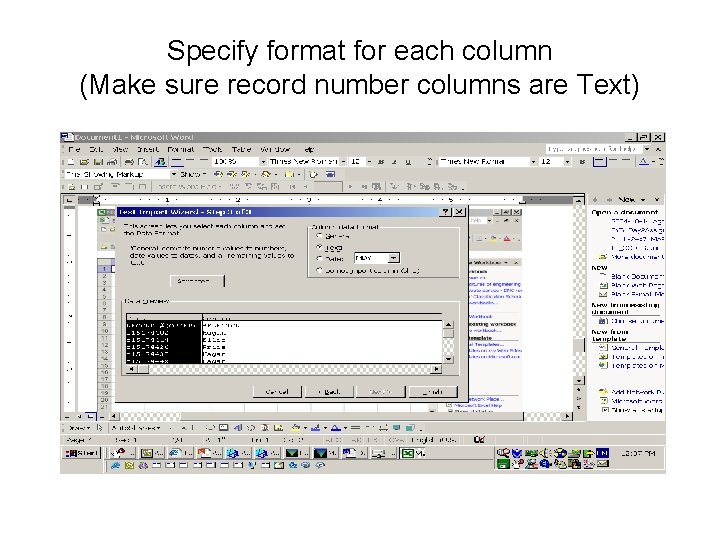
Specify format for each column (Make sure record number columns are Text)
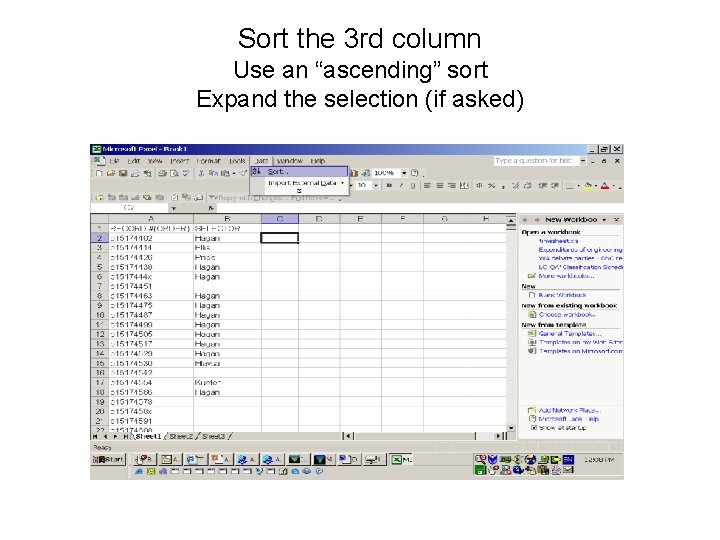
Sort the 3 rd column Use an “ascending” sort Expand the selection (if asked)
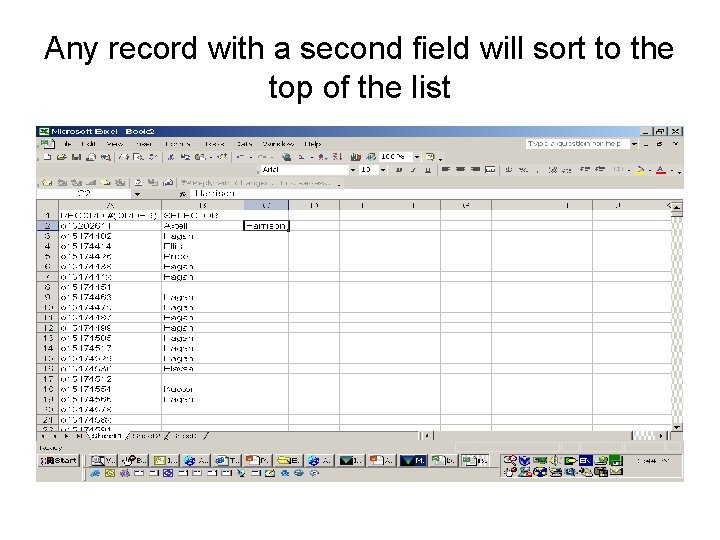
Any record with a second field will sort to the top of the list
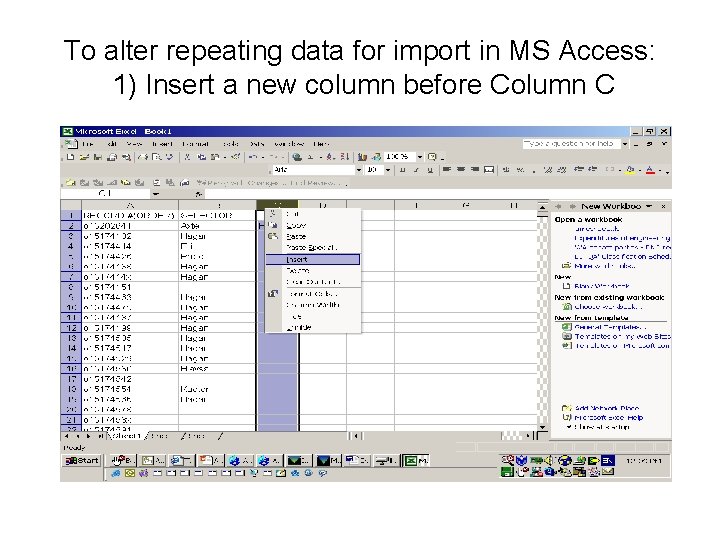
To alter repeating data for import in MS Access: 1) Insert a new column before Column C
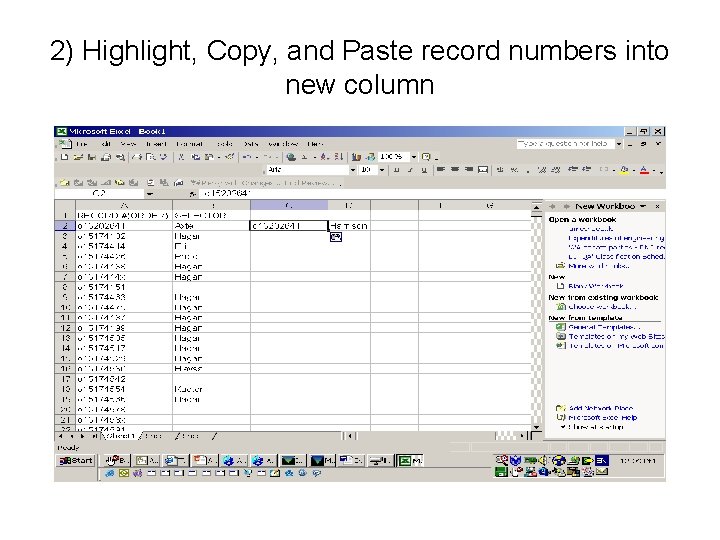
2) Highlight, Copy, and Paste record numbers into new column
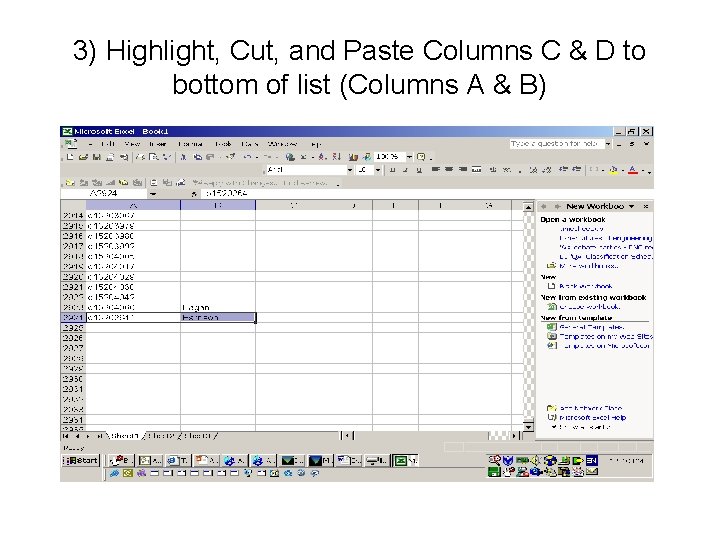
3) Highlight, Cut, and Paste Columns C & D to bottom of list (Columns A & B)
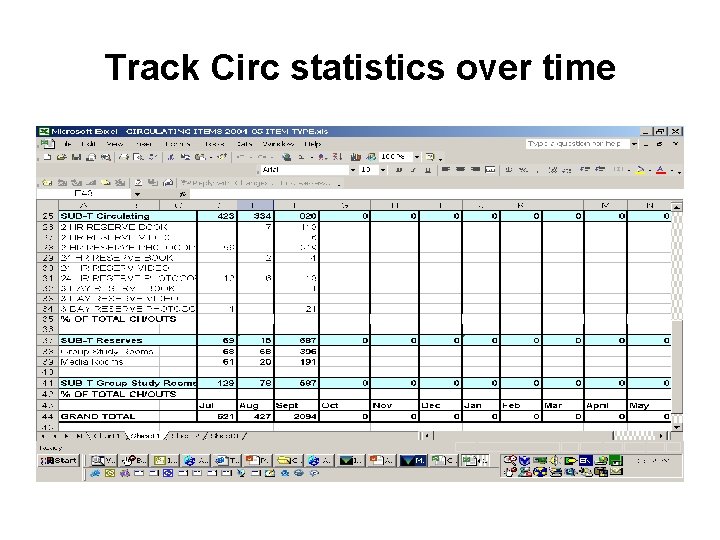
Track Circ statistics over time
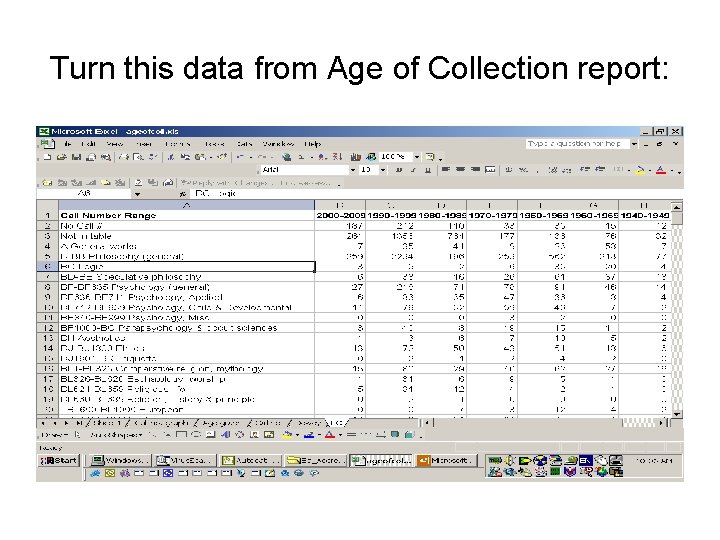
Turn this data from Age of Collection report:
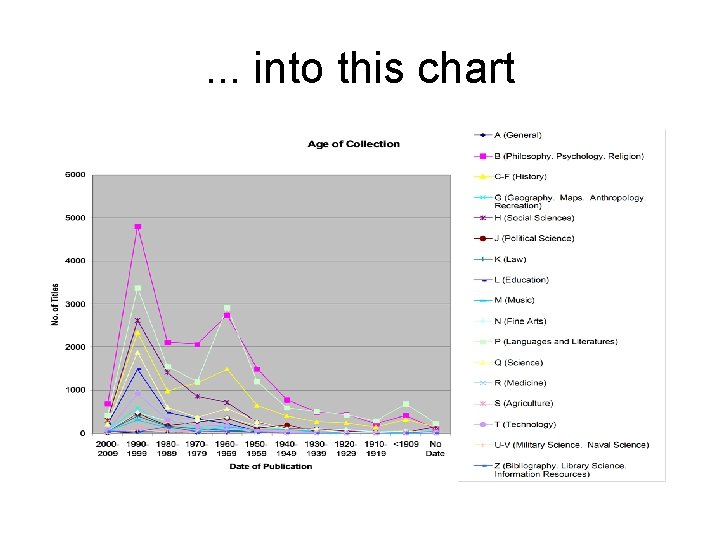
. . . into this chart
MS Excel notes • You can use data from one worksheet in another worksheet – this only works if you don’t uses blank spaces in your worksheet names (see Help files on “Create a link to another cell, workbook, or program”)
MS Access projects • Find duplicate bib records in database • Compare title lists for journal databases • Identify missing bib records (e. g. from consortial purchases) • Inventory • Ongoing collection analysis • Keep track of circulation loan rules • Archive order records
Relational Databases • • Relational databases store data in tables. Tables are organized into columns Each column stores one type of data Tables typically have keys, one or more columns that uniquely identify a row within the table Ambler, Scott W. Relational Databases 101: Looking at the Whole Picture, 2002 -2003 http: //www. agiledata. org/essays/relational. Databases. html
Properties of tables in relational databases Property 1: Entries in columns are single-valued. Property 2: Entries in columns are of the same kind. Property 3: Each row is unique. Property 4: Sequence of columns is insignificant. Property 5: Sequence of rows is insignificant. Property 6: Each column has a unique name. http: //www. 15 seconds. com/issue/020522. htm
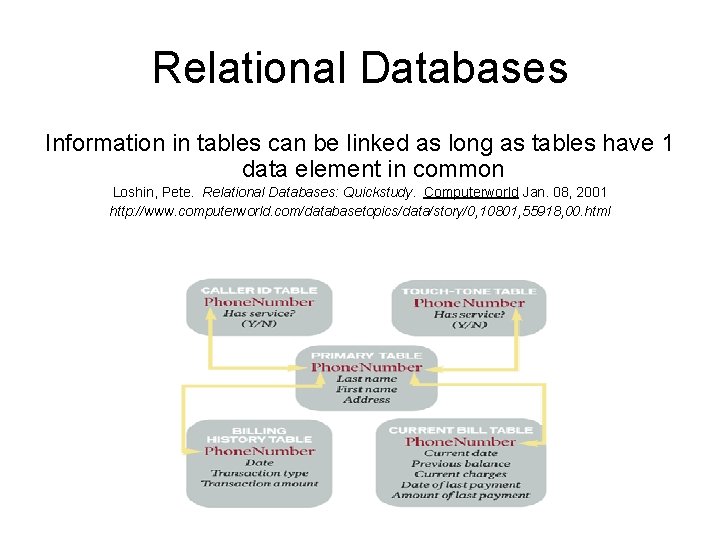
Relational Databases Information in tables can be linked as long as tables have 1 data element in common Loshin, Pete. Relational Databases: Quickstudy. Computerworld Jan. 08, 2001 http: //www. computerworld. com/databasetopics/data/story/0, 10801, 55918, 00. html
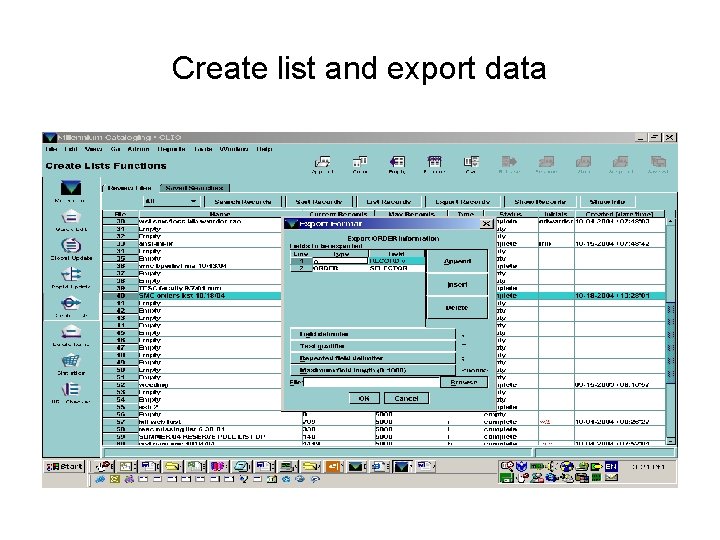
Create list and export data
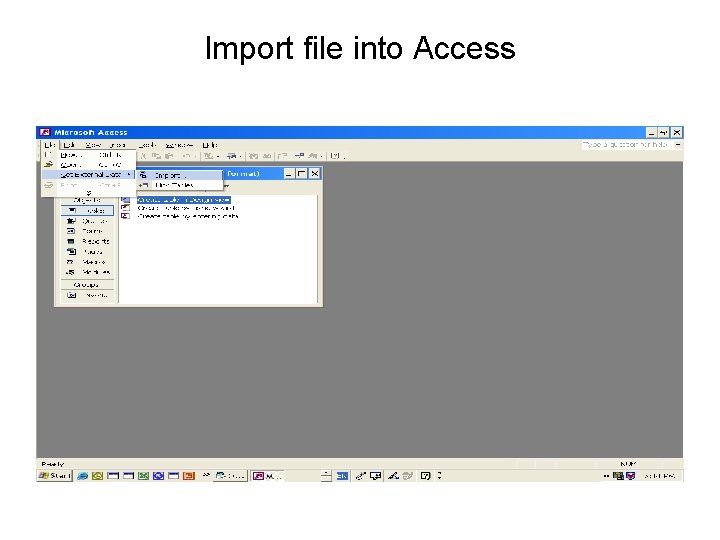
Import file into Access
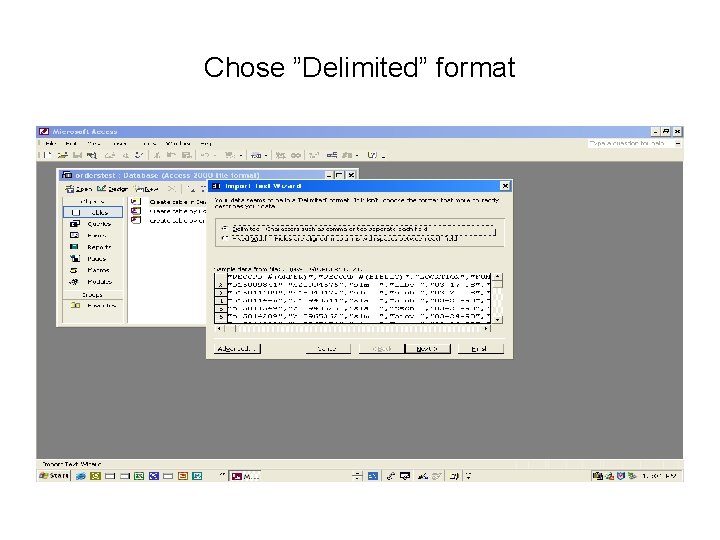
Chose ”Delimited” format
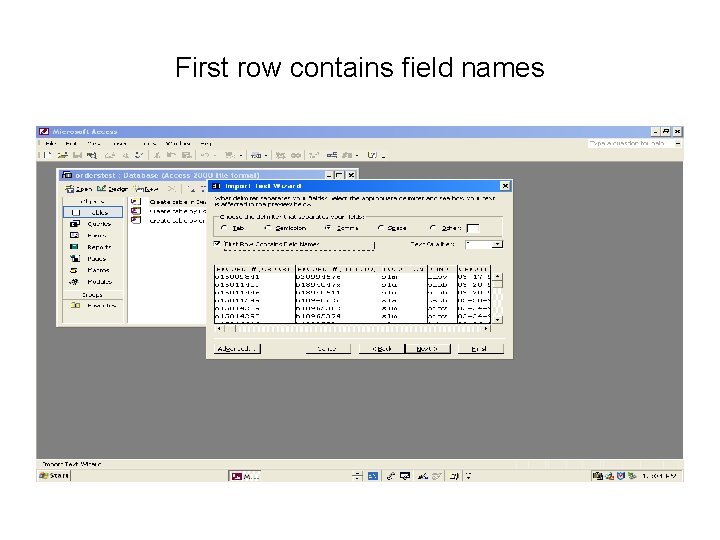
First row contains field names
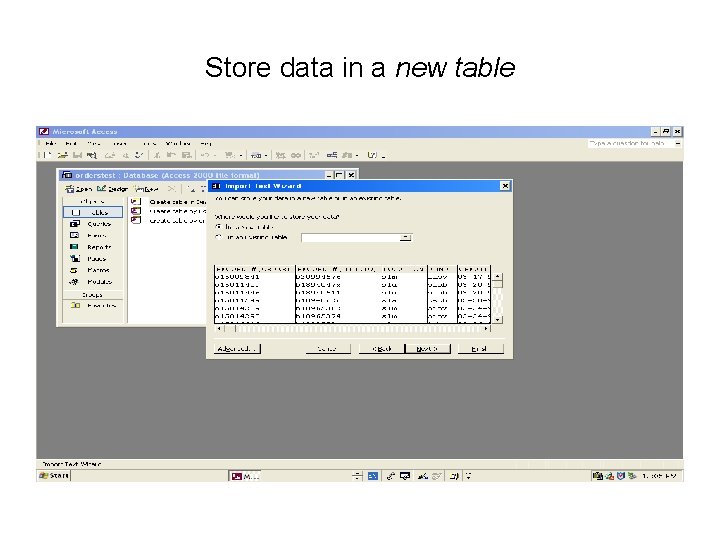
Store data in a new table
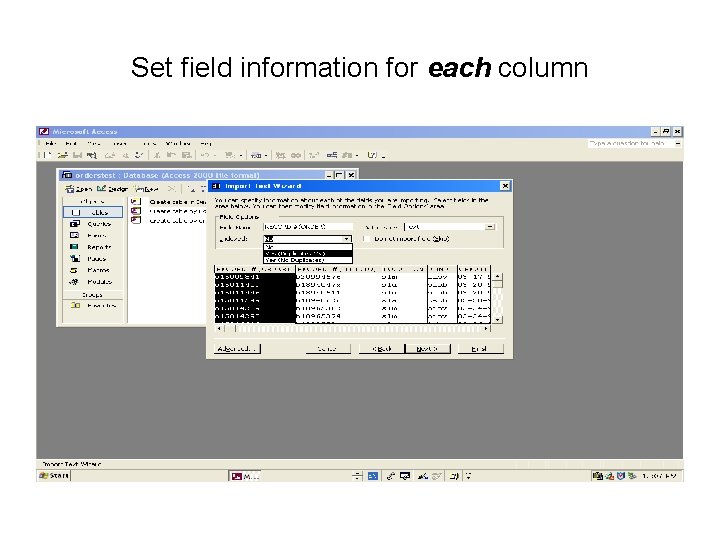
Set field information for each column
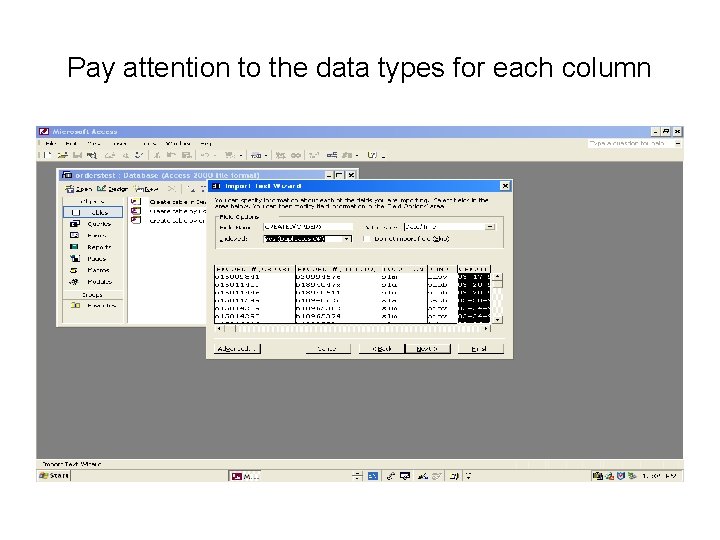
Pay attention to the data types for each column
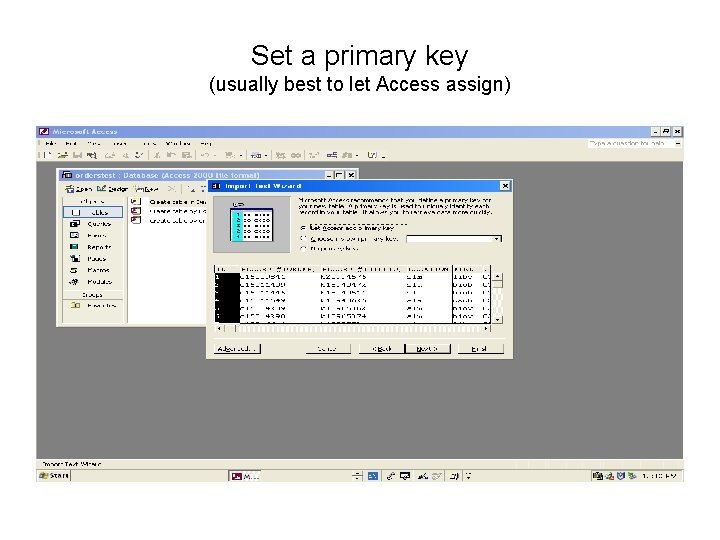
Set a primary key (usually best to let Access assign)
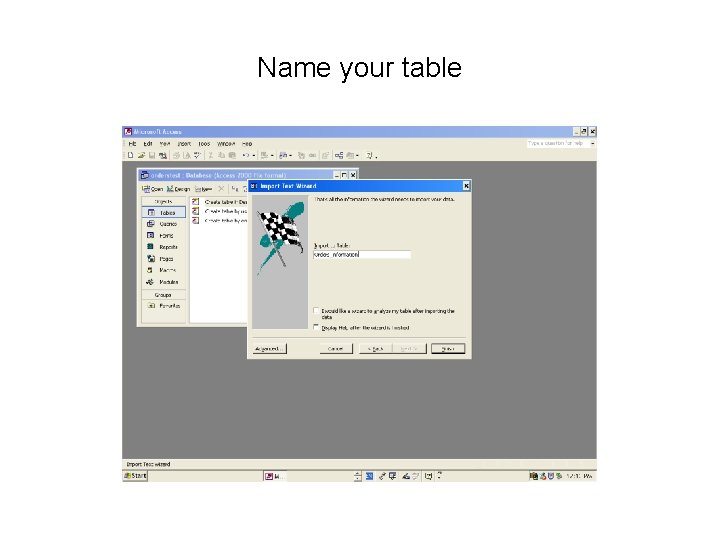
Name your table
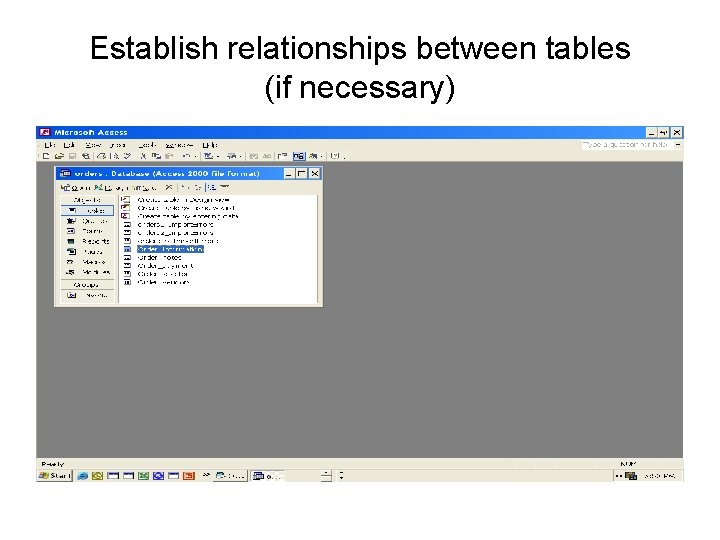
Establish relationships between tables (if necessary)
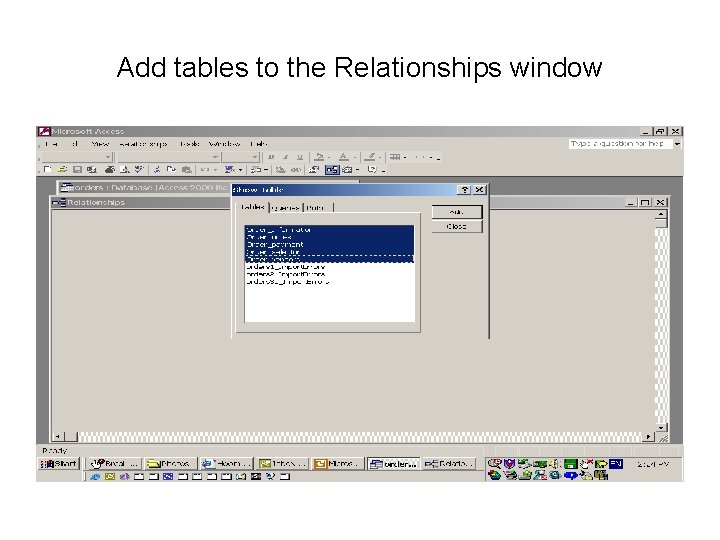
Add tables to the Relationships window
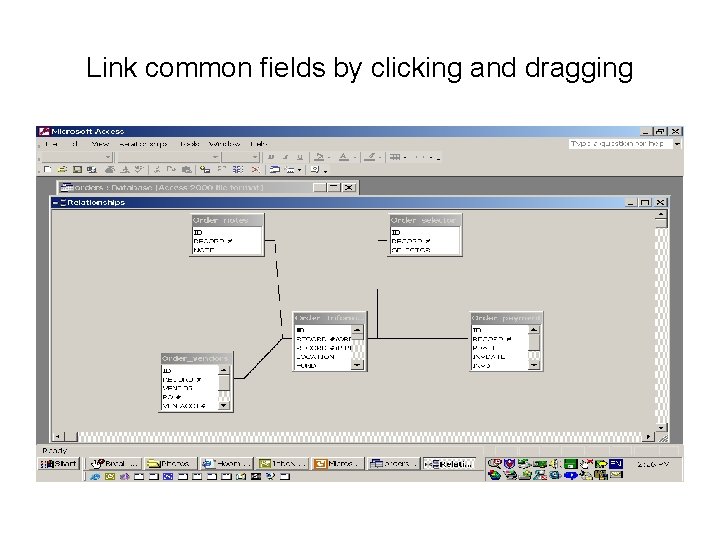
Link common fields by clicking and dragging
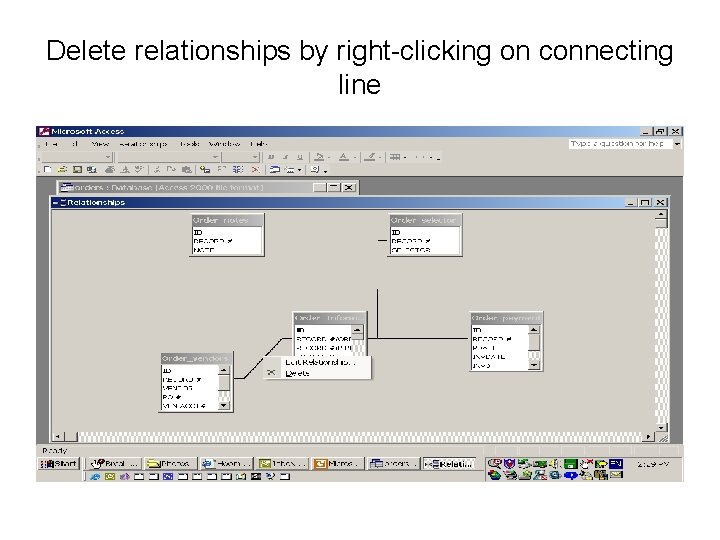
Delete relationships by right-clicking on connecting line
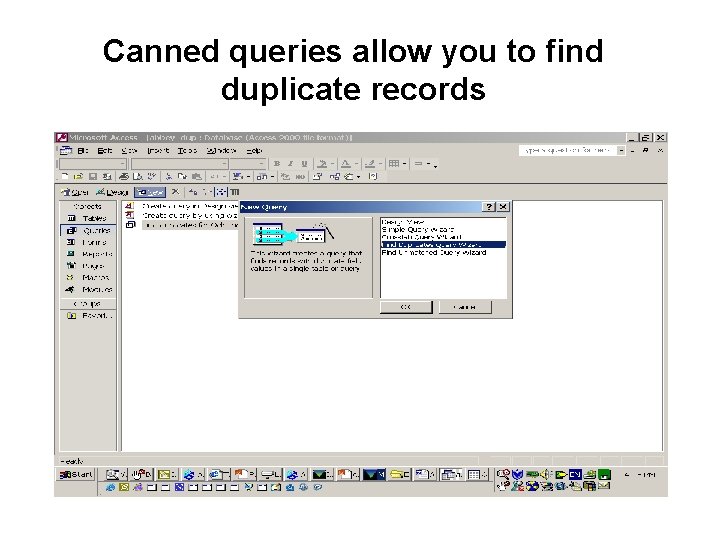
Canned queries allow you to find duplicate records
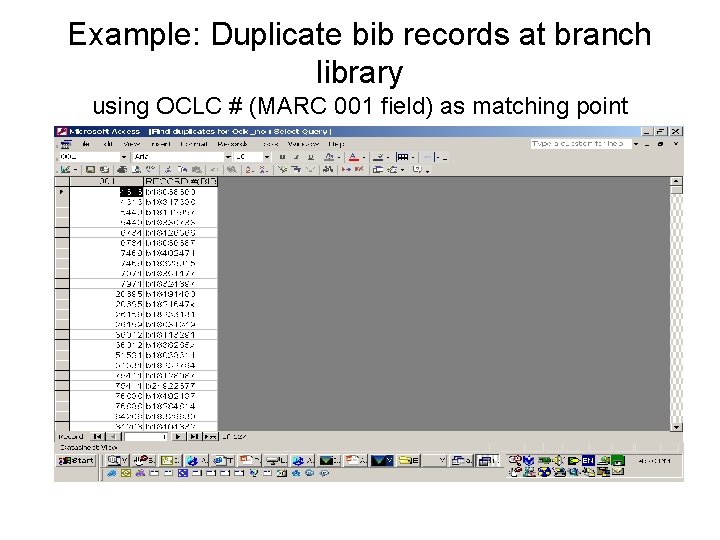
Example: Duplicate bib records at branch library using OCLC # (MARC 001 field) as matching point
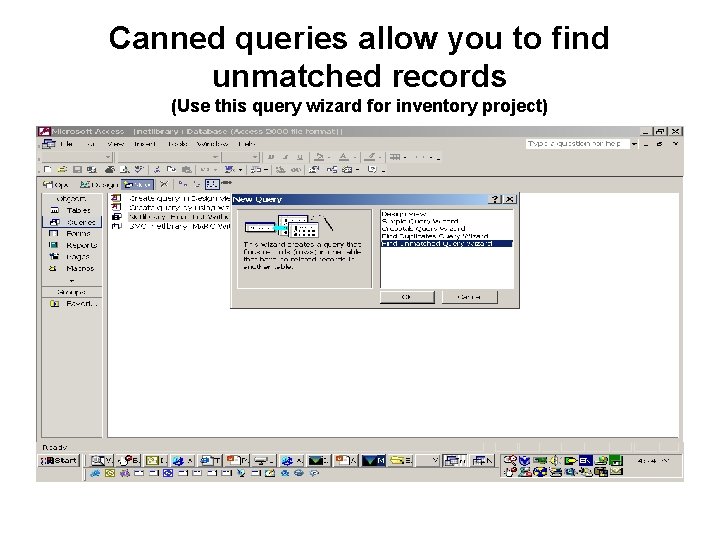
Canned queries allow you to find unmatched records (Use this query wizard for inventory project)
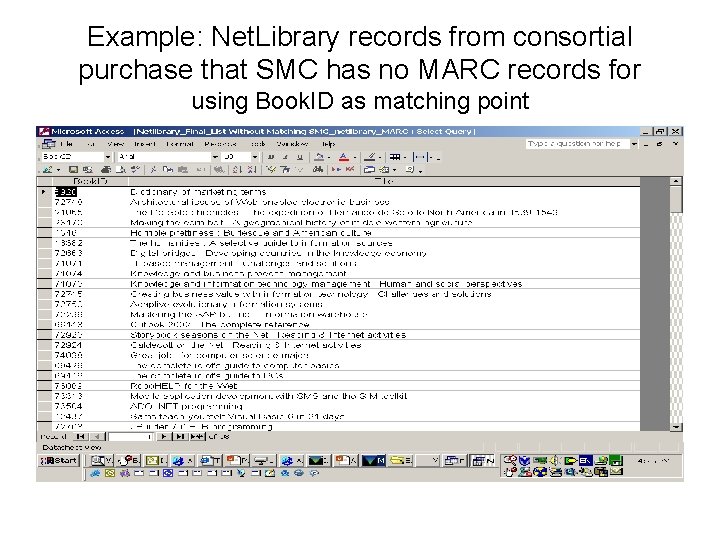
Example: Net. Library records from consortial purchase that SMC has no MARC records for using Book. ID as matching point
Collection Analysis based on SCAT ranges By importing your SCAT data into an Access table, you can assign each call number range to one or more academic departments, divisions, units, etc. Use this in conjunction with Millenium Web Management’s Collection Development report to analyze expenditures, collection growth and circulation activity
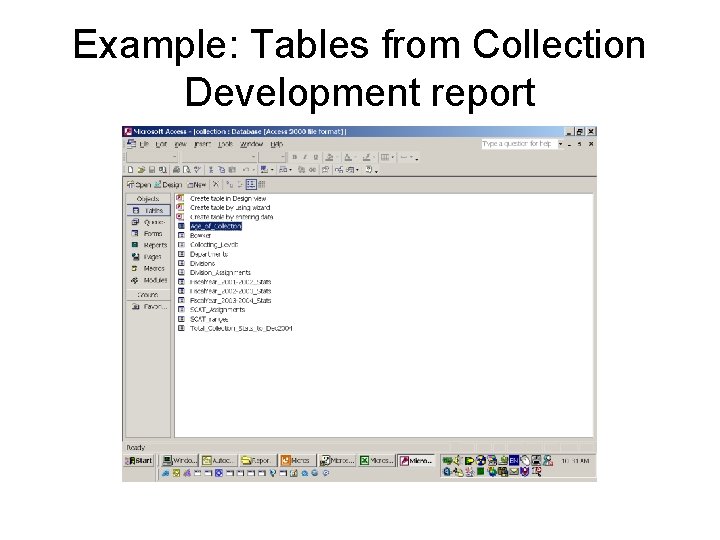
Example: Tables from Collection Development report
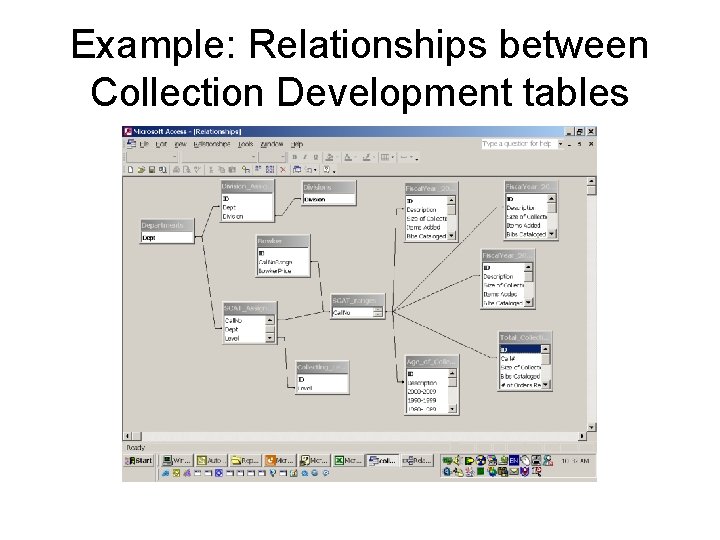
Example: Relationships between Collection Development tables
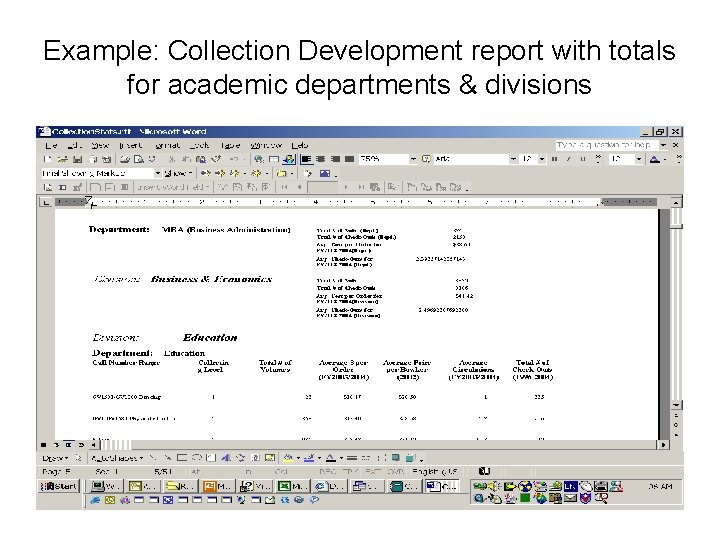
Example: Collection Development report with totals for academic departments & divisions
Track Circulation loan rules By importing system codes and loan rules into a database, you can more easily track what your loan rule selection table is actually doing
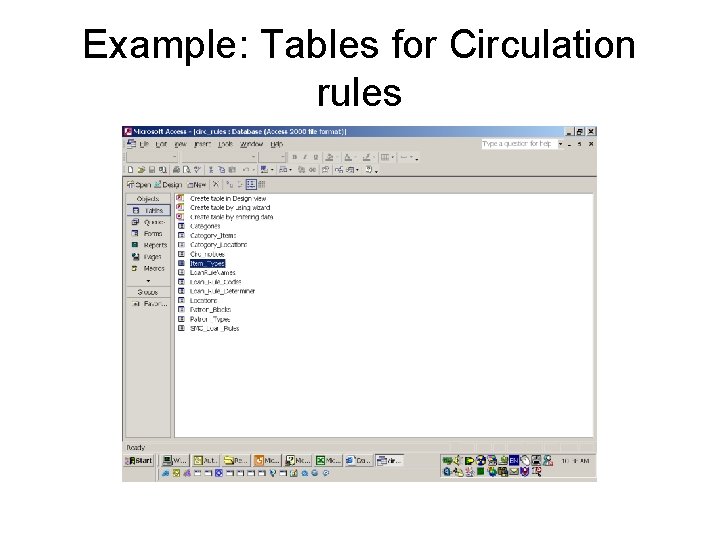
Example: Tables for Circulation rules
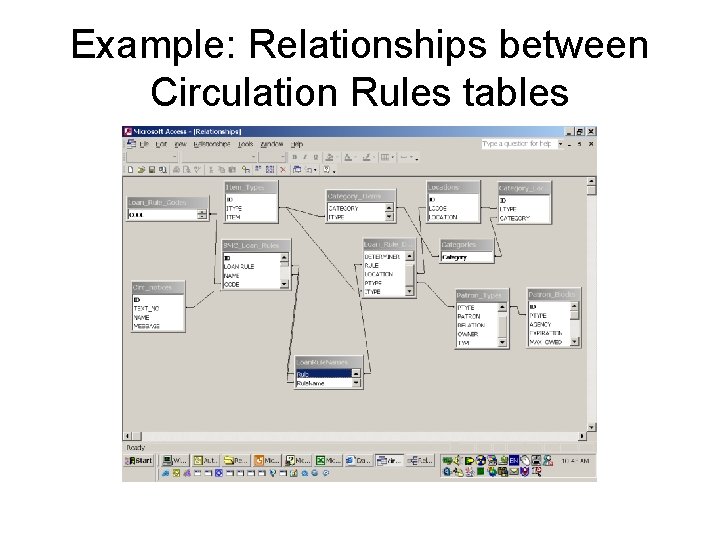
Example: Relationships between Circulation Rules tables
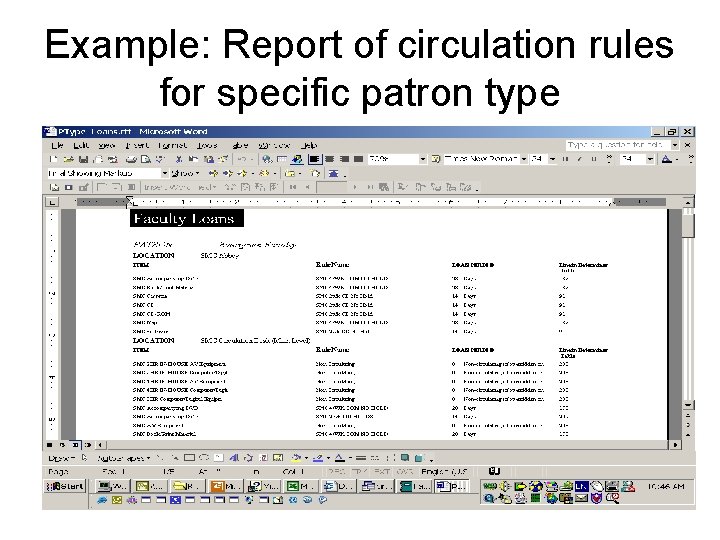
Example: Report of circulation rules for specific patron type
MS Access Notes • Reports can be automatically imported into MS Word or MS Excel • Don’t use the Lookup Wizard to link data from different tables. If you do that, it’s impossible to create a query for the table using the Lookup Wizard • To link data from different tables (e. g. assign SCAT range to a department), create a form using combo boxes; for a good tutorial see: http: //www. datapigtechnologies. com/Access. Main. htm
In general. . . • Play around with the software programs to see what you can do • Get a good user training manual; MS help files aren’t actually very helpful • Newsgroup archive at groups. google. com is a good source for tips and helpful information
- Slides: 56