
Using MakeyMakey Boards with Scratch Ben Davies CAS
Using Makey-Makey Boards with Scratch Ben Davies CAS Master Teacher Thursday 19 th March 2015 ben. davies@computingatschool. org. uk @b 3 ndavi 3 s @Comp. At. Sch
Session Aims Demonstrate how a makey board works • Give ideas on how they can be introduced to a class • Develop ideas on how they can be used with Scratch •
What is Makey? • A toy – an invention kit for everyone. • An external input – allows the user to mimic certain computer inputs.
Why use a Makey Board? O Great extension activity for most able pupils. O Motivational tool for the less engaged, develops perseverance and resilience. O All of aspects of Key Stage 2 Computer Science strand can be covered when used with scratch. O Children love using them.
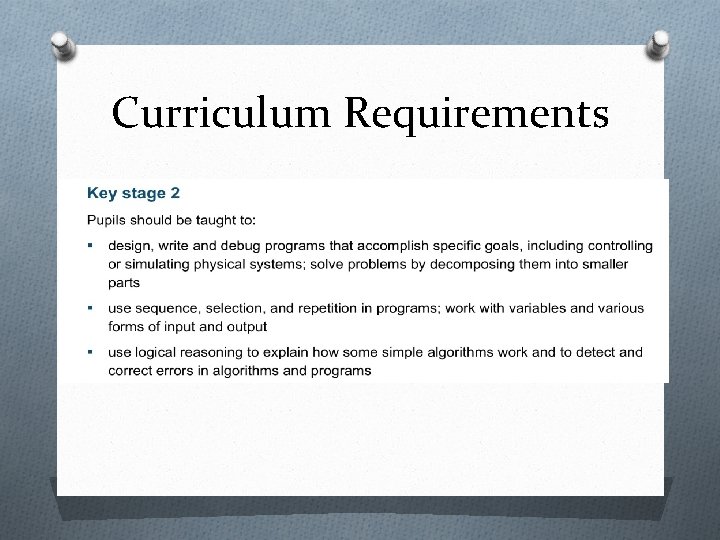
Curriculum Requirements
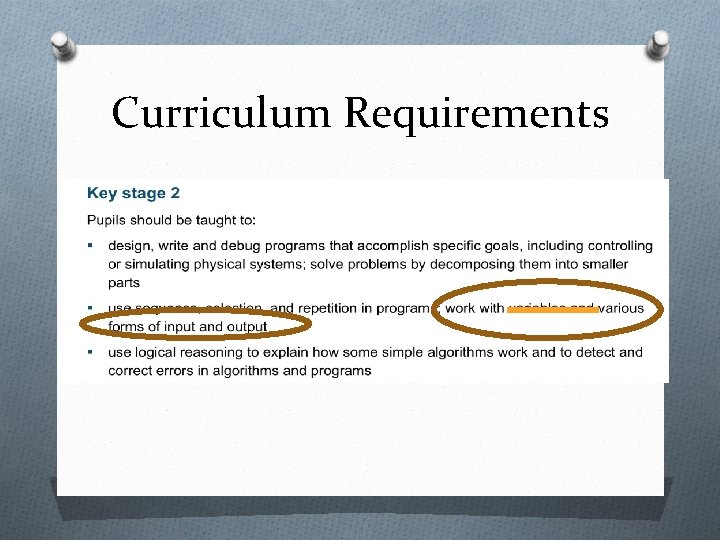
Curriculum Requirements
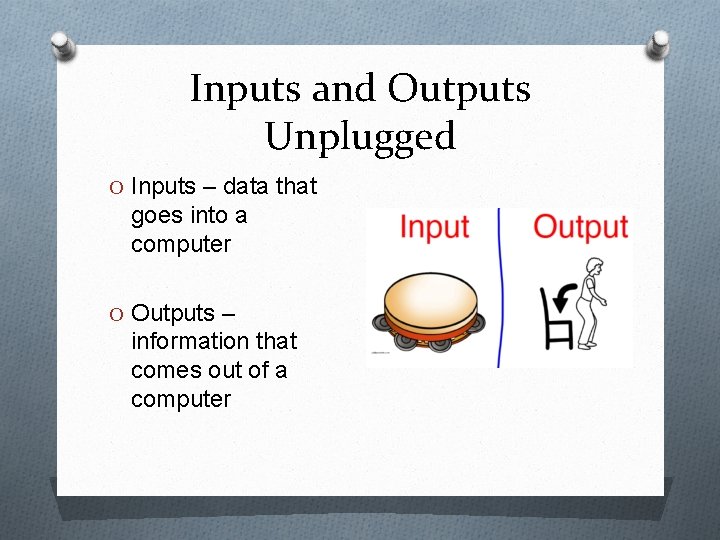
Inputs and Outputs Unplugged O Inputs – data that goes into a computer O Outputs – information that comes out of a computer
Sequence of Activities O 1. Introduction to Makey Board O 2. Testing electrical conductivity of objects O 3. Debugging Games for Makey O 4. 2 player Race O 5. Maze Game O 6. Banana Piano O 7. Any ideas you have
What Next? Get a makey and let your class invent • Use the sequence provided, attempt an activity as a one off. • • Post course support: email, phone, share contact details. Online meet up? • Share your ideas with each other and me! • ben. davies@computingatschoolorg. uk @b 3 ndavi 3 s •
- Slides: 9