
Using ICT to promote Literacy and Numeracy in
- Slides: 47
Using ICT* to promote Literacy and Numeracy in the Primary Classroom An Introductory Course M. P. Jowett © 2014
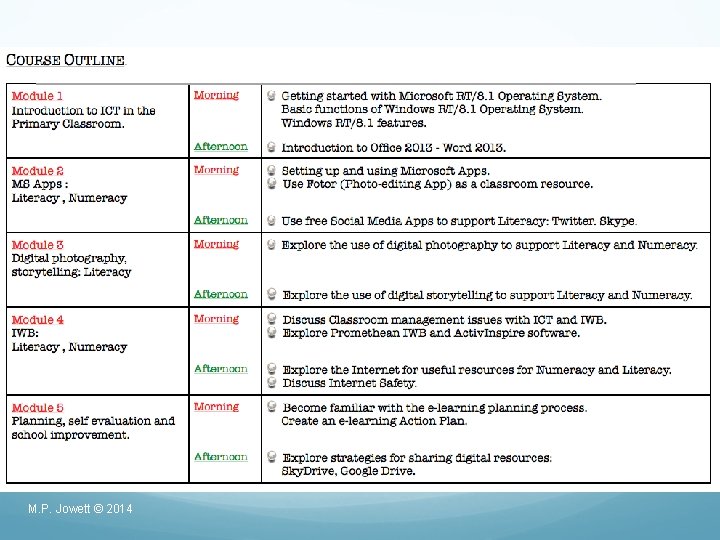
M. P. Jowett © 2014
4 e l u Mod Effective use of Promethean IWB and Activ. Inspire software promote Literacy and Numeracy M. P. Jowett © 2014
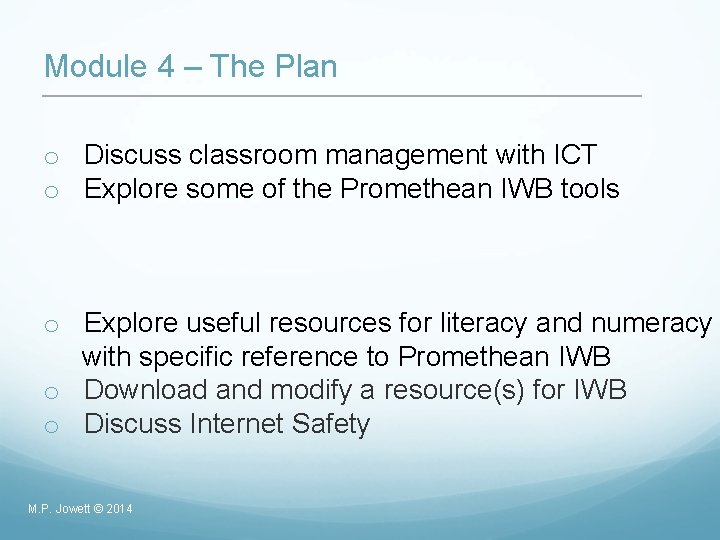
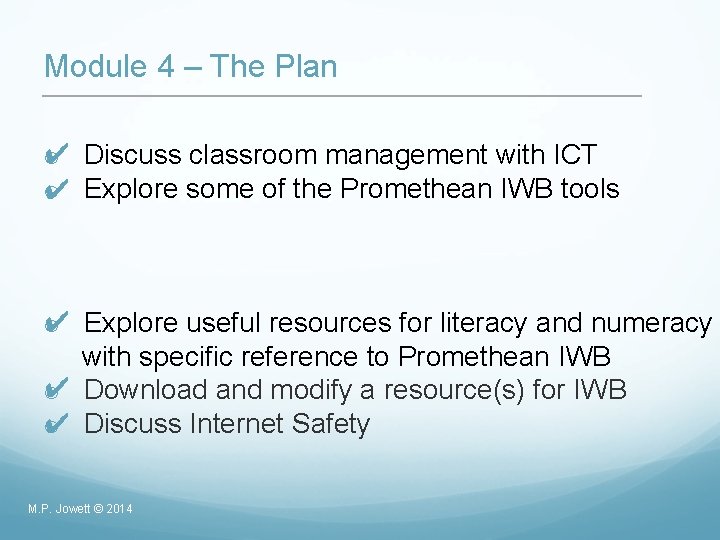
Module 4 – The Plan o Discuss classroom management with ICT o Explore some of the Promethean IWB tools o Explore useful resources for literacy and numeracy with specific reference to Promethean IWB o Download and modify a resource(s) for IWB o Discuss Internet Safety M. P. Jowett © 2014
Classroom Management Technology can greatly enhance teaching and learning of literacy and numeracy. However, it is a tool and not a teacher. Technology should enhance the lesson, not be the lesson. M. P. Jowett © 2014
Classroom Management: Discussion o How do you currently use ICT in your classroom? o What are the challenges you face? o What do you hope to gain from this course? M. P. Jowett © 2014
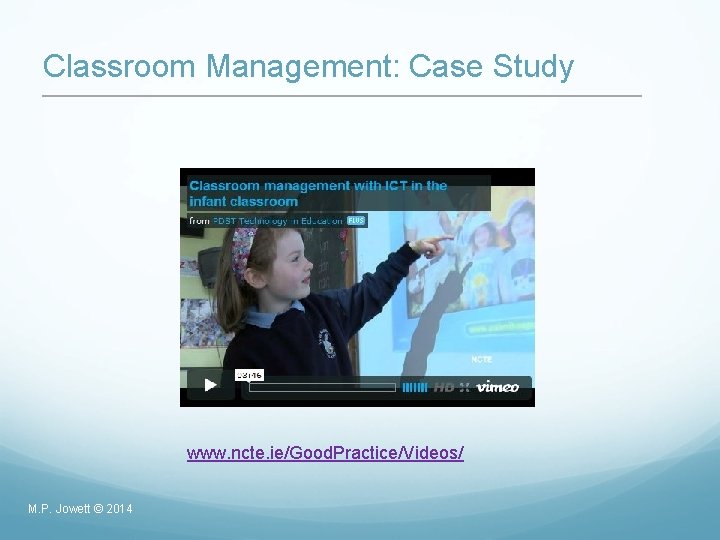
Classroom Management: Case Study www. ncte. ie/Good. Practice/Videos/ M. P. Jowett © 2014
Classroom Management: Tips • Teaching before technology • Structure and organisation • Have high expectations • Be practical • Employ peer tutoring • Share the load • Be safe M. P. Jowett © 2014
Promethean IWB: Introduction to Promethean IWB in the primary classroom M. P. Jowett © 2014
Promethean IWB: Discussion How do you currently use your IWB in the classroom? How do your pupils currently use the IWB? How often do they use it? What are the advantages and disadvantages of using the IWB? How you would like to develop skills in this area? M. P. Jowett © 2014
Promethean IWB: Benefits ‘Having an IWB in your classroom won't make you an effective teacher any more than sitting in a henhouse will make you a chicken. ’ - Chris Betcher http: //www. slideshare. net/betchaboy/why-iwbs, 2009 M. P. Jowett © 2014
Promethean IWB: Benefits o o o The computer becomes a shared resource. The IWB accommodates different learning styles. Immediate access to the Internet. Pupils can actively engage with material, manipulate learning objects and receive instant feedback. Notes, discussions and lessons can be saved and accessed at will. M. P. Jowett © 2014
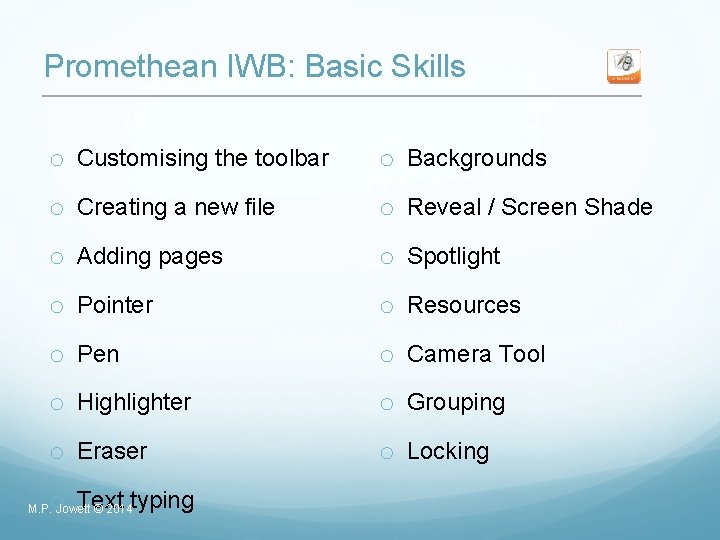
Promethean IWB: Basic Skills o Customising the toolbar o Backgrounds o Creating a new file o Reveal / Screen Shade o Adding pages o Spotlight o Pointer o Resources o Pen o Camera Tool o Highlighter o Grouping o Eraser o Locking o Text typing M. P. Jowett © 2014
Promethean IWB: The classroom ‘It’s not about what happens on the board, it’s about what happens because of what happens on the board’ - Chris Betcher http: //www. slideshare. net/betchaboy/why-iwbs , 2009 M. P. Jowett © 2014
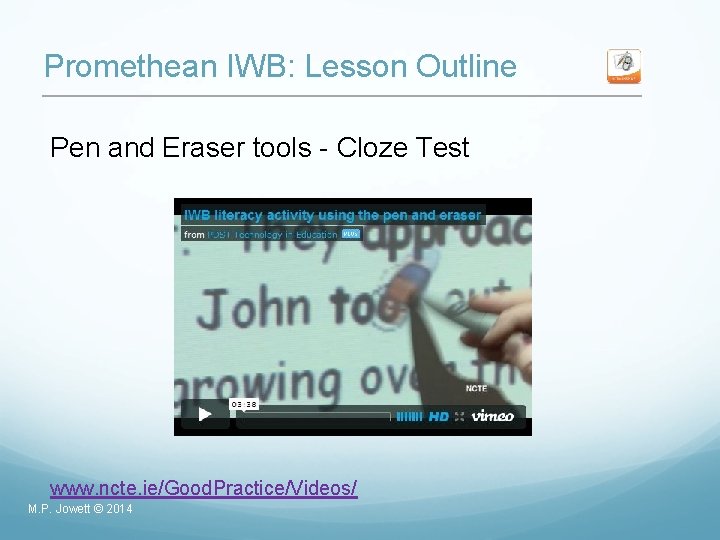
Promethean IWB: Lesson Outline Pen and Eraser tools - Cloze Test www. ncte. ie/Good. Practice/Videos/ M. P. Jowett © 2014
Promethean IWB: Lesson Outlines using Pen and Eraser tools http: //www. ncte. iemedia. NCTE_Pen&Eraser_Lesson_Outlines_IWB_ Mod_1. pdf o Vocabulary o Phonics o Sentence Structure M. P. Jowett © 2014
Promethean IWB: Activity Create and save a resource for your class using the pen and eraser tools. Can you think of other ways in which the pen and eraser tools could be used to support the development of literacy / numeracy in your class? M. P. Jowett © 2014
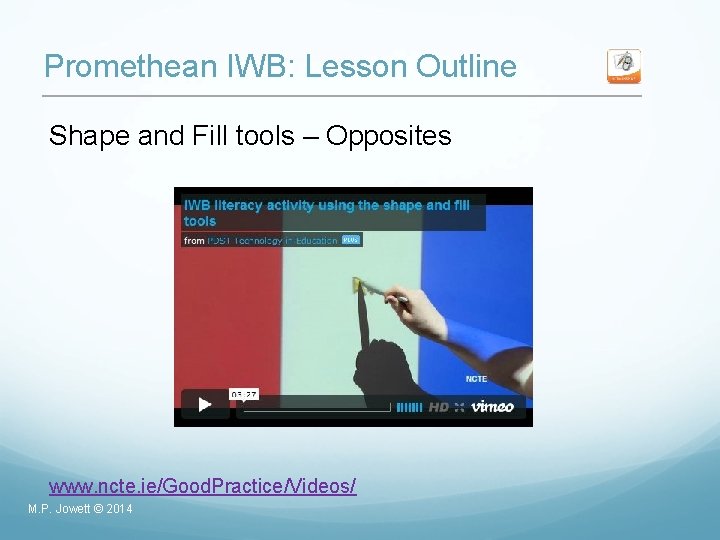
Promethean IWB: Lesson Outline Shape and Fill tools – Opposites www. ncte. ie/Good. Practice/Videos/ M. P. Jowett © 2014
Promethean IWB: Lesson Outlines using Shape and Fill tools http: //www. ncte. ie/media/NCTE_Shape&Fill_Lesson_Outlines _IWB_Mod_1. pdf o Vocabulary o Sorting M. P. Jowett © 2014
Promethean IWB: Activity Please create and save a resource for your class using the shape and fill tools. Can you think of any other ways in which shape and fill tools could be used to support the development of literacy in your class? M. P. Jowett © 2014
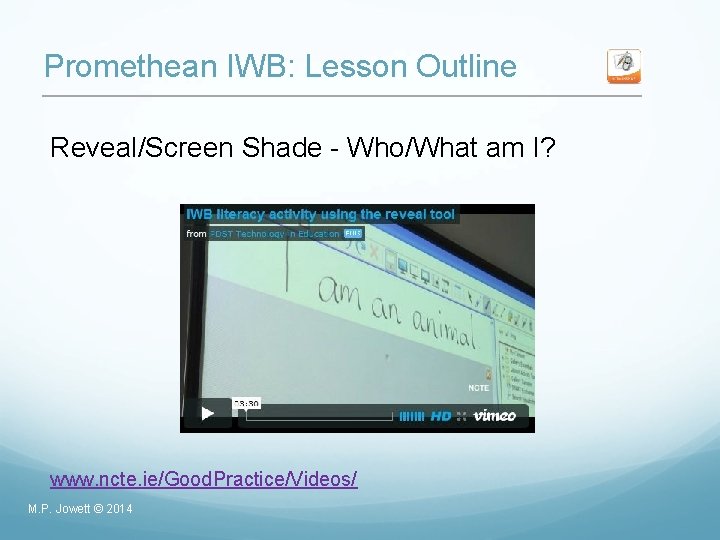
Promethean IWB: Lesson Outline Reveal/Screen Shade - Who/What am I? www. ncte. ie/Good. Practice/Videos/ M. P. Jowett © 2014
Promethean IWB: Lesson Outlines for Reveal/Screen Shade http: //www. ncte. ie/media/NCTE_Reveal_Lesson_Outlines_IW B_Mod_1. pdf o Reveal a picture – Vocabulary development o What happens next? - Sequencing M. P. Jowett © 2014
Promethean IWB: Activity Create and save a resource for your class using the reveal tools. Can you think of other ways in which reveal tools could be used to support the development of literacy in your class? M. P. Jowett © 2014
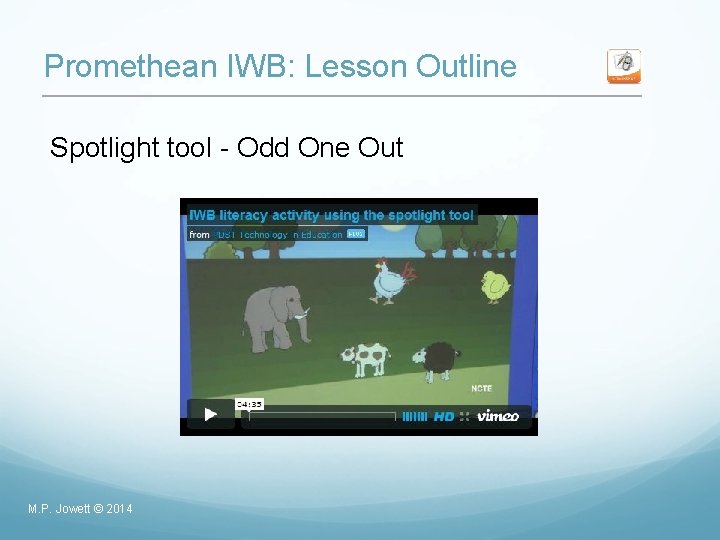
Promethean IWB: Lesson Outline Spotlight tool - Odd One Out M. P. Jowett © 2014
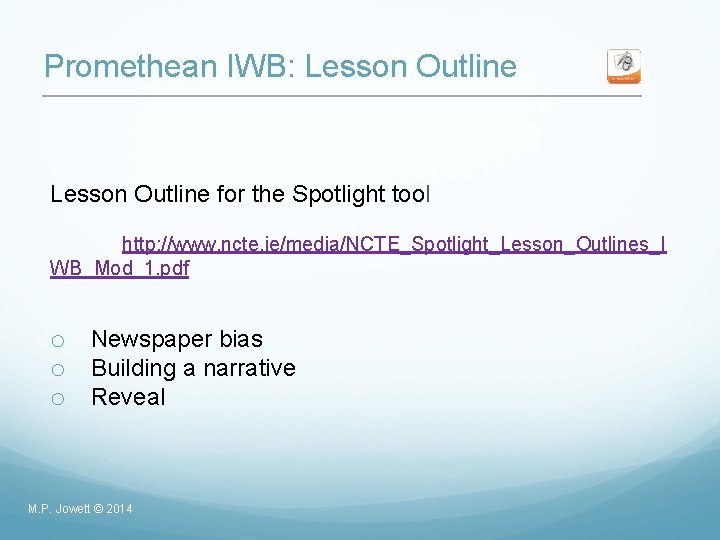
Promethean IWB: Lesson Outline for the Spotlight tool http: //www. ncte. ie/media/NCTE_Spotlight_Lesson_Outlines_I WB_Mod_1. pdf o Newspaper bias o Building a narrative o Reveal M. P. Jowett © 2014
Promethean IWB: Activity Create and save a resource for your class using the spotlight tool. Can you think of other ways in which the spotlight tool could be used to support the development of literacy in your class? M. P. Jowett © 2014
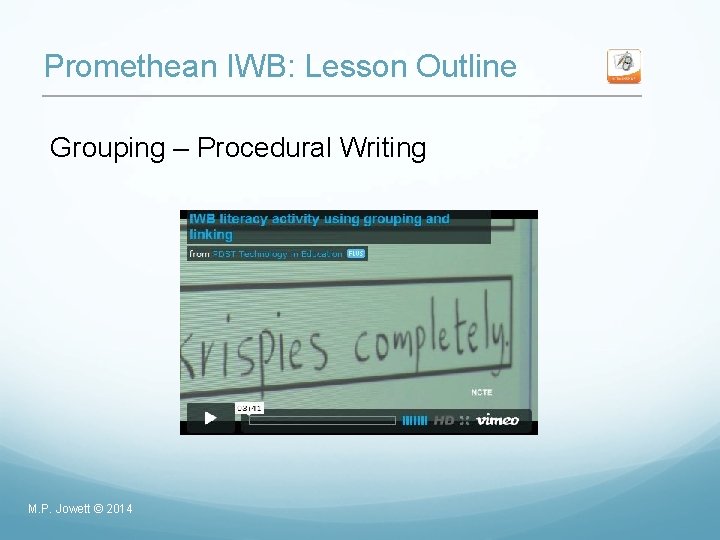
Promethean IWB: Lesson Outline Grouping – Procedural Writing M. P. Jowett © 2014
Promethean IWB: Lesson Outline using Grouping http: //www. ncte. ie/media/NCTE_Grouping_Lesson_Outlines_ IWB_Mod_2. pdf o Attendance M. P. Jowett © 2014
Promethean IWB: Activity Create and save a resource for your class using grouping. Can you think of other ways in which the grouping could be used to support the development of literacy in your class? M. P. Jowett © 2014
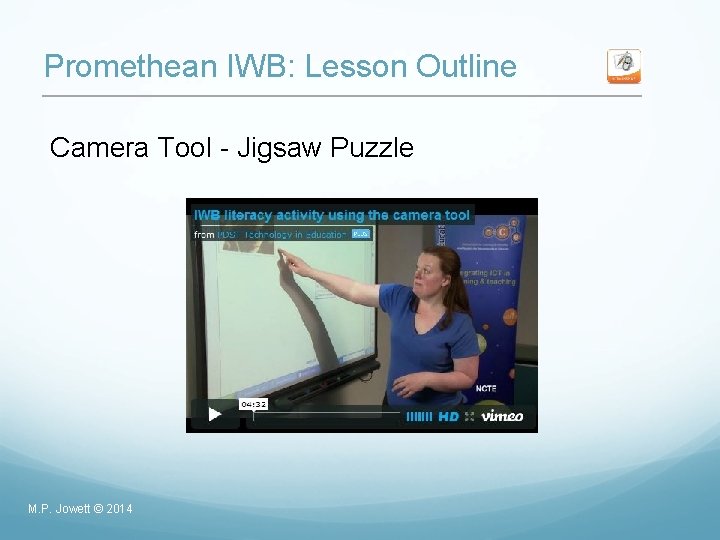
Promethean IWB: Lesson Outline Camera Tool - Jigsaw Puzzle M. P. Jowett © 2014
Promethean IWB: Lesson Outline Lesson activity using the Camera tool o Capturing part of a website – article from a newspaper, online etc. o Capturing images. o Capturing graphics – weather forecast chart, temperatures etc. M. P. Jowett © 2014
Promethean IWB: Activity Create and save a resource for your class using the Camera tool. Can you think of other ways in which the Camera tool could be used to support the development of literacy in your class? M. P. Jowett © 2014
Module 4 – The Plan ✔ o Discuss classroom management with ICT o Explore some of the Promethean IWB tools ✔ o Explore useful resources for literacy and numeracy with specific reference to Promethean IWB o Download and modify a resource(s) for IWB o Discuss Internet Safety M. P. Jowett © 2014
Promethean IWB: Online Resources for your IWB M. P. Jowett © 2014
Promethean IWB: Online Resources o http: //teachercpd. ie/course/view. php? id=158 o Select a resource that you might use for your class group to develop either literacy or numeracy. o Download the resource. o Using the skills you have covered in this course, change one aspect of the resource. o Save resource under a new name. M. P. Jowett © 2014
Promethean IWB: Classroom Application o o o o o M. P. Jowett © 2014 Using a picture Sorting Using written prompts Text disclosure Annotation Shared Reading Story Writing Drag and Drop Sequencing
Promethean IWB: Hints and Tips o Keep it simple - Allow the pupils to create some of the resources as part of a free time activity. The interest level soars when children are using material created by themselves or their peers. o Share - Make sure that the IWB is not just a ‘teacher toy’! The power of the IWB lies in its interactivity, let the pupils have their turn both in creating and using resources. o Be prepared - Things can and will go wrong with technology. Don’t panic. Have a list of commonly occurring issues and a backup plan! M. P. Jowett © 2014
Promethean IWB: Hints and Tips Use personalised resources - Where possible, and subject to copyright permissions, use images of the pupils or their work for your interactive whiteboard resources and watch the interest levels soar! Don’t reinvent the wheel - There are thousands of IWB resources online, which have been created by teachers. There is bound to be something to meets your needs – download it and modify! M. P. Jowett © 2014
Module 4 – The Plan ✔ o Discuss classroom management with ICT o Explore some of the Promethean IWB tools ✔ ✔ o Explore useful resources for literacy and numeracy with specific reference to Promethean IWB ✔ o Download and modify a resource(s) for IWB o Discuss Internet Safety M. P. Jowett © 2014
Internet Safety M. P. Jowett © 2014
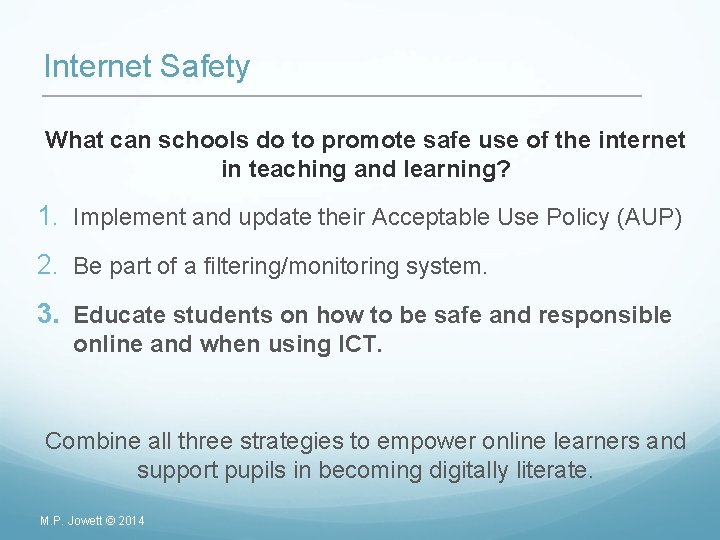
Internet Safety What can schools do to promote safe use of the internet in teaching and learning? 1. Implement and update their Acceptable Use Policy (AUP) 2. Be part of a filtering/monitoring system. 3. Educate students on how to be safe and responsible online and when using ICT. Combine all three strategies to empower online learners and support pupils in becoming digitally literate. M. P. Jowett © 2014
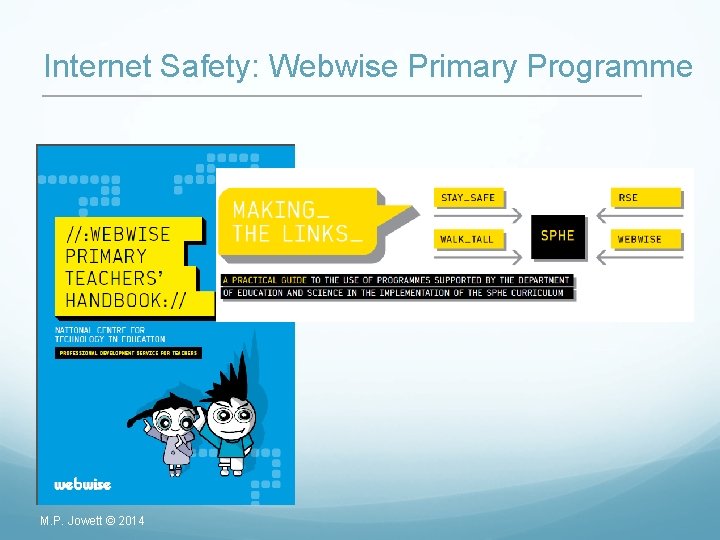
Internet Safety: Webwise Primary Programme M. P. Jowett © 2014
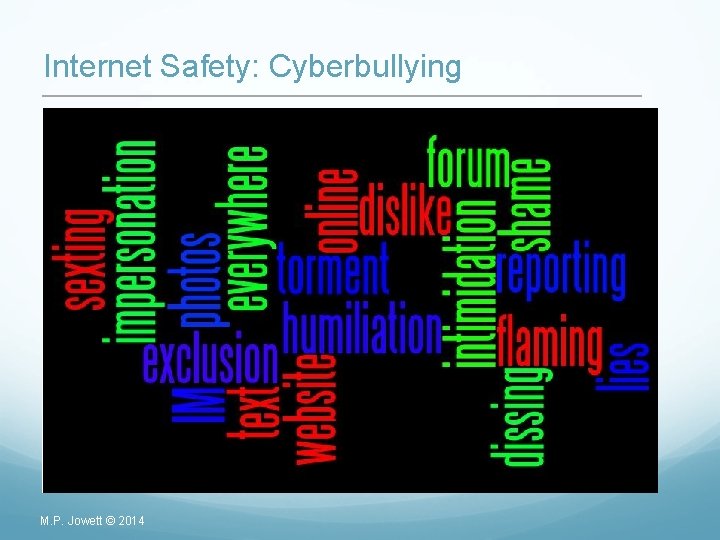
Internet Safety: Cyberbullying M. P. Jowett © 2014
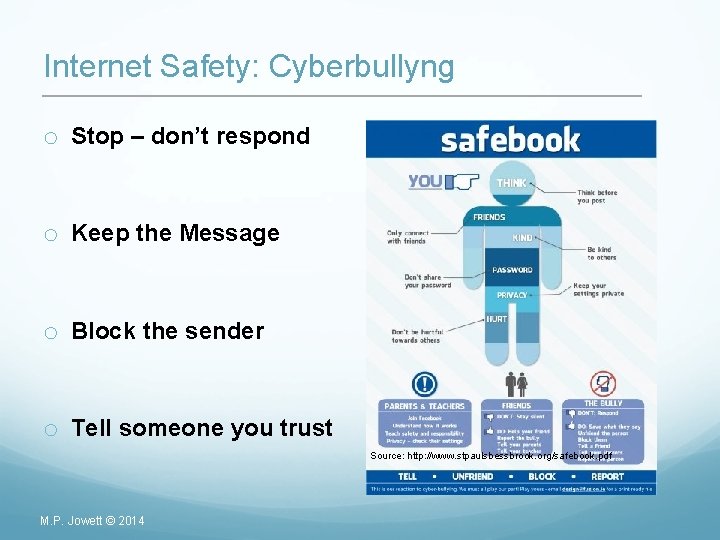
Internet Safety: Cyberbullyng o Stop – don’t respond o Keep the Message o Block the sender o Tell someone you trust Source: http: //www. stpaulsbessbrook. org/safebook. pdf M. P. Jowett © 2014
Module 4 – The Plan ✔ o Discuss classroom management with ICT o Explore some of the Promethean IWB tools ✔ ✔ o Explore useful resources for literacy and numeracy with specific reference to Promethean IWB ✔ o Download and modify a resource(s) for IWB ✔ o Discuss Internet Safety M. P. Jowett © 2014
M. P. Jowett © 2014
Congratulations! M. P. Jowett © 2014