
Using IBM Lotus Notes 8 Productivity Series The
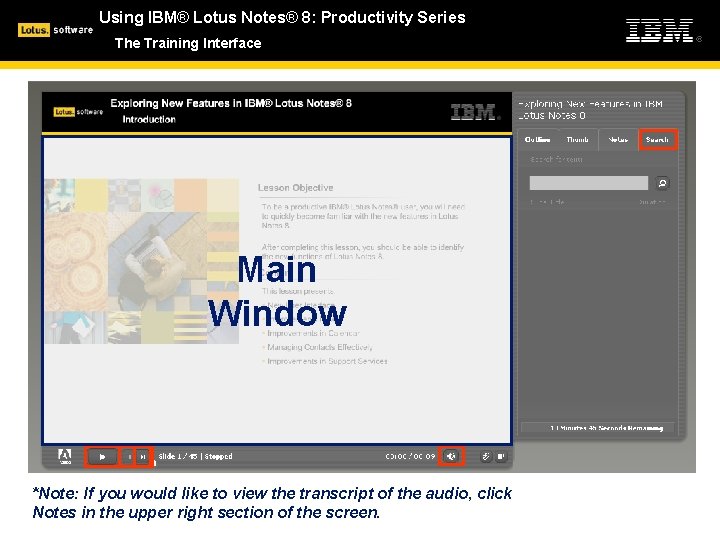
Using IBM® Lotus Notes® 8: Productivity Series The Training Interface Main Window *Note: If you would like to view the transcript of the audio, click Notes in the upper right section of the screen.
Using IBM® Lotus Notes® 8: Productivity Series Notes 101: Taming Your Inbox Topic Objective Using your mail efficiently will allow you to easily and quickly perform the functions necessary to complete your work. After completing this topic, you should have the skills necessary to use your mail efficiently. Content This topic presents: §Display Icons §Sorting Options §Conversation View §Color Coding Messages §Manage Your Mail Using Quick. Rules §Filing E-Mail in Folders §Mailbox Full
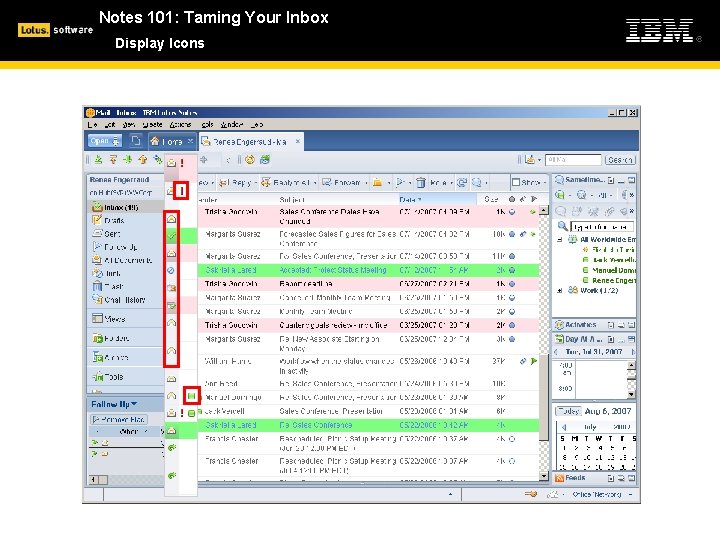
Notes 101: Taming Your Inbox Display Icons
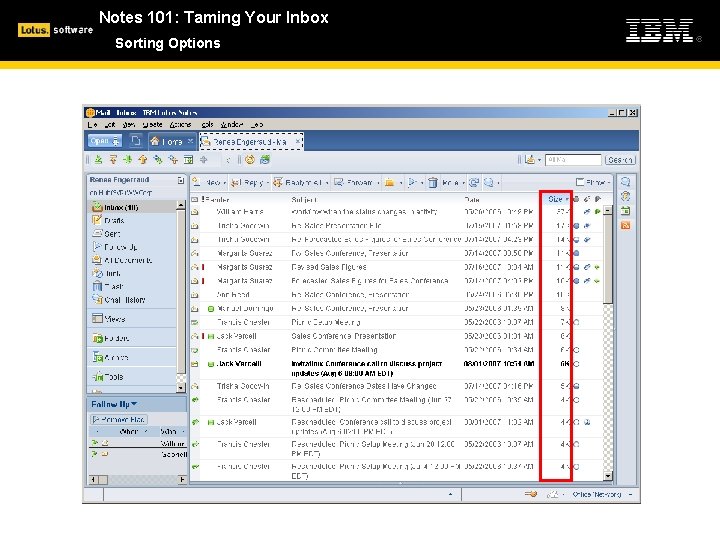
Notes 101: Taming Your Inbox Sorting Options
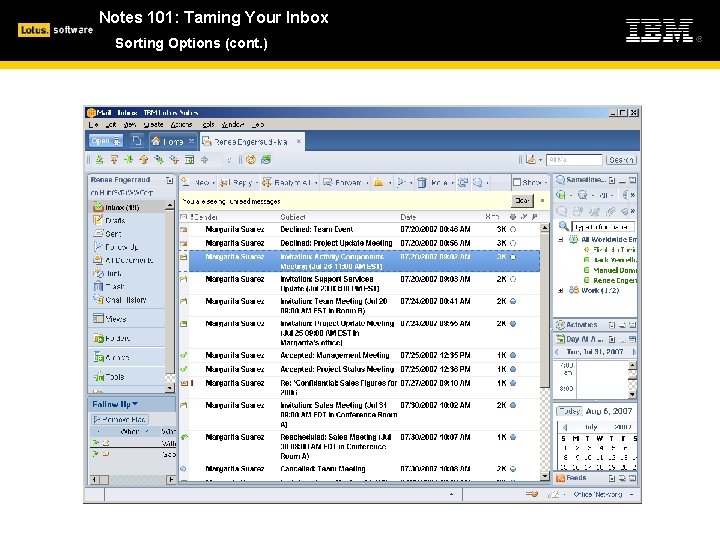
Notes 101: Taming Your Inbox Sorting Options (cont. )
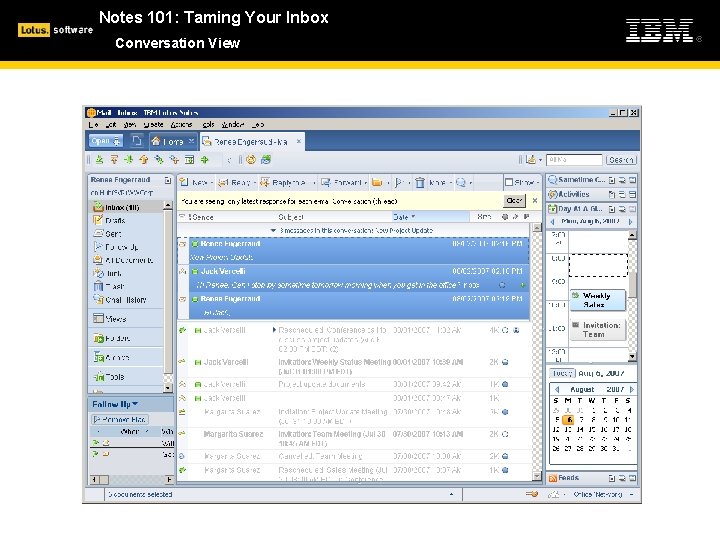
Notes 101: Taming Your Inbox Conversation View
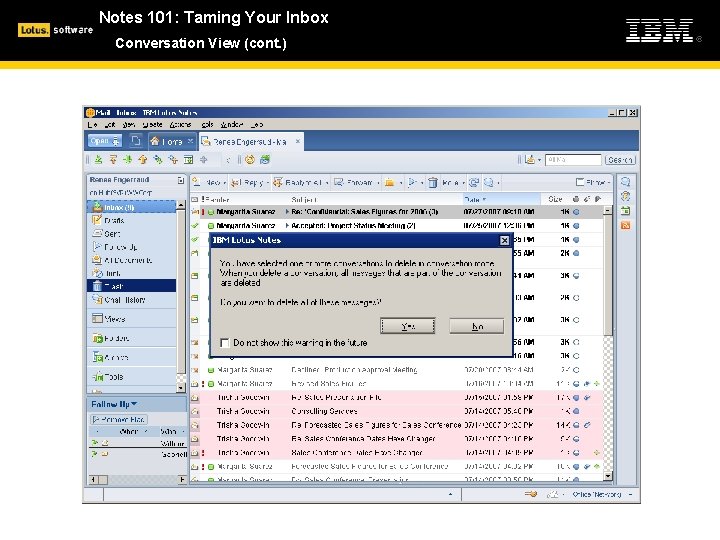
Notes 101: Taming Your Inbox Conversation View (cont. )
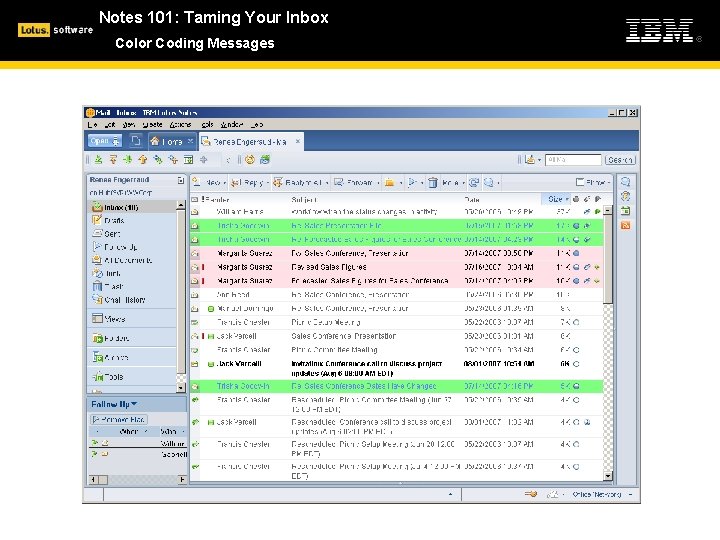
Notes 101: Taming Your Inbox Color Coding Messages
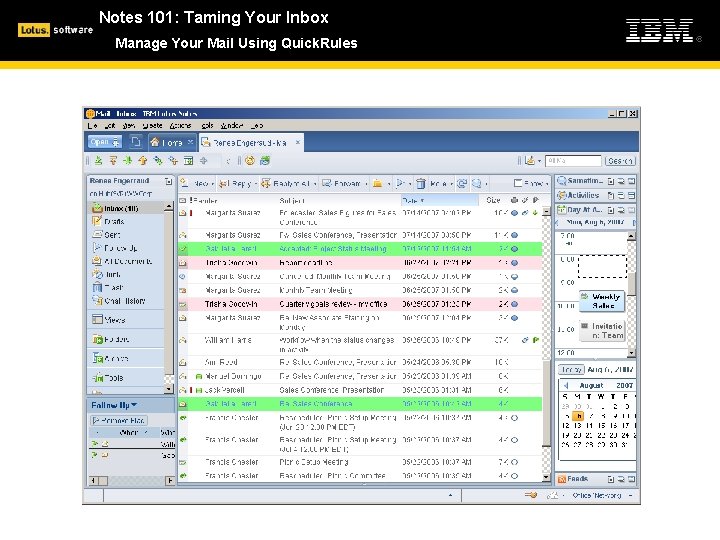
Notes 101: Taming Your Inbox Manage Your Mail Using Quick. Rules
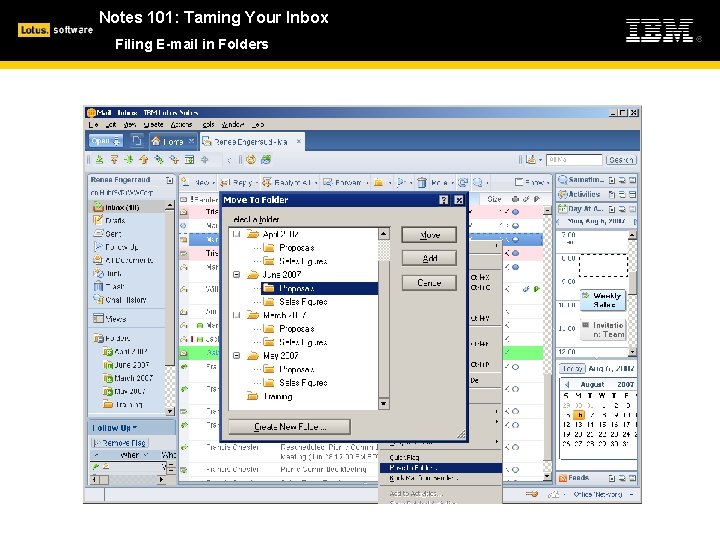
Notes 101: Taming Your Inbox Filing E-mail in Folders
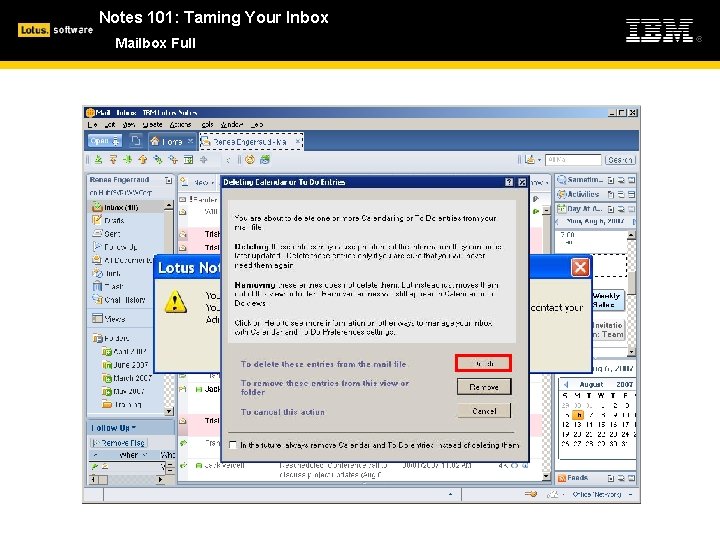
Notes 101: Taming Your Inbox Mailbox Full
Notes 101: Taming Your Inbox Summary In this topic, you explored the most efficient ways you can use your IBM Lotus Notes 8 mail.
- Slides: 12