
Using IBM Lotus Notes 8 Productivity Series The
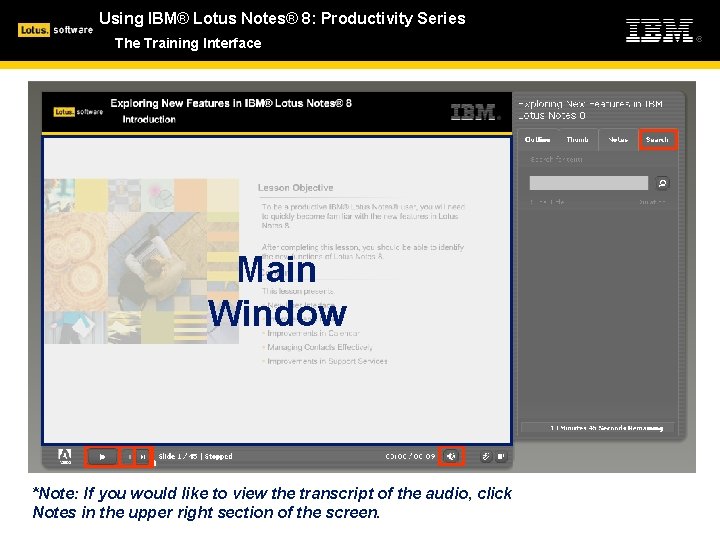
Using IBM® Lotus Notes® 8: Productivity Series The Training Interface Main Window *Note: If you would like to view the transcript of the audio, click Notes in the upper right section of the screen.
Using IBM® Lotus Notes® 8: Productivity Series Notes 101: The Basics Topic Objective The ability to identify and customize your new Lotus Notes® 8 client will help you easily transition and use the improved features. After completing this topic, you should be able to successfully identify the aspects of the Lotus Notes 8 user interface, and how to customize them to work most effectively for you. Content This topic presents: § Customizing My Home Page § Viewing Thumbnails § Launching My Applications § What are Sidebar Plug-ins? § Searching Everywhere § Setting My Preferences § Where is Help When I Need It?
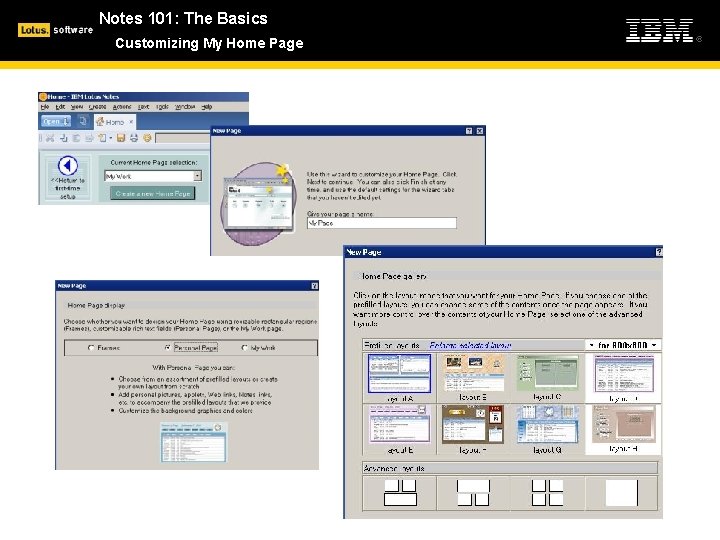
Notes 101: The Basics Customizing My Home Page
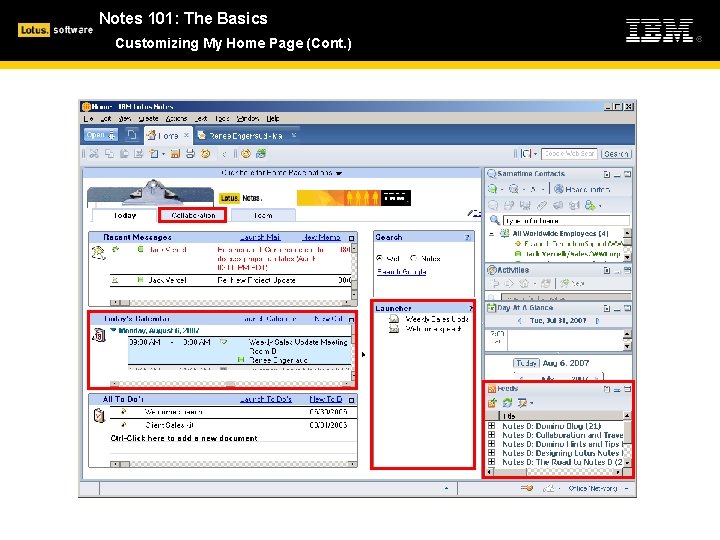
Notes 101: The Basics Customizing My Home Page (Cont. )
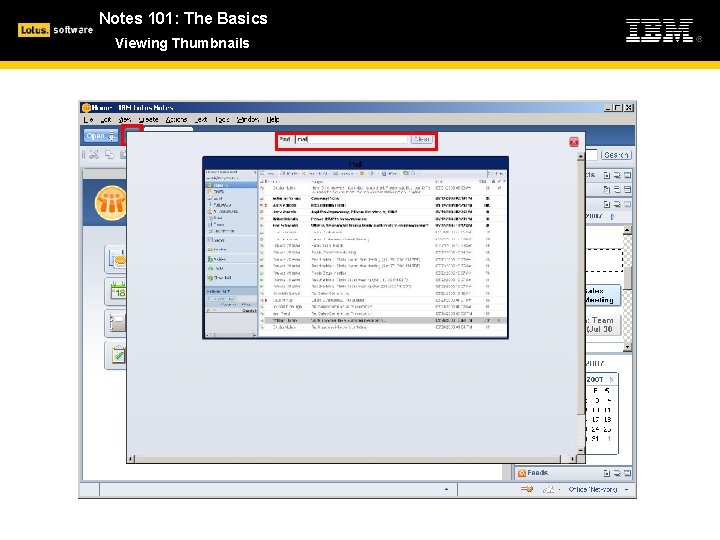
Notes 101: The Basics Viewing Thumbnails
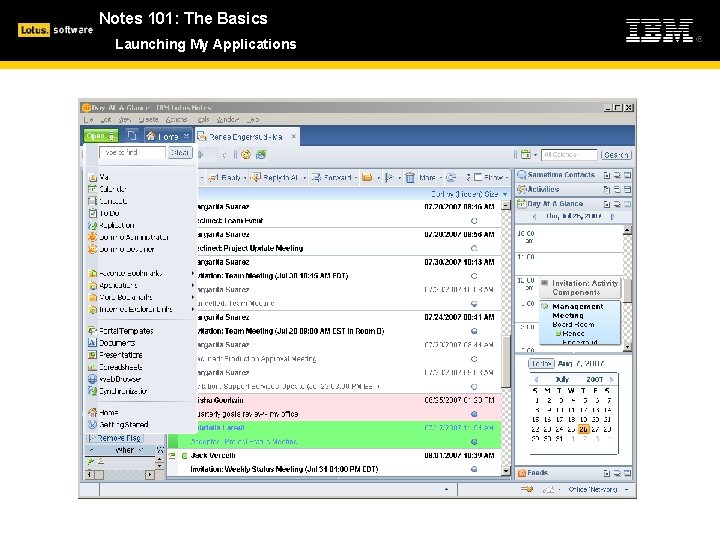
Notes 101: The Basics Launching My Applications
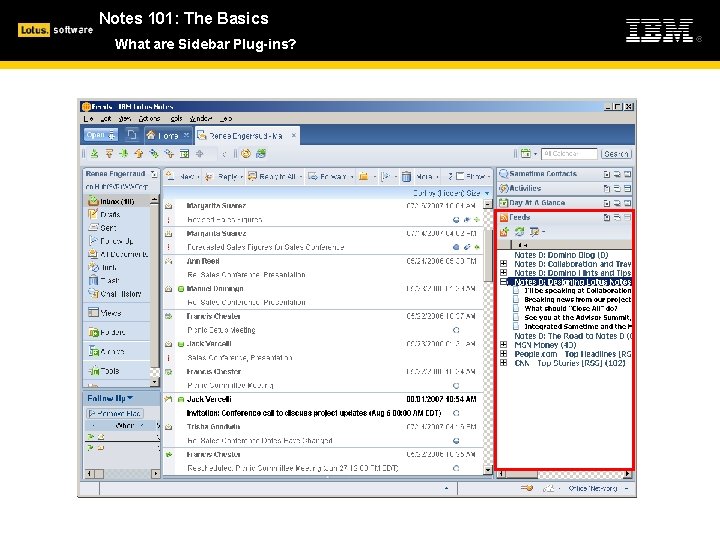
Notes 101: The Basics What are Sidebar Plug-ins?
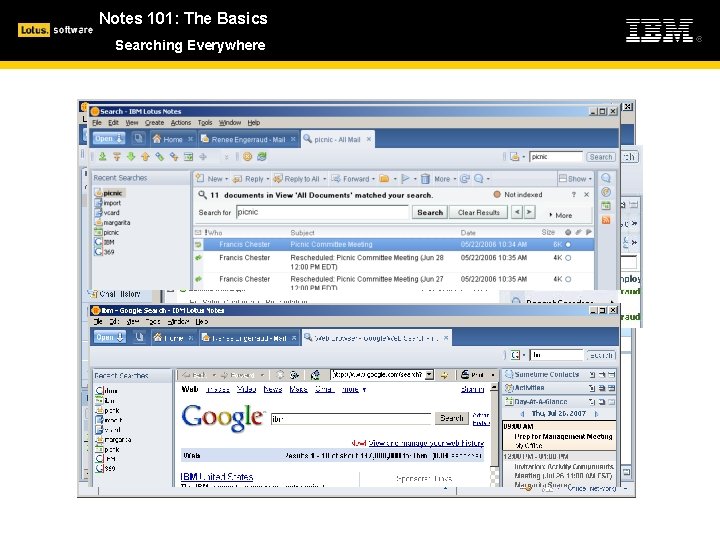
Notes 101: The Basics Searching Everywhere
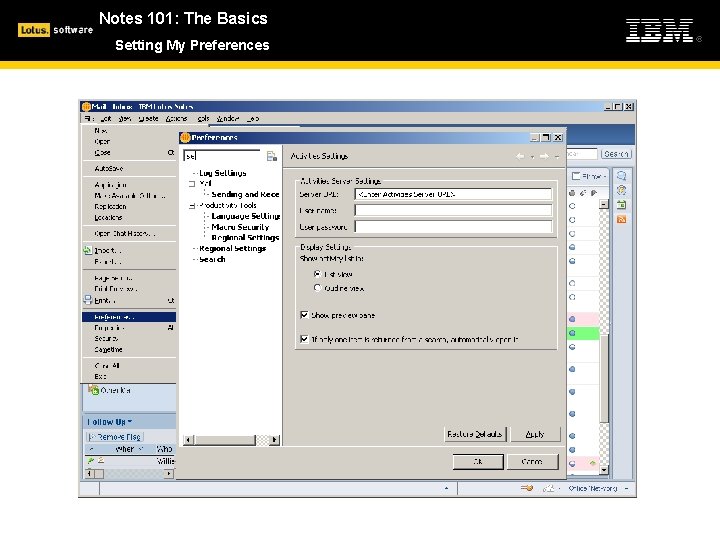
Notes 101: The Basics Setting My Preferences
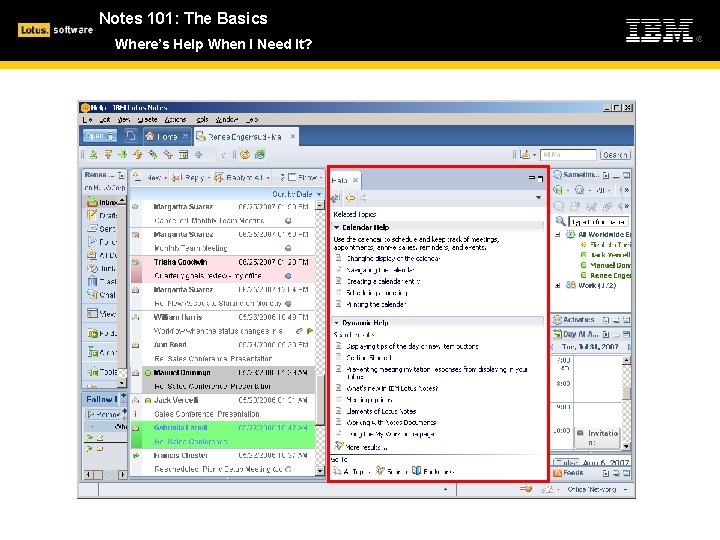
Notes 101: The Basics Where’s Help When I Need It?
Notes 101: The Basics Summary In this topic, you examined the aspects of the IBM® Lotus Notes® 8 user interface, and the ways it can be customized to improve your productivity.
- Slides: 11