
Using Google Plus Skills Use Google Plus Concepts

- Slides: 25
Using Google Plus Skills: Use Google Plus Concepts: Ongoing improvement and change in network applications, wire-frame diagram This work is licensed under a Creative Commons Attribution-Noncommercial-Share Alike 3. 0 License.
Where does this topic fit? • Internet concepts – Applications – Technology – Implications • Internet skills – Application development – Content creation – User skills
Demo/play How do I: Create a new post? Edit an old post? See posts from people in your circles? Add/remove people from circles? Search for posts? Create and join communities? Find people? See people’s posts and profiles? Use + and # prefixes? Pause to play around with the program. Think about what is in memory, the role of the client and server, etc. while you try it out.
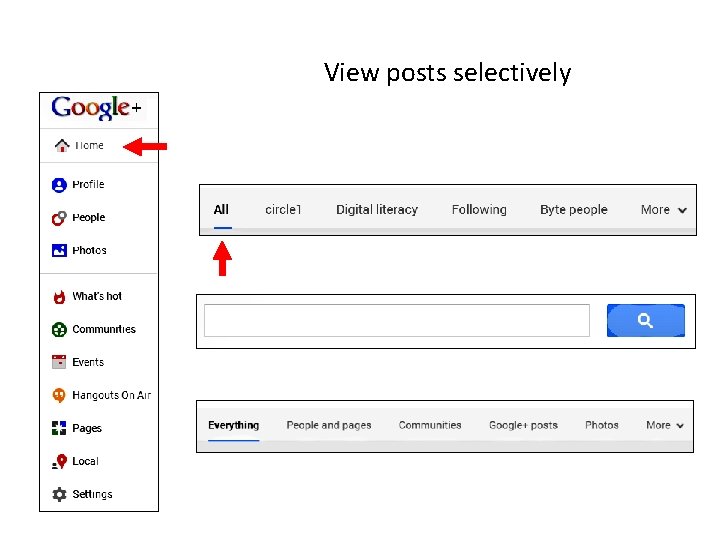
View posts selectively
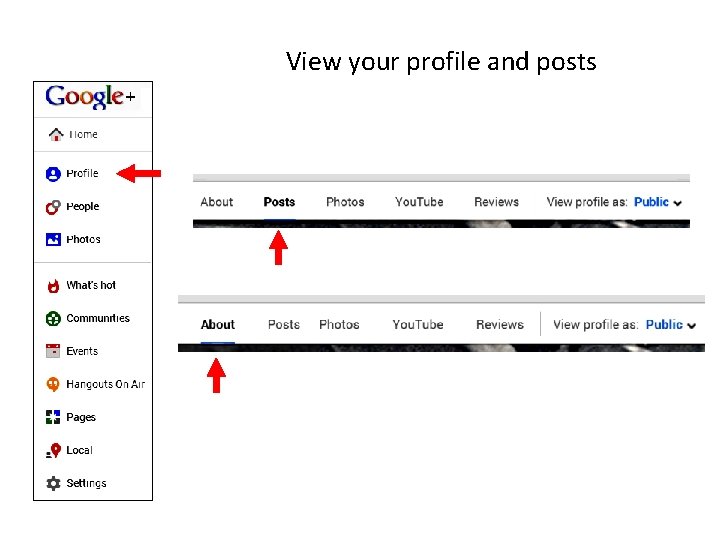
View your profile and posts
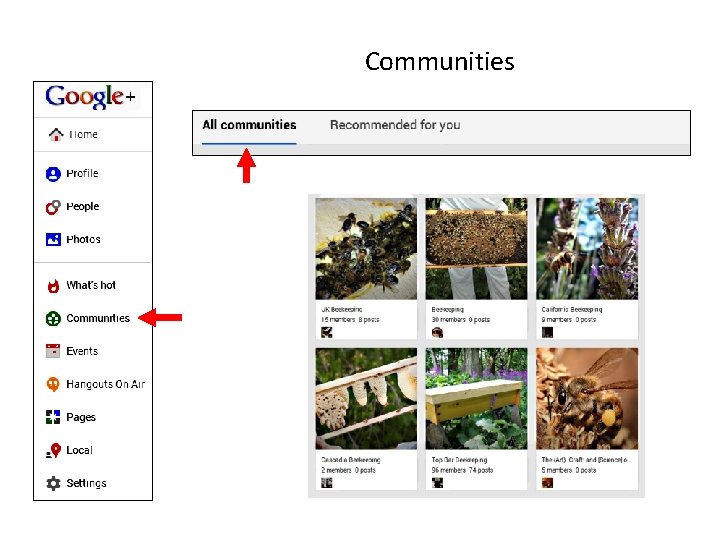
Communities
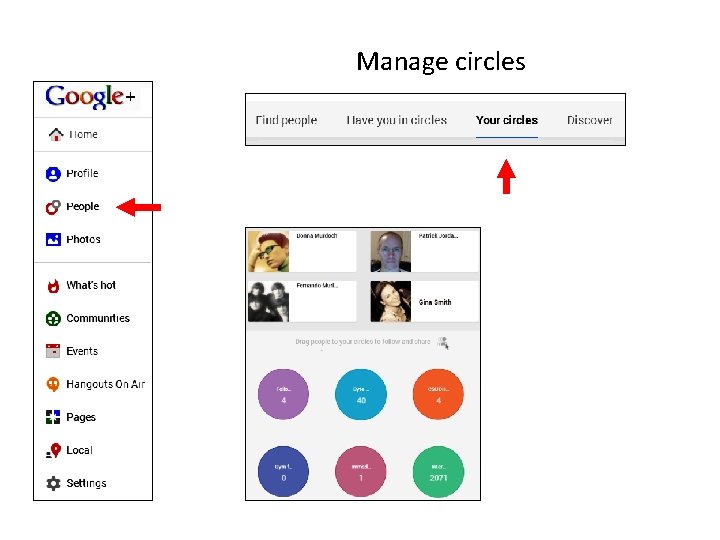
Manage circles
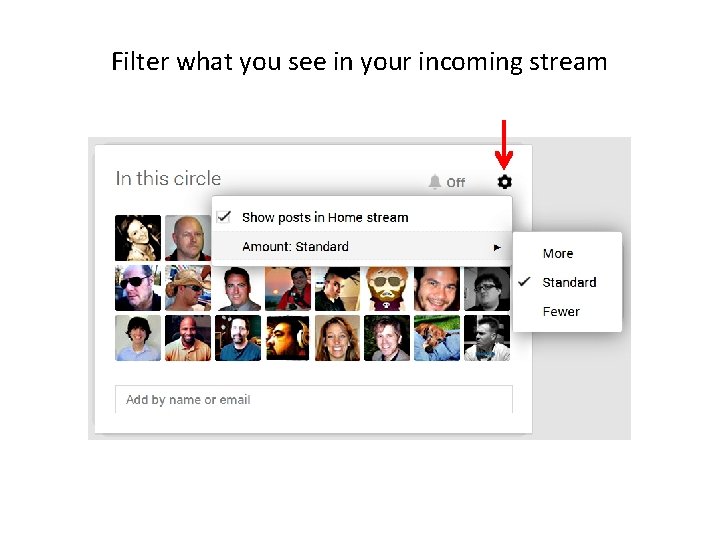
Filter what you see in your incoming stream
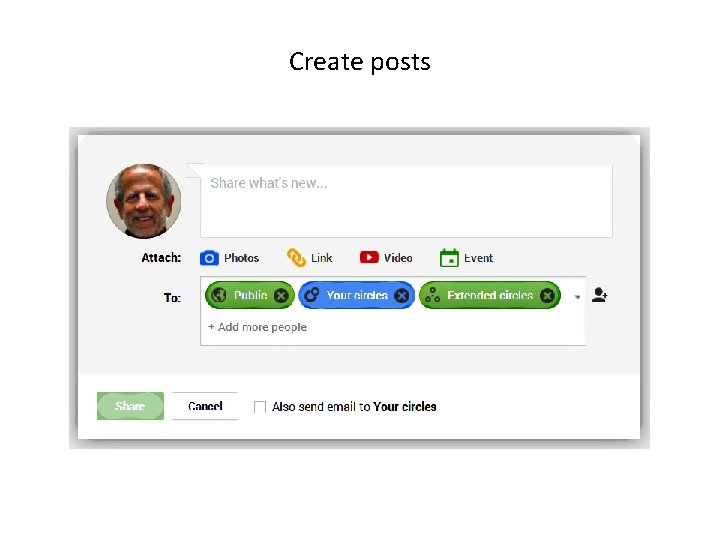
Create posts
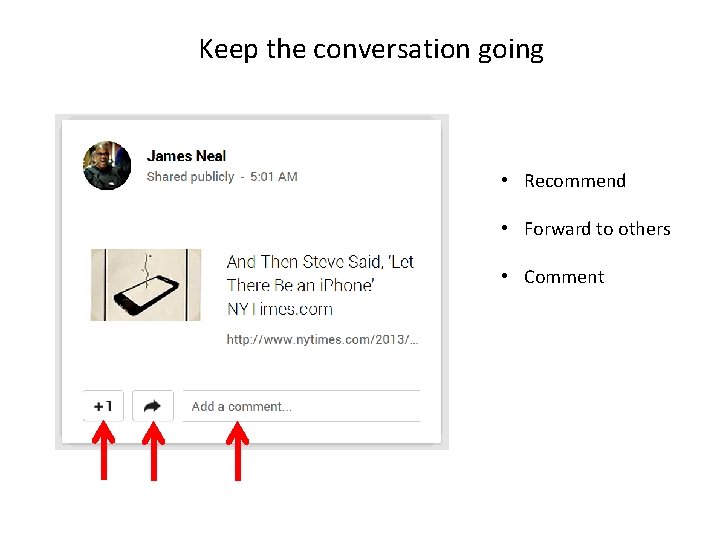
Keep the conversation going • Recommend • Forward to others • Comment
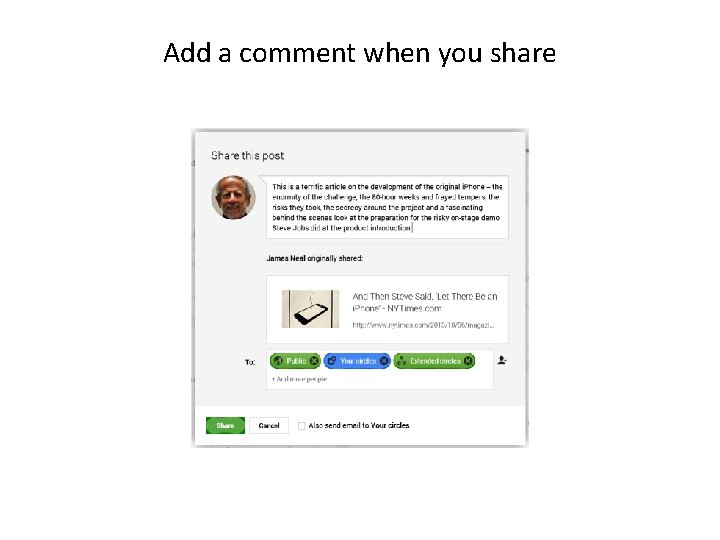
Add a comment when you share
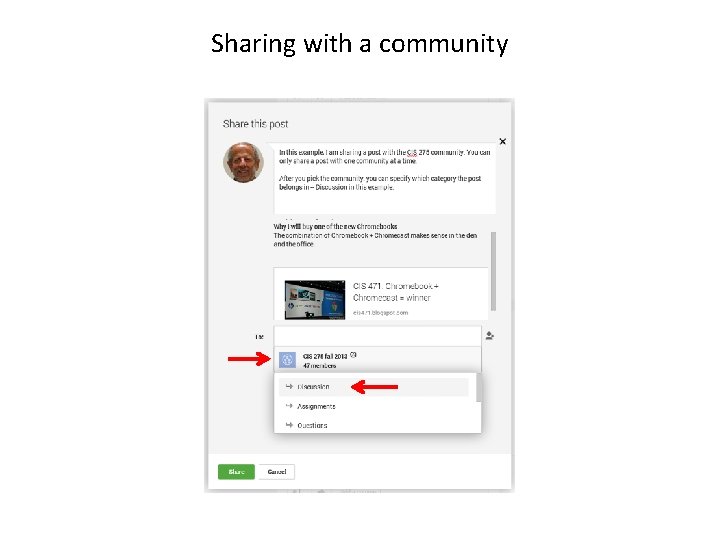
Sharing with a community
Miscellaneous
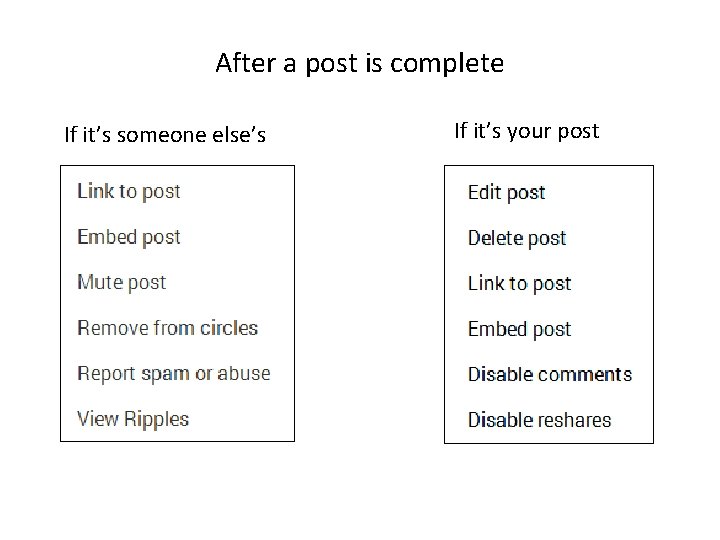
After a post is complete If it’s someone else’s If it’s your post
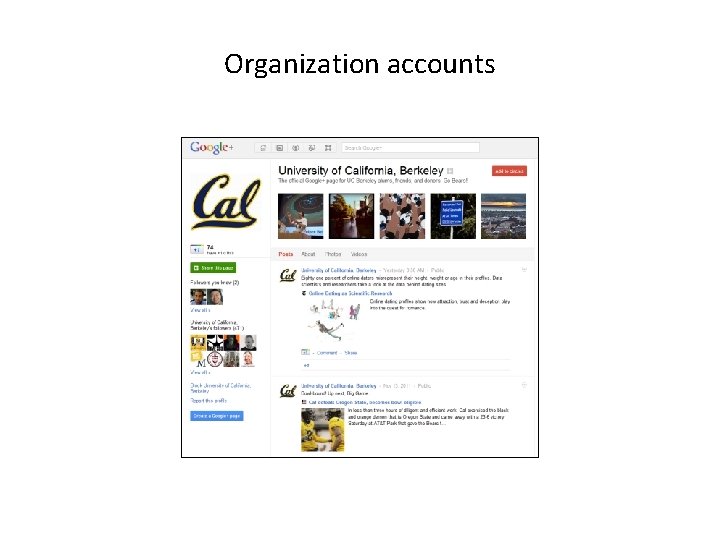
Organization accounts
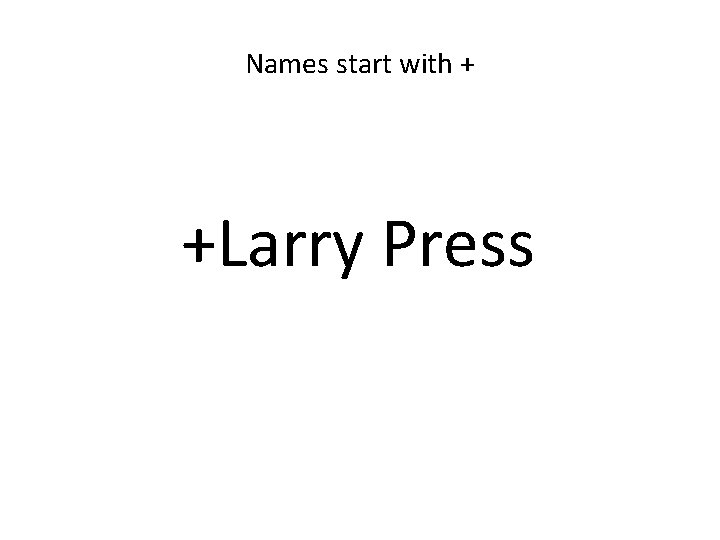
Names start with + +Larry Press
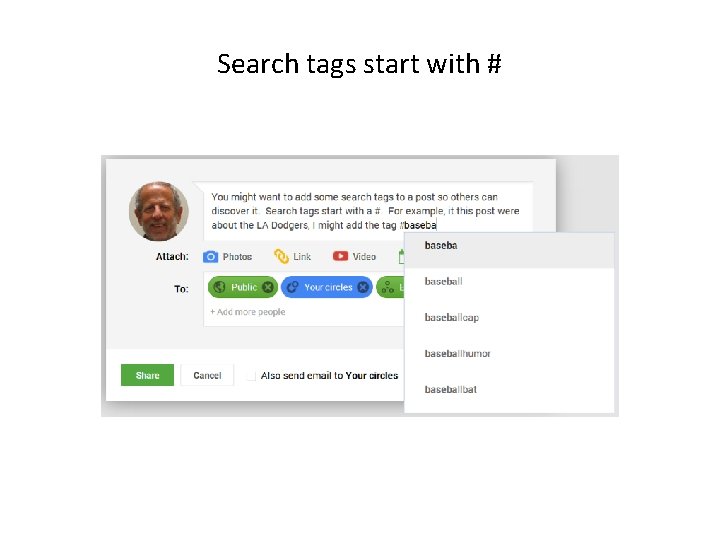
Search tags start with #
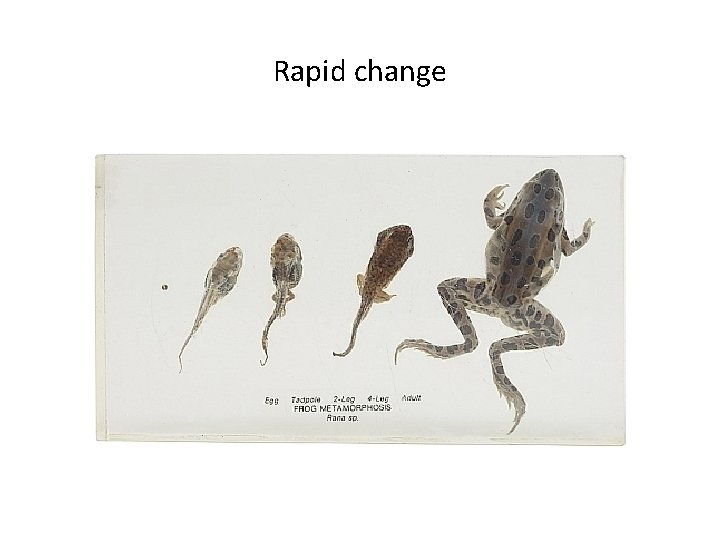
Rapid change
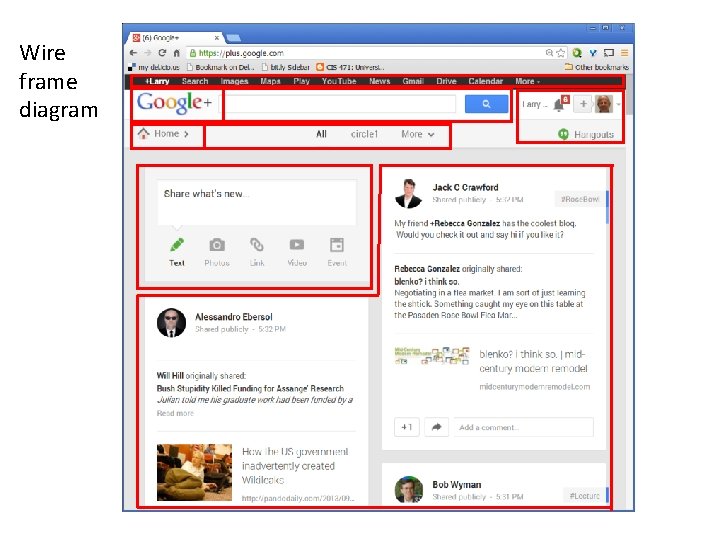
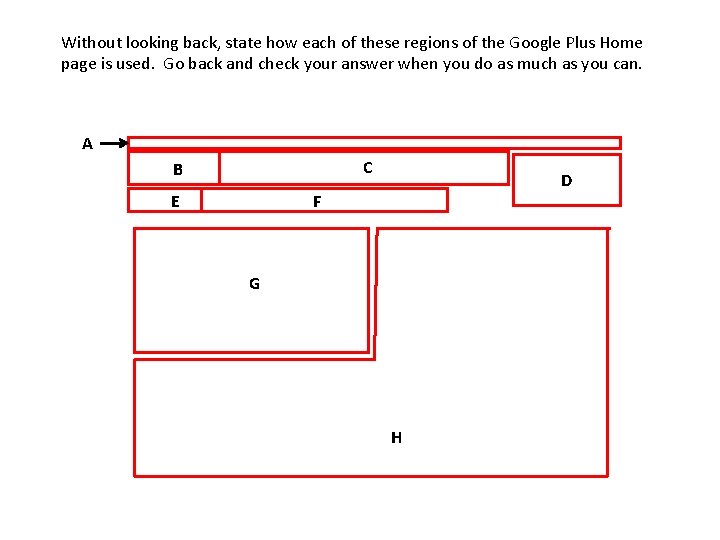
Wire frame diagram
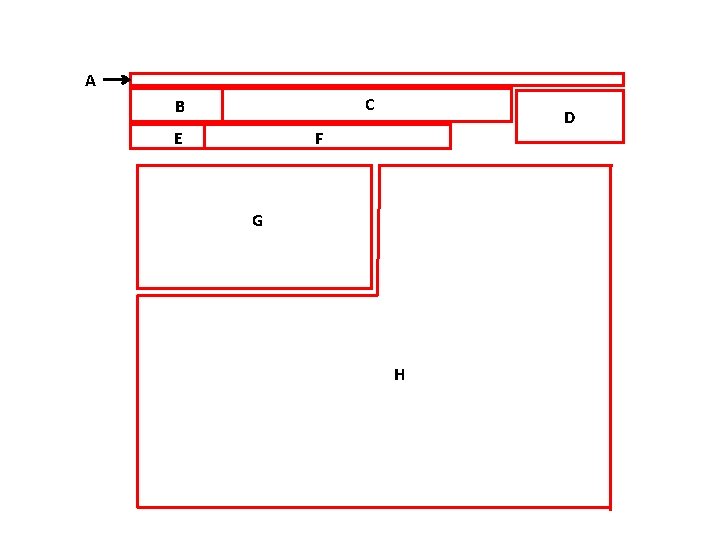
A C B E D F G H
Summary
Self study questions Without looking back can you name the four Google Plus pages we discussed? Briefly describe each page and its use. (next page)
Without looking back, state how each of these regions of the Google Plus Home page is used. Go back and check your answer when you do as much as you can. A C B E D F G H
Resources Get a Google Plus account at: http//plus. google. com Google Plus help: http: //www. google. com/support/plus/? hl=en Five things Google Plus does better than Facebook or Twitter: http: //bit. ly/t. HS 3 xd Hangouts on air help: https: //support. google. com/plus/bin/answer. py? hl=en&answer=255311 9&topic=2553242&rd=1