
Using Fujitsu Tools to Create and Use Taxonomies

- Slides: 19
Using Fujitsu Tools to Create (and Use) Taxonomies Efficiently Cormac Mc. Kenna Fujitsu Software Corporation, Fujitsu House, South County Business Park, Leopardstown, Dublin 18, Ireland. cmckenna@fsw. fujitsu. com www. fujitsu. com/interstage
Fujitsu XBRL Tools: XWand • XWand Manager – Taxonomy development environment – Instance document submission • XWand Tools – XBRL Document Editor • XWand API – Application Development Environment
Taxonomy Development • Macro view – Developing taxonomies is a collaborative enterprise – Team based – Distributed • Micro view – Kick starting the process – Power users
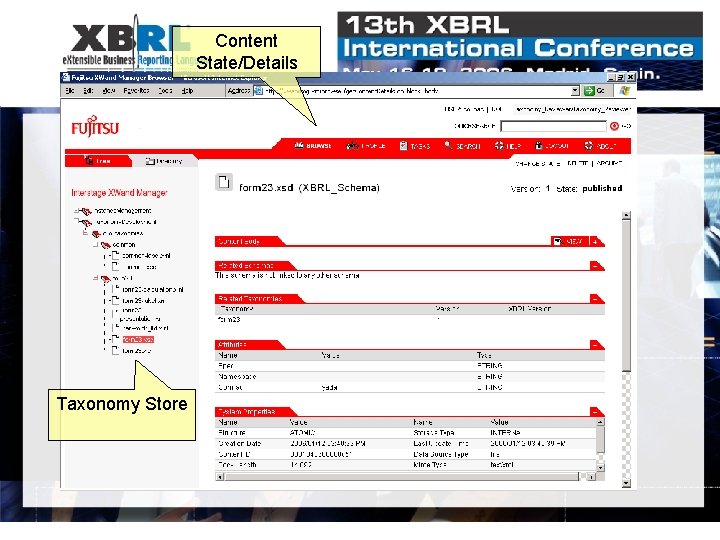
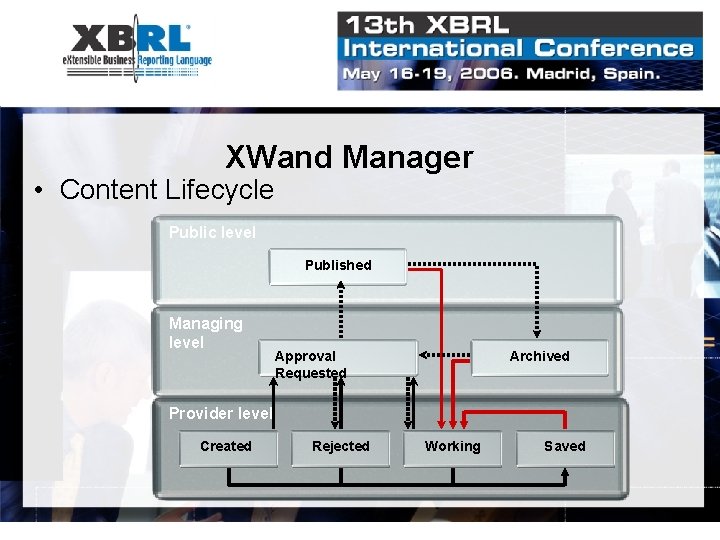
XWand Manager • Web-based – Taxonomy development – Instance document submission • XBRL content store – Schemas, linkbases – Other document types – excel, CSV, etc. – Document searching • Role-based – Manager, developer user • Content lifecycle – Versioning – Task oriented workflow
Content State/Details XWand Manager Taxonomy Store
XWand Manager • Content Lifecycle Public level Published Managing level Approval Requested Archived Provider level Created Rejected Working Saved
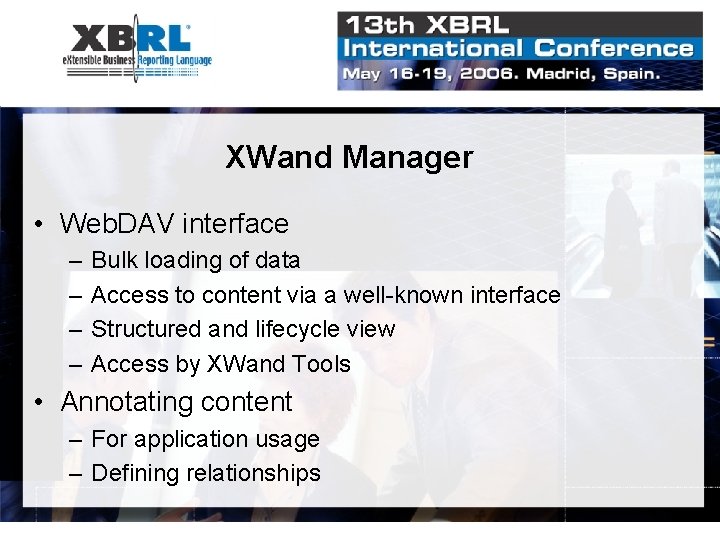
XWand Manager • Web. DAV interface – – Bulk loading of data Access to content via a well-known interface Structured and lifecycle view Access by XWand Tools • Annotating content – For application usage – Defining relationships
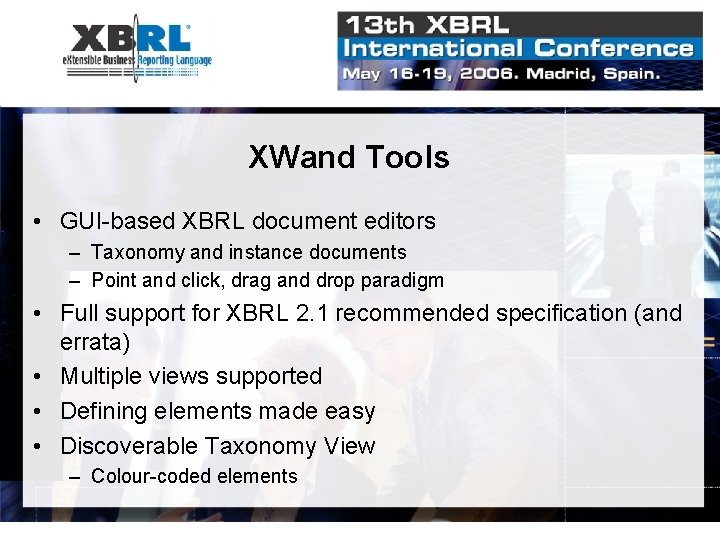
XWand Tools • GUI-based XBRL document editors – Taxonomy and instance documents – Point and click, drag and drop paradigm • Full support for XBRL 2. 1 recommended specification (and errata) • Multiple views supported • Defining elements made easy • Discoverable Taxonomy View – Colour-coded elements
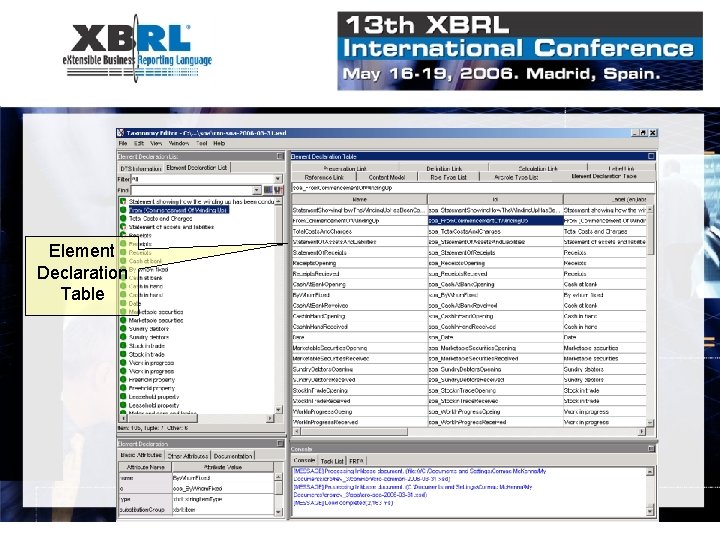
XWand Tools: Advanced Use Cases • Defining from existing forms – Using the element declaration table • URI Mapping – Local access for remote taxonomies
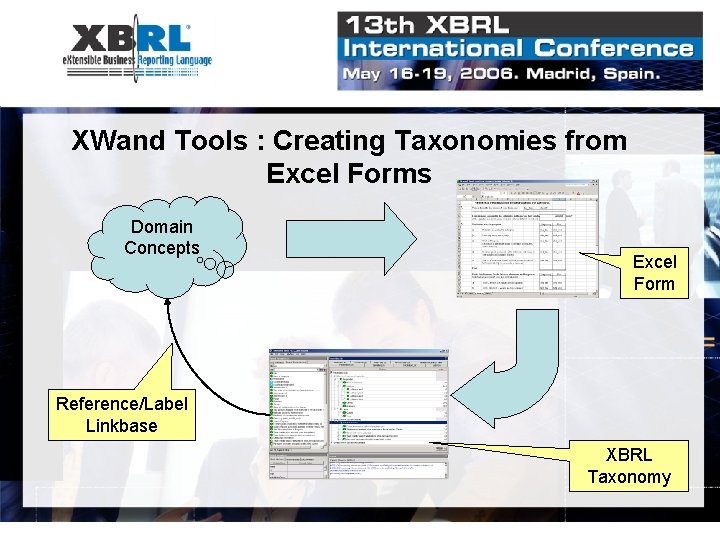
XWand Tools : Creating Taxonomies from Excel Forms Domain Concepts Excel Form Reference/Label Linkbase XBRL Taxonomy
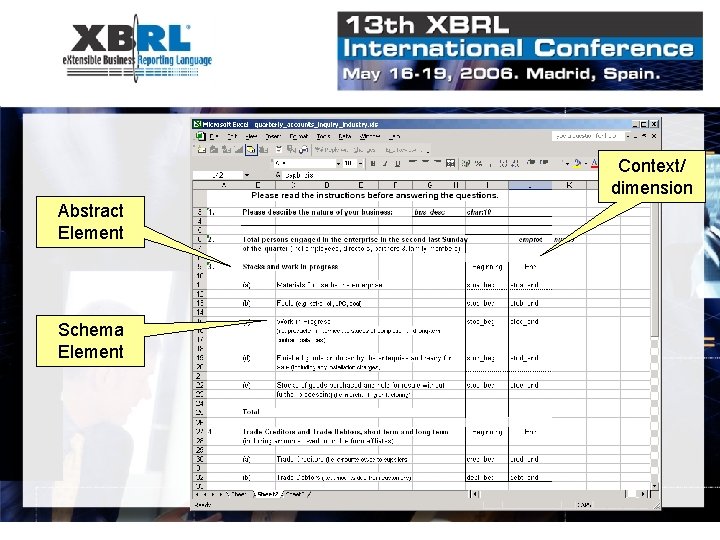
XWand Tools Abstract Element Schema Element Context/ dimension
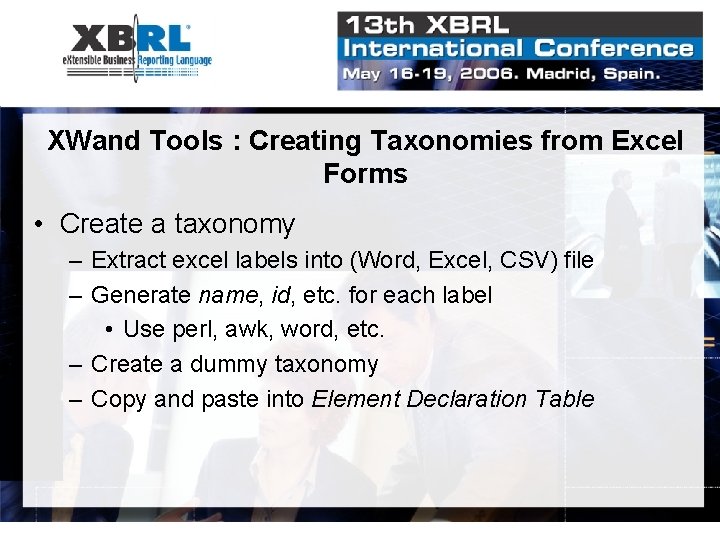
XWand Tools : Creating Taxonomies from Excel Forms • Create a taxonomy – Extract excel labels into (Word, Excel, CSV) file – Generate name, id, etc. for each label • Use perl, awk, word, etc. – Create a dummy taxonomy – Copy and paste into Element Declaration Table
XWand Tools Element Declaration Table
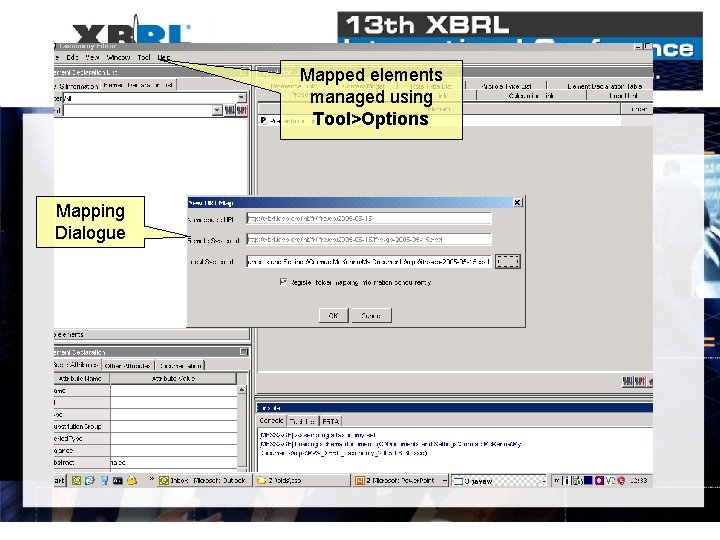
XWand Tools: URI Mapping • Taxonomy component stored remotely – Referenced/Imported taxonomy, linkbase • What if you disconnect? – Store taxonomy locally – Map the remote URL to local file store • Mapping persists – Explicit removal required
Mapped elements managed using Tool>Options Mapping Dialogue
XWand API: Optimisations • For XBRL applications accessing instance documents or taxonomies – – Validating submissions Bulk printing Generating web applications/services Loading/accessing from database
XWand API: Optimisations • Share the taxonomy … – API allows for taxonomy to be cached and associated with instance document stream – Taxonomy only loaded/resolved once • Load only those linkbases you need … – For instance document validation you don’t need presentation, label or reference linkbases – For document printing you (probably) don’t need reference linkbases
XWand: Summary • Full support for collaborative workplace • Supporting both expert and novice • Optimisations to increase responsiveness and throughput • Questions?