
Using Encryption with Microsoft SQL Server 2000 Kevin

- Slides: 38
Using Encryption with Microsoft SQL Server 2000 Kevin Mc. Donnell Technical Lead SQL Server Support Microsoft Corporation
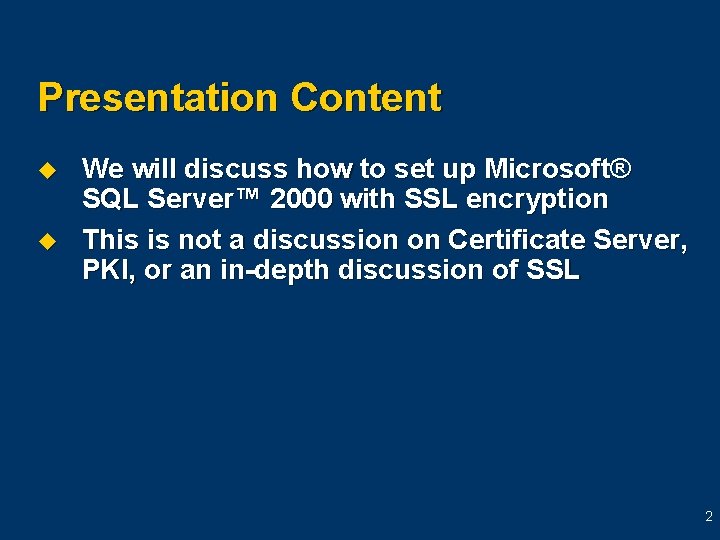
Presentation Content u u We will discuss how to set up Microsoft® SQL Server™ 2000 with SSL encryption This is not a discussion on Certificate Server, PKI, or an in-depth discussion of SSL 2
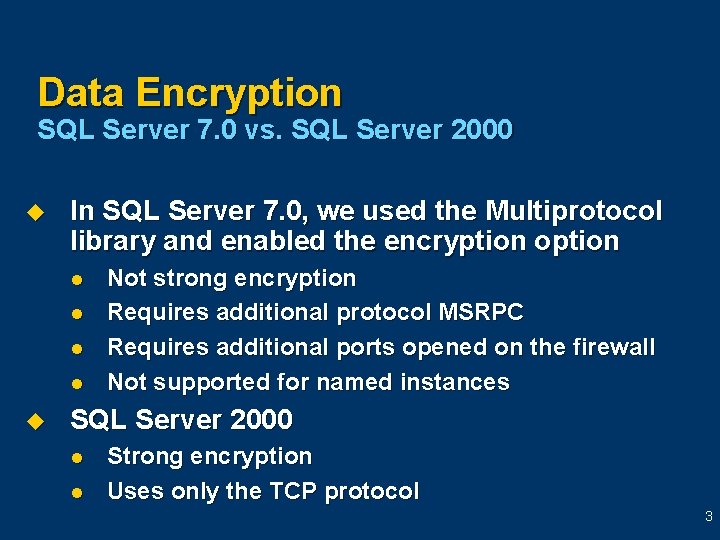
Data Encryption SQL Server 7. 0 vs. SQL Server 2000 u In SQL Server 7. 0, we used the Multiprotocol library and enabled the encryption option l l u Not strong encryption Requires additional protocol MSRPC Requires additional ports opened on the firewall Not supported for named instances SQL Server 2000 l l Strong encryption Uses only the TCP protocol 3
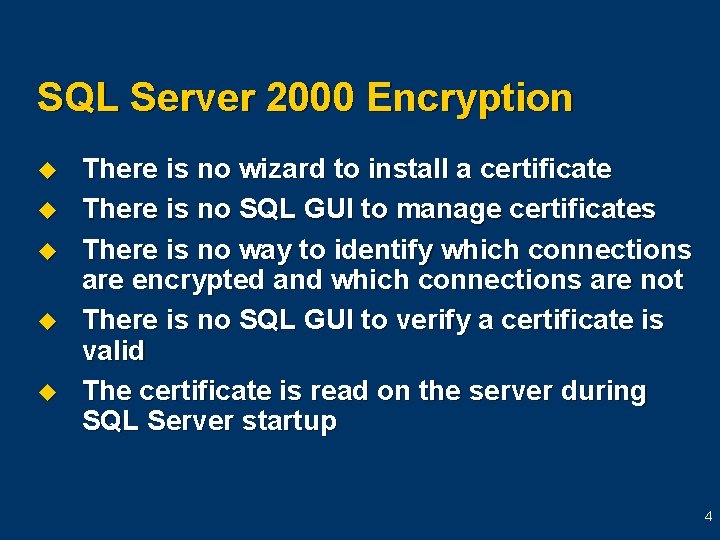
SQL Server 2000 Encryption u u u There is no wizard to install a certificate There is no SQL GUI to manage certificates There is no way to identify which connections are encrypted and which connections are not There is no SQL GUI to verify a certificate is valid The certificate is read on the server during SQL Server startup 4
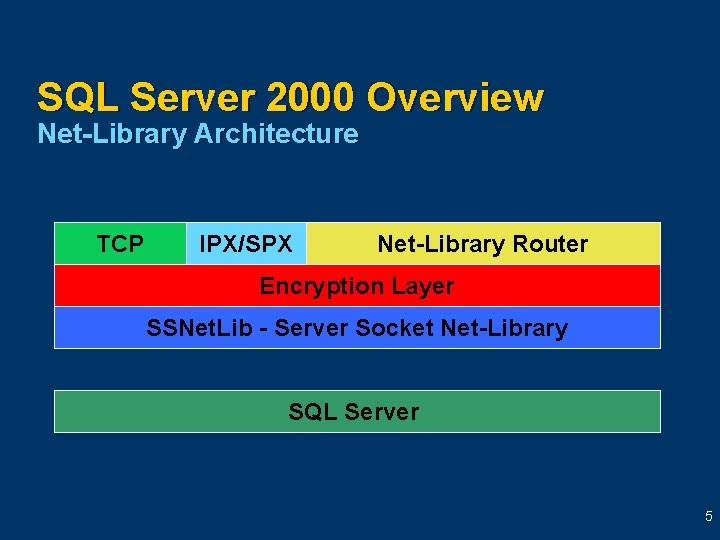
SQL Server 2000 Overview Net-Library Architecture TCP IPX/SPX Net-Library Router Encryption Layer SSNet. Lib - Server Socket Net-Library SQL Server 5
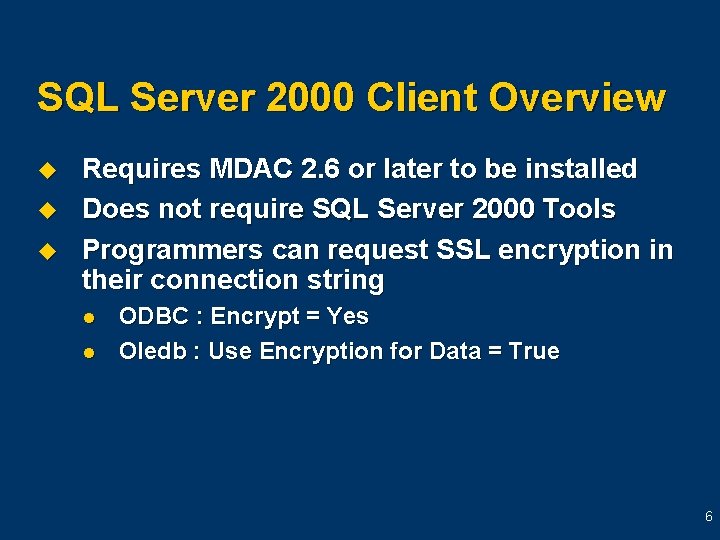
SQL Server 2000 Client Overview u u u Requires MDAC 2. 6 or later to be installed Does not require SQL Server 2000 Tools Programmers can request SSL encryption in their connection string l l ODBC : Encrypt = Yes Oledb : Use Encryption for Data = True 6
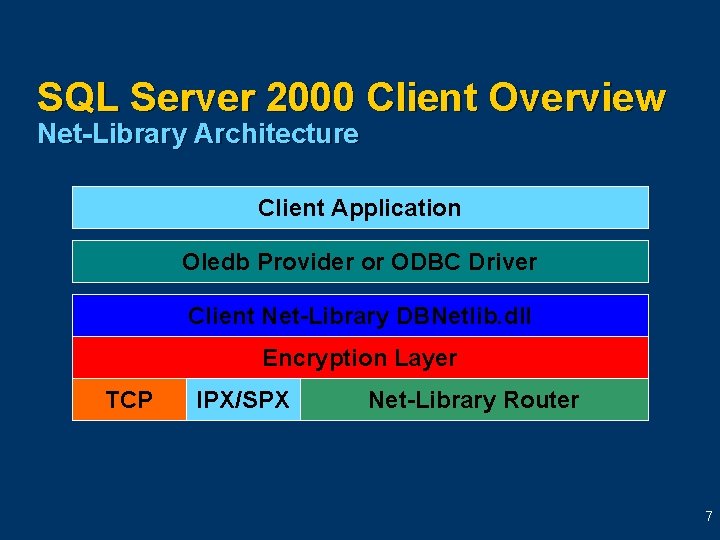
SQL Server 2000 Client Overview Net-Library Architecture Client Application Oledb Provider or ODBC Driver Client Net-Library DBNetlib. dll Encryption Layer TCP IPX/SPX Net-Library Router 7
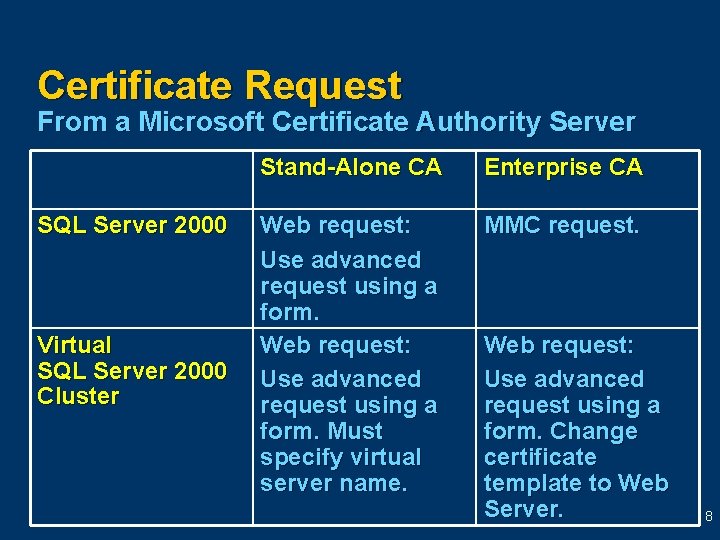
Certificate Request From a Microsoft Certificate Authority Server SQL Server 2000 Virtual SQL Server 2000 Cluster Stand-Alone CA Enterprise CA Web request: Use advanced request using a form. Must specify virtual server name. MMC request. Web request: Use advanced request using a form. Change certificate template to Web Server. 8
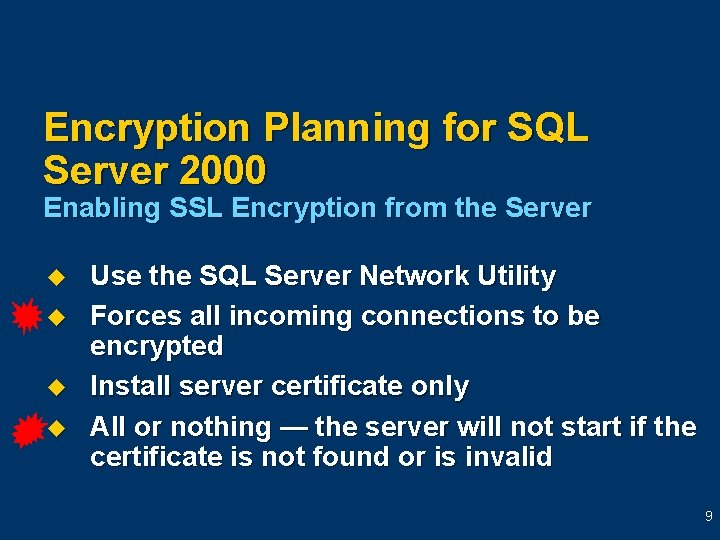
Encryption Planning for SQL Server 2000 Enabling SSL Encryption from the Server u u Use the SQL Server Network Utility Forces all incoming connections to be encrypted Install server certificate only All or nothing — the server will not start if the certificate is not found or is invalid 9
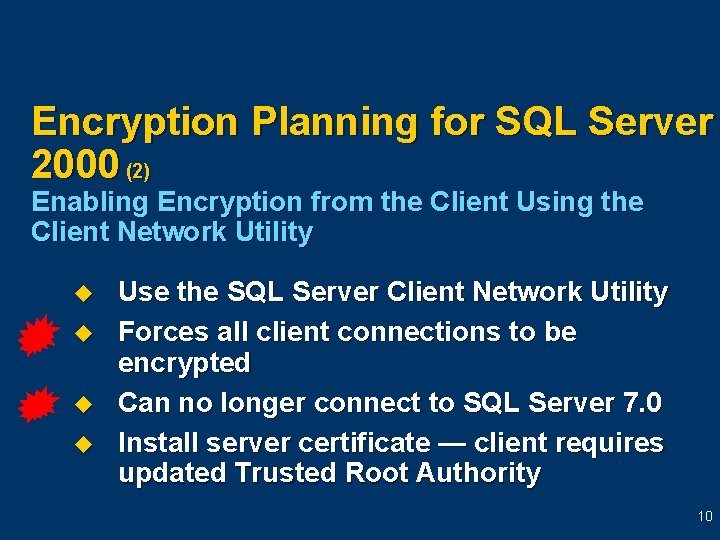
Encryption Planning for SQL Server 2000 (2) Enabling Encryption from the Client Using the Client Network Utility u u Use the SQL Server Client Network Utility Forces all client connections to be encrypted Can no longer connect to SQL Server 7. 0 Install server certificate — client requires updated Trusted Root Authority 10
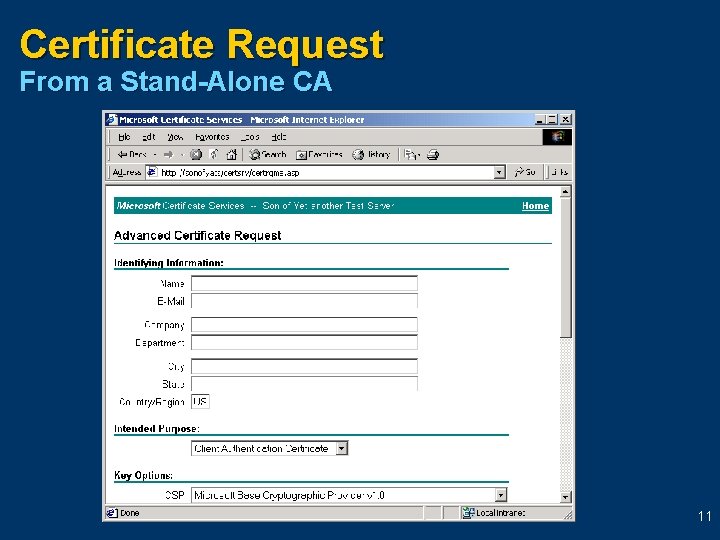
Certificate Request From a Stand-Alone CA 11
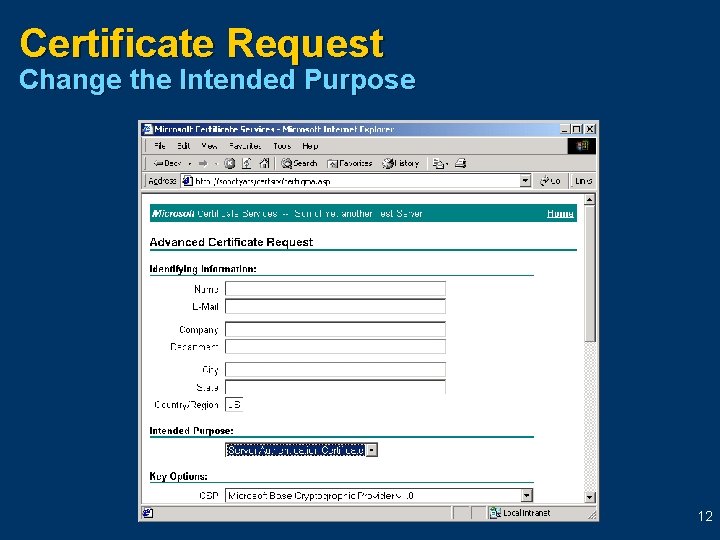
Certificate Request Change the Intended Purpose 12
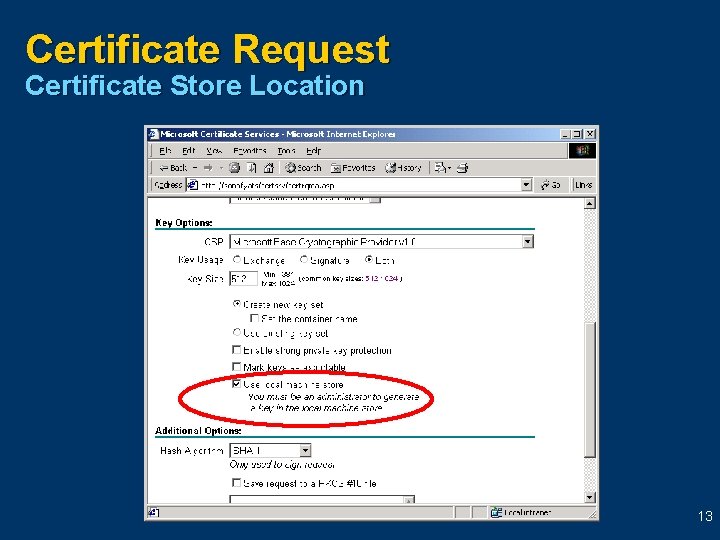
Certificate Request Certificate Store Location 13
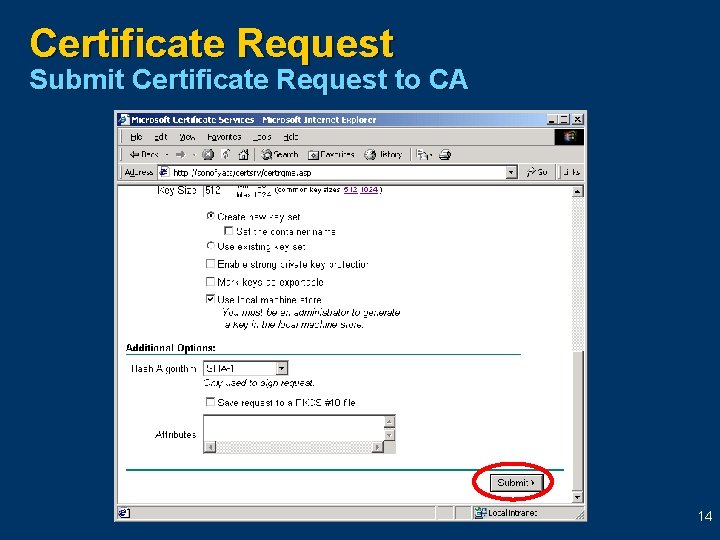
Certificate Request Submit Certificate Request to CA 14
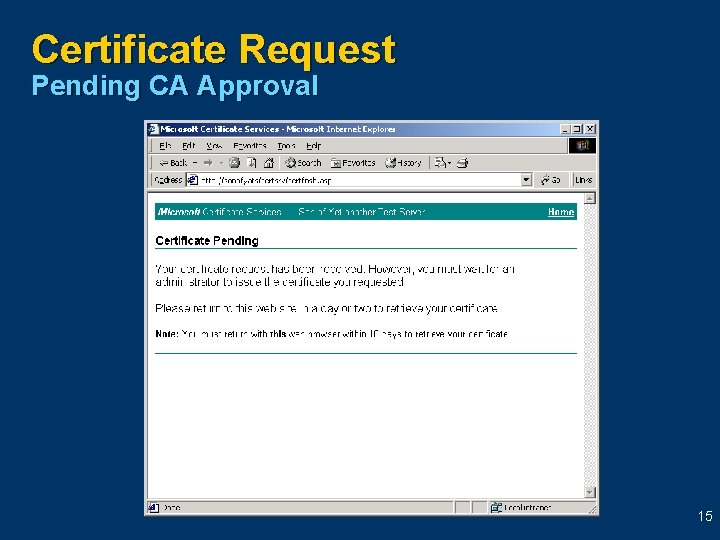
Certificate Request Pending CA Approval 15
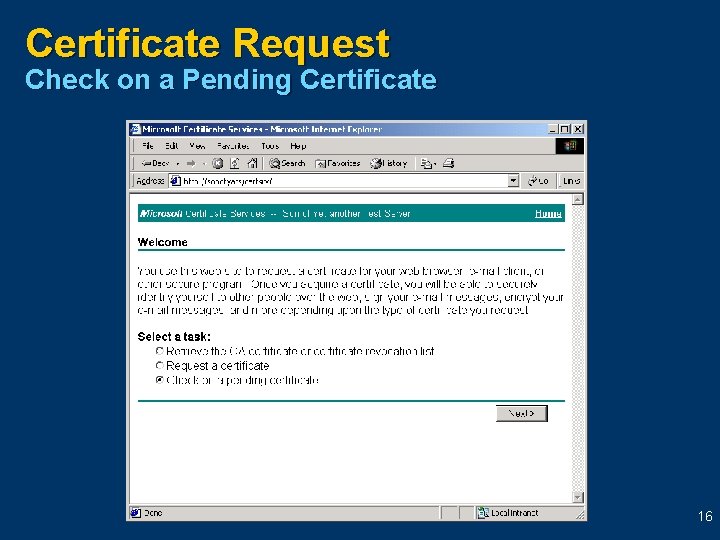
Certificate Request Check on a Pending Certificate 16
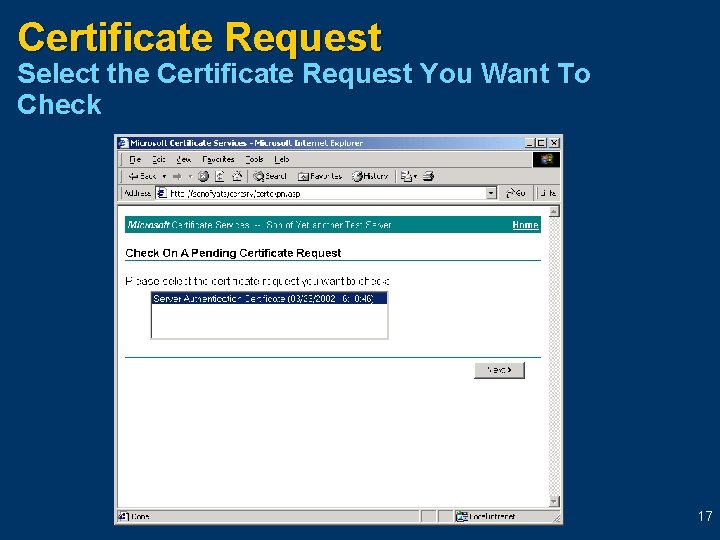
Certificate Request Select the Certificate Request You Want To Check 17
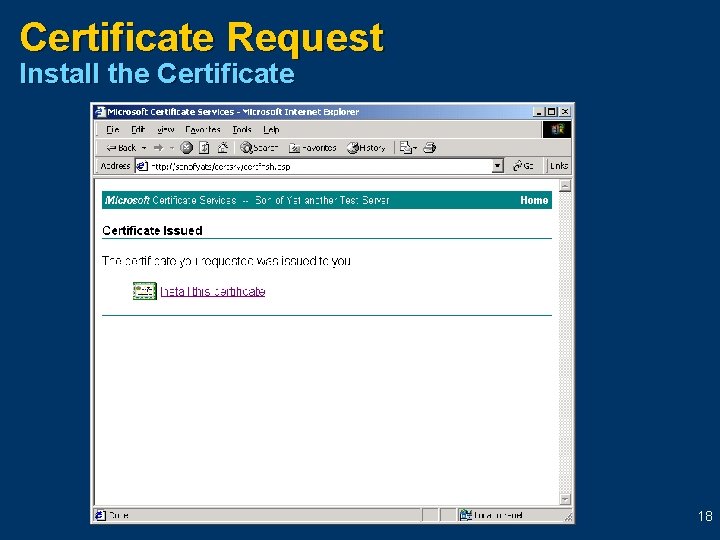
Certificate Request Install the Certificate 18
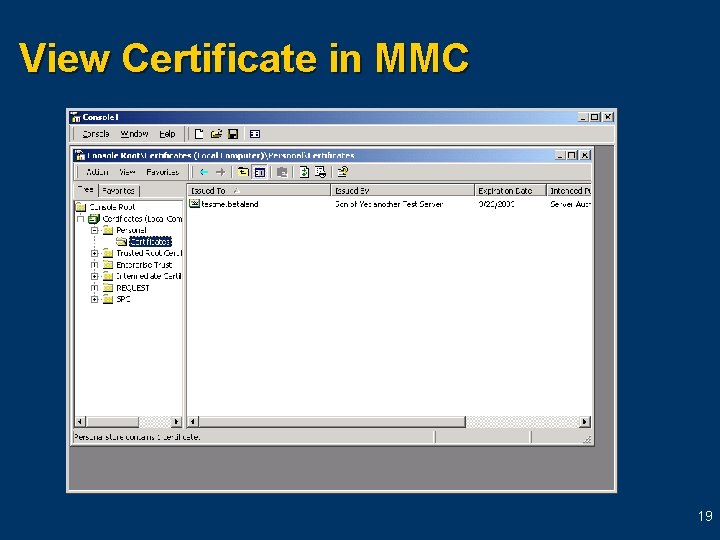
View Certificate in MMC 19
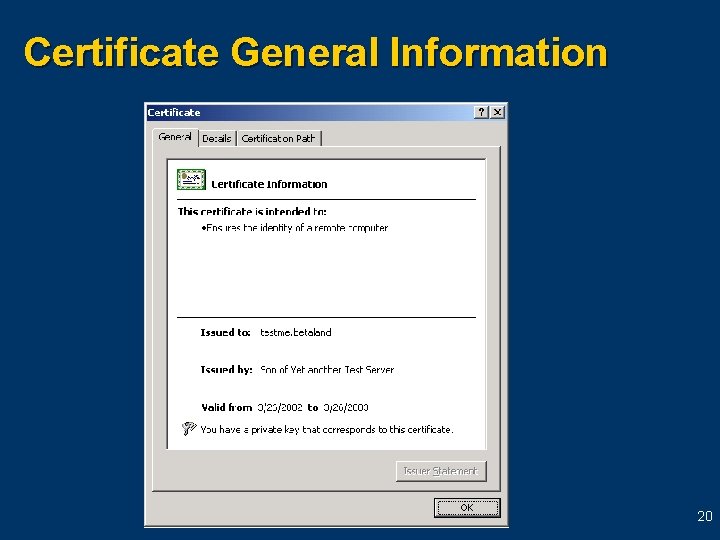
Certificate General Information 20
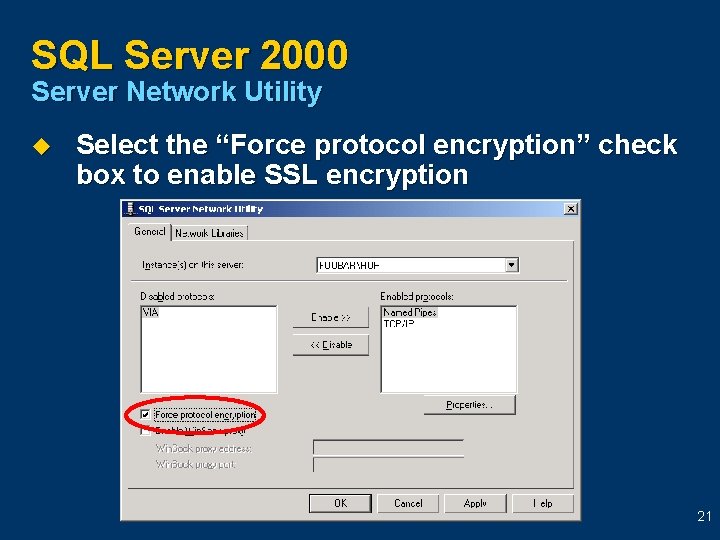
SQL Server 2000 Server Network Utility u Select the “Force protocol encryption” check box to enable SSL encryption 21
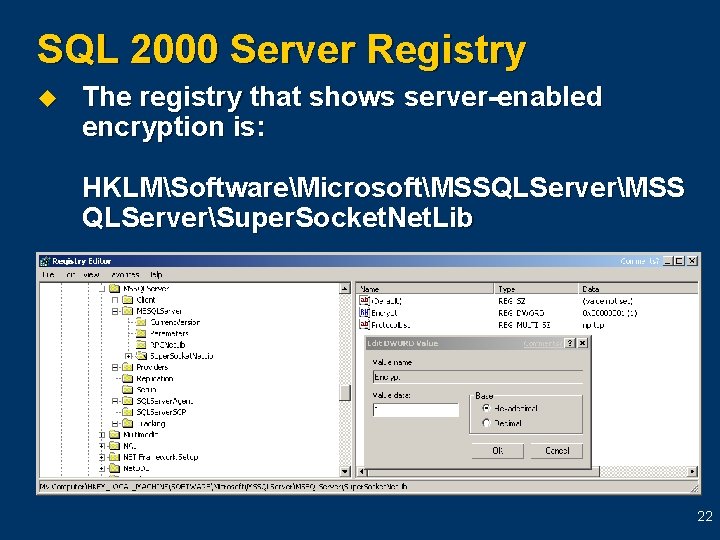
SQL 2000 Server Registry u The registry that shows server-enabled encryption is: HKLMSoftwareMicrosoftMSSQLServerMSS QLServerSuper. Socket. Net. Lib 22
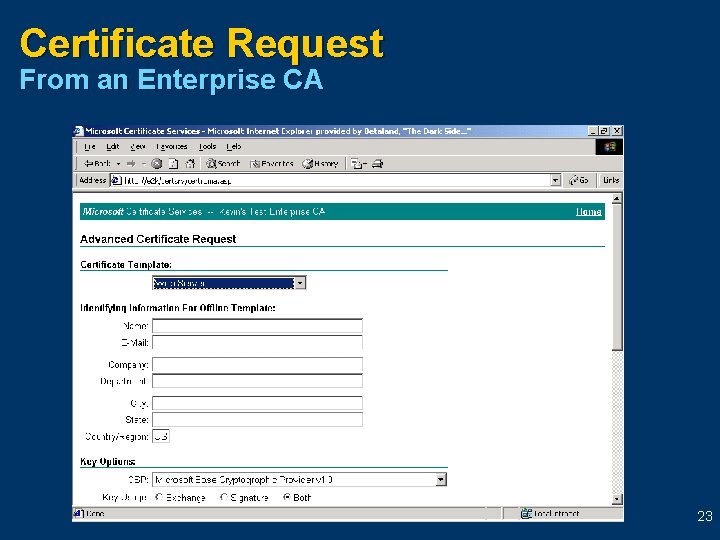
Certificate Request From an Enterprise CA 23
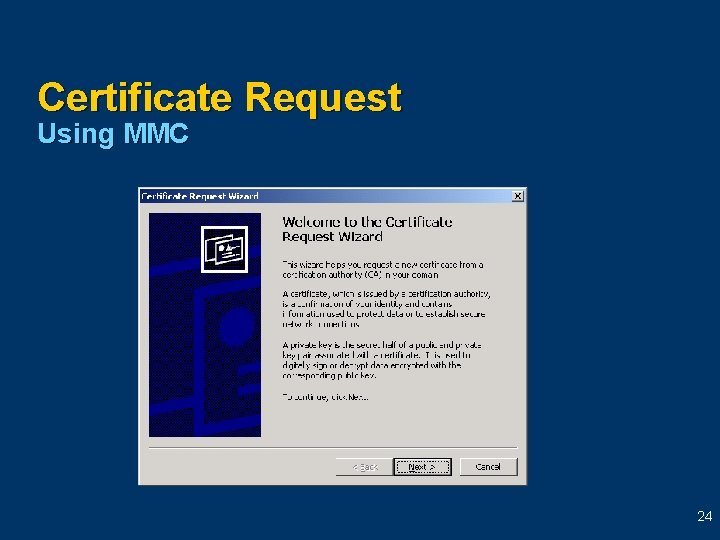
Certificate Request Using MMC 24
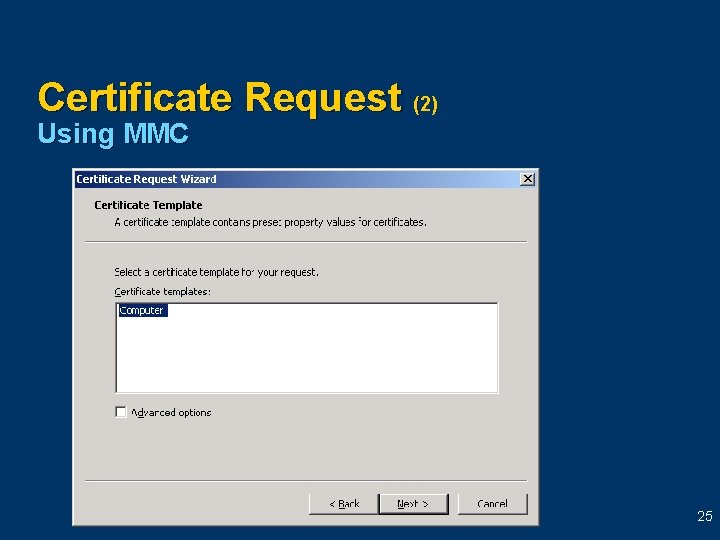
Certificate Request (2) Using MMC 25
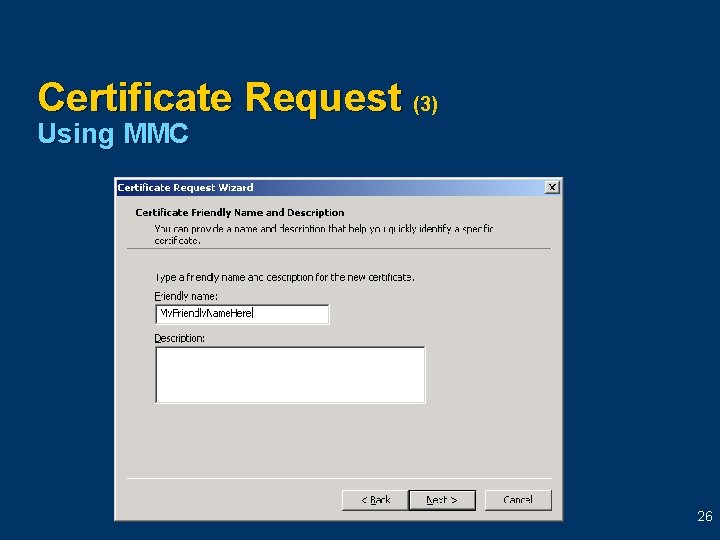
Certificate Request (3) Using MMC 26
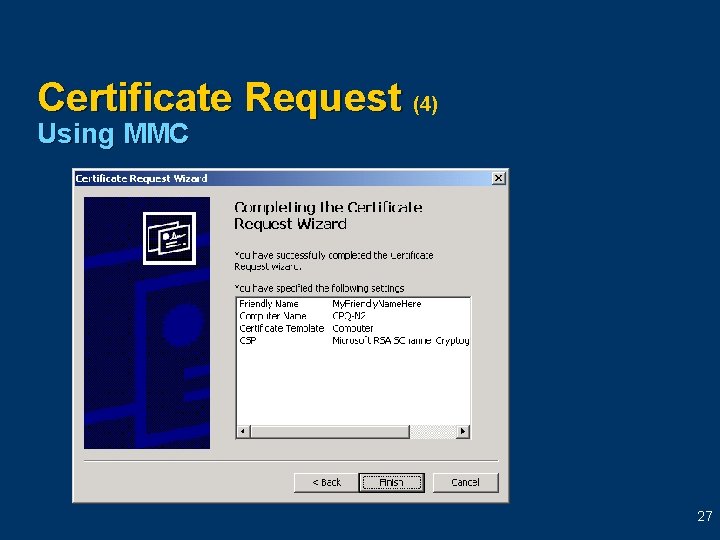
Certificate Request (4) Using MMC 27
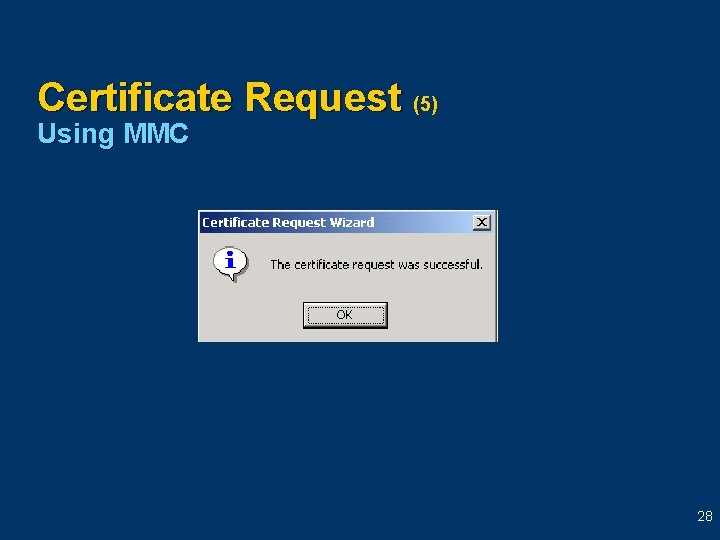
Certificate Request (5) Using MMC 28
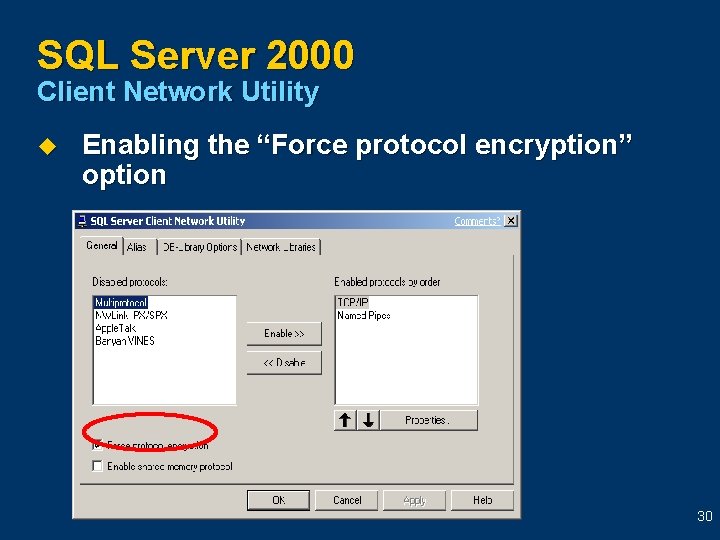
Client Request for Encryption u u u The SQL Server must have the certificate installed The client computer must update the Trusted Root Authority Export the Trusted Root Authority from the server and import it on the client computer Enable “Force protocol encryption” from the SQL Client Network Utility or use the appropriate connection string Recommended for SQL Server cluster 29
SQL Server 2000 Client Network Utility u Enabling the “Force protocol encryption” option 30
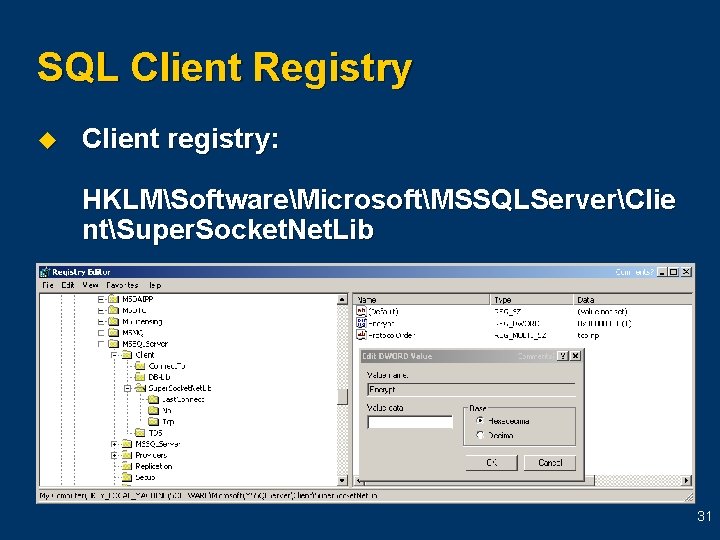
SQL Client Registry u Client registry: HKLMSoftwareMicrosoftMSSQLServerClie ntSuper. Socket. Net. Lib 31
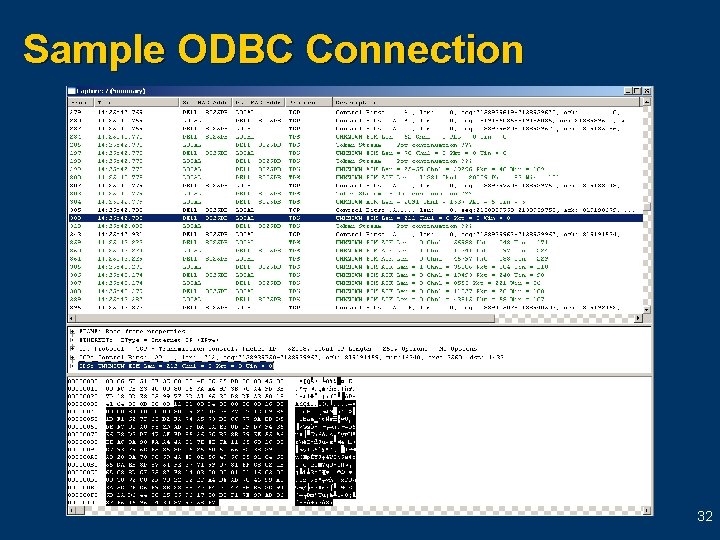
Sample ODBC Connection 32
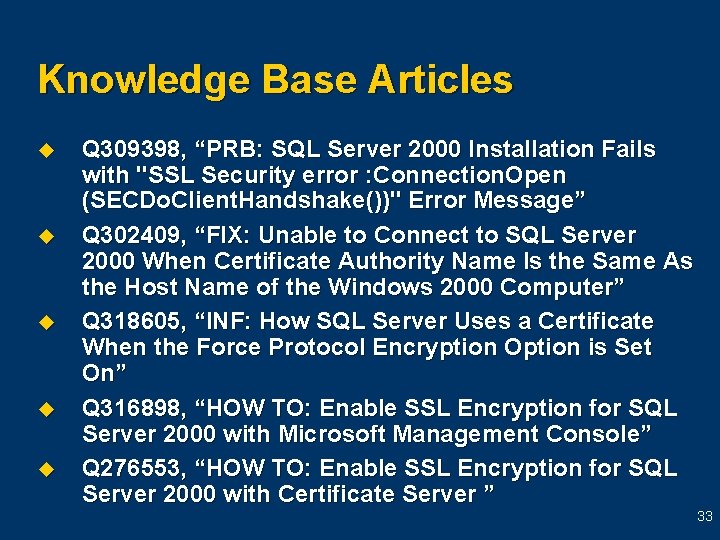
Knowledge Base Articles u u u Q 309398, “PRB: SQL Server 2000 Installation Fails with "SSL Security error : Connection. Open (SECDo. Client. Handshake())" Error Message” Q 302409, “FIX: Unable to Connect to SQL Server 2000 When Certificate Authority Name Is the Same As the Host Name of the Windows 2000 Computer” Q 318605, “INF: How SQL Server Uses a Certificate When the Force Protocol Encryption Option is Set On” Q 316898, “HOW TO: Enable SSL Encryption for SQL Server 2000 with Microsoft Management Console” Q 276553, “HOW TO: Enable SSL Encryption for SQL Server 2000 with Certificate Server ” 33
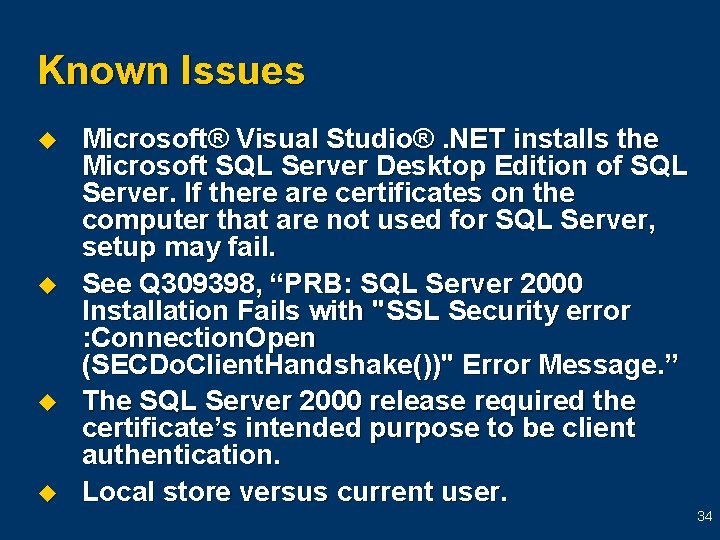
Known Issues u u Microsoft® Visual Studio®. NET installs the Microsoft SQL Server Desktop Edition of SQL Server. If there are certificates on the computer that are not used for SQL Server, setup may fail. See Q 309398, “PRB: SQL Server 2000 Installation Fails with "SSL Security error : Connection. Open (SECDo. Client. Handshake())" Error Message. ” The SQL Server 2000 release required the certificate’s intended purpose to be client authentication. Local store versus current user. 34
Set. Cert Utility u u Included with the SQL Server 2000 resource kit Permits you to control the certificate used for SQL Server 35
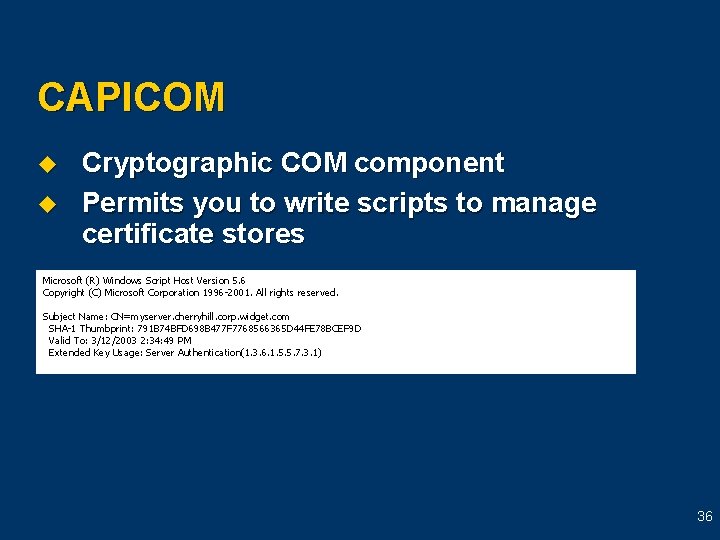
CAPICOM u u Cryptographic COM component Permits you to write scripts to manage certificate stores Microsoft (R) Windows Script Host Version 5. 6 Copyright (C) Microsoft Corporation 1996 -2001. All rights reserved. Subject Name: CN=myserver. cherryhill. corp. widget. com SHA-1 Thumbprint: 791 B 74 BFD 698 B 477 F 7768566365 D 44 FE 78 BCEF 9 D Valid To: 3/12/2003 2: 34: 49 PM Extended Key Usage: Server Authentication(1. 3. 6. 1. 5. 5. 7. 3. 1) 36
Summary u u u SQL Server 2000 encryption can be implemented from the server or client The certificate must be installed on the server and the intended purpose must be server authentication The SQL Server service account must be the same account that requested the certificate If the client requests an encrypted connection, the Trusted Root Authority must be updated on the client computer Certificates on a SQL Server cluster must be issued to the virtual SQL Server name 37
Thank you for joining us for today’s Microsoft Support Web. Cast. For information about all upcoming Support Web. Casts and access to the archived content (streaming media files, Power. Point® slides, and transcripts), please visit: http: //support. microsoft. com/webcasts/ We sincerely appreciate your feedback. Please send any comments or suggestions regarding the Support Web. Casts to feedback@microsoft. com and include “Support Web. Casts” in the subject line. 38