
Using Computers SWHS The AUP Acceptable Use Policy
![Using Computers @ SWHS: The AUP [Acceptable Use Policy] • “As a student or](https://slidetodoc.com/presentation_image_h2/9d43afc036e0b82faf3187045c484d22/image-1.jpg "Using Computers @ SWHS: The AUP [Acceptable Use Policy] • “As a student or")
Using Computers @ SWHS: The AUP [Acceptable Use Policy] • “As a student or as an employee, you are expected to use computers and Internet resources in an ethical and responsible manner; therefore, all students and employees are required to sign an acceptable use policy. Your signature signifies that you understand agree to follow the acceptable use policy. ”
![Using Computers @ SWHS The AUP [Acceptable Use Policy] • Remember that computers and](http://slidetodoc.com/presentation_image_h2/9d43afc036e0b82faf3187045c484d22/image-2.jpg "Using Computers @ SWHS The AUP [Acceptable Use Policy] • Remember that computers and")
Using Computers @ SWHS The AUP [Acceptable Use Policy] • Remember that computers and School email are to be used for ACADEMIC / EDUCATIONAL purposes only.
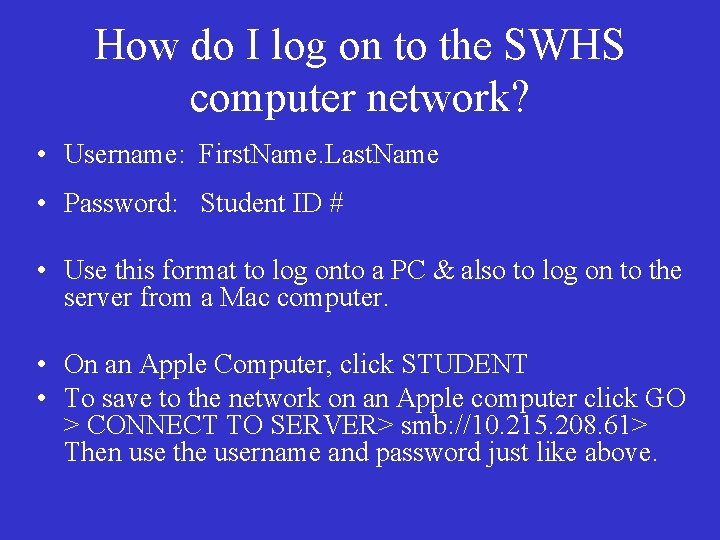
How do I log on to the SWHS computer network? • Username: First. Name. Last. Name • Password: Student ID # • Use this format to log onto a PC & also to log on to the server from a Mac computer. • On an Apple Computer, click STUDENT • To save to the network on an Apple computer click GO > CONNECT TO SERVER> smb: //10. 215. 208. 61> Then use the username and password just like above.
Why keep User ID and Password a secret? • Your electronic work is your personal property. • You have a responsibility to protect it. • Using someone else’s User ID is the same as being caught with someone else’s wallet.
Electronic files are considered personal property. The deletion or vandalism of these files will be treated as if they were physical property. Make sure that you log off the computer when you are finished whether PC or Mac. This will disconnect the computer from your personal files so the next person does not have access to your files.
While your files are personal property, because it is located on school equipment, it is not private property. • A school administrator or computer systems administrator has the authority to take full ownership of any electronic media that resides on any equipment owned by the school.
School Email Accounts • Students may request a school email account by having parents sign their AUP form in the appropriate location. (Since personal email is not permitted or accessible at school, we request all students to submit forms to activate school email. ) • This account is to be used only for school related purposes. • Do not use this account for personal email.
AUP Acceptable Use Policy ☺Students have access to the network through individual accounts. ☺Students use these accounts only for class requirements or requests by sponsoring teachers. ☺Students may access the Internet only under direct supervision. ☺Students may only use school e-mail for academic related purposes. ☺Do not use personal email or social networking site while at school - this includes chat rooms, instant messaging, message boards, etc. , unless directed to do so by your teacher.
What shall I Not do on the computers? • Students may not use or download multiuser games or any other non-instructional game via the WCPSNet. (Games are only allowed if they are part of instructional software. )
Damaged Computer? • If students begin to use a computer and notice that it is damaged in some way, please notify a library staff member, or the supervising teacher. • Students are not to physically change or damage any workstation, components of a workstation, server, printer, network connections or hubs.
Just a few more. . . • Students must have permission to work from workstation hard drives. Students are not to work at a DOS or Terminal prompt unless supervision is present. • Students are not to install programs onto a hard drive or server without permission from a supervising teacher. This includes downloading programs, music, and video from the Internet.
Inappropriate Use Includes: • Accessing sites with inappropriate text, pictures, games, blogs, chat rooms, Myspace or Facebook [etc. ]. • Downloading executable files, graphics, games, audio/video files without instructor permission. – These types of files use up the bandwidth and could contain viruses or spyware
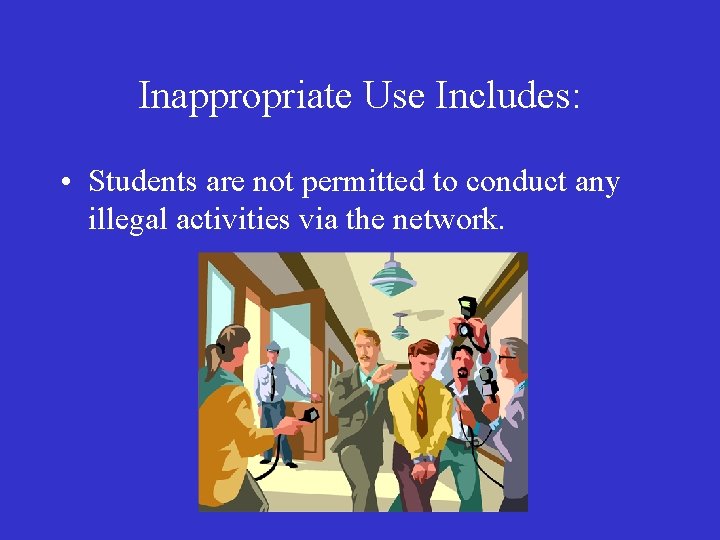
Inappropriate Use Includes: • Students are not permitted to conduct any illegal activities via the network.
Inappropriate Use Includes: • Students are not permitted to get from or put onto the network any copyrighted material (including software), or threatening or obscene material.
![Using Computers @ SWHS The AUP [Acceptable Use Policy] • Remember that no food,](http://slidetodoc.com/presentation_image_h2/9d43afc036e0b82faf3187045c484d22/image-15.jpg "Using Computers @ SWHS The AUP [Acceptable Use Policy] • Remember that no food,")
Using Computers @ SWHS The AUP [Acceptable Use Policy] • Remember that no food, including popcorn, or drinks are allowed in the library, computer labs or when using laptops in a classroom.
Important! • Students should know that a proxy server records every transaction that takes place via the network. This includes a record of every account that logs on, a record of each machine that logs on, as well as the Internet site that was accessed. • Students should also know that all student workstations are monitored using Remote Desktop software.
Consequences for Violation of the AUP • See SWHS Handbook and District Student Handbook.
- Slides: 17