
Using Computational Linguistic Techniques for Language Learning Dr
![Behaviourist CALL [1960 s] Repeated exposure to material possible through computers. Computers presented materials](https://slidetodoc.com/presentation_image_h/991dbd71079e1429d892404cca21e6ad/image-5.jpg "Behaviourist CALL [1960 s] Repeated exposure to material possible through computers. Computers presented materials")
![Communicative CALL [1970 -80 s] Based on communicative approach Focus on using the language](https://slidetodoc.com/presentation_image_h/991dbd71079e1429d892404cca21e6ad/image-6.jpg "Communicative CALL [1970 -80 s] Based on communicative approach Focus on using the language")
![Integrative CALL [from 1990 s] Direction and Coherence provided by integrating the teaching of](https://slidetodoc.com/presentation_image_h/991dbd71079e1429d892404cca21e6ad/image-7.jpg "Integrative CALL [from 1990 s] Direction and Coherence provided by integrating the teaching of")

- Slides: 43
Using Computational Linguistic Techniques for Language Learning Dr Radhika Mamidi Department of English, College for Women Prince Sultan University Riyadh, KSA rmamidi AT pscw DOT psu DOT edu DOT sa
Outline What is CALL? What is ICALL? (I for Intelligent)
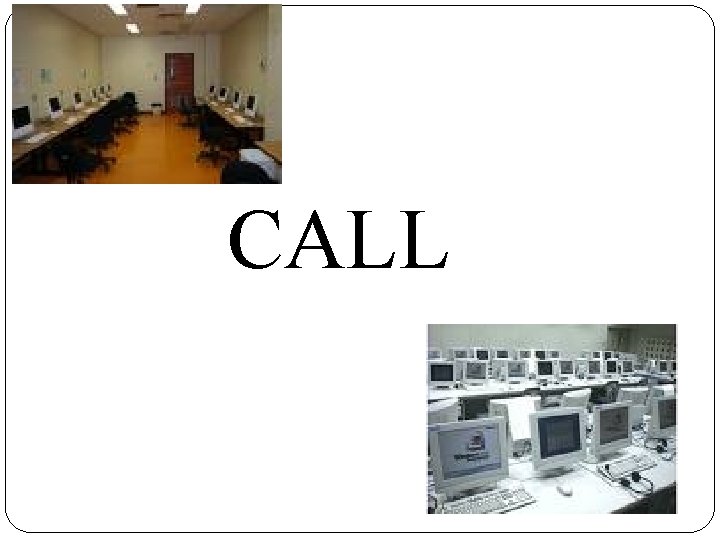
CALL
Development of CALL Behaviourist CALL Communicative CALL Integrative CALL Influenced by: Pedagogical theories Technological development
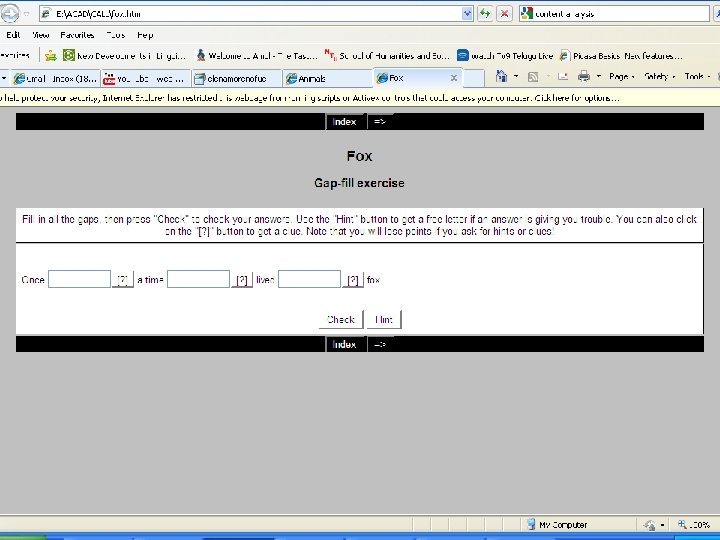
Behaviourist CALL [1960 s] Repeated exposure to material possible through computers. Computers presented materials to suit the learner’s pace. CALL programs presented a stimulus and the learner had to provide a response. The computer would analyze errors and give feedback. Behaviouristic approaches to language learning was rejected.
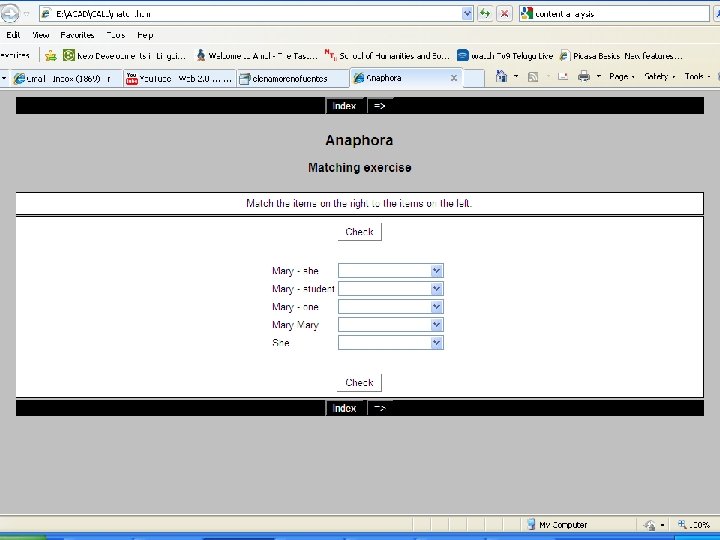
Communicative CALL [1970 -80 s] Based on communicative approach Focus on using the language Teaching grammar implicitly Computer remained a tutor Computers provided context for language use. [Eg. Asking for directions to a place] Computers were being used in ad hoc and disconnected manner
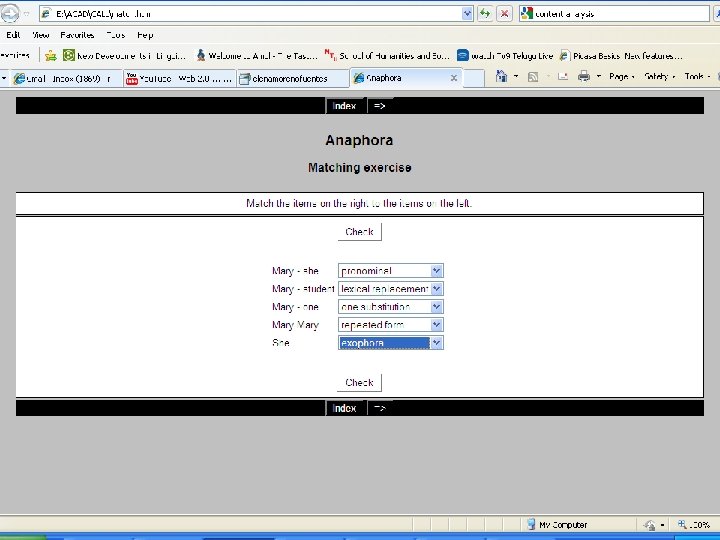
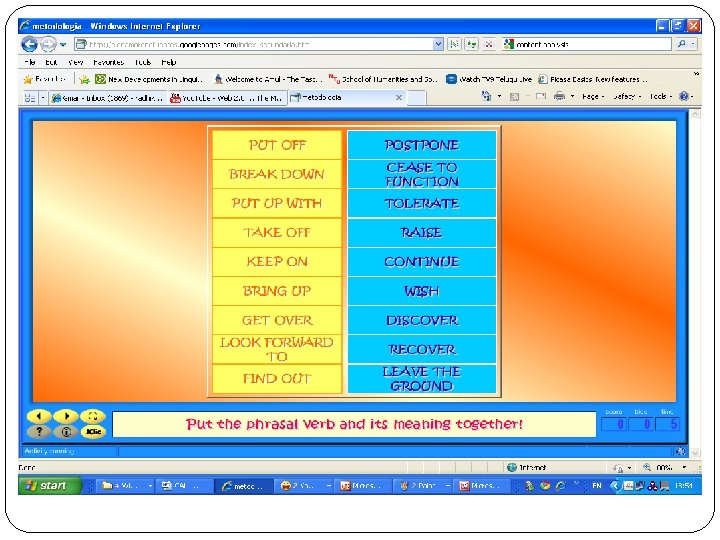
Integrative CALL [from 1990 s] Direction and Coherence provided by integrating the teaching of language skills Simultaneous development of multimedia technology and computer-mediated communication. Shift from drill and tutorial use of computer. Shift towards a medium for extending education beyond the classroom. Reorganizing instruction.
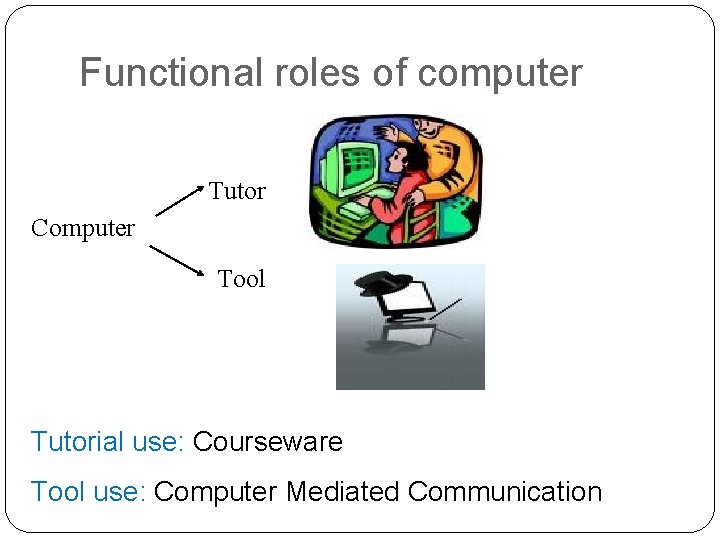
Functional roles of computer Tutor Computer Tool Tutorial use: Courseware Tool use: Computer Mediated Communication
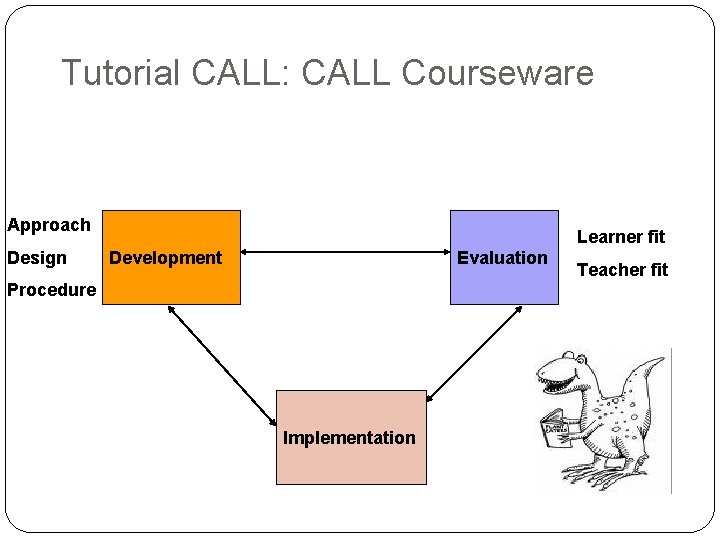
Tutorial CALL: CALL Courseware Approach Design Learner fit Development Evaluation Procedure Implementation Teacher fit
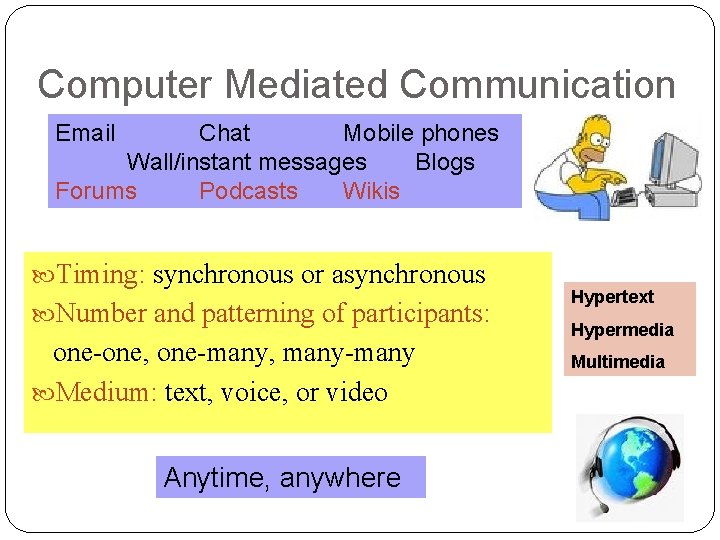
Computer Mediated Communication Email Chat Mobile phones Wall/instant messages Blogs Forums Podcasts Wikis Timing: synchronous or asynchronous Number and patterning of participants: one-one, one-many, many-many Medium: text, voice, or video Anytime, anywhere Hypertext Hypermedia Multimedia
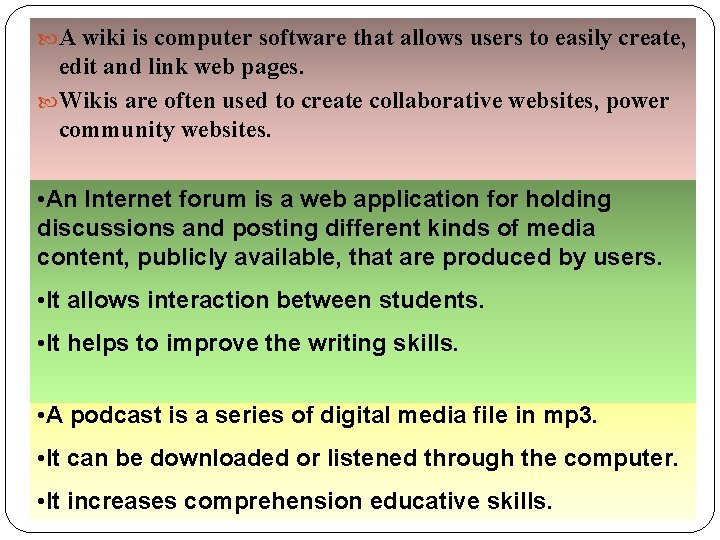
A wiki is computer software that allows users to easily create, edit and link web pages. Wikis are often used to create collaborative websites, power community websites. • An Internet forum is a web application for holding discussions and posting different kinds of media content, publicly available, that are produced by users. • It allows interaction between students. • It helps to improve the writing skills. • A podcast is a series of digital media file in mp 3. • It can be downloaded or listened through the computer. • It increases comprehension educative skills.
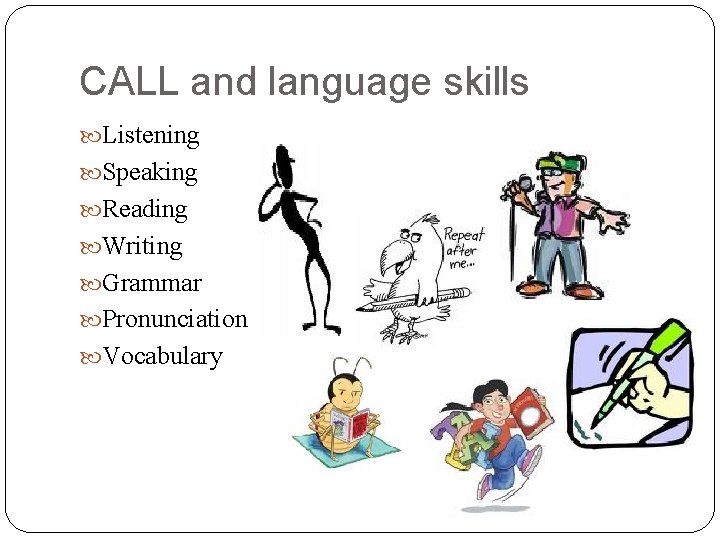
CALL and language skills Listening Speaking Reading Writing Grammar Pronunciation Vocabulary
resources Advantages Anywhere, anytime Unlimited resources Disadvantages Easy distraction Page removed Connection, streaming
Applying new technologies to language learning Virtual worlds New software programs New software platforms Web 2. 0
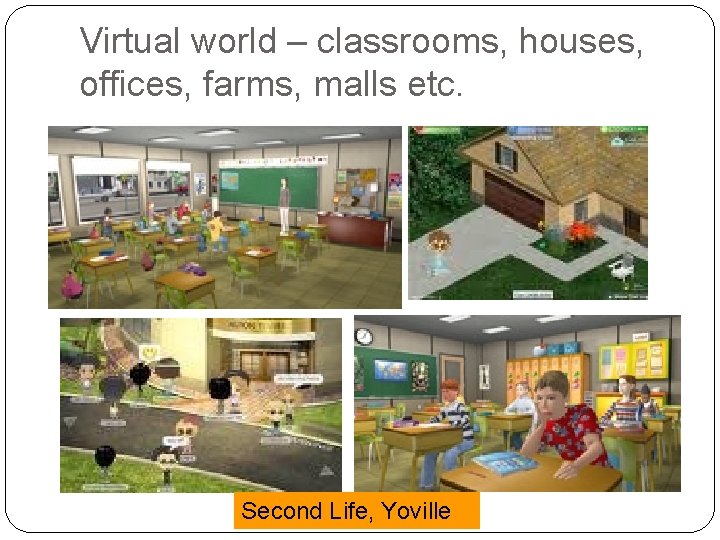
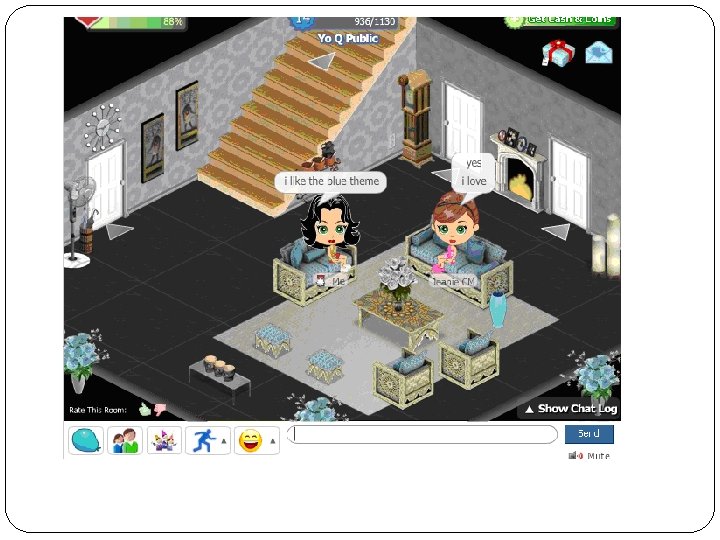
Virtual world – classrooms, houses, offices, farms, malls etc. Second Life, Yoville
Wimba is the leading provider of collaborative learning software applications and services to the education industry. Wimba Classroom 6. 0, cornerstone of the Wimba Collaboration Suite 6. 0, is a live, virtual classroom environment with robust features that include audio, video, application sharing and content display, and MP 4 capabilities. Its pedagogical design and ease-of-use ensures that educators and students engage as if they were meeting face-to-face. Advanced features such as polling, whiteboarding, presenter on-the-fly, resizable chat areas and participant lists, usage analytics tools, and MP 3 or MP 4 downloads enable further dynamic interaction between students and educators.
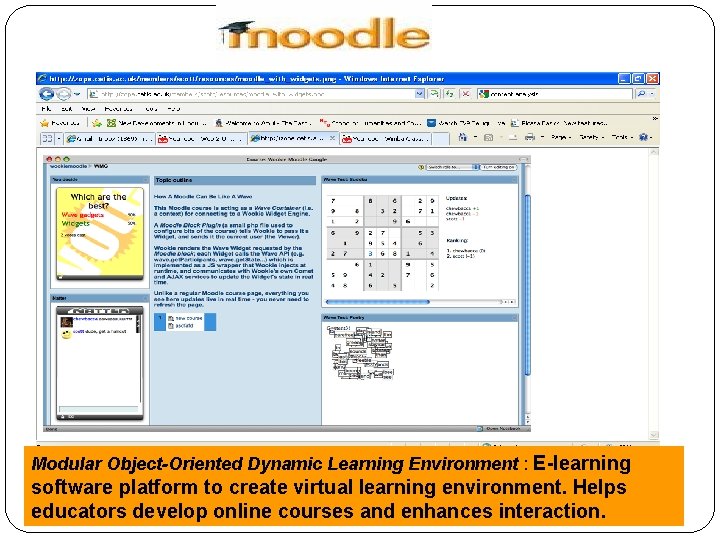
Modular Object-Oriented Dynamic Learning Environment : E-learning software platform to create virtual learning environment. Helps educators develop online courses and enhances interaction.
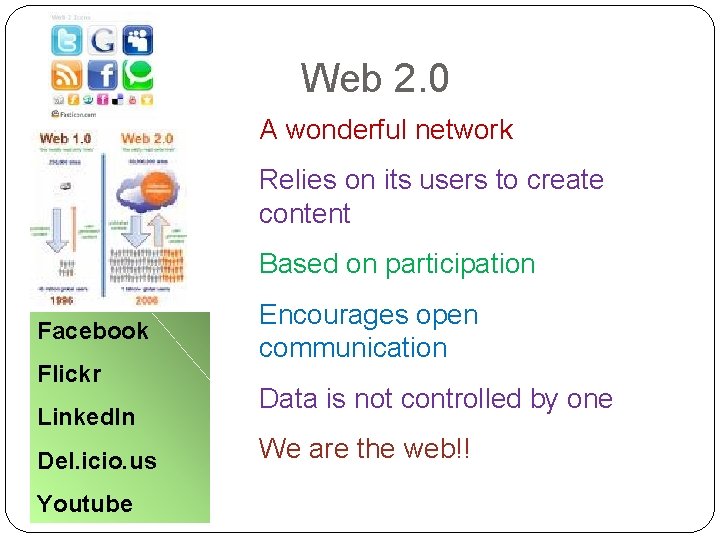
Web 2. 0 A wonderful network Relies on its users to create content Based on participation Facebook Flickr Linked. In Del. icio. us Youtube Encourages open communication Data is not controlled by one We are the web!!
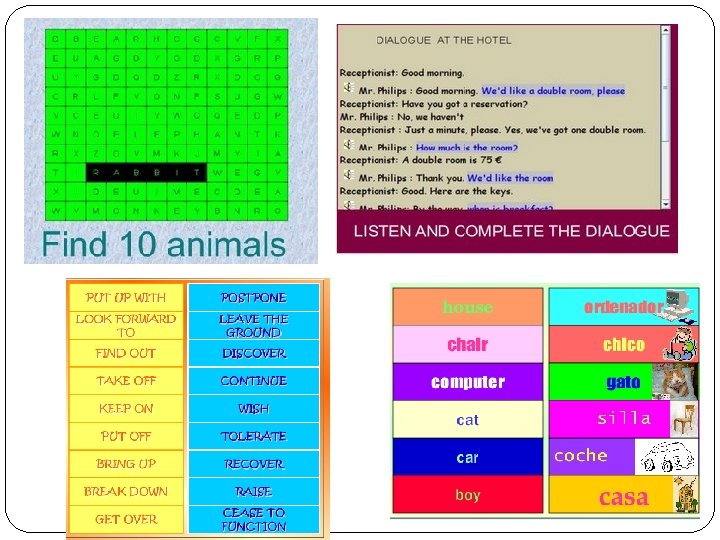
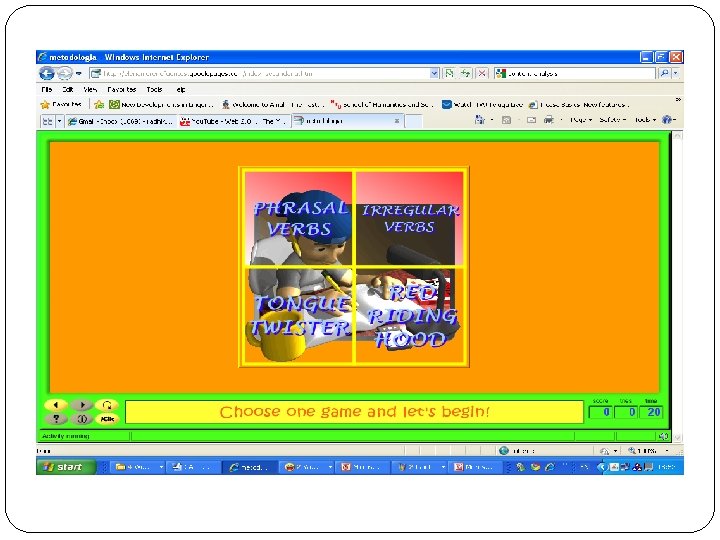
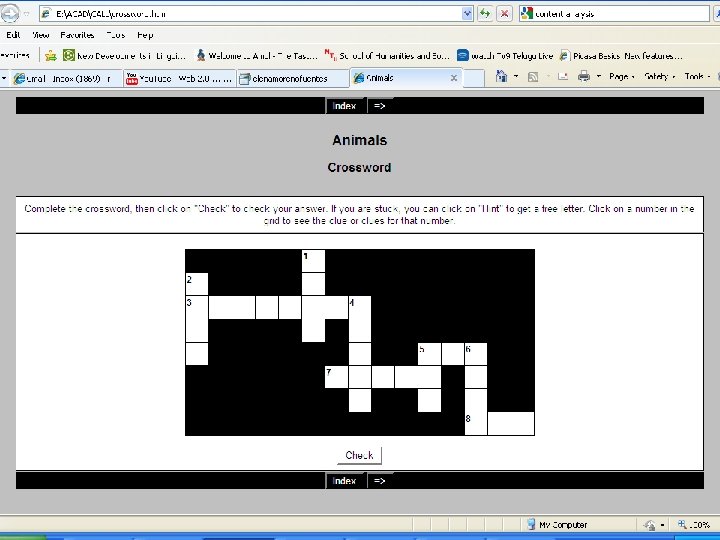
Software for language learning
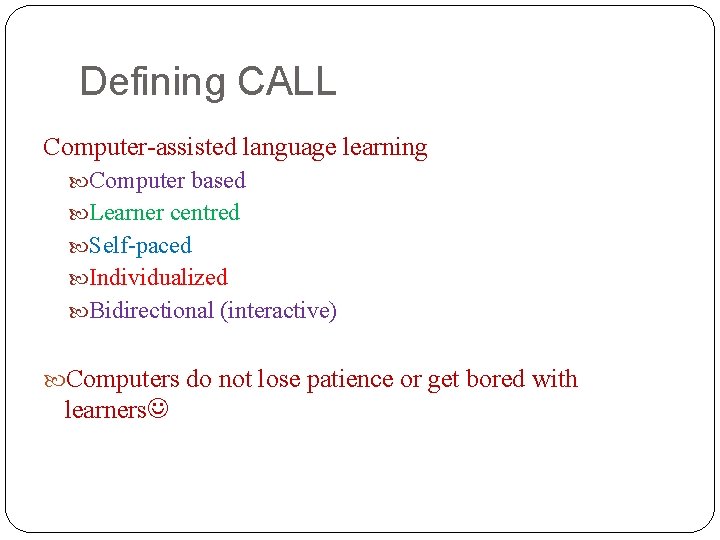
Defining CALL Computer-assisted language learning Computer based Learner centred Self-paced Individualized Bidirectional (interactive) Computers do not lose patience or get bored with learners
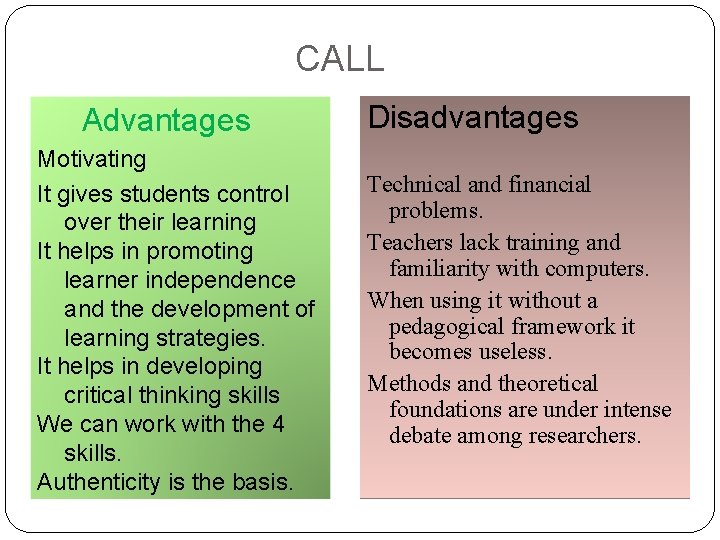
CALL Advantages Motivating It gives students control over their learning It helps in promoting learner independence and the development of learning strategies. It helps in developing critical thinking skills We can work with the 4 skills. Authenticity is the basis. Disadvantages Technical and financial problems. Teachers lack training and familiarity with computers. When using it without a pedagogical framework it becomes useless. Methods and theoretical foundations are under intense debate among researchers.
ICALL
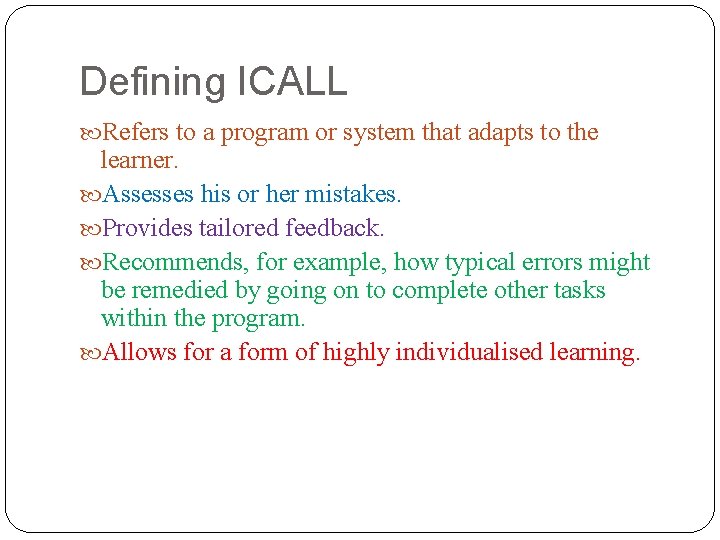
Defining ICALL Refers to a program or system that adapts to the learner. Assesses his or her mistakes. Provides tailored feedback. Recommends, for example, how typical errors might be remedied by going on to complete other tasks within the program. Allows for a form of highly individualised learning.
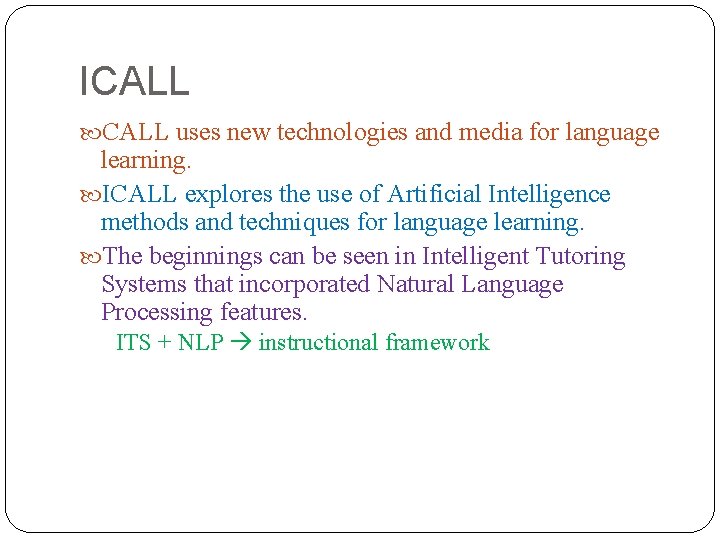
ICALL uses new technologies and media for language learning. ICALL explores the use of Artificial Intelligence methods and techniques for language learning. The beginnings can be seen in Intelligent Tutoring Systems that incorporated Natural Language Processing features. ITS + NLP instructional framework
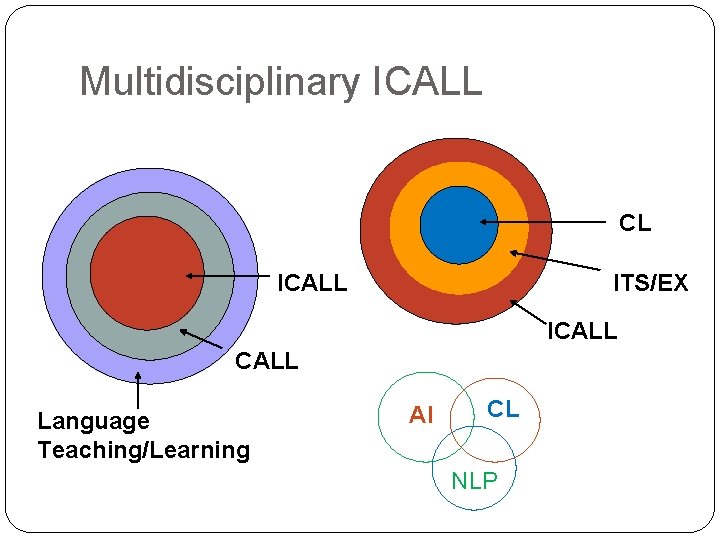
Multidisciplinary ICALL CL ICALL ITS/EX ICALL Language Teaching/Learning AI CL NLP
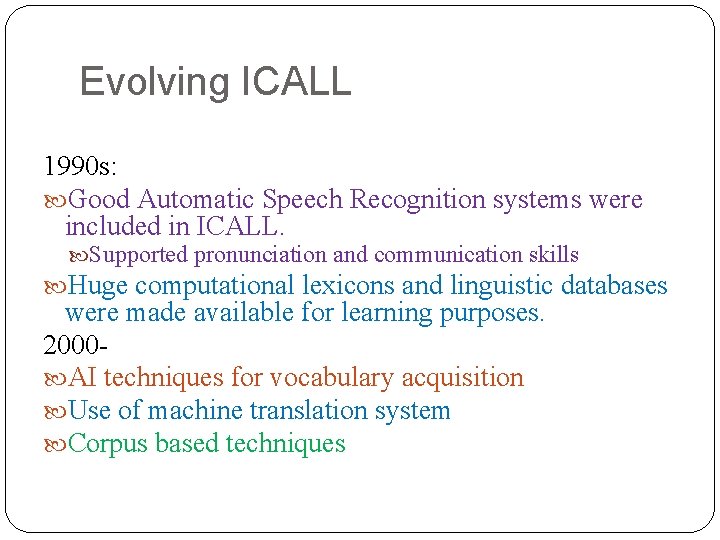
Evolving ICALL 1990 s: Good Automatic Speech Recognition systems were included in ICALL. Supported pronunciation and communication skills Huge computational lexicons and linguistic databases were made available for learning purposes. 2000 AI techniques for vocabulary acquisition Use of machine translation system Corpus based techniques
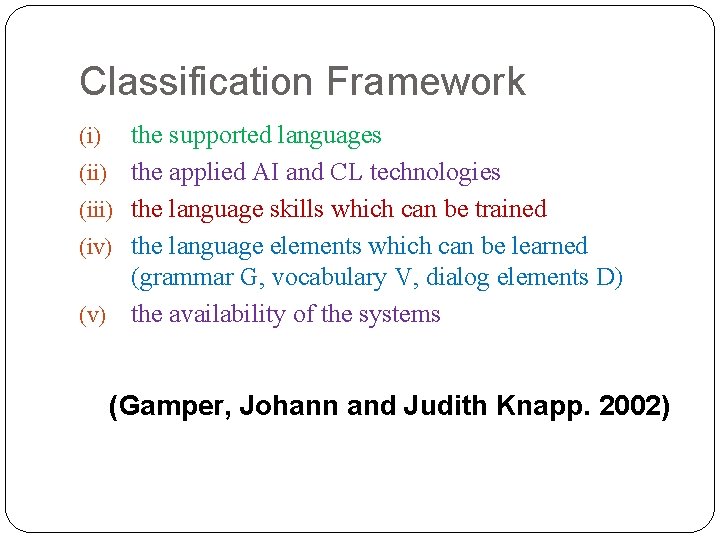
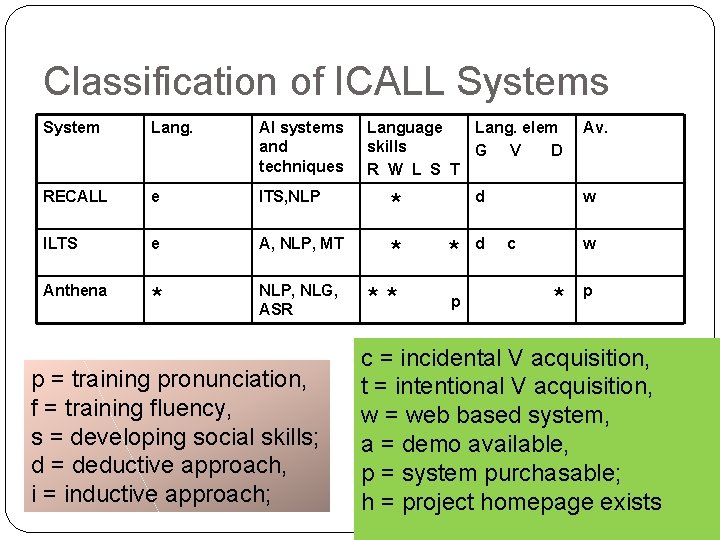
Classification Framework (i) (iii) (iv) (v) the supported languages the applied AI and CL technologies the language skills which can be trained the language elements which can be learned (grammar G, vocabulary V, dialog elements D) the availability of the systems (Gamper, Johann and Judith Knapp. 2002)
Classification of ICALL Systems System Lang. AI systems and techniques RECALL e ITS, NLP * ILTS e A, NLP, MT * * Anthena * NLP, NLG, ASR ** p p = training pronunciation, f = training fluency, s = developing social skills; d = deductive approach, i = inductive approach; Language Lang. elem skills G V D R W L S T d d Av. w c w * p c = incidental V acquisition, t = intentional V acquisition, w = web based system, a = demo available, p = system purchasable; h = project homepage exists
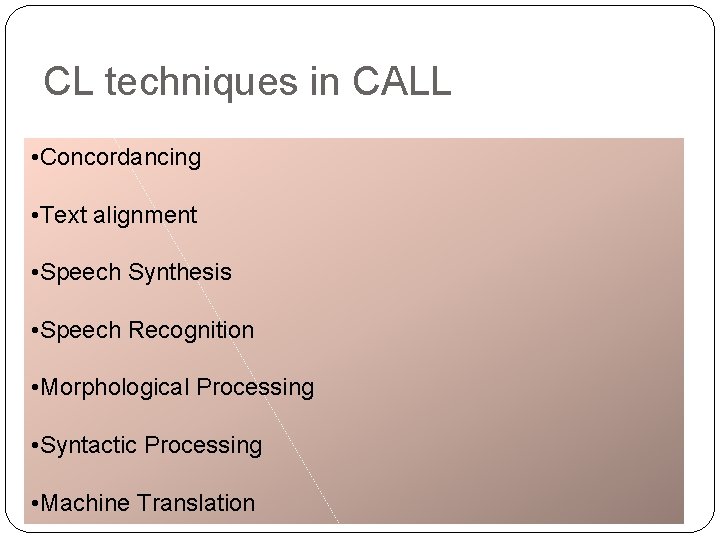
CL techniques in CALL • Concordancing • Text alignment • Speech Synthesis • Speech Recognition • Morphological Processing • Syntactic Processing • Machine Translation
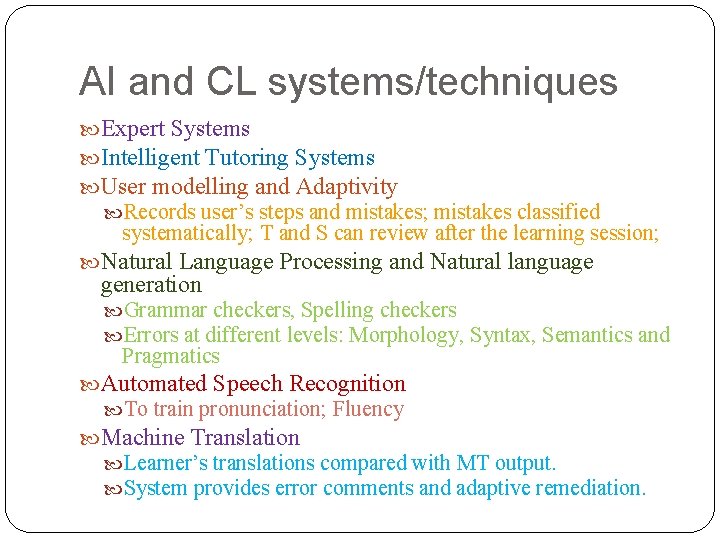
AI and CL systems/techniques Expert Systems Intelligent Tutoring Systems User modelling and Adaptivity Records user’s steps and mistakes; mistakes classified systematically; T and S can review after the learning session; Natural Language Processing and Natural language generation Grammar checkers, Spelling checkers Errors at different levels: Morphology, Syntax, Semantics and Pragmatics Automated Speech Recognition To train pronunciation; Fluency Machine Translation Learner’s translations compared with MT output. System provides error comments and adaptive remediation.
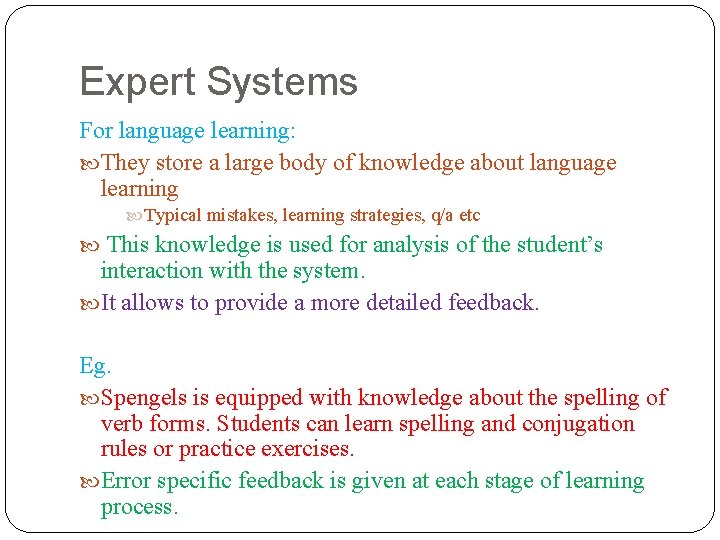
Expert Systems For language learning: They store a large body of knowledge about language learning Typical mistakes, learning strategies, q/a etc This knowledge is used for analysis of the student’s interaction with the system. It allows to provide a more detailed feedback. Eg. Spengels is equipped with knowledge about the spelling of verb forms. Students can learn spelling and conjugation rules or practice exercises. Error specific feedback is given at each stage of learning process.
Intelligent Tutoring systems Consists of 4 core modules: An expert module which stores the domain knowledge A learner module which describes the learners’ knowledge about the domain A tutor module which represents the tutoring strategies and learning goals A graphical user interface Eg. RECALL system in which the student is guided through communicative role-play scenarios. The system provides specific feedback on errors made. Grammatical rules can be studied systematically and individually for each student.
References Levy Mike and Glenn Stockwell. 2006. CALL dimensions. LEA, London. Gamper, Johann and Judith Knapp. 2002. A Review of Intelligent CALL Systems. Beatty, Ken. 2003. Teaching and Researching. Computerassisted Language Learning. Longman, London. Mitkov, Ruslan (ed). 2003. The Oxford Handbook of Computational Linguistics. OUP. Hubbard, P. (Ed. ) 2009. Computer Assisted Language Learning: Critical Concepts in Linguistics. Volumes I-IV. Routledge, London & New York. CALL course: http: //www. stanford. edu/~efs/callcourse/
Useful sites: www. cdlponline. org www. lingual. net http: //www. elllo. org/ www. esl-lab. com www. babylon. com
Be a part of the Web 2. 0