
Using Cisco Vo IP Features at UTRGV HUGO

- Slides: 13
Using Cisco Vo. IP Features at UTRGV HUGO VAZQUEZ 03/12/2017 EDTC 6332 – EDUCATIONAL TECHNOLOGY PRACTICUM
Needs Assessment � The consolidation of the telephony system between campuses at The University of Texas Rio Grande Valley produces a misunderstanding on how to use the different features of a Cisco Vo. IP phone. � Cisco telephony is implemented at Edinburg’s Medical School, but there is an important gap in skills from faculty and staff on how to use the different features of a Cisco phone. � A solution that will be self-placed computer/web-based training module where the learner will be train on how to transfer phone calls, set up voicemails, manage greetings, and other features.
Instructional Goal: • After completing this training, faculty and staff from The University of Texas Rio Grande Valley will be able to manage any feature from a Cisco Vo. IP phone. • After completing this lesson, Medical School staff and any other staff member will have a better communication performance with other departments will be clear and stable.
Performance Objectives: � Using a web-based simulator (CN), the learner will be able to create and update a voicemail passcode (B) with 98% accuracy (CR). � Given a temporary URL of a Cisco telephony system site (CN), the learner will be able to record a desirable greeting (B) using the same learner’s voice (CR). � Given a short demonstration (CN), the learner will be able to hard reset a phone (B) with 90% (CR). � Using a Cisco conference phone unit (CN), the learner will call different campuses (B), with no signal interference (CR). � Given a Cisco ID (CN), the learner will be able to join meetings (B) with no errors (CR).
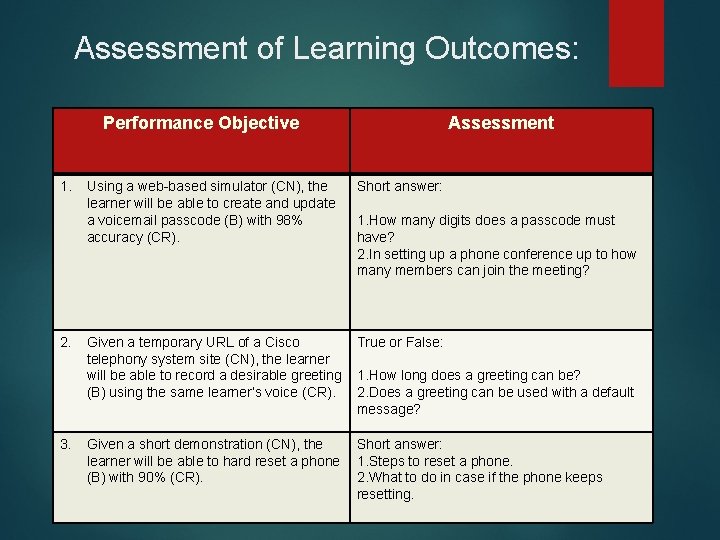
Assessment of Learning Outcomes: Performance Objective 1. 2. 3. Assessment Using a web-based simulator (CN), the learner will be able to create and update a voicemail passcode (B) with 98% accuracy (CR). Short answer: Given a temporary URL of a Cisco telephony system site (CN), the learner will be able to record a desirable greeting (B) using the same learner’s voice (CR). True or False: Given a short demonstration (CN), the learner will be able to hard reset a phone (B) with 90% (CR). Short answer: 1. Steps to reset a phone. 2. What to do in case if the phone keeps resetting. 1. How many digits does a passcode must have? 2. In setting up a phone conference up to how many members can join the meeting? 1. How long does a greeting can be? 2. Does a greeting can be used with a default message?
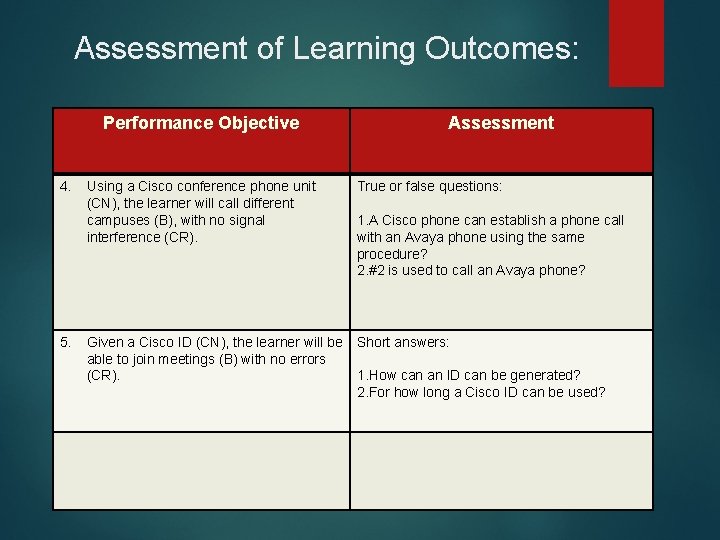
Assessment of Learning Outcomes: Performance Objective 4. 5. Assessment Using a Cisco conference phone unit (CN), the learner will call different campuses (B), with no signal interference (CR). True or false questions: Given a Cisco ID (CN), the learner will be able to join meetings (B) with no errors (CR). Short answers: 1. A Cisco phone can establish a phone call with an Avaya phone using the same procedure? 2. #2 is used to call an Avaya phone? 1. How can an ID can be generated? 2. For how long a Cisco ID can be used?
Learner Characteristics: � The intended audience for my project will be composed by faculty and staff. The learning context will consist of around ten faculty members and eight staff personnel from an Edinburg campus department with an average of 25 -40 years old. The training is intended to be delivered via Skype conference meeting type. Also, Cisco online tutorials showing the different features of each Cisco phone. A temporary Blackboard site will store the progress of my project and at the final template will be stored in an actual Blackboard. � Learner must be computer literate to be able to understand how a Cisco telephony works. � Learner must be willing to participate and contribute to succeed on this training.
Learning Context: • The e-learning training will take place at UTRGV at Main Building, rooms 2. 518 and 2. 526, there will be approximately 30 desktop computer in each lab, every computer will have installed the Cisco simulators and modules. The instructional solution will be ideal since most faculty and staff are dispersed around campus and by selecting two important and well-equipped classrooms it will be beneficial for our student’s.
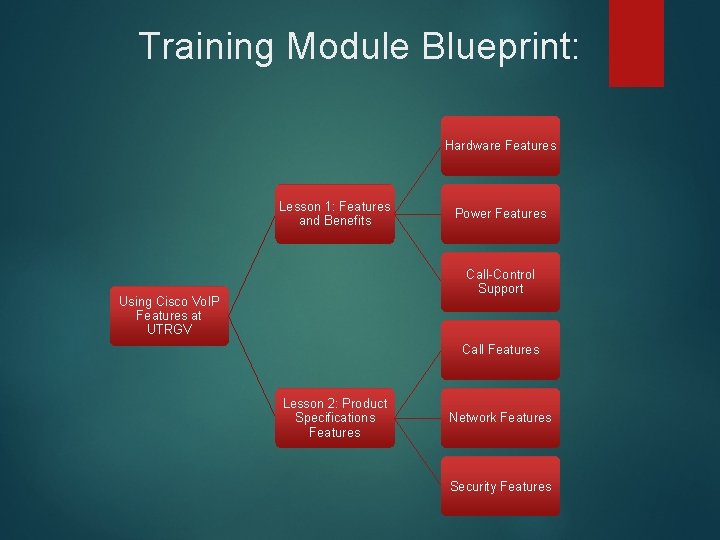
Training Module Outline: • • • Introduction: A brief description of a Cisco phone 8845 features will be provided. After going over the lessons and sub-lessons, learners will have the opportunity to work on simulation modules, play videos and reading notes about the different features of a 8845 Cisco phone. Lesson 1 – Features and benefits (a) Hardware features (b) Power features (c) Call-Control Support Lesson 2 – Product Specifications Features (a) Call features (b) Network features (c) Security features Assessment: Learners will be tested on how to use the different features of a 8845 Cisco-phone, working phones will be provided for testing purposes.
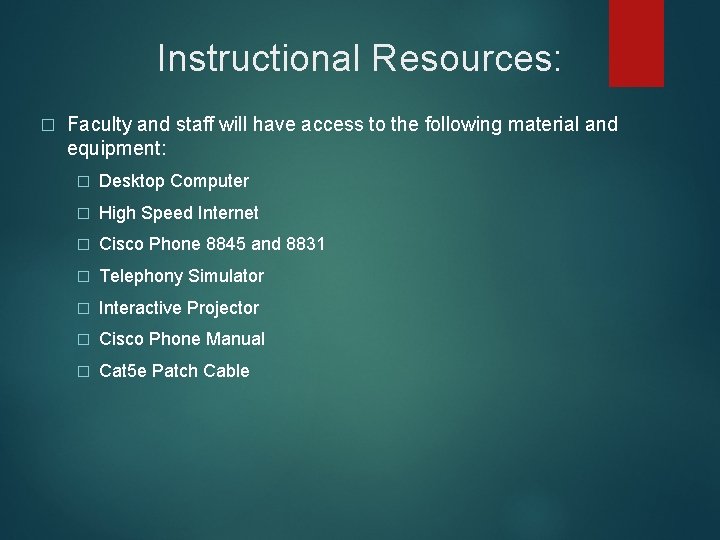
Instructional Resources: � Faculty and staff will have access to the following material and equipment: � Desktop Computer � High Speed Internet � Cisco Phone 8845 and 8831 � Telephony Simulator � Interactive Projector � Cisco Phone Manual � Cat 5 e Patch Cable
Training Module Blueprint: Hardware Features Lesson 1: Features and Benefits Power Features Call-Control Support Using Cisco Vo. IP Features at UTRGV Call Features Lesson 2: Product Specifications Features Network Features Security Features
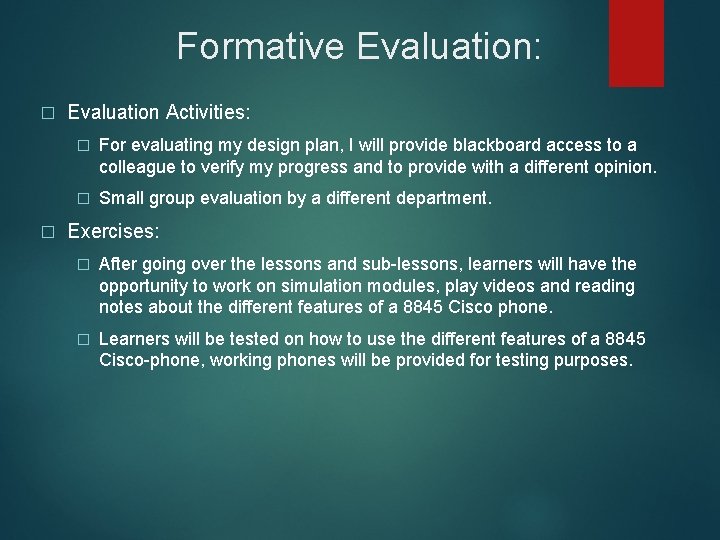
Formative Evaluation: � � Evaluation Activities: � For evaluating my design plan, I will provide blackboard access to a colleague to verify my progress and to provide with a different opinion. � Small group evaluation by a different department. Exercises: � After going over the lessons and sub-lessons, learners will have the opportunity to work on simulation modules, play videos and reading notes about the different features of a 8845 Cisco phone. � Learners will be tested on how to use the different features of a 8845 Cisco-phone, working phones will be provided for testing purposes.
Summary � To consolidate the Cisco telephony in all campuses will required the above training. The implementation of a blackboard site will help the faculty and staff to go in there and re-visit the different module, tutorials, videos, and electronic handouts in case of any doubts. Learning the different features of a Cisco phone will be required to have a better performance, to expedite the workflow, and the most important to save our time and the time of others.