
User Testing 1 Hall of Fame or Hall
![Instructions to Participants [Gomoll] l Describe the purpose of the evaluation l l l](https://slidetodoc.com/presentation_image_h/1065ae2cff59ff72f04baeabc0cbd460/image-22.jpg "Instructions to Participants [Gomoll] l Describe the purpose of the evaluation l l l")
- Slides: 25
User Testing 1
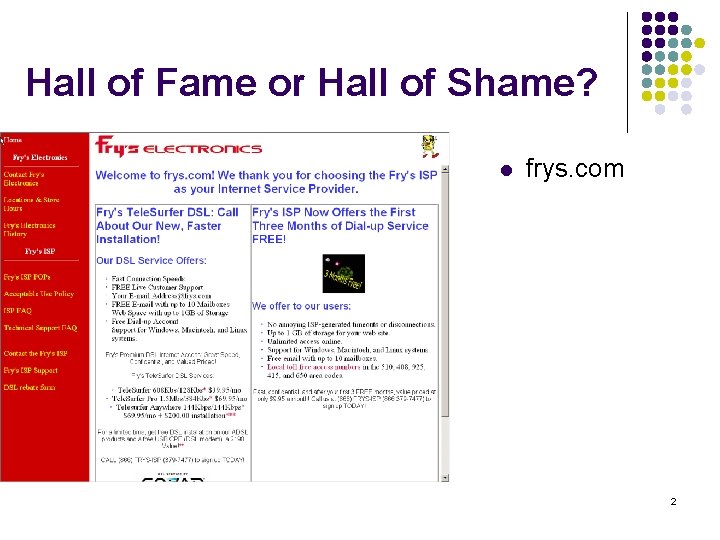
Hall of Fame or Hall of Shame? l frys. com 2
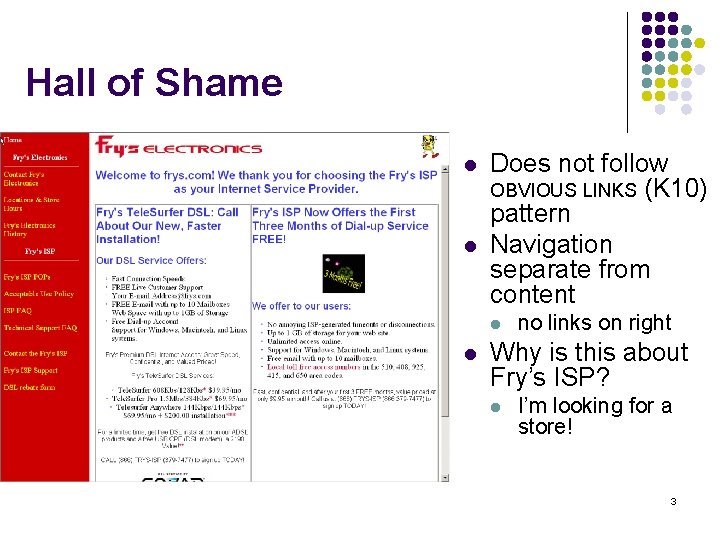
Hall of Shame l l Does not follow OBVIOUS LINKS (K 10) pattern Navigation separate from content l l no links on right Why is this about Fry’s ISP? l I’m looking for a store! 3
Outline l l l Why do user testing? Choosing participants Designing the test Administrivia Collecting data Analyzing the data 4
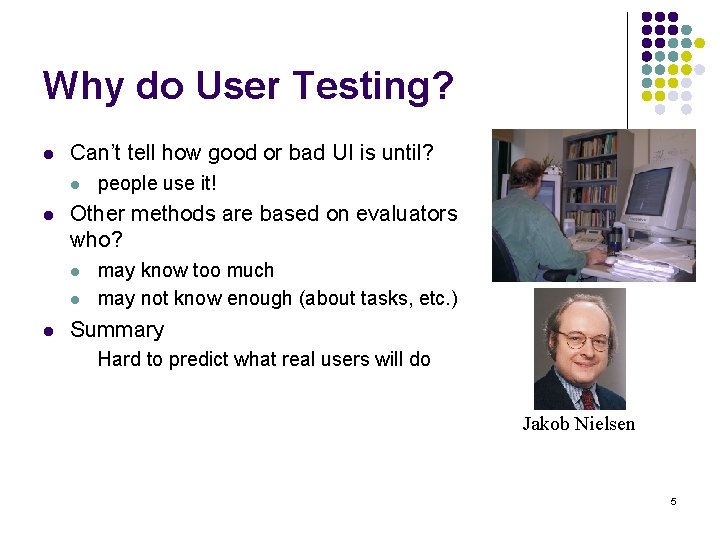
Why do User Testing? l Can’t tell how good or bad UI is until? l l Other methods are based on evaluators who? l l l people use it! may know too much may not know enough (about tasks, etc. ) Summary Hard to predict what real users will do Jakob Nielsen 5
Choosing Participants ? l Representative of eventual users in terms of l l l job-specific vocabulary / knowledge tasks If you can’t get real users, get approximation l system intended for doctors ? l l system intended for electrical engineers ? l l get medical students get engineering students Use incentives to get participants 6
Ethical Considerations l Sometimes tests can be distressing l l You have a responsibility to alleviate l l l users have left in tear (embarrassed by mistakes) make voluntary with informed consent avoid pressure to participate let them know they can stop at any time [Gomoll] stress that you are testing the system, not them make collected data as anonymous as possible Often must get human subjects approval l government contracts, academic settings 7
User Test Proposal l A report that contains l l l l objective description of system being testing task environment & materials participants methodology tasks test measures Get approved & then reuse for final report 8
Selecting Tasks ? l l Should reflect what real tasks will be like Don’t choose tasks that are too fragmented l l l e. g. , phone-in bank test Avoid bending tasks in direction of what your design best supports Tasks from analysis & design can be used l may need to shorten if l l they take too long require background that test user won’t have 9
Deciding on Data to Collect l Two types of data l process data l l observations of what users are doing & thinking bottom-line data l l l summary of what happened (time, errors, success…) i. e. , the dependent variables indpendent vs. dependent variables ? 10
Process Data vs. Bottom Line Data l Focus on process data first l l Bottom-line doesn’t tell you where to fix l l gives good overview of where problems are just says: “too slow”, “too many errors”, etc. Hard to get reliable bottom-line results l l need many users for statistical significance this is where automated online tools help 11
The “Thinking Aloud” Method l l Need to know what users are thinking, not just what they are doing Ask users to talk while performing tasks l l l tell us what they are thinking tell us what they are trying to do tell us questions that arise as they work tell us things they read Make a recording or take good notes l make sure you can tell what they were doing 12
Thinking Aloud (cont. ) l Prompt the user to keep talking l l Only help on things you have pre-decided l l “tell me what you are thinking” keep track of anything you do give help on Recording l l use a digital watch/clock take notes, plus if possible l record audio and video (or event logs) 13
Using the Test Results l Summarize the data l l make a list of all critical incidents (CI) l positive & negative include references back to original data try to judge why each difficulty occurred What does data tell you? l l UI work the way you thought it would? l consistent with your walkthroughs? l users take approaches you expected? something missing? 14
Using the Results (cont. ) l Update task analysis & rethink design l l l rate severity & ease of fixing CIs fix both severe problems & make the easy fixes Will thinking aloud give the right answers? l l l not always if you ask a question, people will always give an answer, even it is has nothing to do with the facts l panty hose example try to avoid specific questions 15
Measuring Bottom-Line Usability l Situations in which numbers are useful l l Do not combine with thinking-aloud. Why? l l l time requirements for task completion successful task completion compare two designs on speed or # of errors talking can affect speed & accuracy (neg. & pos. ) Time is easy to record Error or successful completion is harder l define in advance what these mean 16
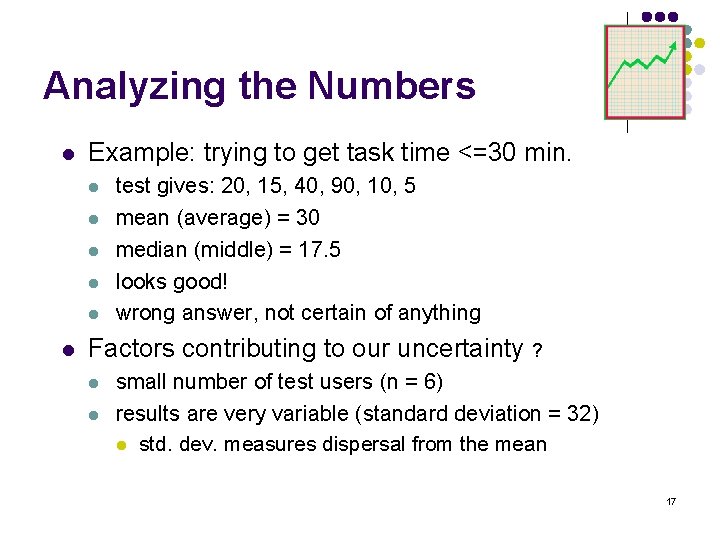
Analyzing the Numbers l Example: trying to get task time <=30 min. l l l test gives: 20, 15, 40, 90, 10, 5 mean (average) = 30 median (middle) = 17. 5 looks good! wrong answer, not certain of anything Factors contributing to our uncertainty ? l l small number of test users (n = 6) results are very variable (standard deviation = 32) l std. dev. measures dispersal from the mean 17
Analyzing the Numbers (cont. ) l This is what statistics is for l l Crank through the procedures and you find l l get The Cartoon Guide to Statistics l see class web page readings list for full cite 95% certain that typical value is between 5 & 55 Usability test data is quite variable l l l need lots to get good estimates of typical values 4 times as many tests will only narrow range by 2 x l breadth of range depends on sqrt of # of test users this is when online methods become useful l easy to test w/ large numbers of users (e. g. , Net. Raker) 18
Measuring User Preference l How much users like or dislike the system l l l can ask them to rate on a scale of 1 to 10 or have them choose among statements l “best UI I’ve ever…”, “better than average”… hard to be sure what data will mean l novelty of UI, feelings, not realistic setting, etc. If many give you low ratings -> trouble Can get some useful data by asking l what they liked, disliked, where they had trouble, best part, worst part, etc. (redundant questions) 19
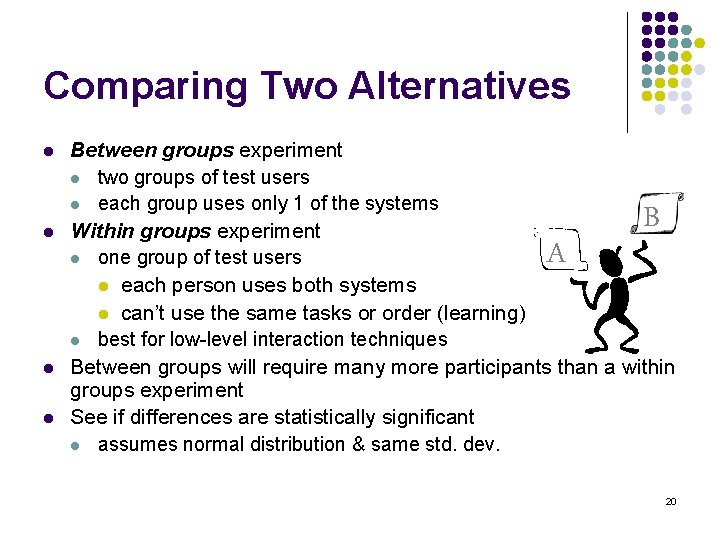
Comparing Two Alternatives l l Between groups experiment l two groups of test users l each group uses only 1 of the systems Within groups experiment l one group of test users l each person uses both systems l can’t use the same tasks or order (learning) l best for low-level interaction techniques Between groups will require many more participants than a within groups experiment See if differences are statistically significant l assumes normal distribution & same std. dev. A B 20
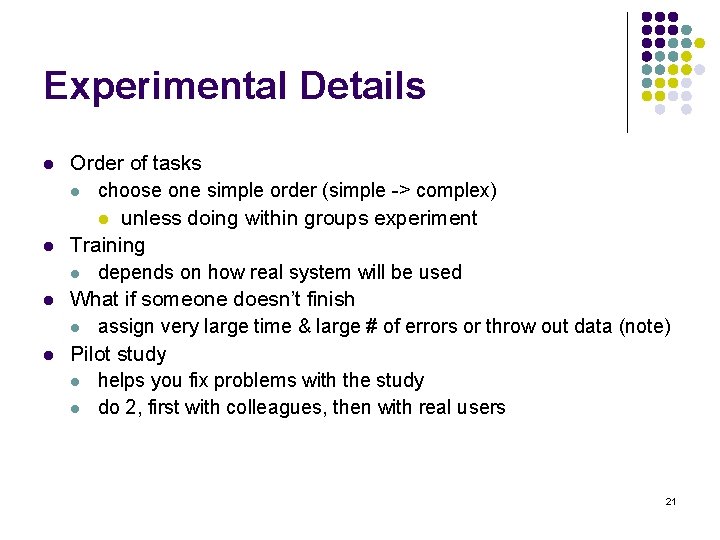
Experimental Details l l Order of tasks l choose one simple order (simple -> complex) l unless doing within groups experiment Training l depends on how real system will be used What if someone doesn’t finish l assign very large time & large # of errors or throw out data (note) Pilot study l helps you fix problems with the study l do 2, first with colleagues, then with real users 21
Instructions to Participants [Gomoll] l Describe the purpose of the evaluation l l l “I’m testing the product; I’m not testing you” Tell them they can quit at any time Demonstrate the equipment Explain how to think aloud Explain that you will not provide help Describe the task l give written instructions, one task at a time 22
Details (cont. ) l l Keeping variability down l recruit test users with similar background l brief users to bring them to common level l perform the test the same way every time l don’t help some more than others (plan in advance) l make instructions clear Debriefing test users l often don’t remember, so demonstrate or show video segments l ask for comments on specific features l show them screen (online or on paper) 23
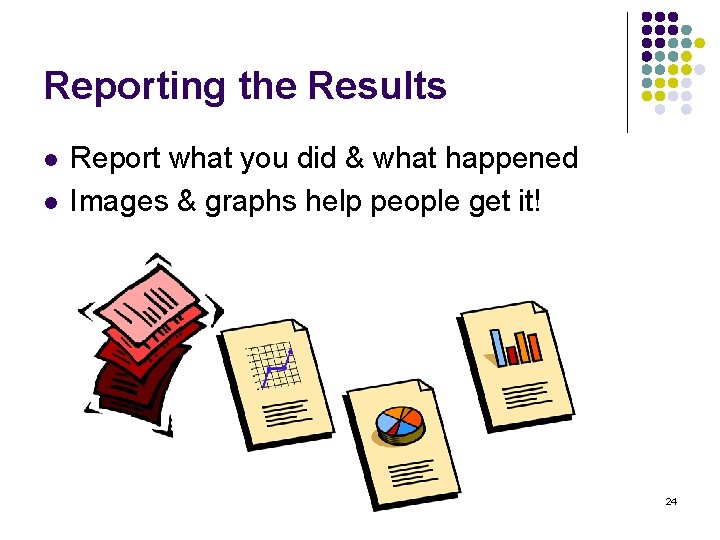
Reporting the Results l l Report what you did & what happened Images & graphs help people get it! 24
Summary l l l l User testing is important, but takes time/effort Early testing can be done on mock-ups (low-fi) Use ? ? ? tasks & ? ? ? participants l real tasks & representative participants Be ethical & treat your participants well Want to know what people are doing & why, so? l collect process data Using bottom line data requires ? ? to get statistically reliable results l more participants Difference between & within groups? l between groups everyone does particpates in one condition l within groups: everyone participates in multiple conditions 25