
User Requirements for Cloud Computing Architecture Roger Clarke
- Slides: 30
User Requirements for Cloud Computing Architecture Roger Clarke, Xamax Consultancy, Canberra Visiting Professor in Computer Science, ANU and in Cyberspace Law & Policy, UNSW 2 nd International Symposium on Cloud Computing Melbourne, 17 May 2010 http: //www. rogerclarke. com/II/CCSA {. html, . ppt} Copyright 2010 1
User Requirements for Cloud Computing Architecture AGENDA • • • Copyright 2010 • Precursors / Related Concepts A Working Definition An Architectural Framework User Benefits Disbenefits and Risks • Operational • Contingent • Security • Business Implications 2
The Gartner Hype-Cycle for Emerging Technologies ". . . a snapshot of the relative maturity of technologies. . . "They highlight overhyped areas against those that are high impact, estimate how long they will take to reach maturity, and help organizations decide when to adopt" Copyright 2010 3
Copyright 2010 http: //adverlab. blogspot. com/2008/08/. . . media-history-through-gartner-hype. html 4
Copyright 2010 http: //www. lostinthemagicforest. com/blog/wp-content/. . . uploads/2007/10/gartner 2007. jpg 5
http: //adverlab. blogspot. com/2008/08/. . . Copyright 2010 . . . media-history-through-gartner-hype. html 6
Copyright 2010 The Gartner Hype-Cycle – 2009 http: //www. gartner. com/it/page. jsp? id=1124212 7
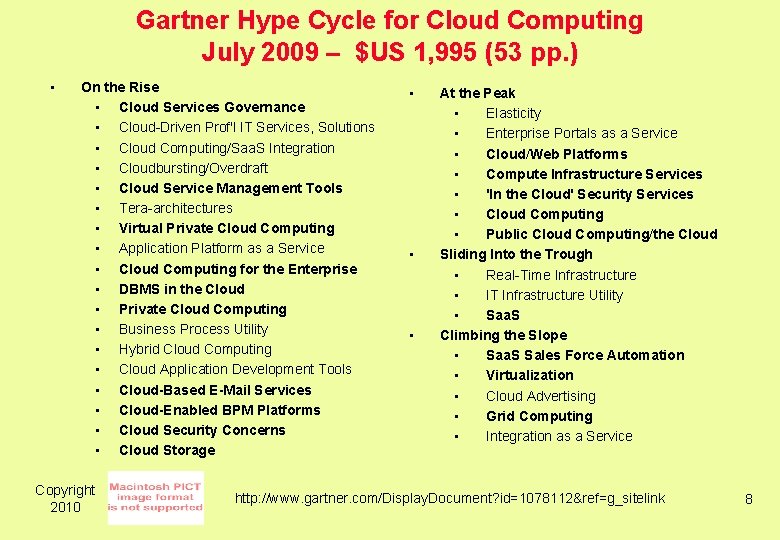
Gartner Hype Cycle for Cloud Computing July 2009 – $US 1, 995 (53 pp. ) • On the Rise • Cloud Services Governance • Cloud-Driven Prof'l IT Services, Solutions • Cloud Computing/Saa. S Integration • Cloudbursting/Overdraft • Cloud Service Management Tools • Tera-architectures • Virtual Private Cloud Computing • Application Platform as a Service • Cloud Computing for the Enterprise • DBMS in the Cloud • Private Cloud Computing • Business Process Utility • Hybrid Cloud Computing • Cloud Application Development Tools • Cloud-Based E-Mail Services • Cloud-Enabled BPM Platforms • Cloud Security Concerns • Cloud Storage Copyright 2010 • • • At the Peak • Elasticity • Enterprise Portals as a Service • Cloud/Web Platforms • Compute Infrastructure Services • 'In the Cloud' Security Services • Cloud Computing • Public Cloud Computing/the Cloud Sliding Into the Trough • Real-Time Infrastructure • IT Infrastructure Utility • Saa. S Climbing the Slope • Saa. S Sales Force Automation • Virtualization • Cloud Advertising • Grid Computing • Integration as a Service http: //www. gartner. com/Display. Document? id=1078112&ref=g_sitelink 8
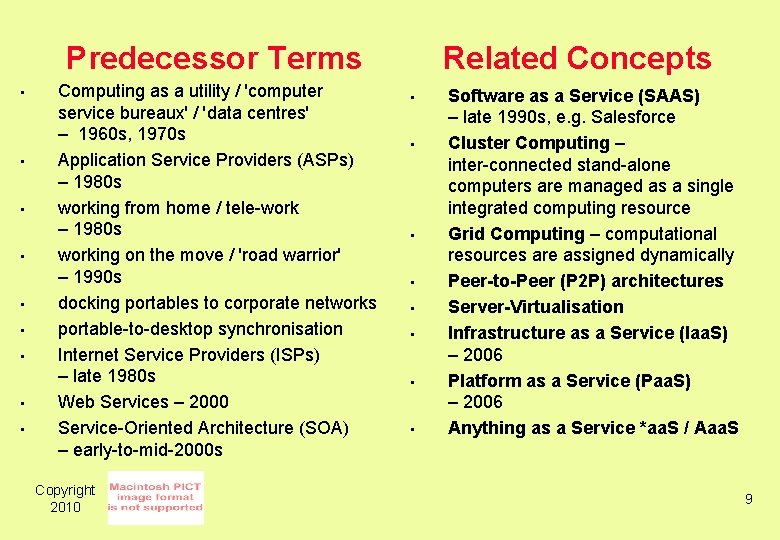
Predecessor Terms • • • Computing as a utility / 'computer service bureaux' / 'data centres' – 1960 s, 1970 s Application Service Providers (ASPs) – 1980 s working from home / tele-work – 1980 s working on the move / 'road warrior' – 1990 s docking portables to corporate networks portable-to-desktop synchronisation Internet Service Providers (ISPs) – late 1980 s Web Services – 2000 Service-Oriented Architecture (SOA) – early-to-mid-2000 s Copyright 2010 Related Concepts • • Software as a Service (SAAS) – late 1990 s, e. g. Salesforce Cluster Computing – inter-connected stand-alone computers are managed as a single integrated computing resource Grid Computing – computational resources are assigned dynamically Peer-to-Peer (P 2 P) architectures Server-Virtualisation Infrastructure as a Service (Iaa. S) – 2006 Platform as a Service (Paa. S) – 2006 Anything as a Service *aa. S / Aaa. S 9
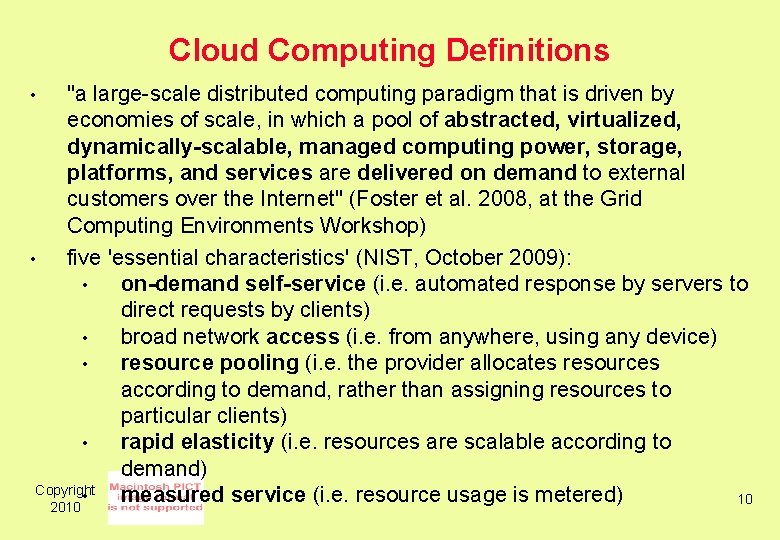
Cloud Computing Definitions "a large-scale distributed computing paradigm that is driven by economies of scale, in which a pool of abstracted, virtualized, dynamically-scalable, managed computing power, storage, platforms, and services are delivered on demand to external customers over the Internet" (Foster et al. 2008, at the Grid Computing Environments Workshop) • five 'essential characteristics' (NIST, October 2009): • on-demand self-service (i. e. automated response by servers to direct requests by clients) • broad network access (i. e. from anywhere, using any device) • resource pooling (i. e. the provider allocates resources according to demand, rather than assigning resources to particular clients) • rapid elasticity (i. e. resources are scalable according to demand) Copyright • measured service (i. e. resource usage is metered) 10 2010 •
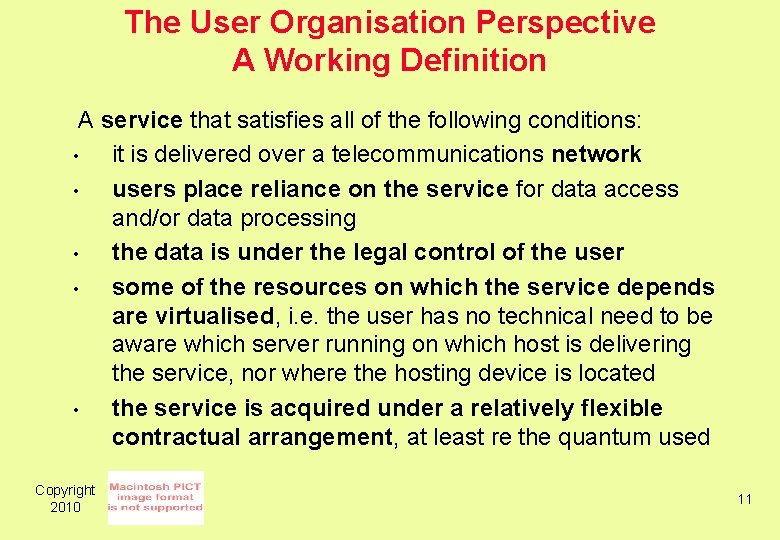
The User Organisation Perspective A Working Definition A service that satisfies all of the following conditions: • it is delivered over a telecommunications network • users place reliance on the service for data access and/or data processing • the data is under the legal control of the user • some of the resources on which the service depends are virtualised, i. e. the user has no technical need to be aware which server running on which host is delivering the service, nor where the hosting device is located • the service is acquired under a relatively flexible contractual arrangement, at least re the quantum used Copyright 2010 11
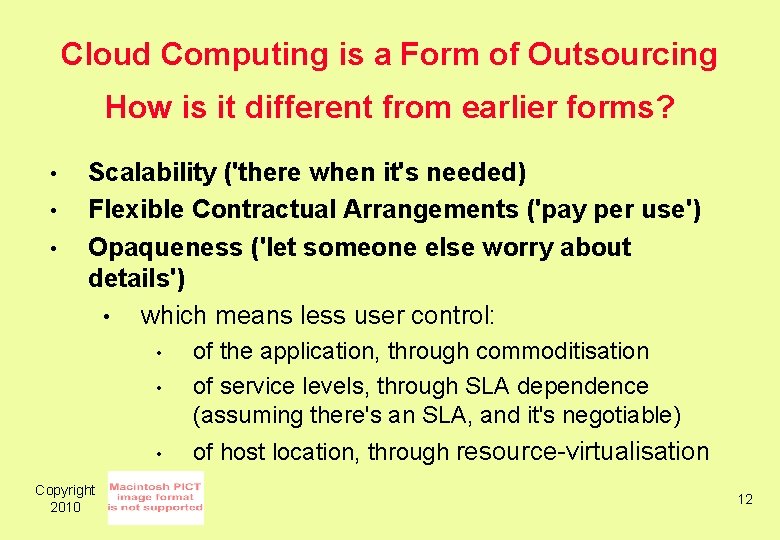
Cloud Computing is a Form of Outsourcing How is it different from earlier forms? • • • Scalability ('there when it's needed) Flexible Contractual Arrangements ('pay per use') Opaqueness ('let someone else worry about details') • which means less user control: • of the application, through commoditisation of service levels, through SLA dependence (assuming there's an SLA, and it's negotiable) • of host location, through resource-virtualisation • Copyright 2010 12
Sample Architectures CSA (2009) 'Security Guidance for Critical Areas of Focus in Cloud Computing' Cloud Security Alliance, April 2009 Youseff L. , Butrico M. & Da Silva D. (2008) 'Toward a Unified Ontology of Cloud Computing' Proc. Grid Computing Environments Workshop, 2008 Copyright 2010 13
Fig. 3 High-level market-oriented Cloud architecture Copyright 2010 Buyya R. , Yeo C. S. , Venugopal S. , Broberg J. & Brandic I. (2009) 'Cloud computing and emerging IT platforms: Vision, hype, and reality for delivering computing as the 5 th utility' Future Generation Computer Systems 25 (January 2009) 599 -616 14
CC Architecture – The User Organisation Perspective Copyright 2010 15
Copyright 2010 A Comprehensive CC Architecture 16
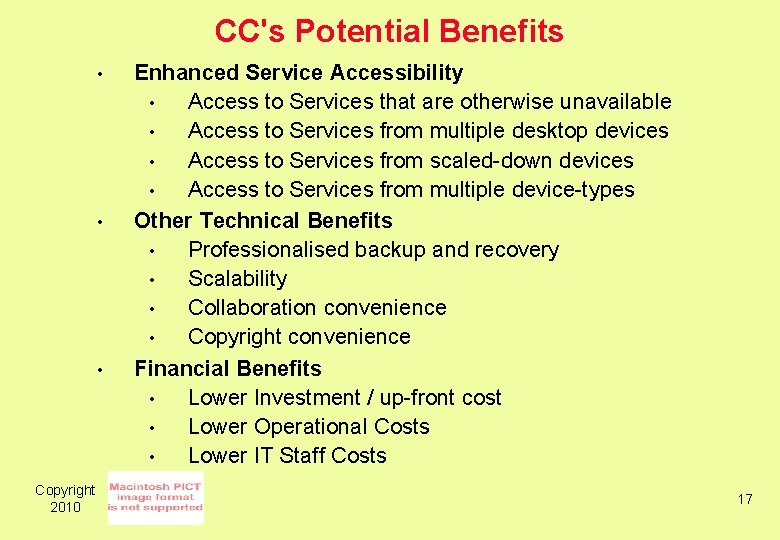
CC's Potential Benefits • • • Copyright 2010 Enhanced Service Accessibility • Access to Services that are otherwise unavailable • Access to Services from multiple desktop devices • Access to Services from scaled-down devices • Access to Services from multiple device-types Other Technical Benefits • Professionalised backup and recovery • Scalability • Collaboration convenience • Copyright convenience Financial Benefits • Lower Investment / up-front cost • Lower Operational Costs • Lower IT Staff Costs 17
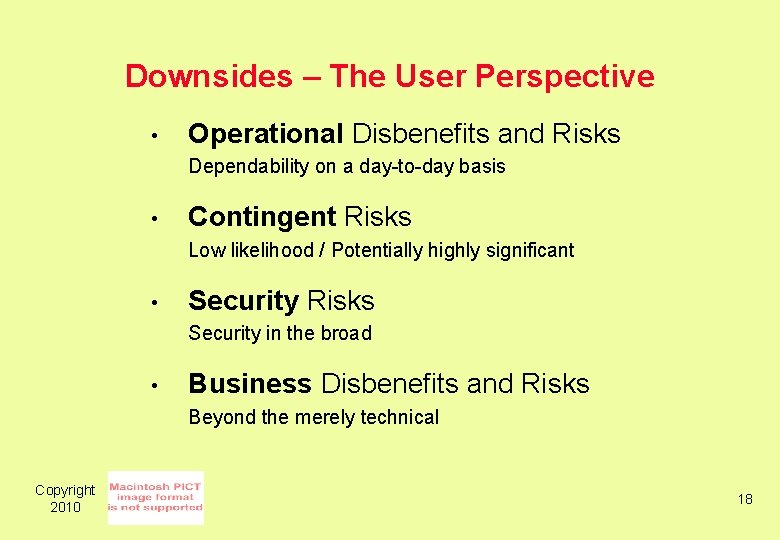
Downsides – The User Perspective • Operational Disbenefits and Risks Dependability on a day-to-day basis • Contingent Risks Low likelihood / Potentially highly significant • Security Risks Security in the broad • Business Disbenefits and Risks Beyond the merely technical Copyright 2010 18
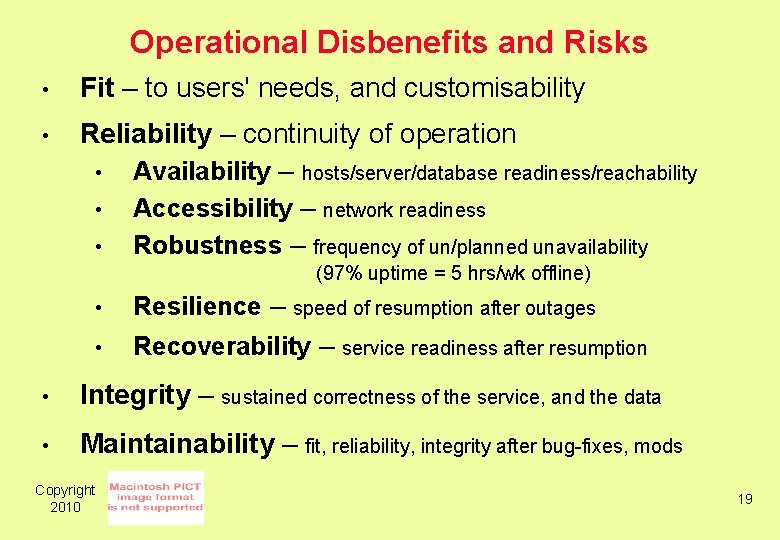
Operational Disbenefits and Risks • Fit – to users' needs, and customisability • Reliability – continuity of operation • Availability – hosts/server/database readiness/reachability • Accessibility – network readiness • Robustness – frequency of un/planned unavailability (97% uptime = 5 hrs/wk offline) • Resilience – • Recoverability – speed of resumption after outages service readiness after resumption • Integrity – sustained correctness of the service, and the data • Maintainability – fit, reliability, integrity after bug-fixes, mods Copyright 2010 19
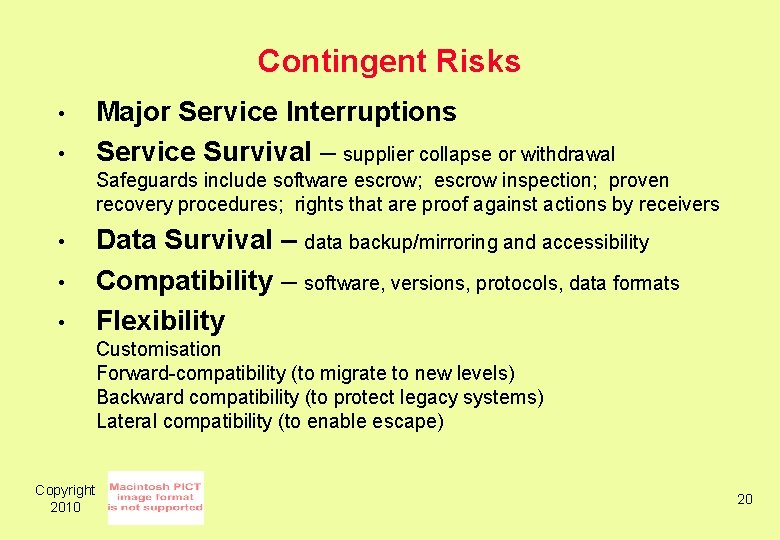
Contingent Risks • • Major Service Interruptions Service Survival – supplier collapse or withdrawal Safeguards include software escrow; escrow inspection; proven recovery procedures; rights that are proof against actions by receivers • • • Data Survival – data backup/mirroring and accessibility Compatibility – software, versions, protocols, data formats Flexibility Customisation Forward-compatibility (to migrate to new levels) Backward compatibility (to protect legacy systems) Lateral compatibility (to enable escape) Copyright 2010 20
Security Risks • Service Security Environmental, second-party and third-party threats to any aspect of reliability or integrity • Data Security Environmental, second-party and third-party threats to content, both in remote storage and in transit • Authentication and Authorisation How to provide clients with convenient access to data and processes in the cloud, while denying access to imposters? • Susceptibility to DDOS Multiple, separate servers; but choke-points will exist Copyright 2010 21
Business Disbenefits and Risks • Acquisition Lack of information, non-negotiability of terms of contract and SLA • Ongoing Usage Loss of corporate knowledge about apps, IT services, costs to deliver Inherent lock-in effect, because of high switching costs High-volume data transfers (large datasets, replication/synch'n) • • Service Levels to the Organisation's Customers Legal Compliance Data protection law, law of confidence, financial services regulations, evidence discovery law. Company Directors' obligations re asset protection, due diligence, business continuity, risk management • Privacy Breach – Content Access, Use, Retention Second-Party (service-provider abuse), Third-Party ('data breach', Copyright 'unauthorised disclosure'), Storage in Data Havens (India, Arkansas) 2010 22
Some Risk Management Strategies • Risk Assessment • Contract Terms Service Level Agreement (SLA) Multi-Sourcing • Parallel in-house service • Several compatible suppliers. . . • • • Copyright 2010 23
ITILv 3 SLA Checklist – Edited Down! 1. Service name 2. Clearance information (with location and date) 1. Service Level Manager 2. Customer 3. Contract duration 1. Start and end dates 2. Rules regarding termination of the agreement 4. Description/ desired customer outcome 1. Business justification 2. Business processes/ activities oncust side supported by the service 3. Desired outcome in terms of utility 4. Desired outcome in terms of warranty 5. Service and asset criticality 1. Identification of business-critical assets connected with the service 1. Vital Business Functions (VBFs) supported by the service 2. Other critical assets used within the service 2. Estimation of the business impact caused by a loss of service or assets 6. Reference to further contracts which also apply (e. g. SLA) 7. Service times 1. Hours when the service is available 2. Exceptions (e. g. weekends, public holidays) 3. Maintenance slots 8. Required types and levels of support 1. On-site support 1. Area/ locations 2. Types of users 3. Types of infrastructure to be supported 4. Reaction and resolution times 2. Remote support 1. Area/ locations 2. Types of users (user groups granted access to the service) 3. Types of infrastructure to be supported 4. Reaction and resolution times Copyright 2010 9. Service level requirements/ targets 1. Availability targets and commitments 1. Conditions under which the service is considered to be unavailable 2. Availability targets 3. Reliability targets (usually defined as MTBF or MTBSI ) 4. Maintainability targets (usually defined as MTRS) 5. Downtimes for maintenance 6. Restrictions on maintenance 7. Procedures for announcing interruptions to the service 8. Requirements regarding availability reporting 2. Capacity/ performance targets and commitments 1. Required capacity (lower/upper limit) for the service, e. g. 1. Numbers and types of transactions 2. Numbers and types of users 3. Business cycles (daily, weekly) and seasonal variations 2. Response times from applications 3. Requirements for scalability 4. Requirements regarding capacity and performance reporting 3. Service Continuity commitments 1. Time within which a defined level of service must be re-established 2. Time within which normal service levels must be restored 10. Mandated technical standards and spec of the technical service interface 11. Responsibilities 1. Duties of the service provider 2. Duties of the customer (contract partner for the service) 3. Responsibilities of service users (e. g. with respect to IT security) 4. IT Security aspects to be observed when using the service 12. Costs and pricing 1. Cost for the service provision 2. Rules for penalties/ charge backs 13. Change history 14. List of annexes http: //wiki. en. it-processmaps. com/index. php/Checklist_SLA_OLA_UC 24
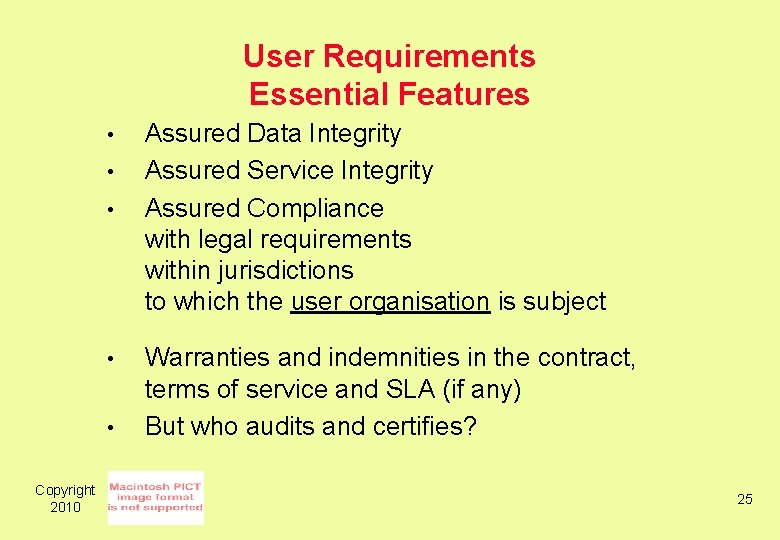
User Requirements Essential Features • • • Copyright 2010 Assured Data Integrity Assured Service Integrity Assured Compliance with legal requirements within jurisdictions to which the user organisation is subject Warranties and indemnities in the contract, terms of service and SLA (if any) But who audits and certifies? 25
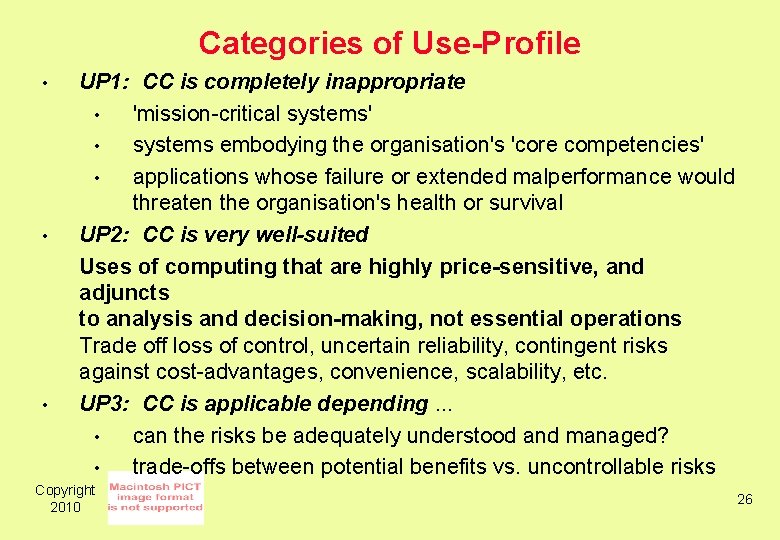
Categories of Use-Profile • • • UP 1: CC is completely inappropriate • 'mission-critical systems' • systems embodying the organisation's 'core competencies' • applications whose failure or extended malperformance would threaten the organisation's health or survival UP 2: CC is very well-suited Uses of computing that are highly price-sensitive, and adjuncts to analysis and decision-making, not essential operations Trade off loss of control, uncertain reliability, contingent risks against cost-advantages, convenience, scalability, etc. UP 3: CC is applicable depending. . . • can the risks be adequately understood and managed? • trade-offs between potential benefits vs. uncontrollable risks Copyright 2010 26
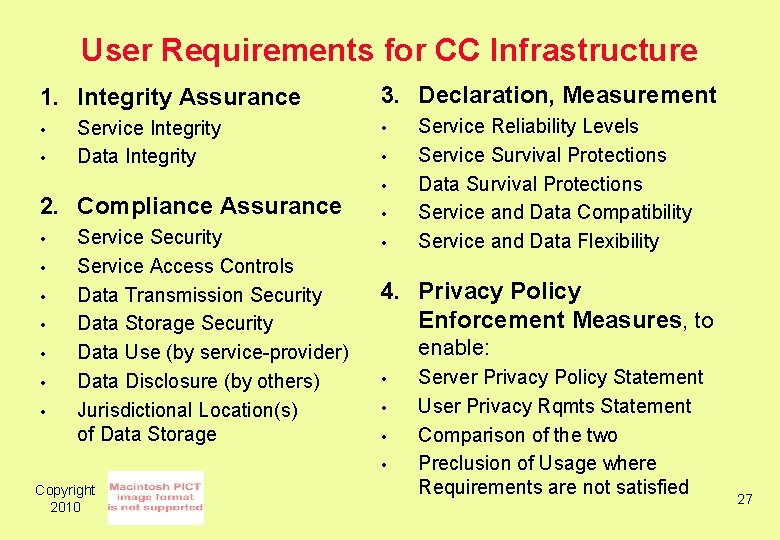
User Requirements for CC Infrastructure 1. Integrity Assurance • • Service Integrity Data Integrity 2. Compliance Assurance • • Service Security Service Access Controls Data Transmission Security Data Storage Security Data Use (by service-provider) Data Disclosure (by others) Jurisdictional Location(s) of Data Storage 3. Declaration, Measurement • • • 4. Privacy Policy Enforcement Measures, to enable: • • Copyright 2010 Service Reliability Levels Service Survival Protections Data Survival Protections Service and Data Compatibility Service and Data Flexibility Server Privacy Policy Statement User Privacy Rqmts Statement Comparison of the two Preclusion of Usage where Requirements are not satisfied 27
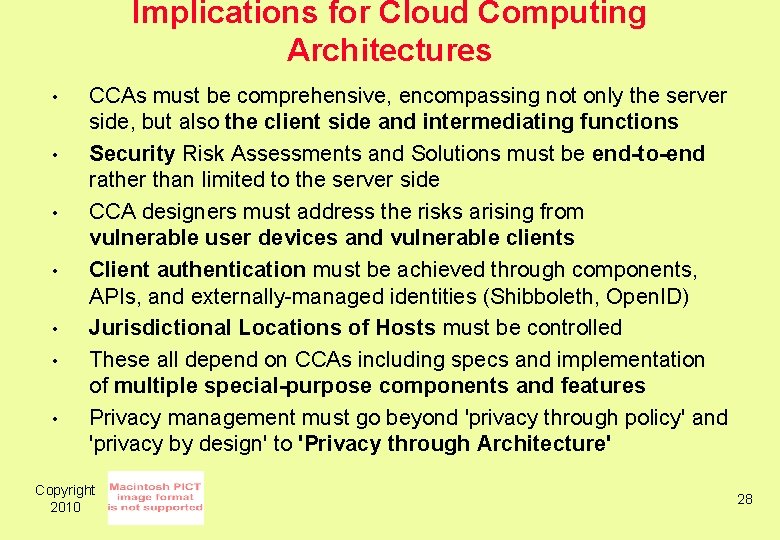
Implications for Cloud Computing Architectures • • CCAs must be comprehensive, encompassing not only the server side, but also the client side and intermediating functions Security Risk Assessments and Solutions must be end-to-end rather than limited to the server side CCA designers must address the risks arising from vulnerable user devices and vulnerable clients Client authentication must be achieved through components, APIs, and externally-managed identities (Shibboleth, Open. ID) Jurisdictional Locations of Hosts must be controlled These all depend on CCAs including specs and implementation of multiple special-purpose components and features Privacy management must go beyond 'privacy through policy' and 'privacy by design' to 'Privacy through Architecture' Copyright 2010 28
Conclusion • "Past efforts at utility computing failed, and we note that in each case one or two. . . critical characteristics were missing" (Armbrust et al. 2008, p. 5 – UC Berekeley) • CC may be just another marketing buzz-phrase that leaves corporate wreckage in its wake CC service-providers need to invest a great deal in many aspects of architecture, infrastructure, applications, and terms of contract and SLA • Copyright 2010 29
User Requirements for Cloud Computing Architecture Roger Clarke, Xamax Consultancy, Canberra Visiting Professor in Computer Science, ANU and in Cyberspace Law & Policy, UNSW 2 nd International Symposium on Cloud Computing Melbourne, 17 May 2010 http: //www. rogerclarke. com/II/CCSA {. html, . ppt} Copyright 2010 30