
User Interface UI TP UI User Interface installation

- Slides: 12
User Interface UI TP: UI User Interface installation & configuration
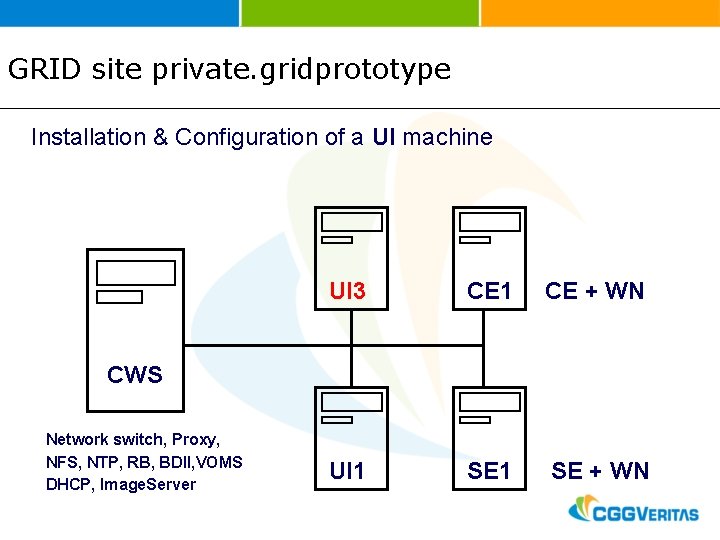
GRID site private. gridprototype Installation & Configuration of a UI machine UI 3 CE 1 CE + WN UI 1 SE + WN CWS Network switch, Proxy, NFS, NTP, RB, BDII, VOMS DHCP, Image. Server
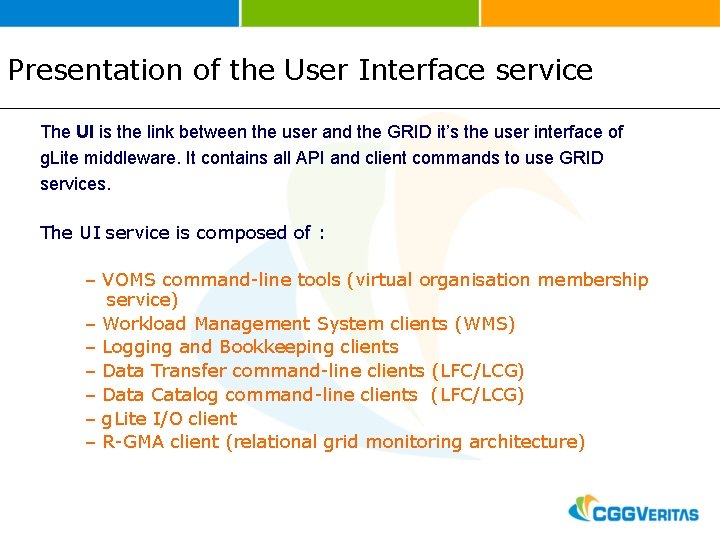
Presentation of the User Interface service The UI is the link between the user and the GRID it’s the user interface of g. Lite middleware. It contains all API and client commands to use GRID services. The UI service is composed of : – VOMS command-line tools (virtual organisation membership service) – Workload Management System clients (WMS) – Logging and Bookkeeping clients – Data Transfer command-line clients (LFC/LCG) – Data Catalog command-line clients (LFC/LCG) – g. Lite I/O client – R-GMA client (relational grid monitoring architecture)
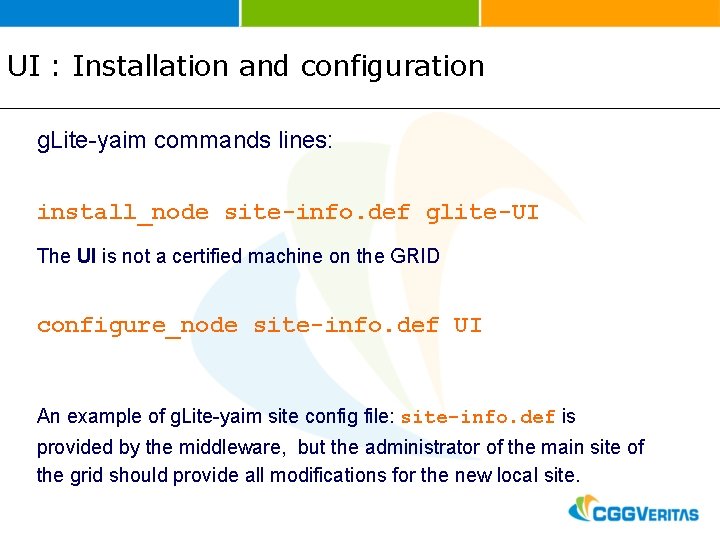
UI : Installation and configuration g. Lite-yaim commands lines: install_node site-info. def glite-UI The UI is not a certified machine on the GRID configure_node site-info. def UI An example of g. Lite-yaim site config file: site-info. def is provided by the middleware, but the administrator of the main site of the grid should provide all modifications for the new local site.
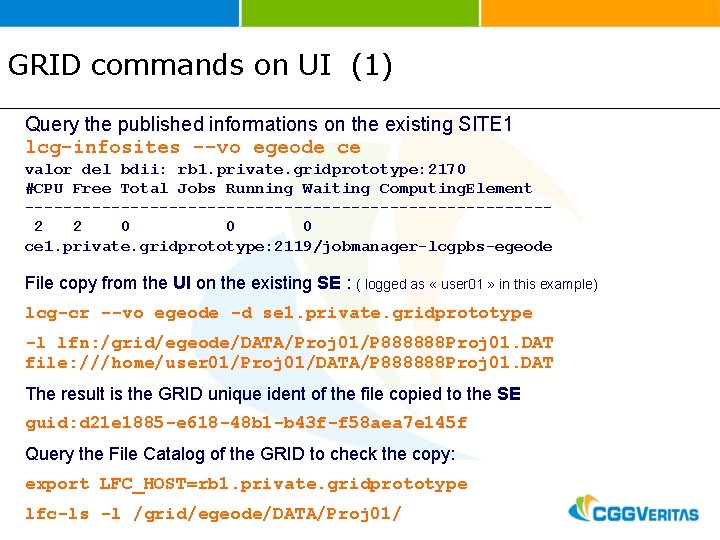
GRID commands on UI (1) Query the published informations on the existing SITE 1 lcg-infosites --vo egeode ce valor del bdii: rb 1. private. gridprototype: 2170 #CPU Free Total Jobs Running Waiting Computing. Element ---------------------------2 2 0 0 0 ce 1. private. gridprototype: 2119/jobmanager-lcgpbs-egeode File copy from the UI on the existing SE : ( logged as « user 01 » in this example) lcg-cr --vo egeode -d se 1. private. gridprototype -l lfn: /grid/egeode/DATA/Proj 01/P 888888 Proj 01. DAT file: ///home/user 01/Proj 01/DATA/P 888888 Proj 01. DAT The result is the GRID unique ident of the file copied to the SE guid: d 21 e 1885 -e 618 -48 b 1 -b 43 f-f 58 aea 7 e 145 f Query the File Catalog of the GRID to check the copy: export LFC_HOST=rb 1. private. gridprototype lfc-ls -l /grid/egeode/DATA/Proj 01/
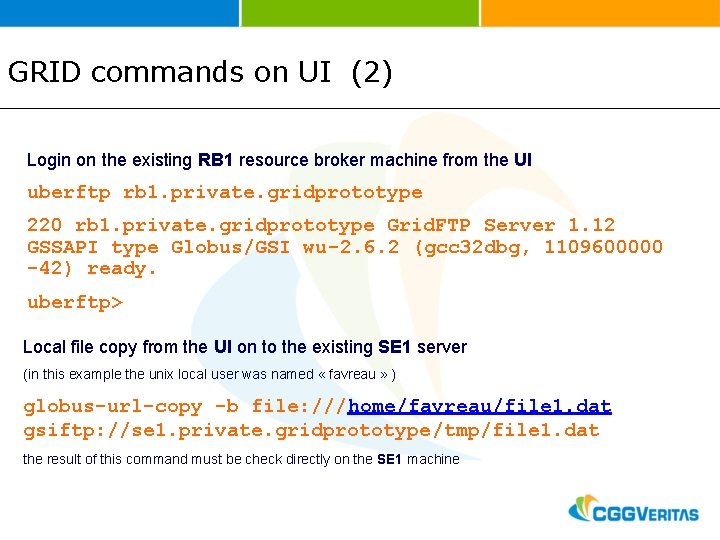
GRID commands on UI (2) Login on the existing RB 1 resource broker machine from the UI uberftp rb 1. private. gridprototype 220 rb 1. private. gridprototype Grid. FTP Server 1. 12 GSSAPI type Globus/GSI wu-2. 6. 2 (gcc 32 dbg, 1109600000 -42) ready. uberftp> Local file copy from the UI on to the existing SE 1 server (in this example the unix local user was named « favreau » ) globus-url-copy -b file: ///home/favreau/file 1. dat gsiftp: //se 1. private. gridprototype/tmp/file 1. dat the result of this command must be check directly on the SE 1 machine
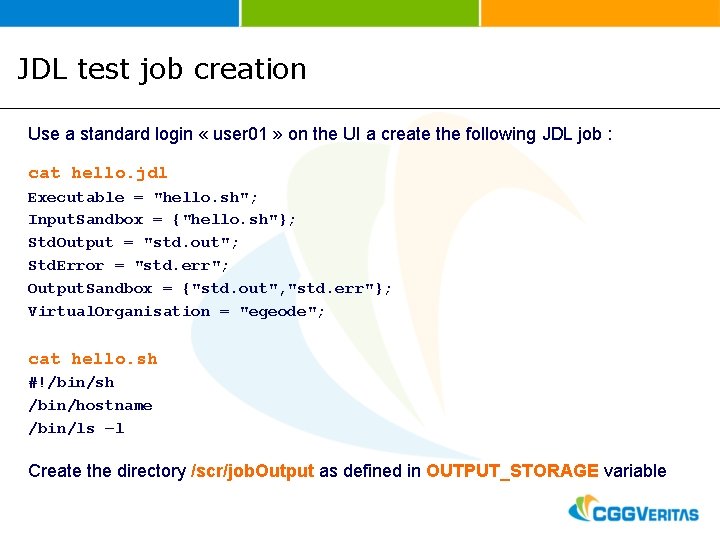
JDL test job creation Use a standard login « user 01 » on the UI a create the following JDL job : cat hello. jdl Executable = "hello. sh"; Input. Sandbox = {"hello. sh"}; Std. Output = "std. out"; Std. Error = "std. err"; Output. Sandbox = {"std. out", "std. err"}; Virtual. Organisation = "egeode"; cat hello. sh #!/bin/sh /bin/hostname /bin/ls –l Create the directory /scr/job. Output as defined in OUTPUT_STORAGE variable
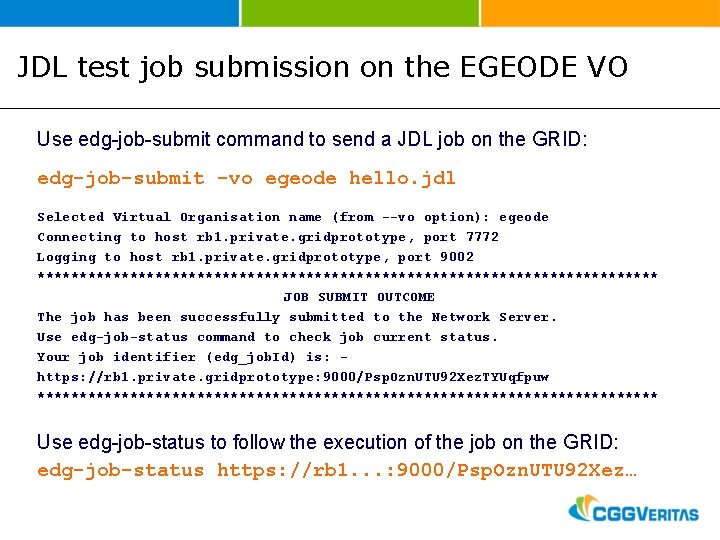
JDL test job submission on the EGEODE VO Use edg-job-submit command to send a JDL job on the GRID: edg-job-submit -vo egeode hello. jdl Selected Virtual Organisation name (from --vo option): egeode Connecting to host rb 1. private. gridprototype, port 7772 Logging to host rb 1. private. gridprototype, port 9002 ************************************* JOB SUBMIT OUTCOME The job has been successfully submitted to the Network Server. Use edg-job-status command to check job current status. Your job identifier (edg_job. Id) is: https: //rb 1. private. gridprototype: 9000/Psp. Ozn. UTU 92 Xez. TYUqfpuw ************************************* Use edg-job-status to follow the execution of the job on the GRID: edg-job-status https: //rb 1. . . : 9000/Psp. Ozn. UTU 92 Xez…
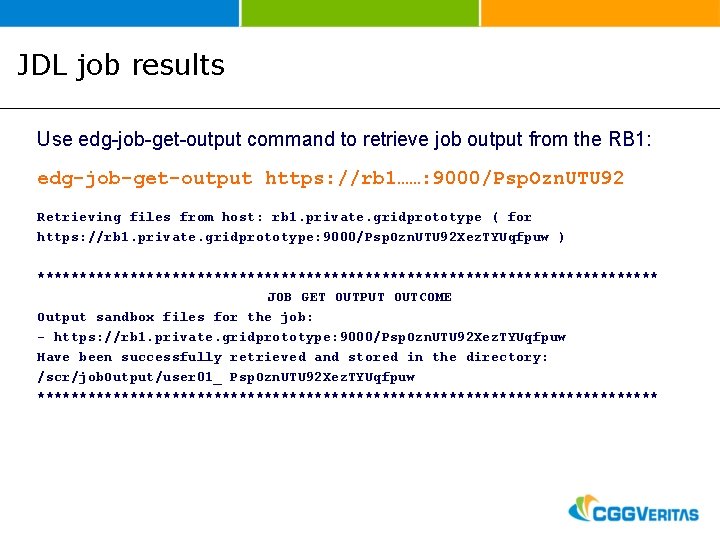
JDL job results Use edg-job-get-output command to retrieve job output from the RB 1: edg-job-get-output https: //rb 1……: 9000/Psp. Ozn. UTU 92 Retrieving files from host: rb 1. private. gridprototype ( for https: //rb 1. private. gridprototype: 9000/Psp. Ozn. UTU 92 Xez. TYUqfpuw ) ************************************* JOB GET OUTPUT OUTCOME Output sandbox files for the job: - https: //rb 1. private. gridprototype: 9000/Psp. Ozn. UTU 92 Xez. TYUqfpuw Have been successfully retrieved and stored in the directory: /scr/job. Output/user 01_ Psp. Ozn. UTU 92 Xez. TYUqfpuw *************************************
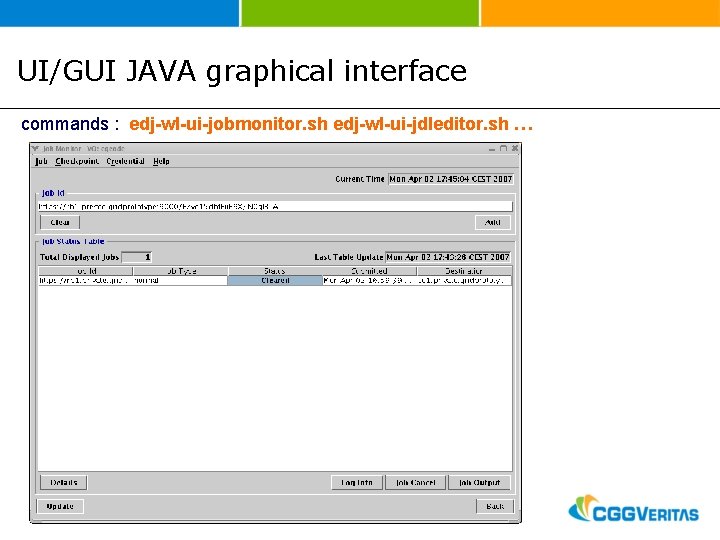
UI/GUI JAVA graphical interface commands : edj-wl-ui-jobmonitor. sh edj-wl-ui-jdleditor. sh …
Documentation and WIKI UI in UNIX tar format : https: //twiki. cern. ch/twiki/bin/view/LCG/Tar. UIInstall WIKI on the middleware : https: //twiki. cern. ch/twiki/bin/view/CERNSearch/Web. Home https: //twiki. cern. ch/twiki/bin/view/LCG/Web. Home
Questions on the UI ? Sample Image