
User Guide for Department Login for GRAS https
- Slides: 27
User Guide for Department Login for GRAS https: //gras. mahakosh. gov. in
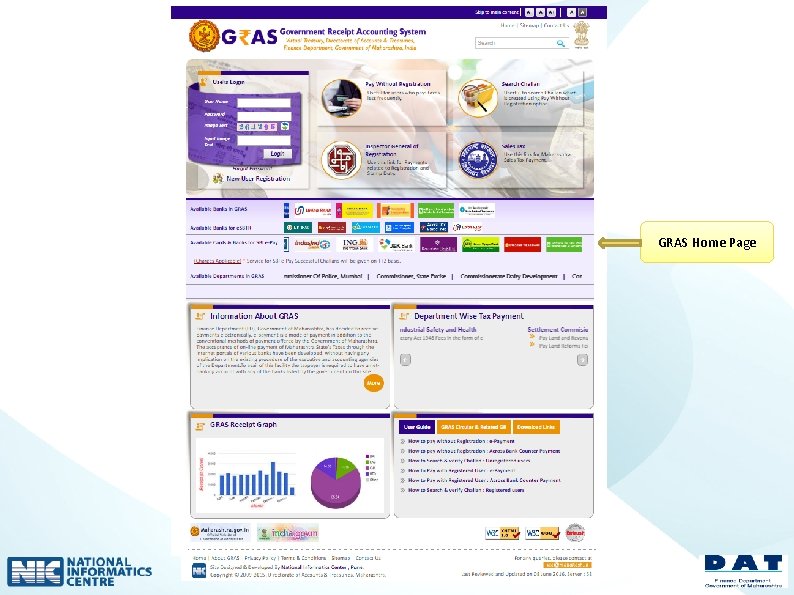
GRAS Home Page
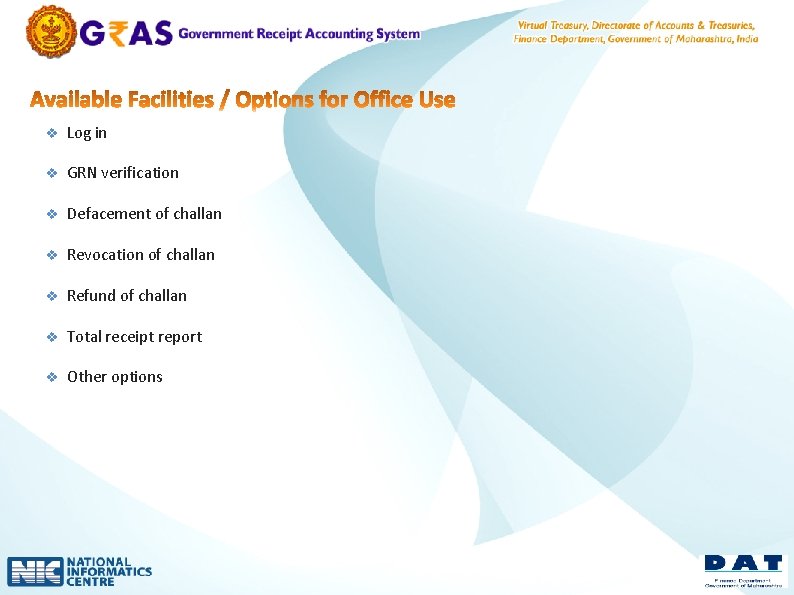
v Log in v GRN verification v Defacement of challan v Revocation of challan v Refund of challan v Total receipt report v Other options
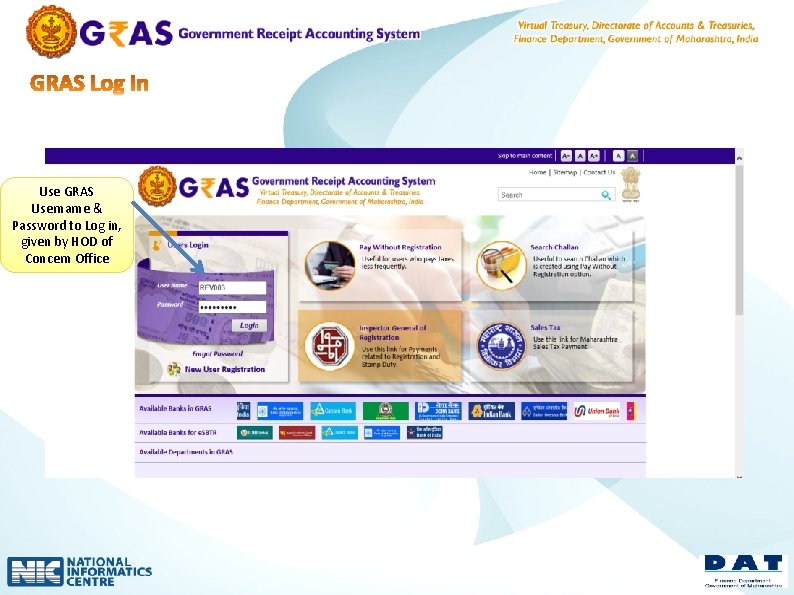
Use GRAS Username & Password to Log in, given by HOD of Concern Office
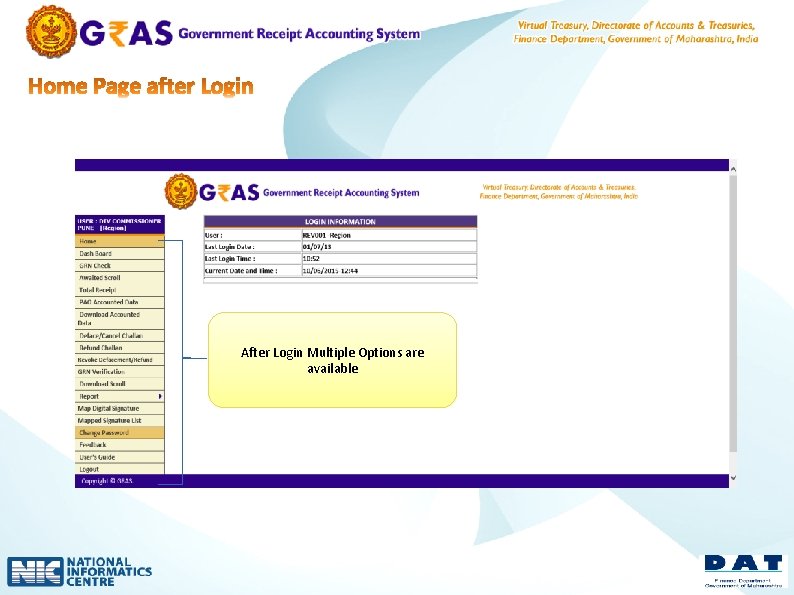
After Login Multiple Options are available
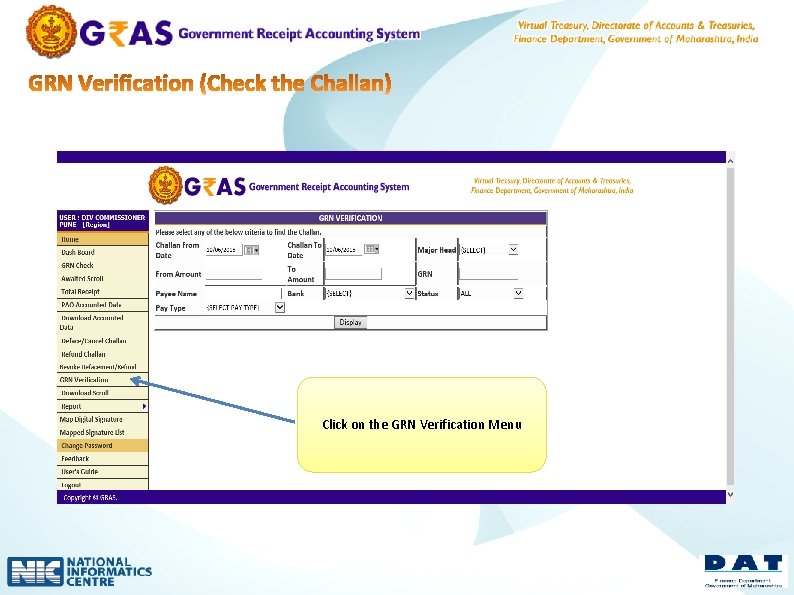
Click on the GRN Verification Menu
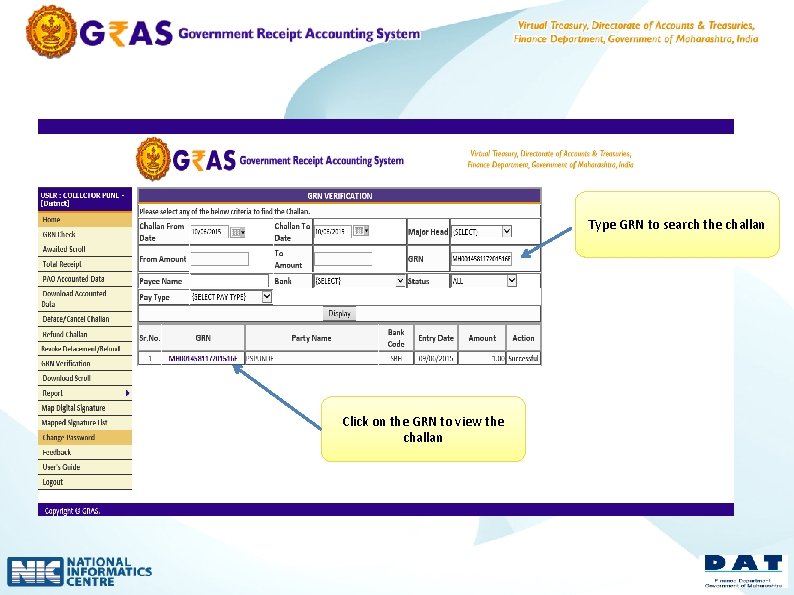
Type GRN to search the challan Click on the GRN to view the challan
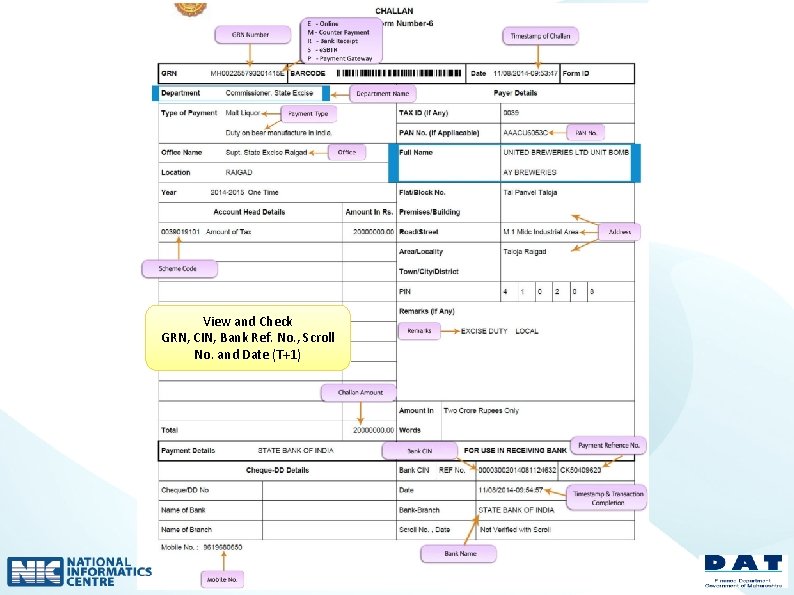
View and Check GRN, CIN, Bank Ref. No. , Scroll No. and Date (T+1)
l l l When -- - After providing service to citizens , tax payer (please verify the challan before providing service) Why –- - Defacement of the challan is mandatory for the offices after providing service to citizens , tax payer - Defacement of challan avoids the reuse / misuse of the same challan - In GRAS defacement reports are available
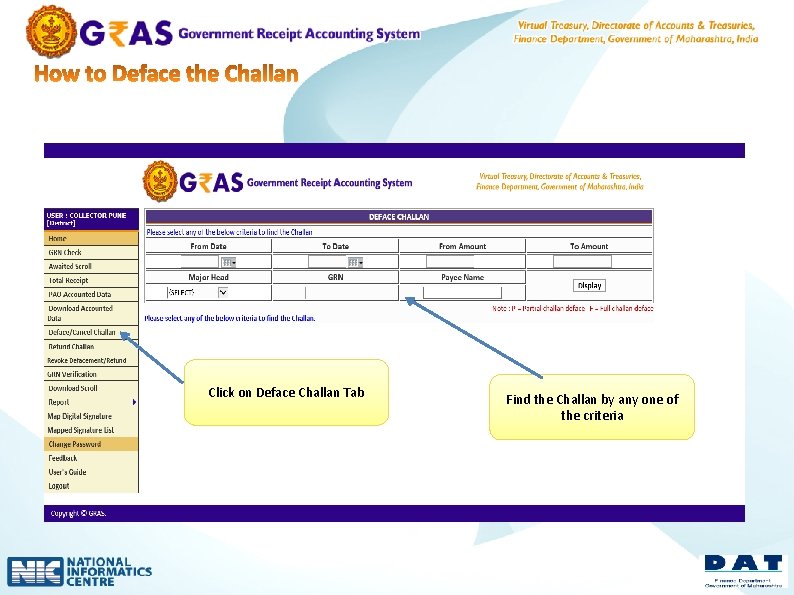
Click on Deface Challan Tab Find the Challan by any one of the criteria
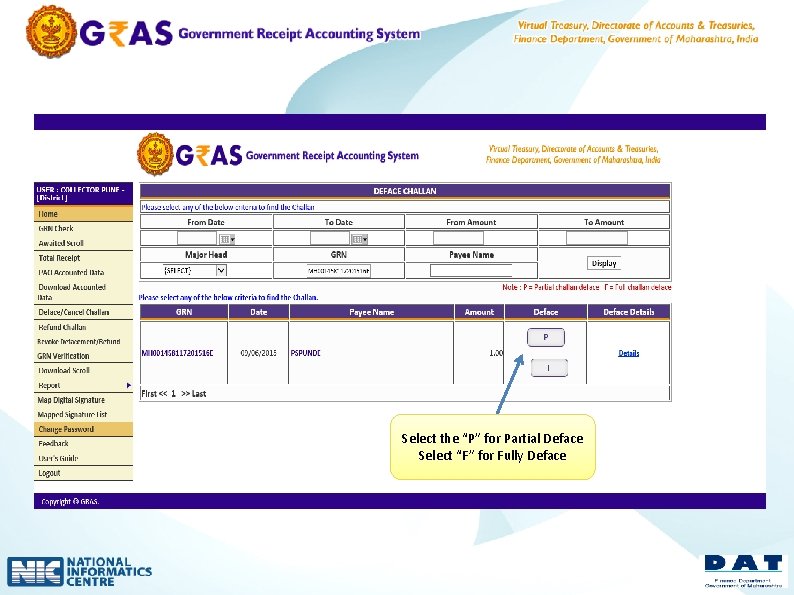
Select the “P” for Partial Deface Select “F” for Fully Deface
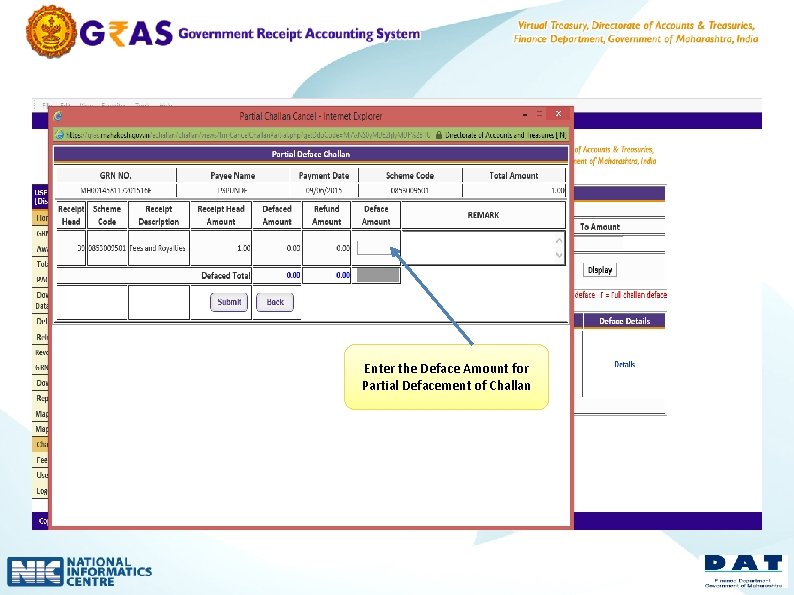
Enter the Deface Amount for Partial Defacement of Challan
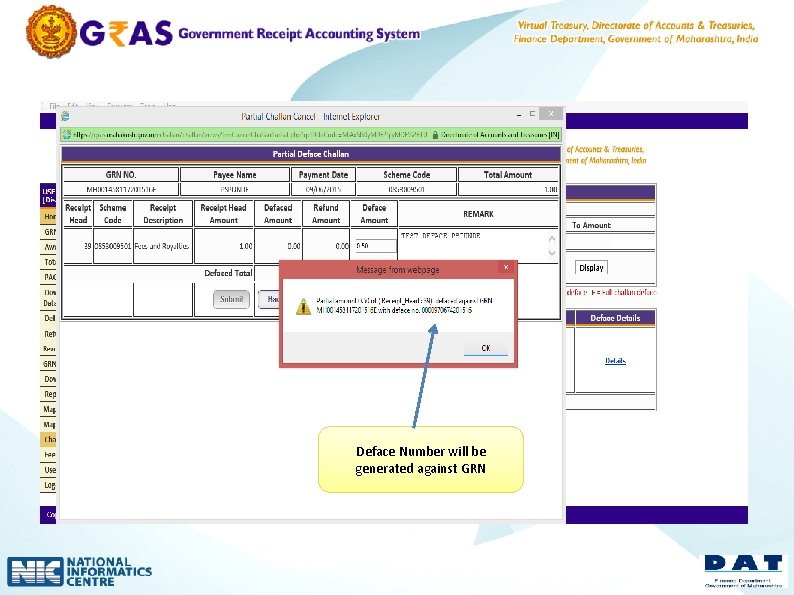
Deface Number will be generated against GRN
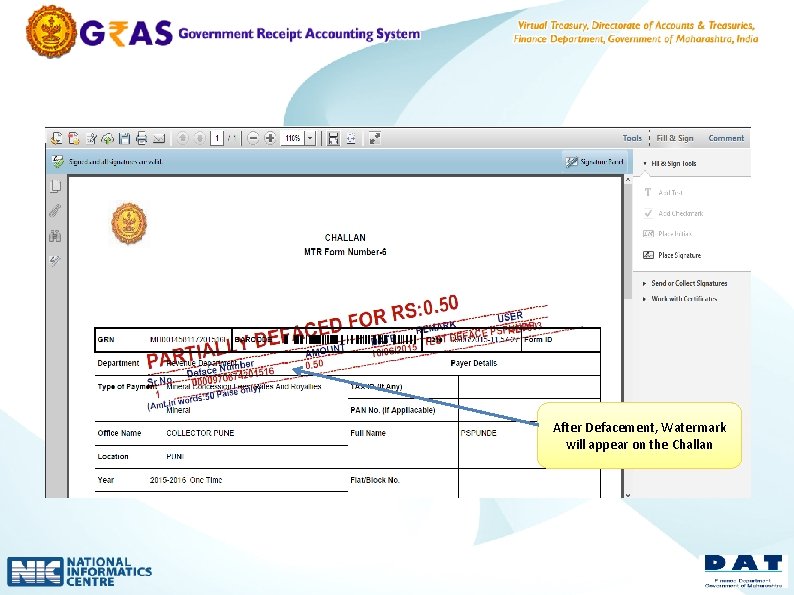
After Defacement, Watermark will appear on the Challan
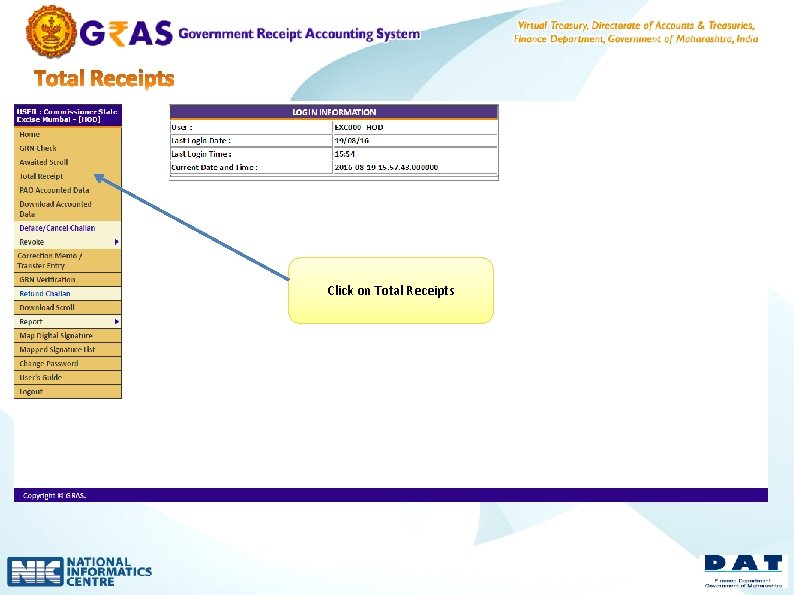
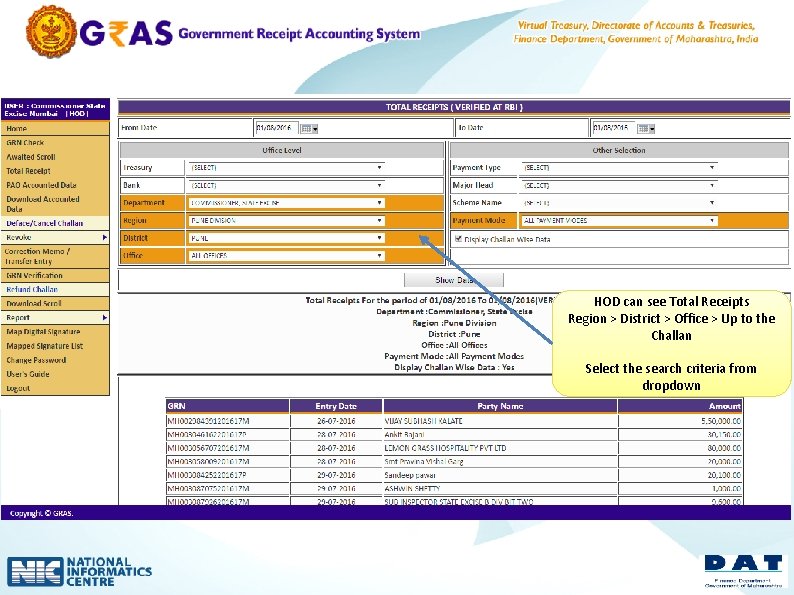
v In GRAS total receipt option is available to view receipts v Collected for selected period v Hierarchy wise view of receipt is available v up to the challan end to higher level authority(TCA) v HOD > Region > District > Office
Click on Total Receipts
HOD can see Total Receipts Region > District > Office > Up to the Challan Select the search criteria from dropdown
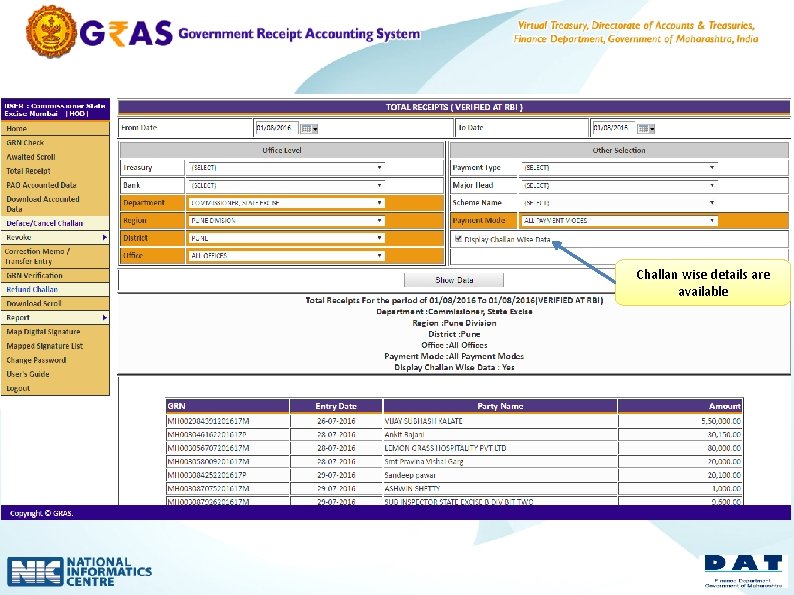
Challan wise details are available
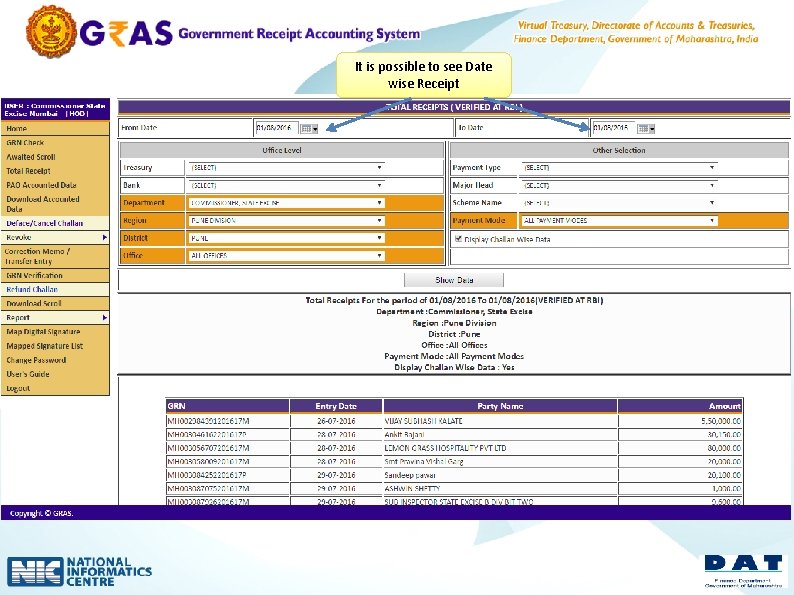
It is possible to see Date wise Receipt
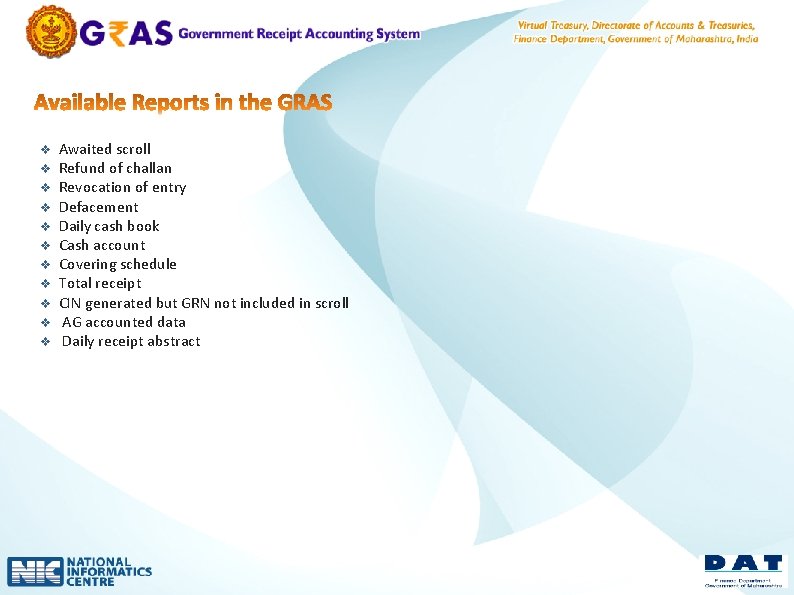
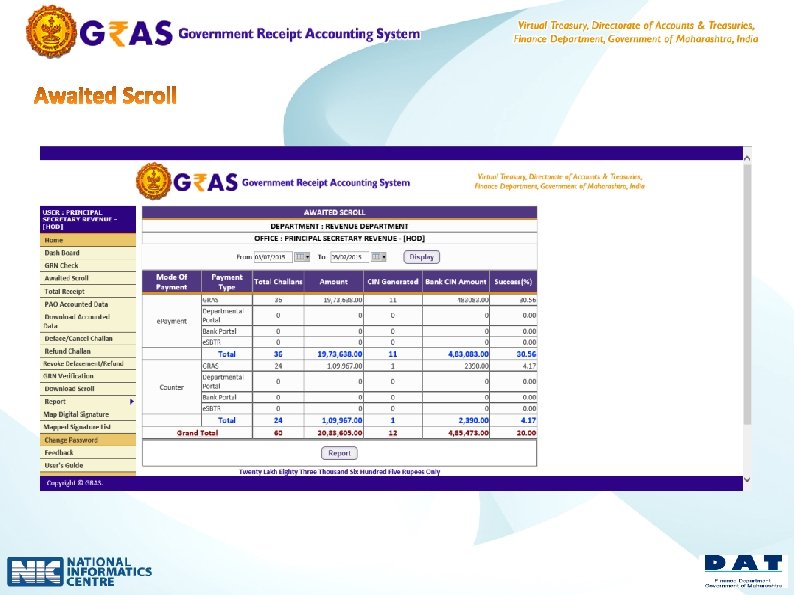
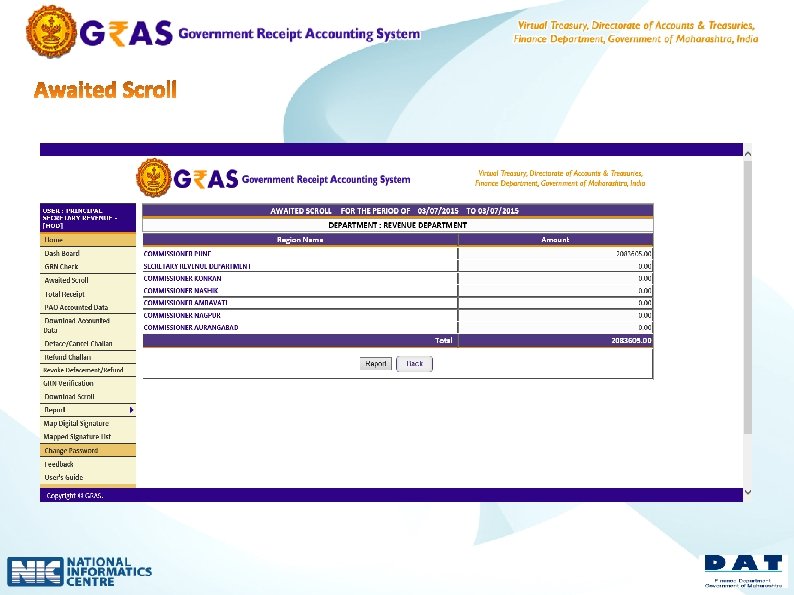
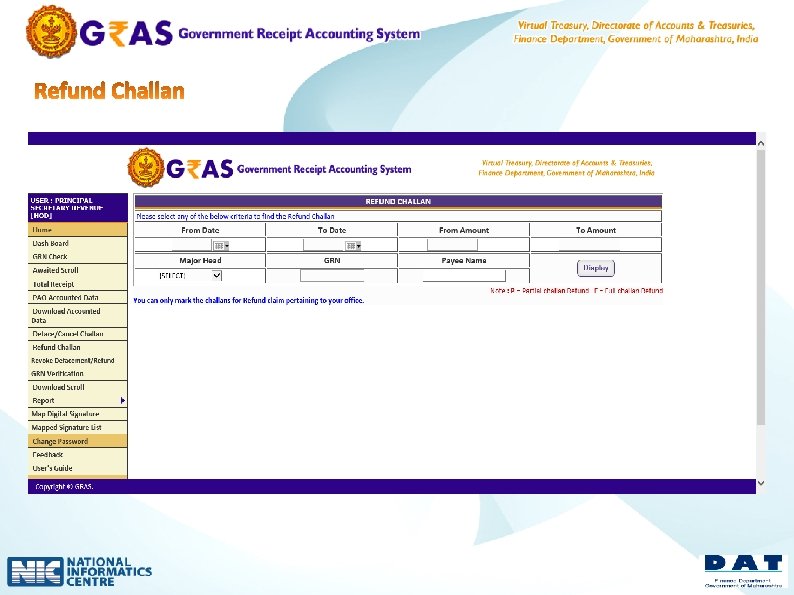
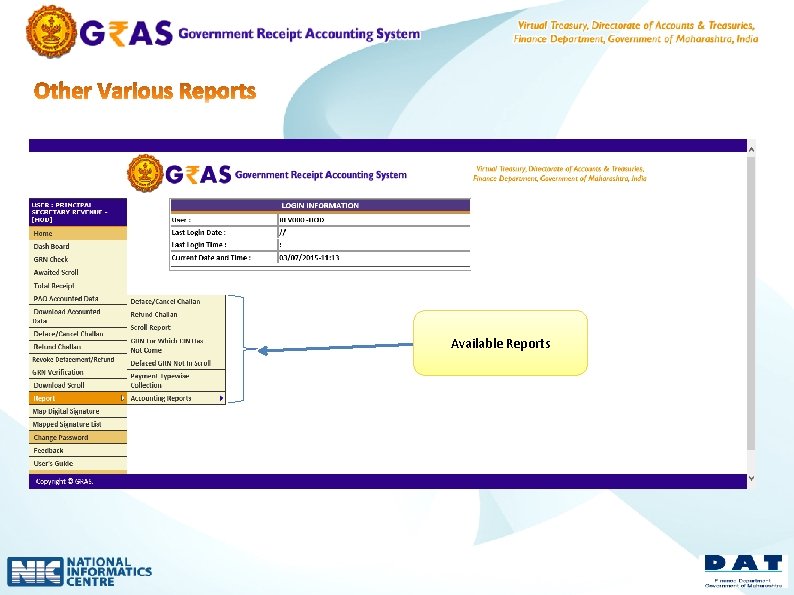
v v v Awaited scroll Refund of challan Revocation of entry Defacement Daily cash book Cash account Covering schedule Total receipt CIN generated but GRN not included in scroll AG accounted data Daily receipt abstract
Available Reports