
User Authentication RFC 4949 defines user authentication as
- Slides: 36
User Authentication
RFC 4949 defines user authentication as: “The process of verifying an identity claimed by or for a system entity. ” • Request for Comments (RFC) is a text document from the technology community such as IETF or IRTF etc. vs. • Federal Information Processing Standards (FIPS) are publicly announced standards developed by NIST
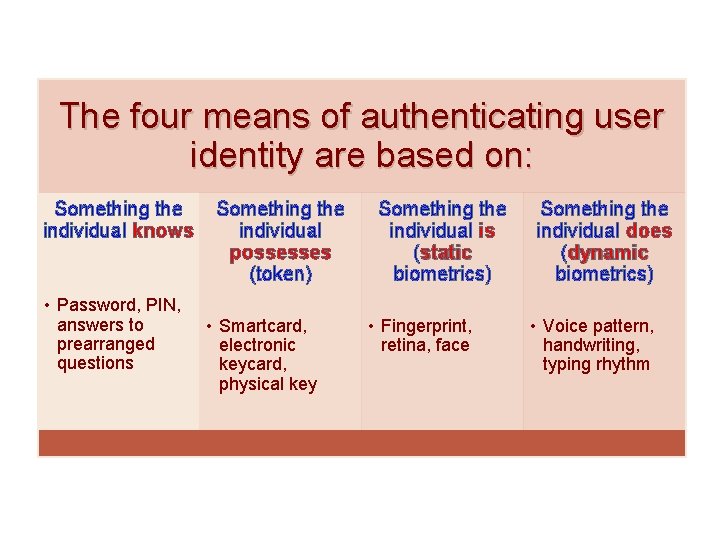
The four means of authenticating user identity are based on: Something the individual knows • Password, PIN, answers to prearranged questions Something the individual possesses (token) • Smartcard, electronic keycard, physical key Something the individual is (static biometrics) • Fingerprint, retina, face Something the individual does (dynamic biometrics) • Voice pattern, handwriting, typing rhythm
Password Authentication • Widely used line of defense against intruders o User provides name/login and password o System compares password with the one stored for that specified login • The user ID: o Determines that the user is authorized to access the system (e. g. read vs. write vs. execute on a Unix systems) o Determines the user’s privileges (e. g. admin vs. user) o Is used in discretionary access control
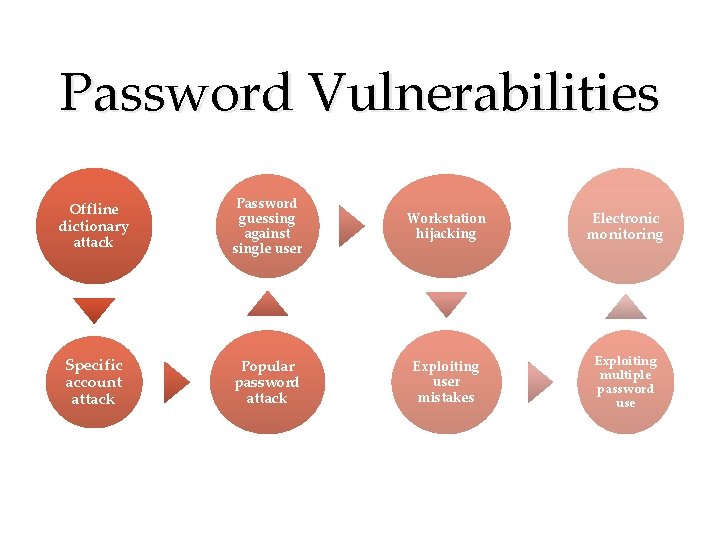
Password Vulnerabilities Offline dictionary attack Password guessing against single user Workstation hijacking Electronic monitoring Specific account attack Popular password attack Exploiting user mistakes Exploiting multiple password use
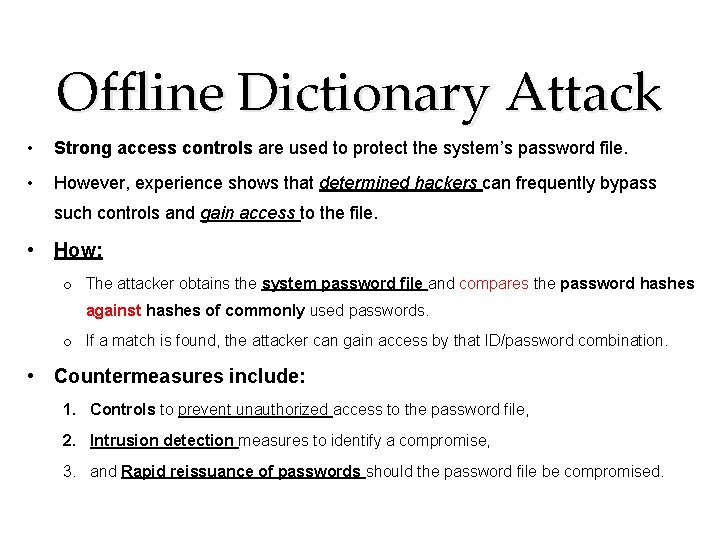
Offline Dictionary Attack • Strong access controls are used to protect the system’s password file. • However, experience shows that determined hackers can frequently bypass such controls and gain access to the file. • How: o The attacker obtains the system password file and compares the password hashes against hashes of commonly used passwords. o If a match is found, the attacker can gain access by that ID/password combination. • Countermeasures include: 1. Controls to prevent unauthorized access to the password file, 2. Intrusion detection measures to identify a compromise, 3. and Rapid reissuance of passwords should the password file be compromised.
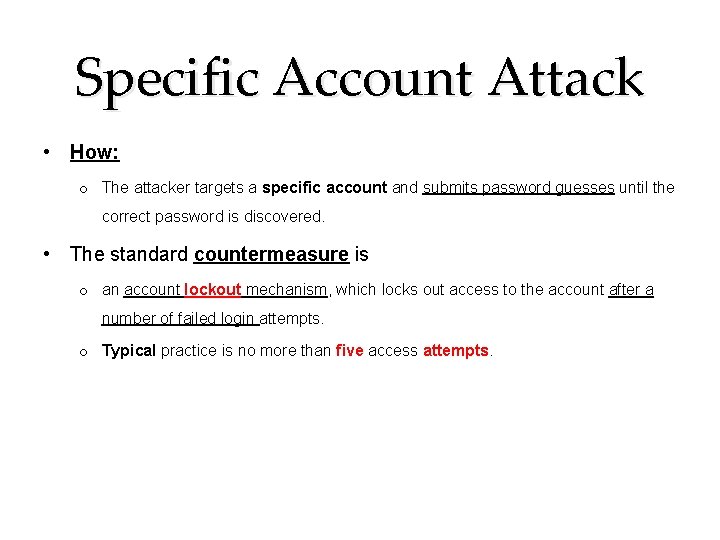
Specific Account Attack • How: o The attacker targets a specific account and submits password guesses until the correct password is discovered. • The standard countermeasure is o an account lockout mechanism, which locks out access to the account after a number of failed login attempts. o Typical practice is no more than five access attempts.
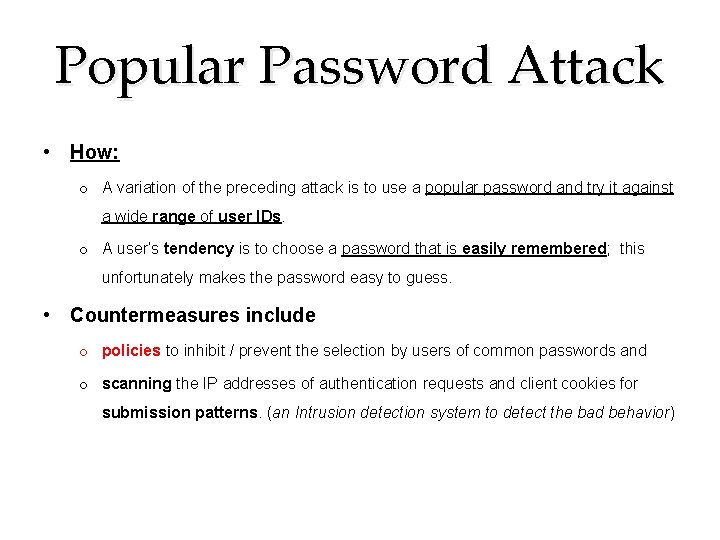
Popular Password Attack • How: o A variation of the preceding attack is to use a popular password and try it against a wide range of user IDs. o A user’s tendency is to choose a password that is easily remembered; this unfortunately makes the password easy to guess. • Countermeasures include o policies to inhibit / prevent the selection by users of common passwords and o scanning the IP addresses of authentication requests and client cookies for submission patterns. (an Intrusion detection system to detect the bad behavior)
Password guessing against single user • How: o The attacker attempts to gain knowledge about the account holder and system password policies and uses that knowledge to guess the password. • Countermeasures include o training in and enforcement of password policies that make passwords difficult to guess. o Such policies address the secrecy: 1. Minimum length of the password, 2. Character set, 3. Prohibition against using well-known user identifiers, 4. and length of time before the password must be changed.
Workstation hijacking • How: o The attacker waits until a logged-in workstation is unattended. • The standard countermeasure is o Automatically log the workstation out after a period of inactivity. o Intrusion detection schemes can be used to detect changes in user behavior.
Exploiting user mistakes • A user may write down a preconfigured password (difficult to remember) o This situation creates the potential for an adversary to read the written password. • User may intentionally share a password (share files with colleague) • Attackers are frequently successful in obtaining passwords by using social engineering tactics that trick the user or an account manager into revealing a password. • Many computer systems are shipped with preconfigured passwords for system administrators. o Unless these preconfigured passwords are changed, they are easily guessed. • Countermeasures include o user training, o intrusion detection, and o simpler passwords combined with another authentication mechanism. o What about double authentication, will it help ?
Exploiting multiple password use • Attacks can also become much more effective or damaging if the same network allows different devices/systems to share the same or a similar password for a given user. • Countermeasures include o a policy that forbids the same or similar password on particular network devices. What about different networks: (What can we do about it ? ) Example: How Apple and Amazon Security Flaws Led to The Epic Hacking (link 1) (link 2)
Electronic monitoring • How: o If a password is communicated across a network to log on to a remote system, it is vulnerable to eavesdropping. o Simple encryption will not fix this problem, because the encrypted password is, in effect, the password and can be observed and reused by an adversary. • Countermeasures: o We need additional techniques, • what about adding salt to the password • we will see the Authentication protocols later on
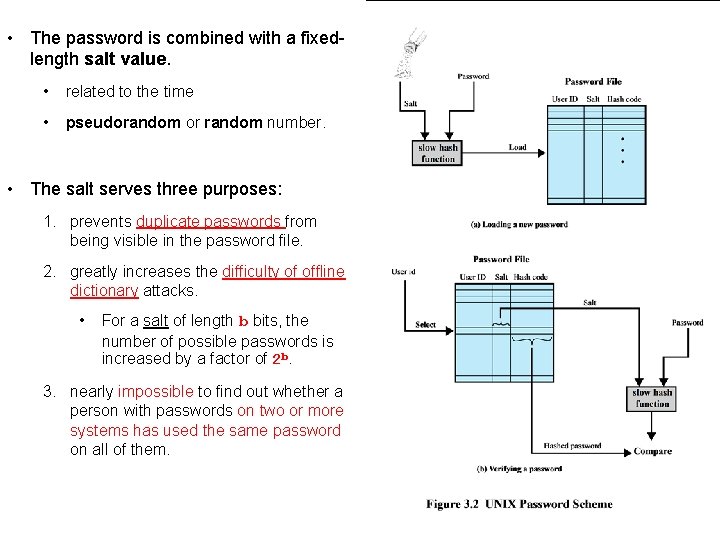
• The password is combined with a fixedlength salt value. • related to the time • pseudorandom or random number. • The salt serves three purposes: 1. prevents duplicate passwords from being visible in the password file. 2. greatly increases the difficulty of offline dictionary attacks. • For a salt of length b bits, the number of possible passwords is increased by a factor of 2 b. 3. nearly impossible to find out whether a person with passwords on two or more systems has used the same password on all of them.
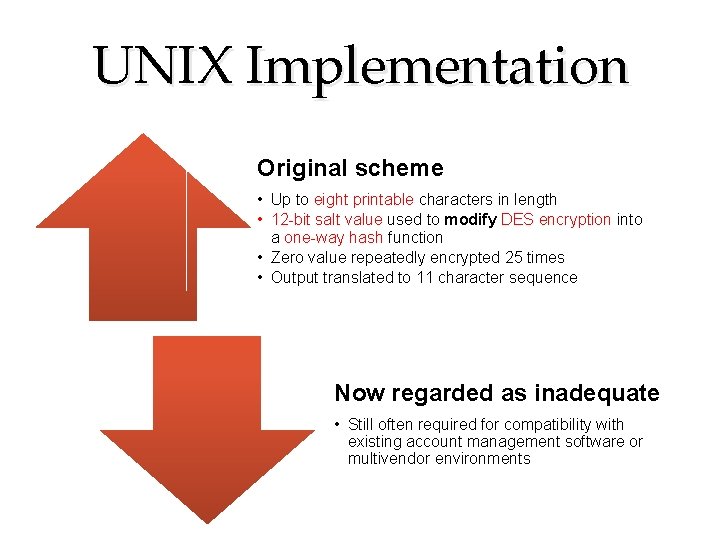
UNIX Implementation Original scheme • Up to eight printable characters in length • 12 -bit salt value used to modify DES encryption into a one-way hash function • Zero value repeatedly encrypted 25 times • Output translated to 11 character sequence Now regarded as inadequate • Still often required for compatibility with existing account management software or multivendor environments
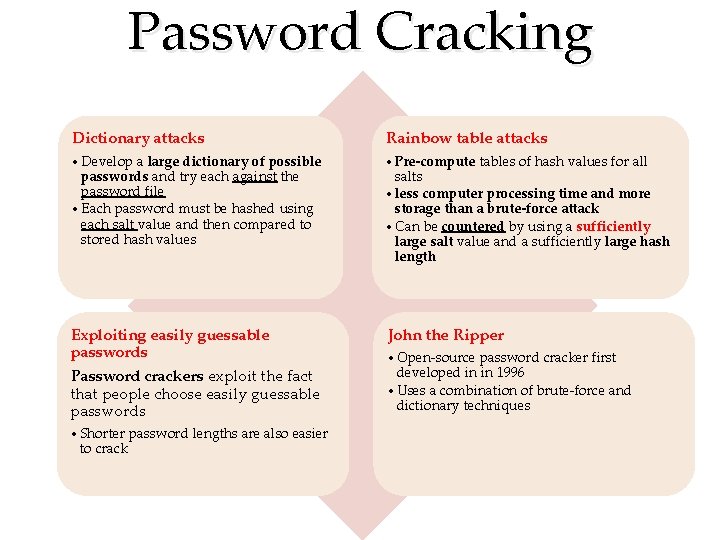
Password Cracking Dictionary attacks Rainbow table attacks • Develop a large dictionary of possible passwords and try each against the password file • Each password must be hashed using each salt value and then compared to stored hash values • Pre-compute tables of hash values for all salts • less computer processing time and more storage than a brute-force attack • Can be countered by using a sufficiently large salt value and a sufficiently large hash length Exploiting easily guessable passwords John the Ripper Password crackers exploit the fact that people choose easily guessable passwords • Shorter password lengths are also easier to crack • Open-source password cracker first developed in in 1996 • Uses a combination of brute-force and dictionary techniques
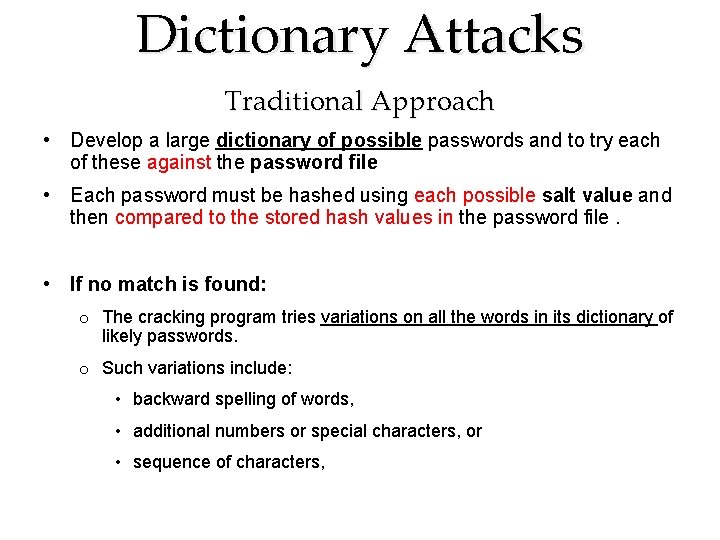
Dictionary Attacks Traditional Approach • Develop a large dictionary of possible passwords and to try each of these against the password file • Each password must be hashed using each possible salt value and then compared to the stored hash values in the password file. • If no match is found: o The cracking program tries variations on all the words in its dictionary of likely passwords. o Such variations include: • backward spelling of words, • additional numbers or special characters, or • sequence of characters,
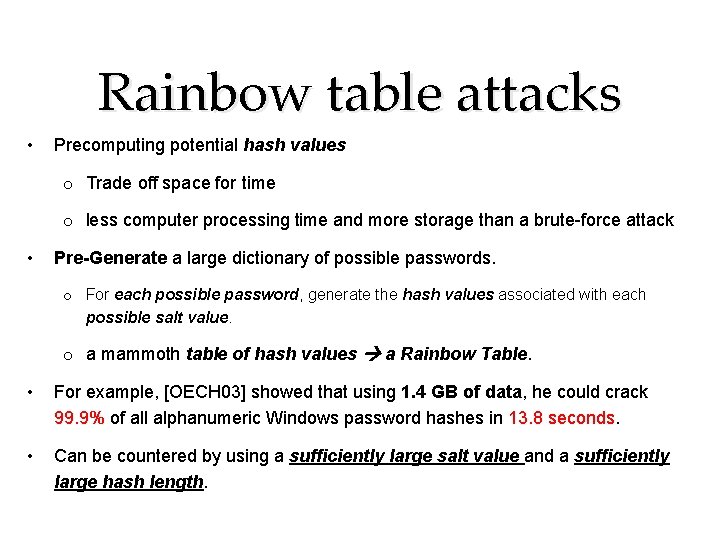
Rainbow table attacks • Precomputing potential hash values o Trade off space for time o less computer processing time and more storage than a brute-force attack • Pre-Generate a large dictionary of possible passwords. o For each possible password, generate the hash values associated with each possible salt value. o a mammoth table of hash values a Rainbow Table. • For example, [OECH 03] showed that using 1. 4 GB of data, he could crack 99. 9% of all alphanumeric Windows password hashes in 13. 8 seconds. • Can be countered by using a sufficiently large salt value and a sufficiently large hash length.
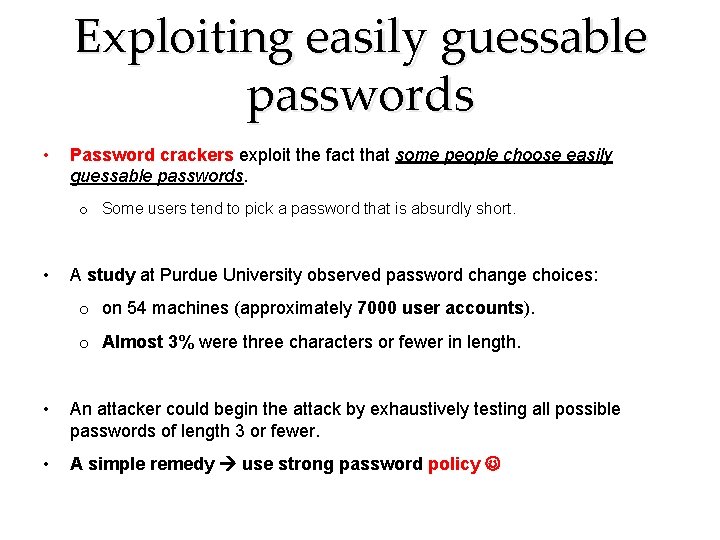
Exploiting easily guessable passwords • Password crackers exploit the fact that some people choose easily guessable passwords. o Some users tend to pick a password that is absurdly short. • A study at Purdue University observed password change choices: o on 54 machines (approximately 7000 user accounts). o Almost 3% were three characters or fewer in length. • An attacker could begin the attack by exhaustively testing all possible passwords of length 3 or fewer. • A simple remedy use strong password policy
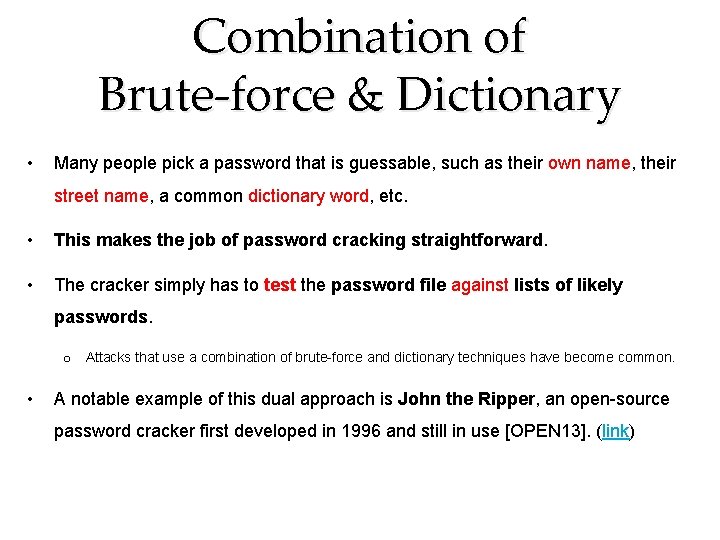
Combination of Brute-force & Dictionary • Many people pick a password that is guessable, such as their own name, their street name, a common dictionary word, etc. • This makes the job of password cracking straightforward. • The cracker simply has to test the password file against lists of likely passwords. o Attacks that use a combination of brute-force and dictionary techniques have become common. • A notable example of this dual approach is John the Ripper, an open-source password cracker first developed in 1996 and still in use [OPEN 13]. (link)
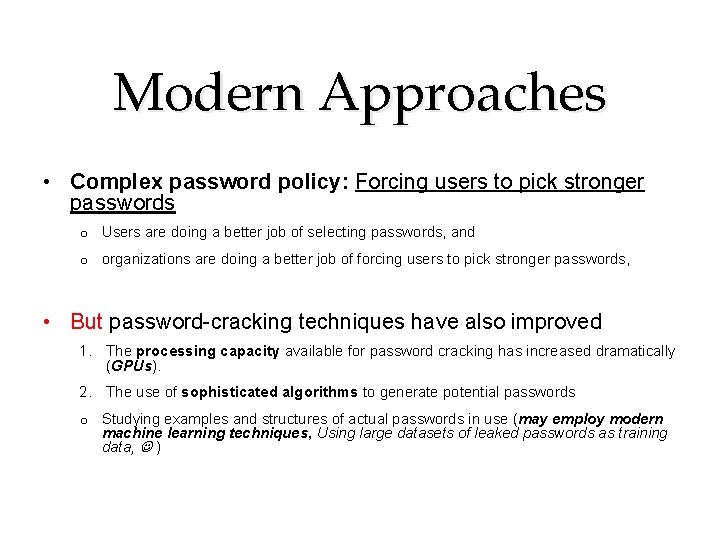
Modern Approaches • Complex password policy: Forcing users to pick stronger passwords o Users are doing a better job of selecting passwords, and o organizations are doing a better job of forcing users to pick stronger passwords, • But password-cracking techniques have also improved 1. The processing capacity available for password cracking has increased dramatically (GPUs). 2. The use of sophisticated algorithms to generate potential passwords o Studying examples and structures of actual passwords in use (may employ modern machine learning techniques, Using large datasets of leaked passwords as training data, )
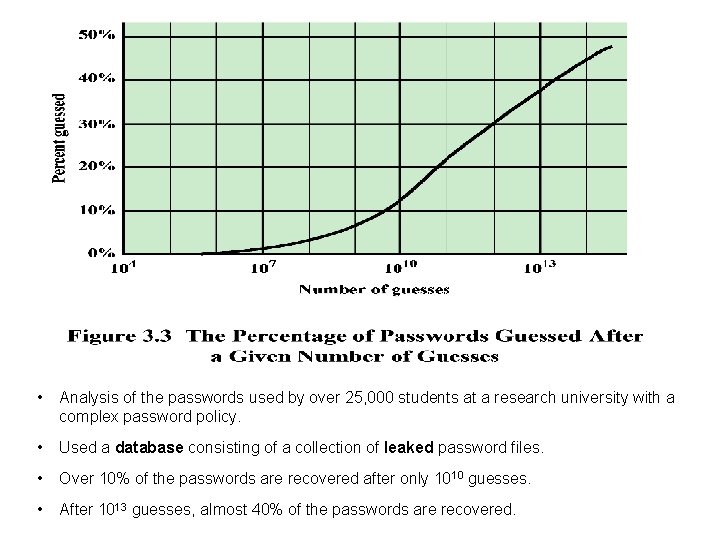
• Analysis of the passwords used by over 25, 000 students at a research university with a complex password policy. • Used a database consisting of a collection of leaked password files. • Over 10% of the passwords are recovered after only 1010 guesses. • After 1013 guesses, almost 40% of the passwords are recovered.
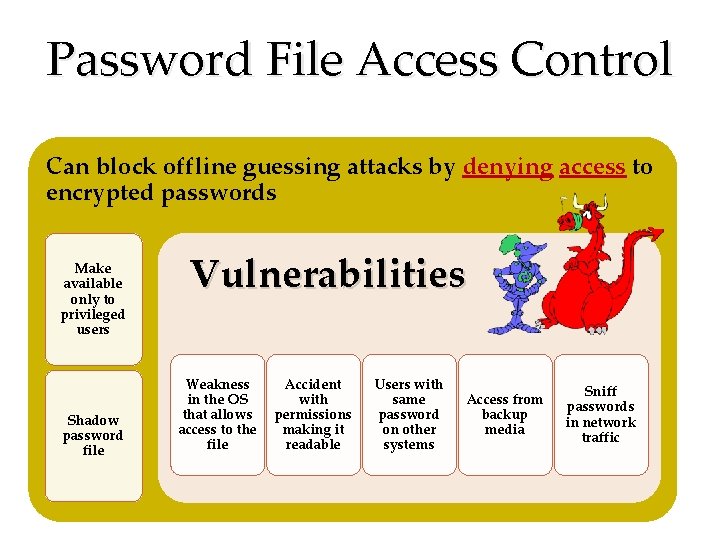
Password File Access Control Can block offline guessing attacks by denying access to encrypted passwords Make available only to privileged users Shadow password file Vulnerabilities Weakness in the OS that allows access to the file Accident with permissions making it readable Users with same password on other systems Access from backup media Sniff passwords in network traffic
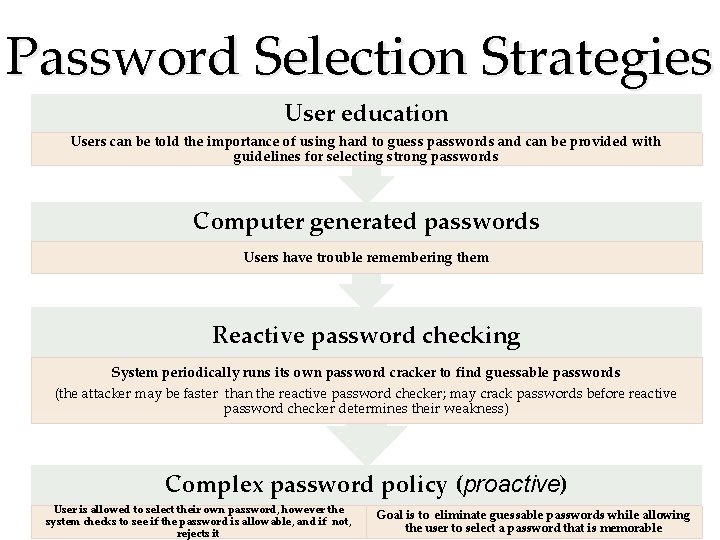
Password Selection Strategies User education Users can be told the importance of using hard to guess passwords and can be provided with guidelines for selecting strong passwords Computer generated passwords Users have trouble remembering them Reactive password checking System periodically runs its own password cracker to find guessable passwords (the attacker may be faster than the reactive password checker; may crack passwords before reactive password checker determines their weakness) Complex password policy (proactive) User is allowed to select their own password, however the system checks to see if the password is allowable, and if not, rejects it Goal is to eliminate guessable passwords while allowing the user to select a password that is memorable
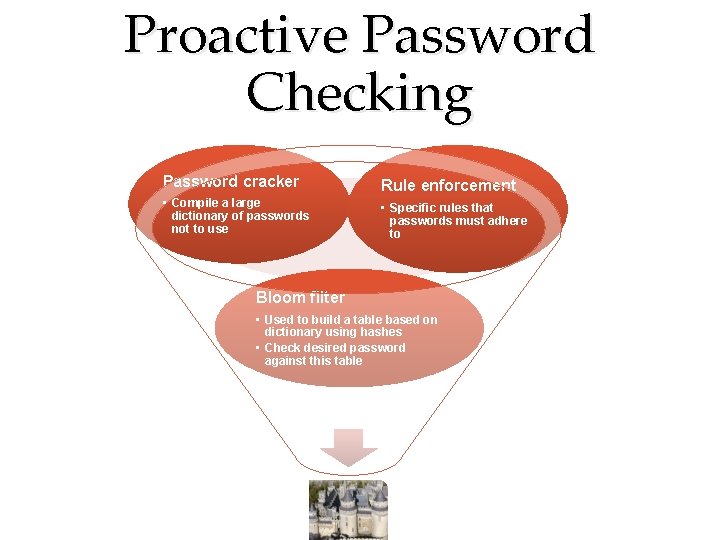
Proactive Password Checking Password cracker Rule enforcement • Compile a large dictionary of passwords not to use • Specific rules that passwords must adhere to Bloom filter • Used to build a table based on dictionary using hashes • Check desired password against this table
Proactive Password Checking • Simple system for rule enforcement For example: o All passwords must be at least eight characters long. o In the first eight characters, the passwords must include at least one each of uppercase, lowercase, numeric digits, and punctuation marks, etc. • This approach may not be sufficient to thwart/block password crackers. o Alerts crackers as to which passwords not to try but may still make it possible to do password cracking. • Rule enforcement can be automated by using a configurable proactive password checker which enforces a variety of rules on passwords. • What about compiling a large dictionary of possible “bad” passwords: o make sure that selected password is not on the disapproved list. o There are two problems with this approach: • Space: The dictionary must be very large to be effective. (Purdue study: 30 MB) • Time: The time required to search a large dictionary.
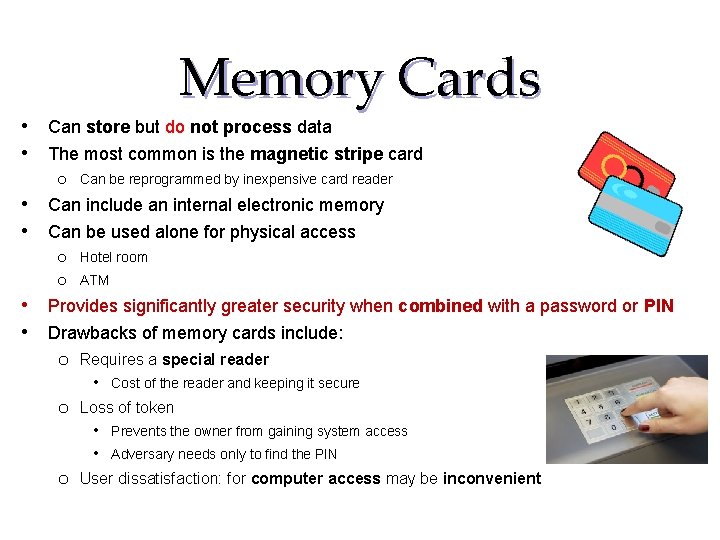
Memory Cards • Can store but do not process data • The most common is the magnetic stripe card o Can be reprogrammed by inexpensive card reader • Can include an internal electronic memory • Can be used alone for physical access o Hotel room o ATM • Provides significantly greater security when combined with a password or PIN • Drawbacks of memory cards include: o Requires a special reader • Cost of the reader and keeping it secure o Loss of token • Prevents the owner from gaining system access • Adversary needs only to find the PIN o User dissatisfaction: for computer access may be inconvenient
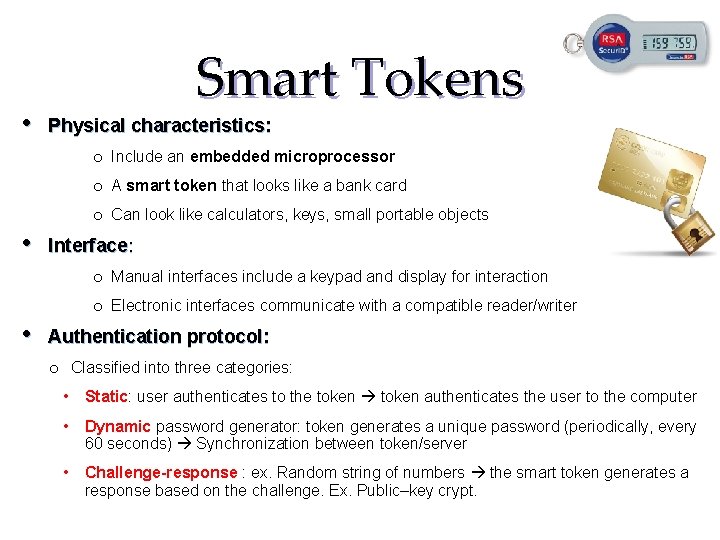
• Smart Tokens Physical characteristics: o Include an embedded microprocessor o A smart token that looks like a bank card o Can look like calculators, keys, small portable objects • Interface: o Manual interfaces include a keypad and display for interaction o Electronic interfaces communicate with a compatible reader/writer • Authentication protocol: o Classified into three categories: • Static: user authenticates to the token authenticates the user to the computer • Dynamic password generator: token generates a unique password (periodically, every 60 seconds) Synchronization between token/server • Challenge-response : ex. Random string of numbers the smart token generates a response based on the challenge. Ex. Public–key crypt.
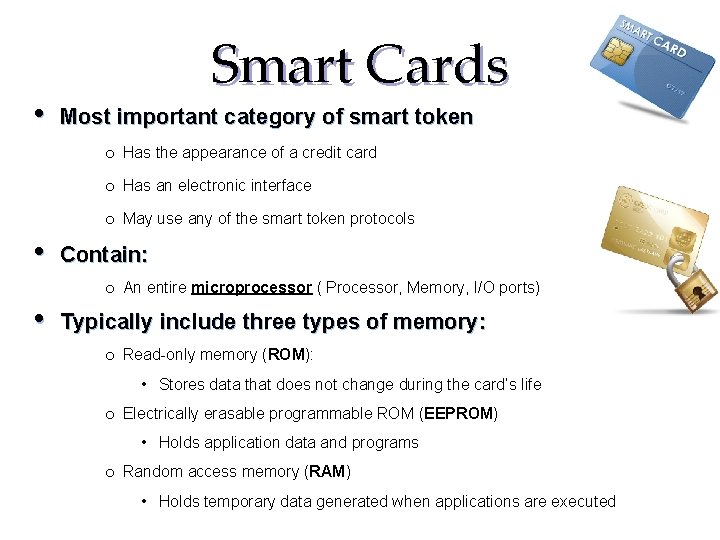
• Smart Cards Most important category of smart token o Has the appearance of a credit card o Has an electronic interface o May use any of the smart token protocols • Contain: o An entire microprocessor ( Processor, Memory, I/O ports) • Typically include three types of memory: o Read-only memory (ROM): • Stores data that does not change during the card’s life o Electrically erasable programmable ROM (EEPROM) • Holds application data and programs o Random access memory (RAM) • Holds temporary data generated when applications are executed
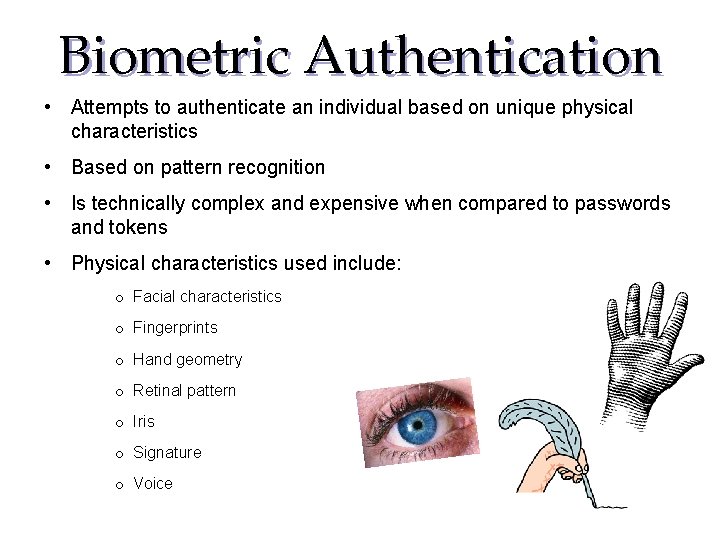
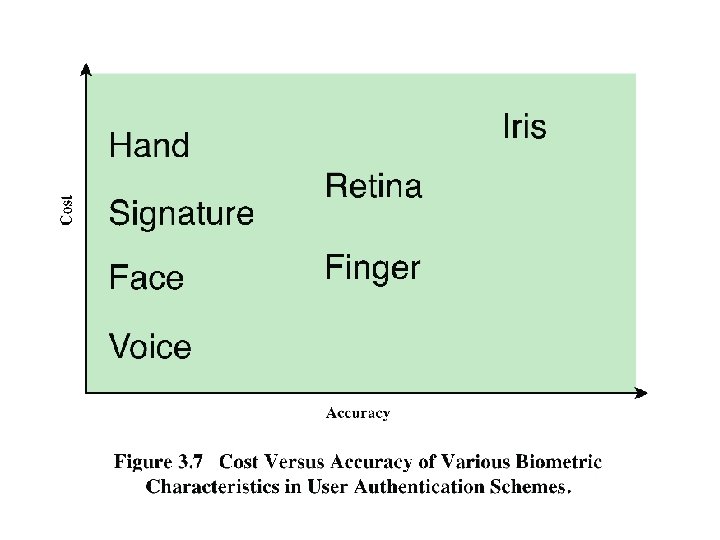
Biometric Authentication • Attempts to authenticate an individual based on unique physical characteristics • Based on pattern recognition • Is technically complex and expensive when compared to passwords and tokens • Physical characteristics used include: o Facial characteristics o Fingerprints o Hand geometry o Retinal pattern o Iris o Signature o Voice
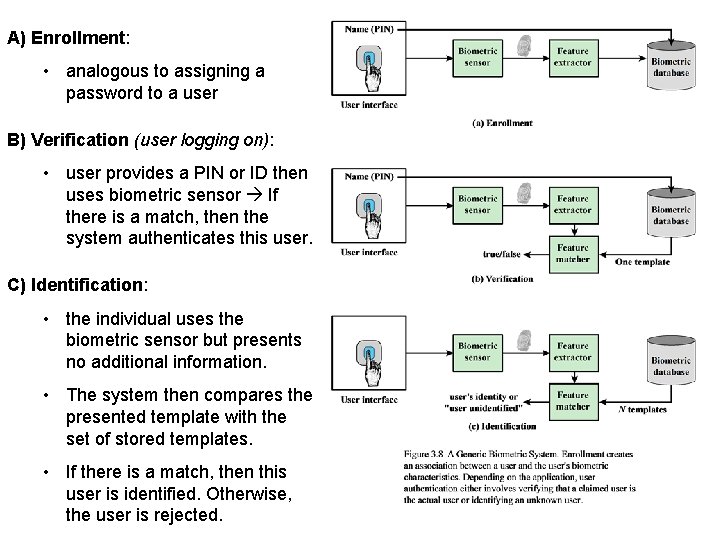
A) Enrollment: • analogous to assigning a password to a user B) Verification (user logging on): • user provides a PIN or ID then uses biometric sensor If there is a match, then the system authenticates this user. C) Identification: • the individual uses the biometric sensor but presents no additional information. • The system then compares the presented template with the set of stored templates. • If there is a match, then this user is identified. Otherwise, the user is rejected.
Remote User Authentication • The simplest form of user authentication is local authentication, in which a user attempts to access a system that is locally present, such as a stand-alone office PC or an ATM machine. • Authentication over a network, the Internet, or a communications link is more complex • Additional security threats such as: o Eavesdropping, capturing a password, replaying an authentication sequence that has been observed • Generally rely on some form of a challenge-response protocol to counter threats
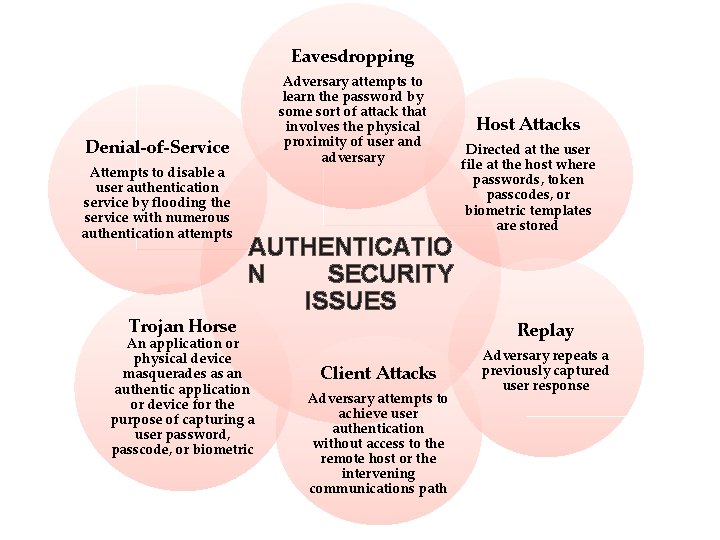
Eavesdropping Adversary attempts to learn the password by some sort of attack that involves the physical proximity of user and adversary Denial-of-Service Attempts to disable a user authentication service by flooding the service with numerous authentication attempts Trojan Horse AUTHENTICATIO N SECURITY ISSUES An application or physical device masquerades as an authentic application or device for the purpose of capturing a user password, passcode, or biometric Host Attacks Directed at the user file at the host where passwords, token passcodes, or biometric templates are stored Replay Client Attacks Adversary attempts to achieve user authentication without access to the remote host or the intervening communications path Adversary repeats a previously captured user response
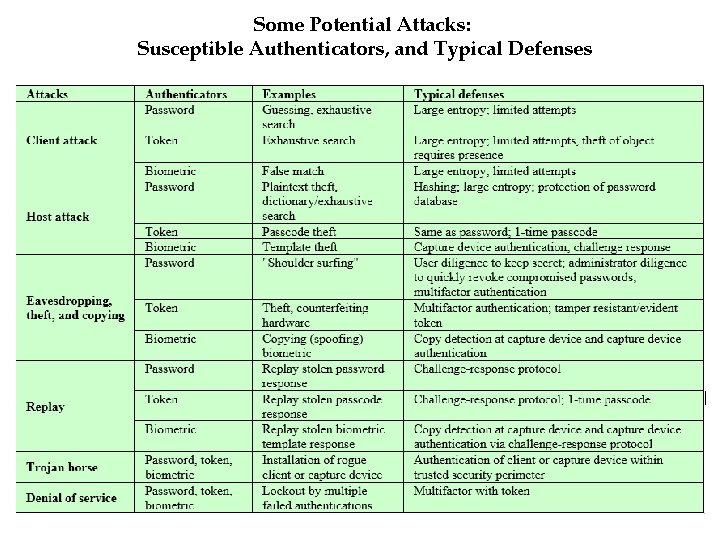
Some Potential Attacks: Susceptible Authenticators, and Typical Defenses
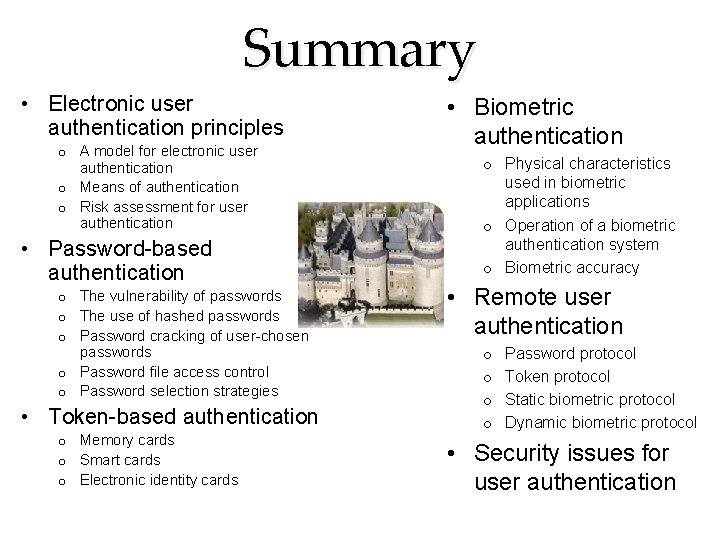
Summary • Electronic user authentication principles o A model for electronic user authentication o Means of authentication o Risk assessment for user authentication • Password-based authentication o The vulnerability of passwords o The use of hashed passwords o Password cracking of user-chosen passwords o Password file access control o Password selection strategies • Token-based authentication o Memory cards o Smart cards o Electronic identity cards • Biometric authentication o Physical characteristics used in biometric applications o Operation of a biometric authentication system o Biometric accuracy • Remote user authentication o o Password protocol Token protocol Static biometric protocol Dynamic biometric protocol • Security issues for user authentication