
USER ADOPTION PORTAL Adoption Program Introduction Internal client


- Slides: 19
USER ADOPTION PORTAL
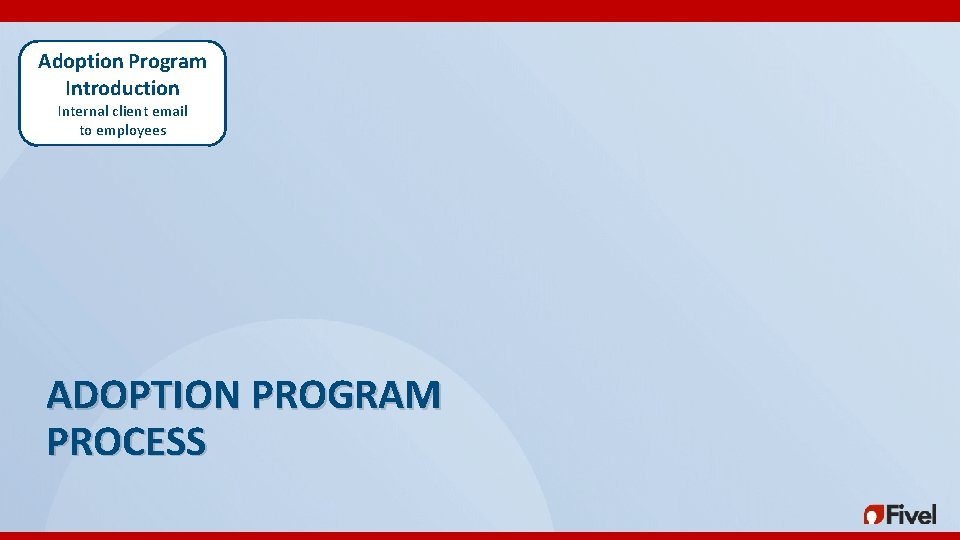
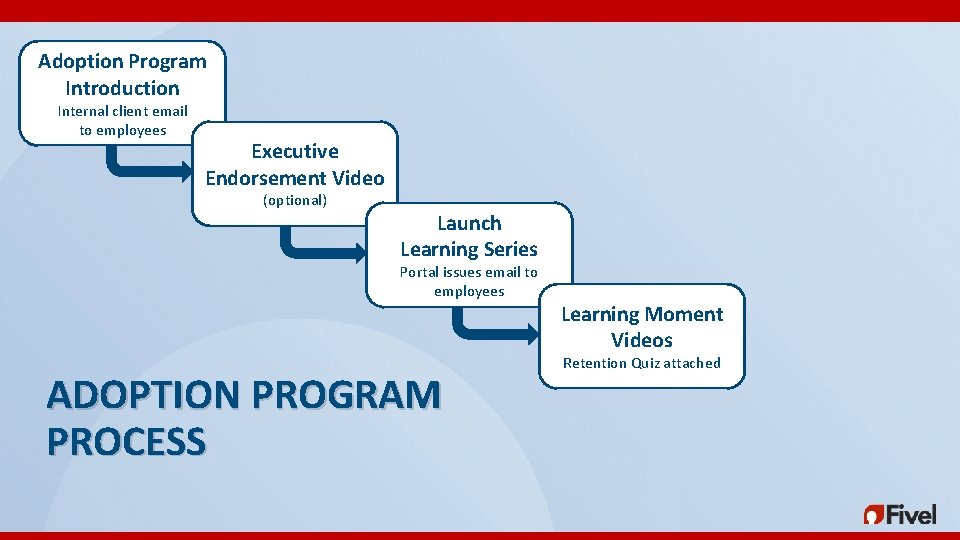
Adoption Program Introduction Internal client email to employees ADOPTION PROGRAM PROCESS
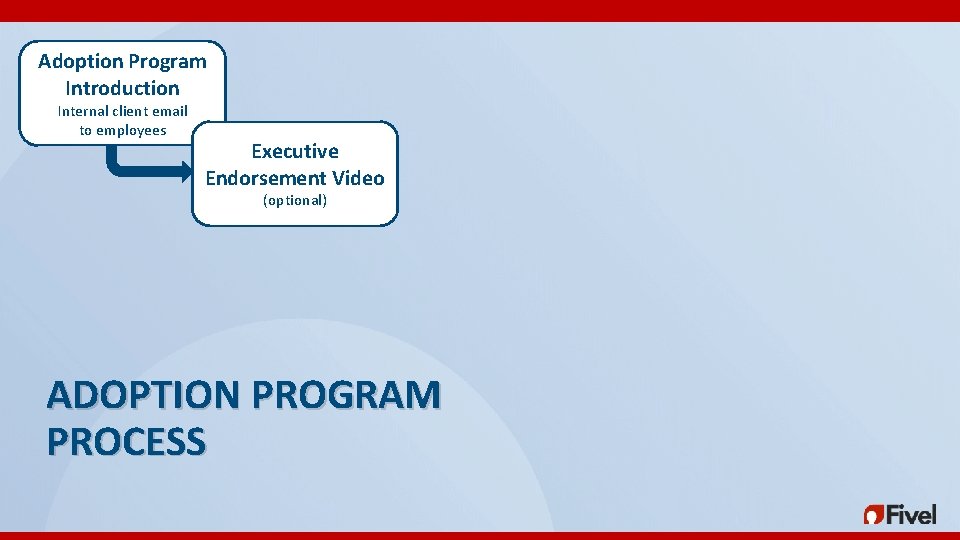
Adoption Program Introduction Internal client email to employees Executive Endorsement Video (optional) ADOPTION PROGRAM PROCESS
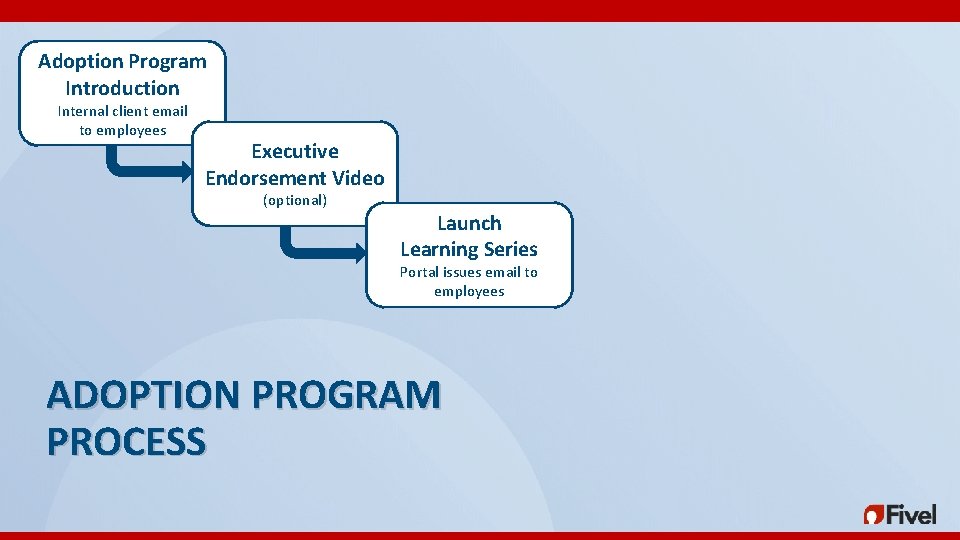
Adoption Program Introduction Internal client email to employees Executive Endorsement Video (optional) Launch Learning Series Portal issues email to employees ADOPTION PROGRAM PROCESS
Adoption Program Introduction Internal client email to employees Executive Endorsement Video (optional) Launch Learning Series Portal issues email to employees ADOPTION PROGRAM PROCESS Learning Moment Videos Retention Quiz attached
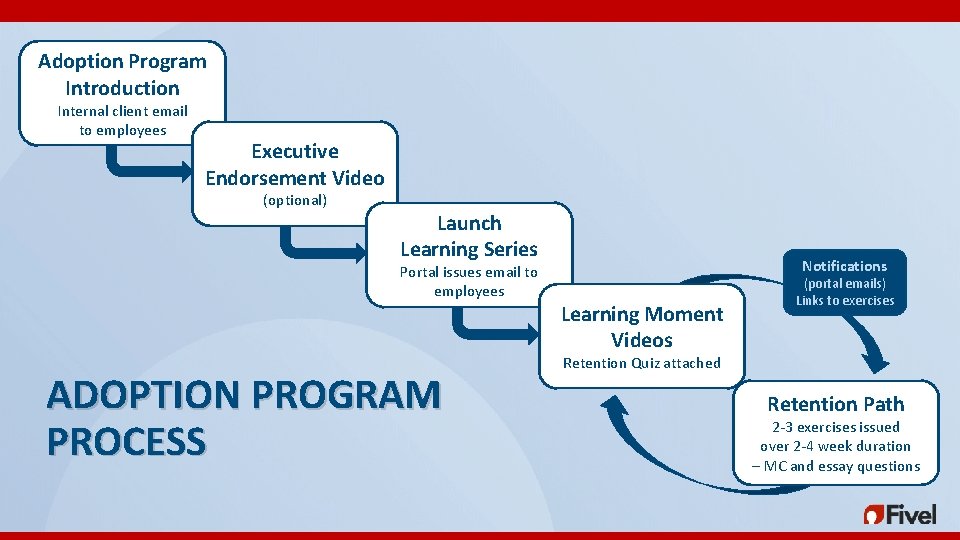
Adoption Program Introduction Internal client email to employees Executive Endorsement Video (optional) Launch Learning Series Portal issues email to employees ADOPTION PROGRAM PROCESS Notifications Learning Moment Videos (portal emails) Links to exercises Retention Quiz attached Retention Path 2 -3 exercises issued over 2 -4 week duration – MC and essay questions
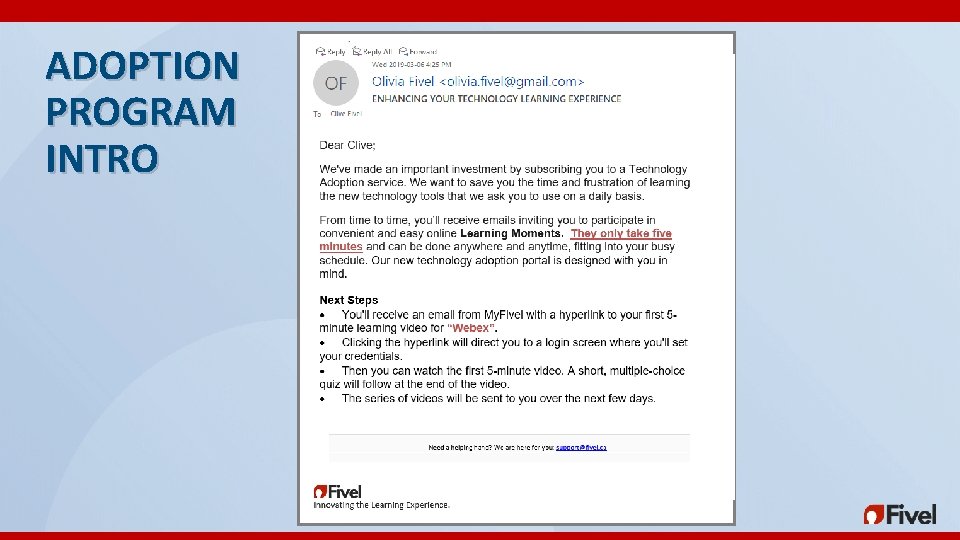
ADOPTION PROGRAM INTRO ENHANCING YOUR TECHNOLOGY LEARNING EXPERIENCE
EXECUTIVE ENDORSEMENT VIDEO
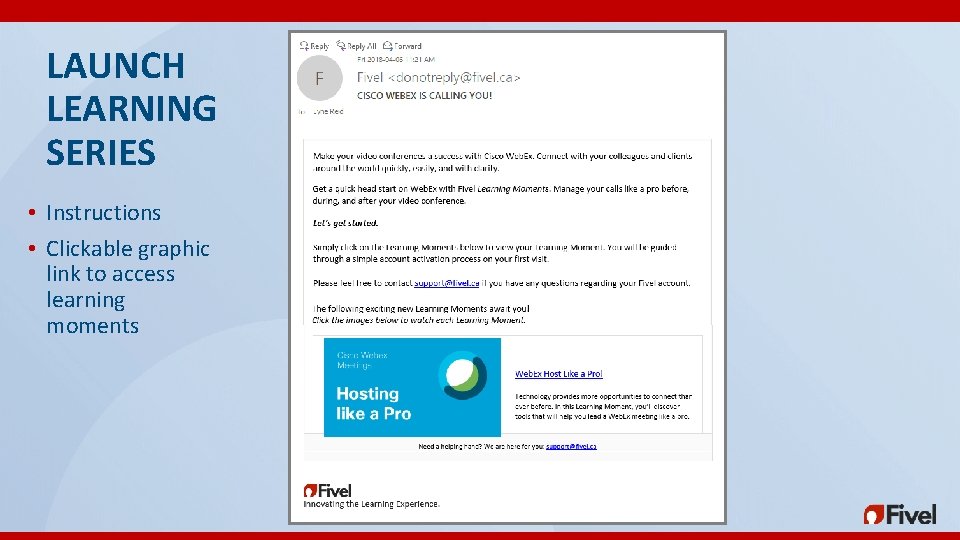
LAUNCH LEARNING SERIES • Instructions • Clickable graphic link to access learning moments
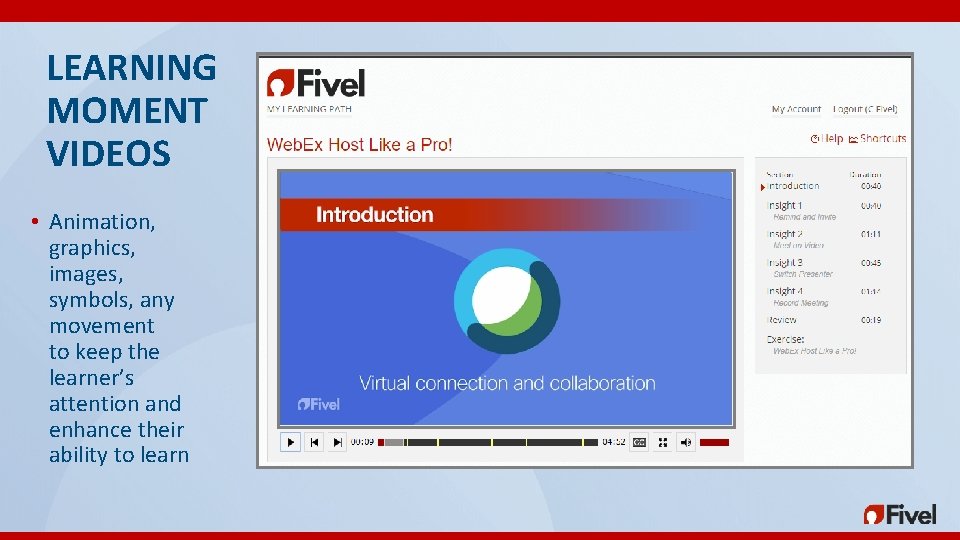
LEARNING MOMENT VIDEOS • Animation, graphics, images, symbols, any movement to keep the learner’s attention and enhance their ability to learn
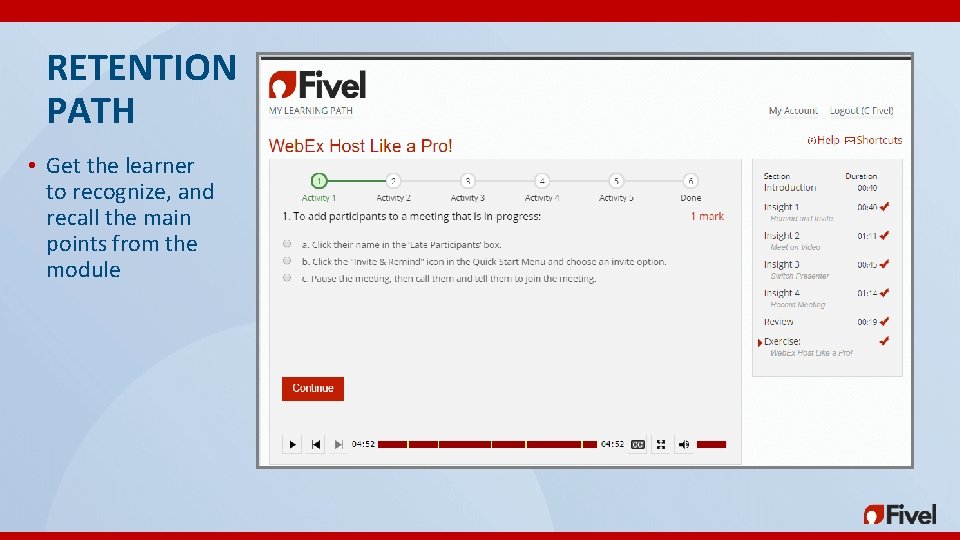
RETENTION PATH • Get the learner to recognize, and recall the main points from the module
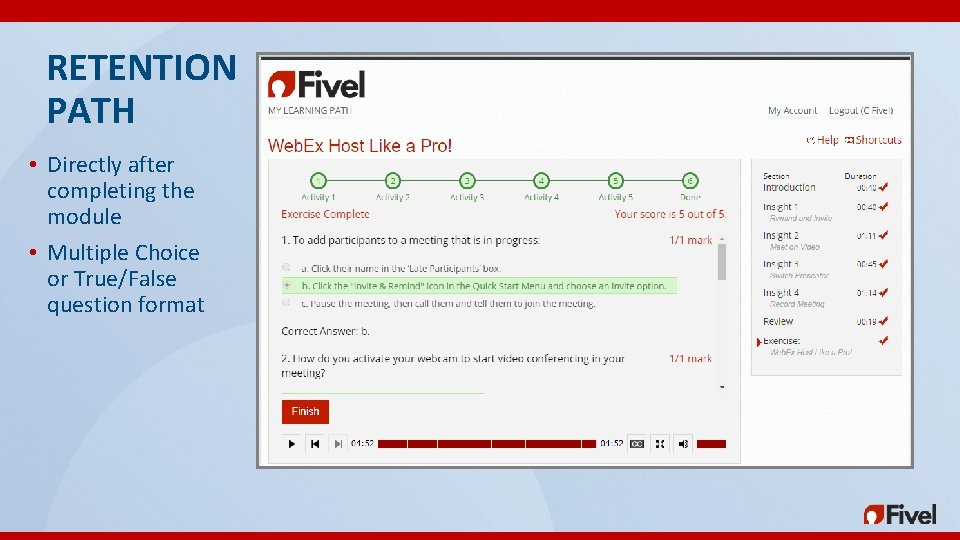
RETENTION PATH • Directly after completing the module • Multiple Choice or True/False question format
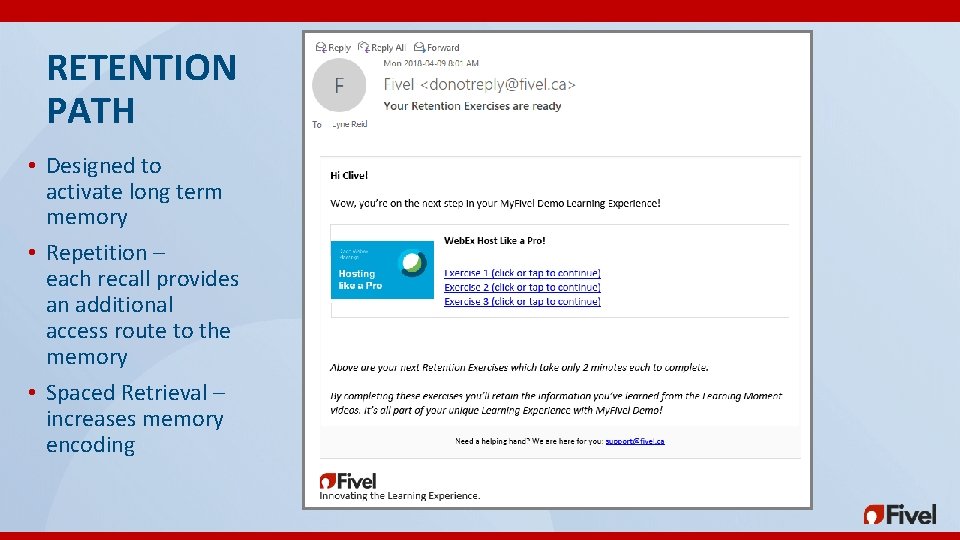
RETENTION PATH • Designed to activate long term memory • Repetition – each recall provides an additional access route to the memory • Spaced Retrieval – increases memory encoding
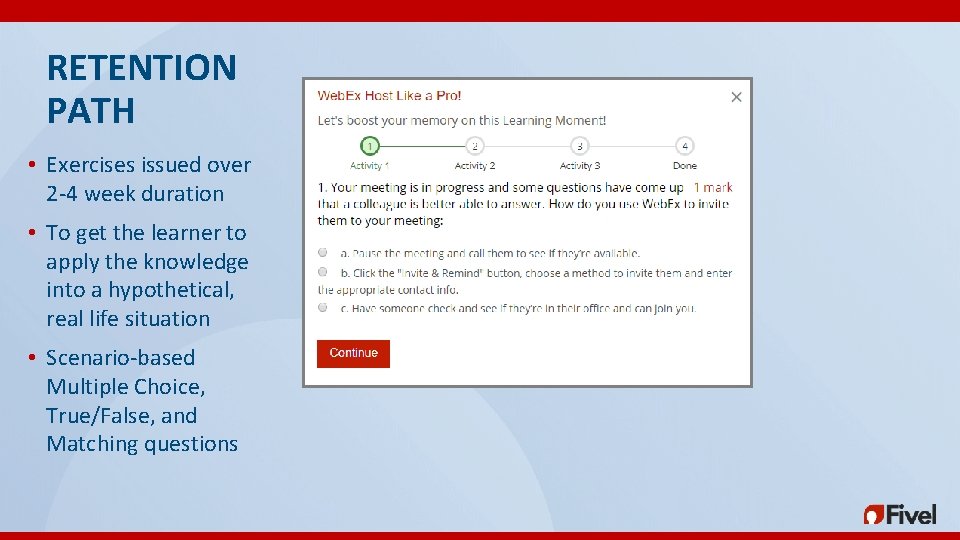
RETENTION PATH • Exercises issued over 2 -4 week duration • To get the learner to apply the knowledge into a hypothetical, real life situation • Scenario-based Multiple Choice, True/False, and Matching questions
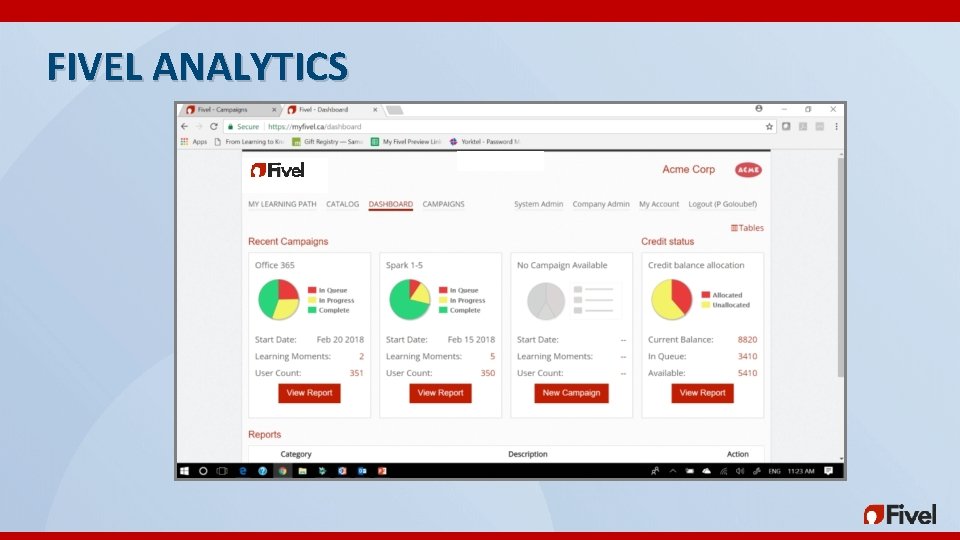
FIVEL ANALYTICS
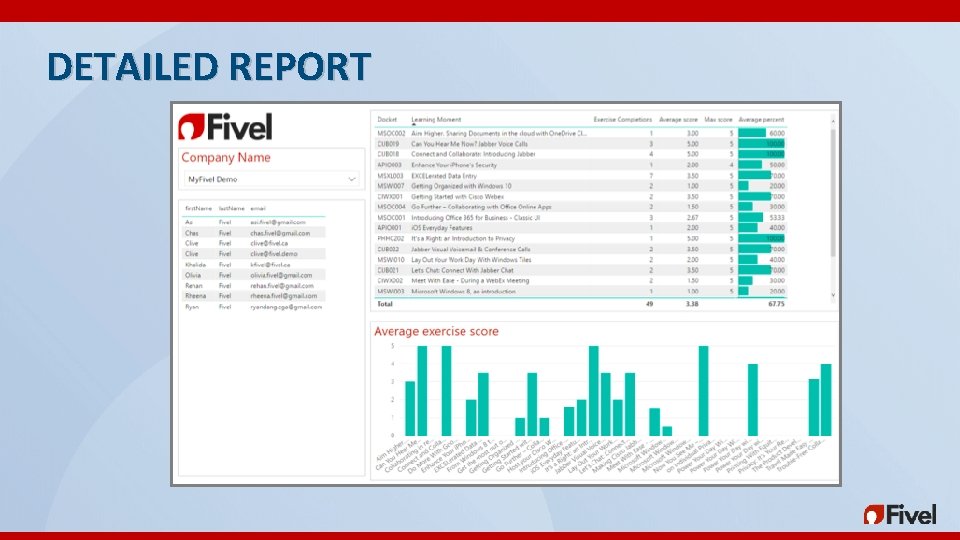
DETAILED REPORT
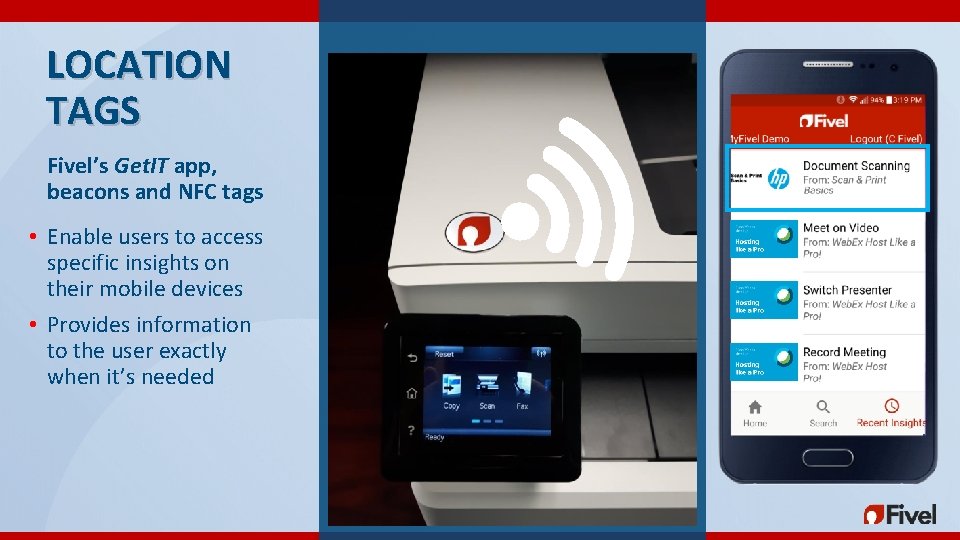
LOCATION TAGS Fivel’s Get. IT app, beacons and NFC tags • Enable users to access specific insights on their mobile devices • Provides information to the user exactly when it’s needed
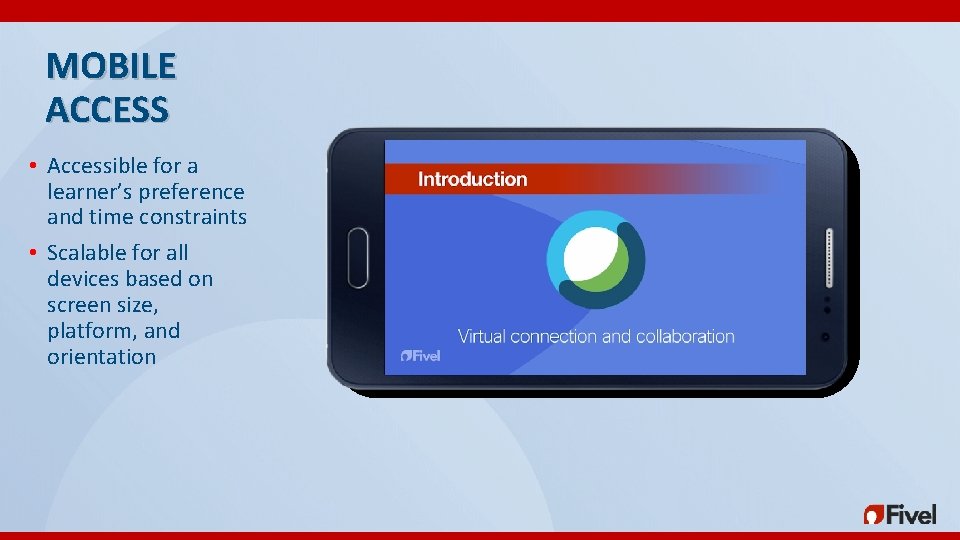
MOBILE ACCESS • Accessible for a learner’s preference and time constraints • Scalable for all devices based on screen size, platform, and orientation
TRAINING is an event. USER ADOPTION is an outcome.