
Useful Websites Franais 1 2 Wordreference com Wordreference
+ Useful Websites Français 1 & 2
+ Wordreference. com
+ Wordreference – online dictionary French 1 n Switch the search to English-French n Look up a noun in English you want to know how to say in French! (keep it school appropriate) n Look up an adjective! n Notice there will be two spelling options! (masculine and feminine)
+ Wordreference – online dictionary French 2 n How often do you use word reference? n Select a noun in English (appropriate word) and look up the meaning in French. n n What information is provided within the entry? Select a verb in English and look up the meaning in French. n What information is provided within the entry?
+ Passport EMC
+ T’es branché n Go to http: //clever. com/in/mnps n Login with Office 365 n Login with your school username and password n Click on the EMC Passport icon
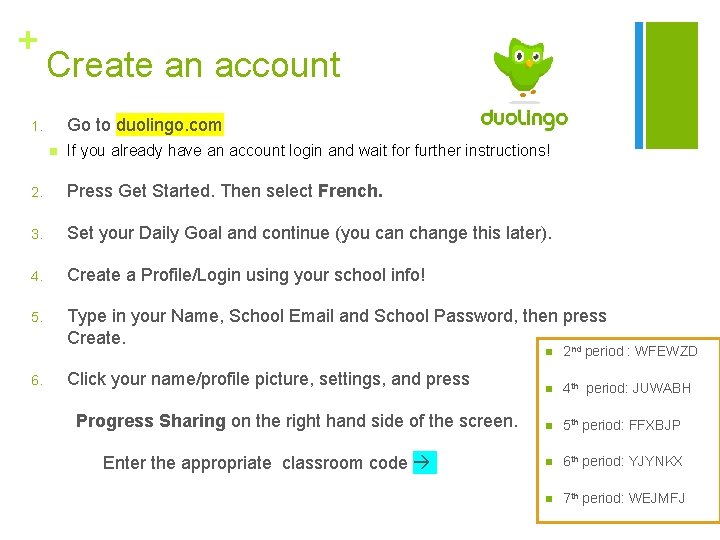
+ Create an account Go to duolingo. com 1. n If you already have an account login and wait for further instructions! 2. Press Get Started. Then select French. 3. Set your Daily Goal and continue (you can change this later). 4. Create a Profile/Login using your school info! 5. Type in your Name, School Email and School Password, then press Create. nd 6. Click your name/profile picture, settings, and press Progress Sharing on the right hand side of the screen. Enter the appropriate classroom code n 2 period : WFEWZD n 4 th period: JUWABH n 5 th period: FFXBJP n 6 th period: YJYNKX n 7 th period: WEJMFJ
+ Assignment Complete 20 XP ( this will be any 2 -3 lessons within the duolingo pyramid and should take about 20 minutes. ) Make sure you have shared your progress or you will be unable to receive credit for the points earned!
- Slides: 8