
Use your updown arrow keys andor your space







- Slides: 127
Use your up/down arrow keys and/or your space bar to advance the slides University of Minnesota Duluth Tim Roufs http: //www. d. umn. edu/cla/faculty/troufs/anth 1602/ © 2010 -2013
Welcome to Prehistoric Cultures University of Minnesota Duluth Tim Roufs http: //www. d. umn. edu/cla/faculty/troufs/anth 1602/ © 2010 -2013
Welcome to Prehistoric Cultures This will be a great course. . . you will see http: //www. d. umn. edu/cla/faculty/troufs/anth 1602/
First thing. . . (if you are not already in Moodle) go to your 2 course management site and check it out. . .
How do you find 2 in the first place?
Further instructions follow, but if you want, and your browser permits, clicking on the URL that follows in the next slide will take you to your Moodle home. . . (your browser may require that you double-click) There is another link at the end of this program
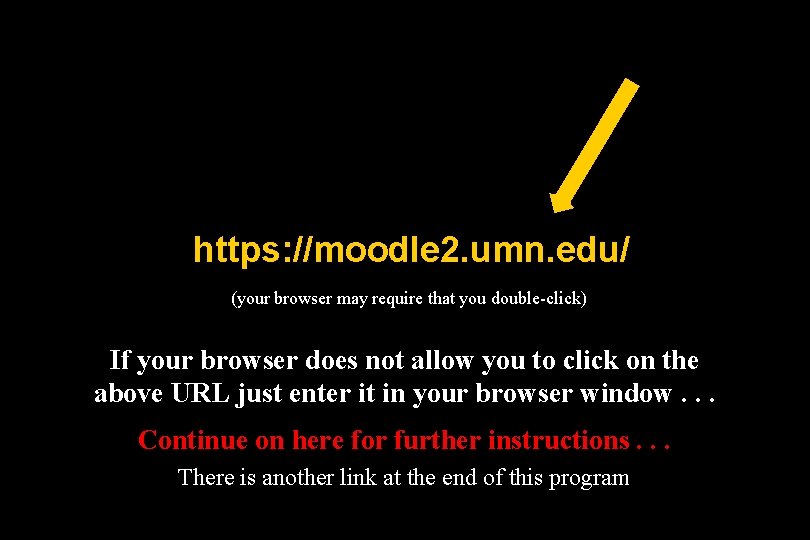
https: //moodle 2. umn. edu/ (your browser may require that you double-click) If your browser does not allow you to click on the above URL just enter it in your browser window. . . Continue on here for further instructions. . . There is another link at the end of this program
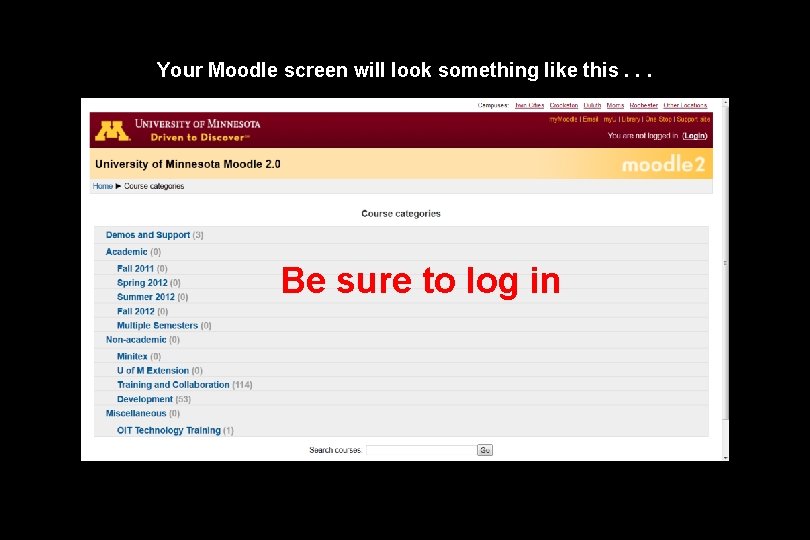
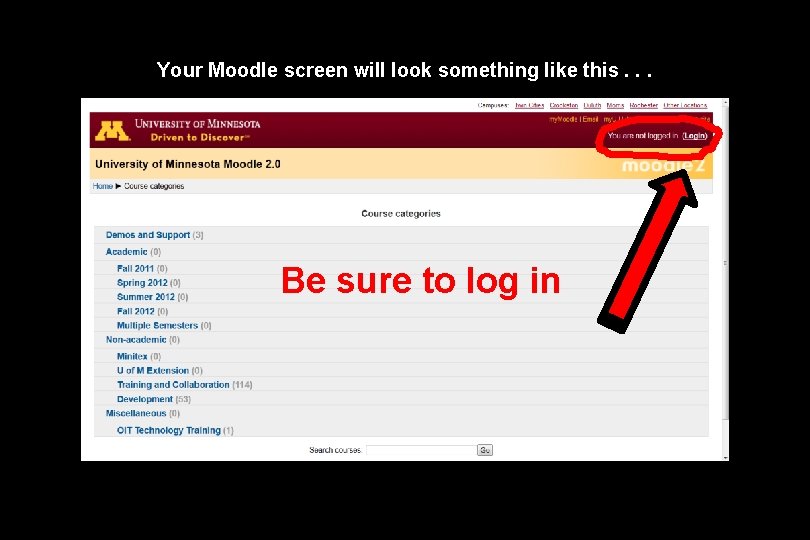
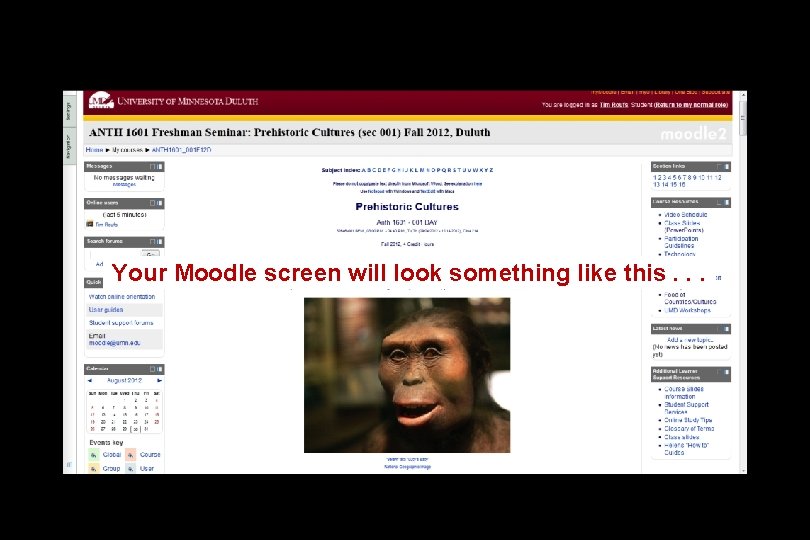
Your Moodle screen will look something like this. . . Be sure to log in
Your Moodle screen will look something like this. . . Be sure to log in
Your log-in page will look something like the following. . . Log in using your “x. 500” information. . . (that’s the log-in information you use for your e-mail) https: //moodle. umn. edu/
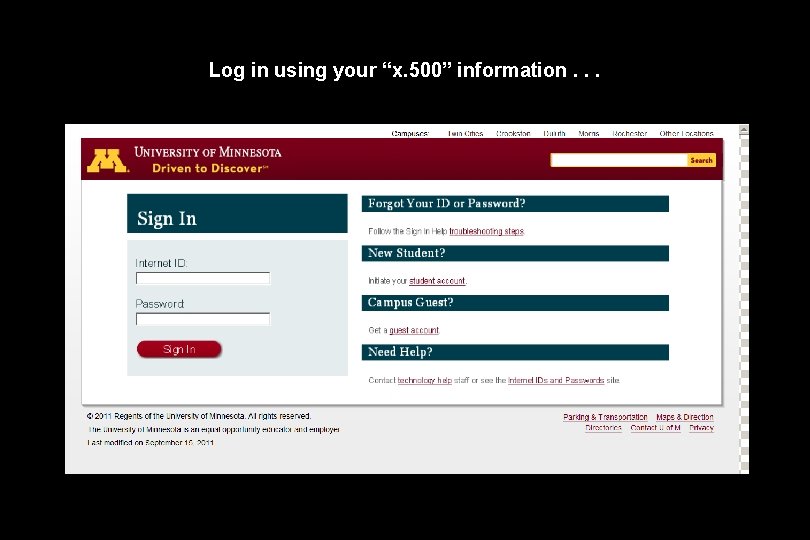
Log in using your “x. 500” information. . .
Your Moodle screen will look something like the following. . .
Your Moodle screen will look something like this. . .
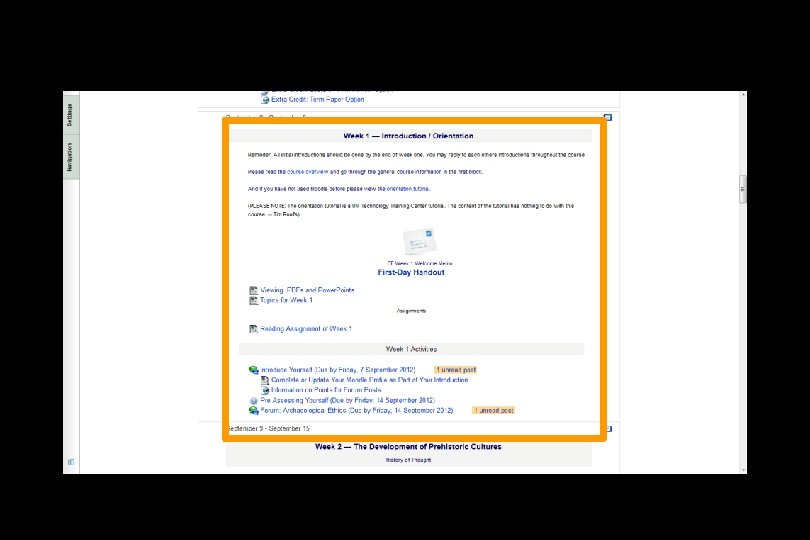
And the listing for Week 1 will look something like this. . .
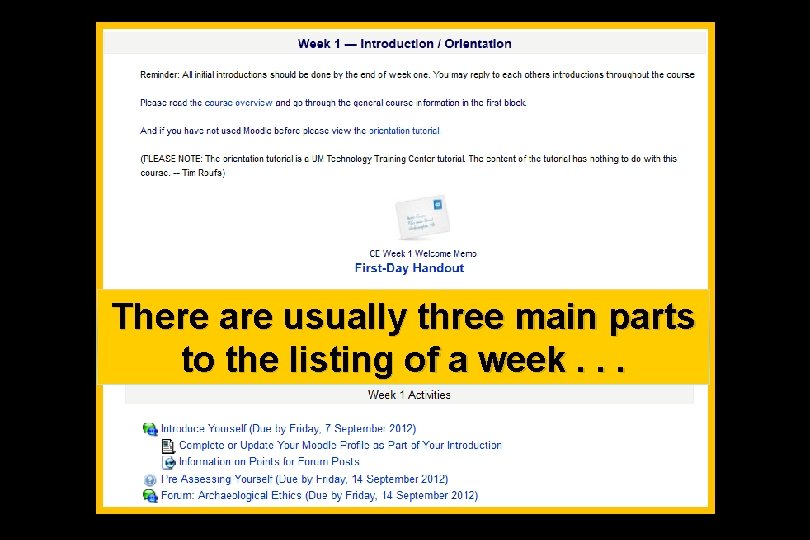
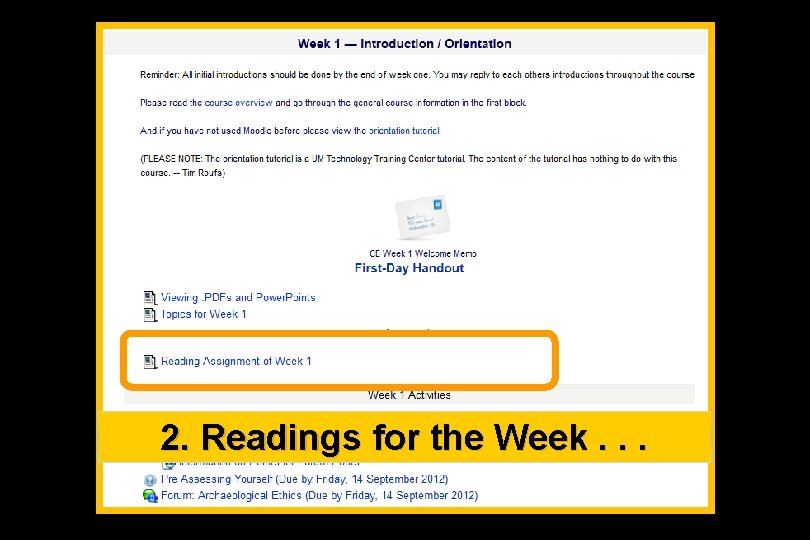
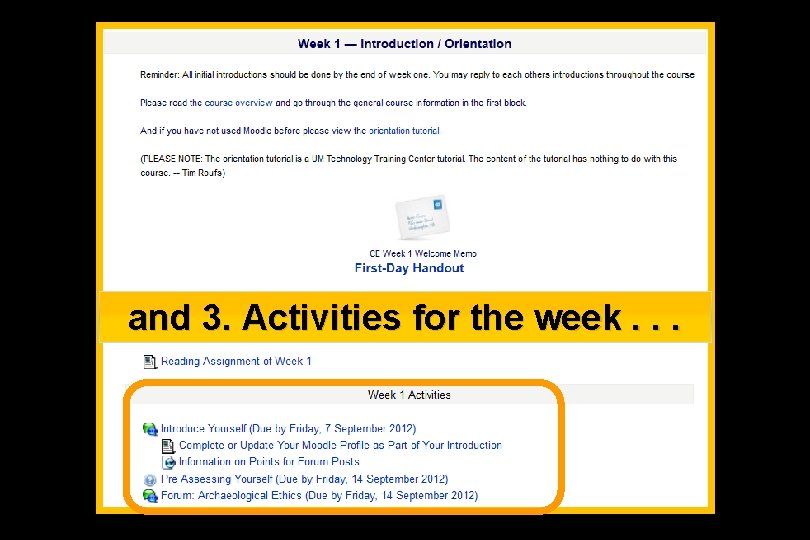
There are usually three main parts to the listing of a week. . .
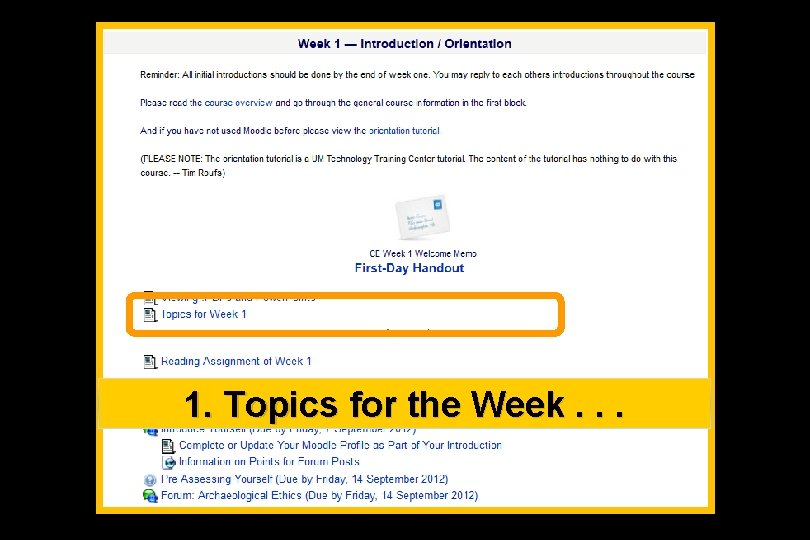
1. Topics for the Week. . .
2. Readings for the Week. . .
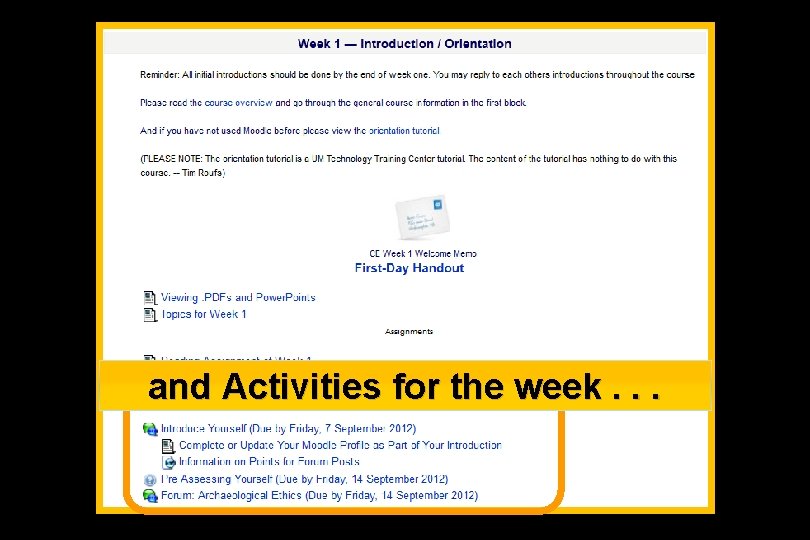
and 3. Activities for the week. . .
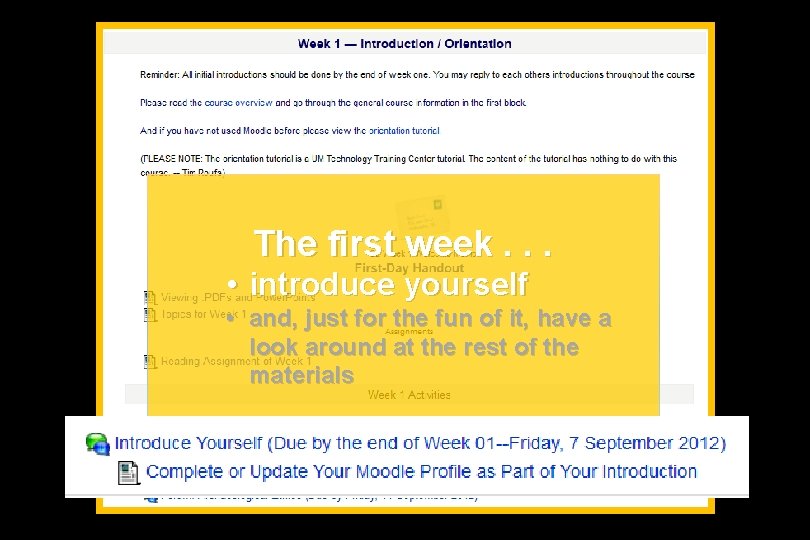
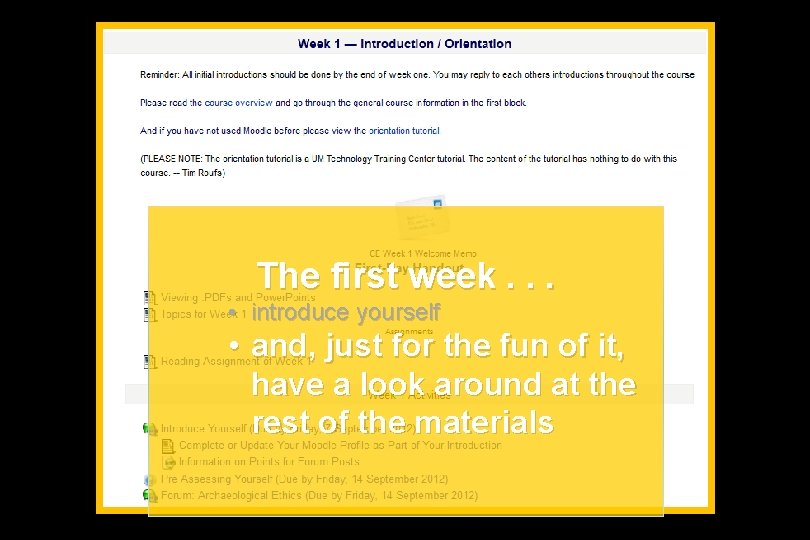
The first week. . . • introduce yourself • and, just for the fun of it, have a look around at the rest of the materials
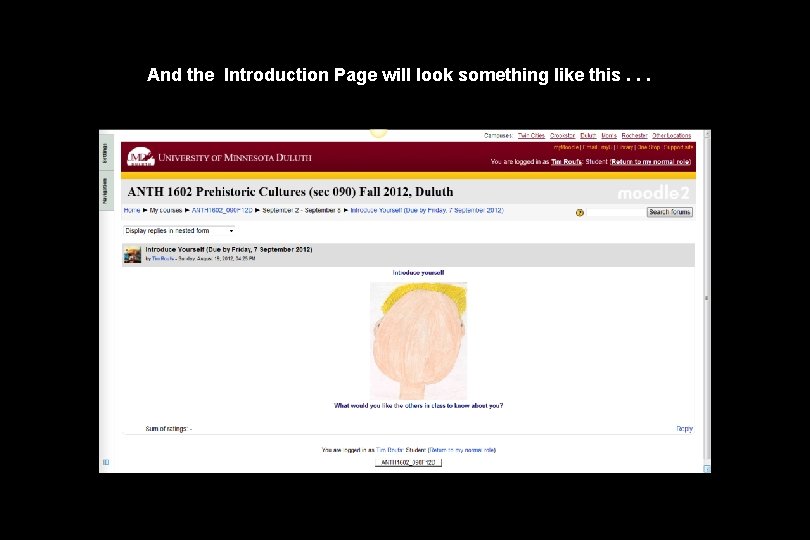
And the Introduction Page will look something like this. . .
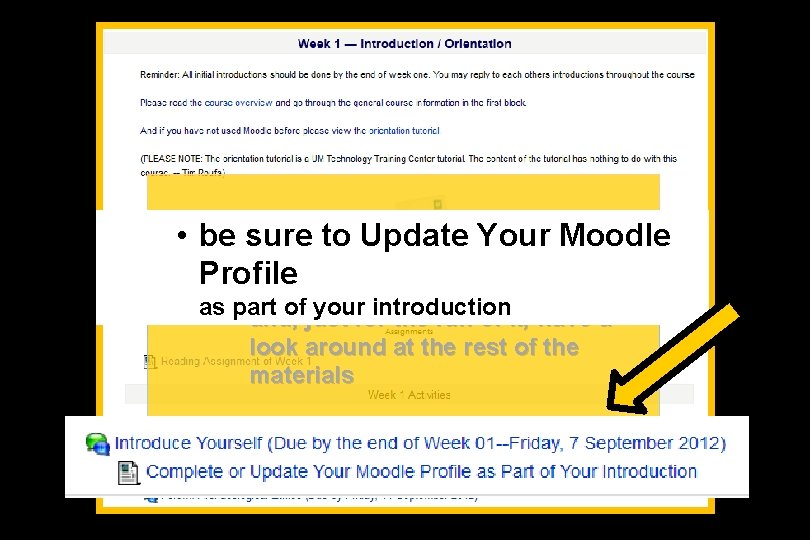
• be sure Update The to first week. Your. . . Moodle Profile • introduce yourself as • part ofjust yourfor introduction and, the fun of it, have a look around at the rest of the materials
The first week. . . • introduce yourself • and, just for the fun of it, have a look around at the rest of the materials
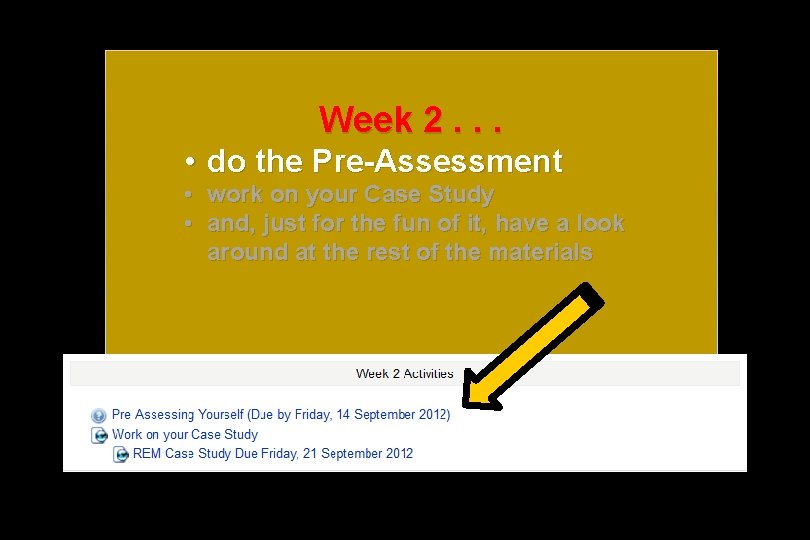
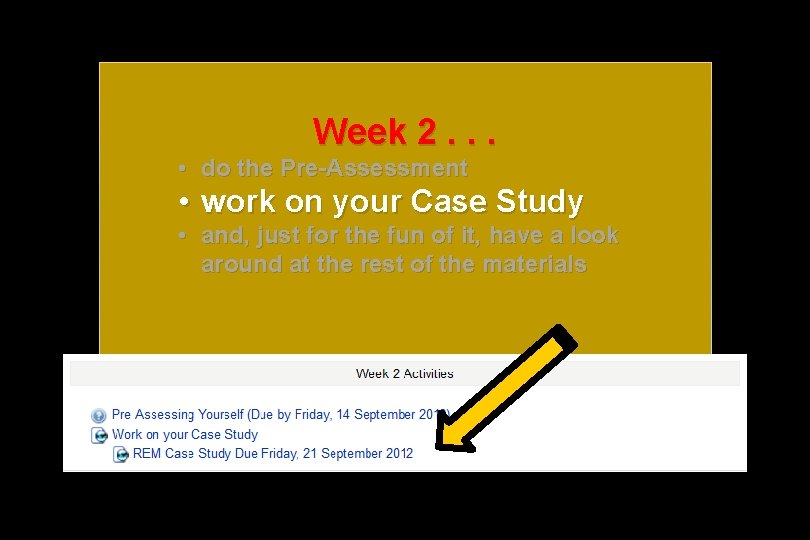
Week 2. . . • do the Pre-Assessment • work on your Case Study • and, just for the fun of it, have a look around at the rest of the materials
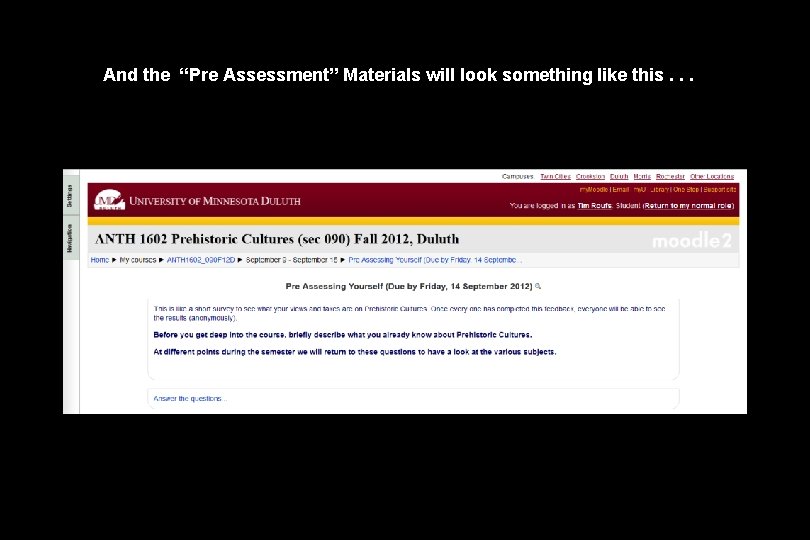
And the “Pre Assessment” Materials will look something like the following. . .
And the “Pre Assessment” Materials will look something like this. . .
Week 2. . . • do the Pre-Assessment • work on your Case Study • and, just for the fun of it, have a look around at the rest of the materials
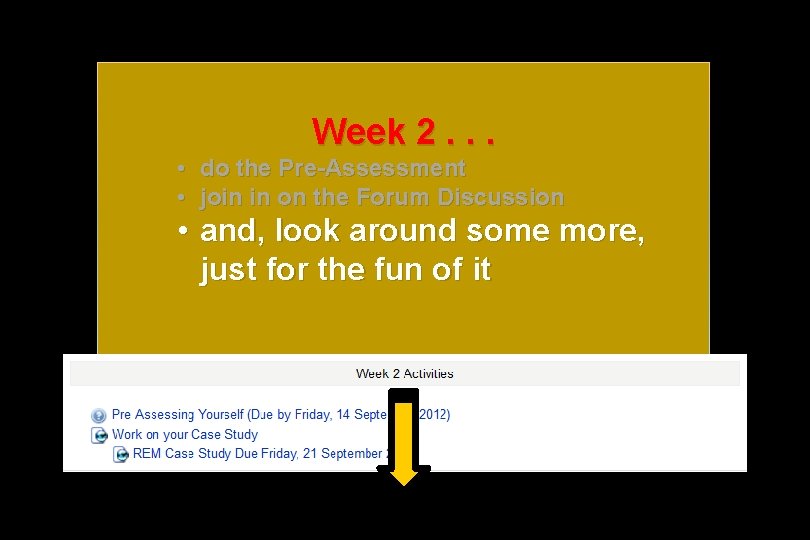
Week 2. . . • do the Pre-Assessment • join in on the Forum Discussion • and, look around some more, just for the fun of it
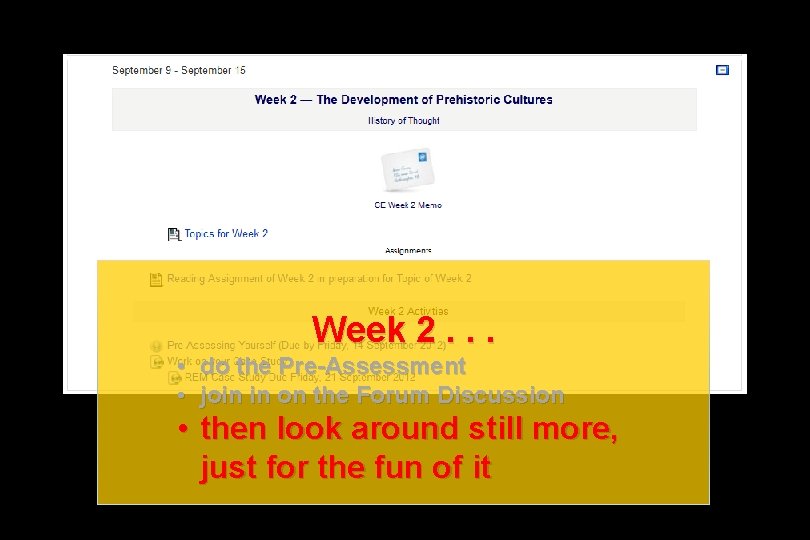
Week 2. . . • do the Pre-Assessment • join in on the Forum Discussion • then look around still more, just for the fun of it
You may also access your Moodle folder via the Main UMD Web. Page. . . www. d. umn. edu
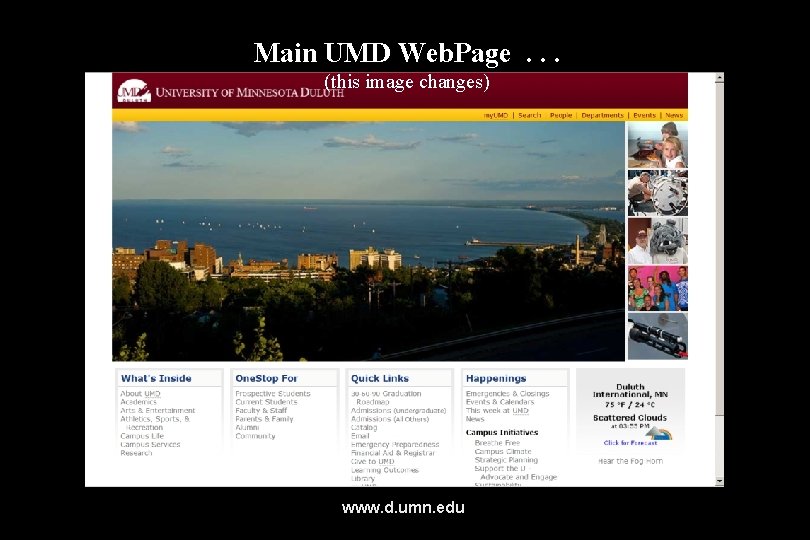
Main UMD Web. Page. . . (this image changes) www. d. umn. edu
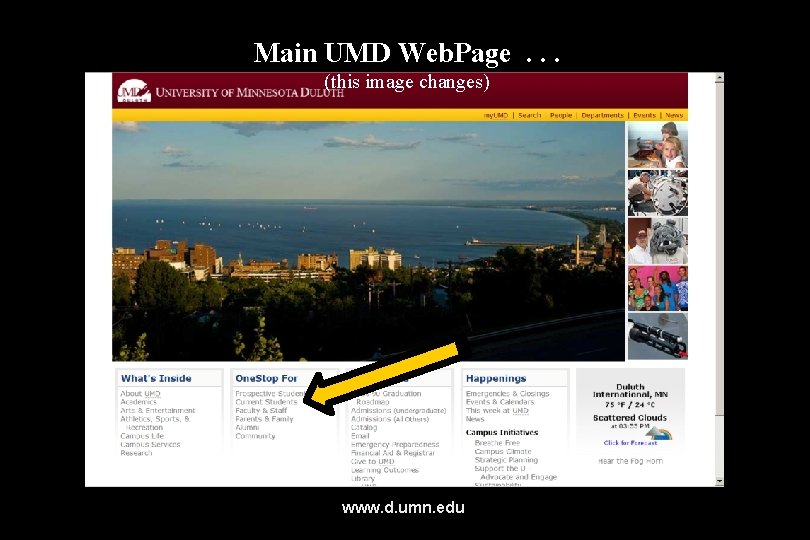
click on “One. Stop For Current Students”. . . (not the image that will appear) www. d. umn. edu
Main UMD Web. Page. . . (this image changes) www. d. umn. edu
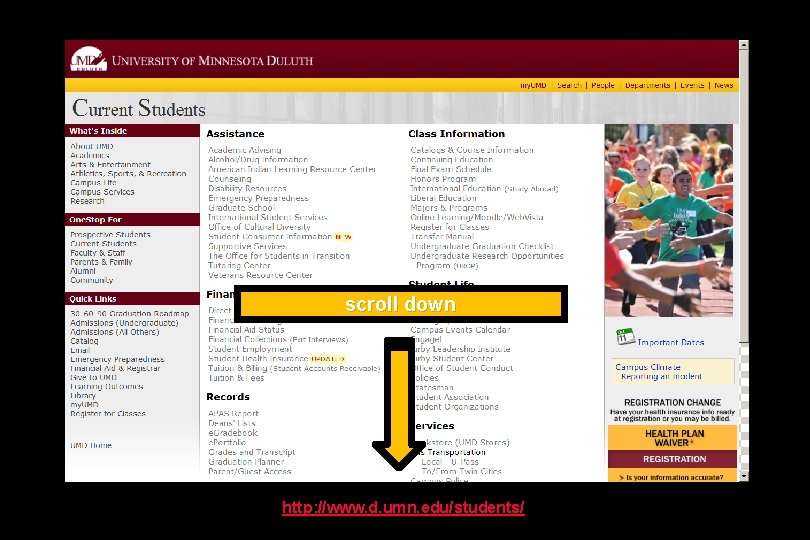
scroll down http: //www. d. umn. edu/students/
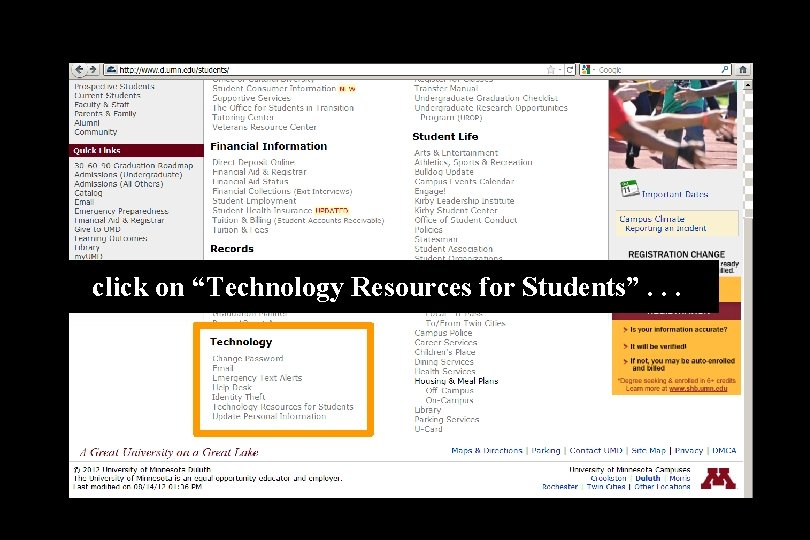
click on “Technology Resources for Students”. . .
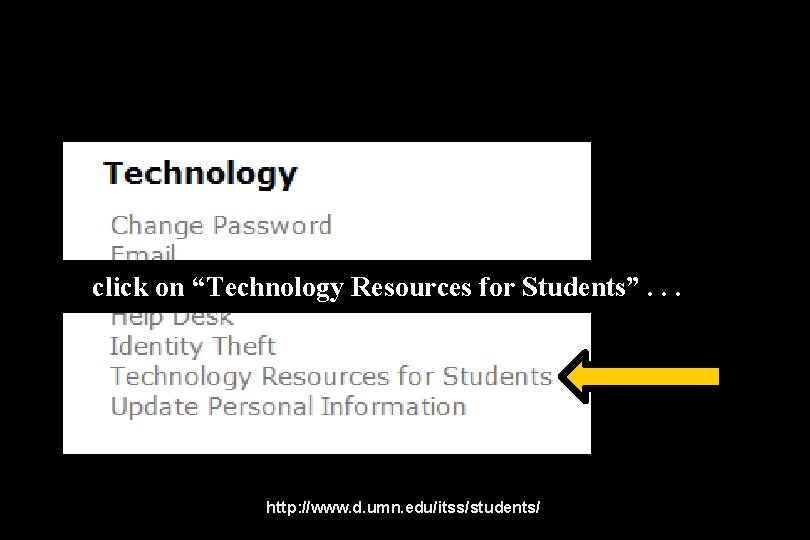
click on “Technology Resources for Students”. . . http: //www. d. umn. edu/itss/students/
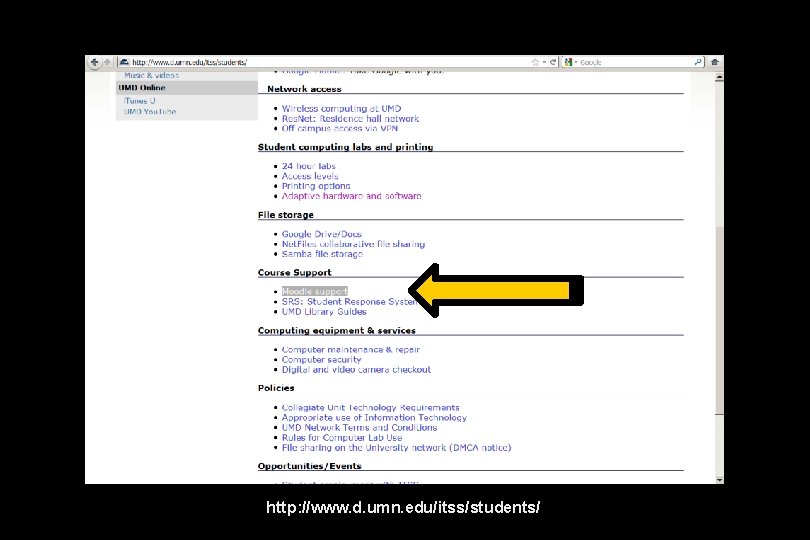
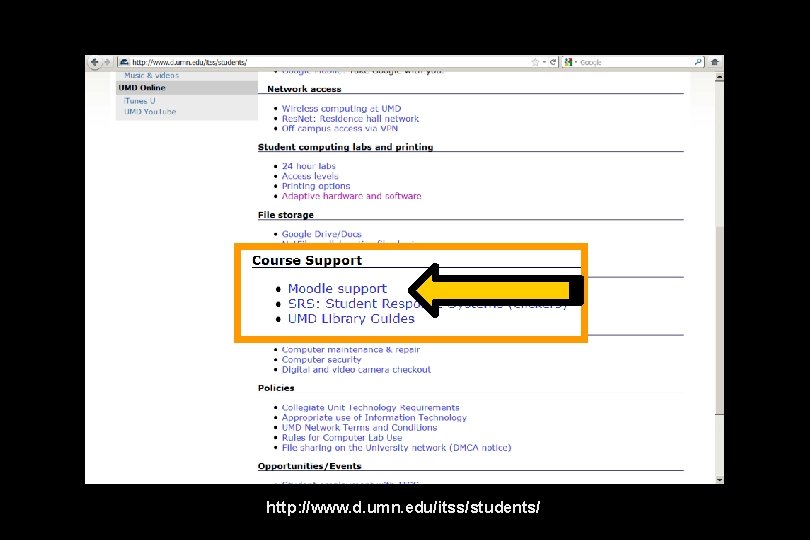
then click on “Moodle Support”. . . http: //www. d. umn. edu/itss/students/
click on “Moodle Support”. . . http: //www. d. umn. edu/itss/students/
click on “Moodle Support”. . . http: //www. d. umn. edu/itss/students/
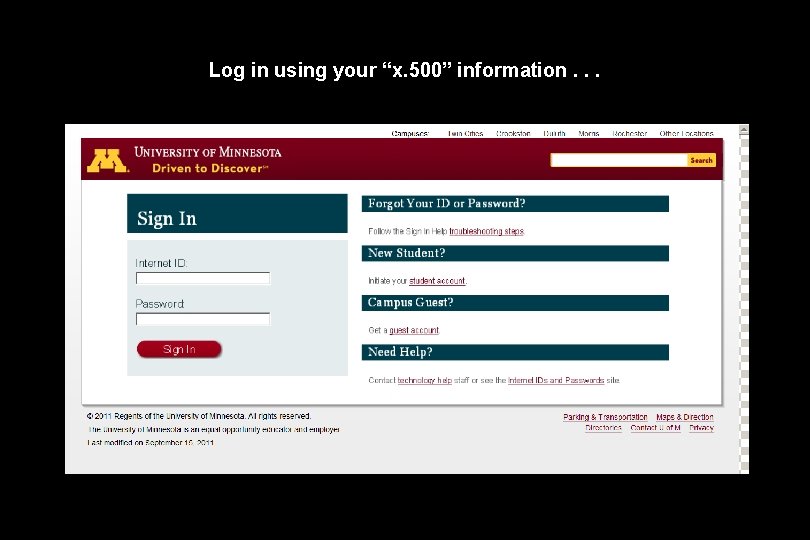
Your log-in page will look something like the following. . . Log in using your “x. 500” information. . . (that’s the log-in information you use for your e-mail) https: //moodle. umn. edu/
Log in using your “x. 500” information. . .
Your Moodle “home” will look something like the following. . . https: //moodle. umn. edu/
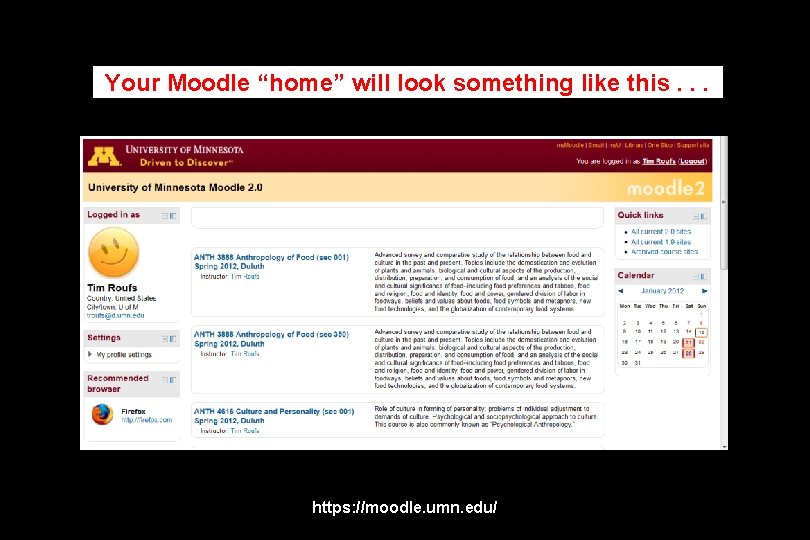
Your Moodle “home” will look something like this. . . https: //moodle. umn. edu/
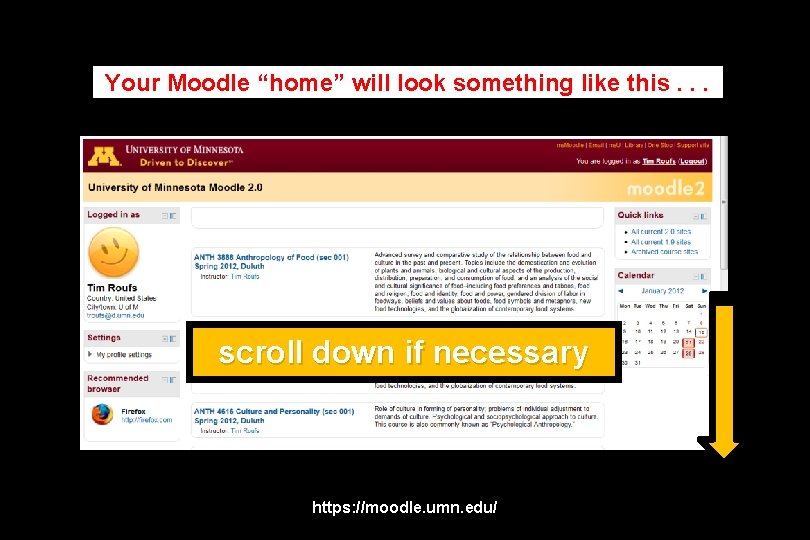
Your Moodle “home” will look something like this. . . scroll down if necessary https: //moodle. umn. edu/
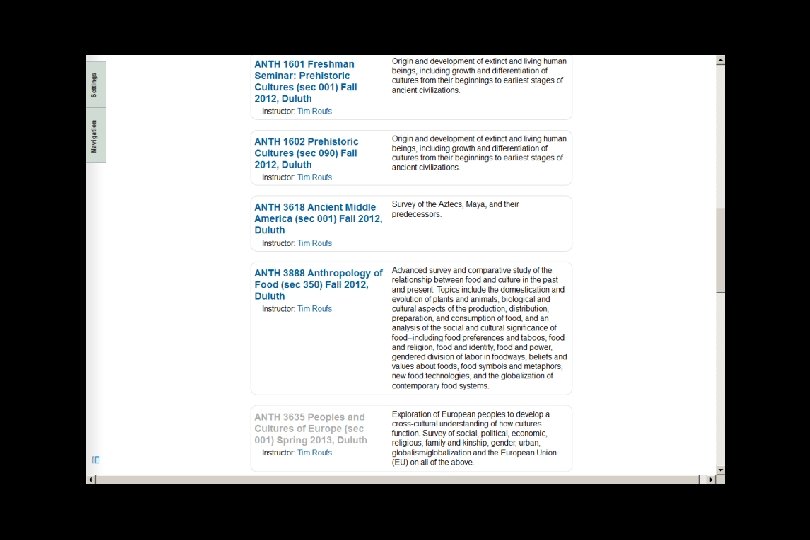
Your Moodle “home” will look something like this. . .
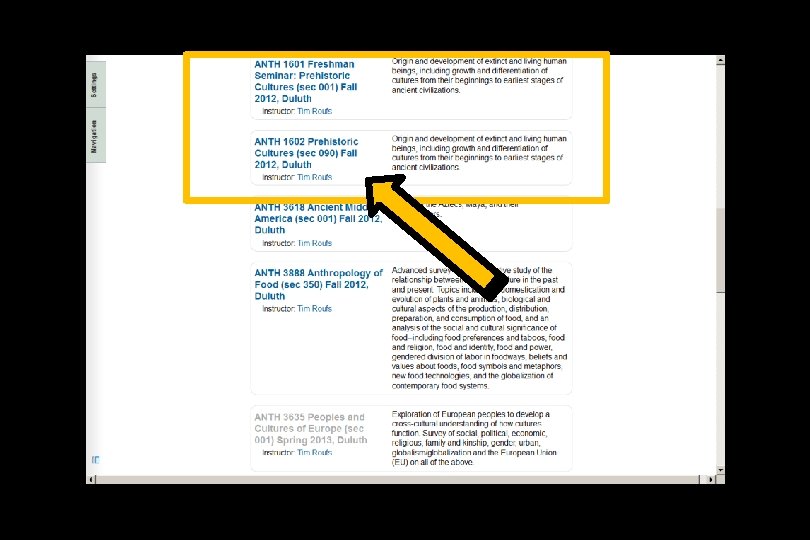
Select Prehistoric Cultures. . . https: //moodle. umn. edu/
Your Moodle “home” will look something like this. . .
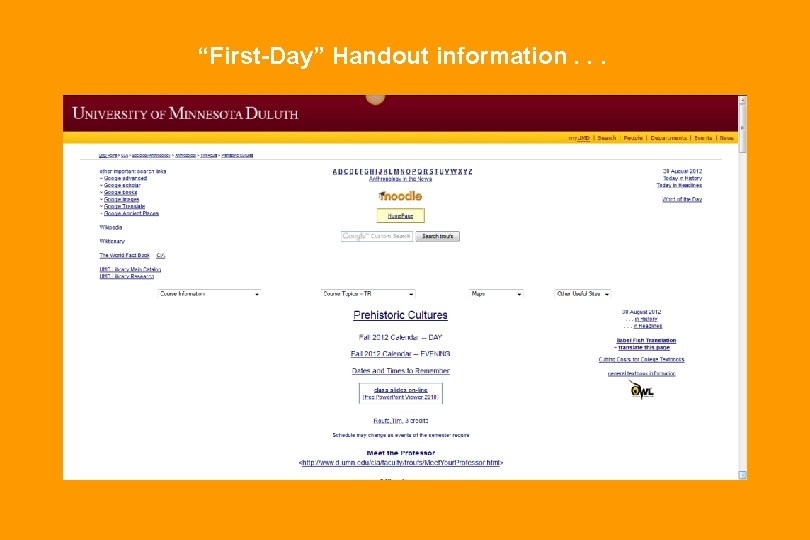
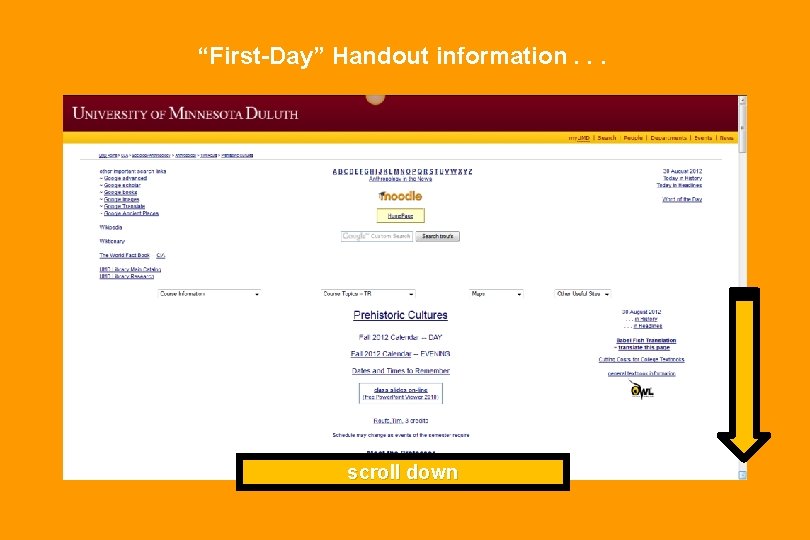
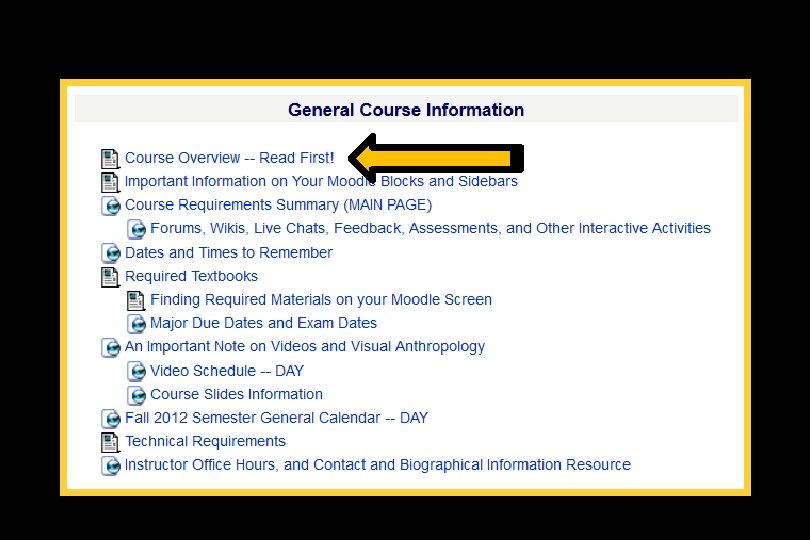
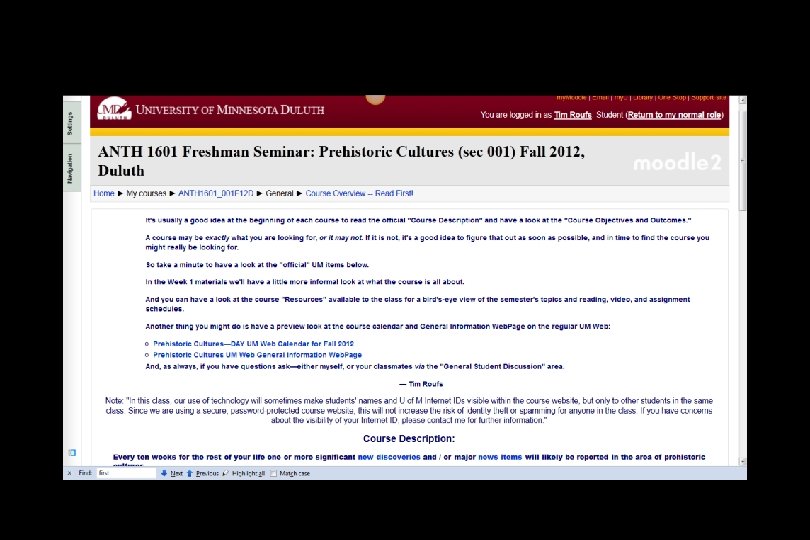
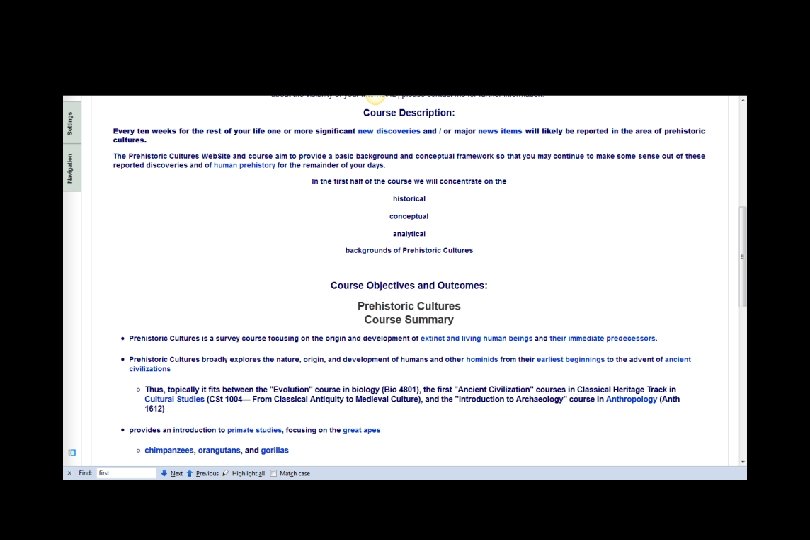
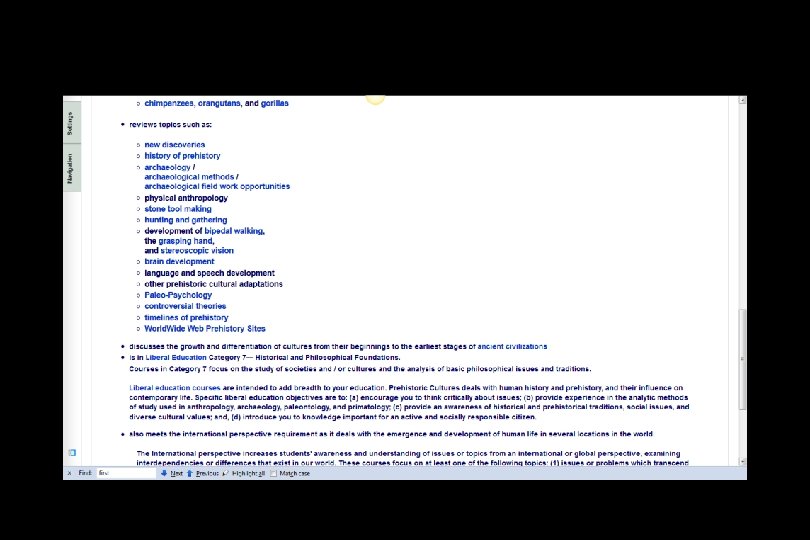
The “First-Day” Handout information contains the basic information. . . It look something like the following. . . https: //moodle. umn. edu/
“First-Day” Handout information. . .
“First-Day” Handout information. . . scroll down
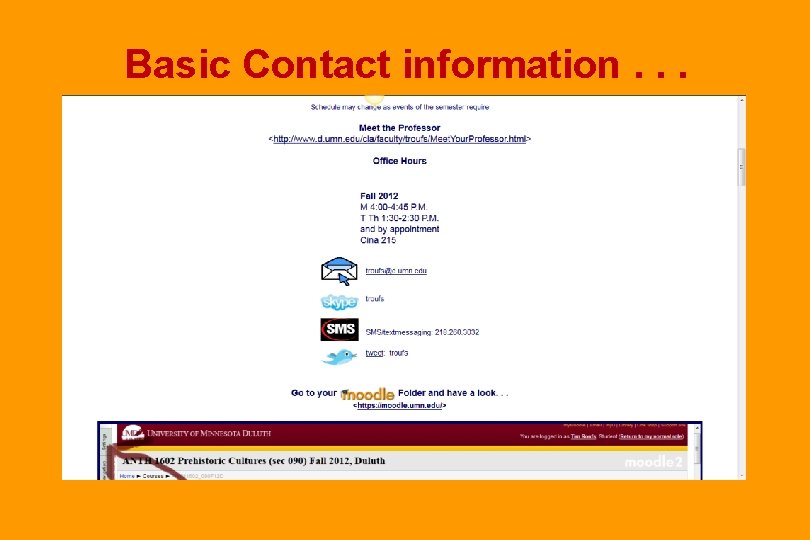
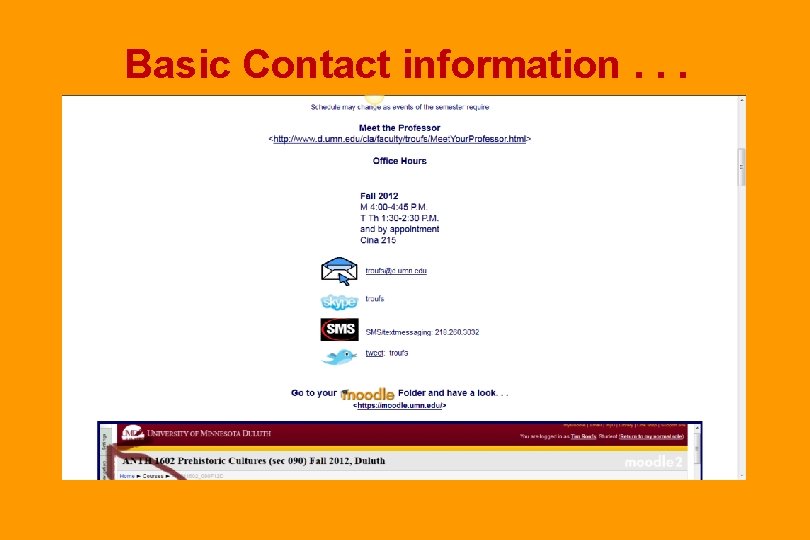
Basic Contact information. . .
Basic Contact information. . .
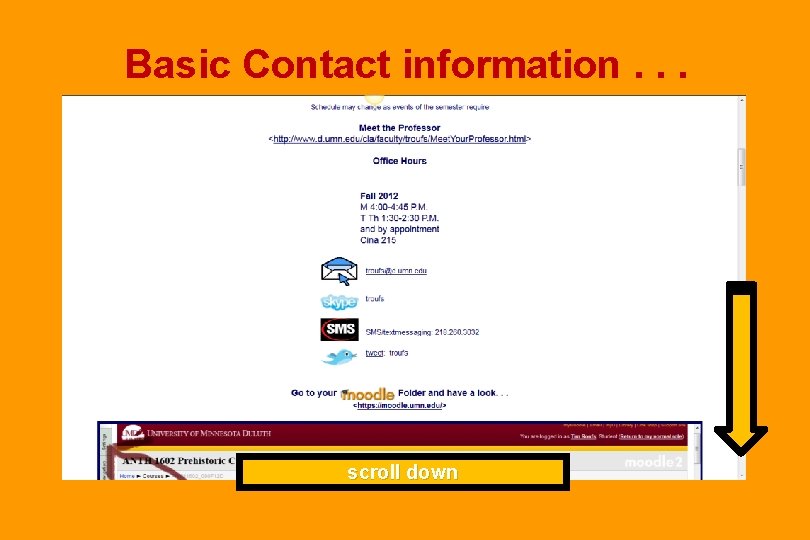
Basic Contact information. . . scroll down
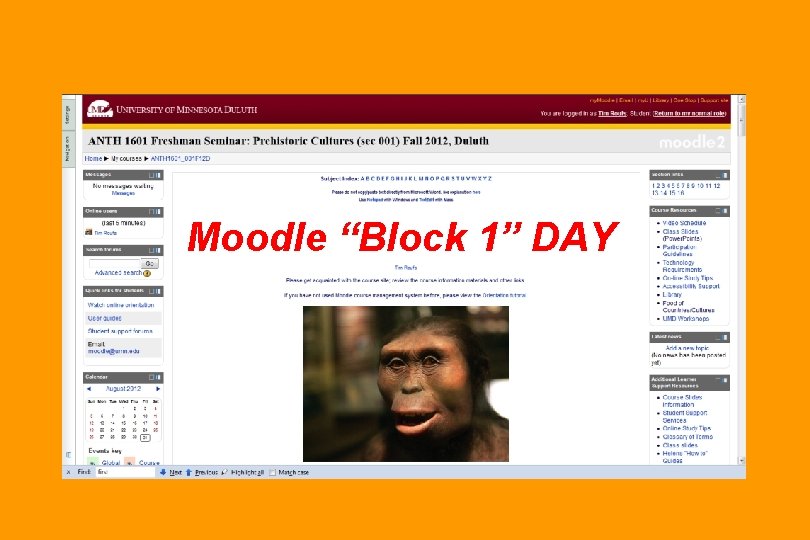
Moodle “Block 1” DAY
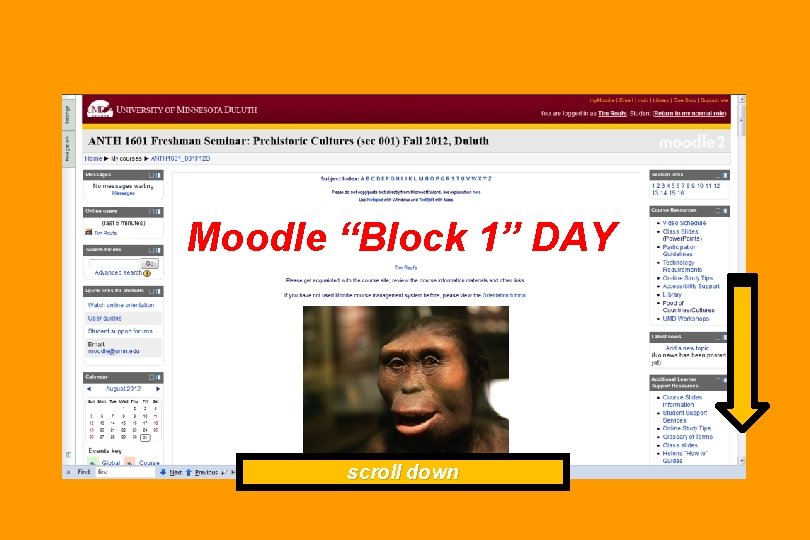
Moodle “Block 1” DAY scroll down
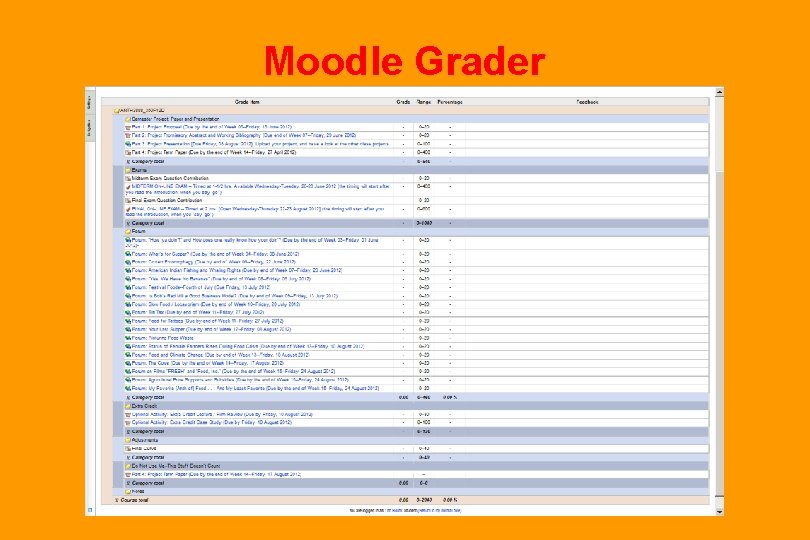
Moodle Grader
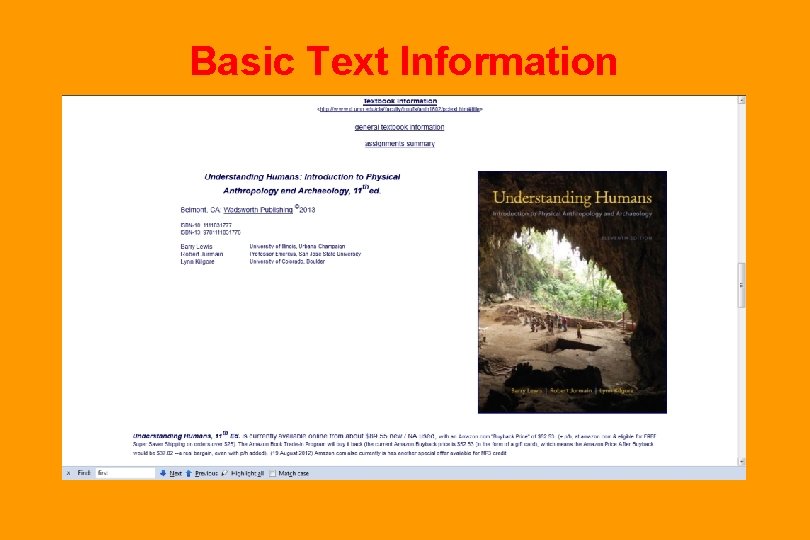
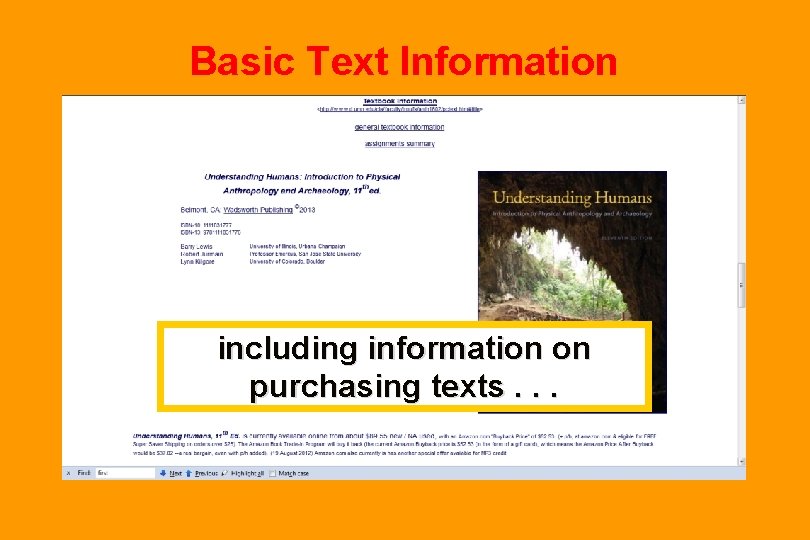
Basic Text Information
Basic Text Information including information on purchasing texts. . .
Governing Procedures pay attention to. . .
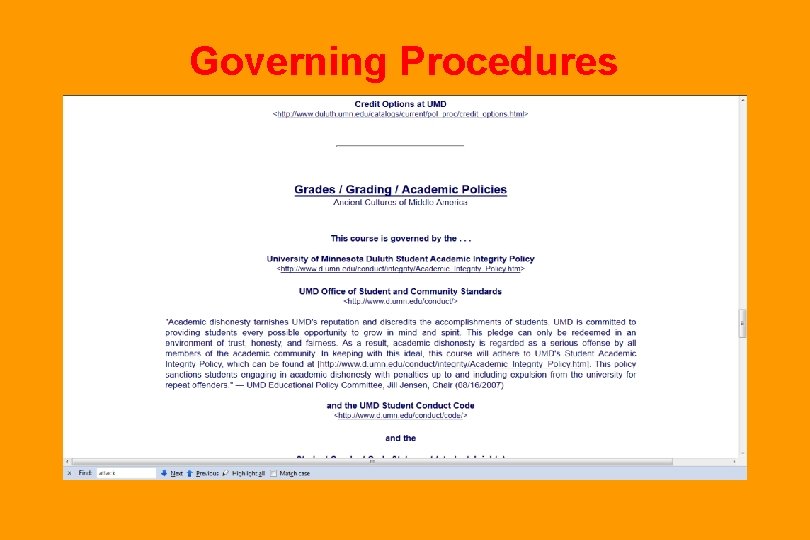
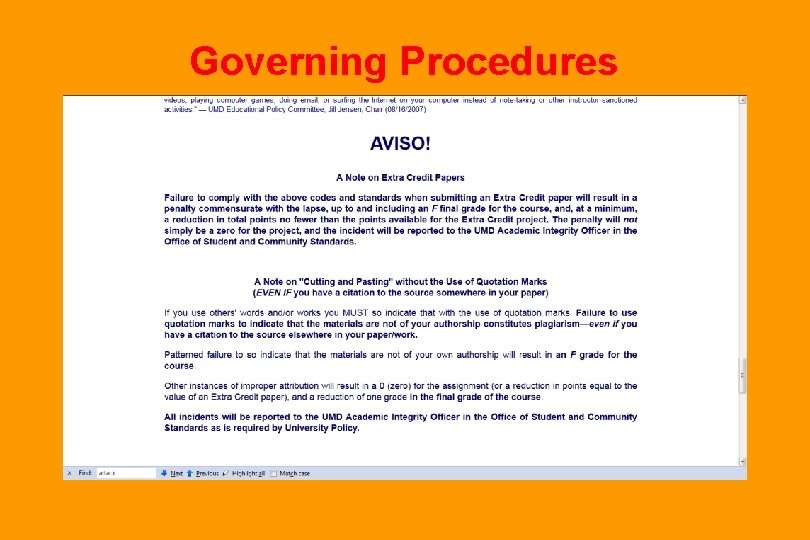
Governing Procedures
Governing Procedures
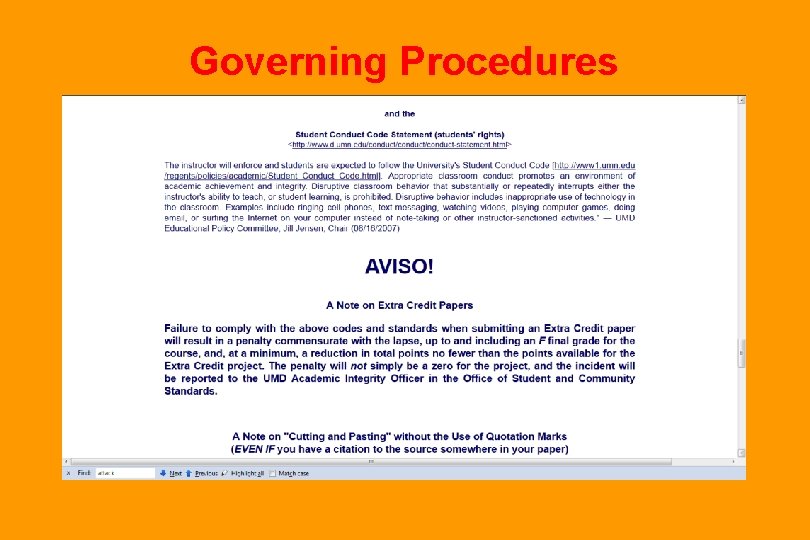
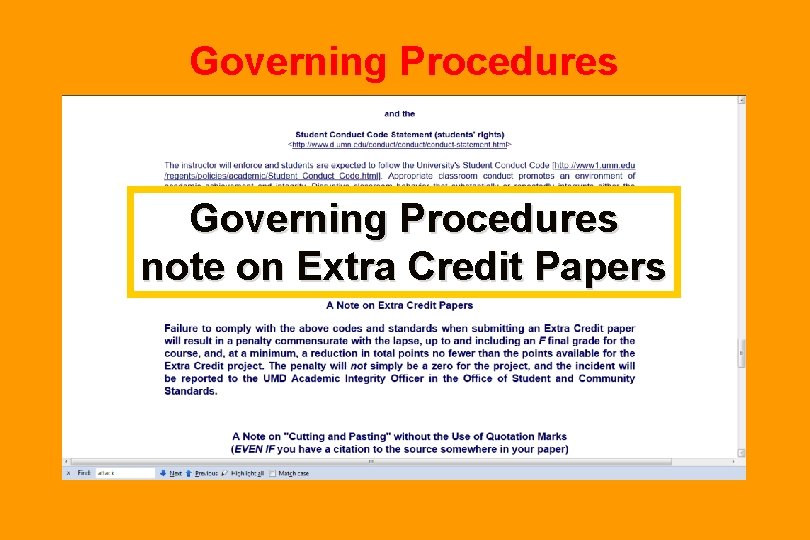
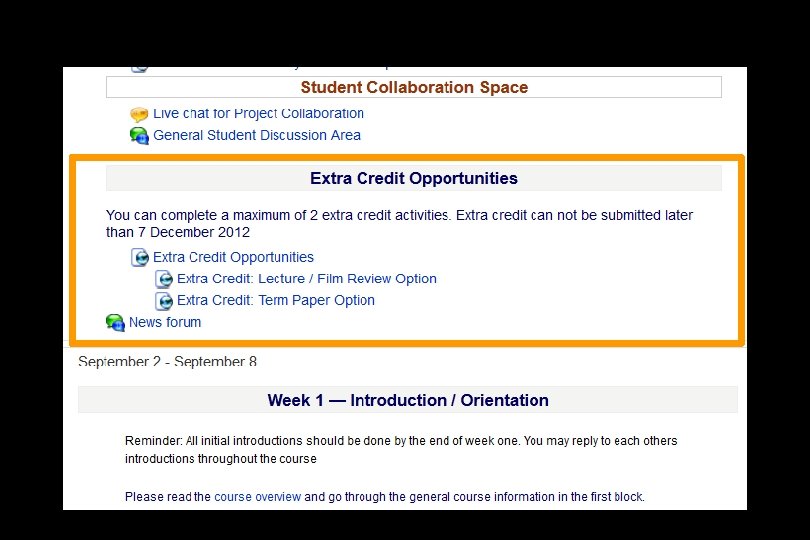
Governing Procedures note on Extra Credit Papers
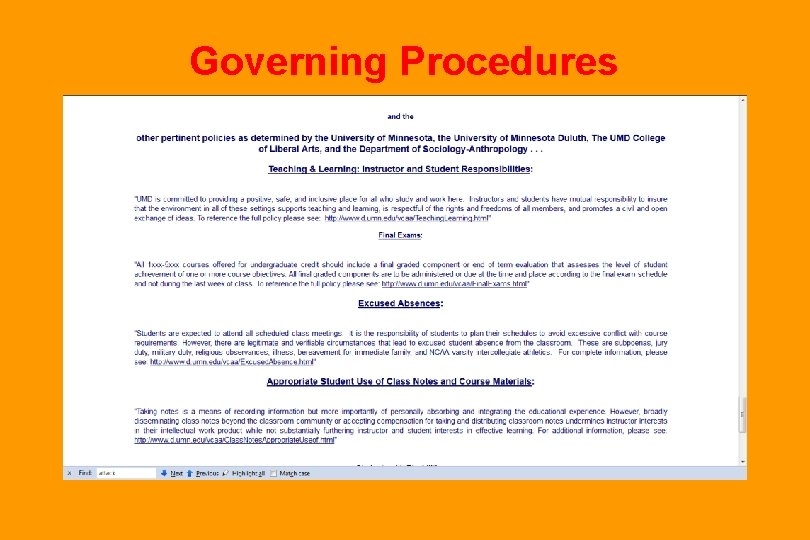
Governing Procedures
Governing Procedures
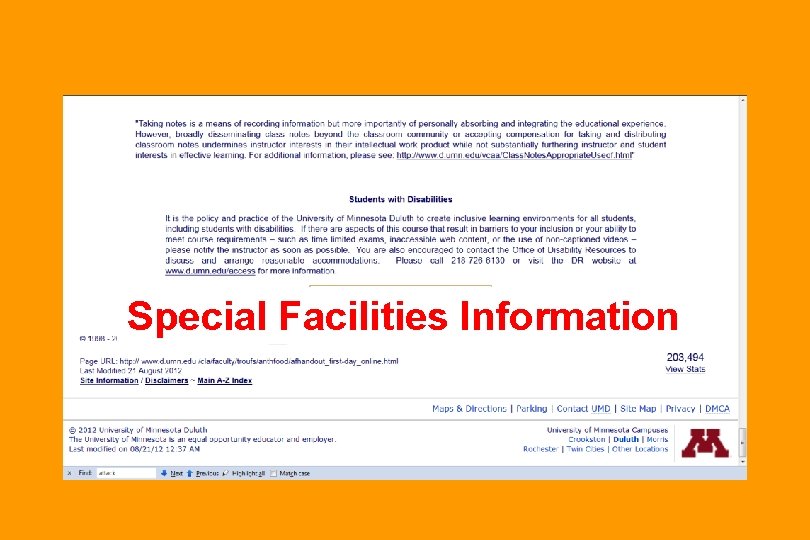
Special Facilities Information
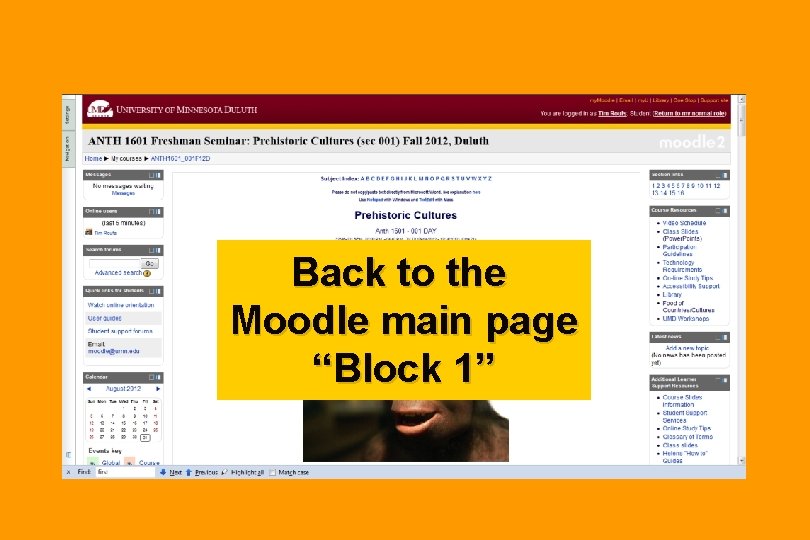
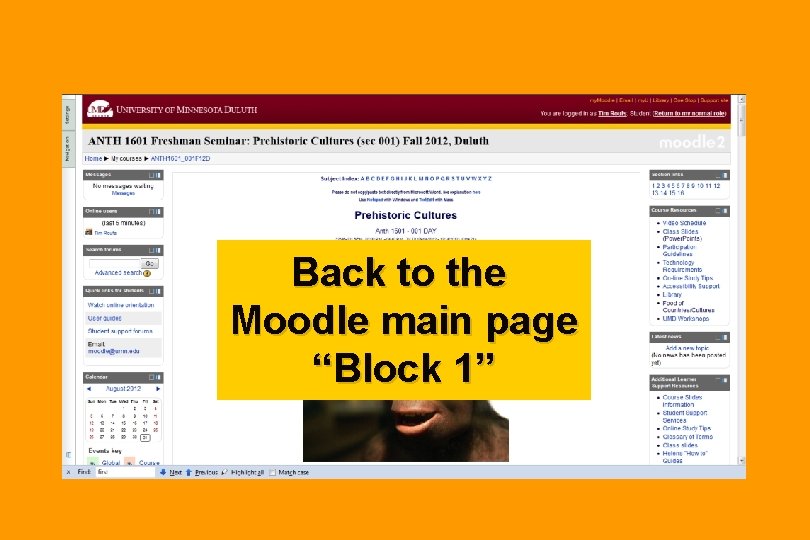
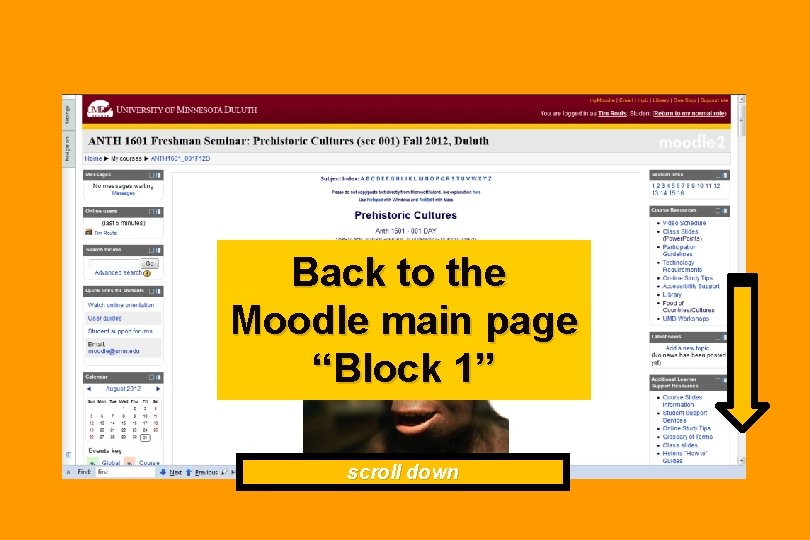
Back to the Moodle main page “Block 1”
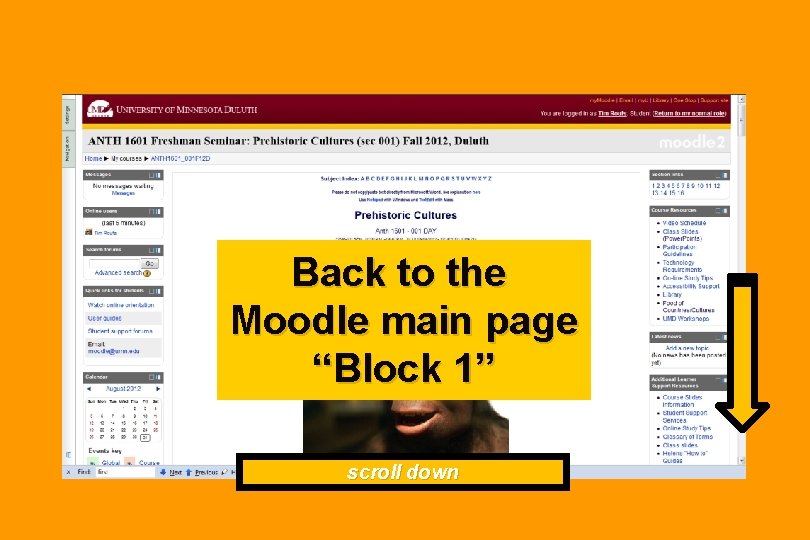
Back to the Moodle main page “Block 1” scroll down
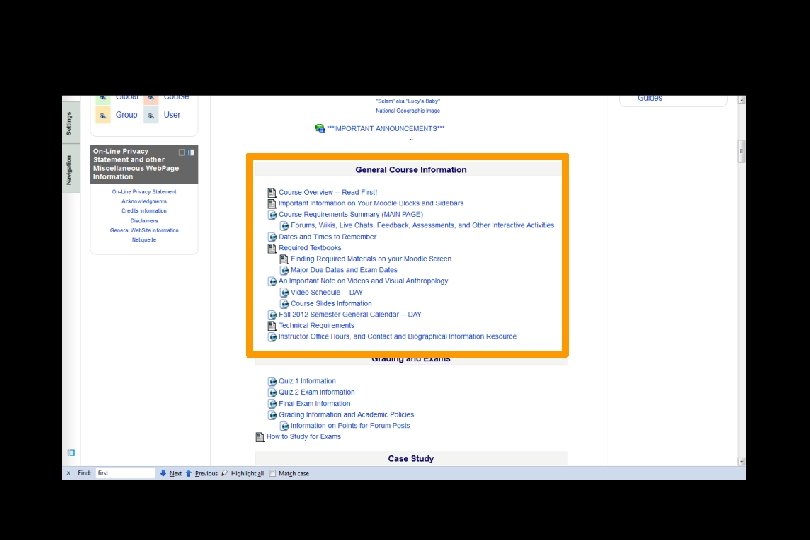
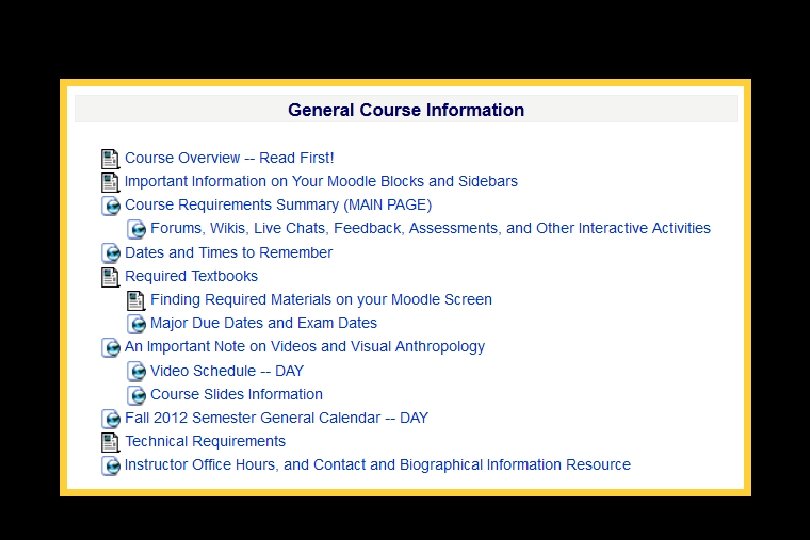
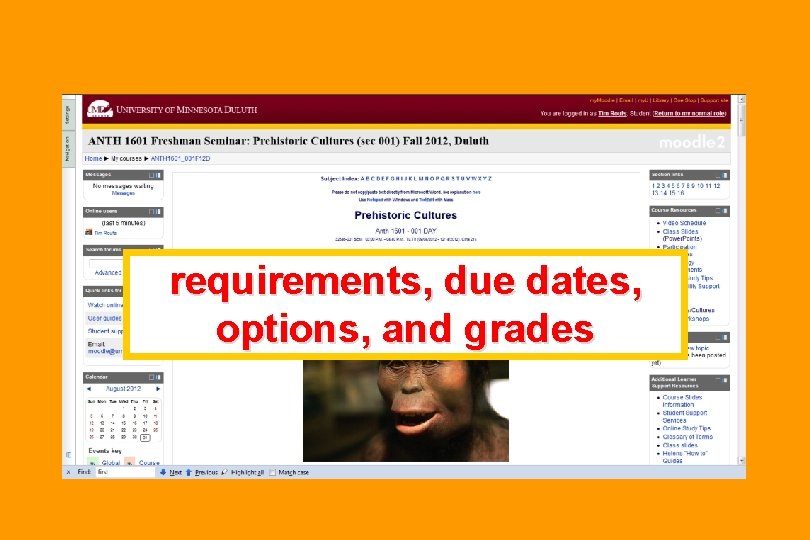
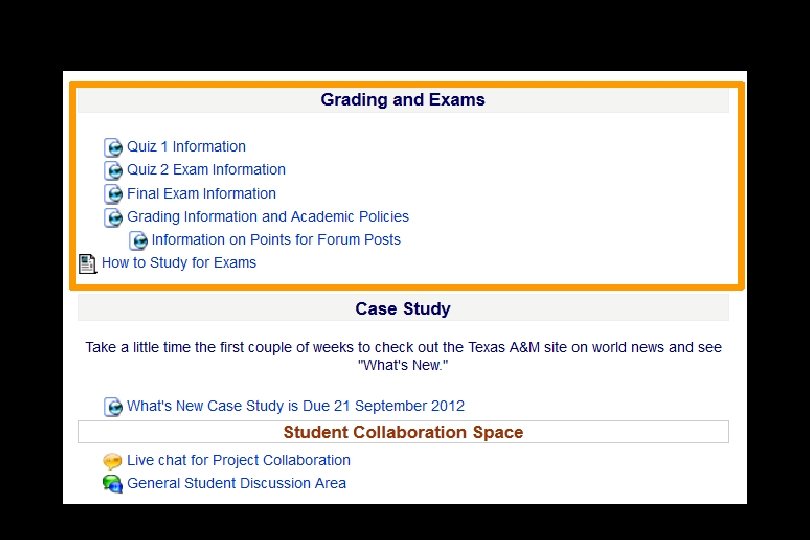
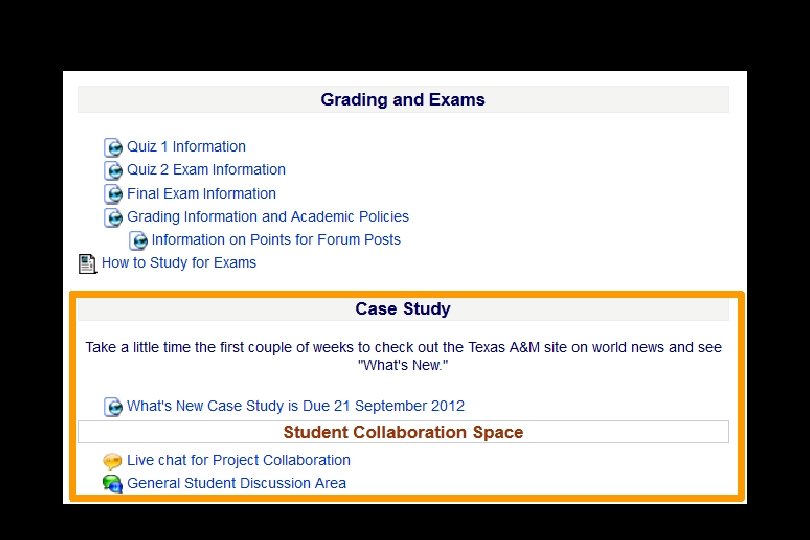
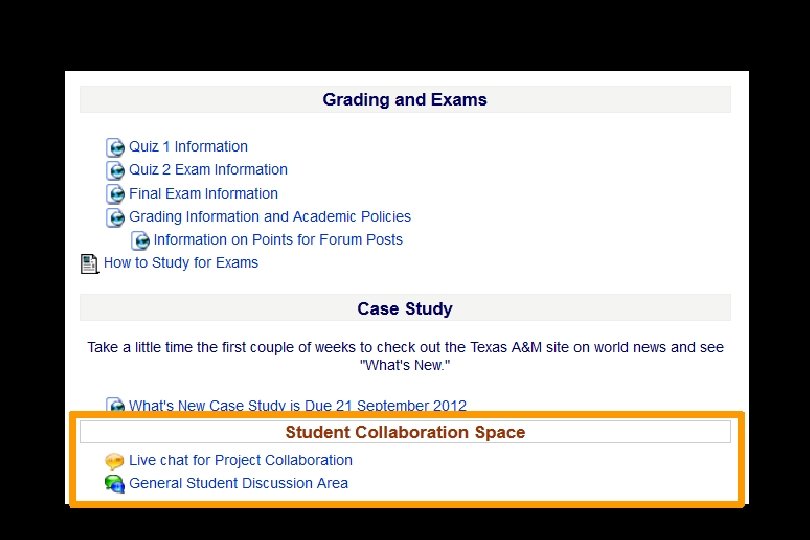
requirements, due dates, options, and grades
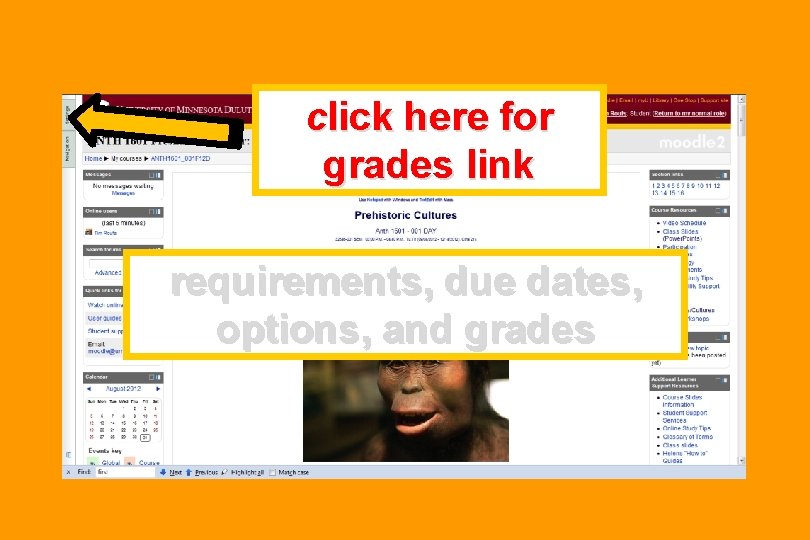
click here for grades link requirements, due dates, options, and grades
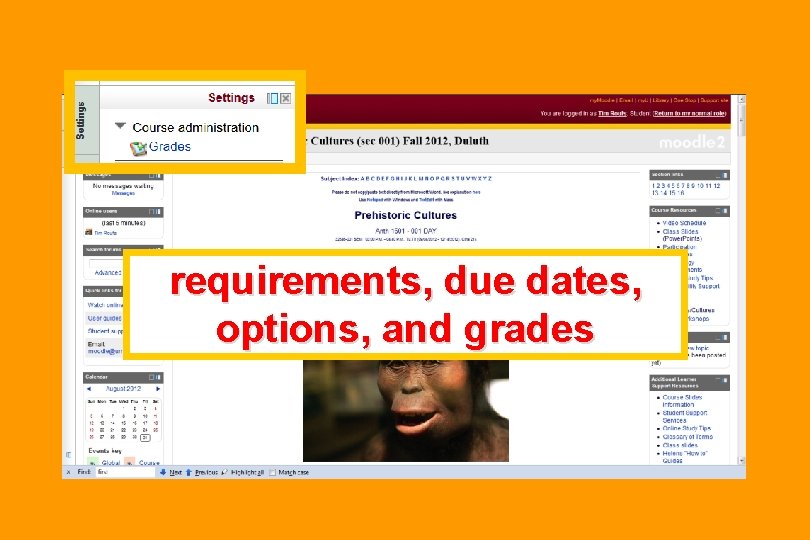
requirements, due dates, options, and grades
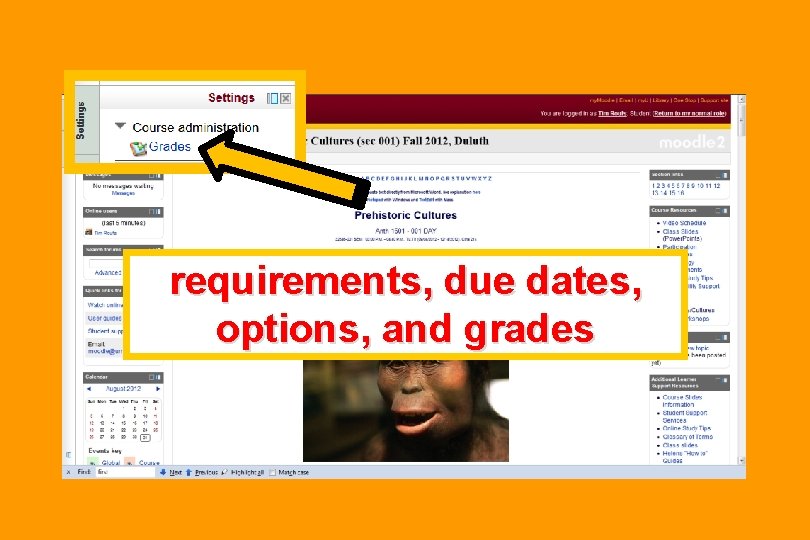
requirements, due dates, options, and grades
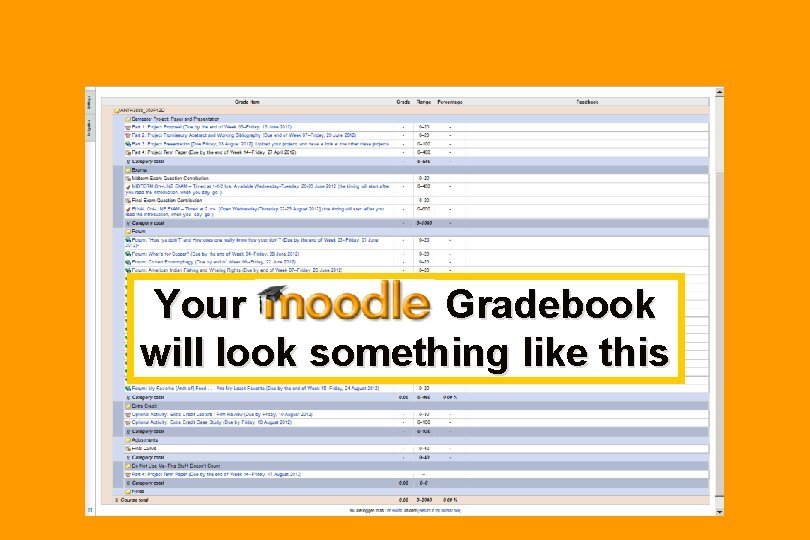
Your Gradebook will look something like this
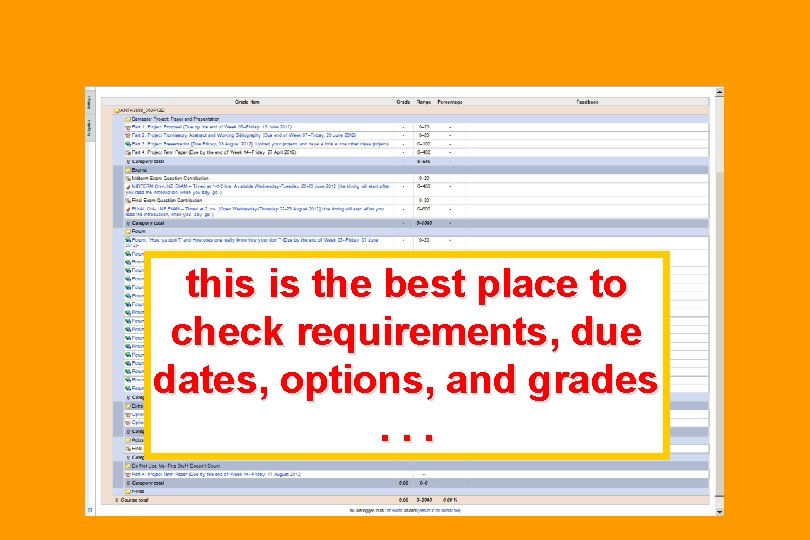
this is the best place to check requirements, due dates, options, and grades. . .
Back to the Moodle main page “Block 1”
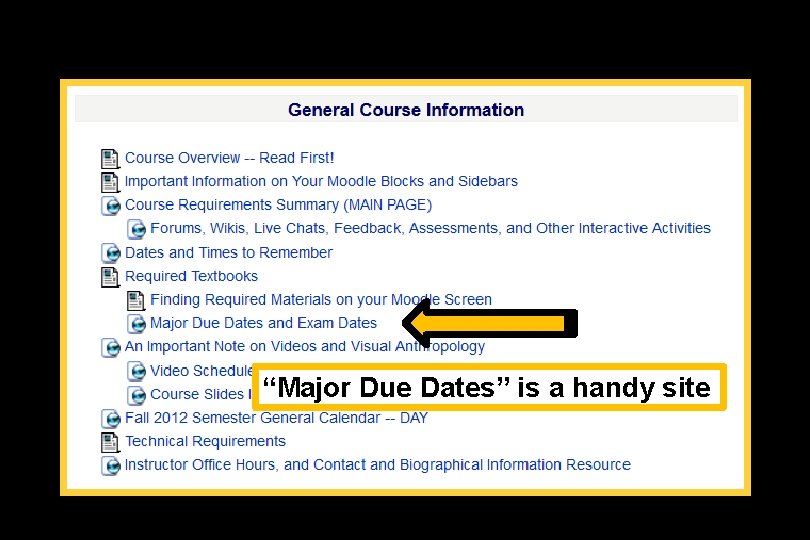
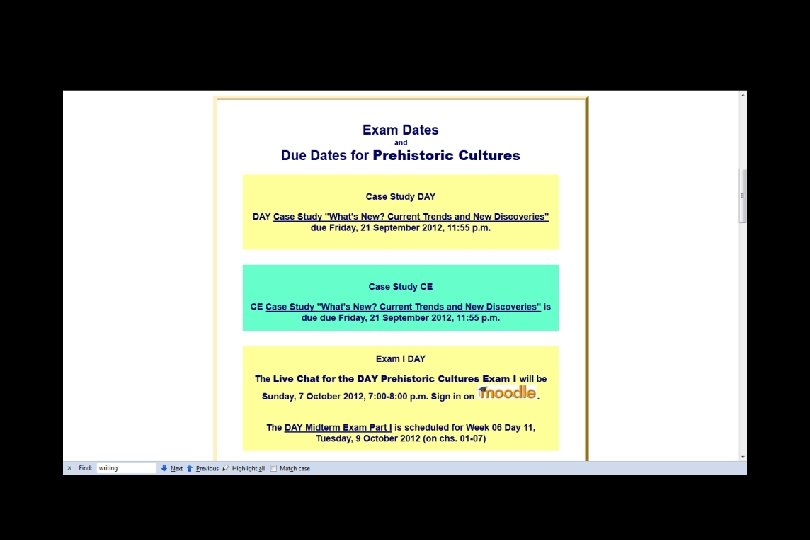
“Major Due Dates” is a handy site
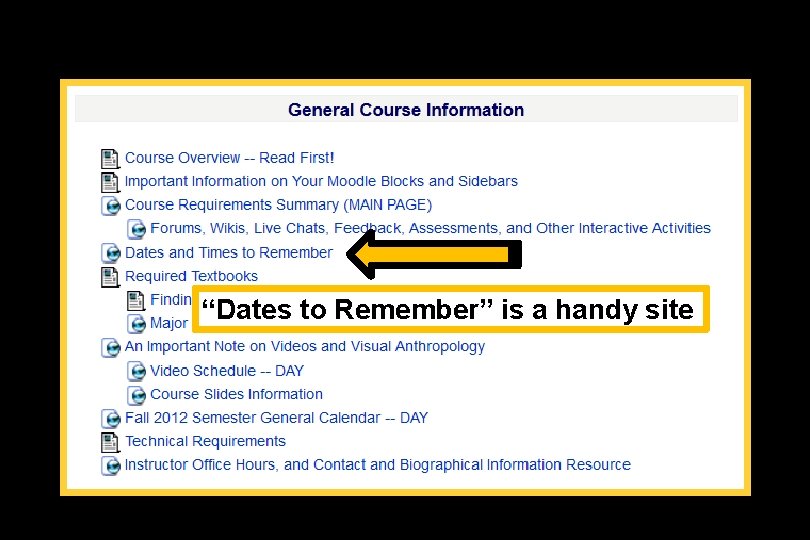
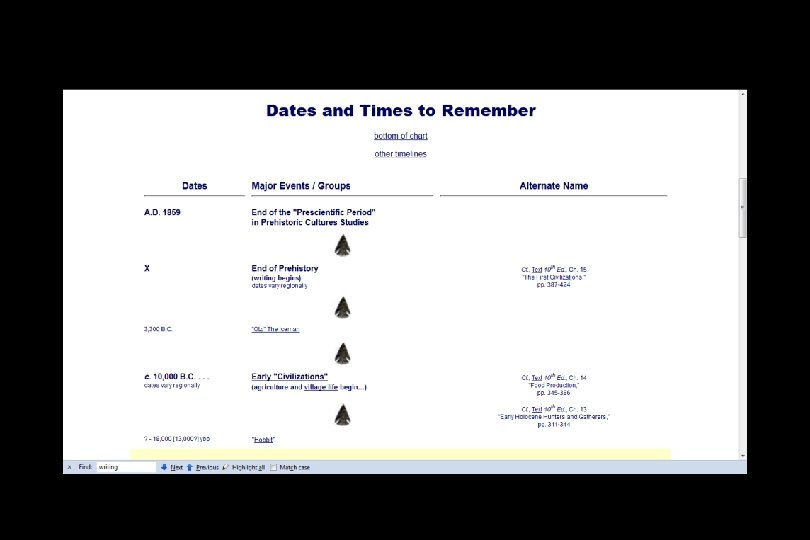
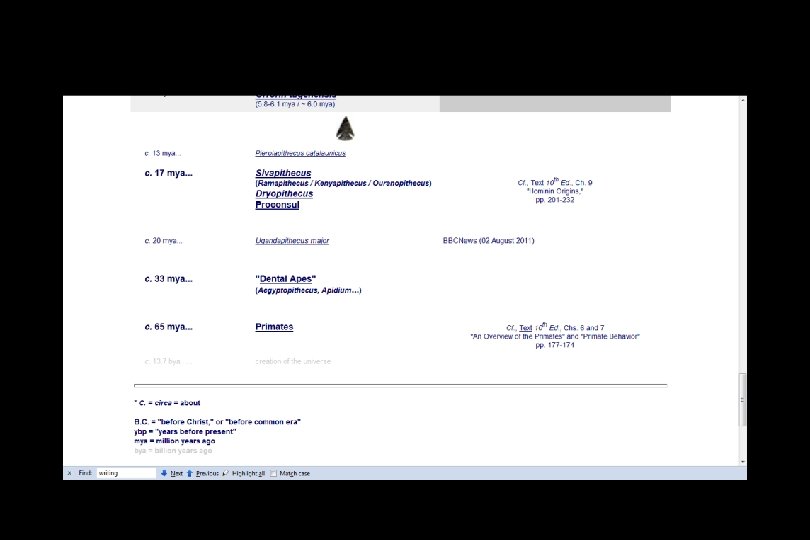
“Dates to Remember” is a handy site
Back to the Moodle main page “Block 1” scroll down
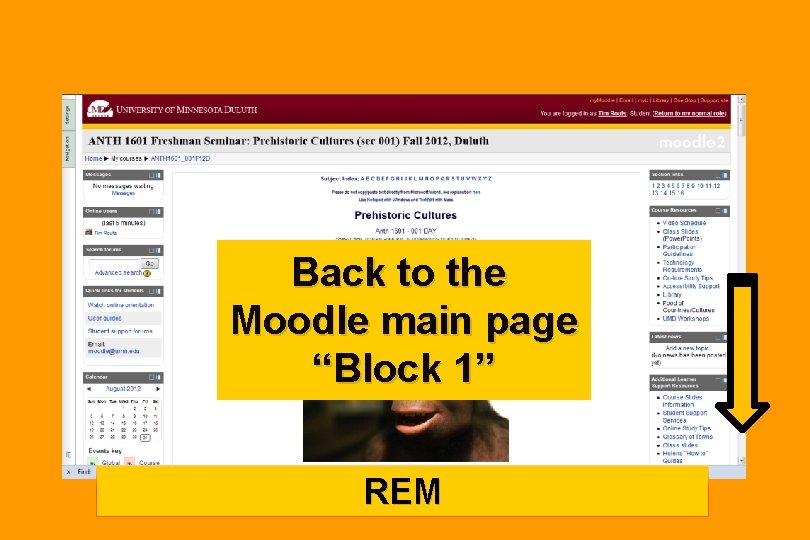
Back to the Moodle main page “Block 1” REM
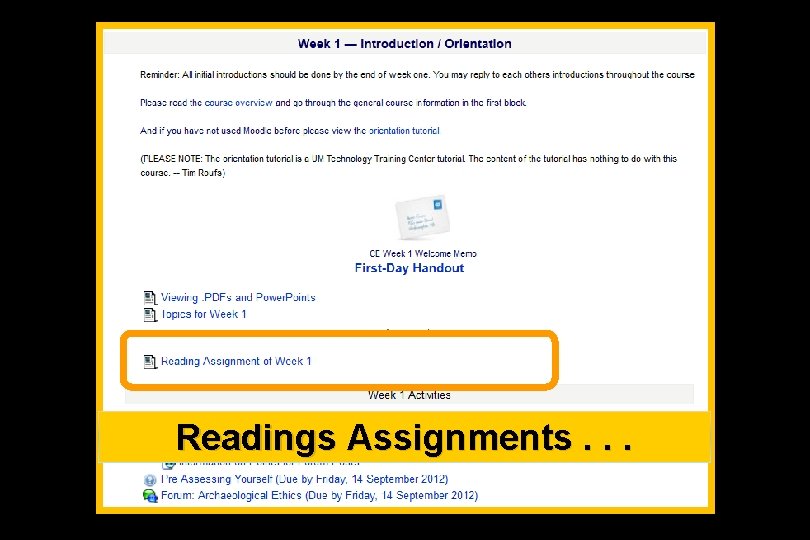
Readings Assignments. . .
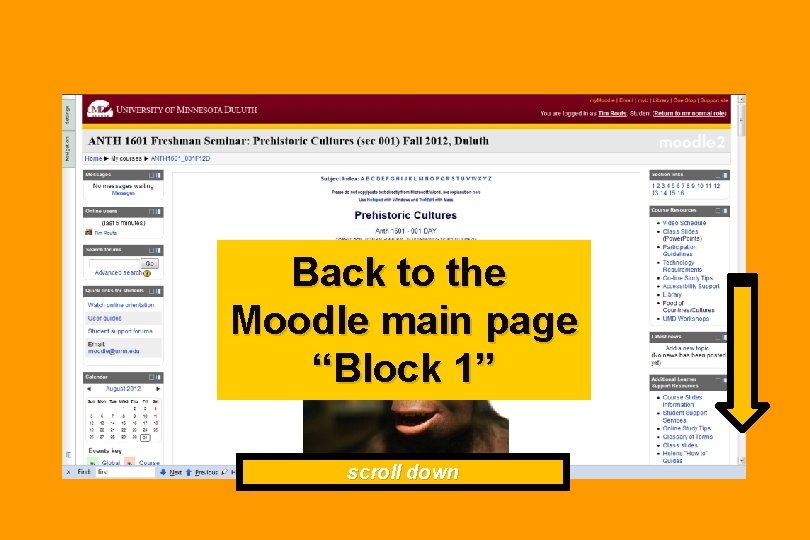
Back to the Moodle main page “Block 1” scroll down
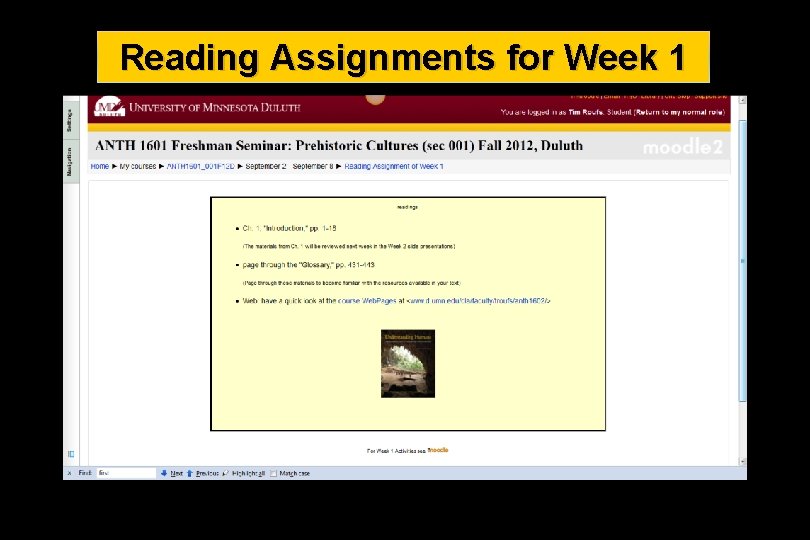
Reading Assignments for Week 1
and Activities for the week. . .
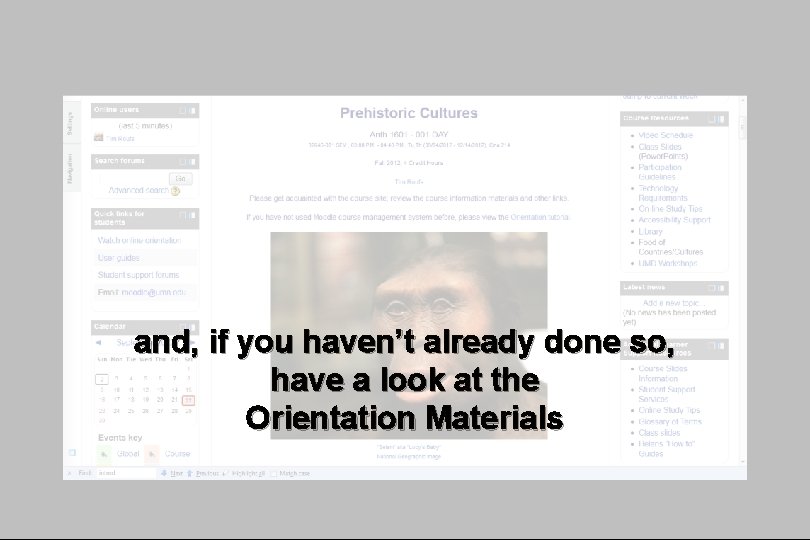
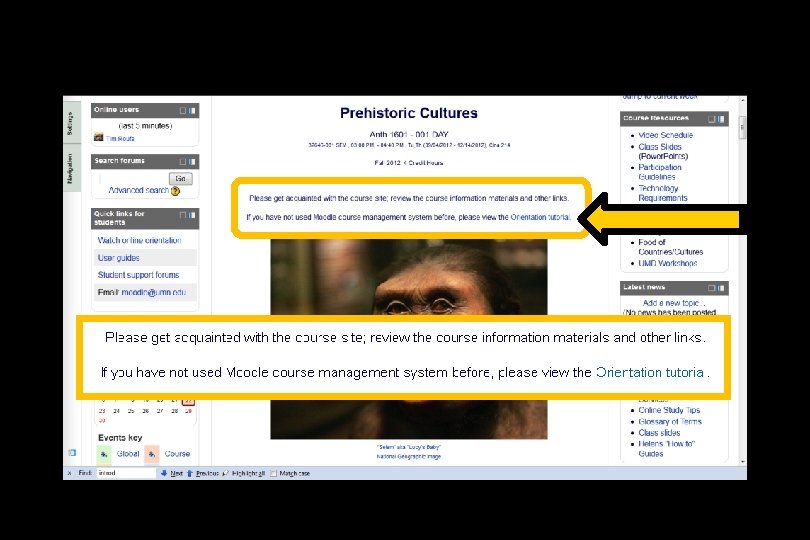
and, if you haven’t already done so, have a look at the Orientation Materials
And, for the fun of it, have a look at the “Meet Your Professor” Materials
Why?
Research shows that people who know a little about their teachers. . .
Research shows that people who know a little about their teachers. . . Learn more. . .
Research shows that people who know a little about their teachers. . . Learn more. . . Remember it better. . .
Research shows that people who know a little about their teachers. . . Learn more. . . Remember it better. . . Have more fun learning. . .
one more piece of useful information. . .
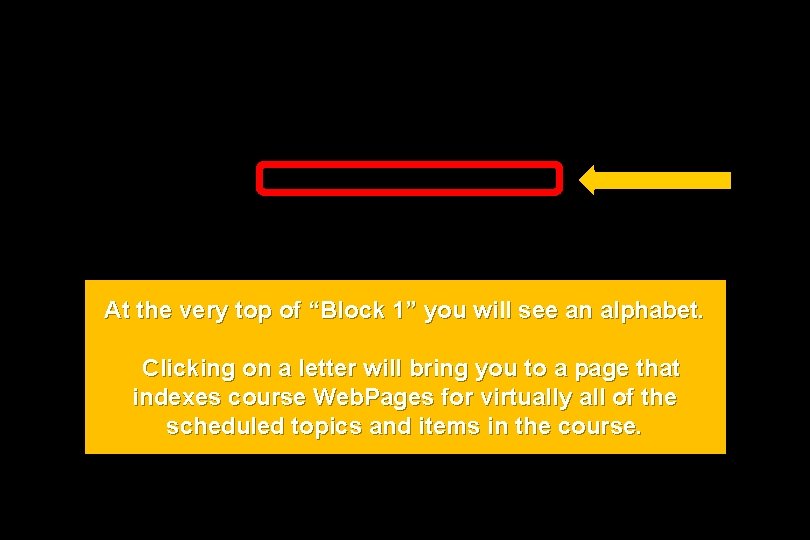
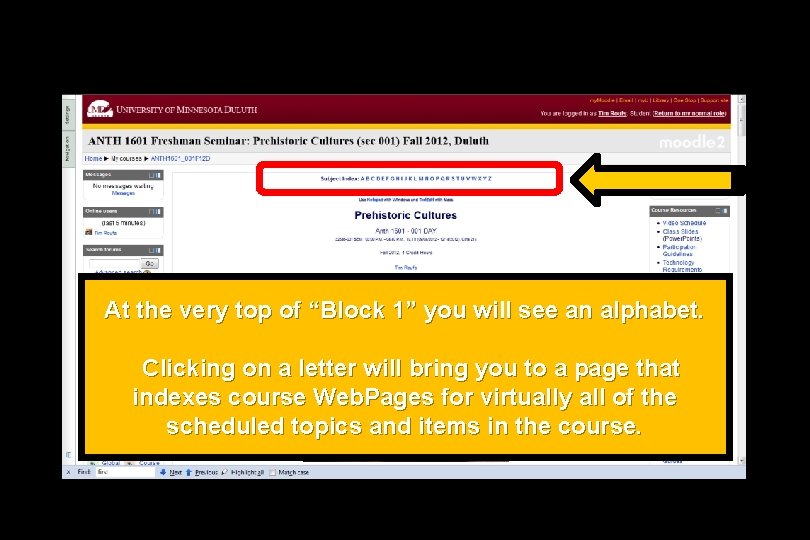
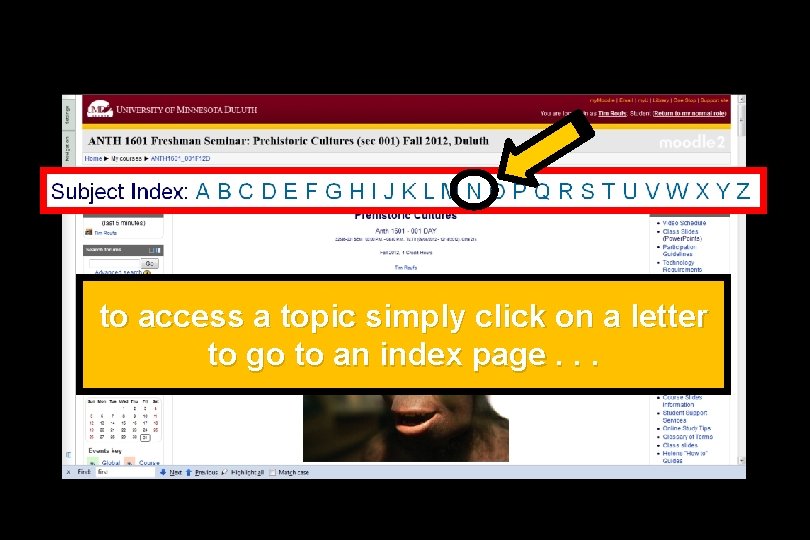
At the very top of “Block 1” you will see an alphabet. Clicking on a letter will bring you to a page that indexes course Web. Pages for virtually all of the scheduled topics and items in the course.
At the very top of “Block 1” you will see an alphabet. Clicking on a letter will bring you to a page that indexes course Web. Pages for virtually all of the scheduled topics and items in the course.
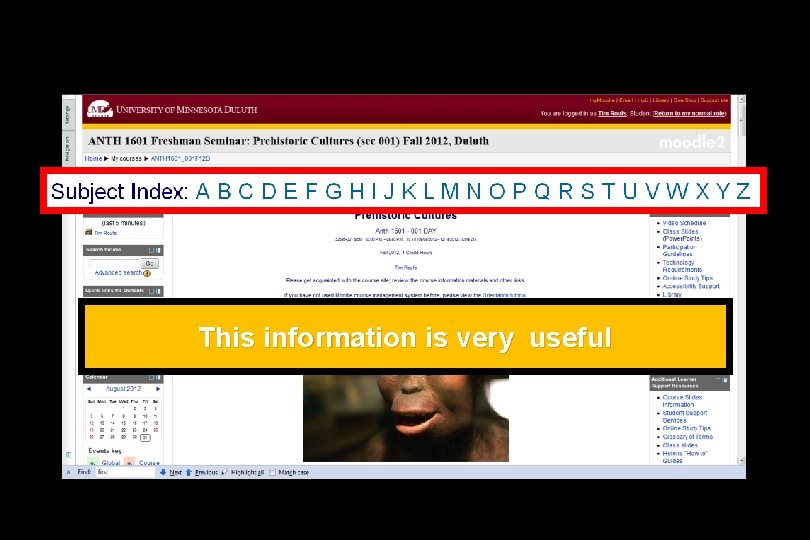
This information is very useful
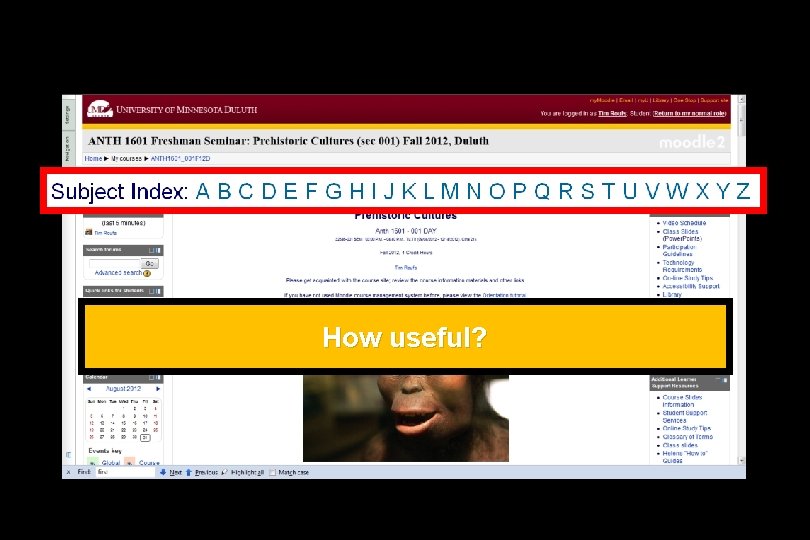
How useful?
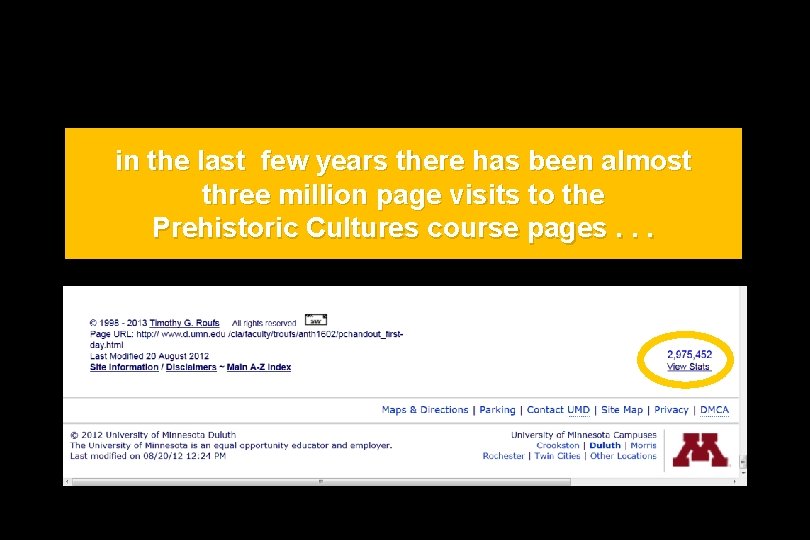
in the last few years there has been almost three million page visits to the Prehistoric Cultures course pages. . .
to access a topic simply click on a letter to go to an index page. . .
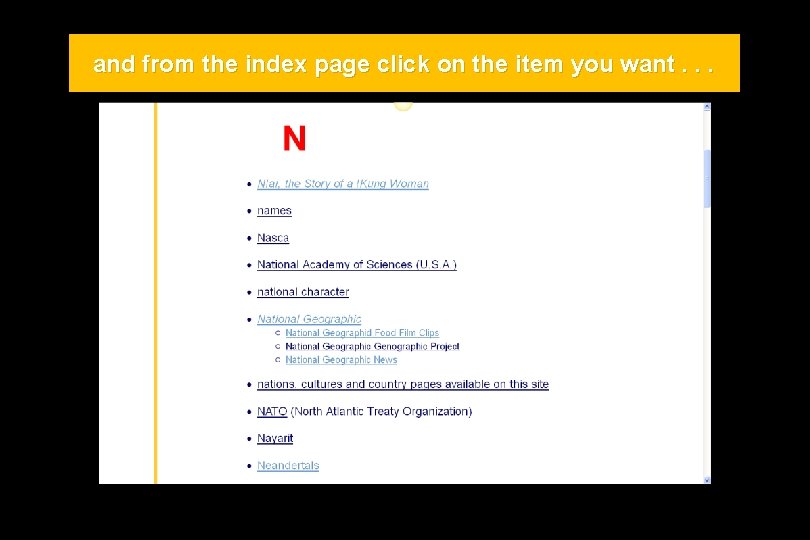
and from the index page click on the item you want. . .
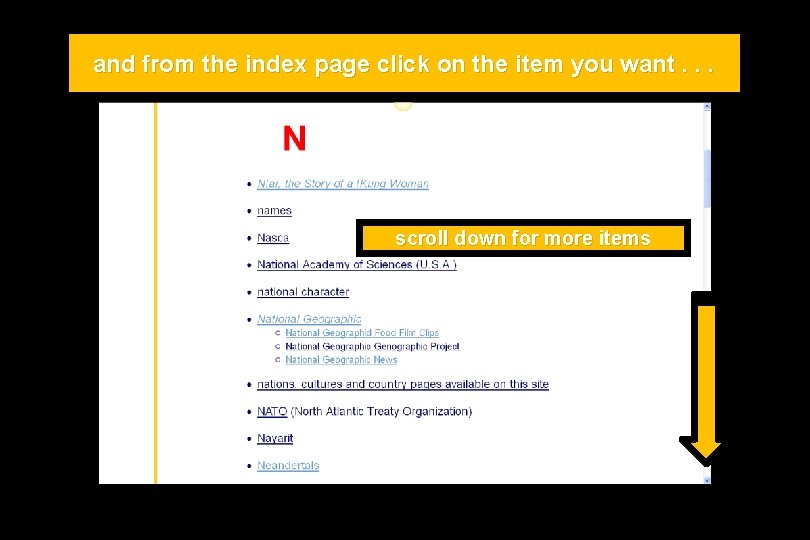
and from the index page click on the item you want. . . scroll down for more items
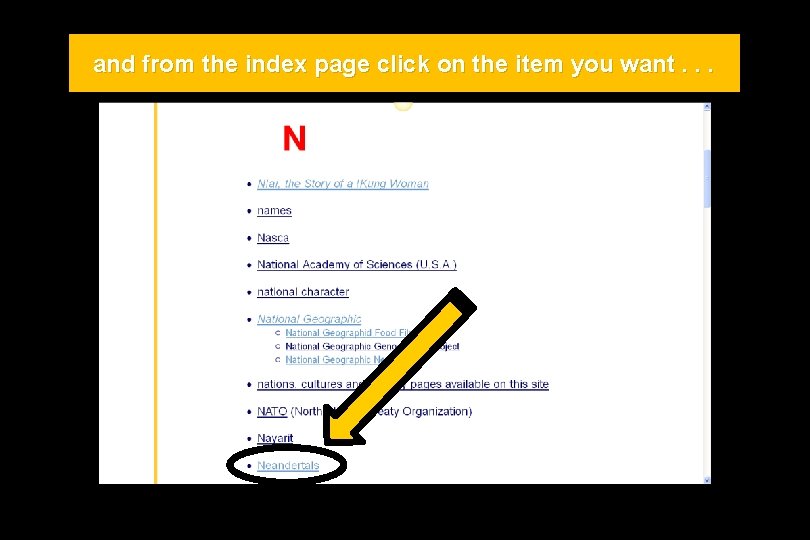
and from the index page click on the item you want. . .
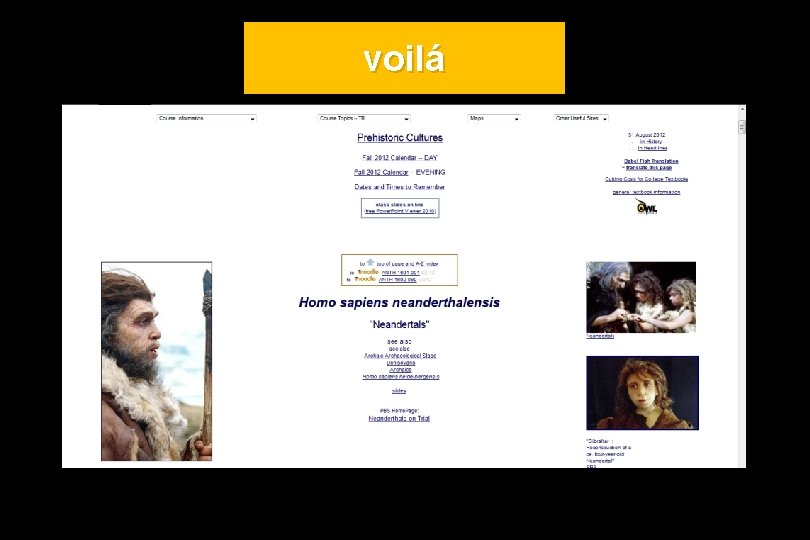
voilá
(in fact, they’re encouraged)
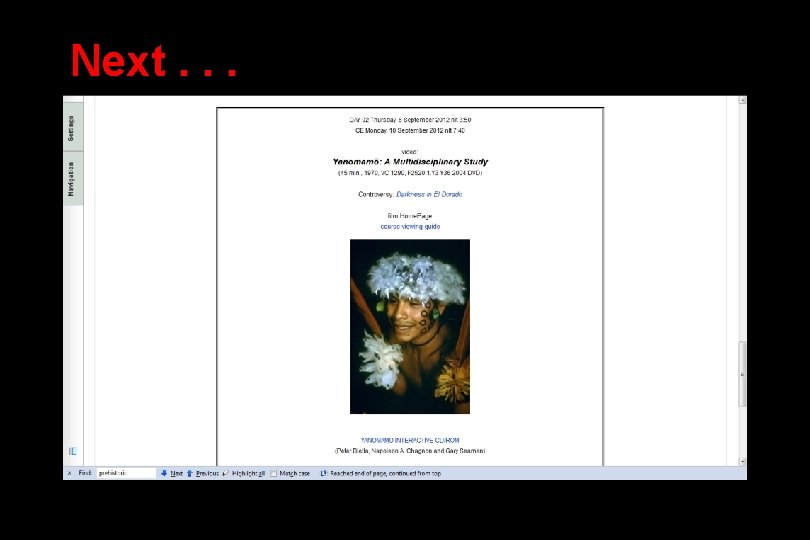
Next. . . our first “field trip”. . . (to see. . . ) Yanomamö: A Multidisciplinary Study
Next. . . our first “field trip”. . . (to see. . . ) Yanomamö: A Multidisciplinary Study http: //crispytomato. blogspot. com/2011/03/yanomamo-swag. html
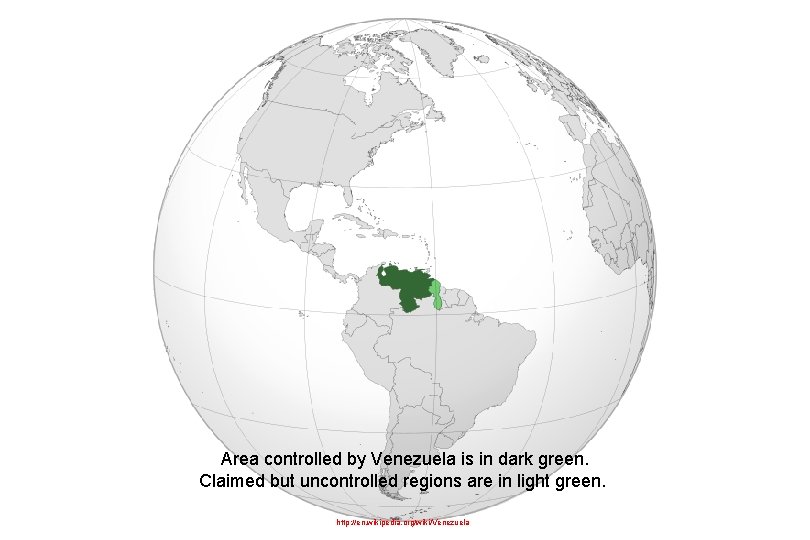
Area controlled by Venezuela is in dark green. Claimed but uncontrolled regions are in light green. http: //en. wikipedia. org/wiki/Venezuela
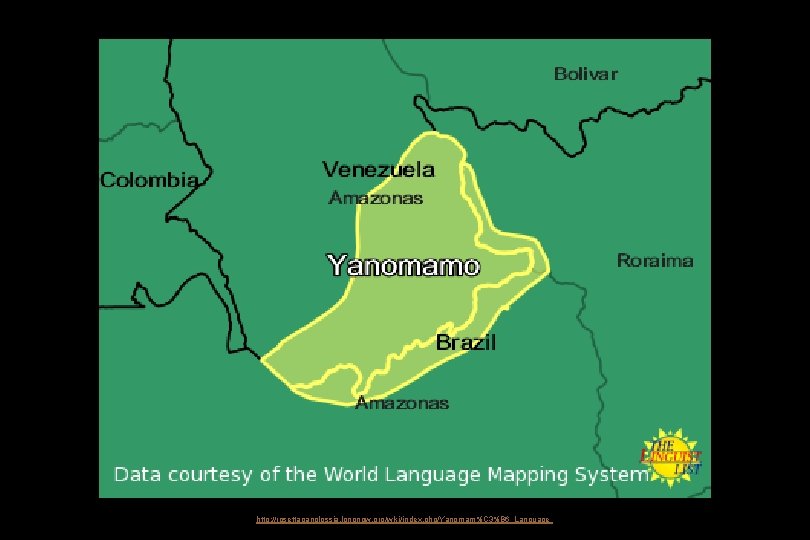
http: //rosettapanglossia. longnow. org/wiki/index. php/Yanomam%C 3%B 6_Language
Next. . .
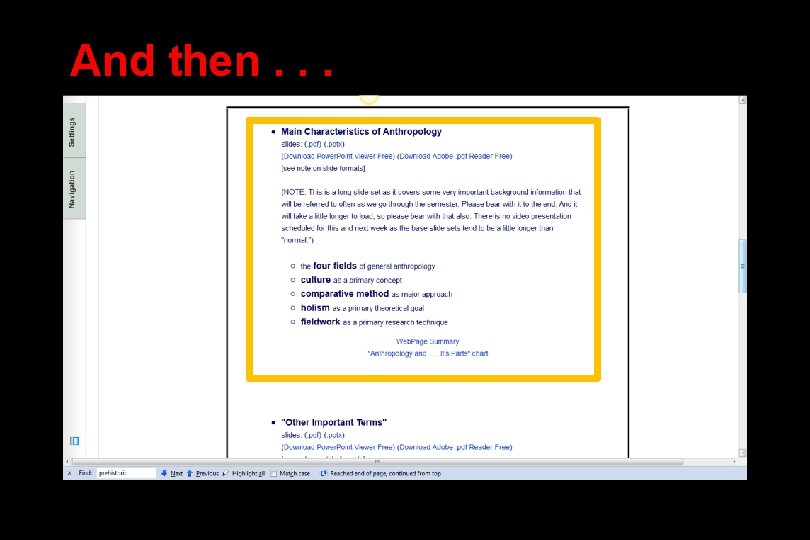
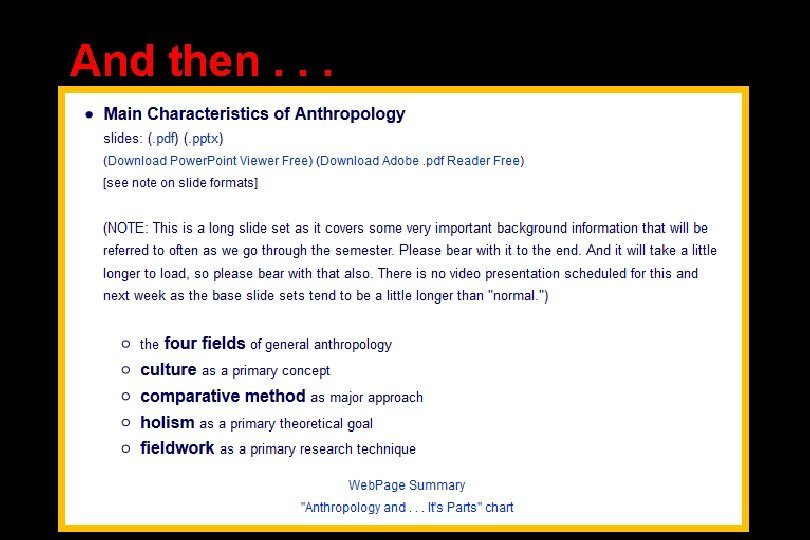
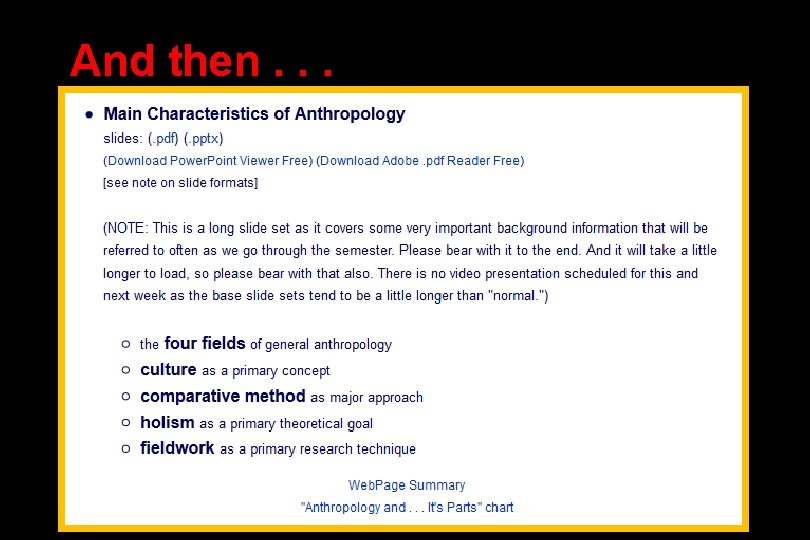
And then. . .
And then. . .
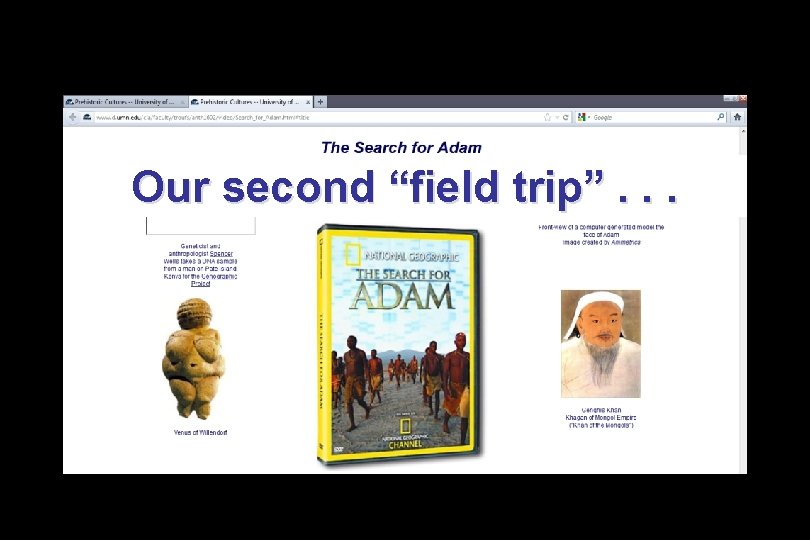
Our second “field trip”. . .
And then. . .
If your browser allows, clicking on this URL should take you to your Moodle home. . . https: //moodle 2. umn. edu/ (your browser may require that you double-click) If your browser does not allow you to click on the above URL just enter it in your browser window. . .
Once again. . . Welcome to Prehistoric Cultures Enjoy your stay! University of Minnesota Duluth Tim Roufs © 2010 -2013 http: //www. d. umn. edu/cla/faculty/troufs/anth 1602/