
Use the arrow keys space bar or left
Use the arrow keys, space bar or left -click with the mouse to begin and to advance.
Computerized Testing A Slideshow Tutorial
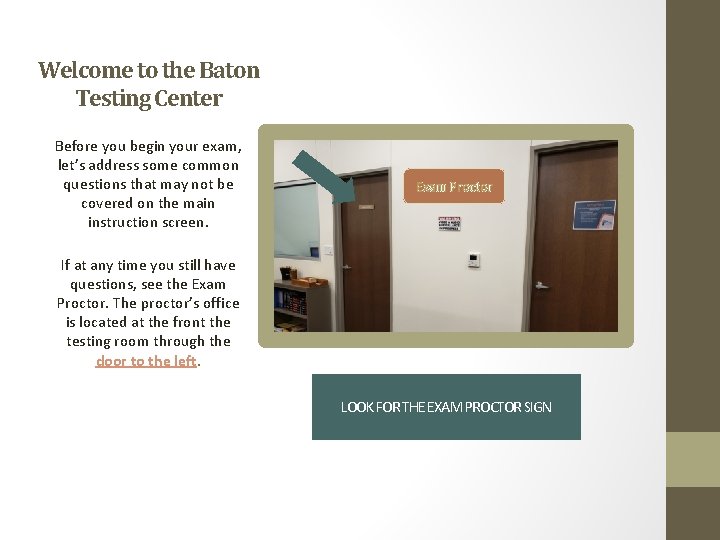
Welcome to the Baton Testing Center Before you begin your exam, let’s address some common questions that may not be covered on the main instruction screen. Exam Proctor If at any time you still have questions, see the Exam Proctor. The proctor’s office is located at the front the testing room through the door to the left. LOOK FOR THE EXAM PROCTOR SIGN
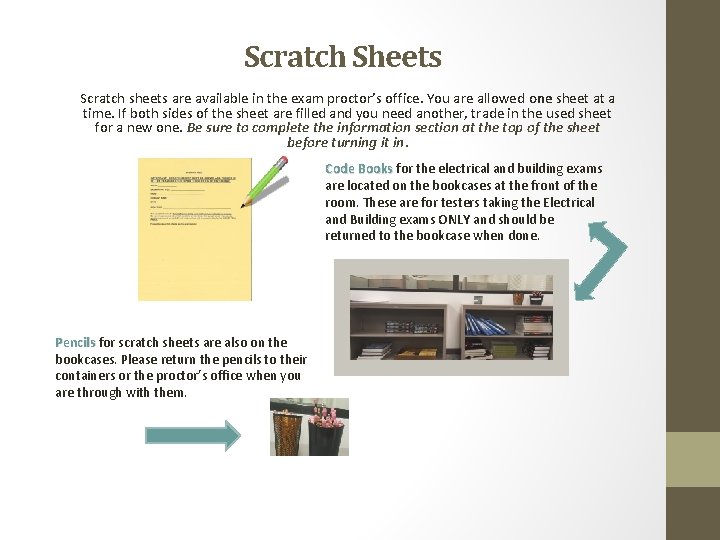
Scratch Sheets Scratch sheets are available in the exam proctor’s office. You are allowed one sheet at a time. If both sides of the sheet are filled and you need another, trade in the used sheet for a new one. Be sure to complete the information section at the top of the sheet before turning it in. Code Books for the electrical and building exams are located on the bookcases at the front of the room. These are for testers taking the Electrical and Building exams ONLY and should be returned to the bookcase when done. Pencils for scratch sheets are also on the bookcases. Please return the pencils to their containers or the proctor’s office when you are through with them.
Quiet Please § No talking, whispering or communicating of any kind is permitted in the testing room. § Remember to work quietly. Avoid pencil tapping, reading out loud and similar noises that may be distracting to other testers. § It is not necessary to knock on the proctor’s door; you may enter at any time.
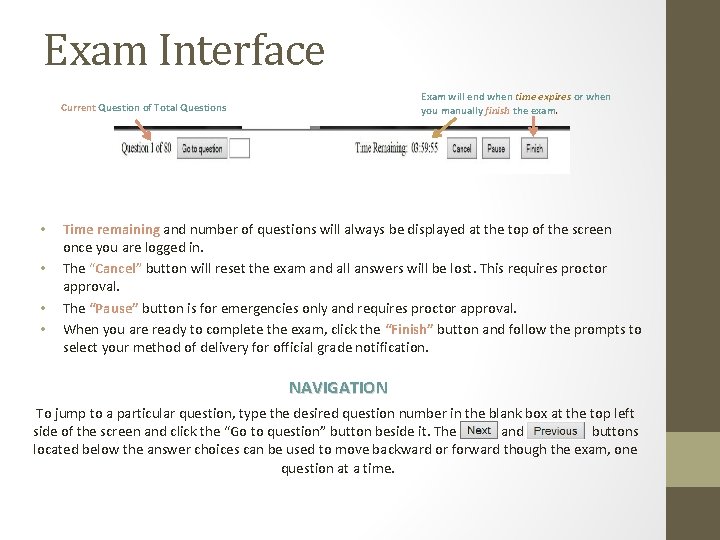
Exam Interface Exam will end when time expires or when you manually finish the exam. Current Question of Total Questions • • Time remaining and number of questions will always be displayed at the top of the screen once you are logged in. The “Cancel” button will reset the exam and all answers will be lost. This requires proctor approval. The “Pause” button is for emergencies only and requires proctor approval. When you are ready to complete the exam, click the “Finish” button and follow the prompts to select your method of delivery for official grade notification. NAVIGATION To jump to a particular question, type the desired question number in the blank box at the top left side of the screen and click the “Go to question” button beside it. The and buttons located below the answer choices can be used to move backward or forward though the exam, one question at a time.
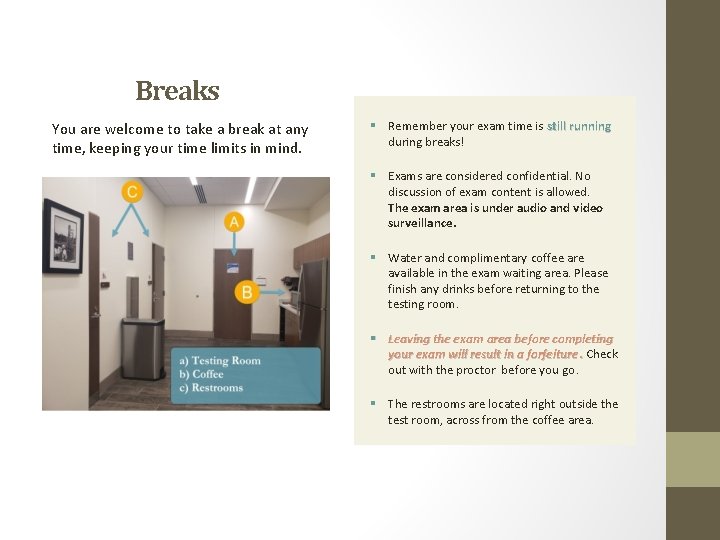
Breaks You are welcome to take a break at any time, keeping your time limits in mind. § Remember your exam time is still running during breaks! § Exams are considered confidential. No discussion of exam content is allowed. The exam area is under audio and video surveillance. § Water and complimentary coffee are available in the exam waiting area. Please finish any drinks before returning to the testing room. § Leaving the exam area before completing your exam will result in a forfeiture. Check out with the proctor before you go. § The restrooms are located right outside the test room, across from the coffee area.
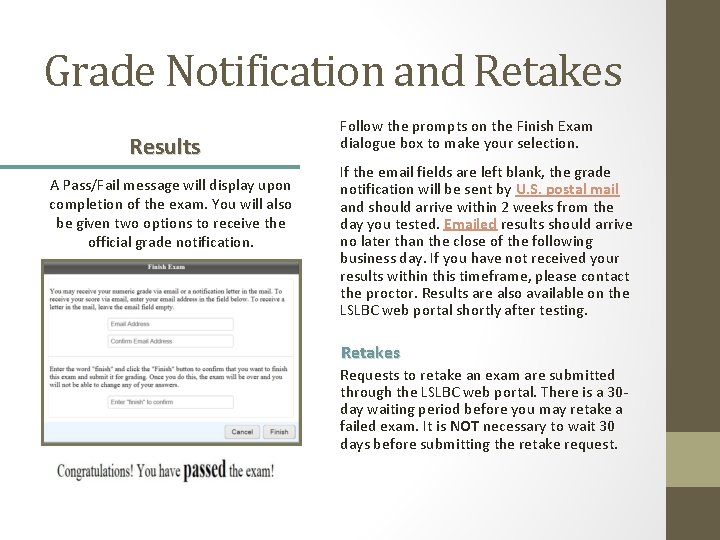
Grade Notification and Retakes Results A Pass/Fail message will display upon completion of the exam. You will also be given two options to receive the official grade notification. Follow the prompts on the Finish Exam dialogue box to make your selection. If the email fields are left blank, the grade notification will be sent by U. S. postal mail and should arrive within 2 weeks from the day you tested. Emailed results should arrive no later than the close of the following business day. If you have not received your results within this timeframe, please contact the proctor. Results are also available on the LSLBC web portal shortly after testing. Retakes Requests to retake an exam are submitted through the LSLBC web portal. There is a 30 day waiting period before you may retake a failed exam. It is NOT necessary to wait 30 days before submitting the retake request.
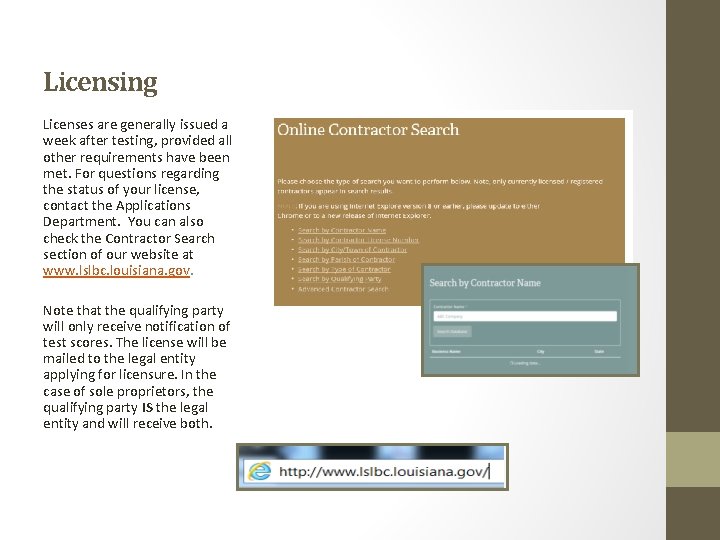
Licensing Licenses are generally issued a week after testing, provided all other requirements have been met. For questions regarding the status of your license, contact the Applications Department. You can also check the Contractor Search section of our website at www. lslbc. louisiana. gov. Note that the qualifying party will only receive notification of test scores. The license will be mailed to the legal entity applying for licensure. In the case of sole proprietors, the qualifying party IS the legal entity and will receive both.
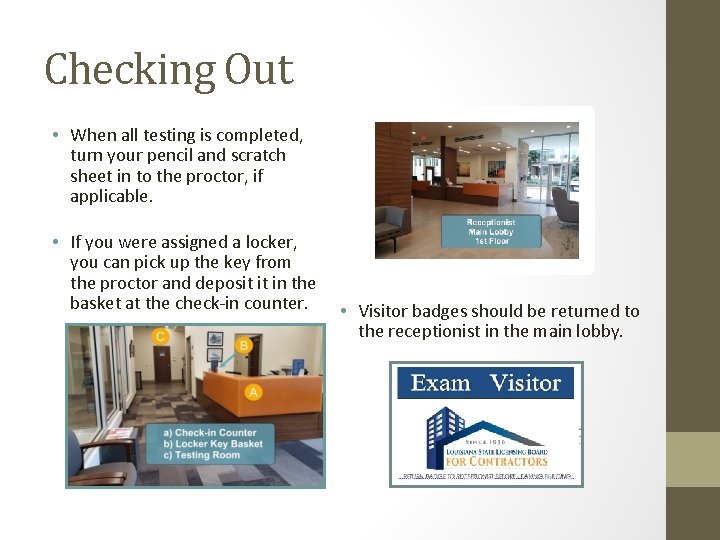
Checking Out • When all testing is completed, turn your pencil and scratch sheet in to the proctor, if applicable. • If you were assigned a locker, you can pick up the key from the proctor and deposit it in the basket at the check-in counter. • Visitor badges should be returned to the receptionist in the main lobby.
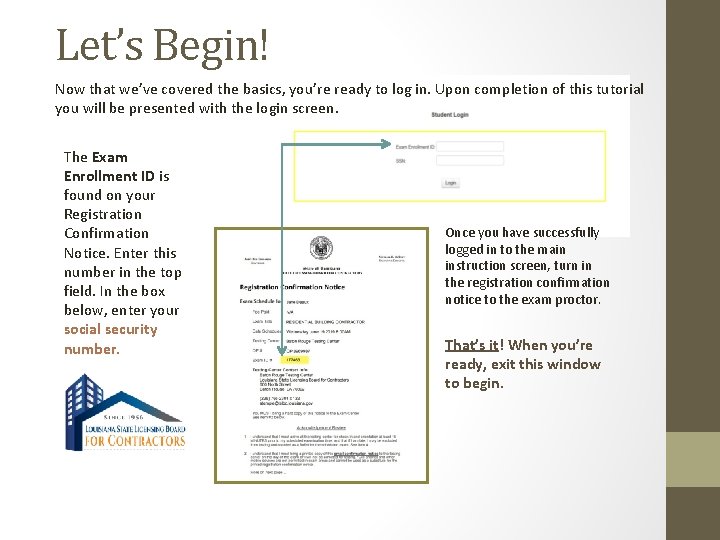
Let’s Begin! Now that we’ve covered the basics, you’re ready to log in. Upon completion of this tutorial you will be presented with the login screen. The Exam Enrollment ID is found on your Registration Confirmation Notice. Enter this number in the top field. In the box below, enter your social security number. Once you have successfully logged in to the main instruction screen, turn in the registration confirmation notice to the exam proctor. That’s it! When you’re ready, exit this window to begin.
- Slides: 11