
Use Cases Chapter 4 After Scenarios Find all
- Slides: 19
Use Cases Chapter 4
After Scenarios • Find all the use cases in the scenario that specifies all possible instances of how to report a fire – Ex: “Report Emergency in the first paragraph of the scenario is a candidate for a use case
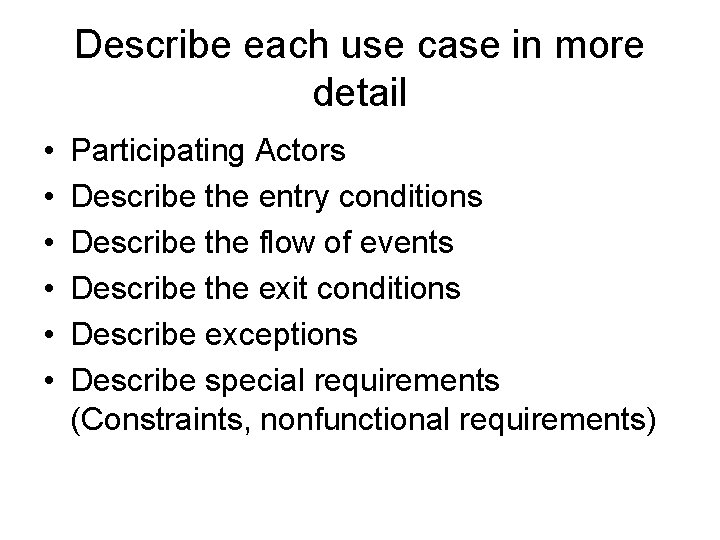
Describe each use case in more detail • • • Participating Actors Describe the entry conditions Describe the flow of events Describe the exit conditions Describe exceptions Describe special requirements (Constraints, nonfunctional requirements)
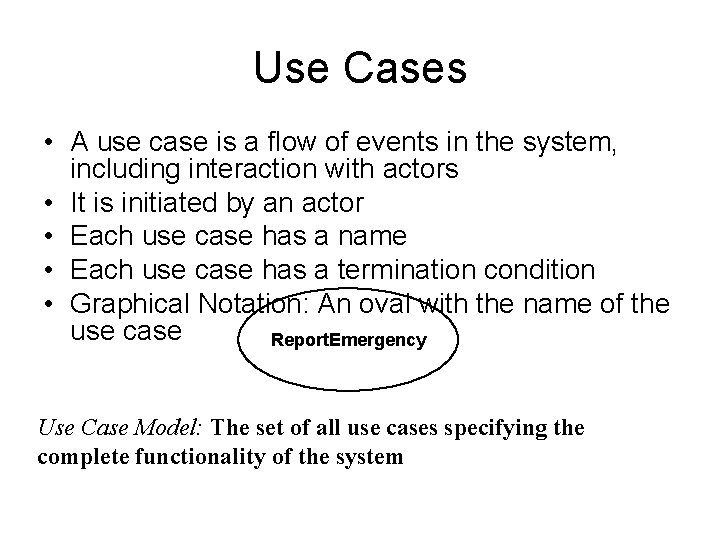
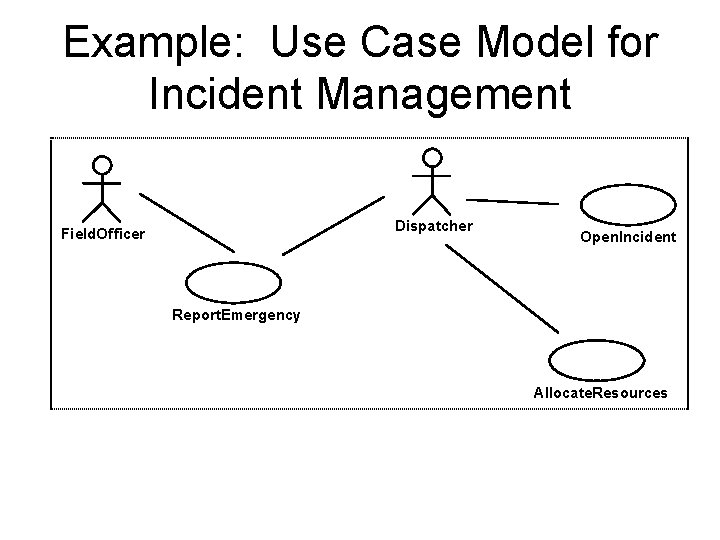
Use Cases • A use case is a flow of events in the system, including interaction with actors • It is initiated by an actor • Each use case has a name • Each use case has a termination condition • Graphical Notation: An oval with the name of the use case Report. Emergency Use Case Model: The set of all use cases specifying the complete functionality of the system
Example: Use Case Model for Incident Management Dispatcher Field. Officer Open. Incident Report. Emergency Allocate. Resources
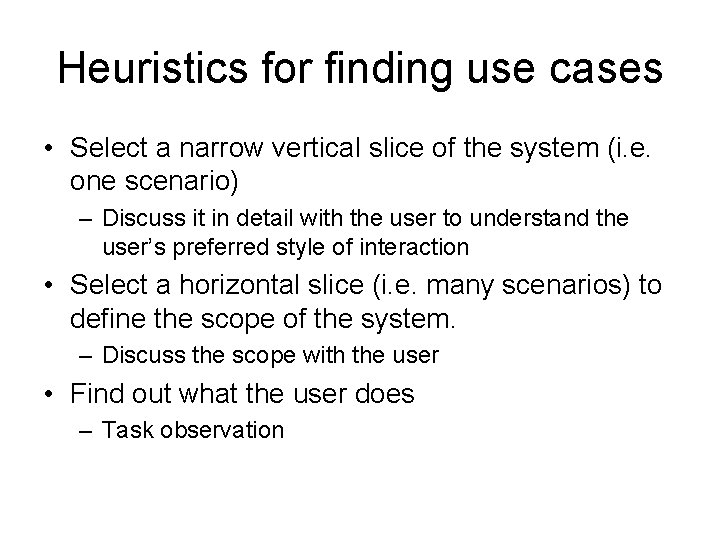
Heuristics for finding use cases • Select a narrow vertical slice of the system (i. e. one scenario) – Discuss it in detail with the user to understand the user’s preferred style of interaction • Select a horizontal slice (i. e. many scenarios) to define the scope of the system. – Discuss the scope with the user • Find out what the user does – Task observation
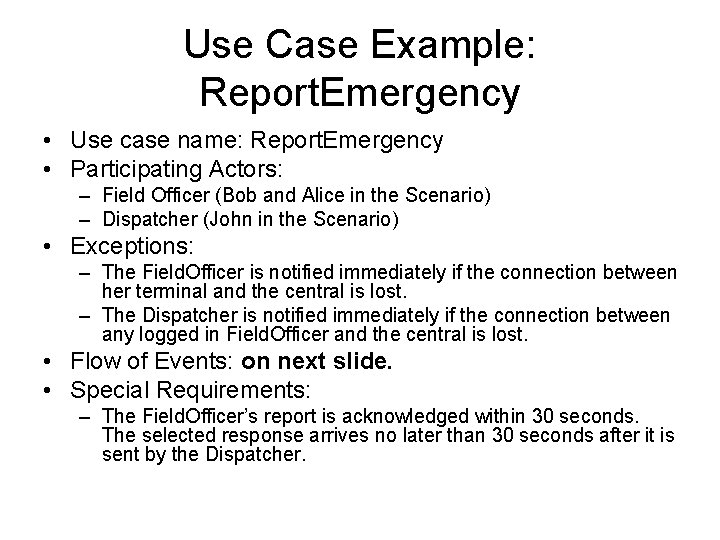
Use Case Example: Report. Emergency • Use case name: Report. Emergency • Participating Actors: – Field Officer (Bob and Alice in the Scenario) – Dispatcher (John in the Scenario) • Exceptions: – The Field. Officer is notified immediately if the connection between her terminal and the central is lost. – The Dispatcher is notified immediately if the connection between any logged in Field. Officer and the central is lost. • Flow of Events: on next slide. • Special Requirements: – The Field. Officer’s report is acknowledged within 30 seconds. The selected response arrives no later than 30 seconds after it is sent by the Dispatcher.
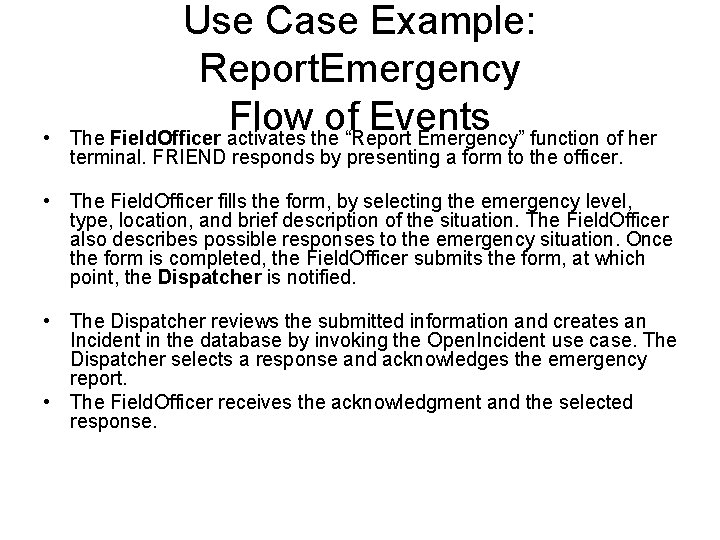
• Use Case Example: Report. Emergency Flow of Events The Field. Officer activates the “Report Emergency” function of her terminal. FRIEND responds by presenting a form to the officer. • The Field. Officer fills the form, by selecting the emergency level, type, location, and brief description of the situation. The Field. Officer also describes possible responses to the emergency situation. Once the form is completed, the Field. Officer submits the form, at which point, the Dispatcher is notified. • The Dispatcher reviews the submitted information and creates an Incident in the database by invoking the Open. Incident use case. The Dispatcher selects a response and acknowledges the emergency report. • The Field. Officer receives the acknowledgment and the selected response.
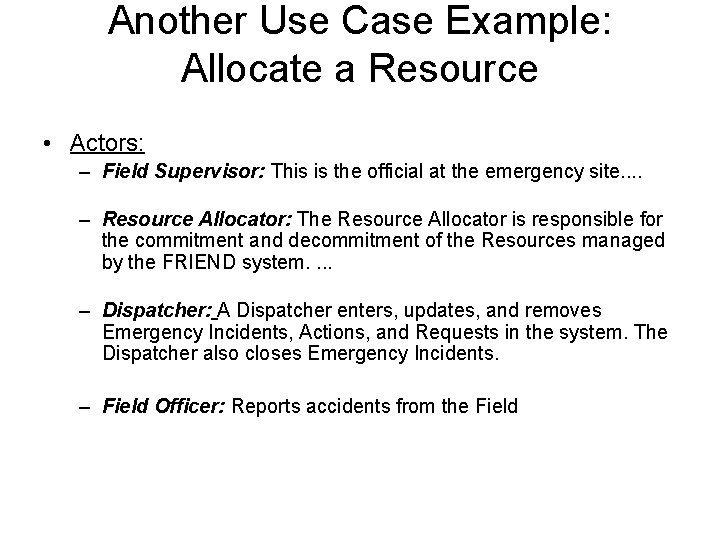
Another Use Case Example: Allocate a Resource • Actors: – Field Supervisor: This is the official at the emergency site. . – Resource Allocator: The Resource Allocator is responsible for the commitment and decommitment of the Resources managed by the FRIEND system. . – Dispatcher: A Dispatcher enters, updates, and removes Emergency Incidents, Actions, and Requests in the system. The Dispatcher also closes Emergency Incidents. – Field Officer: Reports accidents from the Field
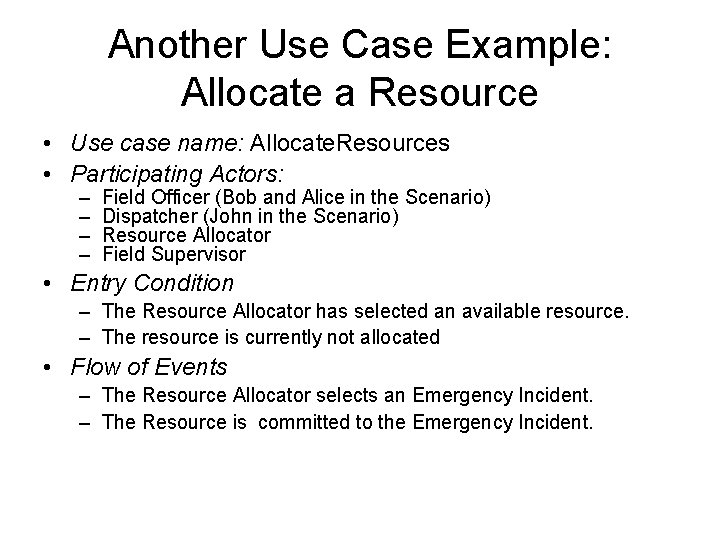
Another Use Case Example: Allocate a Resource • Use case name: Allocate. Resources • Participating Actors: – – Field Officer (Bob and Alice in the Scenario) Dispatcher (John in the Scenario) Resource Allocator Field Supervisor • Entry Condition – The Resource Allocator has selected an available resource. – The resource is currently not allocated • Flow of Events – The Resource Allocator selects an Emergency Incident. – The Resource is committed to the Emergency Incident.
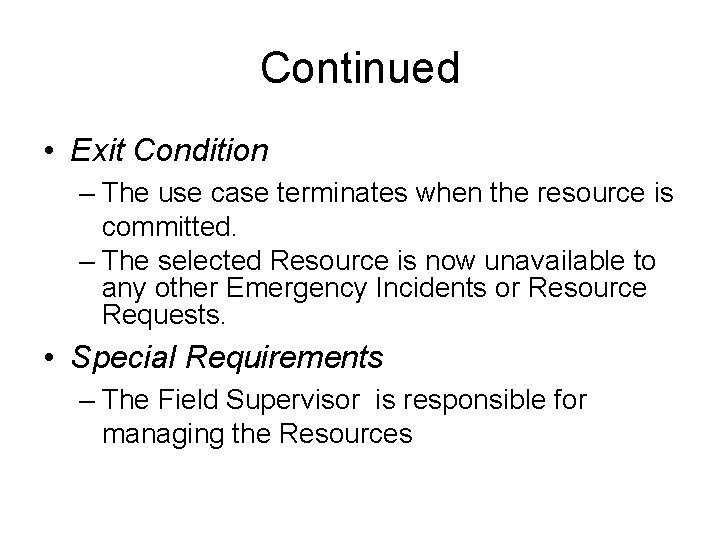
Continued • Exit Condition – The use case terminates when the resource is committed. – The selected Resource is now unavailable to any other Emergency Incidents or Resource Requests. • Special Requirements – The Field Supervisor is responsible for managing the Resources
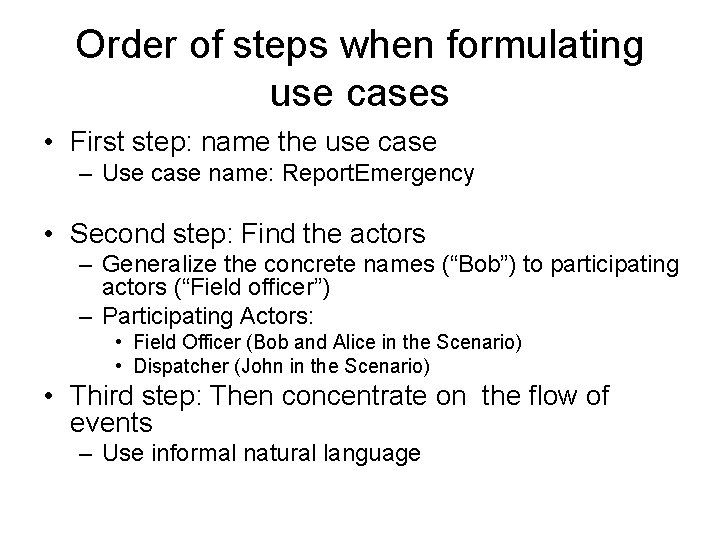
Order of steps when formulating use cases • First step: name the use case – Use case name: Report. Emergency • Second step: Find the actors – Generalize the concrete names (“Bob”) to participating actors (“Field officer”) – Participating Actors: • Field Officer (Bob and Alice in the Scenario) • Dispatcher (John in the Scenario) • Third step: Then concentrate on the flow of events – Use informal natural language
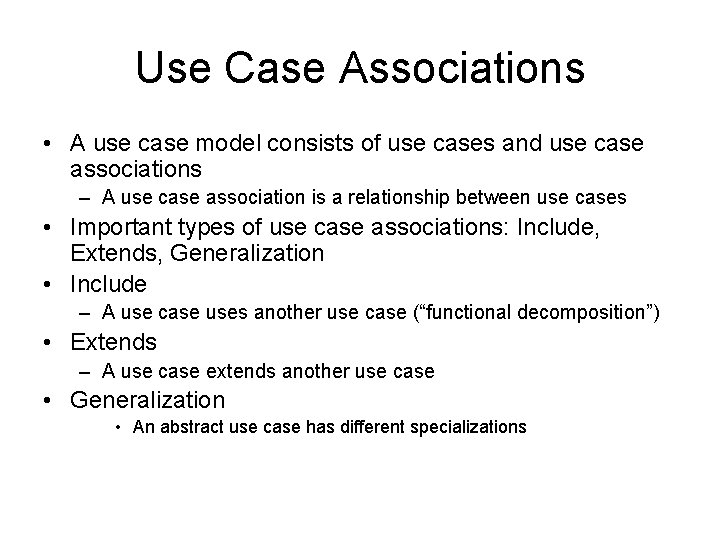
Use Case Associations • A use case model consists of use cases and use case associations – A use case association is a relationship between use cases • Important types of use case associations: Include, Extends, Generalization • Include – A use case uses another use case (“functional decomposition”) • Extends – A use case extends another use case • Generalization • An abstract use case has different specializations
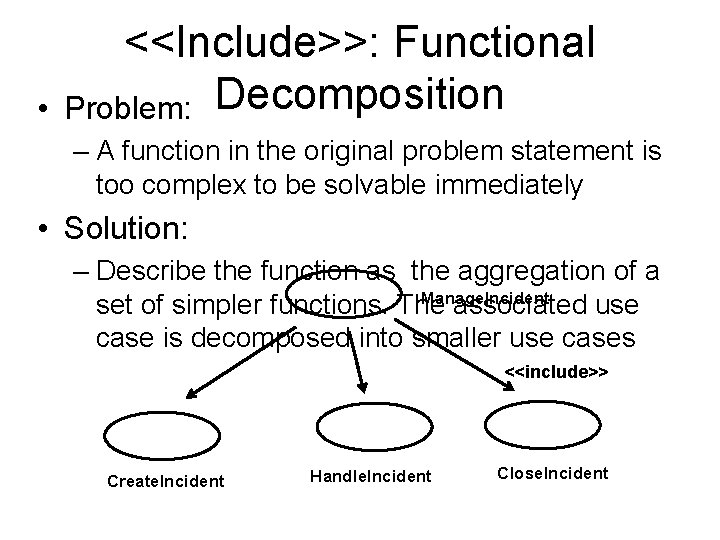
• <<Include>>: Functional Problem: Decomposition – A function in the original problem statement is too complex to be solvable immediately • Solution: – Describe the function as the aggregation of a Manage. Incident set of simpler functions. The associated use case is decomposed into smaller use cases <<include>> Create. Incident Handle. Incident Close. Incident
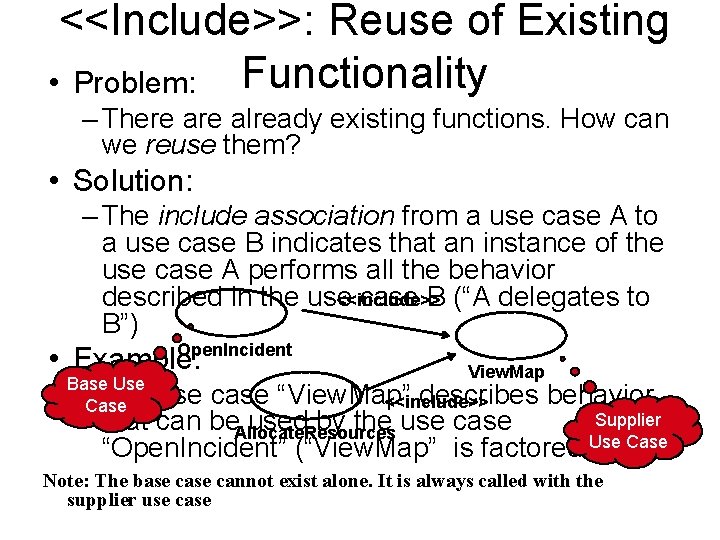
<<Include>>: Reuse of Existing • Problem: Functionality – There already existing functions. How can we reuse them? • Solution: – The include association from a use case A to a use case B indicates that an instance of the use case A performs all the behavior <<include>> described in the use case B (“A delegates to B”) Open. Incident • Example: Base Use –Case The View. Map use case “View. Map” describes behavior <<include>> Supplier that can be. Allocate. Resources used by the use case “Open. Incident” (“View. Map” is factored Use out)Case Note: The base cannot exist alone. It is always called with the supplier use case
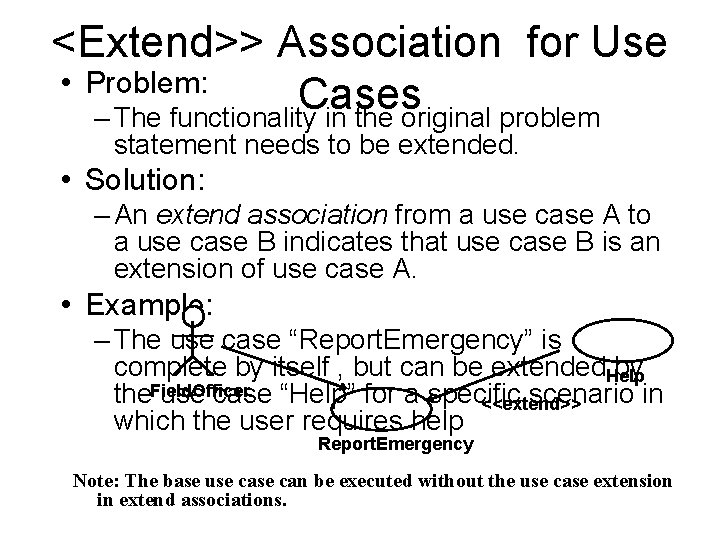
<Extend>> Association for Use • Problem: Cases – The functionality in the original problem statement needs to be extended. • Solution: – An extend association from a use case A to a use case B indicates that use case B is an extension of use case A. • Example: – The use case “Report. Emergency” is complete by itself , but can be extended. Help by the. Field. Officer usef case “Help” for a specific scenario in <<extend>> which the user requires help Report. Emergency Note: The base use can be executed without the use case extension in extend associations.
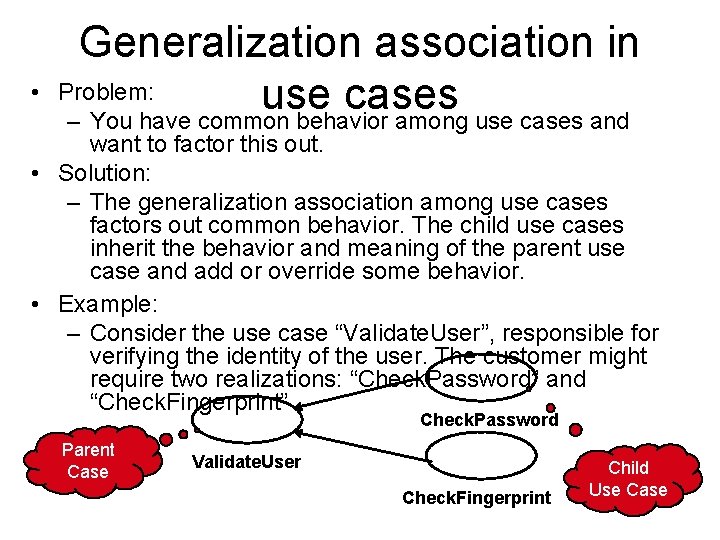
• Generalization association in Problem: use cases – You have common behavior among use cases and want to factor this out. • Solution: – The generalization association among use cases factors out common behavior. The child use cases inherit the behavior and meaning of the parent use case and add or override some behavior. • Example: – Consider the use case “Validate. User”, responsible for verifying the identity of the user. The customer might require two realizations: “Check. Password” and “Check. Fingerprint” Check. Password Parent Case Validate. User Check. Fingerprint Child Use Case
How to Specify a Use Case (Summary) • Name of Use Case • Actors – Description of Actors involved in use case) • Entry condition – “This use case starts when…” • Flow of Events – Free form, informal natural language • Exit condition – “This use cases terminates when…” • Exceptions – Describe what happens if things go wrong • Special Requirements – Nonfunctional Requirements, Constraints)
Summary • The requirements process consists of requirements elicitation and analysis. • The requirements elicitation activity is different for: – Greenfield Engineering, Reengineering, Interface Engineering • Scenarios: – Great way to establish communication with client – Use cases: Abstraction of scenarios • Pure functional decomposition is bad: – Leads to unmaintainable code • Pure object identification is bad: – May lead to wrong objects, wrong attributes, wrong methods • The key to successful analysis: – Start with use cases and then find the participating objects