
Use case diagram Department of Software UML Use


- Slides: 23
Use case diagram Department of Software
UML ─ Use Case Diagrams To model a system, the most important aspect is to capture the dynamic behavior. Dynamic behavior means the behavior of the system when it is running/operating. Only static behavior is not sufficient to model a system rather dynamic behavior is more important than static behavior. In UML, there are many diagrams available to model the dynamic nature and use case diagram is one of them.
UML ─ Use Case Diagrams Now as we have to discuss that the use case diagram is dynamic in nature, there should be some internal or external factors for making the interaction. These internal and external agents are known as actors. Use case diagrams consists of actors, use cases and their relationships. A single use case diagram captures a particular functionality of a system. Hence to model the entire system, a number of use case diagrams are used.
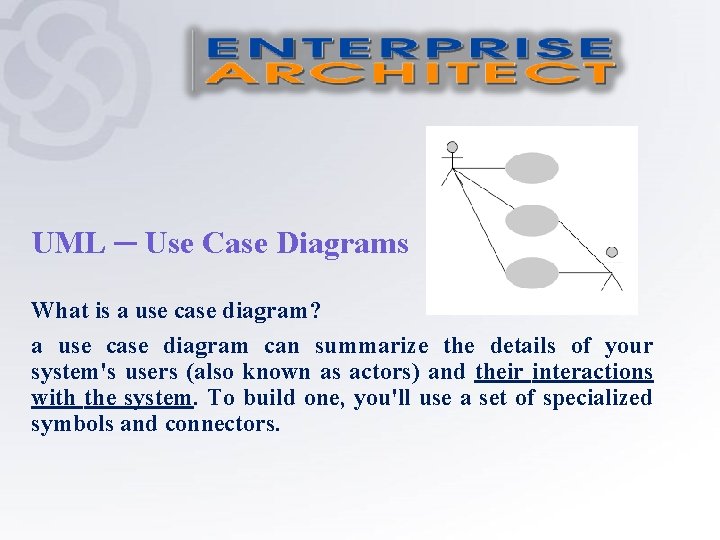
UML ─ Use Case Diagrams What is a use case diagram? a use case diagram can summarize the details of your system's users (also known as actors) and their interactions with the system. To build one, you'll use a set of specialized symbols and connectors.
What the purpose of a use case diagram The purpose of a use case diagram is to demonstrate the different ways that a user might interact with a system. An effective use case diagram can help your team discuss and represent: Scenarios in which your system or application interacts with people, organizations, or external systems Goals and scope of the system or application.
In brief, the purposes of use case diagrams can be said to be as follows: Used to gather the requirements of a system. Used to get an outside view of a system. Identify the external and internal factors influencing the system. Show the interaction among the requirements and actors.
How to Draw a Use Case Diagram? Use case diagrams are considered for high level requirement analysis of a system. When the requirements of a system are analyzed, the functionalities are captured in use cases. The second thing which is relevant to use cases are the actors. Actors can be defined as something that interacts with the system. Actors can be a human user, some internal applications, or may be some external applications.
How to Draw a Use Case Diagram? When we are planning to draw a use case diagram, we should have the following items identified. Functionalities to be represented as use case Actors Relationships among the use cases and actors
How to Draw a Use Case Diagram? Use case diagrams are drawn to capture the functional requirements of a system. After identifying the above items, we have to use the following guidelines to draw an efficient use case diagram. The name of a use case is very important. The name should be chosen in such an way so that it can identify the functionalities performed. Give a suitable name for actors. Show relationships and dependencies clearly in the diagram. Do not try to include all types of relationships, as the main purpose of the diagram is to identify the requirements. Use notes whenever required to clarify some important points.
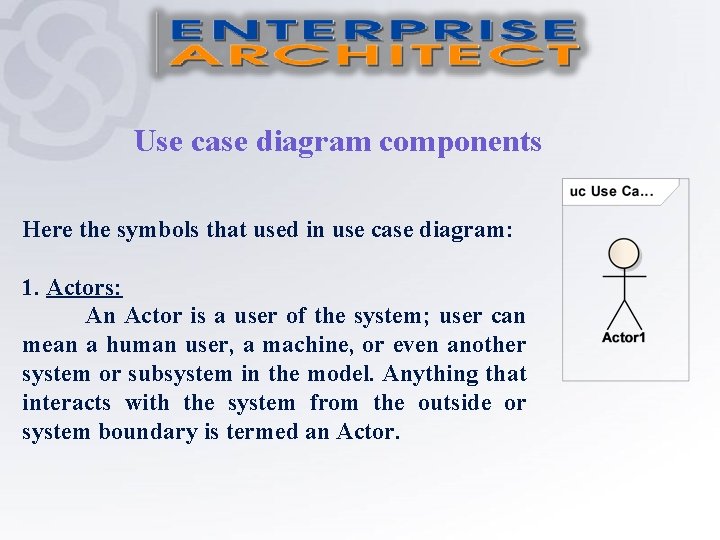
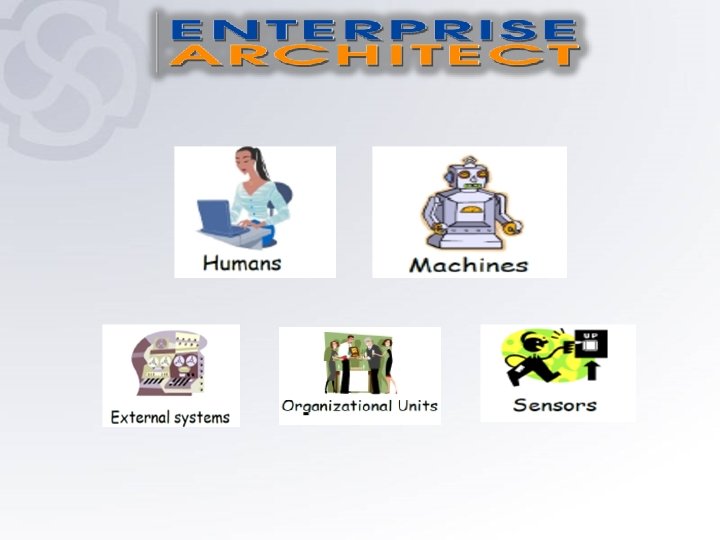
Use case diagram components Here the symbols that used in use case diagram: 1. Actors: An Actor is a user of the system; user can mean a human user, a machine, or even another system or subsystem in the model. Anything that interacts with the system from the outside or system boundary is termed an Actor.
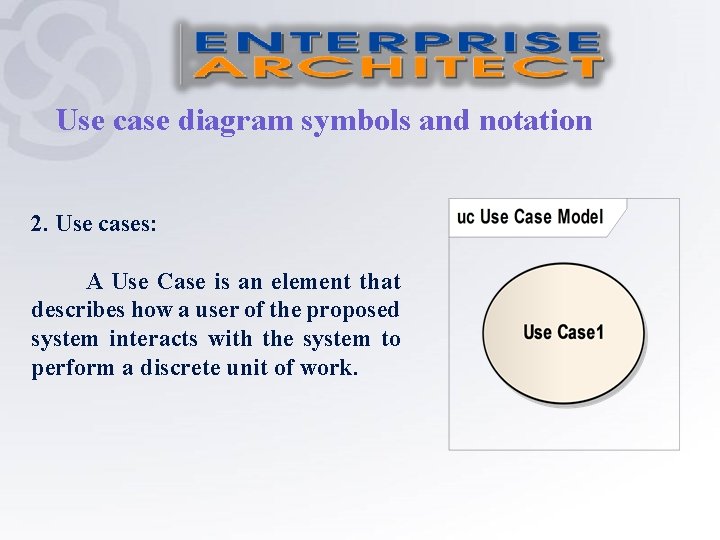
Use case diagram symbols and notation 2. Use cases: A Use Case is an element that describes how a user of the proposed system interacts with the system to perform a discrete unit of work.
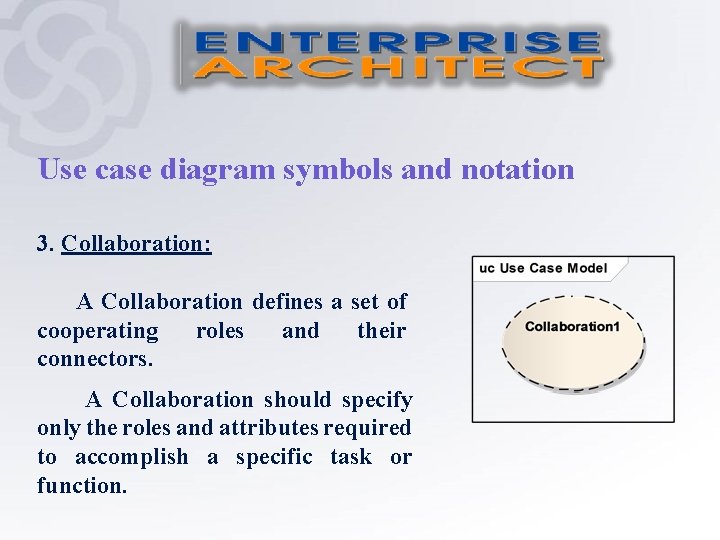
Use case diagram symbols and notation 3. Collaboration: A Collaboration defines a set of cooperating roles and their connectors. A Collaboration should specify only the roles and attributes required to accomplish a specific task or function.
Use case diagram symbols and notation 4. System Boundaries: Identify an implicit separation between actors (external to the system) and use cases (internal to the system). 5. Package.
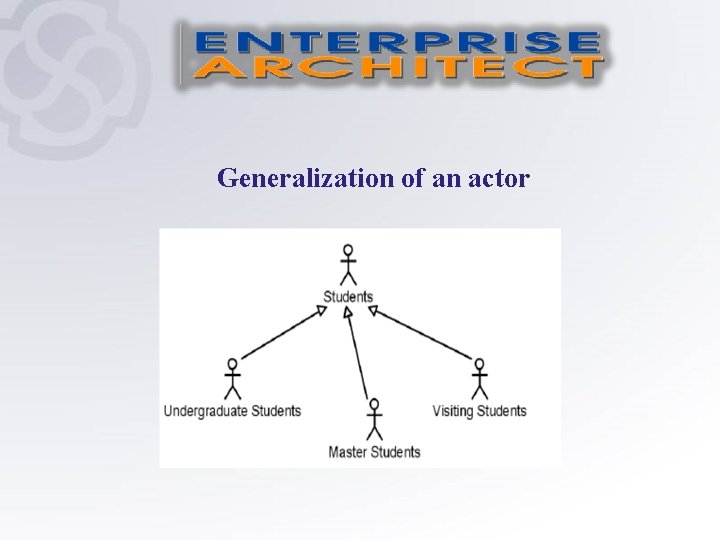
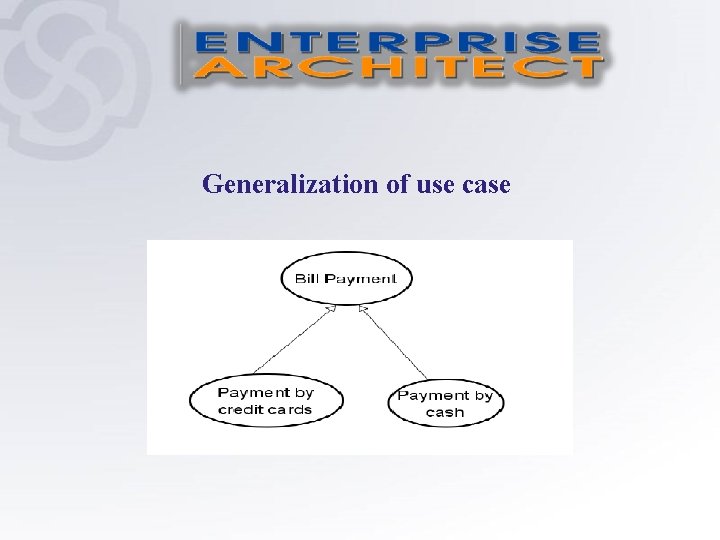
Relationship There can be 5 relationship types in a use case diagram: • Use relationship between actor and use case. • Association between actor and use case. • Extend between two use cases. • Include between two use cases. • Generalization: - Generalization of an actor. - Generalization of a use case.
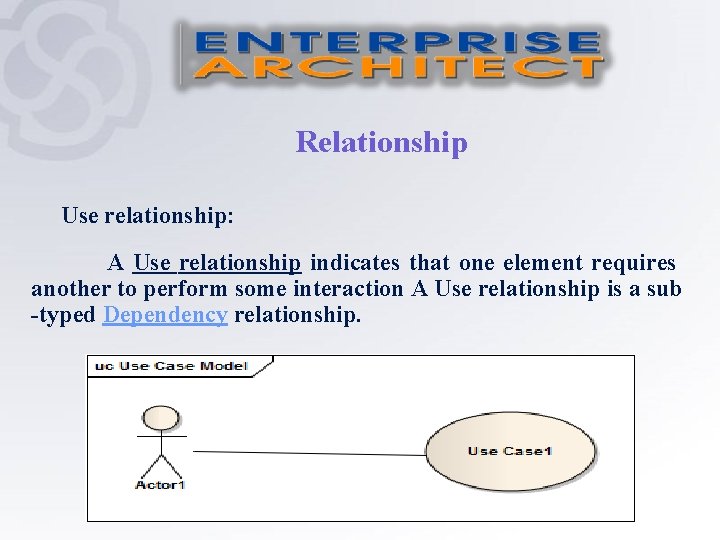
Relationship Use relationship: A Use relationship indicates that one element requires another to perform some interaction A Use relationship is a sub -typed Dependency relationship.
Relationship Association relationship: An Association implies two model elements have a relationship. Association is the general relationship type between elements.
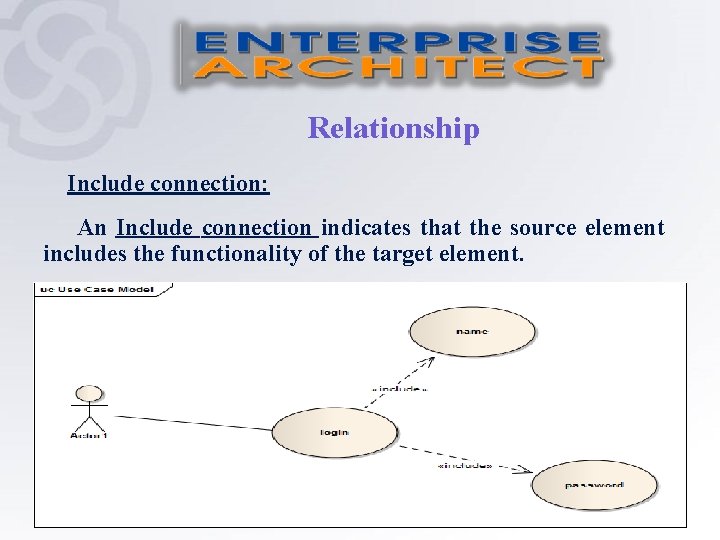
Relationship Include connection: An Include connection indicates that the source element includes the functionality of the target element.
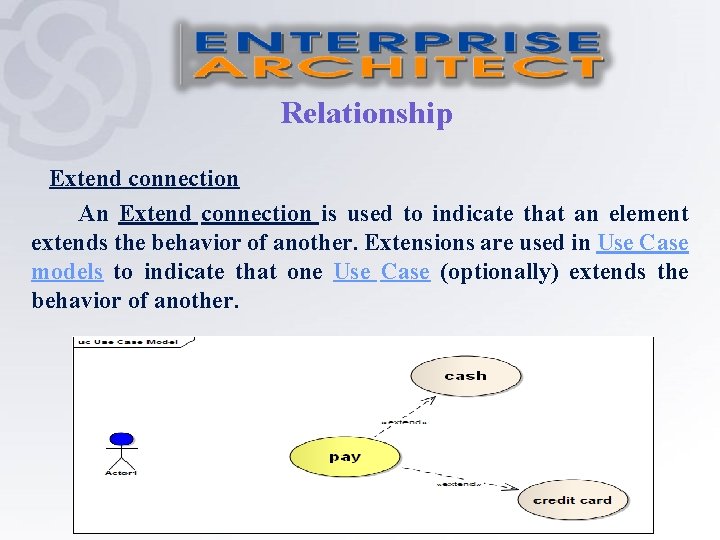
Relationship Extend connection An Extend connection is used to indicate that an element extends the behavior of another. Extensions are used in Use Case models to indicate that one Use Case (optionally) extends the behavior of another.
Generalization of an actor
Generalization of use case
Examples: Draw use case diagram for the following: Example 1: System of sale of mobile card by internet. Example 2: Medical clinic system.
Thank You