
Use a Real Editor Using Emacs Session Goals
- Slides: 10
Use a Real Editor! Using Emacs
Session Goals To understand why we use Emacs To understand how you can use Emacs to enhance your productivity in editing To learn the basic Emacs commands To learn how to work with multiple buffers To learn how Emacs can be used as a work environment
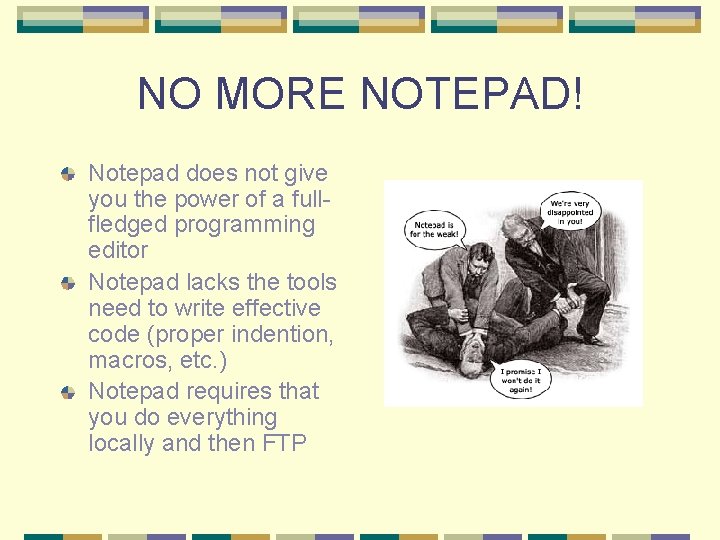
NO MORE NOTEPAD! Notepad does not give you the power of a fullfledged programming editor Notepad lacks the tools need to write effective code (proper indention, macros, etc. ) Notepad requires that you do everything locally and then FTP
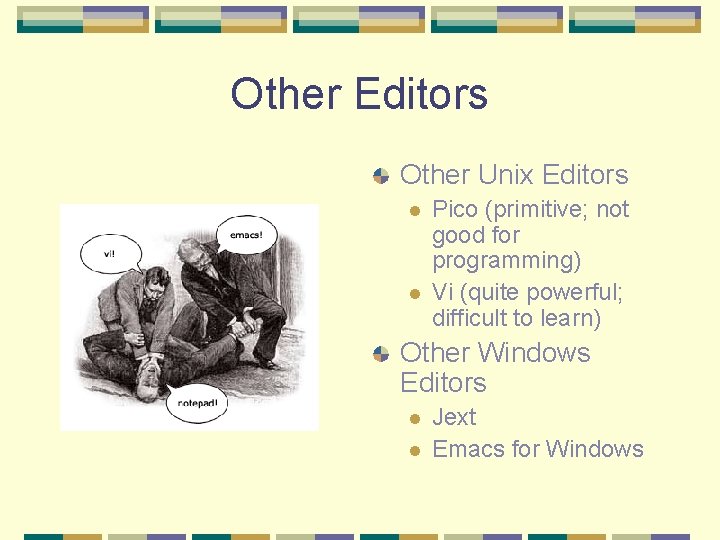
Other Editors Other Unix Editors l l Pico (primitive; not good for programming) Vi (quite powerful; difficult to learn) Other Windows Editors l l Jext Emacs for Windows
Why Learn Emacs? Emacs is good for programming Emacs is pervasive Emacs is free Emacs is powerful Emacs can increase productivity
The Good, The Bad & The Ugly Can be challenging to learn Requires memorization Learning curve pays for itself in the end!
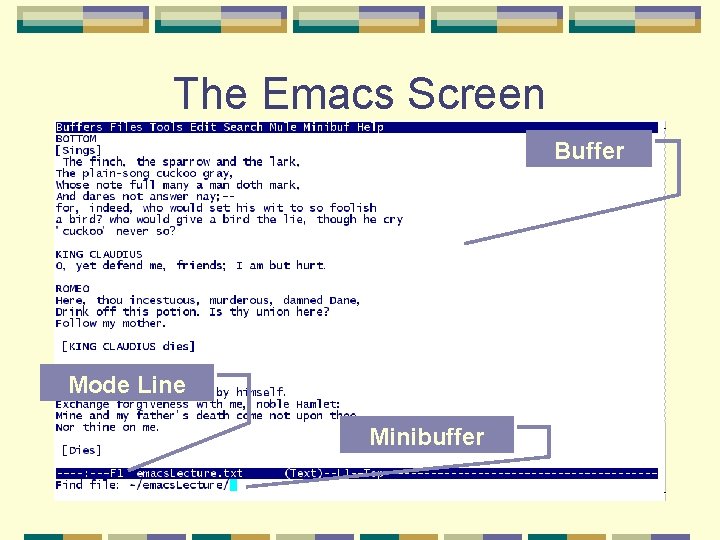
The Emacs Screen Buffer Mode Line Minibuffer
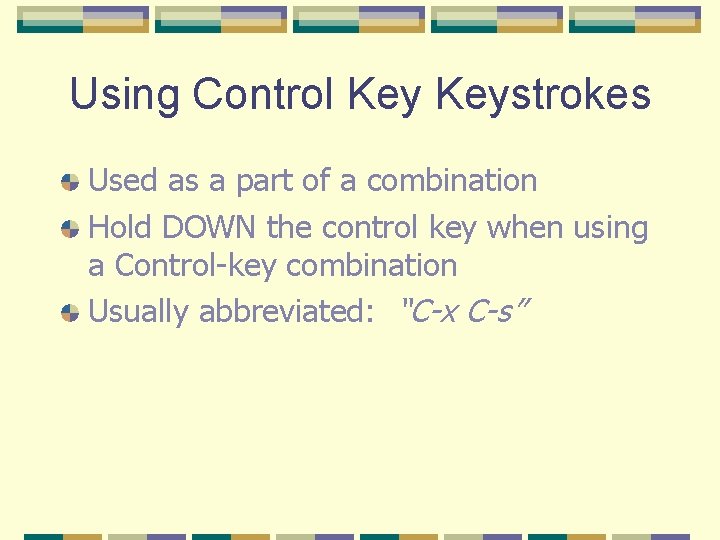
Using Control Keystrokes Used as a part of a combination Hold DOWN the control key when using a Control-key combination Usually abbreviated: “C-x C-s”
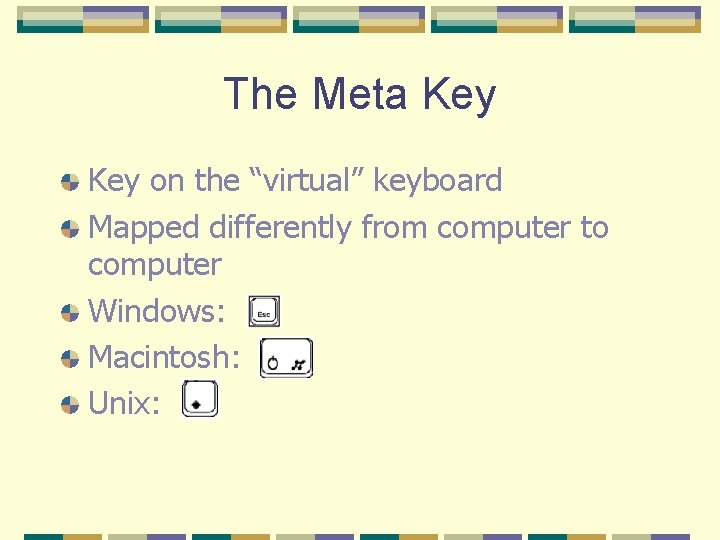
The Meta Key on the “virtual” keyboard Mapped differently from computer to computer Windows: Macintosh: Unix:
The Meta Key Used as part of a combination PRESS AND RELEASE the meta key before pressing the second key of the combination Usually abbreviated: “M-x %”