
USDA Transit Benefit Application System Approver Training Updated
USDA Transit Benefit Application System Approver Training Updated 5. 5. 15 1
AGENDA Ø Ø Ø Ø Purpose Supervisor Role Application Review Process Website - The Portal Web. App- Features & Benefits Web. App - The Demonstration Discussion 2

TRANServe Web Application Why are We doing this? ØIncreased efficiency ØEliminates use of paper ØBetter Internal Controls ØMore User Friendly 3
TRANServe Web Application ØIncreased efficiency §Fewer errors §Application and worksheet easy to read §Streamlined verification/approval process ØElimination of paper §Participant information is more secure §Application history is stored on secure server §Supports Green Initiatives 4
Personally Identifiable Information Last Name First Name Middle Initial Employee ID Office Phone Home Address Office Address State Abbreviation Supervisor’s Name 5
Why are We doing this? §Better Internal Controls §Primary responsibility on Applicant §Recoups unused funds §Requires Government email §User-friendly –Faster to apply, withdraw or recertify & get approved –Commuting Cost Expense Worksheet is easy to understand complete. –Auto-calculates –Dynamic help menus 6
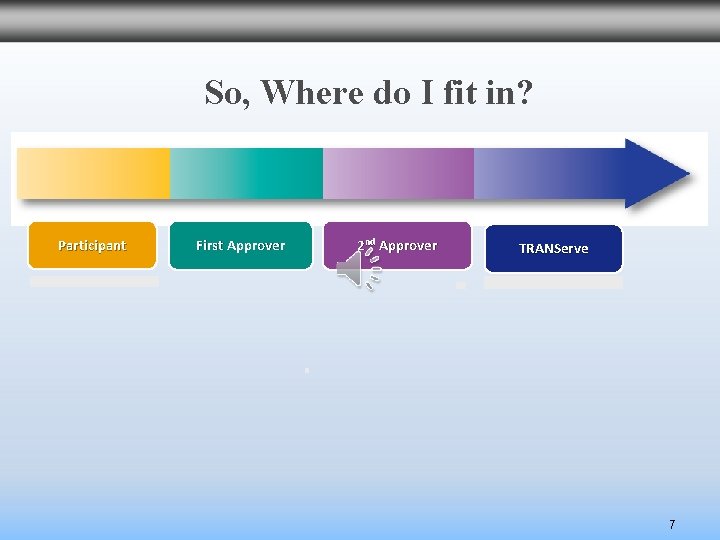
So, Where do I fit in? Participant First Approver 2 nd Approver TRANServe 7

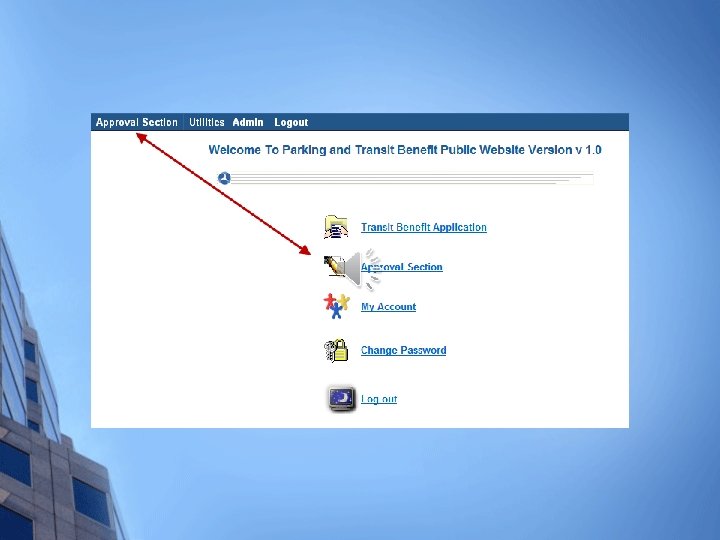
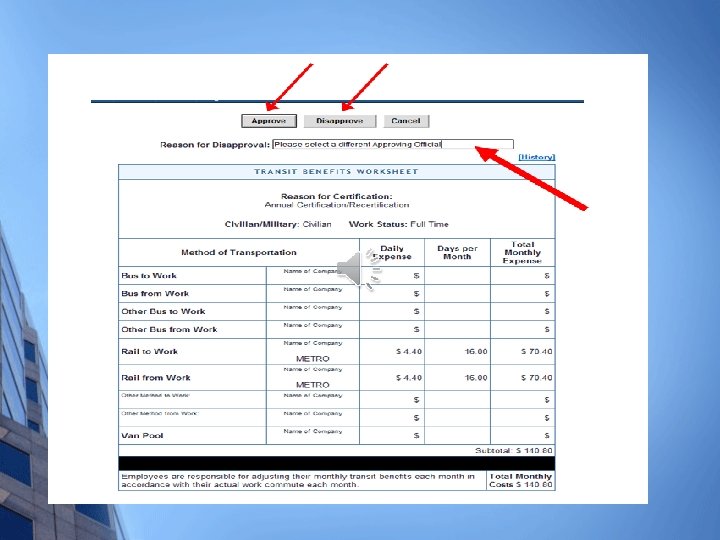
Transit Benefit Application Overview of Major Steps Participant… • Registration • Training • Application • Updates • Notification of changes • Recertify First Approver Supervisor… • Verifies Training • Reviews Application for Reasonableness • Reviews Cost • Agency Info 2 nd Approver Transit Benefit Coordinator • Supports 1 st • Answers Program ? ’s • Monitors Costs • Reviews Application • Admin • POC • Growth TRANServe Transit Benefit Manager • Supports TBCs • Final Approvals • Provides the Benefit to Approved Participants 8
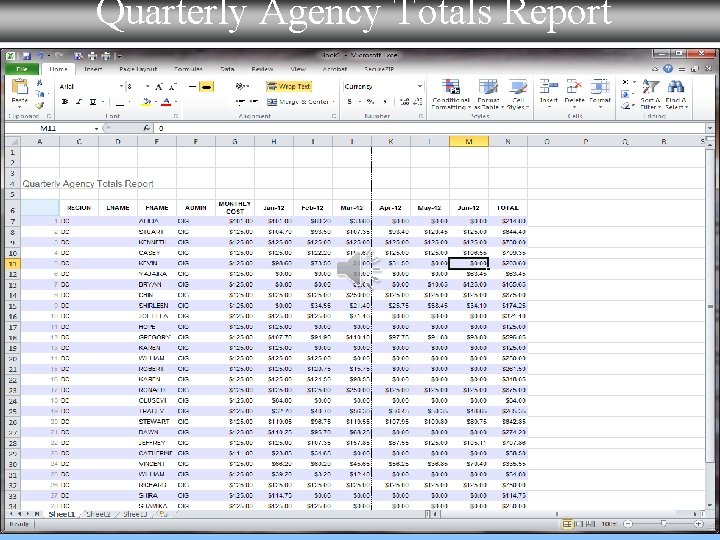
Quarterly Agency Totals Report

TRANServe. dot. gov 10
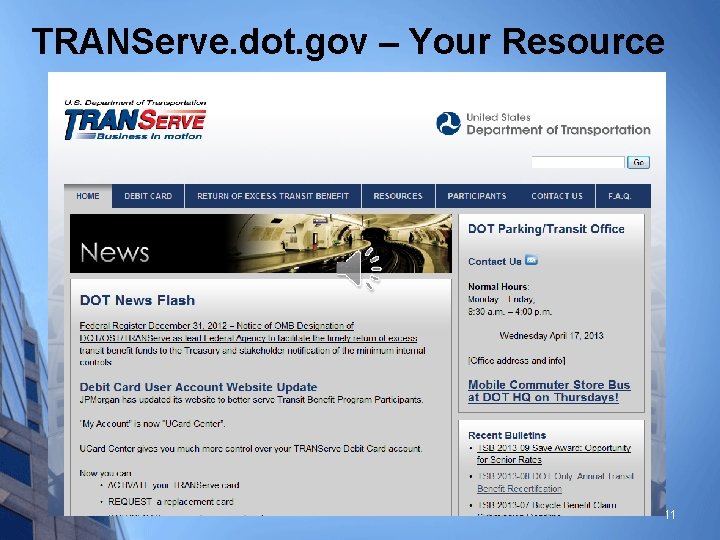
TRANServe. dot. gov – Your Resource 11
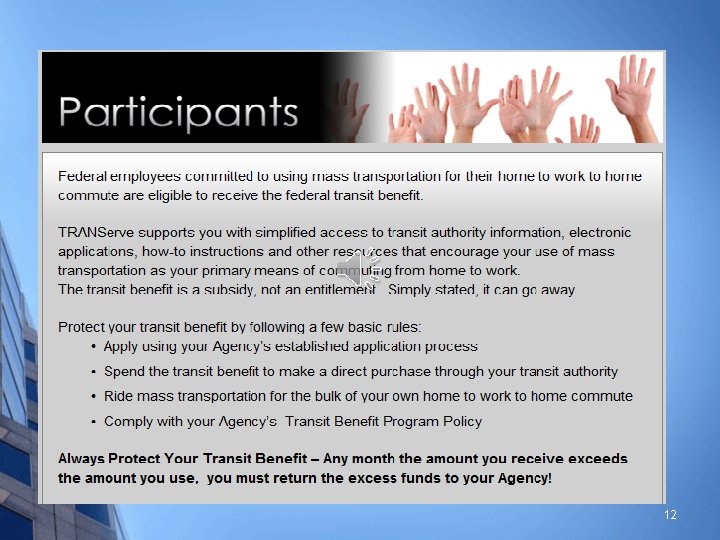
12
http: //TRANServe. dot. gov Ø The Participants Page § § § Enables your employees to self serve Centralizes Your Program Information Portal to the Transit Benefit Program Application System… 13
14
15

16
17

Register Once

19
20


23

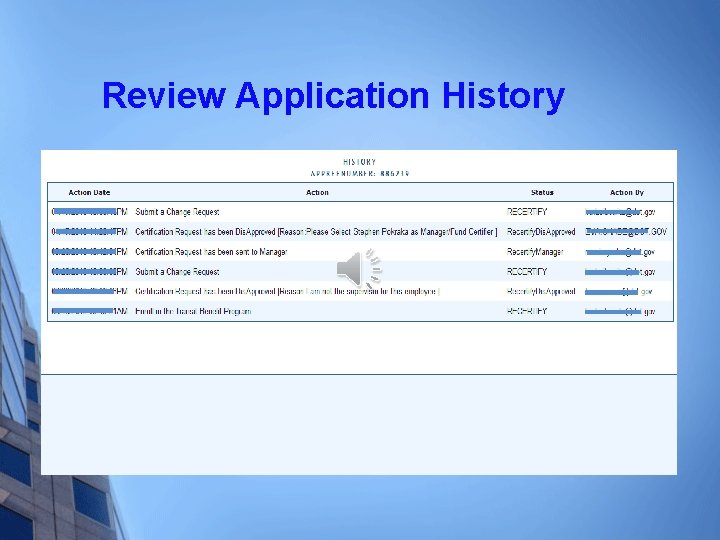
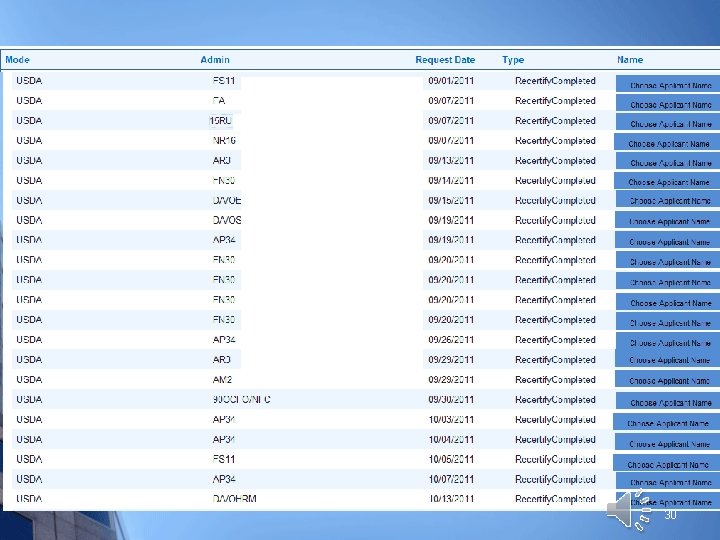
Review Application History
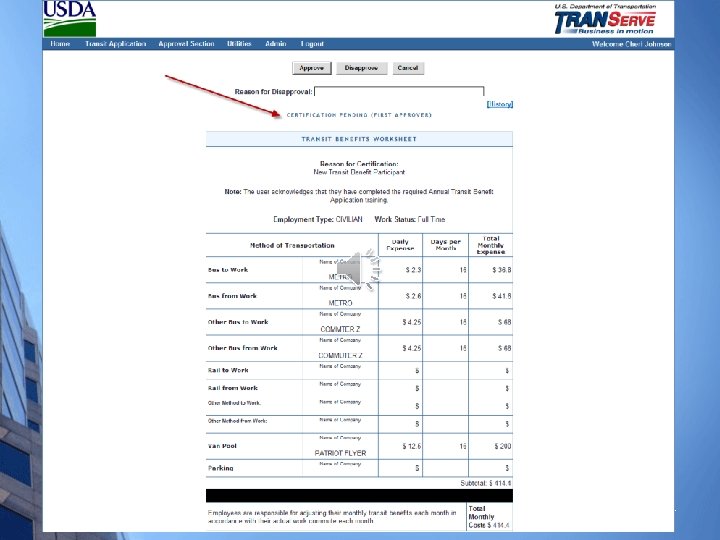
27
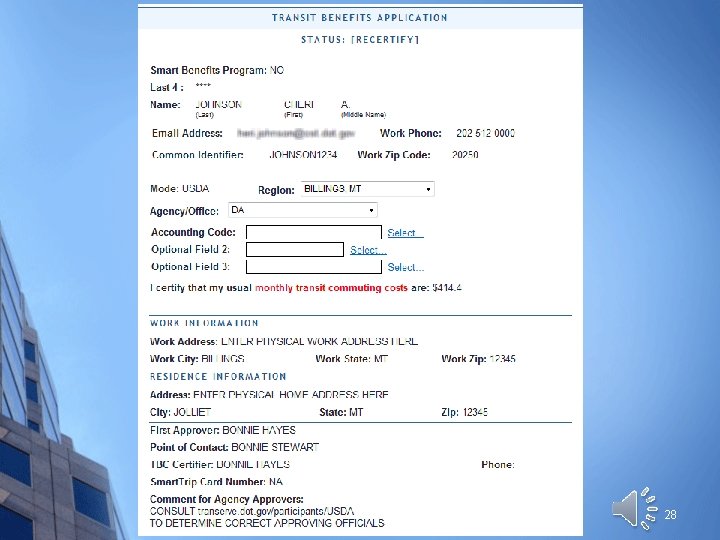
28
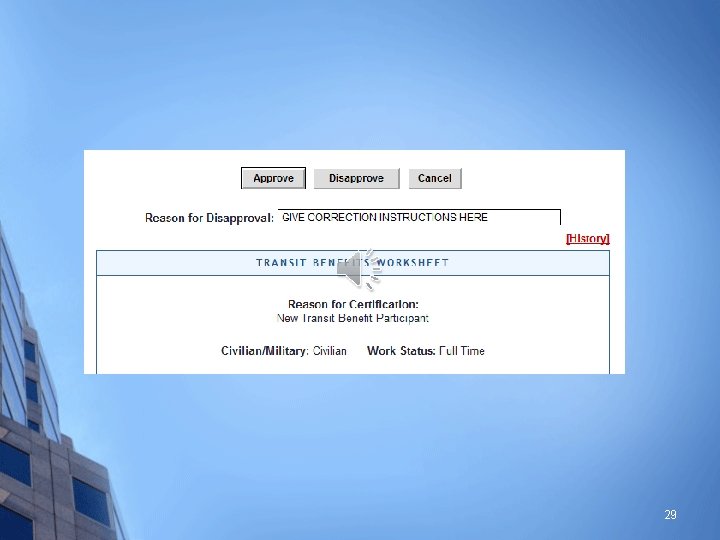
29
30

Applicants Are Kept Informed 31
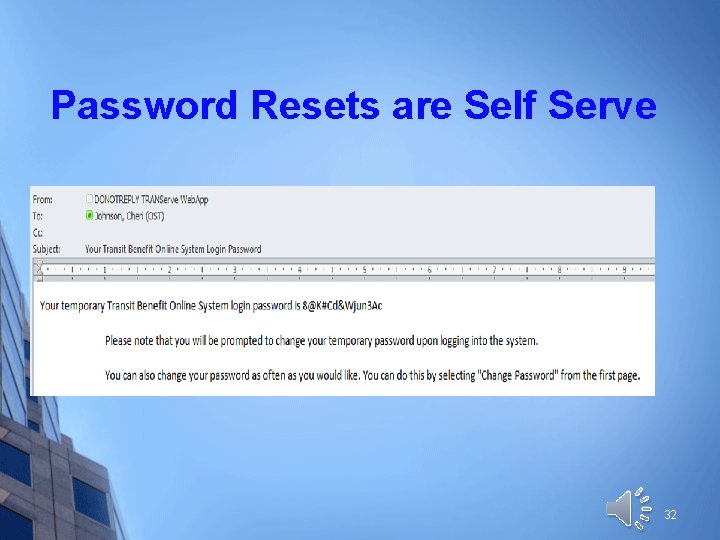
Password Resets are Self Serve 32
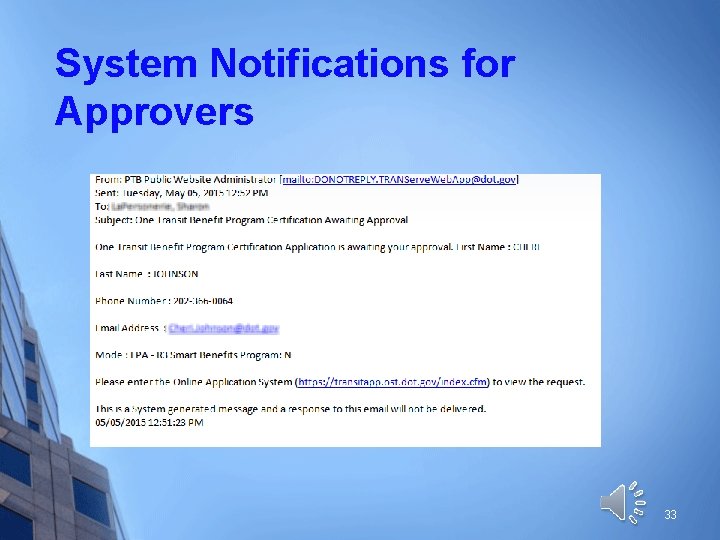
System Notifications for Approvers 33

34
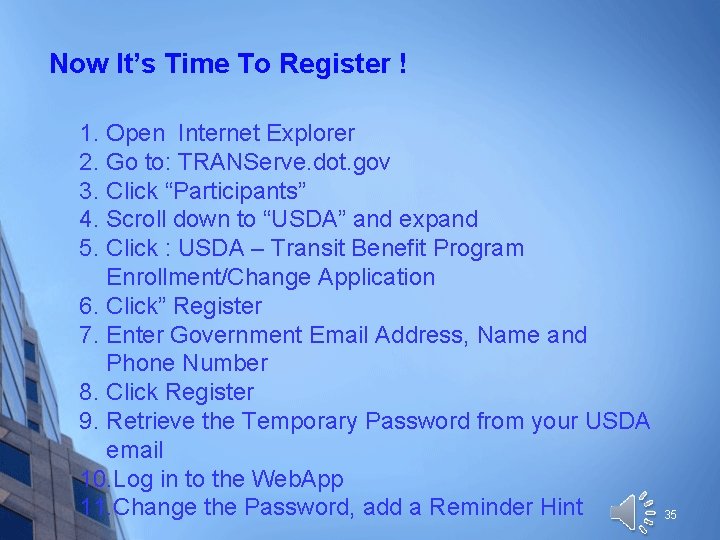
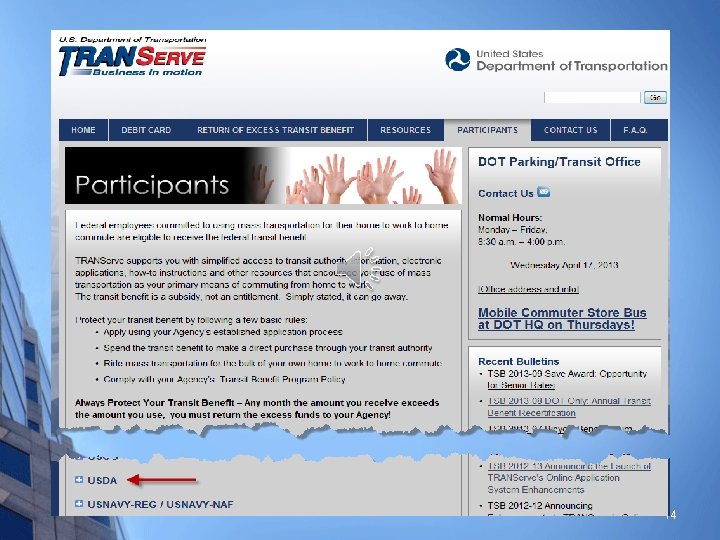
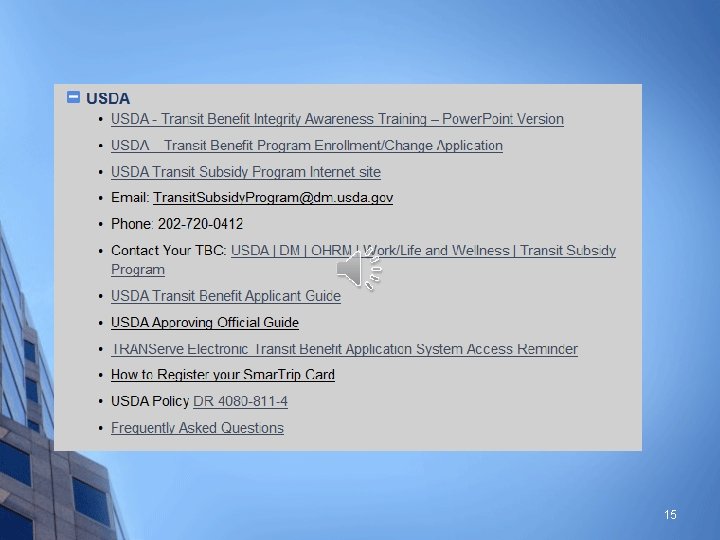
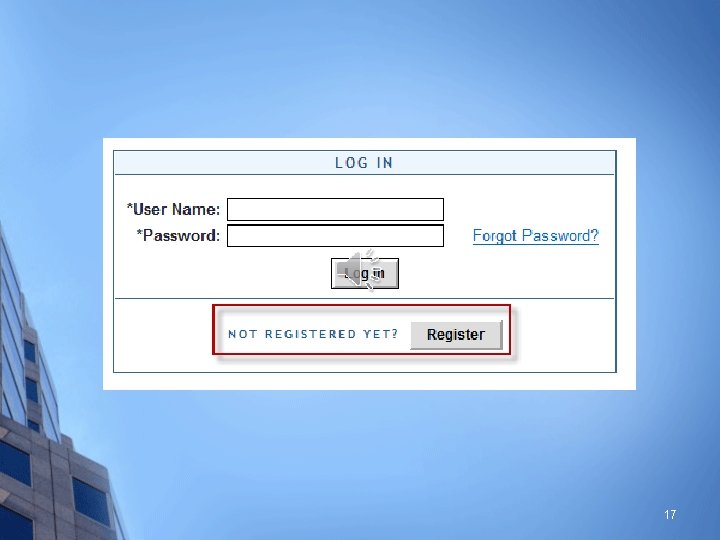
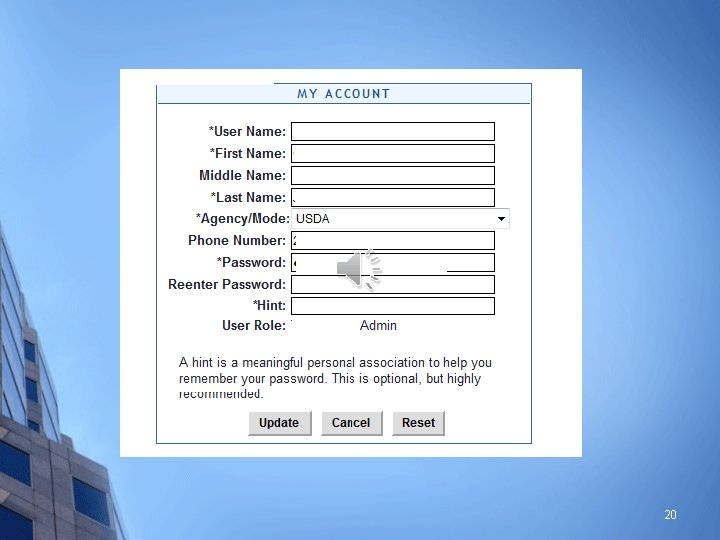
Now It’s Time To Register ! 1. Open Internet Explorer 2. Go to: TRANServe. dot. gov 3. Click “Participants” 4. Scroll down to “USDA” and expand 5. Click : USDA – Transit Benefit Program Enrollment/Change Application 6. Click” Register 7. Enter Government Email Address, Name and Phone Number 8. Click Register 9. Retrieve the Temporary Password from your USDA email 10. Log in to the Web. App 11. Change the Password, add a Reminder Hint 35
Thank You For Questions concerning the Approval Process First Consult the Approver’s Guide Then email your Transit Benefit Coordinator Identify your TBC on TRANServe. dot. gov/Participants/USDA 36
- Slides: 36