
Upgrade experience to Maximo v 7 6 Moving

- Slides: 18
Upgrade experience to Maximo v 7. 6 – Moving from Customisation to Configuration 29 th November 2018
Premier Oil Upgrade Journey • Introductions • Project Background 1. 2. 3. 4. 5. 6. 7. 8. 9. Aims & Objectives Project Team High Level Plan/ Timeline Communication Plan Upgrade Steps Rollout - Familiarisation Sessions Go-Live Project Acceptance Lessons Learned • IBM Watson and Io. T & IBM Knowledge Centre • Q&A
Introductions Catherine Brown – UK Business Systems Team Lead (UK IS Team) • Joined Premier Oil in 2011 as Information Systems Analyst for the Maximo 7. 1 Implementation project working alongside BPD Zenith and Barrachd to help support the delivery of Maximo 7. 1 as the UKBU ERP solution to replace MP 5 and PIMS. • Currently lead a team of 3 to deliver systems implementations and upgrades for Premier Oil in the UK, whilst ensuring these and other business critical systems are maintained and supported. Chris Brown – Maximo Engineer • Joined BPD Zenith in 2007 as a Maximo Engineer. Currently carrying out upgrades, development, interfaces, data loading and report writing. • Experience of Maximo version 4 to 7. 6, on all Windows platforms, multiple Linux operating systems and managing cloud environments in AWS. • Worked with all the main Database Platforms including SQL Server, DB 2 and Oracle DBA. • Integrated into 3 rd party applications such as P 6, Oracle Financials, Biz. Talk and tailor made mobile solutions.
Key Project Aims & Objectives Phase 1 • Keep system up to date, Maximo 7. 1 support discontinued and no longer supported. • New standard functionality in 7. 6 that will be of benefit to the business – improved user interface, PO revisions and multi-browser compatibility • Opportunity to rationalise existing v 7. 1 customisations and where possible, replace these customisations with standard functionality or configurations in v 7. 6, or make a decision to remove them. • Upgrade Cognos reporting as Maximo 7. 6 includes license to use Cognos v 10 instead of Cognos v 8 which was previously licensed to use in Maximo 7. 1. • Develop a new “Maximo to P 6” planning interface to replace the existing “Maximo to MS Project” interface in 7. 1 which wasn’t fit for purpose. Phase 2 • Business process improvements & recommendations
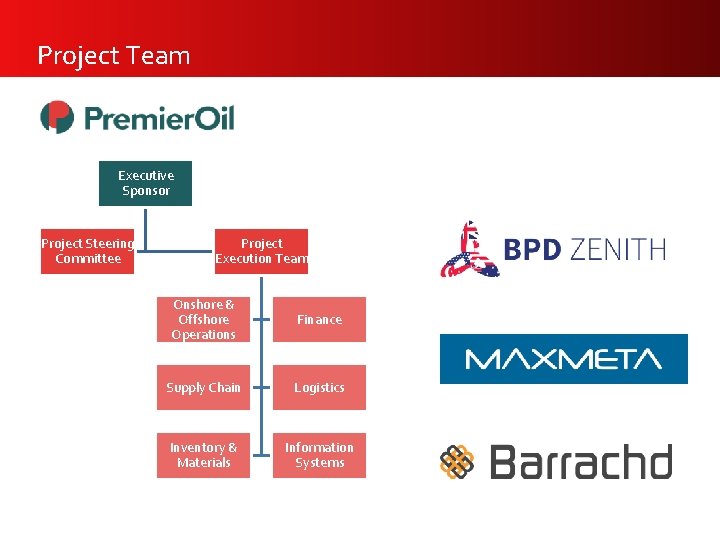
Project Team Executive Sponsor Project Steering Committee Project Execution Team Onshore & Offshore Operations Finance Supply Chain Logistics Inventory & Materials Information Systems
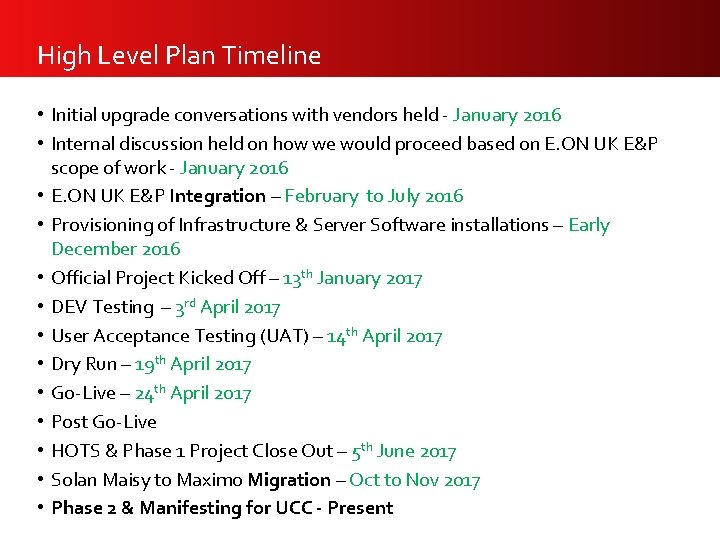
High Level Plan Timeline • Initial upgrade conversations with vendors held - January 2016 • Internal discussion held on how we would proceed based on E. ON UK E&P scope of work - January 2016 • E. ON UK E&P Integration – February to July 2016 • Provisioning of Infrastructure & Server Software installations – Early December 2016 • Official Project Kicked Off – 13 th January 2017 • DEV Testing – 3 rd April 2017 • User Acceptance Testing (UAT) – 14 th April 2017 • Dry Run – 19 th April 2017 • Go-Live – 24 th April 2017 • Post Go-Live • HOTS & Phase 1 Project Close Out – 5 th June 2017 • Solan Maisy to Maximo Migration – Oct to Nov 2017 • Phase 2 & Manifesting for UCC - Present
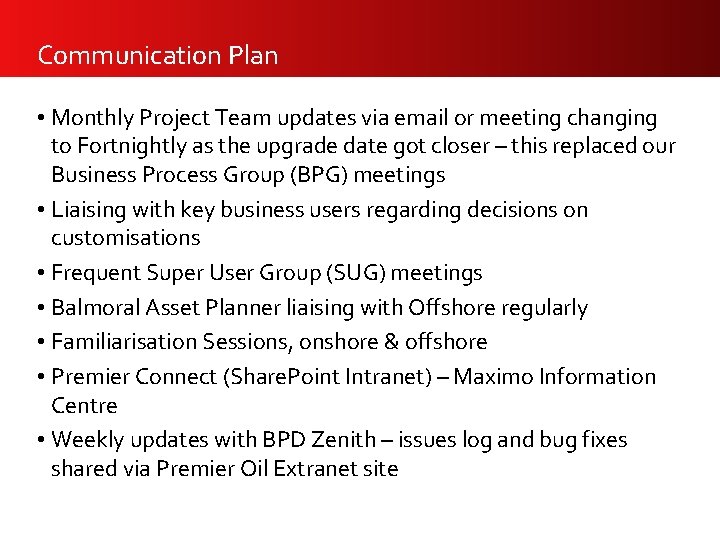
Communication Plan • Monthly Project Team updates via email or meeting changing to Fortnightly as the upgrade date got closer – this replaced our Business Process Group (BPG) meetings • Liaising with key business users regarding decisions on customisations • Frequent Super User Group (SUG) meetings • Balmoral Asset Planner liaising with Offshore regularly • Familiarisation Sessions, onshore & offshore • Premier Connect (Share. Point Intranet) – Maximo Information Centre • Weekly updates with BPD Zenith – issues log and bug fixes shared via Premier Oil Extranet site
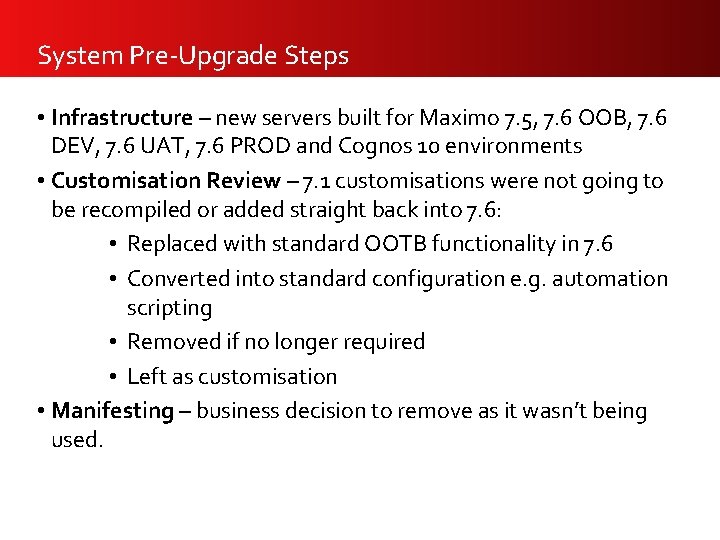
System Pre-Upgrade Steps • Infrastructure – new servers built for Maximo 7. 5, 7. 6 OOB, 7. 6 DEV, 7. 6 UAT, 7. 6 PROD and Cognos 10 environments • Customisation Review – 7. 1 customisations were not going to be recompiled or added straight back into 7. 6: • Replaced with standard OOTB functionality in 7. 6 • Converted into standard configuration e. g. automation scripting • Removed if no longer required • Left as customisation • Manifesting – business decision to remove as it wasn’t being used.
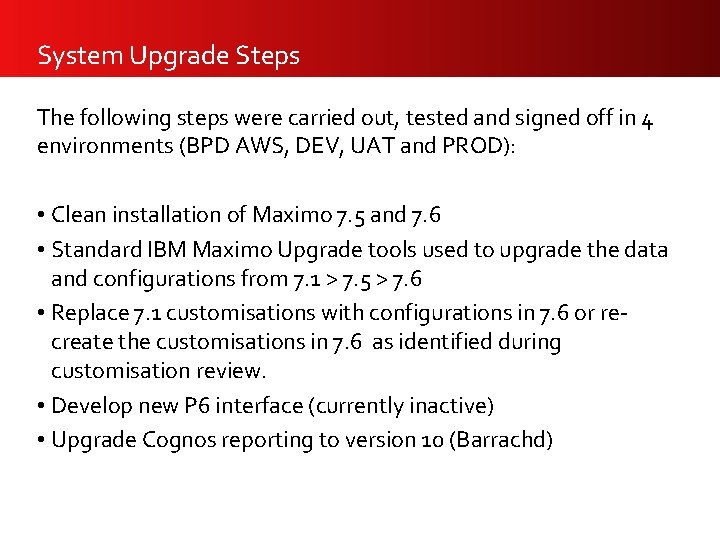
System Upgrade Steps The following steps were carried out, tested and signed off in 4 environments (BPD AWS, DEV, UAT and PROD): • Clean installation of Maximo 7. 5 and 7. 6 • Standard IBM Maximo Upgrade tools used to upgrade the data and configurations from 7. 1 > 7. 5 > 7. 6 • Replace 7. 1 customisations with configurations in 7. 6 or recreate the customisations in 7. 6 as identified during customisation review. • Develop new P 6 interface (currently inactive) • Upgrade Cognos reporting to version 10 (Barrachd)
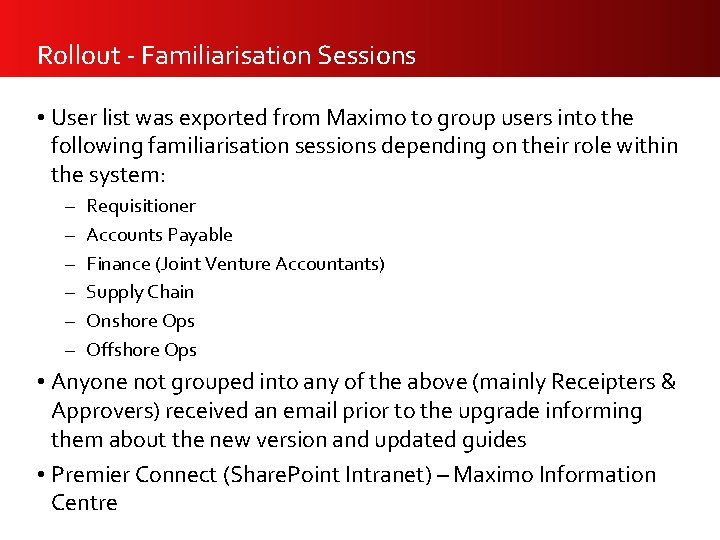
Rollout - Familiarisation Sessions • User list was exported from Maximo to group users into the following familiarisation sessions depending on their role within the system: – – – Requisitioner Accounts Payable Finance (Joint Venture Accountants) Supply Chain Onshore Ops Offshore Ops • Anyone not grouped into any of the above (mainly Receipters & Approvers) received an email prior to the upgrade informing them about the new version and updated guides • Premier Connect (Share. Point Intranet) – Maximo Information Centre
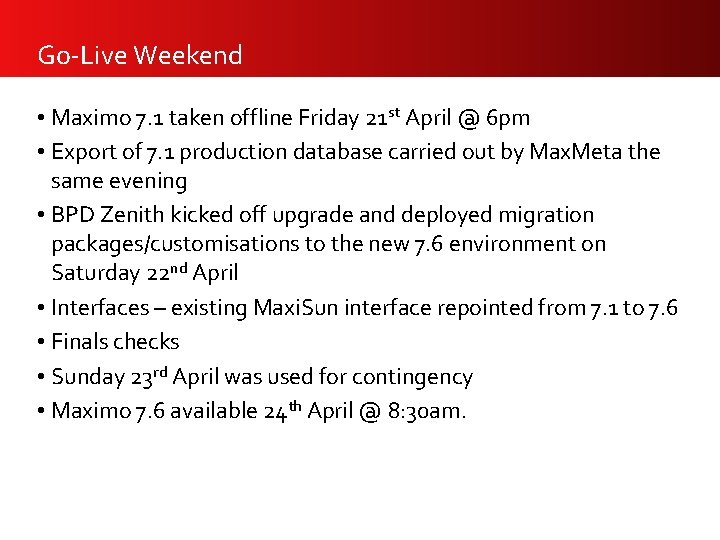
Go-Live Weekend • Maximo 7. 1 taken offline Friday 21 st April @ 6 pm • Export of 7. 1 production database carried out by Max. Meta the same evening • BPD Zenith kicked off upgrade and deployed migration packages/customisations to the new 7. 6 environment on Saturday 22 nd April • Interfaces – existing Maxi. Sun interface repointed from 7. 1 to 7. 6 • Finals checks • Sunday 23 rd April was used for contingency • Maximo 7. 6 available 24 th April @ 8: 30 am.
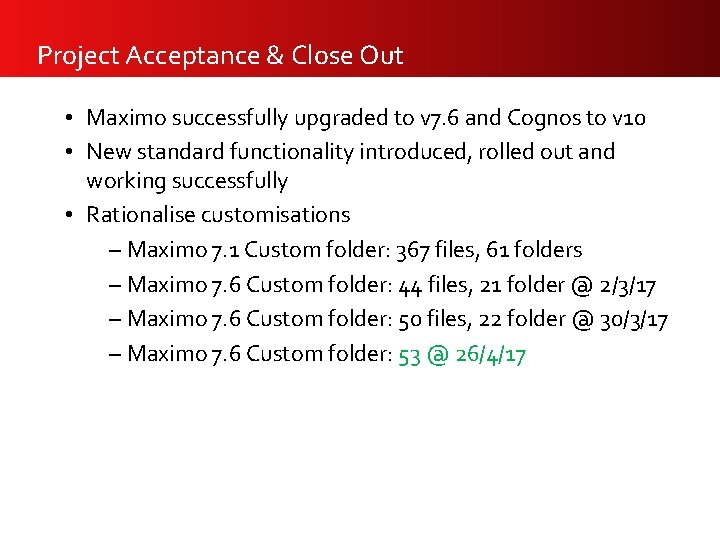
Project Acceptance & Close Out • Maximo successfully upgraded to v 7. 6 and Cognos to v 10 • New standard functionality introduced, rolled out and working successfully • Rationalise customisations – Maximo 7. 1 Custom folder: 367 files, 61 folders – Maximo 7. 6 Custom folder: 44 files, 21 folder @ 2/3/17 – Maximo 7. 6 Custom folder: 50 files, 22 folder @ 30/3/17 – Maximo 7. 6 Custom folder: 53 @ 26/4/17
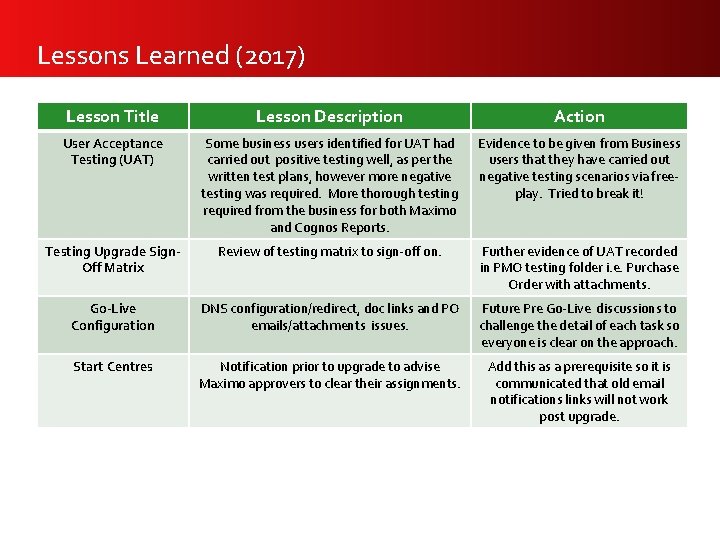
Lessons Learned (2017) Lesson Title Lesson Description Action User Acceptance Testing (UAT) Some business users identified for UAT had carried out positive testing well, as per the written test plans, however more negative testing was required. More thorough testing required from the business for both Maximo and Cognos Reports. Evidence to be given from Business users that they have carried out negative testing scenarios via freeplay. Tried to break it! Testing Upgrade Sign. Off Matrix Review of testing matrix to sign-off on. Further evidence of UAT recorded in PMO testing folder i. e. Purchase Order with attachments. Go-Live Configuration DNS configuration/redirect, doc links and PO emails/attachments issues. Future Pre Go-Live discussions to challenge the detail of each task so everyone is clear on the approach. Start Centres Notification prior to upgrade to advise Maximo approvers to clear their assignments. Add this as a prerequisite so it is communicated that old email notifications links will not work post upgrade.
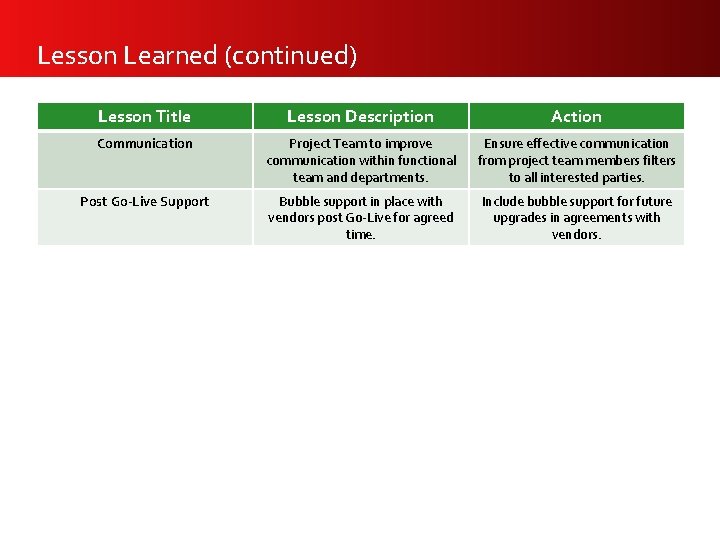
Lesson Learned (continued) Lesson Title Lesson Description Action Communication Project Team to improve communication within functional team and departments. Ensure effective communication from project team members filters to all interested parties. Post Go-Live Support Bubble support in place with vendors post Go-Live for agreed time. Include bubble support for future upgrades in agreements with vendors.
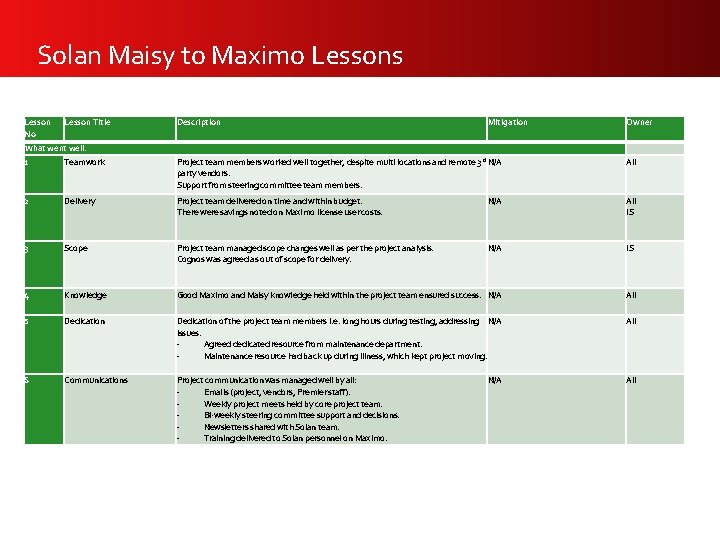
Solan Maisy to Maximo Lessons Lesson No Lesson Title Description Mitigation What went well: 1 Teamwork Project team members worked well together, despite multi locations and remote 3 rd N/A Owner All party vendors. Support from steering committee team members. 2 Delivery Project team delivered on time and within budget. There were savings noted on Maximo license user costs. N/A All IS 3 Scope Project team managed scope changes well as per the project analysis. Cognos was agreed as out of scope for delivery. N/A IS 4 Knowledge Good Maximo and Maisy knowledge held within the project team ensured success. N/A All 5 Dedication of the project team members i. e. long hours during testing, addressing N/A issues. Agreed dedicated resource from maintenance department. Maintenance resource had back up during illness, which kept project moving. All 6 Communications Project communication was managed well by all: Emails (project, vendors, Premier staff). Weekly project meets held by core project team. Bi-weekly steering committee support and decisions. Newsletters shared with Solan team. Training delivered to Solan personnel on Maximo. All N/A
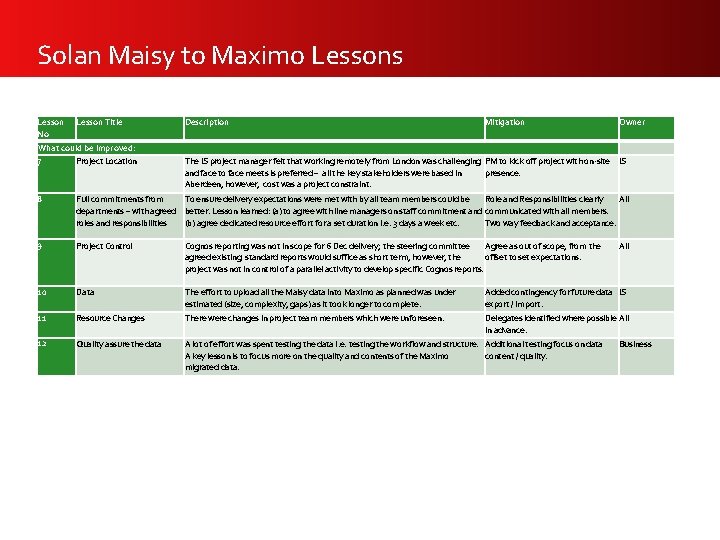
Solan Maisy to Maximo Lessons Lesson Title No Description Mitigation Owner What could be improved: 7 Project Location The IS project manager felt that working remotely from London was challenging PM to kick off project with on-site IS and face to face meets is preferred – all the key stakeholders were based in presence. Aberdeen, however, cost was a project constraint. 8 Full commitments from To ensure delivery expectations were met with by all team members could be Role and Responsibilities clearly All departments – with agreed better. Lesson learned: (a) to agree with line managers on staff commitment and communicated with all members. roles and responsibilities (b) agree dedicated resource effort for a set duration i. e. 3 days a week etc. Two way feedback and acceptance. 9 Project Control Cognos reporting was not in scope for 6 Dec delivery; the steering committee Agree as out of scope, from the agreed existing standard reports would suffice as short term, however, the offset to set expectations. project was not in control of a parallel activity to develop specific Cognos reports. 10 Data The effort to upload all the Maisy data into Maximo as planned was under estimated (size, complexity, gaps) as it took longer to complete. Added contingency for future data IS export / import. 11 Resource Changes There were changes in project team members which were unforeseen. Delegates identified where possible All in advance. 12 Quality assure the data A lot of effort was spent testing the data i. e. testing the workflow and structure. Additional testing focus on data A key lesson is to focus more on the quality and contents of the Maximo content / quality. migrated data. All Business
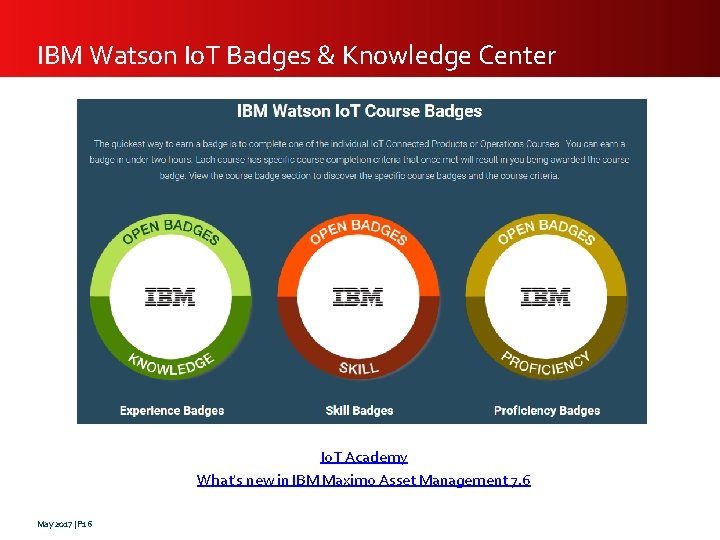
IBM Watson Io. T Badges & Knowledge Center Io. T Academy What's new in IBM Maximo Asset Management 7. 6 May 2017 | P 16
May 2017 | P 17 Q&A