
Updating from Bar Tender 10 1 to Bar

Updating from Bar. Tender 10. 1 to Bar. Tender 2019
Housekeeping and Presenters ▸ Meeting is being recorded, all participants are on mute ▸ Questions via Q&A function ▸ Opt-in for communications - https: //www. seagullscientific. com/about/email-sign-up/ ▸ Presenters today: MICHAEL LEO SENIOR PRODUCT MARKETING MANAGER MLEO@SEAGULLSCIENTIFIC. COM MANNY CASTRO SOLUTIONS CONSULTANT MCASTRO@SEAGULLSCIENTIFIC. COM © 2020 Seagull Scientific 3
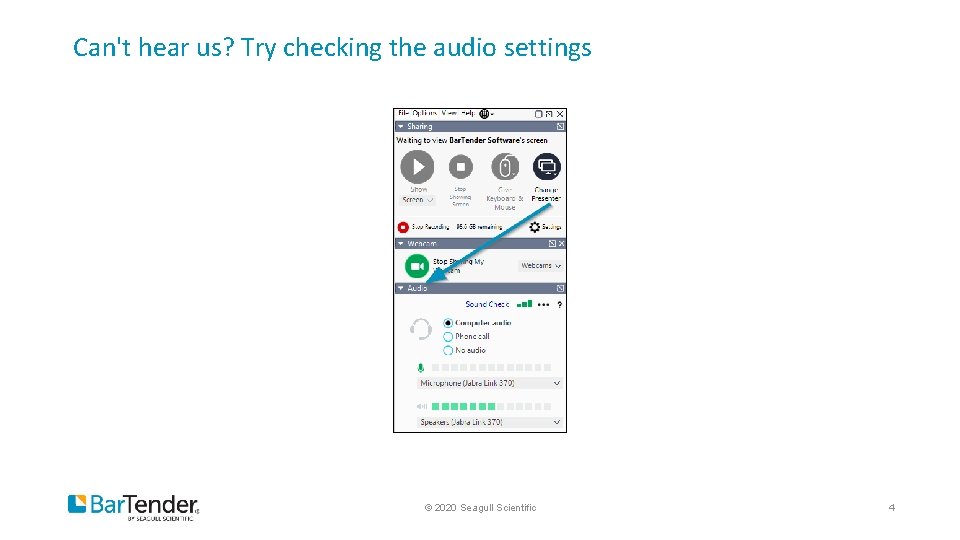
Can't hear us? Try checking the audio settings © 2020 Seagull Scientific 4
Today’s agenda ▸ Update path for Bar. Tender 10. 1 customers ▸ What’s new and what has changed since Bar. Tender 10. 1 ▸ Updating to Bar. Tender 2019 best practices ▸ Q&A
Update Path for Bar. Tender 10. 1 Customers ▸ Download Bar. Tender 2019 ▸ Renew your Maintenance and Support if necessary ▸ Take advantage of our Business Stability and Customer Loyalty promotions ▸ Waive Backpay Penalty and Payments and discounted Maintenance and Support ▸ Contact Seagull Sales or your local Partner Reseller ▸ https: //www. seagullscientific. com/about/contact-us/ ▸ sales@seagullscientific. com

What’s new and what has changed since Bar. Tender 10. 1 IMPROVEMENTS AND CHANGES IMPLEMENTED SINCE BARTENDER VERSION 10. 1
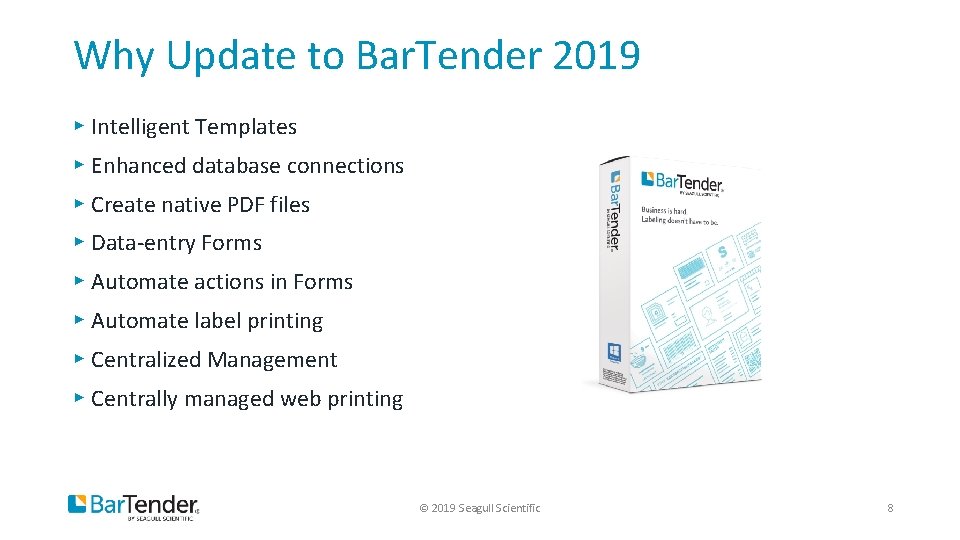
Why Update to Bar. Tender 2019 ▸ Intelligent Templates ▸ Enhanced database connections ▸ Create native PDF files ▸ Data-entry Forms ▸ Automate actions in Forms ▸ Automate label printing ▸ Centralized Management ▸ Centrally managed web printing © 2019 Seagull Scientific 8
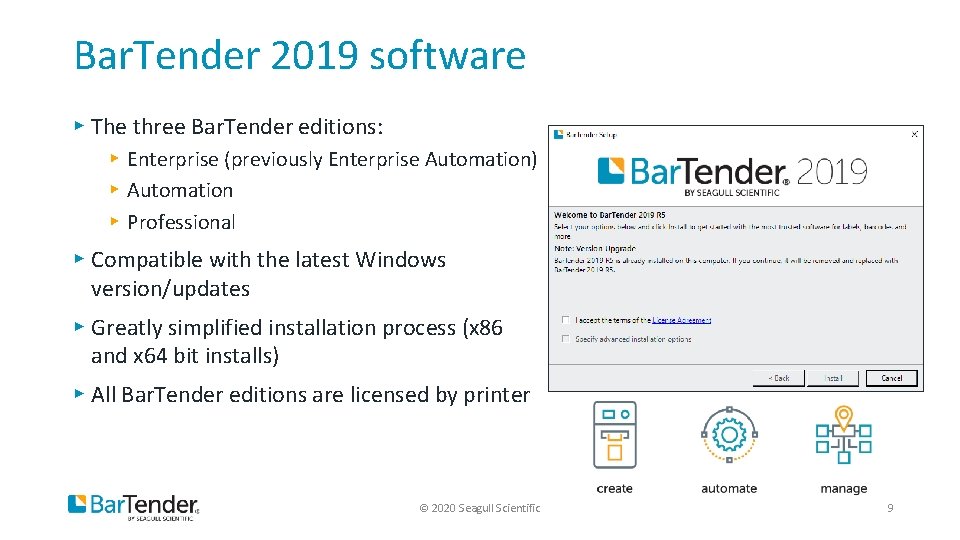
Bar. Tender 2019 software ▸ The three Bar. Tender editions: ▸ Enterprise (previously Enterprise Automation) ▸ Automation ▸ Professional ▸ Compatible with the latest Windows version/updates ▸ Greatly simplified installation process (x 86 and x 64 bit installs) ▸ All Bar. Tender editions are licensed by printer © 2020 Seagull Scientific 9
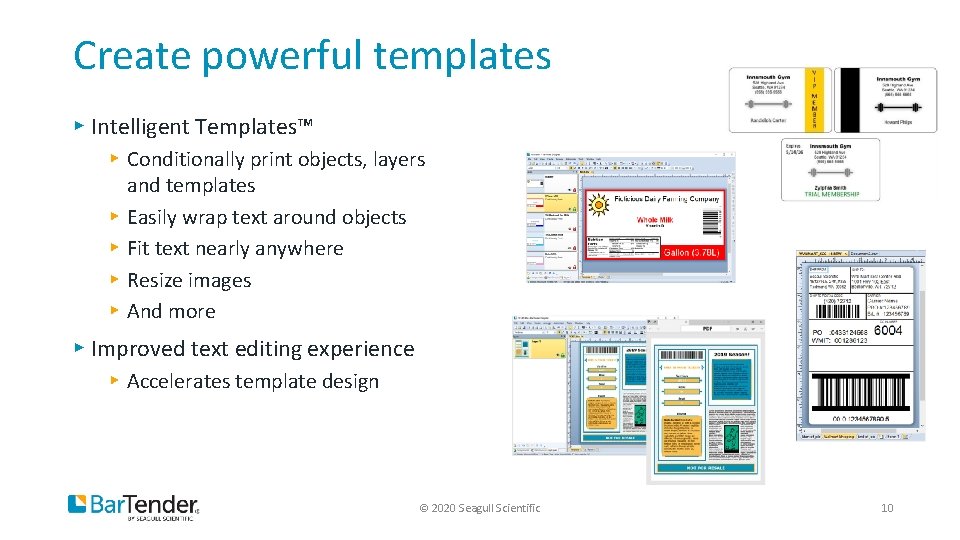
Create powerful templates ▸ Intelligent Templates™ ▸ Conditionally print objects, layers and templates ▸ Easily wrap text around objects ▸ Fit text nearly anywhere ▸ Resize images ▸ And more ▸ Improved text editing experience ▸ Accelerates template design © 2020 Seagull Scientific 10
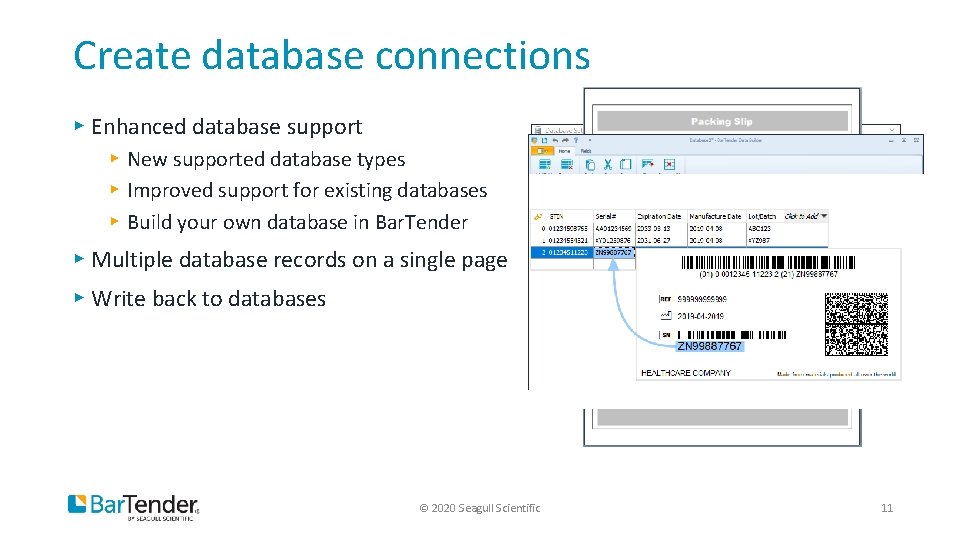
Create database connections ▸ Enhanced database support ▸ New supported database types ▸ Improved support for existing databases ▸ Build your own database in Bar. Tender ▸ Multiple database records on a single page ▸ Write back to databases © 2020 Seagull Scientific 11
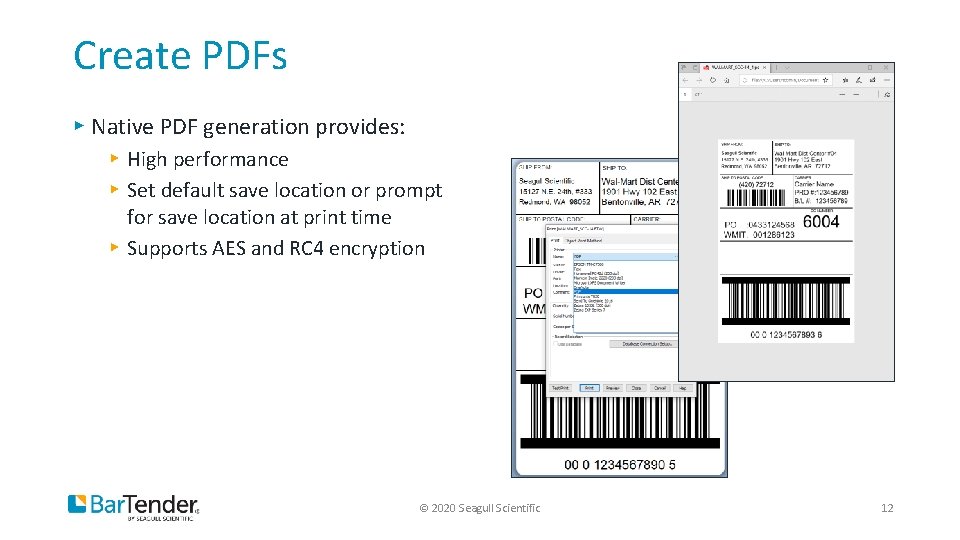
Create PDFs ▸ Native PDF generation provides: ▸ High performance ▸ Set default save location or prompt for save location at print time ▸ Supports AES and RC 4 encryption © 2020 Seagull Scientific 12

Create data-entry forms ▸ Improved form design experience ▸ New data entry controls ▸ Select printer from form ▸ Multiple forms © 2020 Seagull Scientific 13
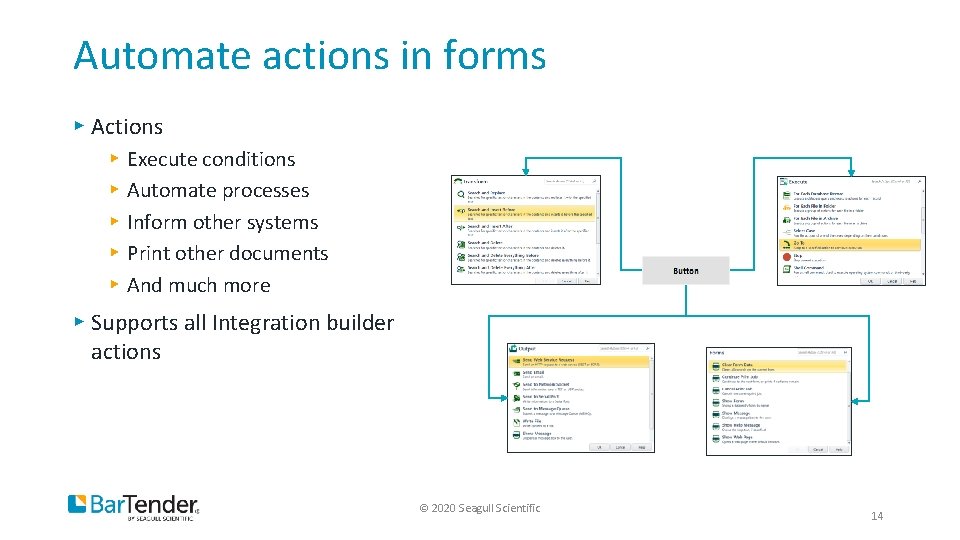
Automate actions in forms ▸ Actions ▸ ▸ ▸ Execute conditions Automate processes Inform other systems Print other documents And much more ▸ Supports all Integration builder actions © 2020 Seagull Scientific 14
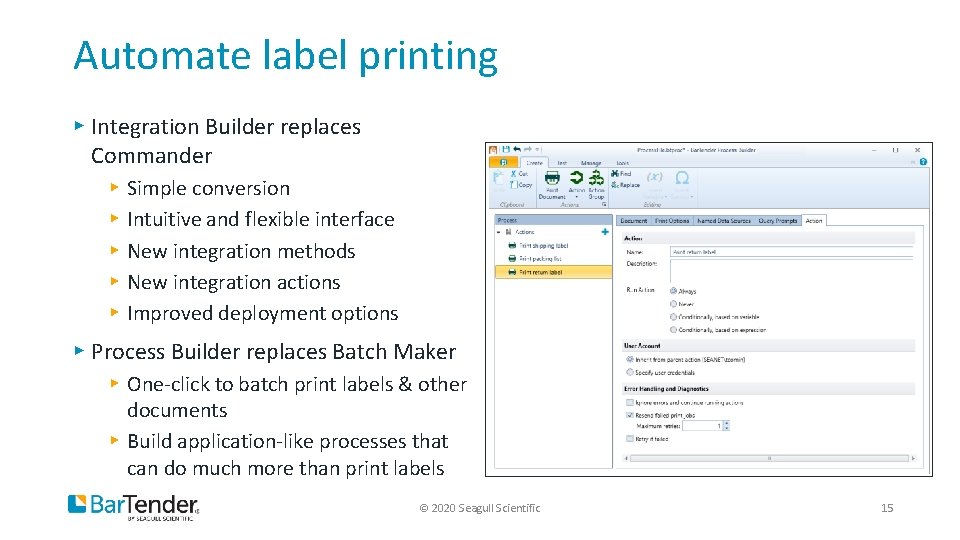
Automate label printing ▸ Integration Builder replaces Commander ▸ ▸ ▸ Simple conversion Intuitive and flexible interface New integration methods New integration actions Improved deployment options ▸ Process Builder replaces Batch Maker ▸ One-click to batch print labels & other documents ▸ Build application-like processes that can do much more than print labels © 2020 Seagull Scientific 15
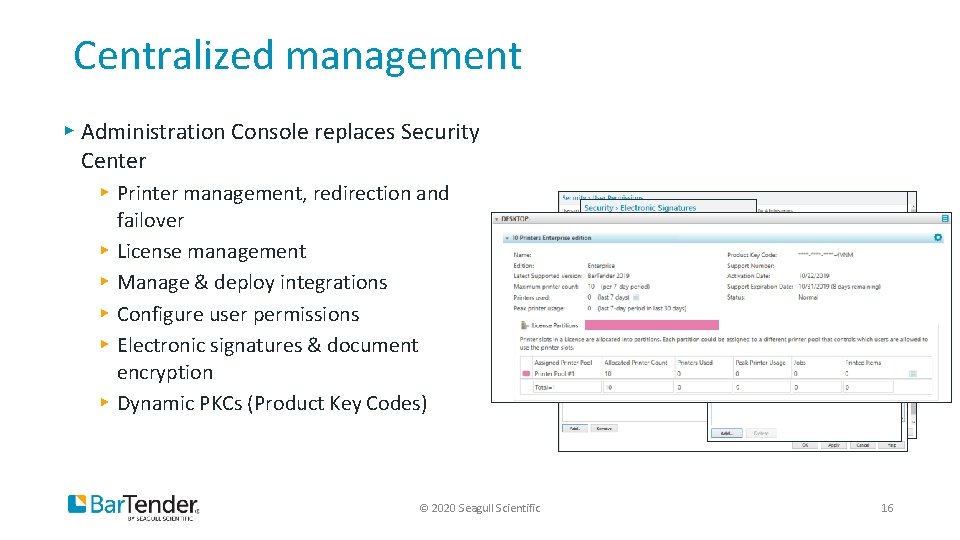
Centralized management ▸ Administration Console replaces Security Center ▸ Printer management, redirection and failover ▸ License management ▸ Manage & deploy integrations ▸ Configure user permissions ▸ Electronic signatures & document encryption ▸ Dynamic PKCs (Product Key Codes) © 2020 Seagull Scientific 16
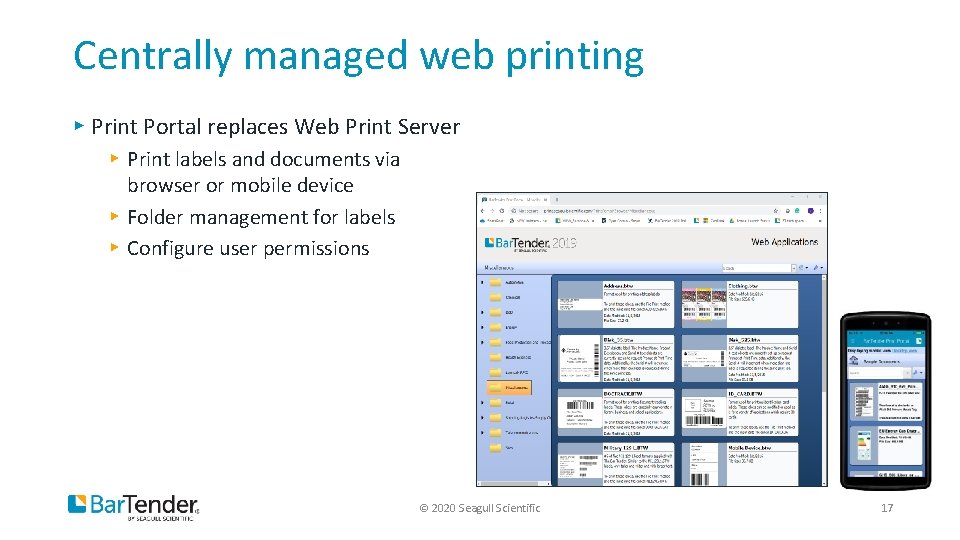
Centrally managed web printing ▸ Print Portal replaces Web Print Server ▸ Print labels and documents via browser or mobile device ▸ Folder management for labels ▸ Configure user permissions © 2020 Seagull Scientific 17
Why Update to Bar. Tender 2019 ▸ Intelligent Templates ▸ Enhanced database connections ▸ Create native PDF files ▸ Data-entry Forms ▸ Automate actions in Forms ▸ Automate label printing ▸ Centralized Management ▸ Centrally managed web printing © 2019 Seagull Scientific 18
Best Practices for Updating Bar. Tender
Before updating You'll need a few things before you can update Bar. Tender: ▸ The latest Bar. Tender 2019 installer ▸ Your Product Key Code for Bar. Tender with an active maintenance and support contract ▸ Administrator access to the computer(s) that you will updating © 2020 Seagull Scientific 20
Backup files ▸ Files potentially contain: ▸ Labels ▸ Settings and configurations ▸ Integrations and integration settings ▸ Files to consider backing up: ▸ ▸ . BTW files Databases – Excel, Access, and CSV files Images Commander Task Lists © 2020 Seagull Scientific 21
Backup and update your system database ▸ For past Automation and Enterprise Automation Editions only ▸ Create a backup before upgrading ▸ Required for full version upgrades © 2020 Seagull Scientific 22
Setting up a test environment ▸ Why? To have a safe environment for thorough testing of all systems To test general printing of Bar. Tender labels To test database connections To test new printer driver installations To test integrations To test custom applications that may integrate with Bar. Tender in the new environment ▸ To configure and test Print Portal ▸ ▸ ▸ © 2020 Seagull Scientific 23
Setting up a test environment ▸ Things to consider ▸ System requirements ▸ 32 -bit vs 64 -bit Bar. Tender installer ▸ Process: ▸ ▸ Install Bar. Tender Install print drivers Copy over files Update the Bar. Tender System Database © 2020 Seagull Scientific 24
Next Steps ▸ Contact Seagull Sales or your local Partner Reseller ▸ https: //www. seagullscientific. com/about/contact-us/ ▸ sales@seagullscientific. com ▸ Visit the Bar. Tender Community website: Updating from Bar. Tender 10. 1 to Bar. Tender 2019 ▸ Tips, videos, documentation and FAQs ▸ https: //bit. ly/3 g. Gd. NHT © 2019 Seagull Scientific 25
Q&A Thank you for attending! Any questions we are unable to answer live will be followed up by email. © 2020 Seagull Scientific 26

- Slides: 27