
Updater Service Deployment Setting the vc Updater account
- Slides: 56
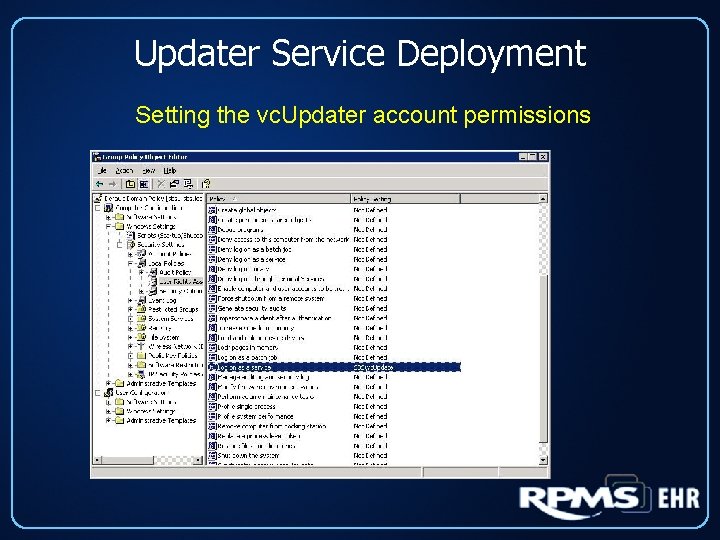
Updater Service Deployment Setting the vc. Updater account permissions
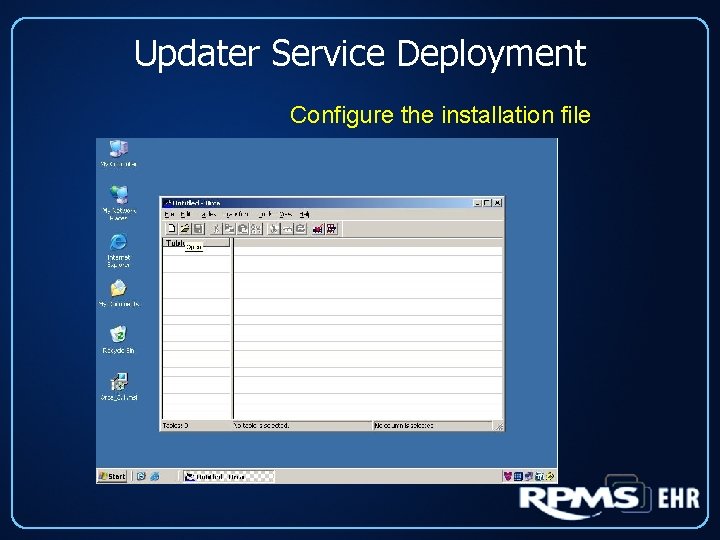
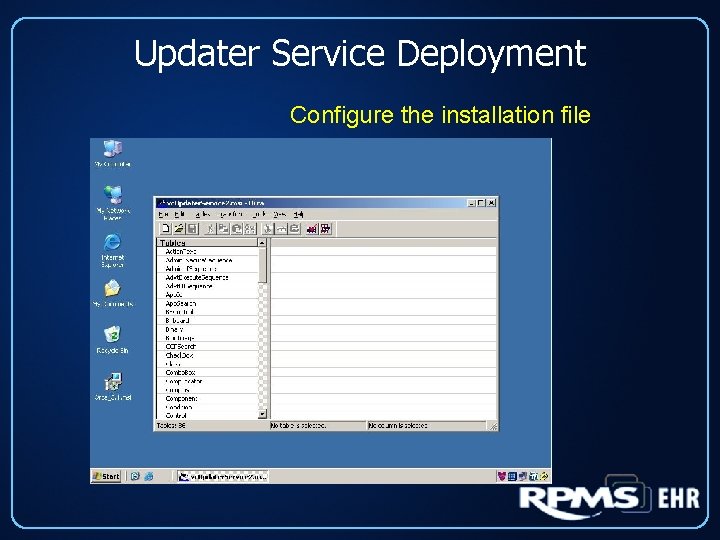
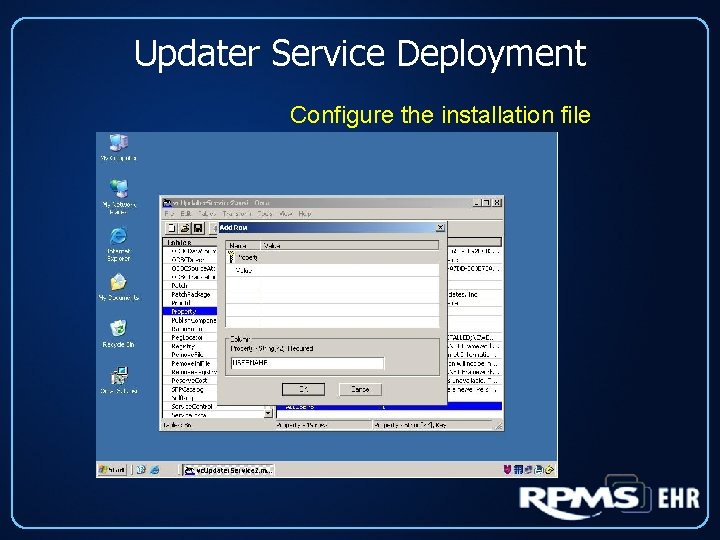
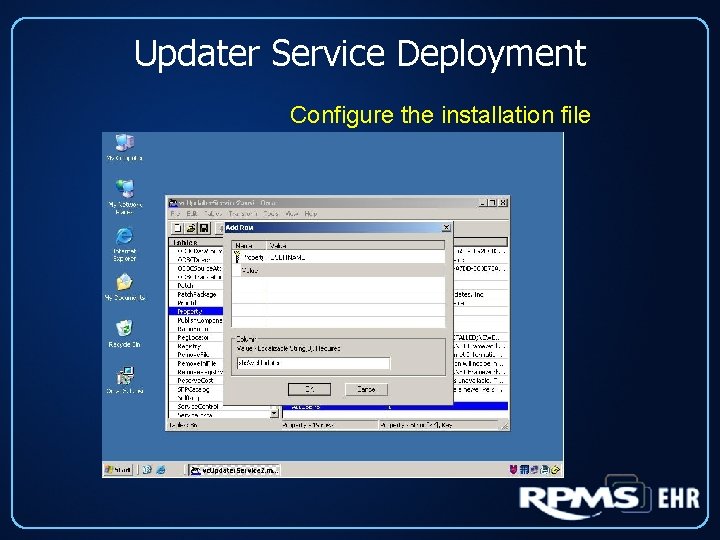
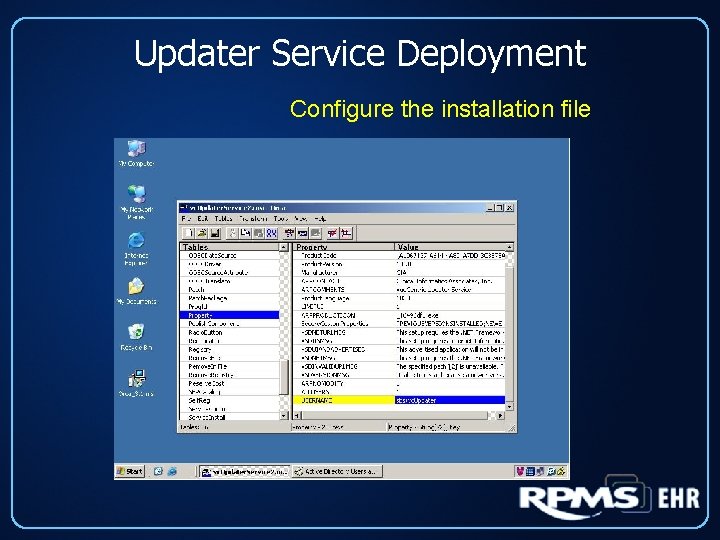
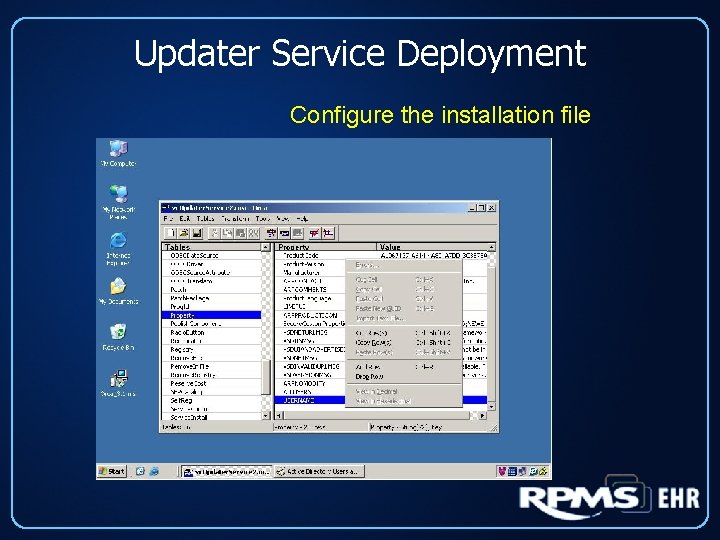
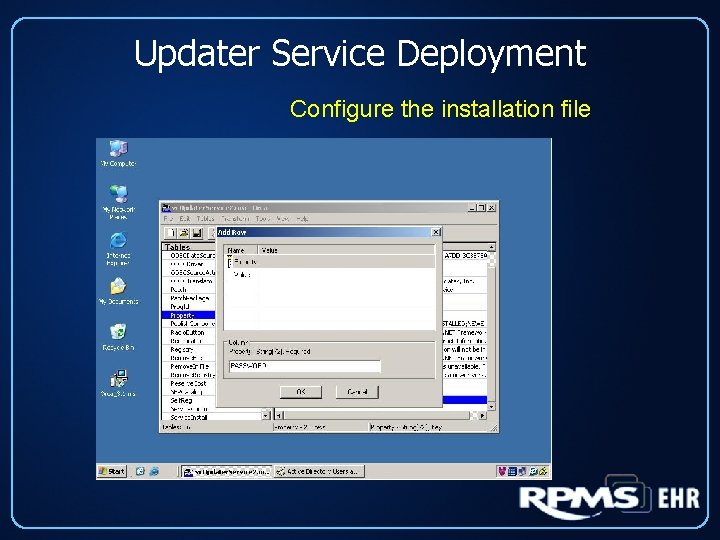
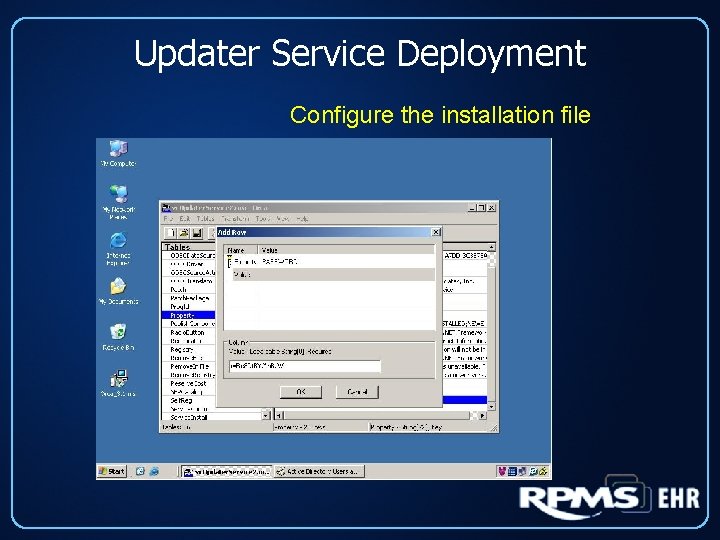
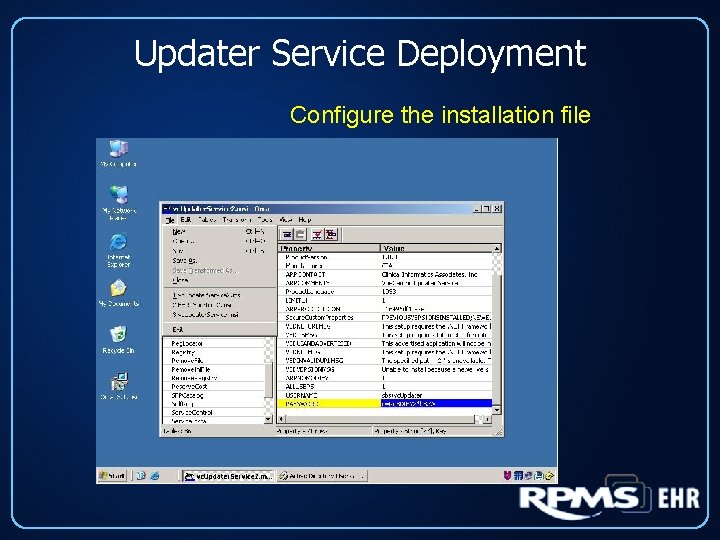
Updater Service Deployment Configure the installation file
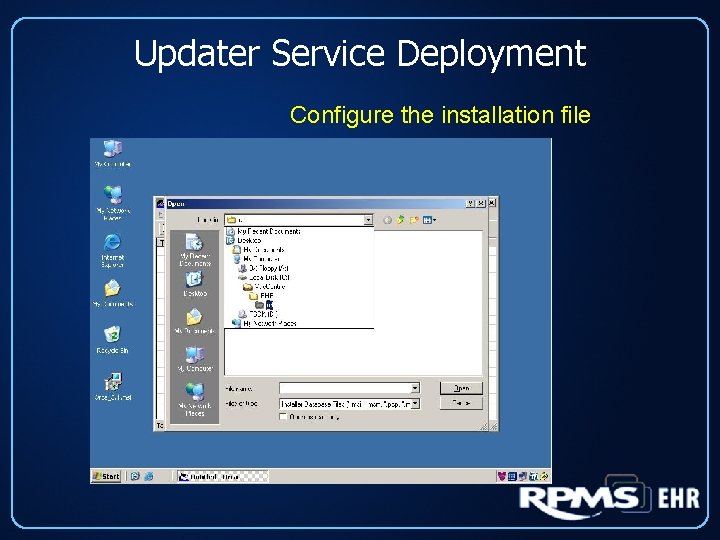
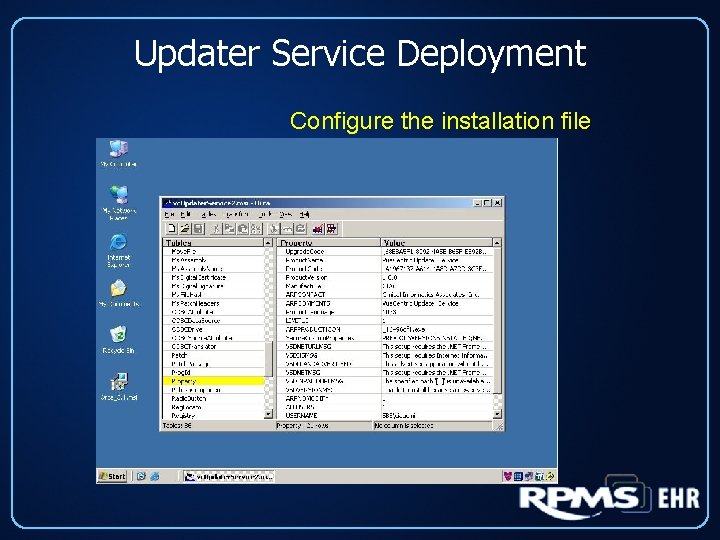
Updater Service Deployment Configure the installation file
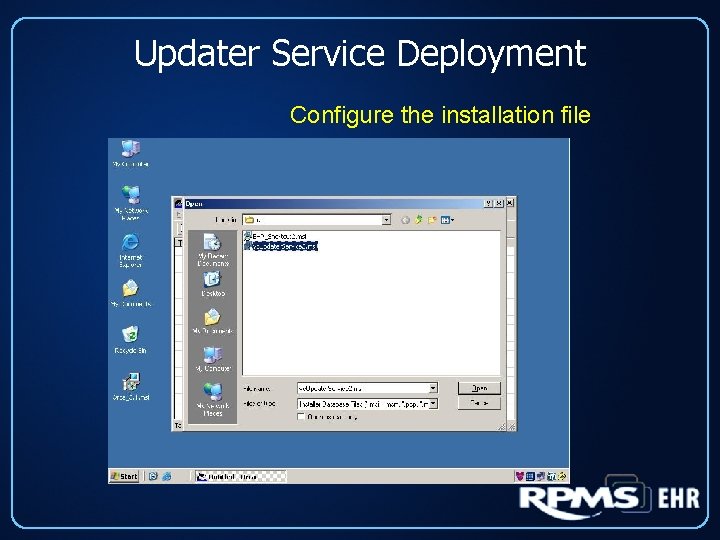
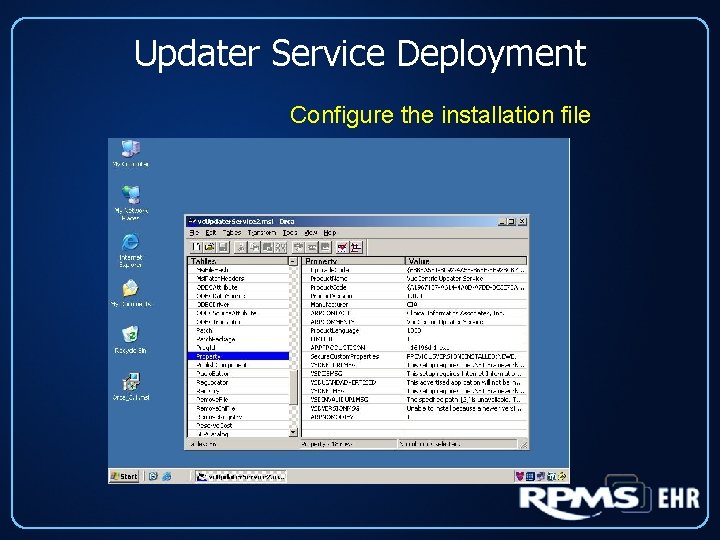
Updater Service Deployment Configure the installation file
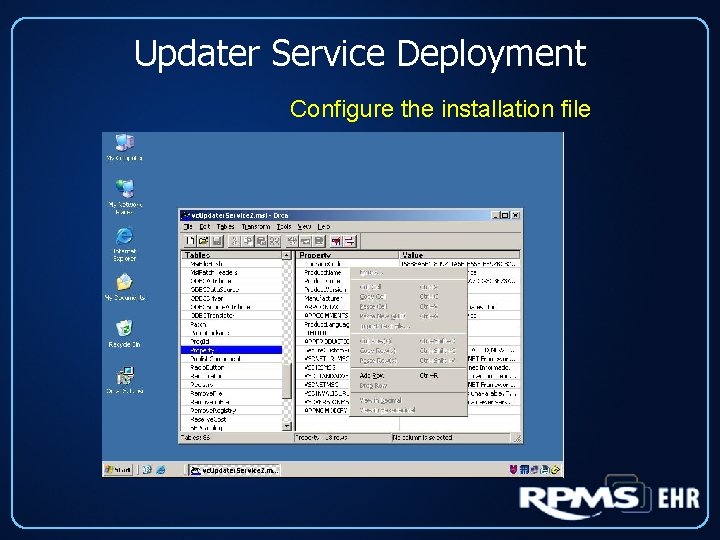
Updater Service Deployment Configure the installation file
Updater Service Deployment Configure the installation file
Updater Service Deployment Configure the installation file
Updater Service Deployment Configure the installation file
Updater Service Deployment Configure the installation file
Updater Service Deployment Configure the installation file
Updater Service Deployment Configure the installation file
Updater Service Deployment Configure the installation file
Updater Service Deployment Configure the installation file
Updater Service Deployment Configure the installation file
Updater Service Deployment Configure the installation file
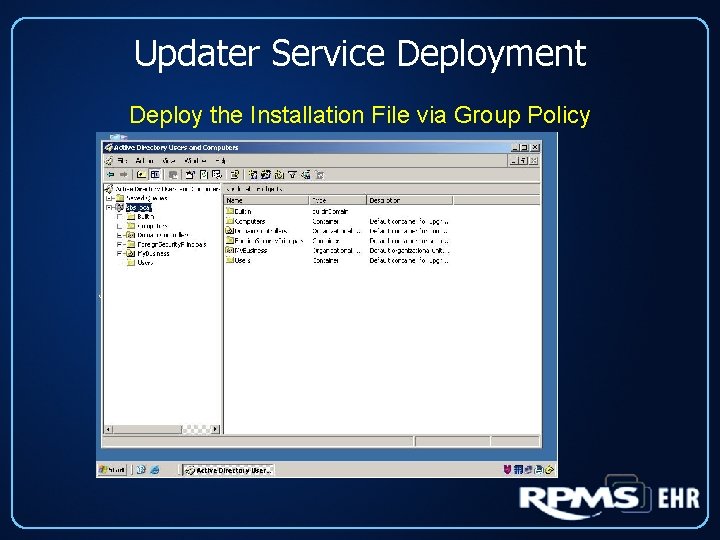
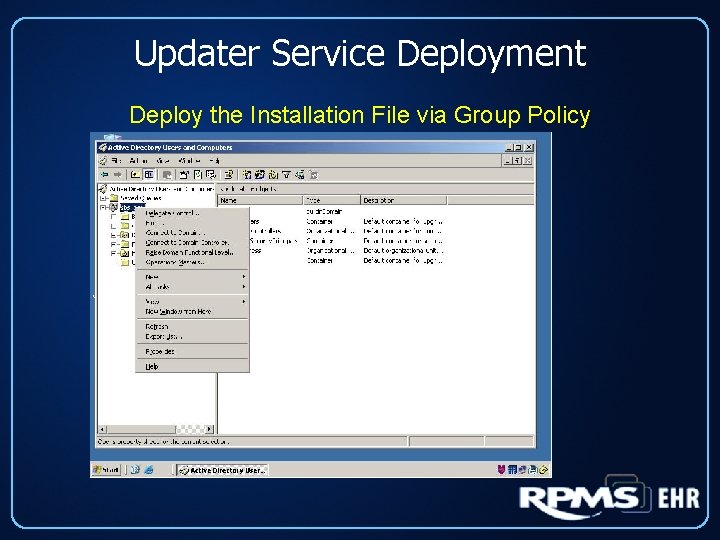
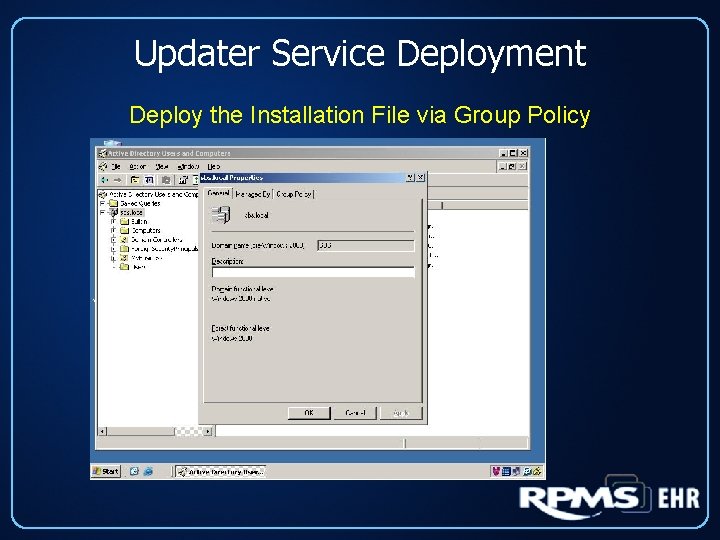
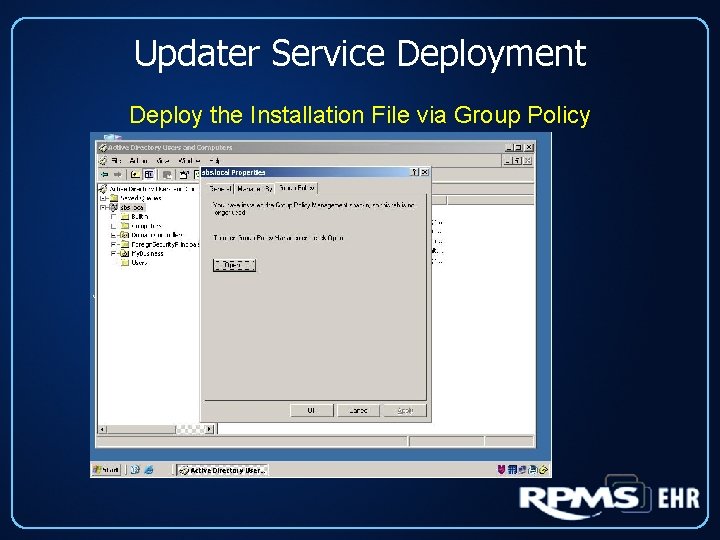
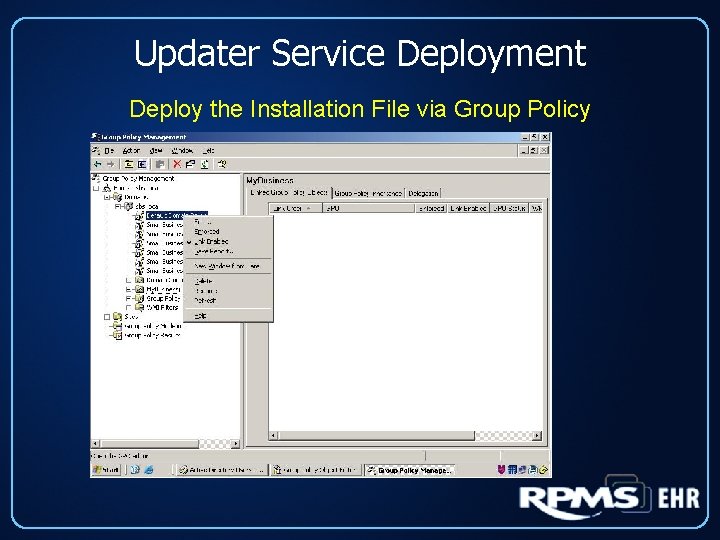
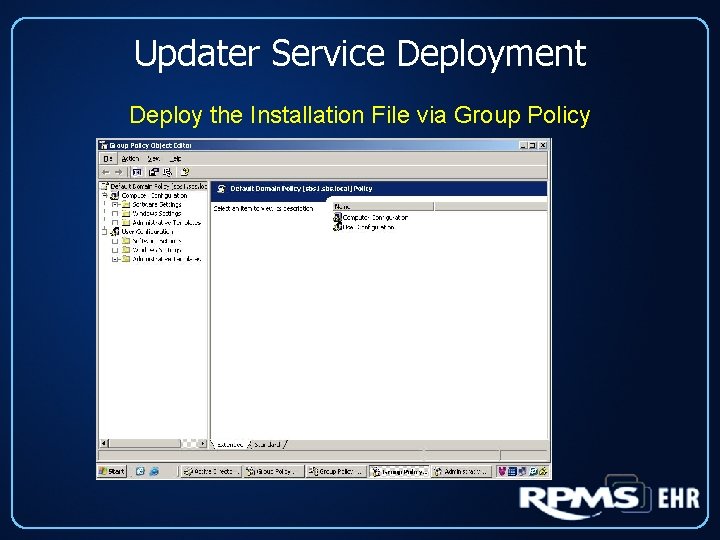
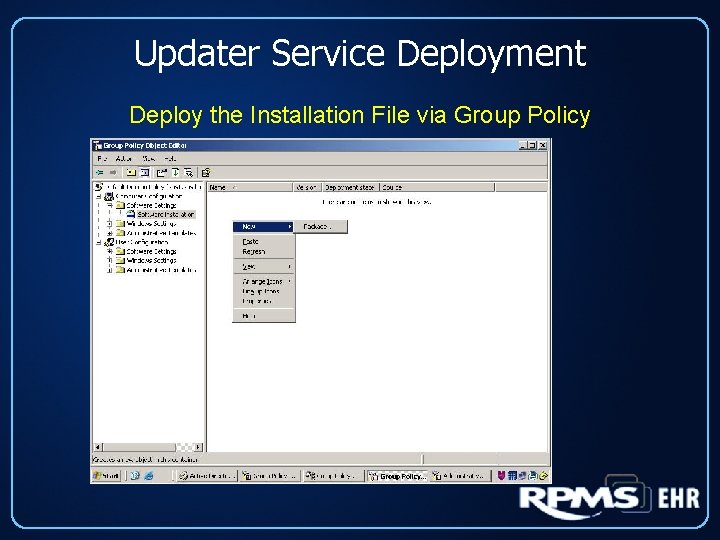
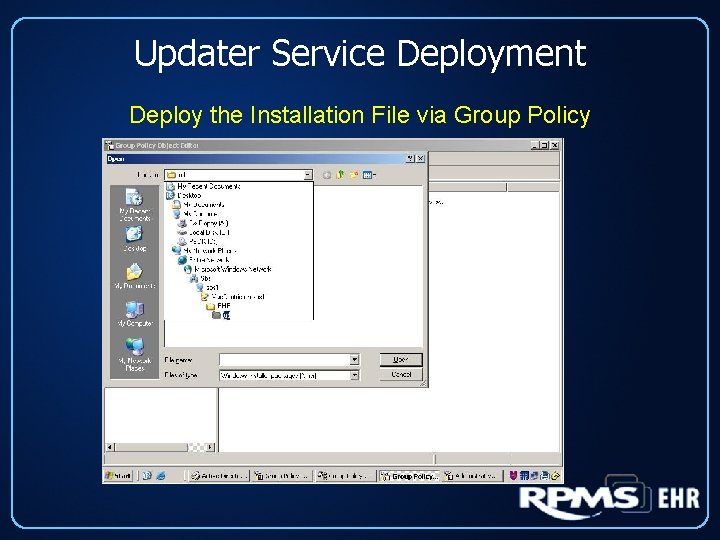
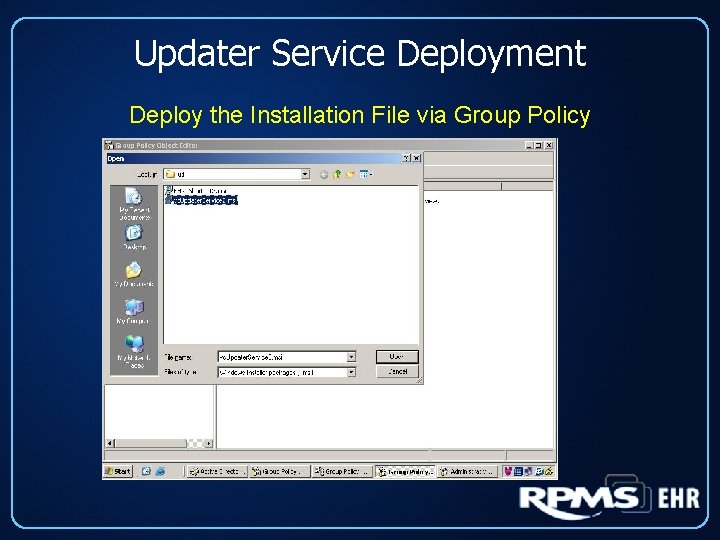
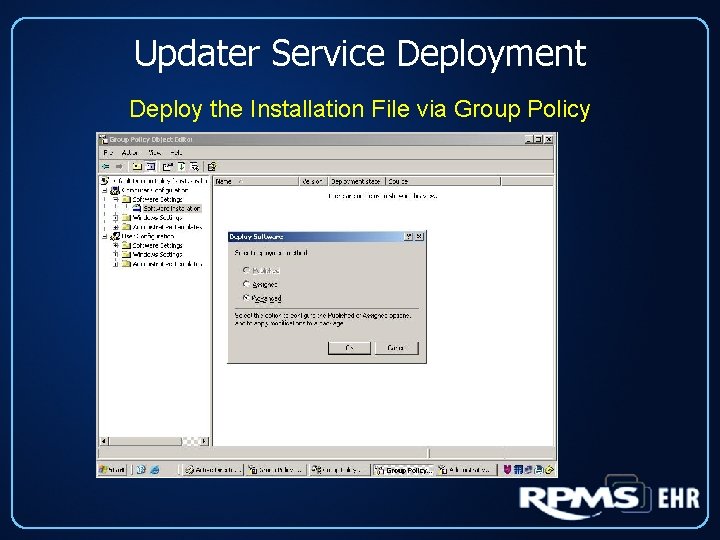
Updater Service Deployment Deploy the Installation File via Group Policy
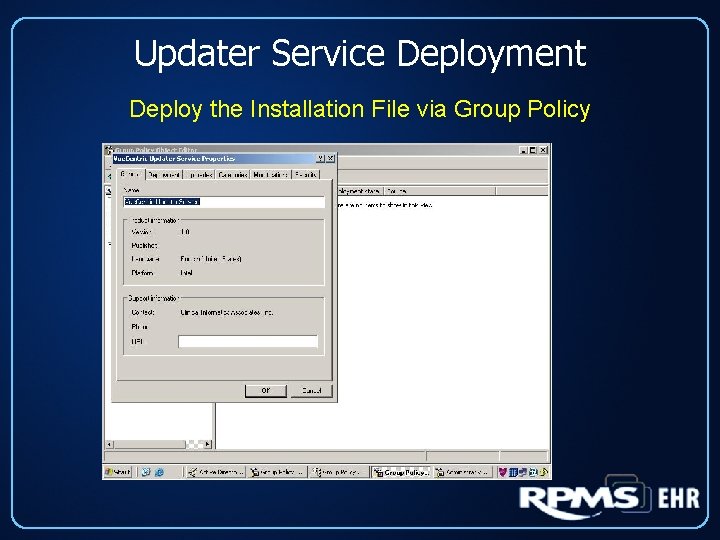
Updater Service Deployment Deploy the Installation File via Group Policy
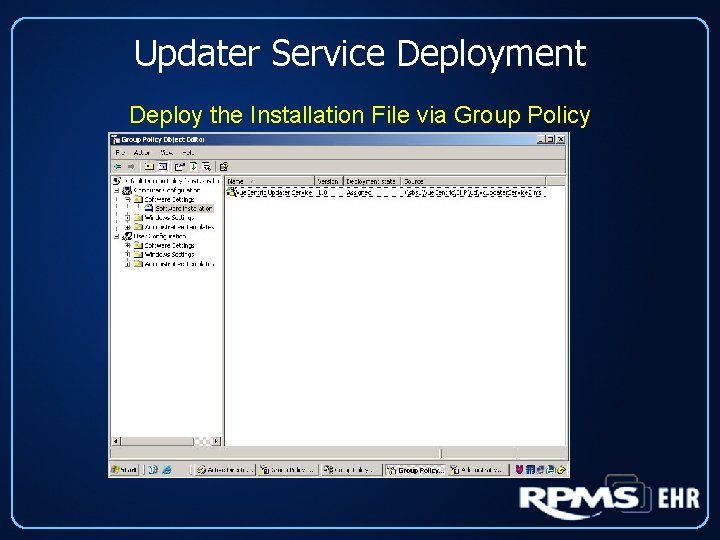
Updater Service Deployment Deploy the Installation File via Group Policy
Updater Service Deployment Deploy the Installation File via Group Policy
Updater Service Deployment Deploy the Installation File via Group Policy
Updater Service Deployment Deploy the Installation File via Group Policy
Updater Service Deployment Deploy the Installation File via Group Policy
Updater Service Deployment Deploy the Installation File via Group Policy
Updater Service Deployment Deploy the Installation File via Group Policy
Updater Service Deployment Deploy the Installation File via Group Policy
Updater Service Deployment Deploy the Installation File via Group Policy
Updater Service Deployment Deploy the Installation File via Group Policy
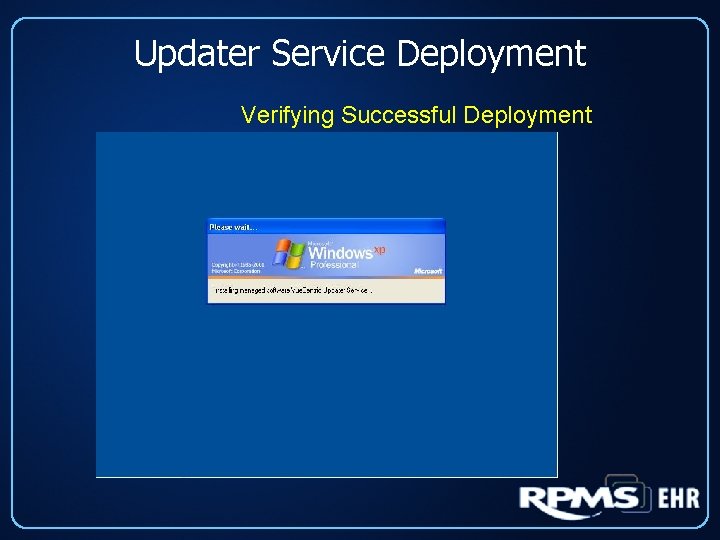
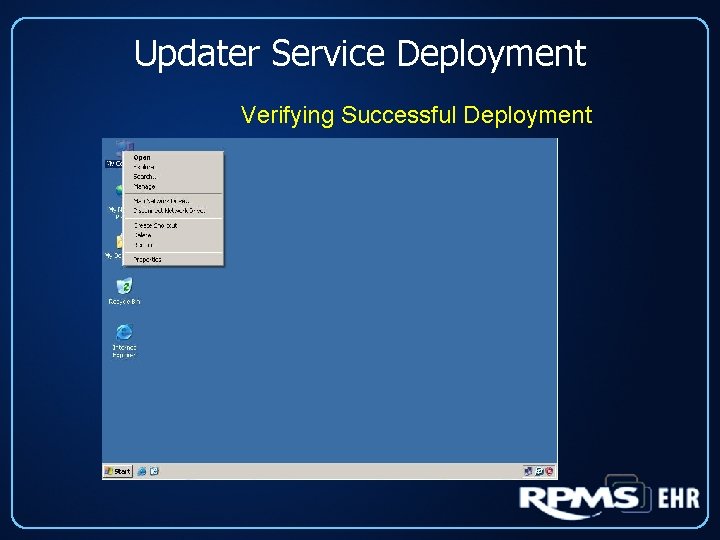
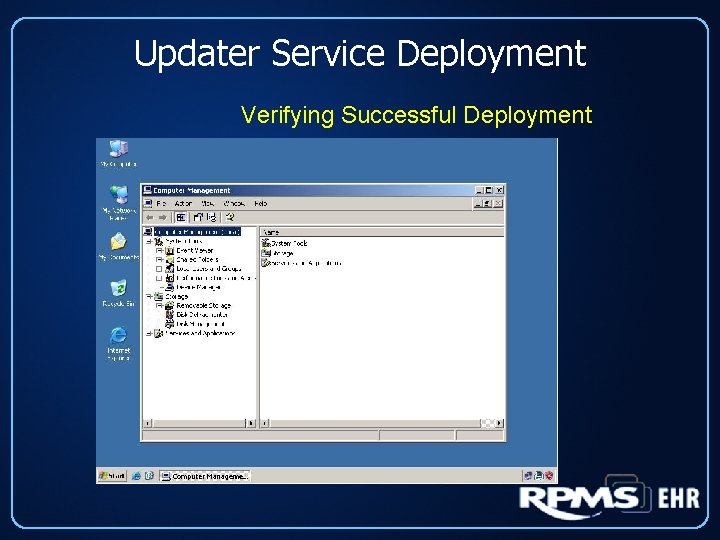
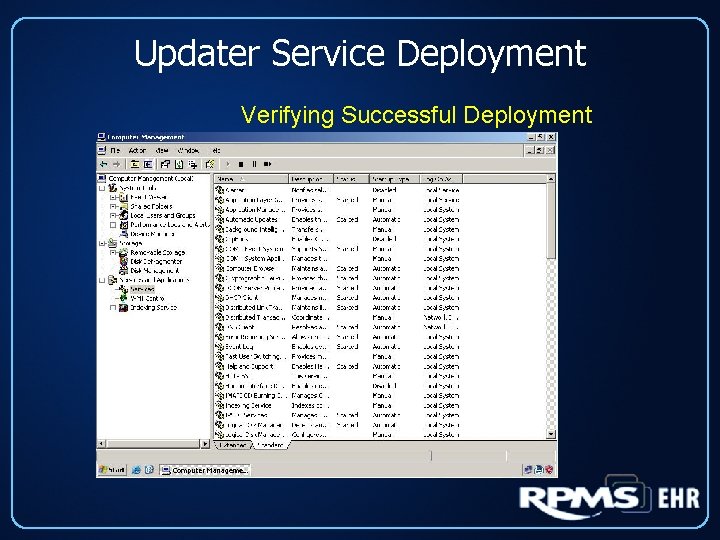
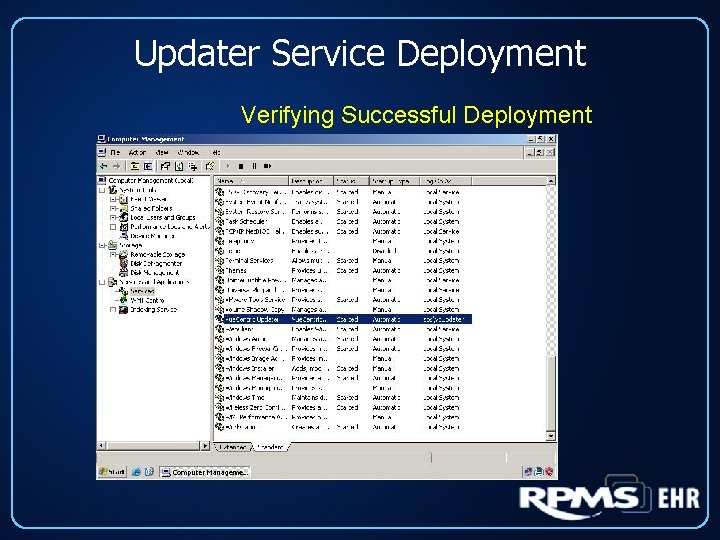
Updater Service Deployment Verifying Successful Deployment
Updater Service Deployment Verifying Successful Deployment
Updater Service Deployment Verifying Successful Deployment
Updater Service Deployment Verifying Successful Deployment
Updater Service Deployment Verifying Successful Deployment
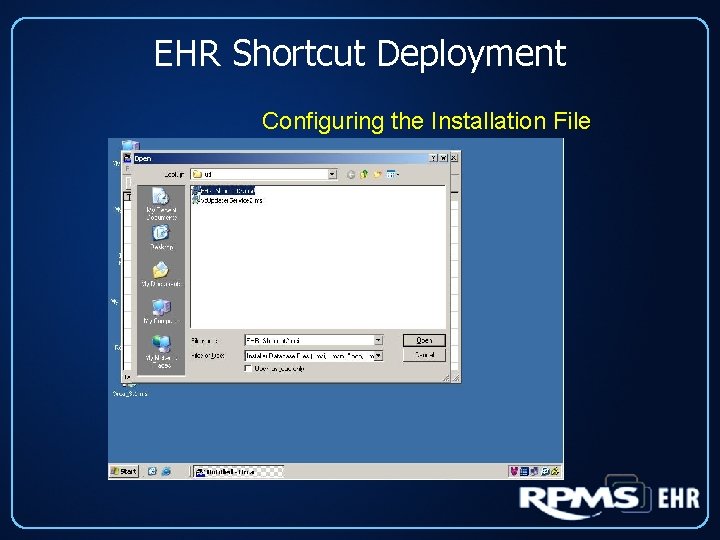
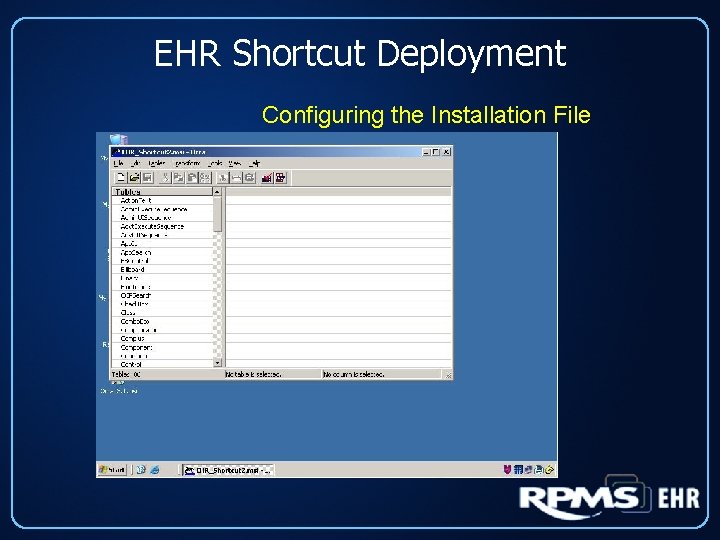
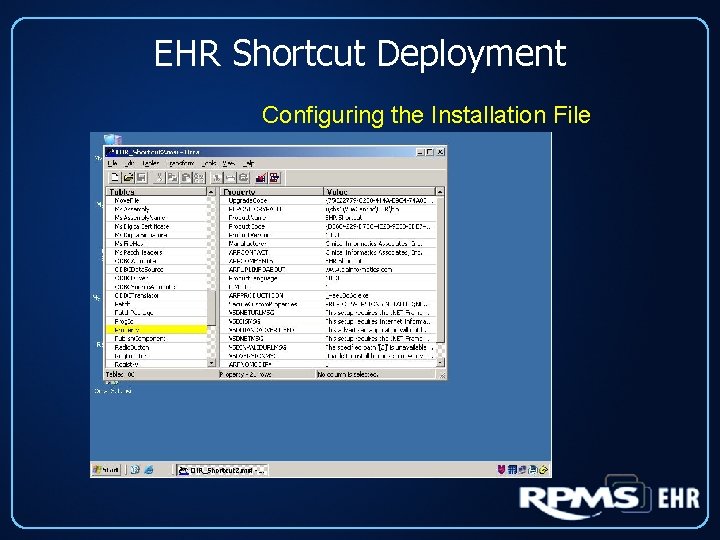
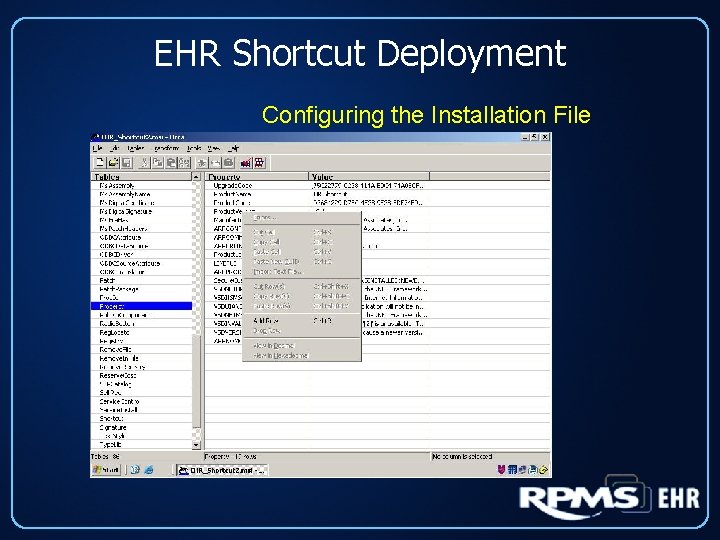
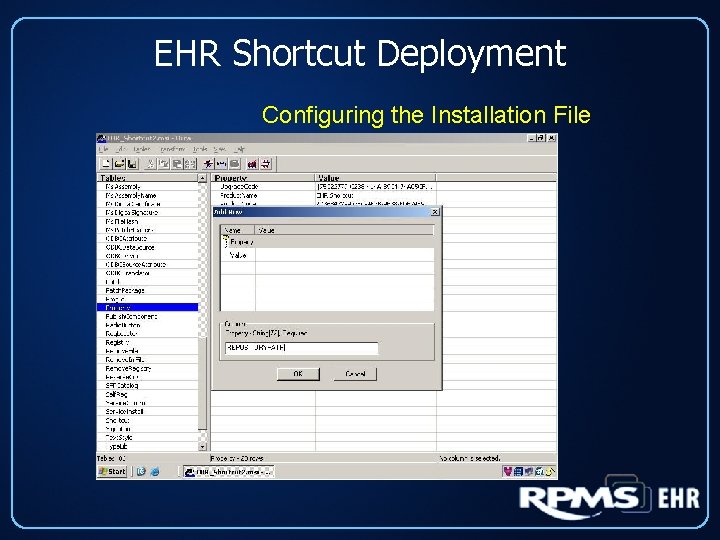
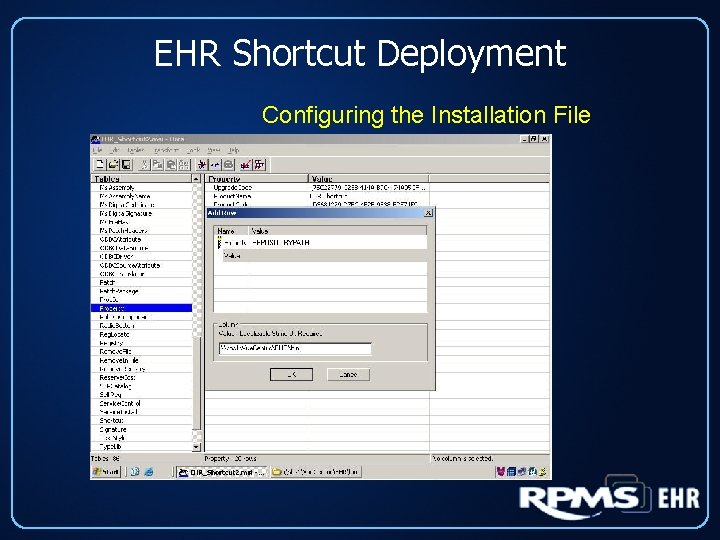
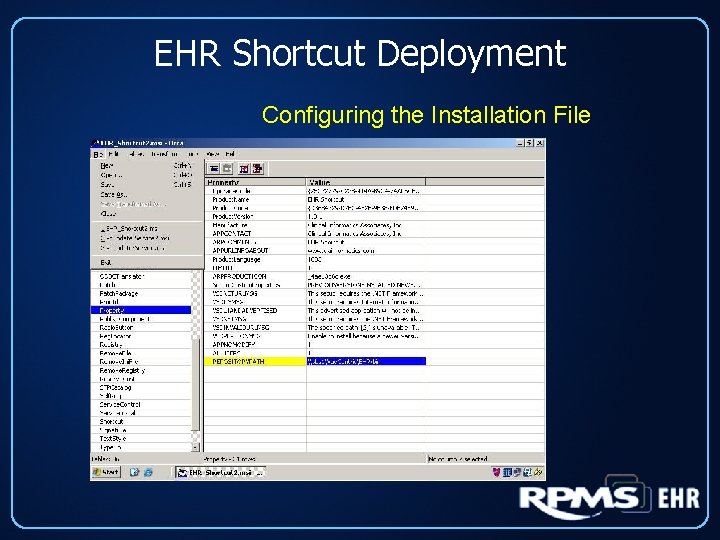
EHR Shortcut Deployment Configuring the Installation File
EHR Shortcut Deployment Configuring the Installation File
EHR Shortcut Deployment Configuring the Installation File
EHR Shortcut Deployment Configuring the Installation File
EHR Shortcut Deployment Configuring the Installation File
EHR Shortcut Deployment Configuring the Installation File
EHR Shortcut Deployment Configuring the Installation File
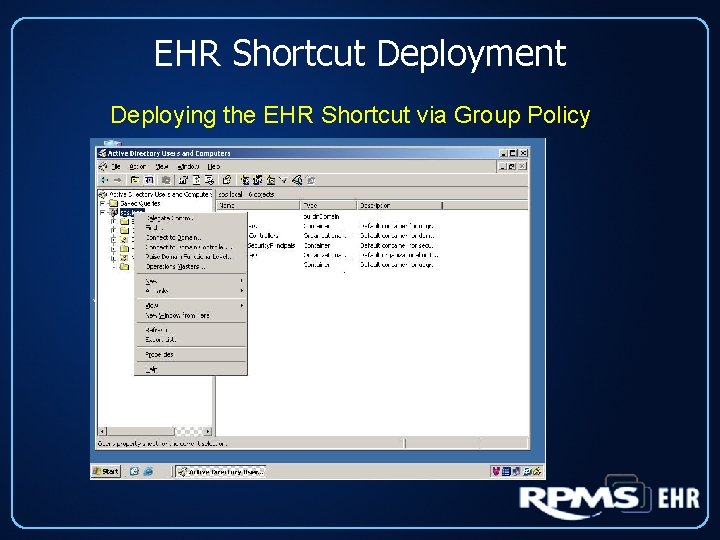
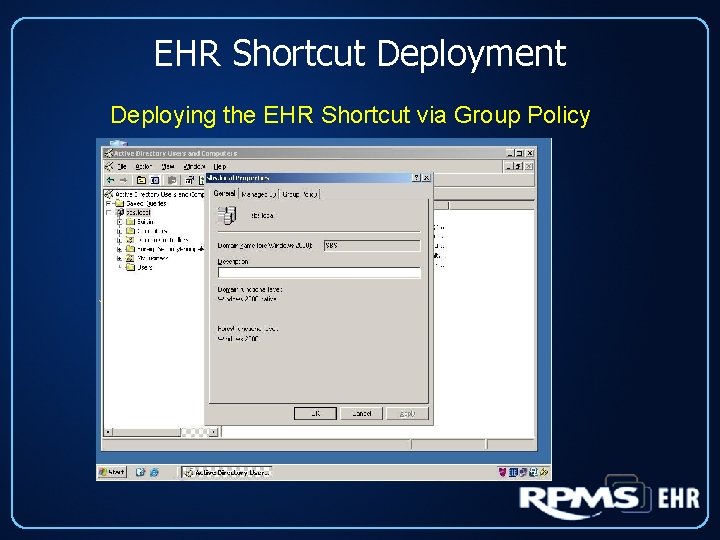
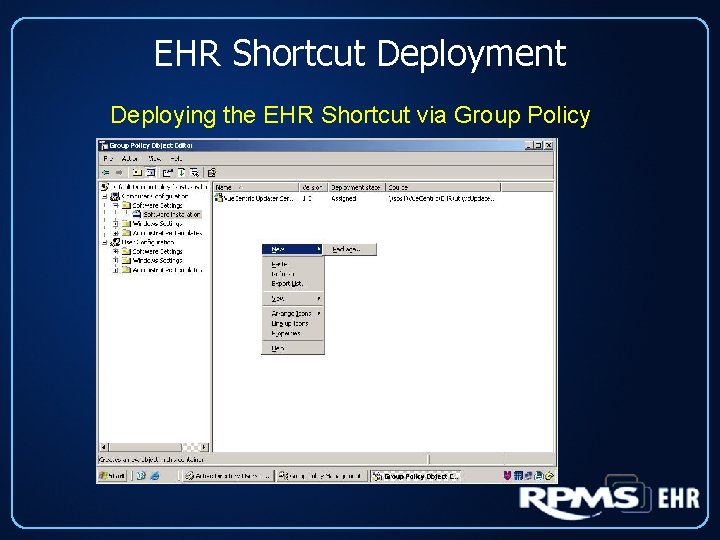
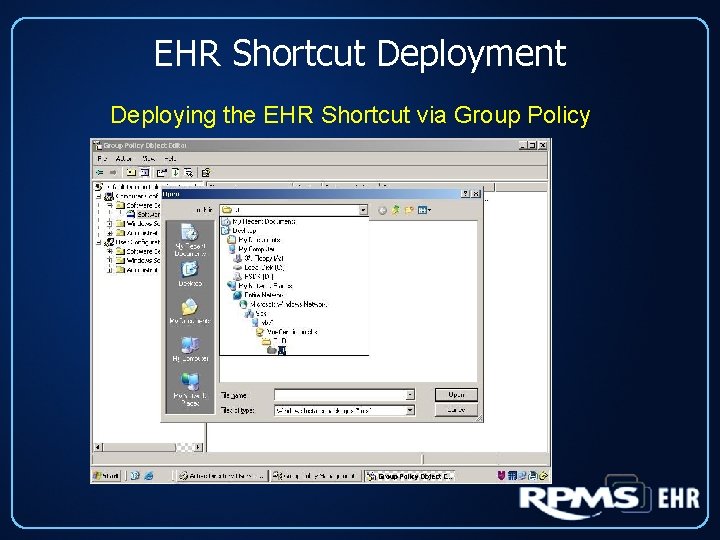
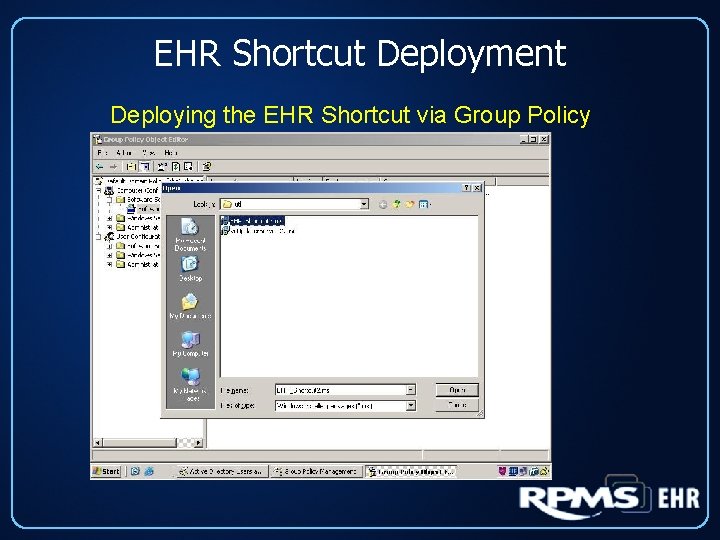
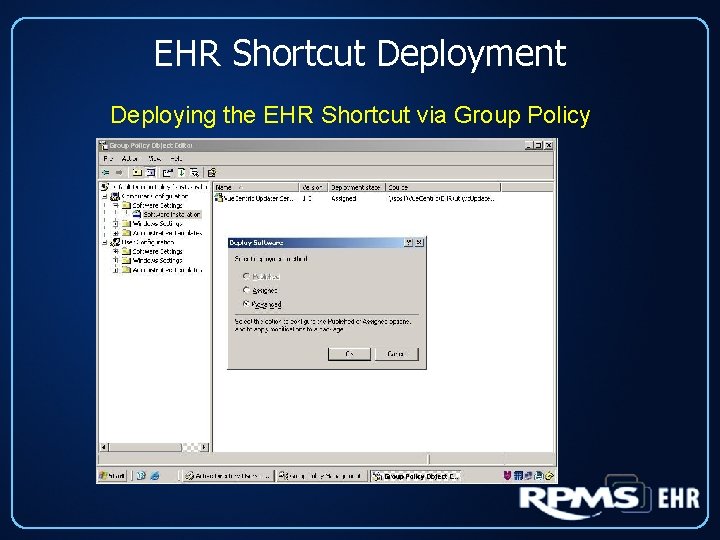
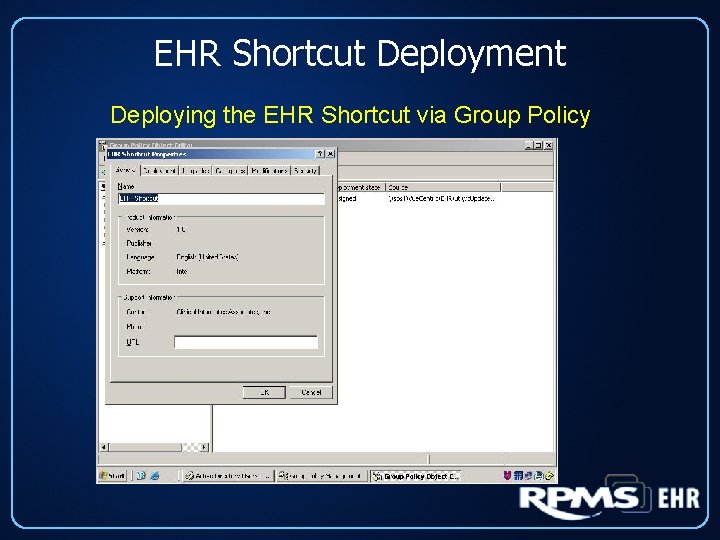
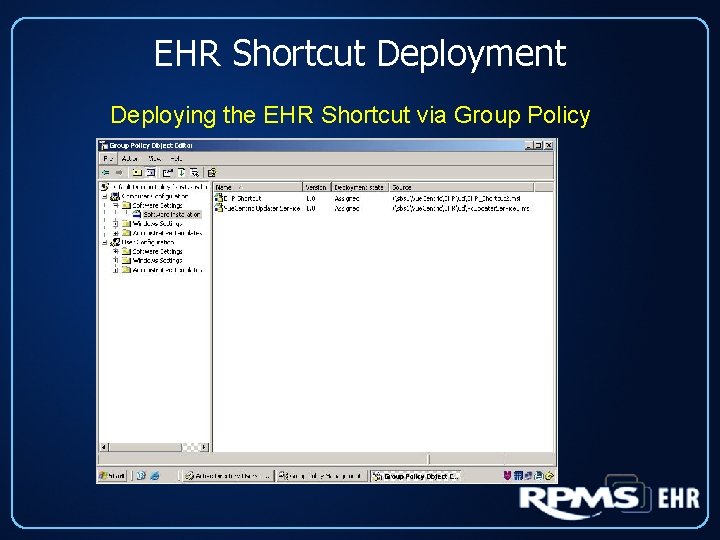
EHR Shortcut Deployment Deploying the EHR Shortcut via Group Policy
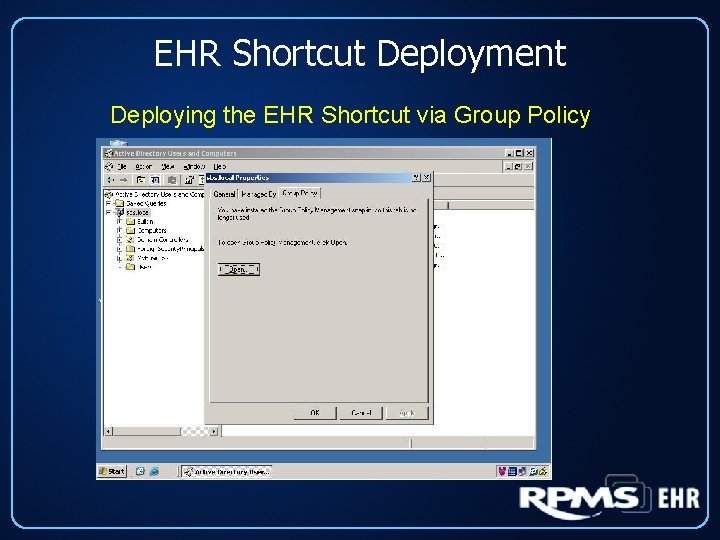
EHR Shortcut Deployment Deploying the EHR Shortcut via Group Policy
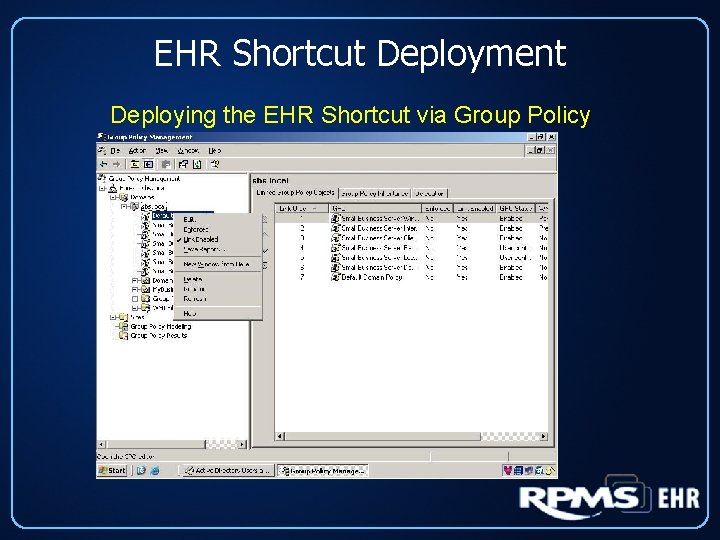
EHR Shortcut Deployment Deploying the EHR Shortcut via Group Policy
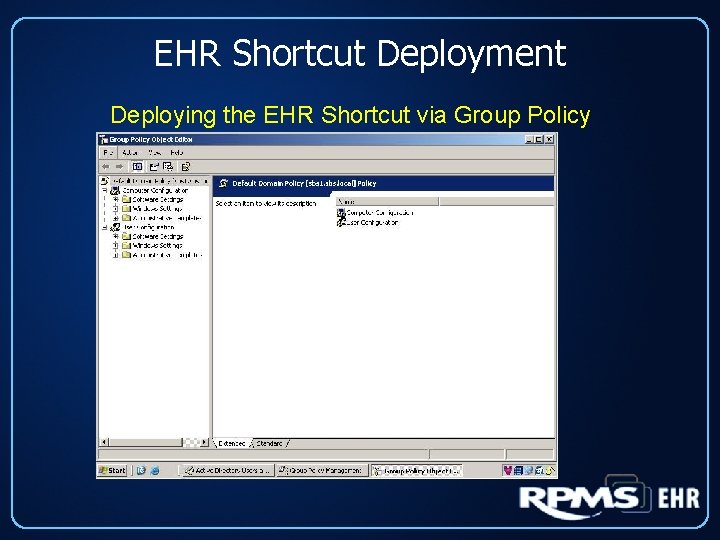
EHR Shortcut Deployment Deploying the EHR Shortcut via Group Policy
EHR Shortcut Deployment Deploying the EHR Shortcut via Group Policy
EHR Shortcut Deployment Deploying the EHR Shortcut via Group Policy
EHR Shortcut Deployment Deploying the EHR Shortcut via Group Policy
EHR Shortcut Deployment Deploying the EHR Shortcut via Group Policy
EHR Shortcut Deployment Deploying the EHR Shortcut via Group Policy
EHR Shortcut Deployment Deploying the EHR Shortcut via Group Policy
EHR Shortcut Deployment Deploying the EHR Shortcut via Group Policy
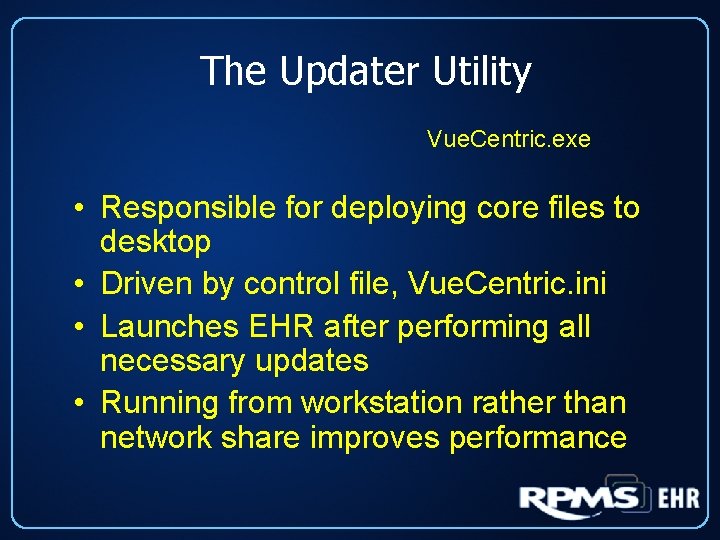
The Updater Utility Vue. Centric. exe • Responsible for deploying core files to desktop • Driven by control file, Vue. Centric. ini • Launches EHR after performing all necessary updates • Running from workstation rather than network share improves performance
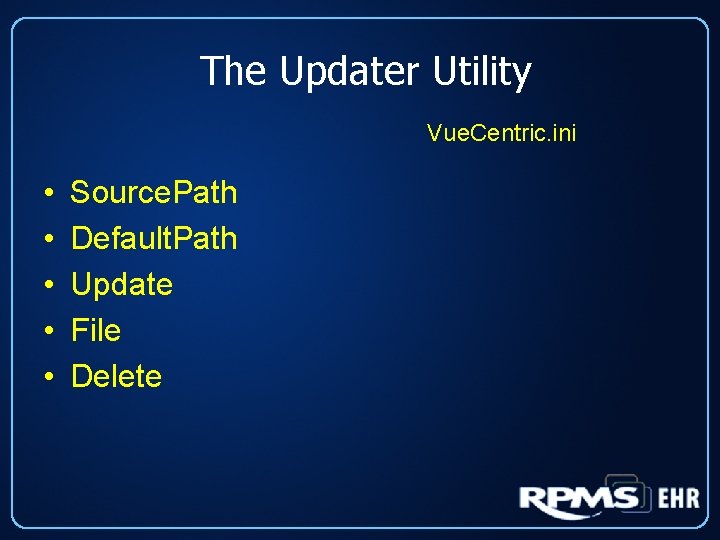
The Updater Utility Vue. Centric. ini • • • Source. Path Default. Path Update File Delete
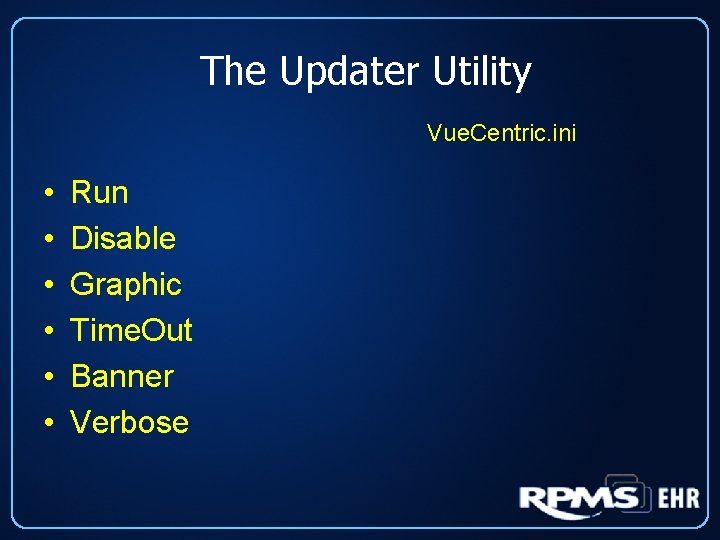
The Updater Utility Vue. Centric. ini • • • Run Disable Graphic Time. Out Banner Verbose
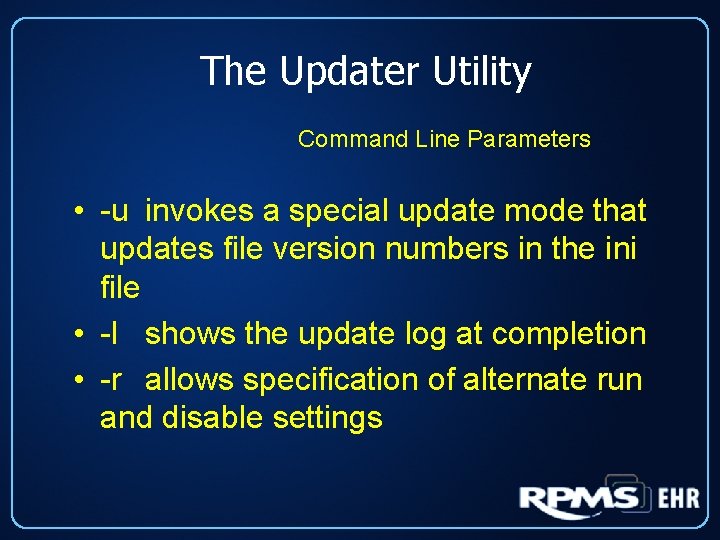
The Updater Utility Command Line Parameters • -u invokes a special update mode that updates file version numbers in the ini file • -l shows the update log at completion • -r allows specification of alternate run and disable settings
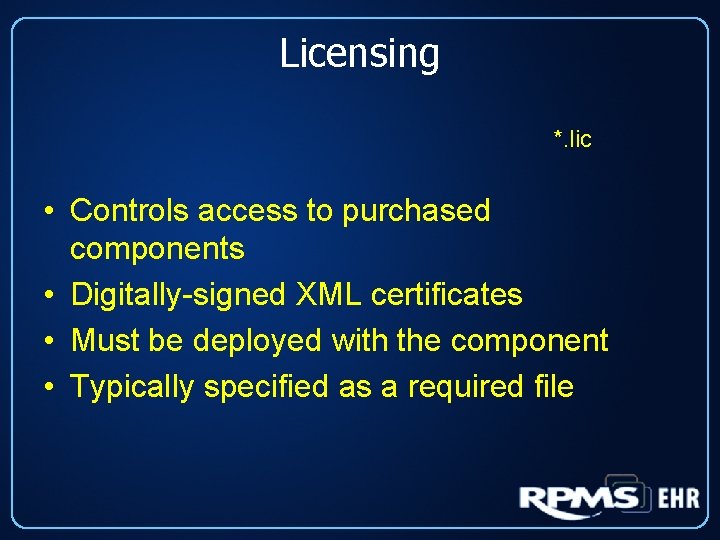
Licensing *. lic • Controls access to purchased components • Digitally-signed XML certificates • Must be deployed with the component • Typically specified as a required file
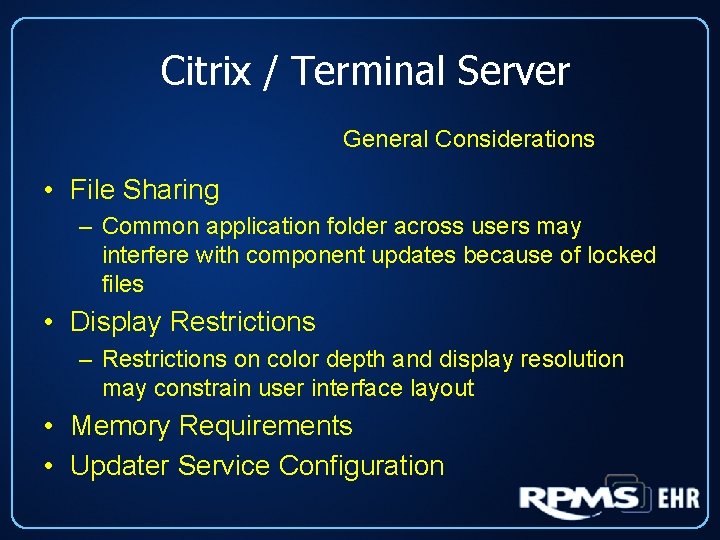
Citrix / Terminal Server General Considerations • File Sharing – Common application folder across users may interfere with component updates because of locked files • Display Restrictions – Restrictions on color depth and display resolution may constrain user interface layout • Memory Requirements • Updater Service Configuration